AI video effect · Viral
Finish Line: cross the finish line of your fitness goal
Upload a photo, press Generate, and post it anywhere.
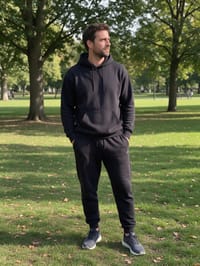
3 free every day. No card needed.
What Finish Line does
You start in your original photo, then a burst of light carries you onto an outdoor course. You run toward the camera, break through the finish ribbon with both arms raised, and people on the sides clap you in.
Cross the finish line of your fitness goal
You appear in running gear and break through the finish tape with your arms raised as confetti flies. Full-body photos work best.
Still looks like you
The video opens on your exact photo, so the face, hair, outfit and surroundings carry through the whole effect.
Made for short-form video
Built for the clips people share on Reels, TikTok and Shorts: one clear moment in five seconds, framed to stop the scroll.
How to make a Finish Line video
- Upload a photo, or pick one from your library.
- Press Generate. There is no prompt to write; the effect is already set up.
- Your 5 second HD video plays right on the page. Save it to your library or download it.
Tips for the best photo
- Use a full-body photo so the running gear and the stride have room to appear.
- Stand facing the camera with your arms relaxed, because the clip builds toward a raised-arms finish.
- Wear fitted everyday clothes, which swap smoothly into the running outfit.
Ideas for using it
- A new runner celebrating a first 5K in their stories.
- A gym or running club making a milestone clip for a member's weight-loss goal.
- A friend group sending a congratulations clip for a charity walk finish.
More effects

Younger Me
Meet and hug your younger self.
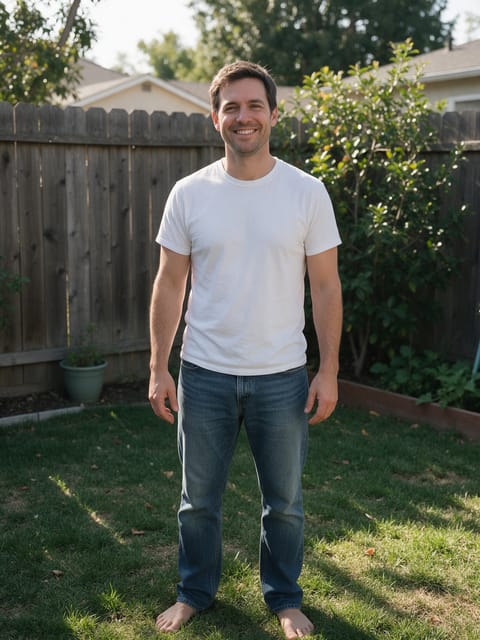
Future Kid
Meet the kid who looks just like you.
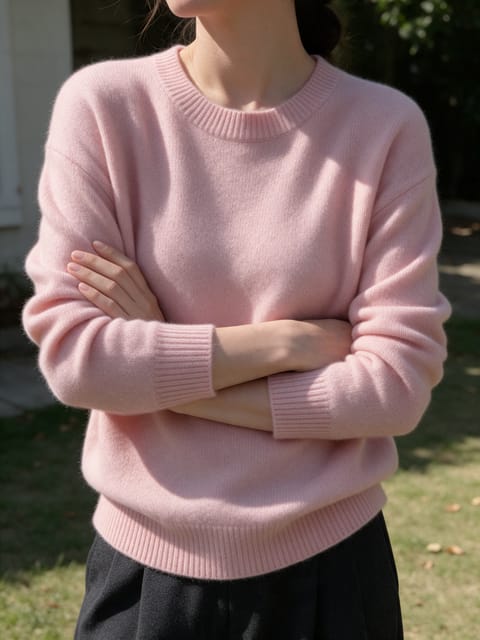
Glowing Embrace
A kind figure of light gives you a warm hug.

Squishy Me
Squeeze a squishy toy version of yourself.

Market Boom
The charts go green and you strike it rich.

Smart Glasses
Put on smart glasses and see a holographic display.
Go further
Finish Line FAQ
Will a sign or banner with text appear at the finish?
No. The ribbon is plain and the scene has no signs, so the finish stays clean.
Can I use a photo that is not full-body?
Full-body photos give the running motion the most room, and waist-up photos work too.
Do I need to write a prompt for Finish Line?
No. Finish Line is a ready-made effect: upload a photo and press Generate. The directions for the motion, camera and lighting are already built in.
How long is the Finish Line video?
Every effect makes a 5 second HD video that matches the shape of your photo, portrait or landscape, ready to post anywhere.
Does the video have sound?
Yes. Each clip comes with matching ambient sound effects. It does not add music, so you can lay your own track over it in any editor.
Can I use a photo of someone else?
Only photos of adults, of yourself or of people who agreed to it. Every upload goes through the same safety checks as the rest of PixelDojo.