AI video effect · Real Estate
House Flyover: a drone glide over the property
Upload a photo, press Generate, and post it anywhere.
3 free every day. No card needed.
What House Flyover does
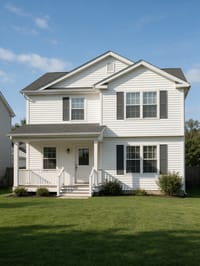
The shot starts at eye level in front of the house, then rises smoothly as if on a drone. It climbs over the roofline and looks down on the yard and the neighboring streets, ending on a high view of the property.
A drone glide over the property
A drone rises and glides over the house in your photo for a sweeping aerial view of the property. Exterior photos work best.
Your property, start to finish
The video opens on your exact photo, so the shape, colors and details of the property carry through the whole clip.
Listing videos from listing photos
Turn the photos you already have into the walkthroughs, flyovers and twilight shots that make listings stand out.
How to make a House Flyover video
- Upload a photo, or pick one from your library.
- Press Generate. There is no prompt to write; the effect is already set up.
- Your 5 second HD video plays right on the page. Save it to your library or download it.
Tips for the best photo
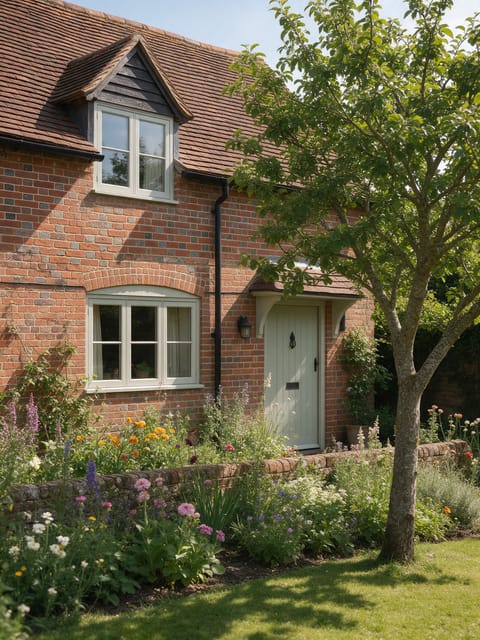
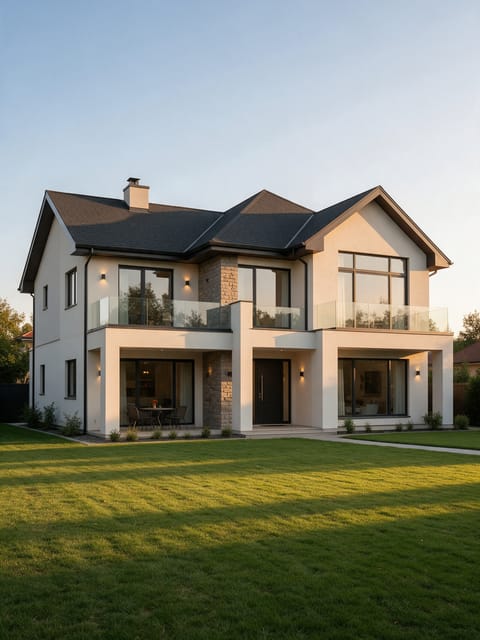
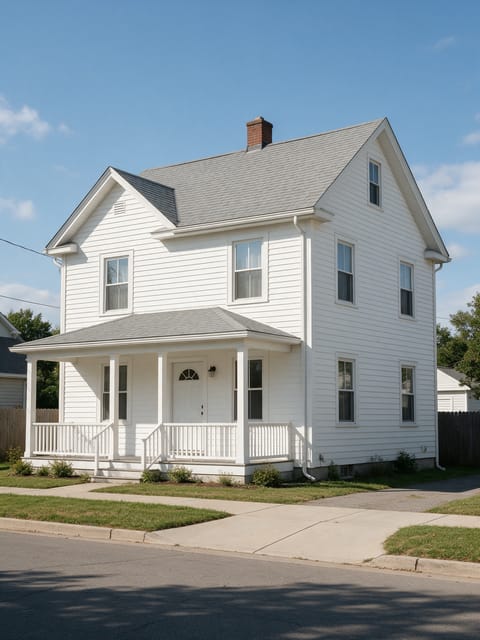
- Use a front exterior photo taken straight on with the whole house in frame.
- Shoot on a clear day, since the effect keeps the sunny look of your photo.
- Include some lawn or driveway in front so the climb has ground to rise from.
Ideas for using it
- A listing agent adding an aerial style clip without hiring a drone pilot.
- A home builder showing a finished new build to buyers.
- A family selling privately and making a quick video for their sale post.
More effects
Go further
House Flyover FAQ
Is the neighborhood in the clip the real one?
The effect creates the surrounding yards and streets to complete the aerial view, giving your house a flyover look.
Do I need a drone photo to start?
No. A normal photo from the street works, and the effect adds the rise and the overhead view.
Do I need to write a prompt for House Flyover?
No. House Flyover is a ready-made effect: upload a photo and press Generate. The directions for the motion, camera and lighting are already built in.
How long is the House Flyover video?
Every effect makes a 5 second HD video that matches the shape of your photo, portrait or landscape, ready to post anywhere.
Does the video have sound?
Yes. Each clip comes with matching ambient sound effects. It does not add music, so you can lay your own track over it in any editor.
Can I use House Flyover on any property?
Interior and exterior photos of homes, apartments, rentals and commercial spaces all work. Wide, bright, level photos give the smoothest camera move.