AI video effect · Real Estate
Four Seasons: the property through the seasons
Upload a photo, press Generate, and post it anywhere.
3 free every day. No card needed.
What Four Seasons does
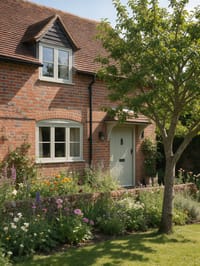
The house sits still while the tree in front of it bursts into white blossom. The scene ripens into full summer green, then the leaves turn gold and orange, and the clip closes on a cooler late season light.
The property through the seasons
Your property cycles through spring, summer, autumn and winter in one shot, showing how it looks all year. Exterior photos work best.
Your property, start to finish
The video opens on your exact photo, so the shape, colors and details of the property carry through the whole clip.
Listing videos from listing photos
Turn the photos you already have into the walkthroughs, flyovers and twilight shots that make listings stand out.
How to make a Four Seasons video
- Upload a photo, or pick one from your library.
- Press Generate. There is no prompt to write; the effect is already set up.
- Your 5 second HD video plays right on the page. Save it to your library or download it.
Tips for the best photo
- Use a photo with a tree or garden in front of the house, since the plants show the seasons most clearly.
- Shoot the house straight on with the whole front visible.
- Pick a photo taken in neutral daylight so each season has room to shift the color.
Ideas for using it
- A seller showing buyers how the garden looks across the year.
- A landscaper showing off a planting plan through every season.
- A holiday cottage host showing guests what each time of year feels like.
More effects
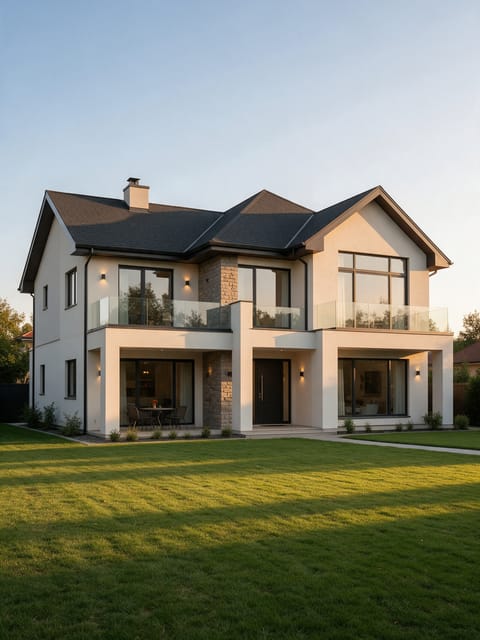
Estate Glide
A slow luxury glide past the house.
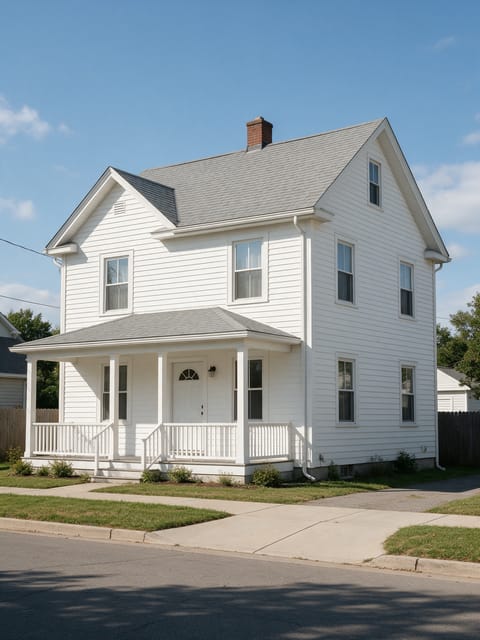
Scaffold Reveal
Scaffolding drops away to reveal the home.
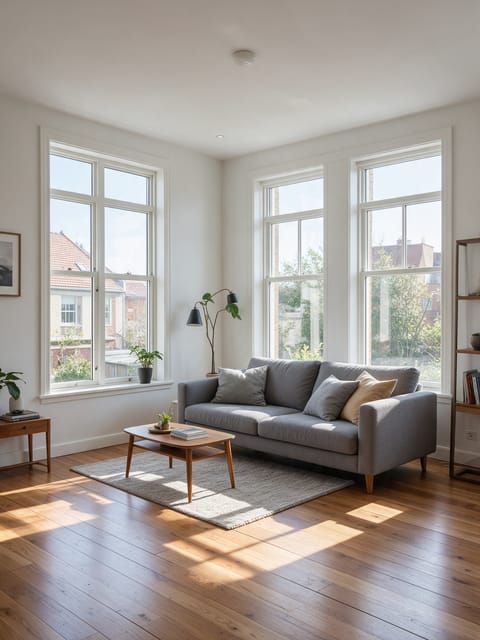
Earth Zoom Into Room
From orbit straight into your listing.
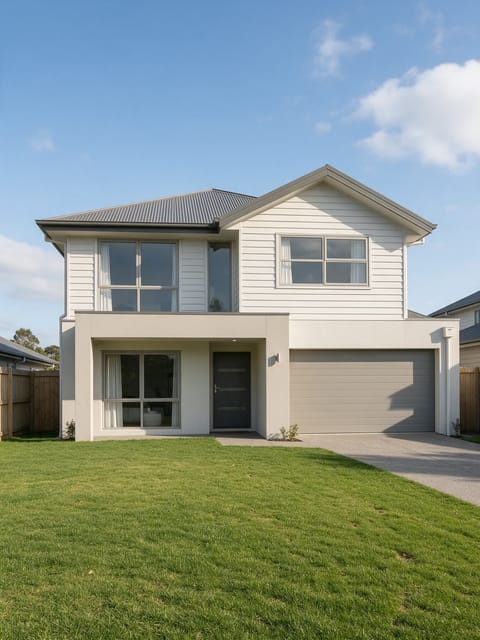
Search Bar Reveal
A search bar dives into your property.
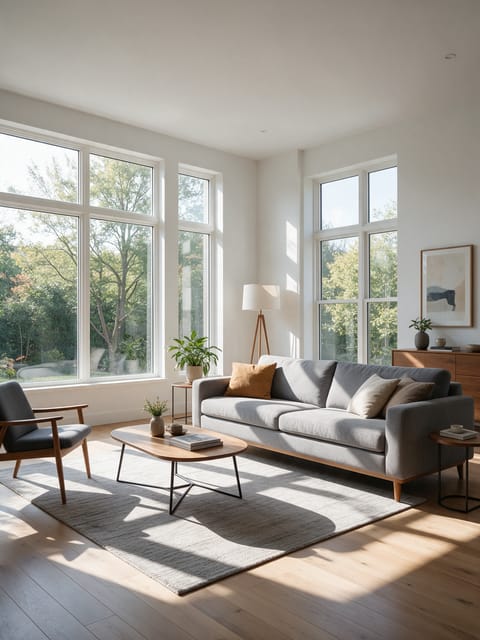
Room Tour
A smooth walkthrough of the room.
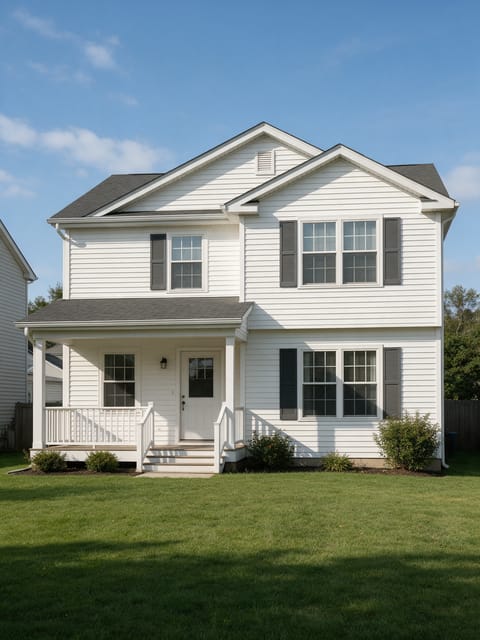
House Flyover
A drone glide over the property.
Go further
Four Seasons FAQ
Does it always show snow at the end?
The clip's strongest moments are blossom, summer green and autumn gold, with a cool wintry light to close.
Does a house without trees work?
Yes. A tree or flower beds make the seasons especially vivid, and the sky and lawn shift too.
Do I need to write a prompt for Four Seasons?
No. Four Seasons is a ready-made effect: upload a photo and press Generate. The directions for the motion, camera and lighting are already built in.
How long is the Four Seasons video?
Every effect makes a 5 second HD video that matches the shape of your photo, portrait or landscape, ready to post anywhere.
Does the video have sound?
Yes. Each clip comes with matching ambient sound effects. It does not add music, so you can lay your own track over it in any editor.
Can I use Four Seasons on any property?
Interior and exterior photos of homes, apartments, rentals and commercial spaces all work. Wide, bright, level photos give the smoothest camera move.