AI video effect · Real Estate
Room Tour: a smooth walkthrough of the room
Upload a photo, press Generate, and post it anywhere.
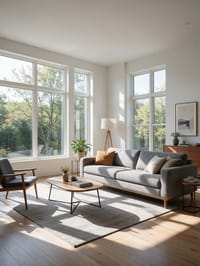
3 free every day. No card needed.
What Room Tour does
The camera starts at the edge of the room and glides forward on a steady path, turning gently as it goes. Furniture slides past in the foreground and the windows open up ahead, so the clip ends deeper in the space than the photo began.
A smooth walkthrough of the room
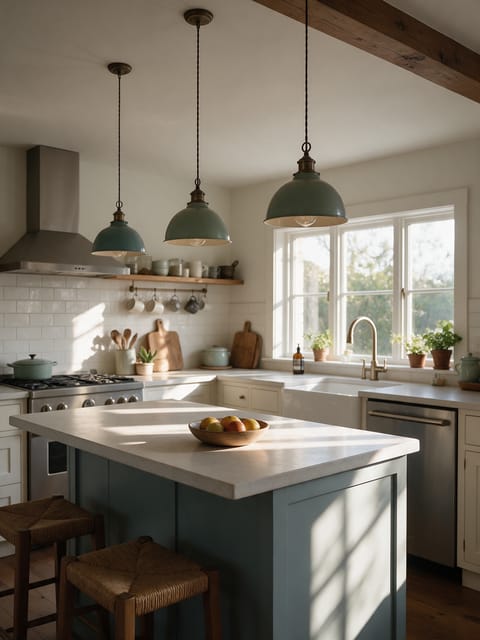
A steady gimbal walkthrough glides through the room in your photo, revealing the space like a listing video. Wide interior photos work best.
Your property, start to finish
The video opens on your exact photo, so the shape, colors and details of the property carry through the whole clip.
Listing videos from listing photos
Turn the photos you already have into the walkthroughs, flyovers and twilight shots that make listings stand out.
How to make a Room Tour video
- Upload a photo, or pick one from your library.
- Press Generate. There is no prompt to write; the effect is already set up.
- Your 5 second HD video plays right on the page. Save it to your library or download it.
Tips for the best photo
- Use a wide shot taken from a doorway or corner so there is space for the camera to travel.
- Turn on lamps and open curtains before shooting, since the walkthrough keeps the light from your photo.
- Clear clutter from the floor, as anything in the path becomes the first thing the camera passes.
Ideas for using it
- A real estate agent adding motion to a listing that only has still photos.
- A short-term rental host showing guests the living space in a booking listing.
- An interior designer posting a before and after reveal of a finished room.
More effects
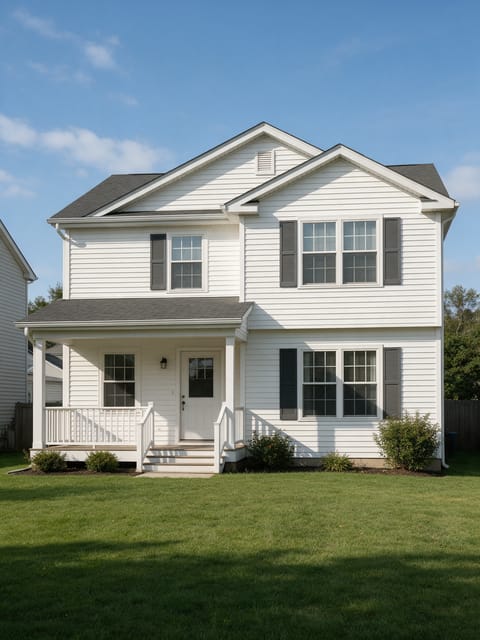
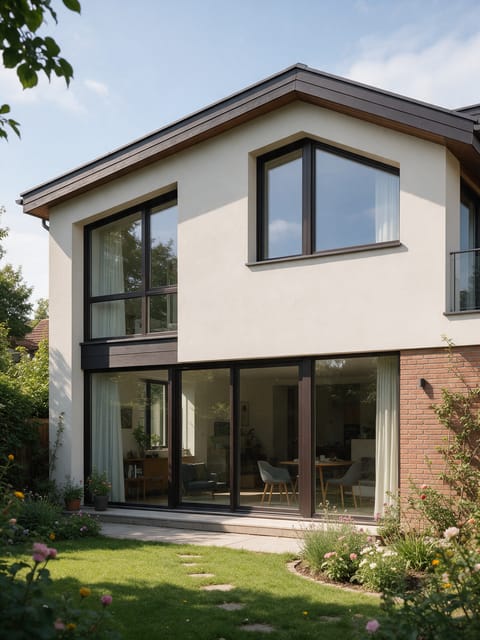
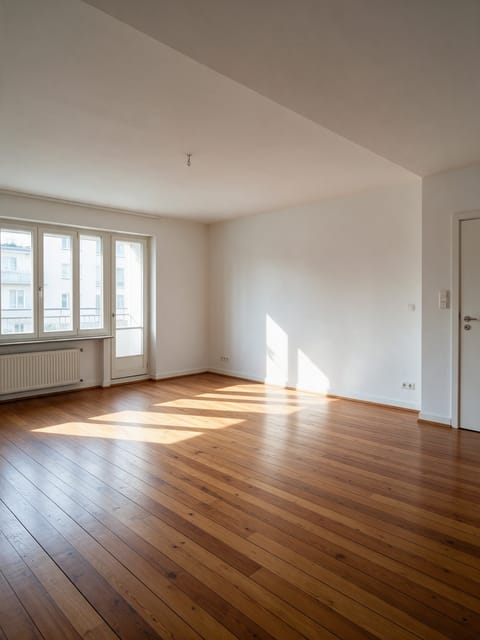
Go further
Room Tour FAQ
Will the effect change my furniture or layout?
Yes. The room stays as it appears in your photo, from the furniture to the layout.
Can I use a photo of a small room?
Yes. Wide photos give the camera the most to reveal as it glides through.
Do I need to write a prompt for Room Tour?
No. Room Tour is a ready-made effect: upload a photo and press Generate. The directions for the motion, camera and lighting are already built in.
How long is the Room Tour video?
Every effect makes a 5 second HD video that matches the shape of your photo, portrait or landscape, ready to post anywhere.
Does the video have sound?
Yes. Each clip comes with matching ambient sound effects. It does not add music, so you can lay your own track over it in any editor.
Can I use Room Tour on any property?
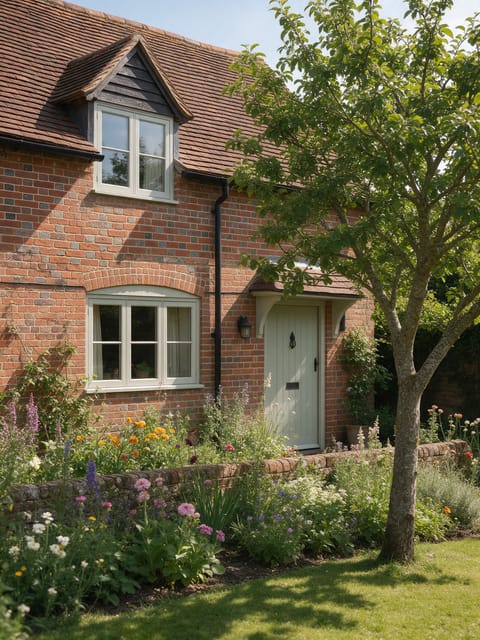
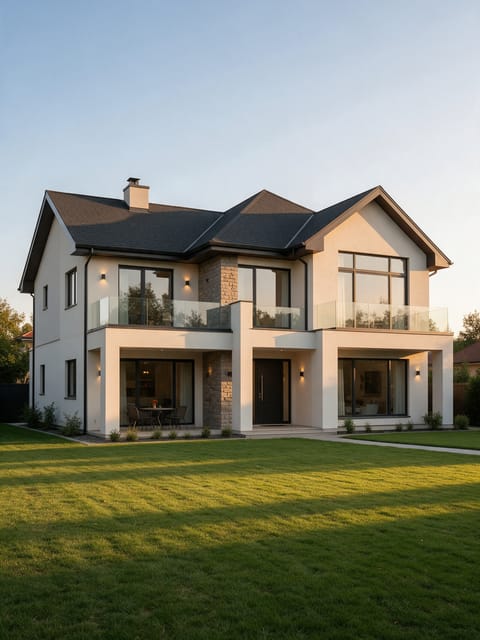
Interior and exterior photos of homes, apartments, rentals and commercial spaces all work. Wide, bright, level photos give the smoothest camera move.