AI video effect · Viral
Shoulder Shimmy: a quick, catchy dance trend move
Upload a photo, press Generate, and post it anywhere.

3 free every day. No card needed.
What Shoulder Shimmy does
You begin to bounce on your knees and shimmy your shoulders, then sway your hips and roll your arms in a playful dance. You finish with a hand on your hip and a cheeky smile.
A quick, catchy dance trend move
You break into a bouncy shoulder shimmy and hip sway dance. Full-body photos work best.
Still looks like you
The video opens on your exact photo, so the face, hair, outfit and surroundings carry through the whole effect.
Made for short-form video
Built for the clips people share on Reels, TikTok and Shorts: one clear moment in five seconds, framed to stop the scroll.
How to make a Shoulder Shimmy video
- Upload a photo, or pick one from your library.
- Press Generate. There is no prompt to write; the effect is already set up.
- Your 5 second HD video plays right on the page. Save it to your library or download it.
Tips for the best photo
- Stand with your full body in frame so the dance moves are easy to see.
- Wear clothes that fall loosely so movement shows.
- Choose an uncluttered room.
Ideas for using it
- A dancer teases a new routine on a short-video app.
- A friend sends a party hype clip before a night out.
- A fitness teacher posts a warm-up demo.
More effects

Rose Offer
You hold out a single red rose to the camera.

Big Smile
A serious face breaks into a warm, real smile.

Silly Face
You crack up and stick your tongue out.

Dino Chase
A giant dinosaur stomps after you through the jungle.
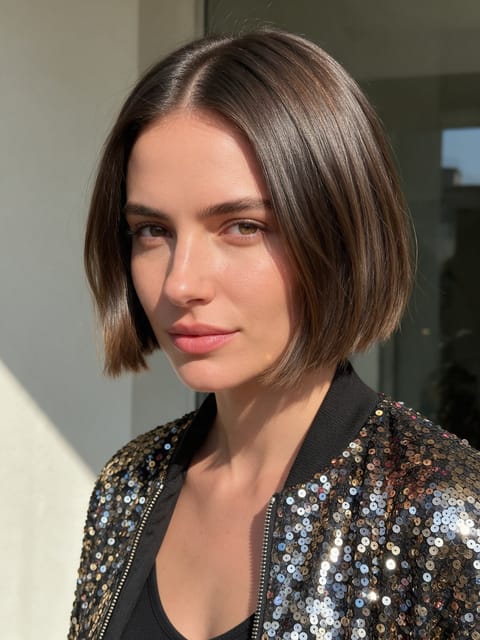
Finale Pose
The stage close-up that ends a big performance.

Sun Flight
You lift off and soar up toward the sun.
Go further
Shoulder Shimmy FAQ
Does it come with music?
No, it comes with ambient sound only, without music.
Will my body shape change?
The effect keeps your face and outfit from the photo.
Do I need to write a prompt for Shoulder Shimmy?
No. Shoulder Shimmy is a ready-made effect: upload a photo and press Generate. The directions for the motion, camera and lighting are already built in.
How long is the Shoulder Shimmy video?
Every effect makes a 5 second HD video that matches the shape of your photo, portrait or landscape, ready to post anywhere.
Does the video have sound?
Yes. Each clip comes with matching ambient sound effects. It does not add music, so you can lay your own track over it in any editor.
Can I use a photo of someone else?
Only photos of adults, of yourself or of people who agreed to it. Every upload goes through the same safety checks as the rest of PixelDojo.