AI video effect · Viral
Silly Face: you crack up and stick your tongue out
Upload a photo, press Generate, and post it anywhere.

3 free every day. No card needed.
What Silly Face does
You start looking straight at the camera. Then your nose scrunches, one eye squints and your tongue sticks out, and the clip ends with you bursting into laughter.
You crack up and stick your tongue out
You make a playful face, sticking your tongue out and scrunching your nose, then laugh. Close front-facing portraits work best.
Still looks like you
The video opens on your exact photo, so the face, hair, outfit and surroundings carry through the whole effect.
Made for short-form video
Built for the clips people share on Reels, TikTok and Shorts: one clear moment in five seconds, framed to stop the scroll.
How to make a Silly Face video
- Upload a photo, or pick one from your library.
- Press Generate. There is no prompt to write; the effect is already set up.
- Your 5 second HD video plays right on the page. Save it to your library or download it.
Tips for the best photo
- Use a close front facing portrait with a calm face.
- Keep hair off your face and use good lighting so the expression reads clearly.
- Avoid hands or objects near your mouth, which can get in the way of the tongue.
Ideas for using it
- A birthday message sent to a friend as a goofy greeting.
- A reaction clip for a group chat.
- A casual profile video for a personal creator account.
More effects

Dino Chase
A giant dinosaur stomps after you through the jungle.
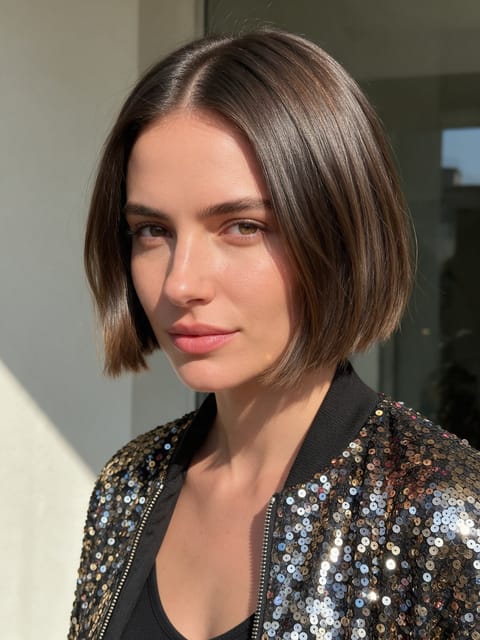
Finale Pose
The stage close-up that ends a big performance.

Sun Flight
You lift off and soar up toward the sun.

Robot Cockpit
You take the controls of a giant robot.
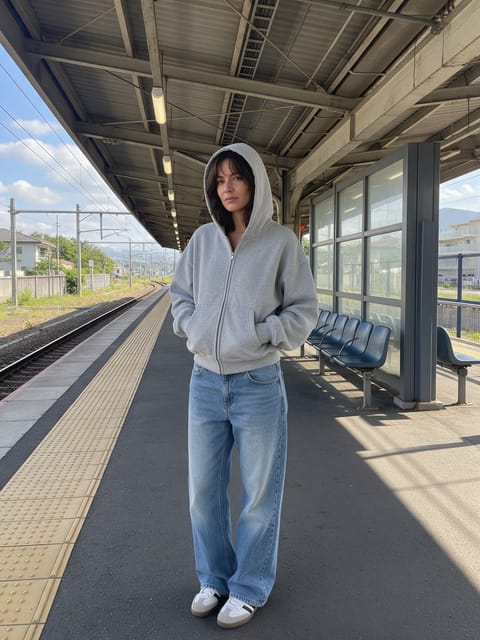
Train Pass
A train rushes past and you have a new look.
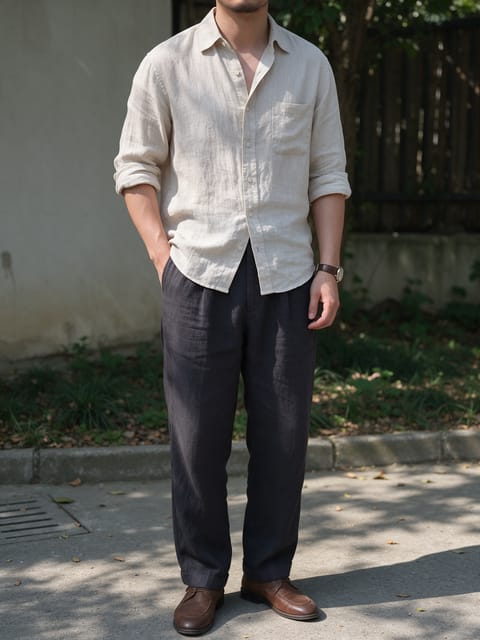
Tiger Ride
You ride a calm tiger through a misty forest.
Go further
Silly Face FAQ
Will it look like me?
In our test the face stayed hers, with only the playful expression added.
Can I use a photo with glasses?
Yes, though clear shots without glasses show the squint and scrunch best.
Do I need to write a prompt for Silly Face?
No. Silly Face is a ready-made effect: upload a photo and press Generate. The directions for the motion, camera and lighting are already built in.
How long is the Silly Face video?
Every effect makes a 5 second HD video that matches the shape of your photo, portrait or landscape, ready to post anywhere.
Does the video have sound?
Yes. Each clip comes with matching ambient sound effects. It does not add music, so you can lay your own track over it in any editor.
Can I use a photo of someone else?
Only photos of adults, of yourself or of people who agreed to it. Every upload goes through the same safety checks as the rest of PixelDojo.