AI video effect · Camera Moves
Slide Left: a smooth sideways camera glide
Upload a photo, press Generate, and post it anywhere.

3 free every day. No card needed.
What Slide Left does
The camera starts on your photo and then glides smoothly to the left on a level track. Things near and far shift at different speeds, so the scene gains real depth while you stay mostly still.
A smooth sideways camera glide
The camera tracks sideways to the left across the scene with natural depth. Photos with foreground and background detail work best.
Still looks like you
The video opens on your exact photo, so the face, hair, outfit and surroundings carry through the whole effect.
A cinematic camera move from a still photo
The kind of shot that normally takes a drone, a gimbal or a crane, made from one photo. Great as an intro, a reveal or a transition between scenes.
How to make a Slide Left video
- Upload a photo, or pick one from your library.
- Press Generate. There is no prompt to write; the effect is already set up.
- Your 5 second HD video plays right on the page. Save it to your library or download it.
Tips for the best photo
- Pick a photo with clear objects near and far, because the depth shows in how they shift.
- Leave some empty space on the left side of the frame for the camera to reveal.
- Sit or stand still in the photo, since the effect adds only a small natural blink.
Ideas for using it
- A restaurant shows off its dining room with a gentle glide across a table.
- A realtor adds subtle motion to a still room photo for a listing.
- A portrait photographer turns a still frame into a short intro clip.
More effects

Side Dolly
A smooth sideways camera slide across your shot.
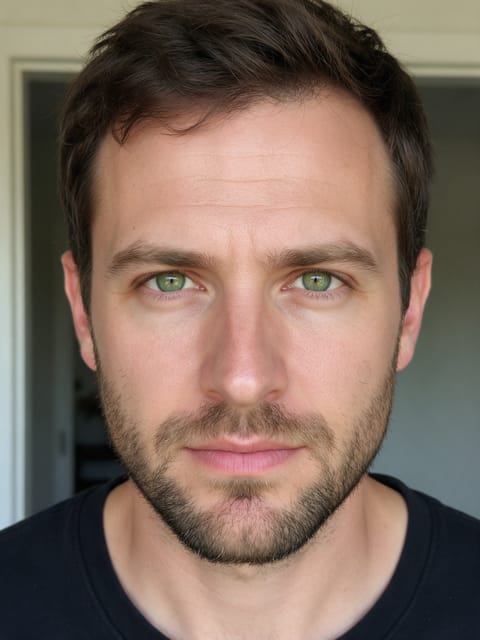
Eye Dive
The camera dives into your eye and into a galaxy.
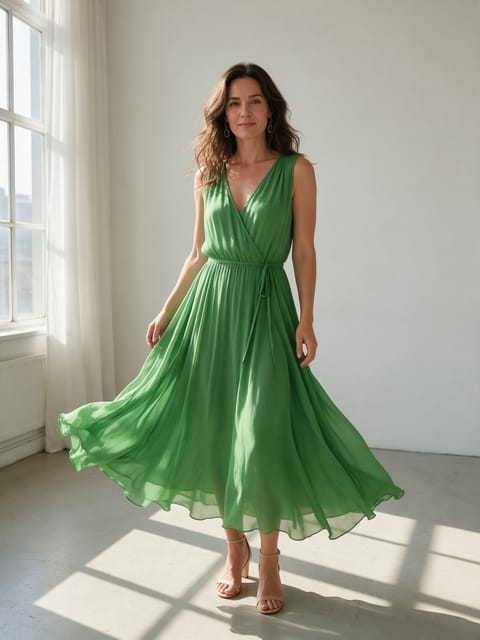
360 Rotation
212 usesA full orbit around your subject.

Earth Zoom In
From outer space down to your photo.

Earth Zoom Out
Pull back from your photo into orbit.
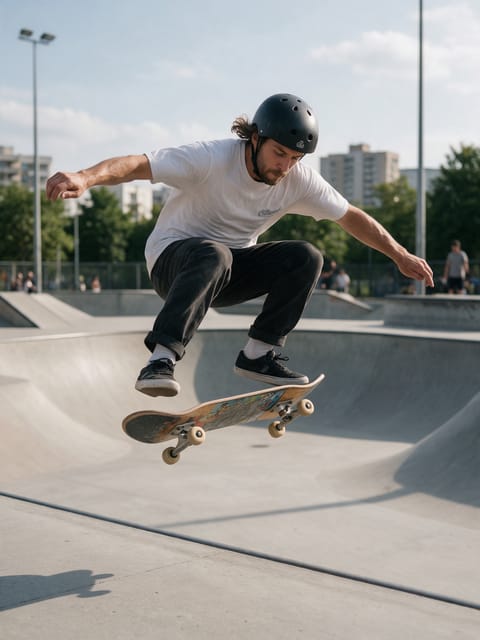
Bullet Time
Frozen moment, sweeping camera.
Go further
Slide Left FAQ
Does the camera actually move in the video?
Yes, it tracks sideways to the left. The depth comes from near and far objects shifting at different speeds.
Can I get the opposite direction?
This effect always moves left. Check the other camera moves if you want a different direction.
Do I need to write a prompt for Slide Left?
No. Slide Left is a ready-made effect: upload a photo and press Generate. The directions for the motion, camera and lighting are already built in.
How long is the Slide Left video?
Every effect makes a 5 second HD video that matches the shape of your photo, portrait or landscape, ready to post anywhere.
Does the video have sound?
Yes. Each clip comes with matching ambient sound effects. It does not add music, so you can lay your own track over it in any editor.
Can I use a photo of someone else?
Only photos of adults, of yourself or of people who agreed to it. Every upload goes through the same safety checks as the rest of PixelDojo.