AI video effect · Transform
Smooth Transition: seamless morph from one photo to another
Upload two photos, press Generate, and post it anywhere.

3 free every day. No card needed.
What Smooth Transition does
The clip opens on your start photo and moves gently toward the subject. Midway through, the first scene fades and blends into the second, and the final seconds hold on your end photo as if the camera simply walked there.
Seamless morph from one photo to another
Upload a start and an end photo and get one seamless transition between them. Great for before and after, outfit changes and glow-ups.
Starts and ends exactly on your photos
The first frame is your start photo and the last frame is your end photo. Everything in between is one smooth, continuous move.
A full transformation in one shot
The change happens on camera in one continuous take, so viewers see the before and the after in the same clip.
How to make a Smooth Transition video
- Upload two photos: start photo and end photo. You can also pick them from your library.
- Press Generate. There is no prompt to write; the effect is already set up.
- Your 5 second HD video plays right on the page. Save it to your library or download it.
Tips for the best photo
- Use the same person at a similar size and position in both photos for the cleanest blend.
- Matching framing, like both full body or both waist up, keeps the change from feeling jumpy.
- Pick two photos with a clear difference, like casual to formal, so the change is worth watching.
Ideas for using it
- Fitness and style coaches posting a client before and after.
- Home renovators showing a room before and after a makeover.
- Grooms and brides moving from getting ready to the finished look.
More effects

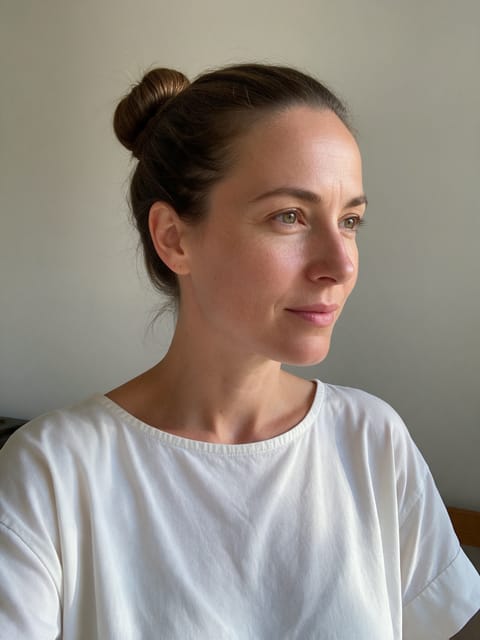
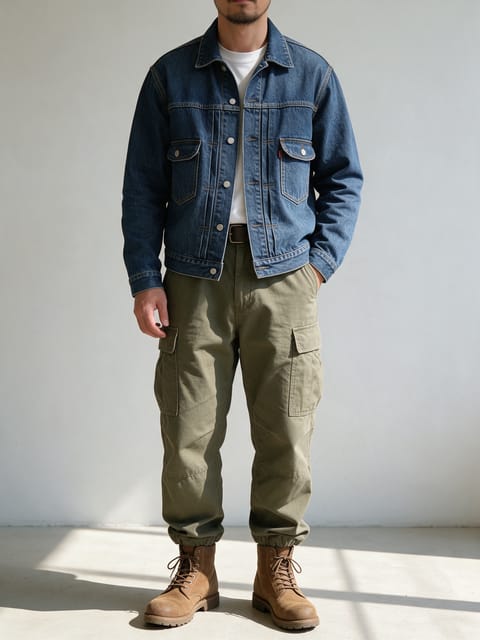
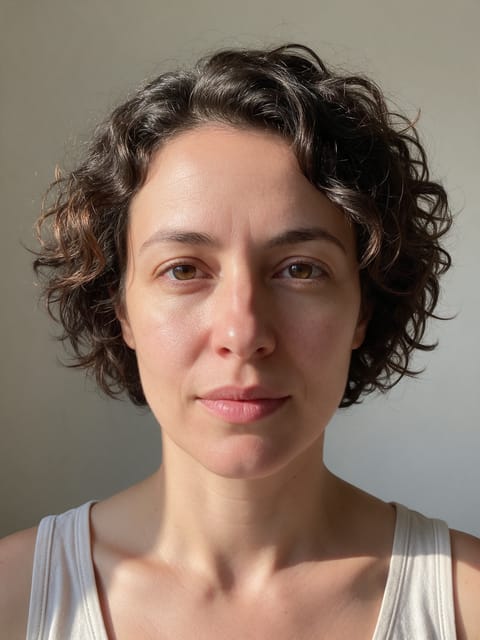
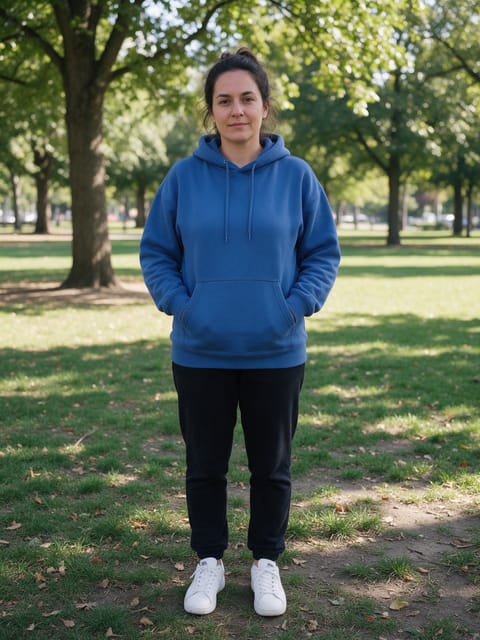

Go further
Smooth Transition FAQ
Can the two photos be taken in different places?
Yes. Our test went from an indoor living room to an outdoor rooftop and the effect blended between them.
Why do I see a ghosted overlap in the middle?
The two scenes blend into each other, so for a moment both overlap on the way across. Similar poses in both photos make the blend feel even tighter.
Do I need to write a prompt for Smooth Transition?
No. Smooth Transition is a ready-made effect: upload two photos and press Generate. The directions for the motion, camera and lighting are already built in.
How long is the Smooth Transition video?
Every effect makes a 5 second HD video that matches the shape of your photo, portrait or landscape, ready to post anywhere.
Does the video have sound?
Yes. Each clip comes with matching ambient sound effects. It does not add music, so you can lay your own track over it in any editor.
Can the start and end photos be in different places?
Yes. The effect moves the camera and morphs the scene between the two, so different outfits, rooms or backgrounds all work. Photos with a similar framing give the smoothest move.
Can I use a photo of someone else?
Only photos of adults, of yourself or of people who agreed to it. Every upload goes through the same safety checks as the rest of PixelDojo.