AI video effect · Viral
Spooked: something just gave you a fright
Upload a photo, press Generate, and post it anywhere.

3 free every day. No card needed.
What Spooked does
You begin with a calm face, then your eyes widen, your brows shoot up and you flinch back with a gasp. Your hands fly to your cheeks, and you hold the shock for a beat before laughing it off.
Something just gave you a fright
The person jumps in surprise, eyes wide, then laughs it off. Close-up face photos work best.
Still looks like you
The video opens on your exact photo, so the face, hair, outfit and surroundings carry through the whole effect.
Made for short-form video
Built for the clips people share on Reels, TikTok and Shorts: one clear moment in five seconds, framed to stop the scroll.
How to make a Spooked video
- Upload a photo, or pick one from your library.
- Press Generate. There is no prompt to write; the effect is already set up.
- Your 5 second HD video plays right on the page. Save it to your library or download it.
Tips for the best photo
- Frame your face large in the shot so the wide-eyed reaction is easy to read.
- Use a relaxed, neutral expression in the photo for the biggest contrast.
- Keep your hands out of the picture so they can rise to your cheeks cleanly.
Ideas for using it
- A streamer makes a reaction sticker for the moment a jump scare lands.
- A friend sends it as the reply when someone texts a surprise announcement.
- A horror fan edits it into a trailer reaction clip for a group chat.
More effects
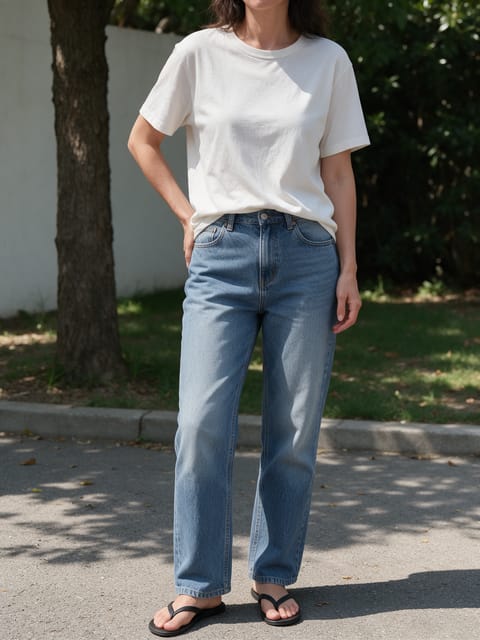
First Pitch
Throw the opening pitch at the ballpark.

Steam Ears
Steam shoots out when you lose your cool.
Chopper Escape
A rooftop helicopter pickup.
My Billboard
Stand under a giant billboard of yourself.
Shoulder Shimmy
A quick, catchy dance trend move.

Rose Offer
You hold out a single red rose to the camera.
Go further
Spooked FAQ
Does it work with glasses?
Yes, as long as the frames do not hide your eyes. The wide-eyed look reads best when both eyes are visible.
Does the video include a scream?
The clip comes with ambient sound but no music. The gasp is shown in the face and hands first.
Do I need to write a prompt for Spooked?
No. Spooked is a ready-made effect: upload a photo and press Generate. The directions for the motion, camera and lighting are already built in.
How long is the Spooked video?
Every effect makes a 5 second HD video that matches the shape of your photo, portrait or landscape, ready to post anywhere.
Does the video have sound?
Yes. Each clip comes with matching ambient sound effects. It does not add music, so you can lay your own track over it in any editor.
Can I use a photo of someone else?
Only photos of adults, of yourself or of people who agreed to it. Every upload goes through the same safety checks as the rest of PixelDojo.