qwen image edit color adjustment
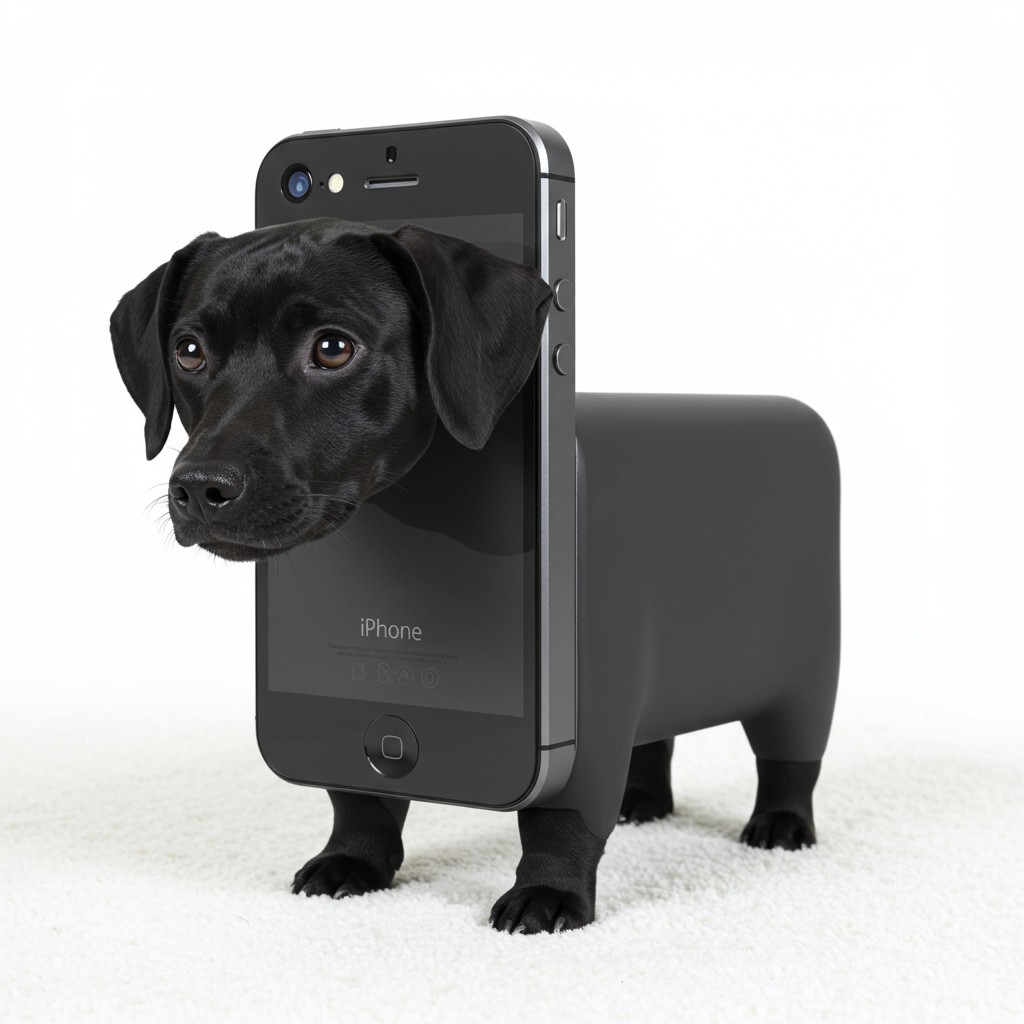
qwen image edit color adjustment AI Image Example
AI Generated
Cancela cuando quierasLicencia de uso comercialMás de 50 modelos de IA

Eleva tu contenido visual sin esfuerzo con las avanzadas herramientas de ajuste de color impulsadas por IA de Qwen Image Edit. Logra correcciones y mejoras precisas de color que dan vida a tus imágenes, todo sin necesidad de amplios conocimientos técnicos.

Únete a más de 50.000 usuarios satisfechos que han transformado sus imágenes usando las intuitivas y potentes herramientas de Qwen Image Edit.

Por qué elegir Pixel Dojo para qwen image edit color adjustment

Resultados de calidad profesional con tecnología de IA de vanguardia

Precisión sin esfuerzo

Logra ajustes precisos de color con un esfuerzo mínimo, asegurando que tus imágenes se vean exactamente como las imaginaste.

Eficiencia que ahorra tiempo

Optimiza tu proceso de edición con herramientas impulsadas por IA que entregan resultados en segundos, no en horas.

Calidad profesional

Mejora tus imágenes a estándares profesionales, haciéndolas adecuadas para cualquier plataforma o propósito.

Cómo funciona

Transformar tus imágenes con las herramientas de ajuste de color de Qwen Image Edit es simple y directo. Sigue estos pasos para lograr resultados impresionantes:

1

Paso 1: Sube tu imagen

Comienza subiendo la imagen que deseas mejorar a la plataforma Qwen Image Edit.

2

Paso 2: Especifica los ajustes deseados

Usa lenguaje natural para describir los ajustes de color que quieres, como 'aumentar el calor' o 'mejorar el contraste'.

3

Paso 3: Revisa y descarga

Previsualiza los ajustes generados por IA, realiza las refinaciones necesarias y descarga tu imagen mejorada.
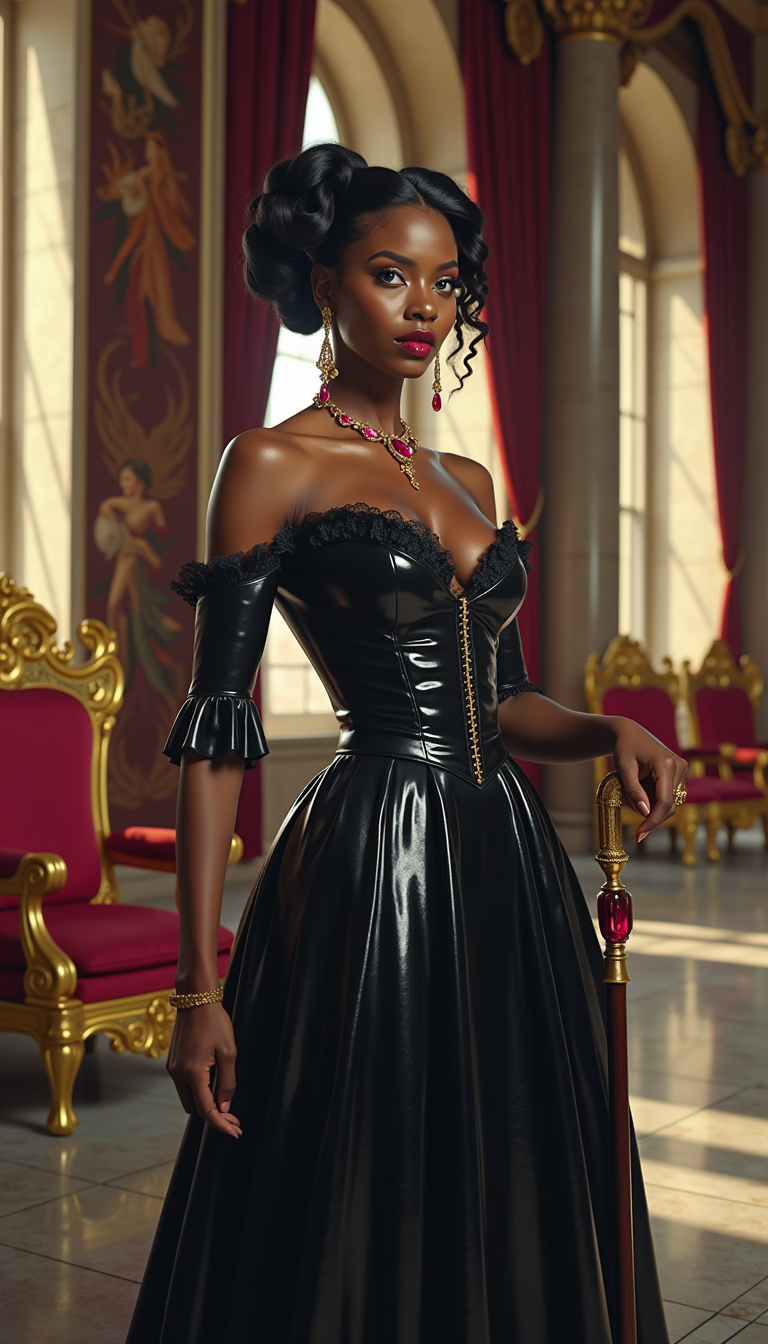
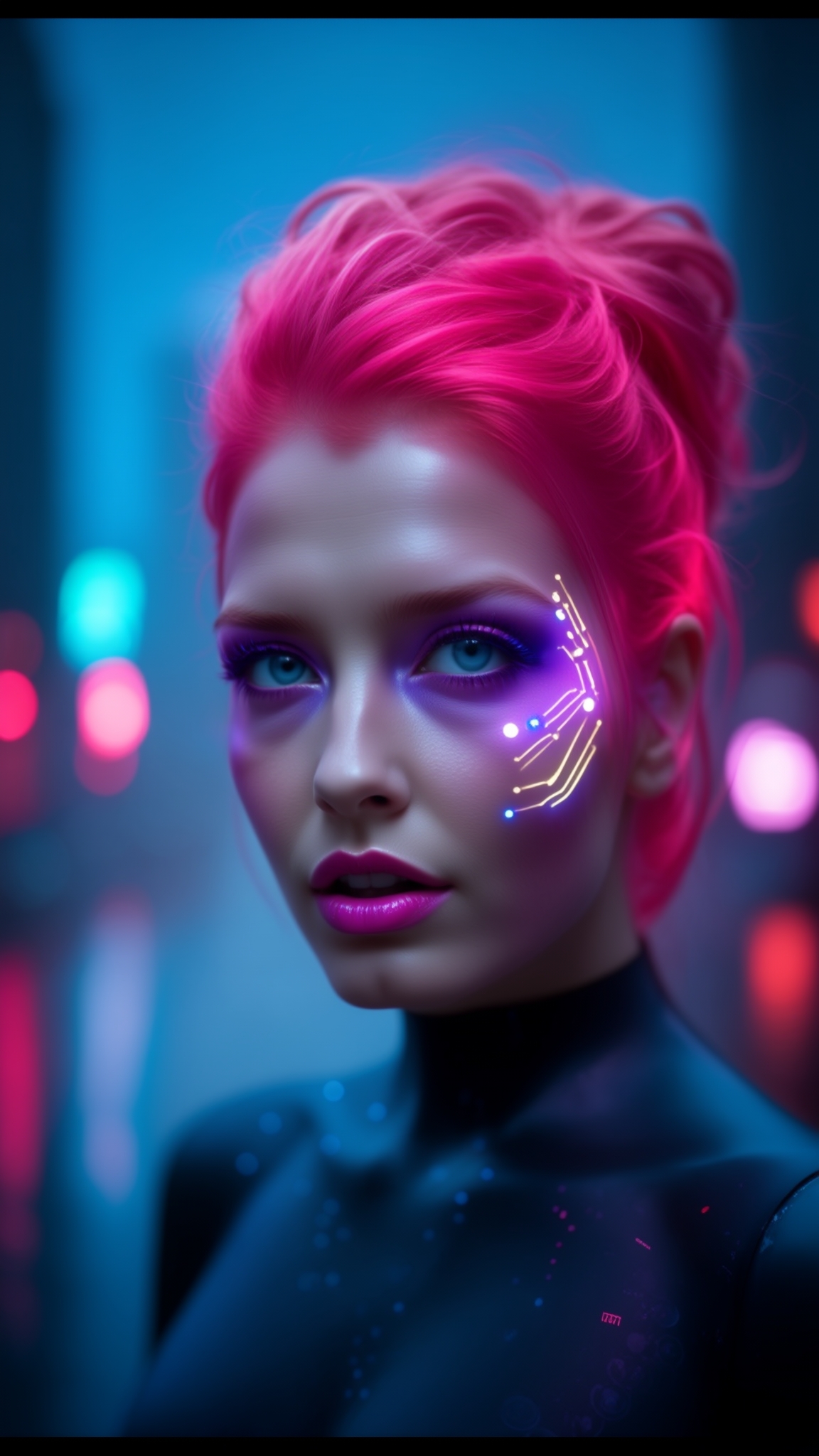
Community qwen image edit color adjustment Gallery

Real examples created by our community

AI-generated image
AI-generated image
AI-generated image
AI-generated image
AI-generated image
AI-generated image
AI-generated image
AI-generated image
AI-generated image
AI-generated image
AI-generated image
Capture a **cinematic photo** of a **40-year-old woman** with **short hair**, in **mid-action**, skillfully skiing down a **steep slope**. She is wearing a **striking navy and orange ski suit**, complemented by a **streamlined orange helmet**. Her form is **impeccable** as she leans into a **dynamic turn**, with a **plume of snow** arcing behind her, capturing the **kinetic energy** of her movement.

**Visual Details**: 
- **Navy and orange ski suit** with vibrant color contrast.
- **Silver helmet** with a sleek, aerodynamic design.
- **Short hair** visible under the helmet, slightly tousled by the wind.
- **Snow plume** in motion, enhancing the sense of speed and action.

**Composition**: 
- **Subject positioned** centrally, with the turn emphasizing her expertise.
- **Camera angle** from a slightly lower viewpoint to capture the steepness of the slope.
- **Framing** includes the **towering pines** in the background, dusted with snow, creating a natural frame for the scene.

**Style**: 
- **Cinematic photography** with a focus on **dynamic motion** and **color contrast**.
- **Soft, natural lighting** of **dawn** with **cloudy skies** to add depth and drama.

**Mood and Atmosphere**: 
- **Sense of exhilaration** and **control** conveyed by the skier's movement.
- **Wintery charm** with the snow-dusted pines, evoking a serene yet adventurous ambiance.
- **Time of day** is **dawn**, with soft light filtering through clouds, enhancing the mystical feel of the early morning ski run.

**Technical Aspects**: 
- **Shutter speed** set to freeze the motion of the skier while capturing the snow spray.
- **Depth of field** to keep the skier in sharp focus against the blurred background.
- **Color balance** to maintain the vibrancy of the ski suit against the cool tones of the winter landscape.

**Cohesion**: 
- All elements work together to create a **dramatic, visually compelling** image of a **confident skier** in a **beautiful, natural setting**.
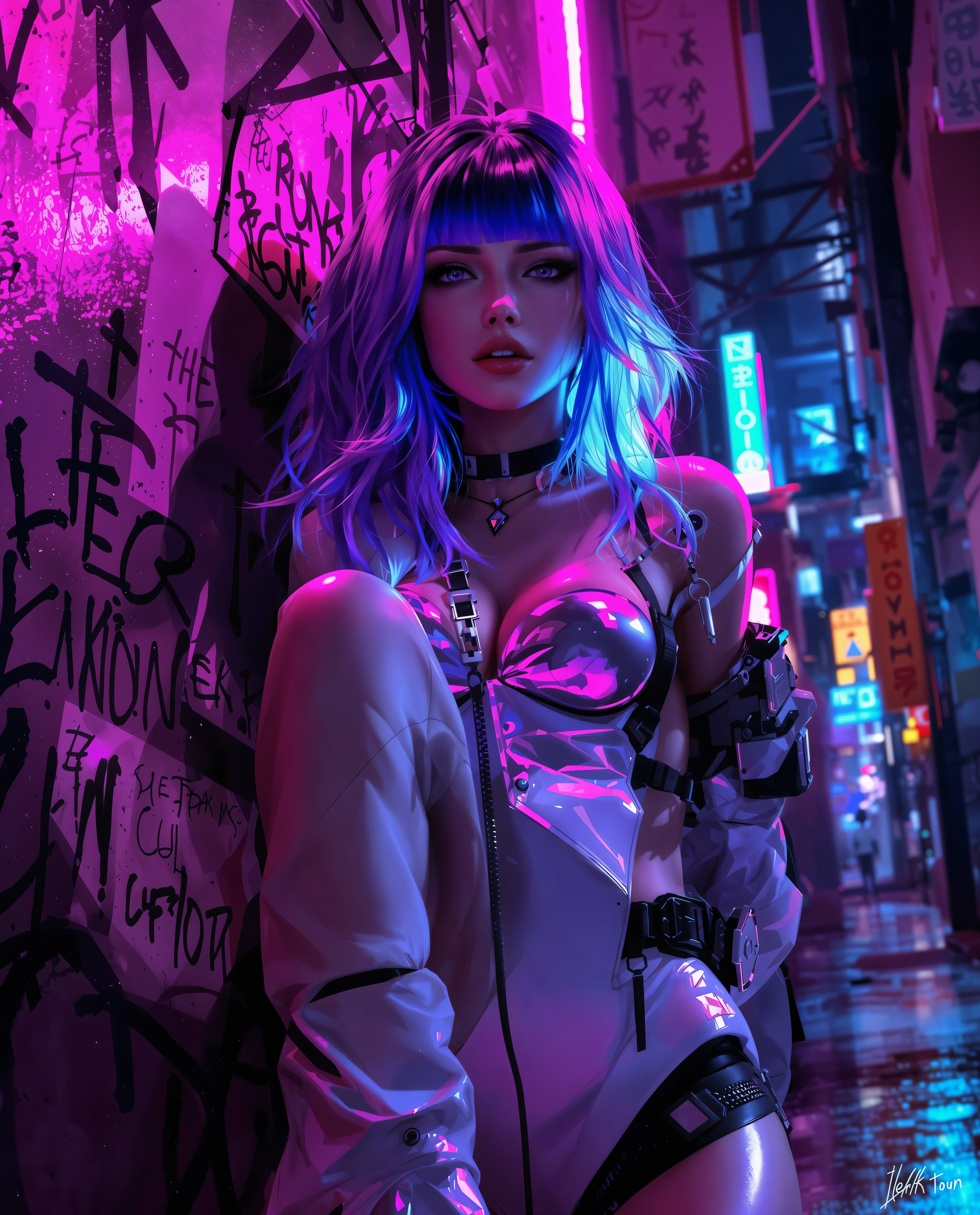
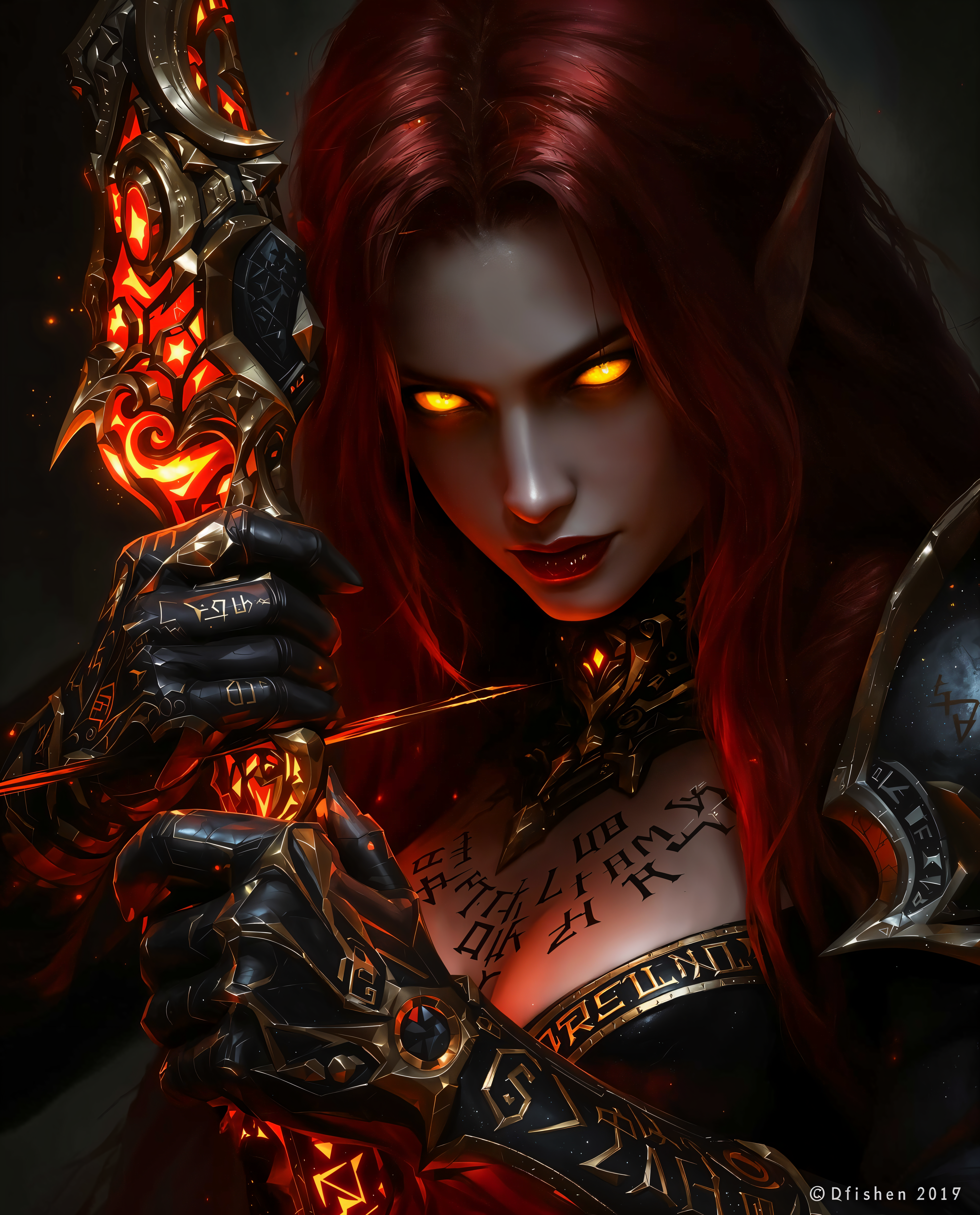
The art style in this image is reminiscent of digital painting of gorgeous woman, with a focus on creating a dreamlike and ethereal quality. The use of light and shadow is dramatic, with a chiaroscuro effect that adds depth and dimension to the subjects form. The colors are rich and saturated, with a warm palette that suggests passion and intensity. Artistic influences could include the following:
1. Renaissance Portraiture the figures pose and the way the light falls on the body are reminiscent of the chiaroscuro techniques used in Renaissance portraiture, where the interplay of light and shadow is used to sculpt the form and convey emotion.
2. Baroque Art The dramatic use of light and dark, as well as the dynamic composition, could be influenced by Baroque art, which often features exaggerated emotional expressions and theatrical poses.
3. Surrealism The surreal quality of the image, with its dreamlike and otherworldly elements, could be influenced by Surrealist art, which often explores the subconscious and the irrational.
4. Digital Painting The smooth blending of colors and the realistic rendering of textures are characteristic of digital painting techniques, which have become increasingly popular in contemporary art.
Overall, the image combines elements of classical portraiture with modern digital painting techniques to create a visually striking and emotionally evocative piece.
Dreamlike, Glitch Art	Bearded Punk Man	Imagine a kaleidoscope of neon colors bleeding into each other, mirroring the man's inner world.	The image appears to be slightly warped and stretched, as if the man is shifting in and out of reality.	Every single strand of his beard is captured in detail, a chaotic explosion of color and texture.	The man's eyes are wide and unfocused, staring into the distance with an expression of pure bliss.	A small, abstract, and surreal creature appears to be perched on his shoulder, a manifestation of his psychedelic state.
In a high-tech laboratory, a striking woman stands under harsh, clinical fluorescent lighting, her ebony-black latex bodysuit gleaming with a predatory sheen, reflecting the bold crimson Cobra emblem on her chest. Her tall, high-heeled latex boots peek from beneath a pristine, shiny white latex lab coat with shimmering black lining, exuding clinical authority, while her slender frame, sharp ice-gray eyes behind small black circular-rimmed glasses, platinum silver hair in a high ponytail, and deep crimson lips radiate piercing intelligence, captured in a hyper-detailed 8K DSLR photo with cinematic depth and a 50mm lens.

Comienza a mejorar tus imágenes hoy

Únete a miles de creadores que confían en Qwen Image Edit para sus necesidades de ajuste de color. Pruébalo ahora, sin riesgo.

The Pixel Dojo Advantage

Descubre por qué Qwen Image Edit destaca en el ámbito de las herramientas de ajuste de color:

OthersPixel Dojo
Software tradicional de edición de fotosQwen Image Edit ofrece procesamiento de lenguaje natural impulsado por IA para ajustes de color intuitivos y precisos, eliminando la curva de aprendizaje pronunciada del software tradicional.
Herramientas de edición de IA genéricasA diferencia de las herramientas genéricas, Qwen Image Edit se especializa en ajustes de color, proporcionando mejoras más precisas y conscientes del contexto adaptadas a tus necesidades específicas.
Técnicas de edición manualQwen Image Edit automatiza el proceso de ajuste de color, ahorrándote tiempo y esfuerzo significativos en comparación con los métodos de edición manual.

Adorado por los creadores en PixelDojo

Opiniones reales de personas que usan PixelDojo, recogidas en nuestras encuestas dentro del producto.

Qwen image 2 is amazing!!
Creador verificado de PixelDojo
Creative freedom, range of tools and options.
Creador verificado de PixelDojo
I love the training feature
Creador verificado de PixelDojo
the quality is the best
Creador verificado de PixelDojo
All the tools needed in one dashboard
Creador verificado de PixelDojo
Very fair and very broad in tools.
Creador verificado de PixelDojo

Preguntas frecuentes

Todo lo que necesitas saber sobre qwen image edit color adjustment

¿Cómo logra Qwen Image Edit ajustes de color precisos?

Qwen Image Edit utiliza algoritmos avanzados de IA que entienden e interpretan comandos en lenguaje natural, permitiendo modificaciones de color intuitivas y precisas.

¿Puedo usar Qwen Image Edit sin experiencia previa en edición?

¡Absolutamente! Qwen Image Edit está diseñado para usuarios de todos los niveles de habilidad, permitiéndote realizar ajustes de color de calidad profesional con facilidad.

¿Es Qwen Image Edit adecuado para proyectos profesionales?

Sí, Qwen Image Edit entrega resultados de alta calidad que cumplen con estándares profesionales, lo que lo hace ideal tanto para proyectos comerciales como personales.

¿Qué tan rápido puedo ver resultados con Qwen Image Edit?

Qwen Image Edit procesa tus solicitudes de ajuste de color en segundos, proporcionando retroalimentación y resultados inmediatos.

¿Qwen Image Edit admite el procesamiento por lotes?

Sí, puedes aplicar los mismos ajustes de color a varias imágenes simultáneamente, optimizando tu flujo de trabajo de edición.

¿Mis datos están seguros al usar Qwen Image Edit?

Absolutamente. Qwen Image Edit sigue protocolos de seguridad de nivel empresarial para garantizar que tus imágenes se procesen de forma segura y no se almacenen sin tu consentimiento.

¿Listo para transformar tus imágenes?

¿Listo para dar vida a tus ideas?

Únete a miles de creadores que usan IA para dar vida a sus ideas