Industry News
Adobe's AI Assistant in Photoshop: A Leap Forward or a Step Back?
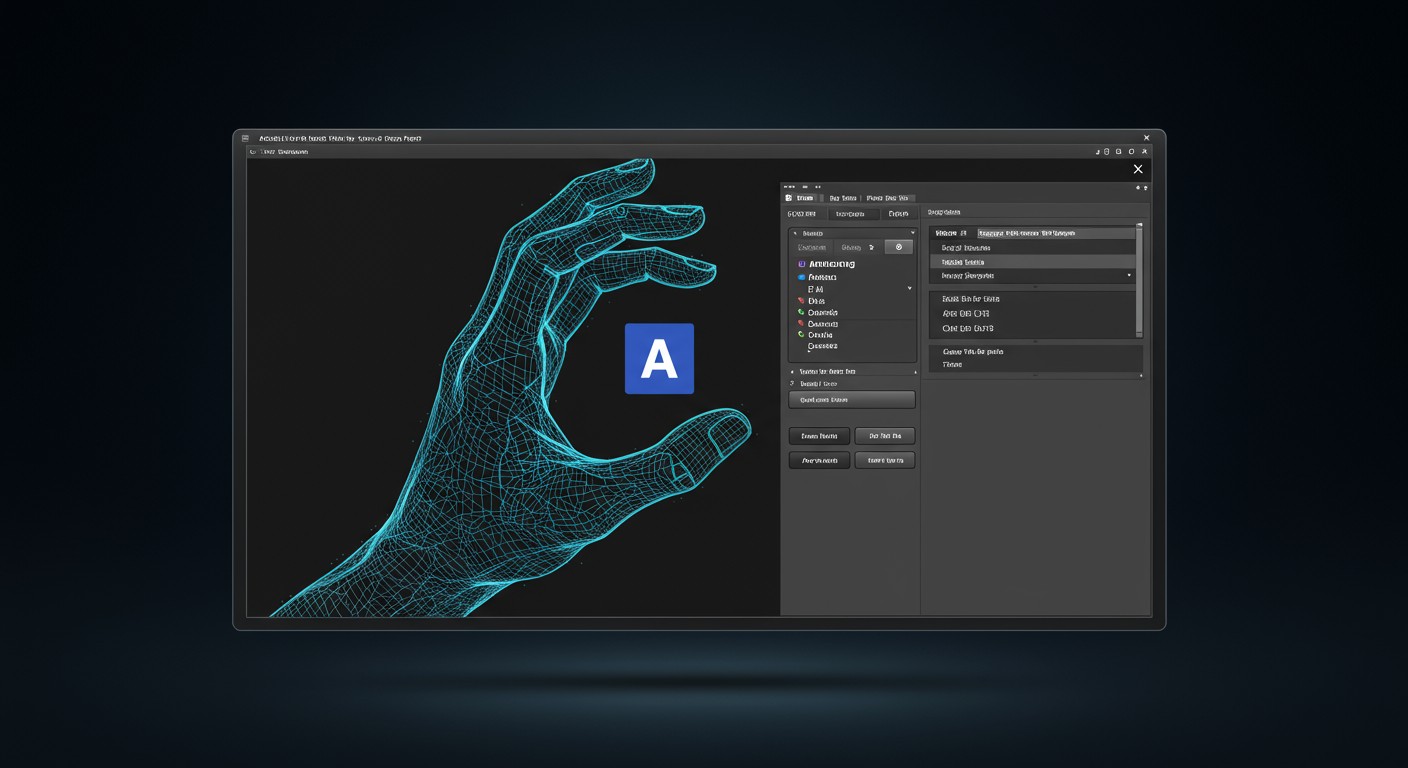
Adobe's introduction of the AI Assistant in Photoshop aims to simplify image editing through natural language prompts. While it offers promising features, its current implementation has received mixed reviews, highlighting both its potential and areas needing refinement.
Adobe's AI Assistant: Bridging the Gap Between Novices and Professionals
Adobe's recent unveiling of the AI Assistant for Photoshop marks a significant stride in making advanced image editing more accessible. This feature allows users to perform complex edits using simple text prompts, such as removing objects, adjusting lighting, or changing backgrounds. The AI Assistant is currently available in public beta on Photoshop's web and mobile versions, with plans for broader integration in the future. (blog.adobe.com)
Features and Functionalities
The AI Assistant introduces several capabilities designed to streamline the editing process:
- Natural Language Processing: Users can describe desired edits in plain language, and the AI interprets and applies these changes.
- Automated and Guided Edits: The assistant can perform edits automatically or provide step-by-step guidance, catering to both beginners and experienced users.
- Voice Commands: On mobile platforms, users can utilize voice commands to instruct the AI, enhancing usability on the go.
Additionally, Adobe has integrated AI Markup, allowing users to draw directly on images and use prompts to control specific areas for edits. (blog.adobe.com)
User Reception: Enthusiastic Intern or Overzealous Assistant?
Initial reviews of the AI Assistant have been mixed. Some users appreciate the convenience and time-saving aspects, especially for routine tasks. However, others find the assistant's suggestions to be overly eager, sometimes applying edits that are too aggressive or not in line with the user's vision. This has led to comparisons with an "overly enthusiastic intern" who means well but requires supervision. (creativebloq.com)
Comparisons with Other AI Image Editing Tools
Adobe's AI Assistant enters a competitive landscape of AI-driven image editing tools. Platforms like PixelDojo offer a suite of AI tools that cater to various creative needs. For instance:
- PixelDojo's GPT-Image: This tool leverages OpenAI's latest models to generate images with strong prompt adherence, allowing users to create visuals that closely match their descriptions.
- PixelDojo's Inpainting: Enables users to edit specific areas of an image seamlessly, making it ideal for tasks like object removal or localized adjustments.
- PixelDojo's Style Transfer: Allows the application of artistic styles to photos, transforming ordinary images into stylized artworks.
These tools provide users with alternative options that may offer more control or different functionalities compared to Adobe's AI Assistant.
Implications for the Future of Image Editing
The introduction of AI-driven features like Adobe's AI Assistant signifies a shift towards more intuitive and accessible image editing. While the current iteration may have its shortcomings, it represents a foundational step towards integrating AI seamlessly into creative workflows. As these tools evolve, they are likely to become more refined, offering users a balance between automation and creative control.
Conclusion
Adobe's AI Assistant in Photoshop is a bold move towards democratizing image editing. While it shows promise in simplifying complex tasks, user feedback suggests that there is room for improvement in its execution. As AI continues to permeate creative tools, the challenge will be to harness its capabilities without compromising the artist's intent and control.
For those exploring AI-driven image editing, platforms like PixelDojo offer a range of tools that complement and, in some cases, enhance the functionalities provided by Adobe's AI Assistant. By leveraging these resources, users can find the right balance between automation and personal creativity.
Original Source
Read original articlePremium AI Tools
Create Incredible AI Images Today
Join thousands of creators worldwide using PixelDojo to transform their ideas into stunning visuals in seconds.
125
Creative AI Tools
4M+
Creations
60+
AI Video Models