Industry News
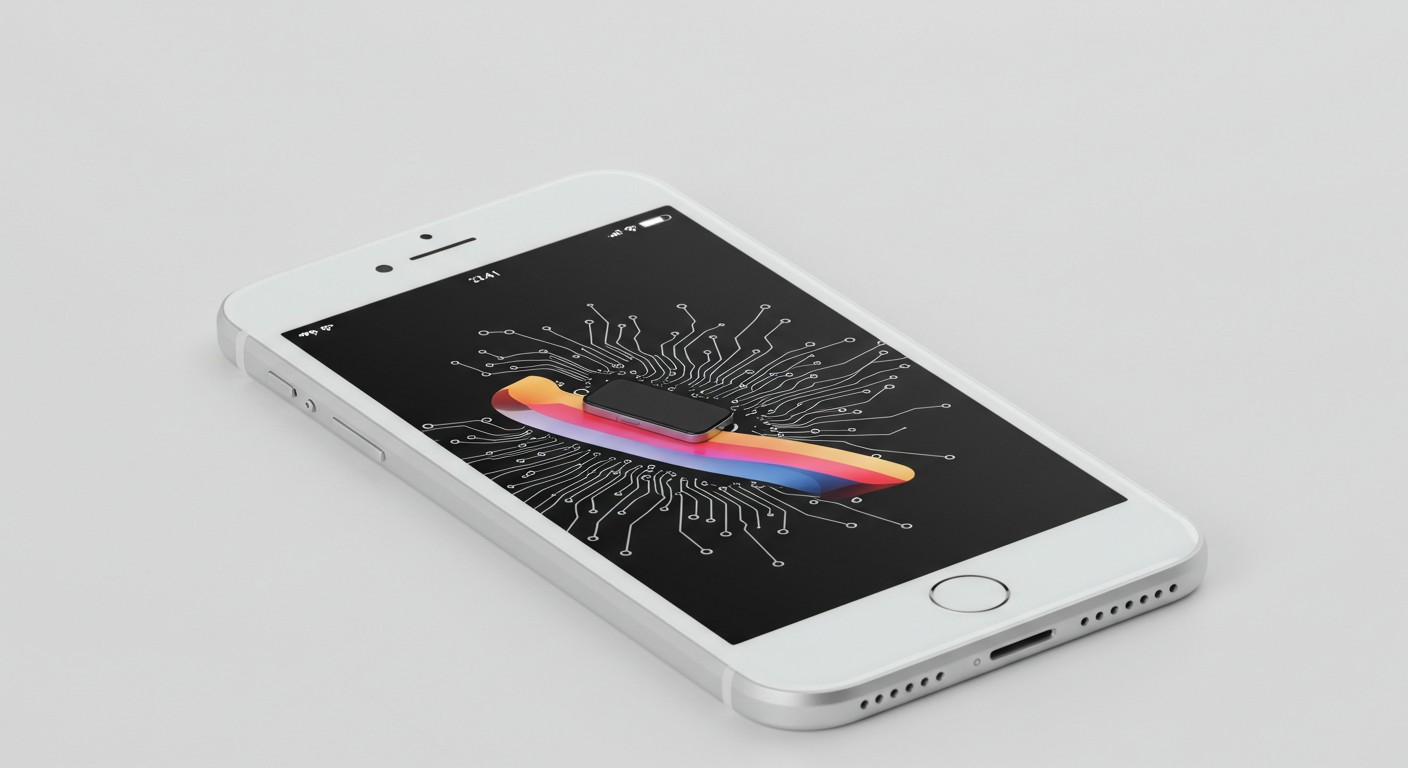
Apple's AI Photo Editing Tools: A New Era of Image Enhancement
Apple's latest AI-driven photo editing tools introduce advanced features like intelligent object removal and automated enhancements, marking a significant step in consumer photo editing. While these tools offer impressive capabilities, they also raise questions about user control and the authenticity of edited images.
Introduction
Apple has recently unveiled a suite of AI-powered photo editing tools designed to simplify and enhance the image editing process for users. These tools leverage advanced machine learning algorithms to perform tasks such as intelligent object removal, automated enhancements, and more. While they offer impressive capabilities, they also prompt discussions about user control and the authenticity of edited images.
Key Features of Apple's AI Photo Editing Tools
-
Intelligent Object Removal: Users can seamlessly remove unwanted objects from their photos. The AI analyzes the surrounding area and fills in the gap to create a natural-looking result.
-
Automated Enhancements: The tools can automatically adjust lighting, contrast, and color balance to improve the overall quality of an image.
-
Style Transfer: Users can apply artistic styles to their photos, transforming them into works that resemble famous art pieces or specific aesthetics.
Comparing with Other AI Photo Editing Tools
Apple's foray into AI photo editing places it alongside other tech giants and specialized platforms offering similar capabilities. For instance, Google's AI-powered editing tools in Google Photos provide features like "Magic Eraser" for object removal and "Enhance" for automatic adjustments. Adobe's Photoshop also incorporates AI through its "Sensei" platform, offering advanced features like content-aware fill and neural filters.
Exploring AI Photo Editing with PixelDojo
For users interested in exploring AI-driven photo editing beyond Apple's ecosystem, PixelDojo offers a range of tools that provide similar and even more advanced functionalities:
-
Inpainting: This tool allows users to edit specific areas of an image, making it ideal for tasks like object removal or correction of imperfections. Explore Inpainting
-
Style Transfer: Users can apply various artistic styles to their photos, transforming them into unique pieces of art. Try Style Transfer
-
Magic Lighting: Adjust the lighting and mood of your photos to achieve the desired ambiance. Use Magic Lighting
Implications and Considerations
While AI photo editing tools offer convenience and powerful capabilities, they also raise important considerations:
-
Authenticity: As AI can significantly alter images, distinguishing between original and edited photos becomes challenging, raising concerns about misinformation.
-
User Control: Automated enhancements may not always align with a user's vision, emphasizing the need for manual control options.
-
Privacy: AI tools often require cloud processing, which involves uploading images to servers, raising privacy concerns.
Conclusion
Apple's introduction of AI photo editing tools marks a significant advancement in making sophisticated image editing accessible to a broader audience. However, users should remain mindful of the implications regarding authenticity, control, and privacy. Exploring platforms like PixelDojo can provide additional tools and perspectives, enriching the photo editing experience.
Tags
- AI Photo Editing
- Apple
- PixelDojo
- Image Enhancement
- Artificial Intelligence
Sources
Original Source
Read original articlePremium AI Tools
Create Incredible AI Images Today
Join thousands of creators worldwide using PixelDojo to transform their ideas into stunning visuals in seconds.
125
Creative AI Tools
4M+
Creations
60+
AI Video Models