Industry News
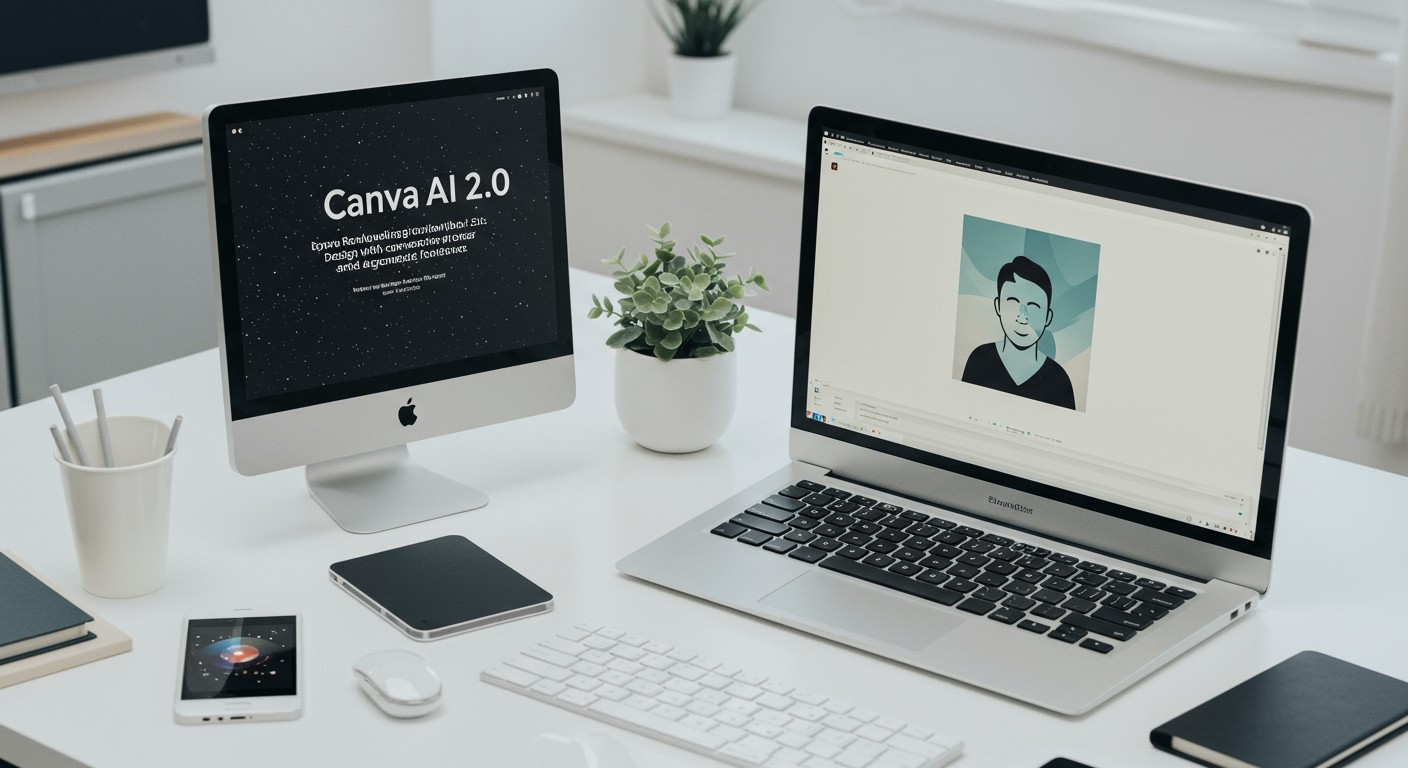
Canva AI 2.0: Revolutionizing Design with Conversational AI and Agentic Workflows
Canva's latest release, Canva AI 2.0, introduces a suite of AI-driven features that transform the design process through conversational interfaces and automated workflows, setting a new standard in AI-assisted design.
Introduction
Canva, the renowned online design platform, has unveiled Canva AI 2.0, marking a significant evolution in digital design. This update integrates advanced AI capabilities, enabling users to create and manage designs through natural language interactions and automated processes. (canva.com)
Key Features of Canva AI 2.0
Conversational Design
Canva AI 2.0 introduces a conversational interface where users can describe their design ideas using text or voice prompts. The AI interprets these inputs to generate fully editable designs, complete with appropriate layouts and branding elements. This approach simplifies the design process, making it more accessible to users without extensive design experience. (canva.com)
Agentic Orchestration
The platform's agentic system automates complex design tasks. Users can provide a brief, and Canva AI 2.0 coordinates various tools to produce comprehensive outputs, such as multi-channel marketing campaigns. This automation reduces manual effort and accelerates project completion. (canva.com)
Layered Object Intelligence
Every element in the generated designs remains fully editable. Users can modify specific components without affecting the overall design, offering flexibility and precision in the editing process. (canva.com)
Memory Library
Canva AI 2.0 features a Memory Library that learns from user interactions, adapting to individual styles and preferences. This personalization ensures consistency across projects and enhances the relevance of AI-generated suggestions over time. (canva.com)
Integration with External Tools
The new release includes connectors that integrate Canva with popular platforms like Slack, Gmail, Google Drive, and Zoom. This connectivity allows Canva AI to access contextual data, enabling tasks such as generating meeting summaries from Zoom transcripts or creating newsletters from Slack conversations. (canva.com)
Scheduling and Automation
Canva AI 2.0 introduces scheduling capabilities, allowing users to automate recurring tasks. For instance, the AI can generate weekly social media content or daily meeting briefings, ensuring timely and consistent outputs without manual intervention. (techradar.com)
Implications for AI Image and Video Generation
The advancements in Canva AI 2.0 reflect a broader trend in AI-driven design tools, emphasizing user-friendly interfaces and automation. This evolution aligns with the capabilities of platforms like PixelDojo, which offer a range of AI tools for image and video generation.
For example, PixelDojo's GPT-Image leverages OpenAI's latest models to generate images that adhere closely to user prompts, facilitating precise and efficient image creation. Similarly, Grok Video enables users to produce fast video clips with flexible aspect ratios, streamlining the video production process.
Moreover, PixelDojo's Image to Image tool allows for the transformation of existing images using AI, offering functionalities akin to Canva's layered object intelligence. This feature empowers users to make specific edits without compromising the integrity of the entire design.
Conclusion
Canva AI 2.0 represents a significant leap in AI-assisted design, offering conversational interfaces and automated workflows that simplify the creative process. As AI continues to evolve, platforms like Canva and PixelDojo are at the forefront, providing tools that democratize design and content creation for users worldwide.
Original Source
Read original articlePremium AI Tools
Create Incredible AI Images Today
Join thousands of creators worldwide using PixelDojo to transform their ideas into stunning visuals in seconds.
125
Creative AI Tools
4M+
Creations
60+
AI Video Models