Industry News
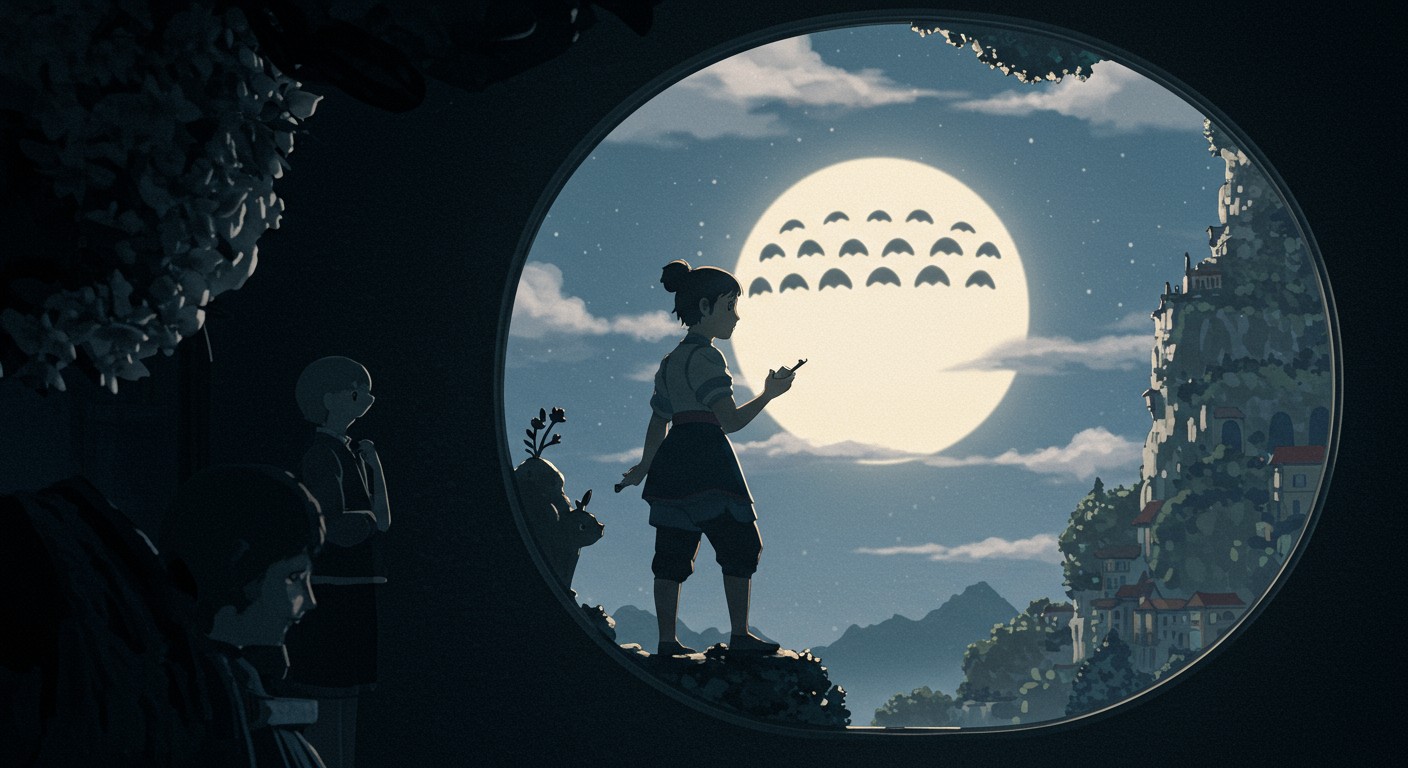
Crafting Studio Ghibli-Style Images and Animations with AI: A Comprehensive Guide
Discover how to create enchanting Studio Ghibli-style images and animations using AI tools like ChatGPT and PixelDojo's suite of applications. This guide provides step-by-step instructions and insights into the technology behind these creations.
Introduction
Studio Ghibli's films are renowned for their captivating visuals and unique art style. With advancements in artificial intelligence, enthusiasts can now recreate this distinctive aesthetic using AI-powered tools. This guide explores how to generate Ghibli-style images and animations using ChatGPT and PixelDojo's innovative applications.
Generating Ghibli-Style Images with ChatGPT
OpenAI's ChatGPT has introduced features that allow users to transform their photos into Ghibli-style artworks. Here's how you can do it:
- Access ChatGPT: Ensure you have access to GPT-4o through your ChatGPT account.
- Upload Your Image: In the chat interface, click on the image icon or the '+' button to upload your photo.
- Enter a Prompt: Provide a clear instruction, such as "Transform this photo into Studio Ghibli art."
- Wait for Processing: The AI will process your request and generate the stylized image.
For optimal results, use well-lit photos with clearly identifiable subjects. If the initial output isn't satisfactory, refine your prompt with specific details like color schemes or background elements. (gptbot.io)
Enhancing Image Quality with PixelDojo's Tools
To further refine your Ghibli-style images, PixelDojo offers a suite of AI-powered tools:
-
Image-to-Image Transformation: This feature allows users to apply specific artistic styles to existing images. By uploading your photo, you can select the Ghibli style to achieve a more authentic look.
-
Stable Diffusion Tool: For those interested in generating images from scratch, PixelDojo's Stable Diffusion tool enables the creation of high-quality images based on text prompts. By describing a scene in the Ghibli style, users can produce original artworks that capture the essence of Studio Ghibli's aesthetics.
Creating Ghibli-Style Animations
Transforming static images into animations adds a dynamic element to your creations. Here's how you can achieve this:
- Generate a Series of Images: Use ChatGPT or PixelDojo's tools to create multiple images depicting different stages of a scene.
- Utilize PixelDojo's Text-to-Video Tool: This application allows users to convert a sequence of images into a cohesive animation. By uploading your series of Ghibli-style images, the tool will stitch them together, creating a smooth animated video.
Ethical Considerations and Best Practices
While creating Ghibli-style content is exciting, it's essential to respect intellectual property rights. Ensure that your creations are for personal use or shared with proper attribution. Avoid using these AI-generated images and animations for commercial purposes without obtaining the necessary permissions.
Conclusion
Advancements in AI have democratized the creation of art, allowing enthusiasts to explore and replicate beloved styles like that of Studio Ghibli. By leveraging tools like ChatGPT and PixelDojo's suite of applications, anyone can embark on a creative journey to produce stunning Ghibli-style images and animations. Remember to experiment with different prompts and settings to achieve the best results, and always respect the original creators' rights and legacies.
Premium AI Tools
Create Incredible AI Images Today
Join thousands of creators worldwide using PixelDojo to transform their ideas into stunning visuals in seconds.
124
Creative AI Tools
4M+
Creations
60+
AI Video Models