Industry News
Darktable 5.6 Introduces AI-Powered Features for Enhanced Photo Editing
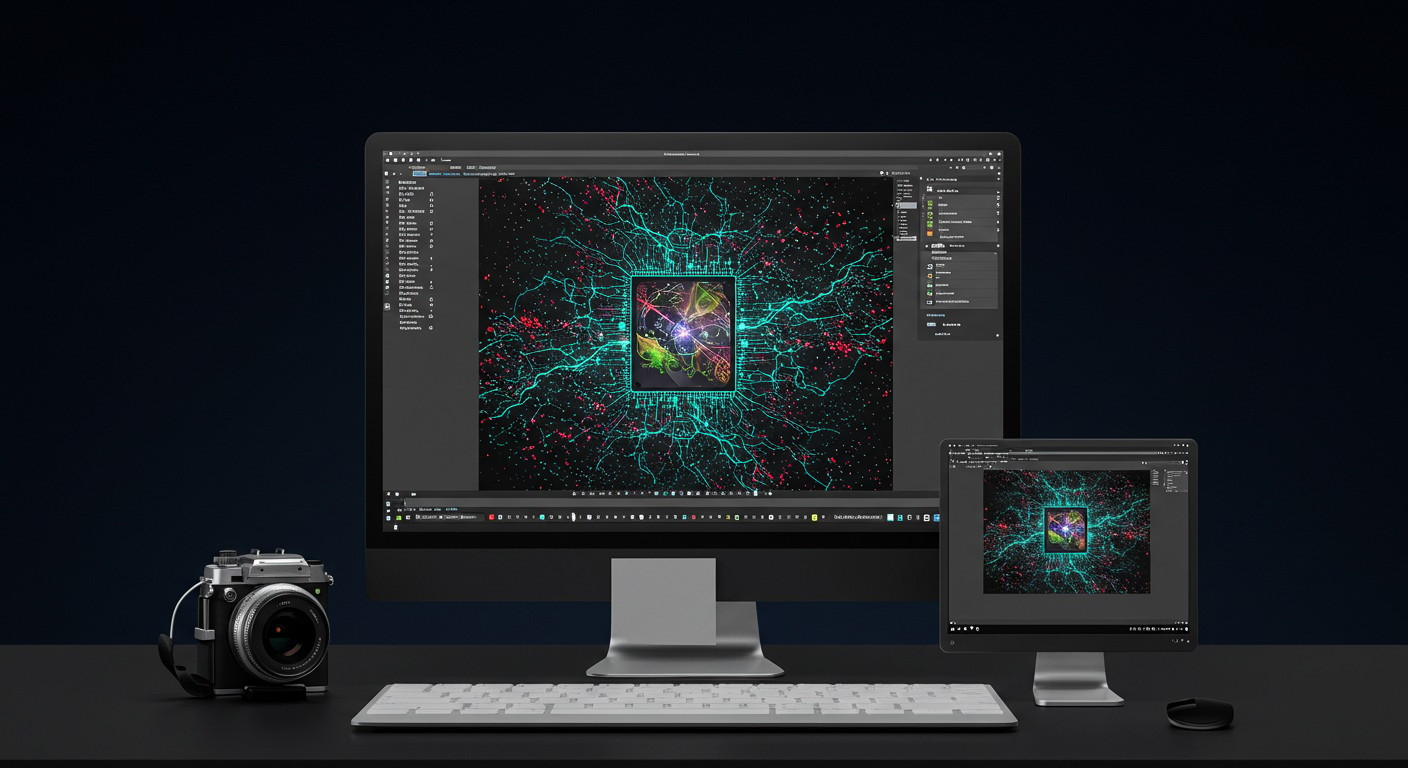
Darktable 5.6, the latest release of the open-source RAW image editor, introduces optional AI-powered features such as advanced denoising, upscaling, and object masking, alongside performance improvements and support for HEIF export.
Introduction
Darktable, the renowned open-source photography workflow application and RAW developer, has unveiled its latest version, Darktable 5.6. This release marks a significant milestone by integrating optional artificial intelligence (AI) capabilities, aiming to enhance the photo editing experience for photographers and enthusiasts alike.
Key Features in Darktable 5.6
Optional AI Subsystem
One of the most notable additions in Darktable 5.6 is the optional AI subsystem. This feature introduces machine learning models to perform tasks such as:
- Denoising: Utilizing AI to reduce sensor noise in images, preserving details without the artifacts often associated with traditional denoising methods.
- Upscaling: Enhancing image resolution through super-resolution techniques, generating plausible details from lower-resolution inputs.
- Object Masking: Employing AI for interactive object masking, facilitating precise selections and edits.
These AI features are disabled by default, ensuring that users can opt-in based on their preferences. Activation and management of these features are accessible through the AI preferences tab, where users can download and install the necessary AI models. (docs.darktable.org)
Color Harmonizer Module
Darktable 5.6 introduces the 'colorharmonizer' module, which applies color harmony corrections in the UCS color space. This module allows users to:
- Rotate hues toward target harmony structures (complementary, split-complementary, triadic, tetradic, etc.).
- Control the saturation of target hues.
- Define custom harmonies with arbitrary anchor nodes.
- Adjust the intensity of effects and protect neutral colors.
The module can synchronize with the vectorscope in RYB mode, offering intuitive control over color adjustments. (tweakers.net)
HEIF Export Support
The new version adds support for exporting images in the High Efficiency Image File (HEIF) format. Users can choose between lossless or lossy compression and select from various color depths (8/10/12 bit) and color subsampling options, providing flexibility in image export settings. (ubuntuhandbook.org)
Performance and User Interface Enhancements
Darktable 5.6 addresses several performance bottlenecks and user interface improvements:
- Optimized OpenCL Processing: Enhancements in OpenCL processing lead to faster image processing and improved responsiveness.
- Increased Preview Resolution: The resolution of darkroom view previews has been increased from 720×450 to 1440×900, offering clearer image previews during editing.
- Touchpad Gesture Support: Added support for touchpad gestures in both darkroom and lighttable views, including pinch zooming and two-finger panning, enhancing usability on touchpad-equipped devices. (ubuntuhandbook.org)
Leveraging PixelDojo's AI Tools
For users interested in exploring AI-driven image generation and editing, PixelDojo offers a suite of tools that complement Darktable's new features:
- MAI Image: Microsoft's text-to-image tool provides crisp detail and natural lighting, enabling users to generate high-quality images from textual descriptions. Learn more
- GPT Image 2: OpenAI's GPT Image 2 offers 4K rendering and sharper text, ideal for creating detailed and high-resolution images. Learn more
- Image to Image: This tool allows users to transform existing images using AI, facilitating creative edits and enhancements. Learn more
By integrating these tools into their workflow, photographers can harness the power of AI to generate and edit images, expanding their creative possibilities.
Conclusion
The release of Darktable 5.6 signifies a substantial advancement in open-source photo editing, bringing AI-powered features to the forefront. With optional AI capabilities, a new color harmonizer module, HEIF export support, and various performance and UI enhancements, Darktable continues to provide a robust and flexible platform for photographers. Coupled with PixelDojo's AI tools, users have access to a comprehensive suite of resources to elevate their image editing and generation endeavors.
Original Source
Read original articlePremium AI Tools
Create Incredible AI Images Today
Join thousands of creators worldwide using PixelDojo to transform their ideas into stunning visuals in seconds.
124
Creative AI Tools
4M+
Creations
60+
AI Video Models