Industry News
DxO PhotoLab 9: AI-Powered RAW Editing That Respects Photographers
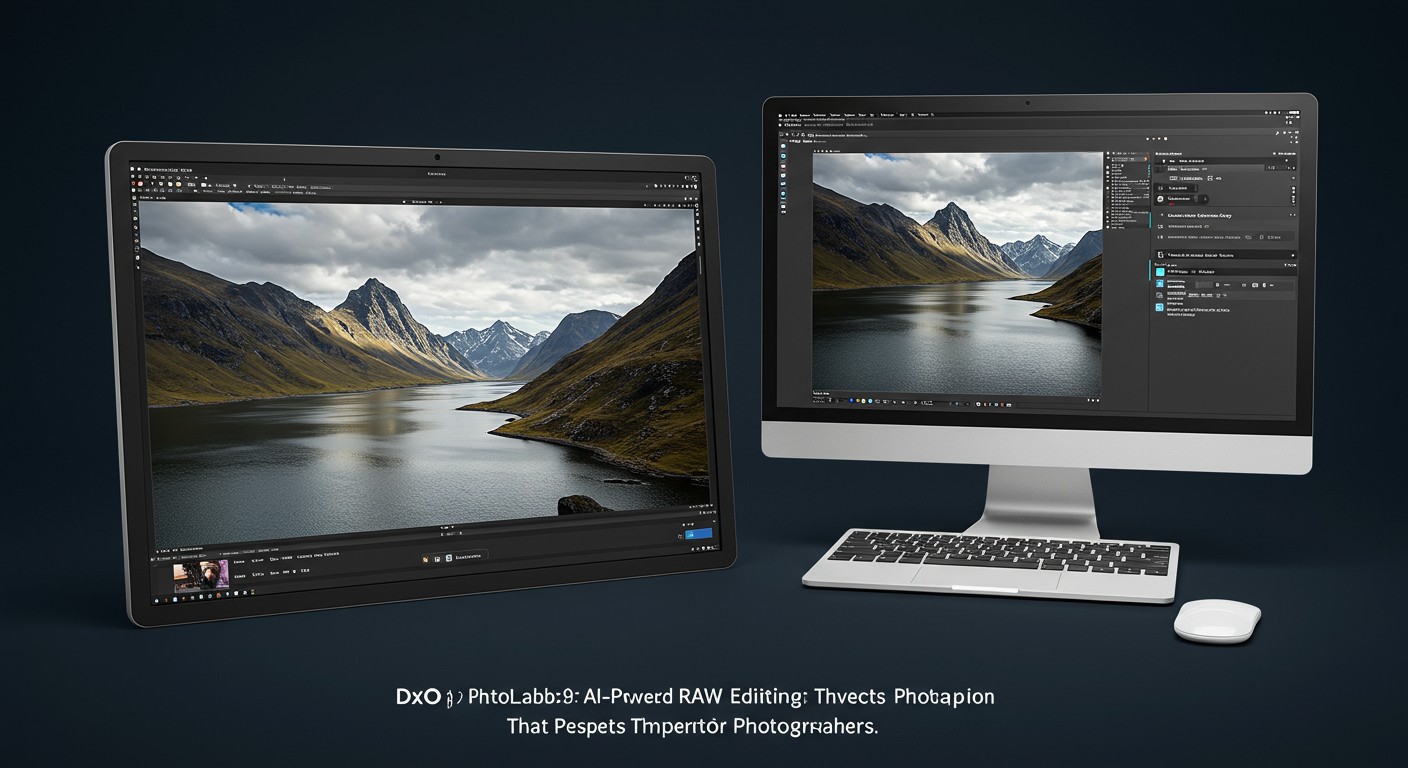
DxO PhotoLab 9 introduces AI-driven features like DxO AI Masks and DeepPRIME XD3, enhancing RAW photo editing while maintaining photographers' creative control.
Introduction
DxO PhotoLab 9 marks a significant advancement in RAW photo editing, integrating artificial intelligence to enhance the editing process while preserving the photographer's creative intent. This latest version introduces features such as DxO AI Masks and DeepPRIME XD3, setting a new standard in the industry.
Key Features of DxO PhotoLab 9
DxO AI Masks: Intelligent Selections
One of the standout features in PhotoLab 9 is the introduction of DxO AI Masks. This tool utilizes machine learning to create precise selections automatically, allowing photographers to make targeted adjustments effortlessly. Users can select predefined subjects like skies, faces, or backgrounds, streamlining the editing workflow. (dxo.com)
DeepPRIME XD3: Advanced Noise Reduction
Building upon its renowned DeepPRIME technology, DxO introduces DeepPRIME XD3 in PhotoLab 9. This enhanced version offers superior noise reduction and detail recovery, particularly beneficial for images captured in low-light conditions. Notably, DeepPRIME XD3 now fully supports Fujifilm's X-Trans sensors, providing exceptional image quality for a broader range of photographers. (dxo.com)
Local Adjustments for Noise Reduction and Sharpness
PhotoLab 9 allows for localized application of noise reduction and lens sharpness optimization. Photographers can target specific areas within an image, applying DeepPRIME denoising and sharpening precisely where needed. This level of control ensures that enhancements are applied without affecting the overall image quality. (dxo.com)
Enhanced Workflow and Organization
To improve efficiency, PhotoLab 9 introduces several workflow enhancements:
- Image Stacking: Group similar images together for better organization.
- Favorites System: Mark frequently used folders and projects for quick access.
- Batch Renaming: Rename multiple files simultaneously using metadata, EXIF data, or custom text, with the ability to save presets for consistent naming conventions. (dxo.com)
Support for iPhone and iPad Photos
Recognizing the growing use of mobile devices in photography, PhotoLab 9 now supports Apple's HEIC/HEIF and ProRAW formats. This inclusion allows photographers to edit images taken on iPhones and iPads seamlessly within the software. (dxo.com)
Comparison with Other AI-Powered Editing Tools
While DxO PhotoLab 9 offers a comprehensive suite of AI-driven features, other platforms also provide advanced tools for image editing. For instance, PixelDojo offers a range of AI tools that complement and enhance the editing process:
-
GPT-Image 1.5: This tool generates high-fidelity images with strong prompt adherence, allowing photographers to create or enhance images based on textual descriptions. (dxo.com)
-
P-Image: Known for its exceptional text rendering capabilities, P-Image enables the creation of images with precise textual elements, useful for adding captions or annotations. (dxo.com)
-
Magnific Upscaler: For photographers looking to enhance image resolution without compromising quality, the Magnific Upscaler provides AI-driven upscaling with both Creative and Precision modes. (dxo.com)
These tools, available through PixelDojo, offer additional avenues for photographers to explore AI-assisted image creation and editing, complementing the capabilities found in DxO PhotoLab 9.
Use Cases and Applications
The features introduced in DxO PhotoLab 9 cater to various photographic needs:
- Landscape Photography: Utilize DxO AI Masks to enhance skies or specific landscape elements without affecting other parts of the image.
- Portrait Photography: Apply localized noise reduction and sharpening to subjects' faces, ensuring clarity and detail.
- Event Photography: Efficiently manage and edit large batches of photos with the new organizational tools, saving time during post-processing.
Conclusion
DxO PhotoLab 9 represents a significant leap forward in RAW photo editing, integrating AI-powered tools that enhance the editing process while respecting the photographer's creative control. By combining intelligent features with an intuitive workflow, PhotoLab 9 sets a new benchmark for professional photo editing software.
For photographers seeking to explore AI-driven image creation and editing further, PixelDojo's suite of tools offers complementary capabilities that can enhance and expand creative possibilities.
Original Source
Read original articlePremium AI Tools
Create Incredible AI Images Today
Join thousands of creators worldwide using PixelDojo to transform their ideas into stunning visuals in seconds.
125
Creative AI Tools
4M+
Creations
60+
AI Video Models