Industry News
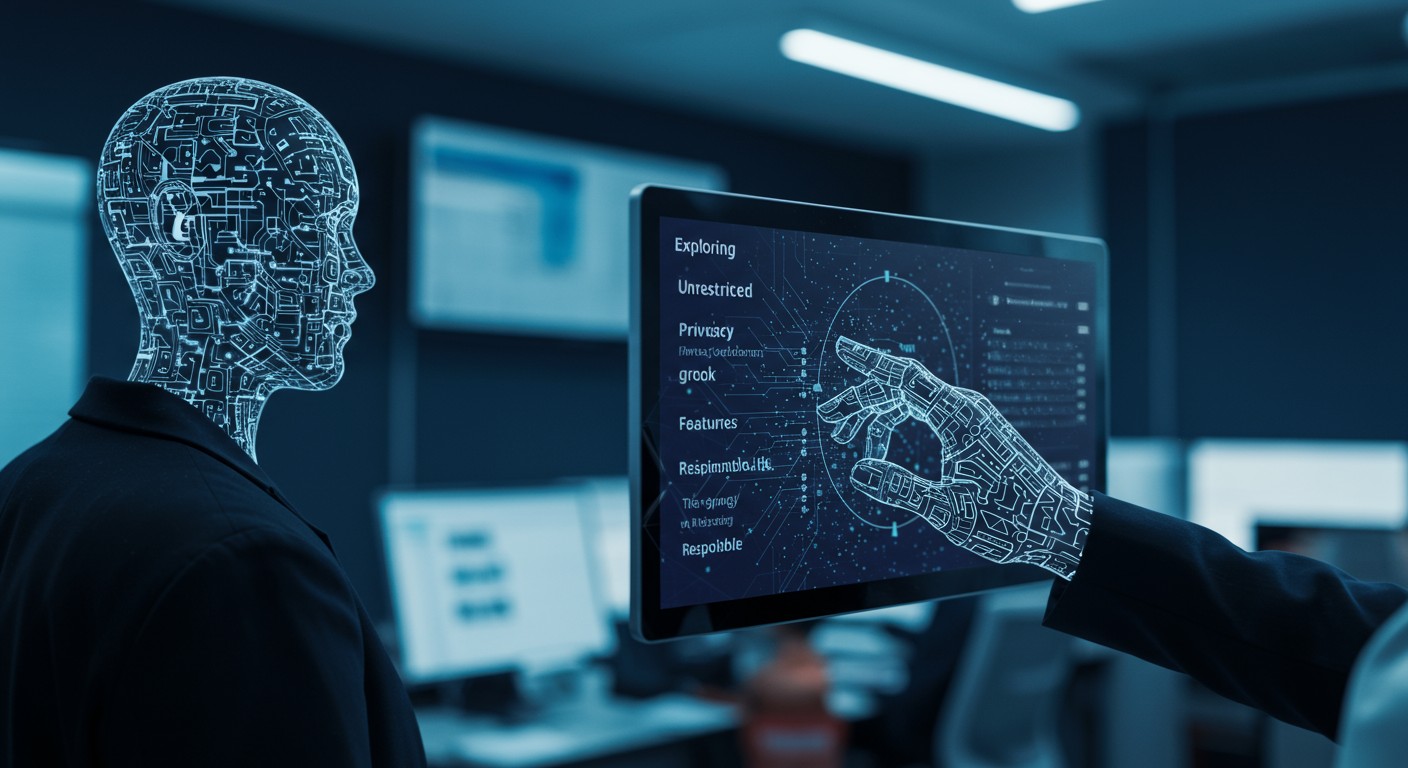
Exploring Unrestricted AI Image Generators: Features, Privacy Considerations, and Responsible Use
An in-depth analysis of unrestricted AI image generators, their capabilities, associated privacy risks, and guidelines for responsible utilization.
Introduction
The advent of AI-driven image generation has revolutionized digital art, enabling users to create intricate visuals from textual descriptions. While many platforms impose content restrictions to prevent misuse, a subset of tools offers unrestricted access, granting users full creative freedom. This article delves into the features of these unrestricted AI image generators, examines potential privacy concerns, and underscores the importance of responsible usage.
Unrestricted AI Image Generators: Key Features
Unrestricted AI image generators provide users with comprehensive control over the content they produce. Notable features include:
- Complete Creative Freedom: Users can generate any imagery without platform-imposed content filters.
- Local Hosting: Many of these tools can be hosted locally, ensuring that all data remains on the user's hardware.
- Extensive Customization: Support for various models, extensions, and fine-tuning options allows for tailored outputs.
- Advanced Editing Capabilities: Features like inpainting, outpainting, and style transfer enable intricate modifications.
Examples of Unrestricted AI Image Generators
-
AUTOMATIC1111 (Stable Diffusion WebUI)
A locally hosted interface for Stable Diffusion, AUTOMATIC1111 offers:
- Comprehensive Generation Control: Access to txt2img, img2img, inpainting, and outpainting functionalities.
- Extension Ecosystem: A vast array of community-developed extensions enhances functionality.
- LoRA and Embedding Support: Facilitates fine-tuning without the need for retraining models.
- Negative Prompts: Allows users to specify undesired elements in generated images.
- Metadata Preservation: Automatically saves generation parameters within image metadata for reproducibility.
Best suited for serious AI artists and professionals seeking maximum control over their creative processes.
-
ComfyUI
ComfyUI is a node-based workflow tool for Stable Diffusion, typically run locally, offering:
- Node-Based Workflows: Visual programming interface for transparent and editable data flow.
- Extensive Custom Nodes: A library of over 1,600 community-created nodes for specialized tasks.
- Multi-Model Support: Compatibility with various models, including Stable Diffusion and SDXL.
- Efficient Memory Management: Smart caching accelerates iterative processes.
- Shareable Workflows: Exportable workflows for easy sharing and replication.
Ideal for technical users desiring granular control over generation pipelines.
-
InvokeAI
A professional-grade local Stable Diffusion interface, InvokeAI features:
- Unified Canvas: Integrates multiple generation modes into a seamless digital workspace.
- Node-Based Workflows: Offers a visual editor for detailed control.
- Model Management: Simplifies the installation and management of various models and extensions.
- Organized Gallery: Automatically catalogs generations with searchable metadata.
- Commercial Foundation: Actively maintained with a focus on professional applications.
Suited for digital artists and professionals requiring polished tools and iterative workflows.
Privacy Considerations
While unrestricted AI image generators offer unparalleled creative freedom, they also introduce privacy considerations:
- Data Control: Local hosting ensures that all data remains on the user's hardware, mitigating risks associated with cloud storage.
- Content Sensitivity: The ability to generate any content necessitates responsible use to avoid creating or disseminating harmful material.
- Model Integrity: Users should be cautious of models sourced from unverified repositories, as they may contain biases or vulnerabilities.
Responsible Use Guidelines
To harness the potential of unrestricted AI image generators ethically:
- Adhere to Legal Standards: Ensure that generated content complies with applicable laws and regulations.
- Respect Community Guidelines: Avoid creating content that is offensive, harmful, or infringes on others' rights.
- Maintain Transparency: Clearly disclose the use of AI-generated content, especially in professional or public contexts.
- Stay Informed: Regularly update tools and models to benefit from security patches and improvements.
Leveraging PixelDojo's Tools for Enhanced Creativity
For users seeking advanced AI image generation capabilities, PixelDojo offers a suite of tools that complement unrestricted generators:
- GPT-Image 1.5: Delivers high-fidelity images with strong prompt adherence, ideal for creating detailed visuals.
- P-Image: Provides sub-1-second text-to-image generation with exceptional text rendering, perfect for rapid prototyping.
- Flux.1 Studio: An advanced creation studio offering comprehensive control over image generation processes.
By integrating these tools, users can explore the full spectrum of AI-driven image creation while adhering to ethical standards.
Conclusion
Unrestricted AI image generators empower users with unparalleled creative control, enabling the production of diverse and intricate visuals. However, this freedom comes with the responsibility to use these tools ethically and consider potential privacy implications. By adhering to responsible use guidelines and leveraging advanced tools like those offered by PixelDojo, users can navigate the evolving landscape of AI-generated imagery effectively and ethically.
Original Source
Read original articlePremium AI Tools
Create Incredible AI Images Today
Join thousands of creators worldwide using PixelDojo to transform their ideas into stunning visuals in seconds.
125
Creative AI Tools
4M+
Creations
60+
AI Video Models