Industry News
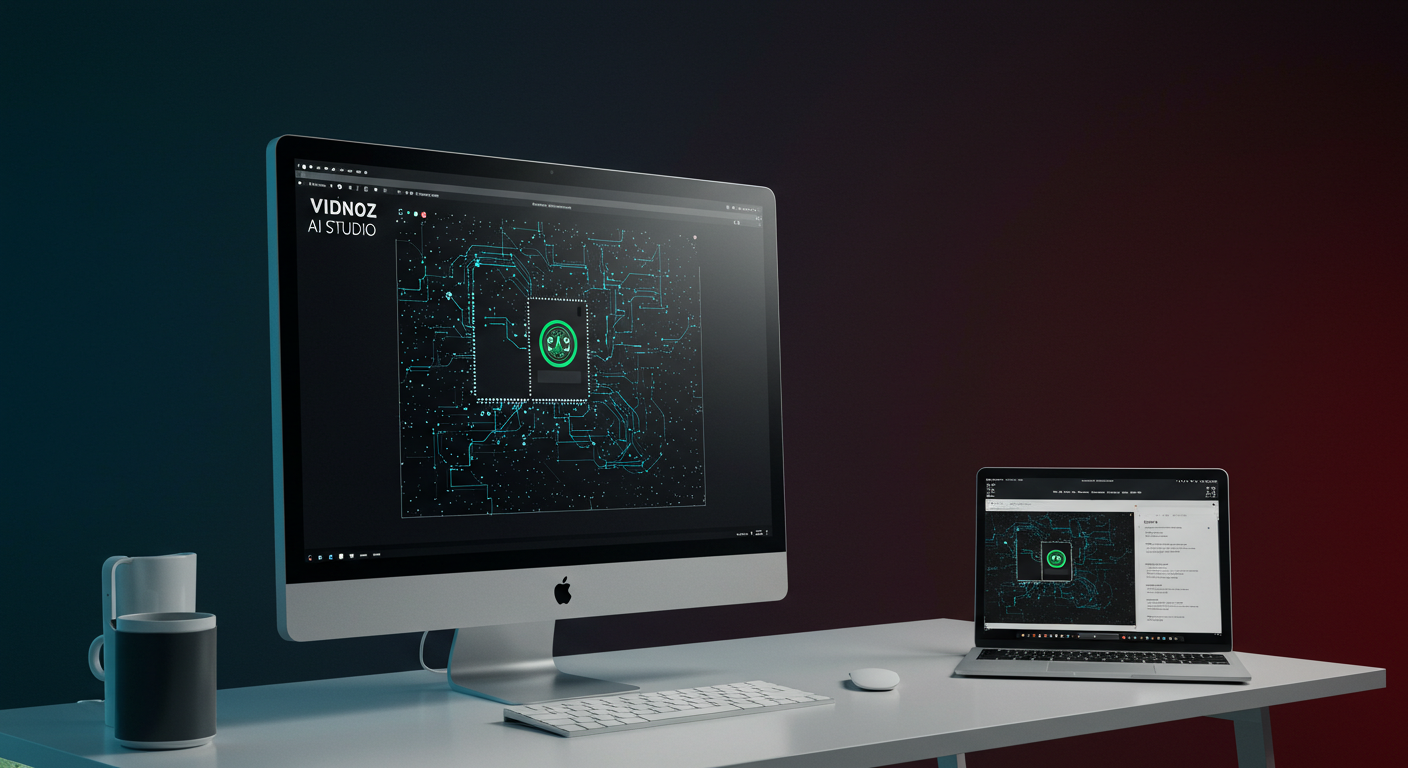
Vidnoz AI Studio: Pioneering Privacy-First AI Image and Video Editing
Vidnoz has unveiled AI Studio, a desktop application that emphasizes local AI processing for image and video editing, ensuring user privacy by eliminating cloud dependencies.
Introduction
In an era where digital privacy is paramount, Vidnoz has introduced AI Studio, a desktop application that revolutionizes AI-driven image and video editing by prioritizing user privacy through local processing.
Addressing Cloud-Based Concerns
Traditional cloud-based AI tools often raise issues related to:
- Privacy: Users are apprehensive about data being processed and stored on external servers.
- Performance: High-resolution media editing can suffer from latency due to upload and processing times.
- Cost: Subscription models can become financially burdensome over time.
Vidnoz AI Studio mitigates these concerns by processing data directly on the user's device, ensuring that personal data remains local and secure.
Key Features of Vidnoz AI Studio
Vidnoz AI Studio offers a suite of tools designed for comprehensive media editing:
- Photo Enhancer: Improves clarity and restores details in low-quality images.
- Photo Upscaler: Upscales images to 4K+ resolution while preserving quality.
- Background Remover: Extracts subjects with pixel-level accuracy.
- Object Remover: Eliminates unwanted elements using intuitive brush-based editing.
- Smart ID Photo: Automatically generates compliant ID photos.
- AI Photo Re-shot: Enhances photos by optimizing quality, angle, composition, and lighting.
- AI Image Blender: Combines multiple images into creative compositions.
Additionally, the software supports batch processing, enabling efficient workflows for both image editing and video enhancement.
System Requirements and Performance
Vidnoz AI Studio is designed to run efficiently on standard PCs without the need for hardware upgrades:
- Storage: Requires only 2GB.
- Memory: Operates with 2GB RAM.
- Operating System: Compatible with Windows 10+ and macOS.
- Performance: Utilizes under 35% of CPU and memory, ensuring smooth operation without dedicated GPU support.
Privacy and Data Security
By processing data locally, Vidnoz AI Studio ensures that user data is not transmitted outside the device, addressing privacy concerns associated with cloud-based solutions. This approach aligns with the growing demand for data sovereignty and security in digital tools.
Exploring AI Editing with PixelDojo
For users interested in exploring AI-driven image and video editing, PixelDojo offers a range of tools that complement the capabilities of Vidnoz AI Studio:
- Image to Image Transformation: PixelDojo's Image to Image tool allows users to transform existing images using AI, enabling creative edits and enhancements.
- Inpainting: With the Inpainting feature, users can edit specific areas of an image, seamlessly removing or altering elements.
- Background Remover: Similar to Vidnoz's offering, PixelDojo provides a Background Remover that instantly removes backgrounds from images, facilitating easy compositing.
These tools empower users to experiment with AI-driven editing while maintaining control over their creative process.
Conclusion
Vidnoz AI Studio represents a significant advancement in AI-powered media editing by addressing privacy concerns through local processing. Its comprehensive feature set, combined with efficient performance on standard hardware, makes it a compelling choice for users seeking powerful editing capabilities without compromising data security. As the demand for privacy-centric tools grows, solutions like Vidnoz AI Studio and PixelDojo's suite of AI tools are poised to lead the way in the evolution of digital content creation.
Tags
- AI Image Editing
- AI Video Editing
- Privacy
- Local Processing
- Vidnoz AI Studio
Sources
Original Source
Read original articlePremium AI Tools
Create Incredible AI Images Today
Join thousands of creators worldwide using PixelDojo to transform their ideas into stunning visuals in seconds.
125
Creative AI Tools
4M+
Creations
60+
AI Video Models