ai relighting AI Generator

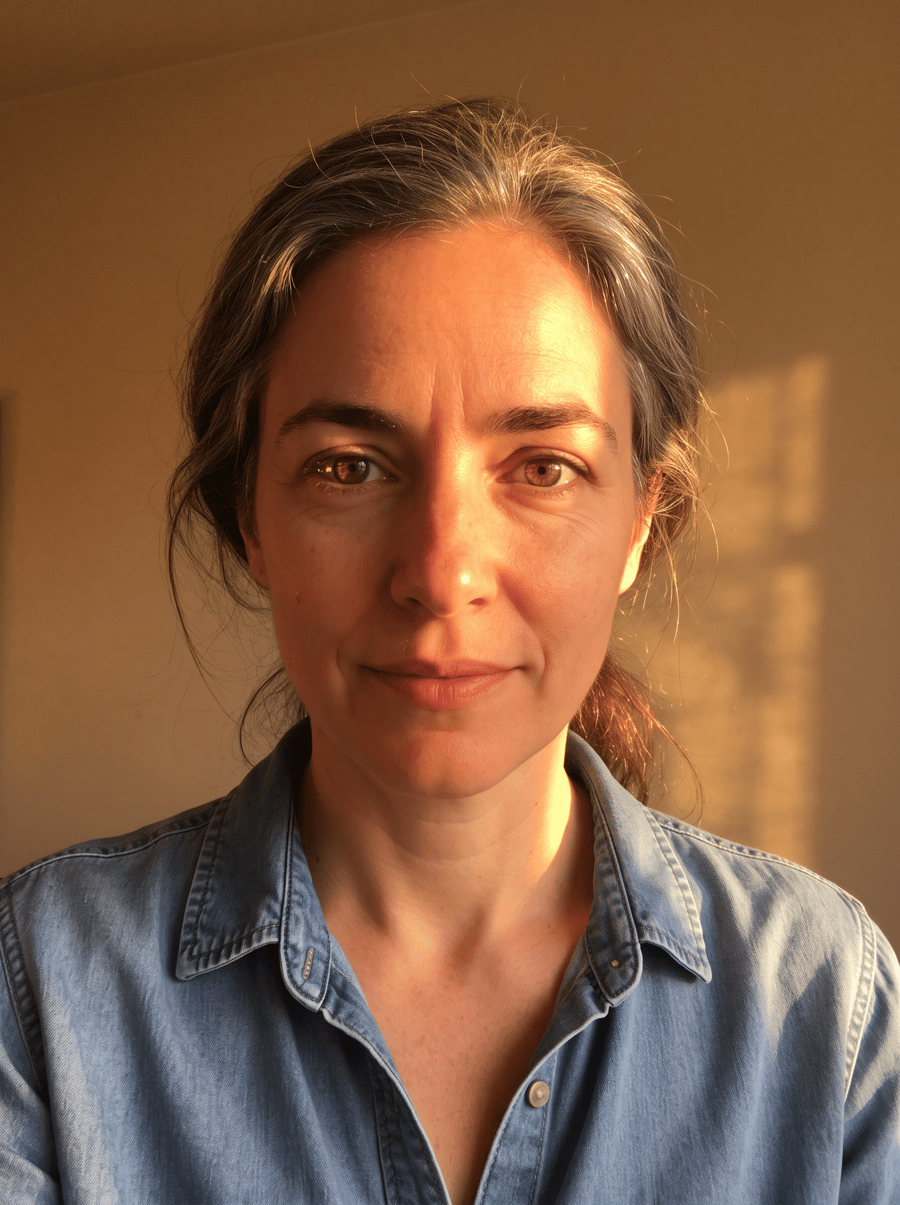
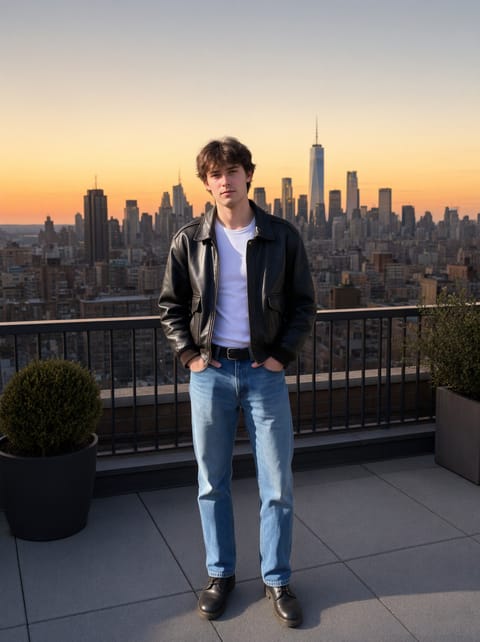
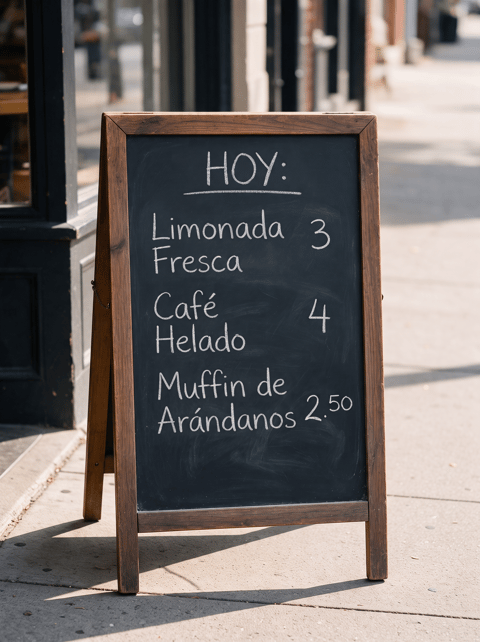
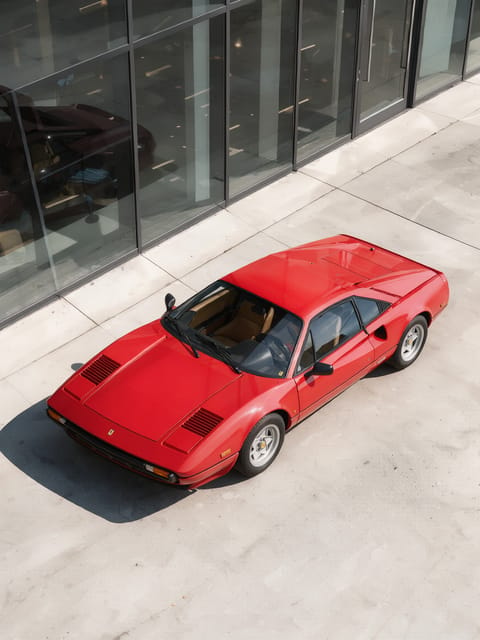
ai relighting — generated on PixelDojo
AI Generated

Generated on PixelDojo. Produced by PixelDojo's generation pipeline.

Cancel anytimeCommercial-use license50+ AI models

You no longer need expensive studio lights, multiple reshoots, or hours of manual editing to make your photos look professionally lit. With PixelDojo AI relighting, you upload any image and instantly transform its lighting to match the exact mood, time of day, or scene you envision. Whether you want golden-hour warmth on a portrait, dramatic cinematic shadows on a product shot, or perfectly matched illumination for a composite, you get photorealistic results that preserve every original detail of faces, textures, and geometry. Creators use this to turn everyday snapshots into magazine-ready images, marketers produce consistent brand visuals without extra shoots, and artists experiment with lighting styles that would be impossible in the real world. PixelDojo puts professional lighting control in your hands so you achieve stunning outcomes in seconds instead of days.

Real image examples generated on PixelDojo

Every example below was produced on PixelDojo. Hover to see the prompt.

Example: Ethereal wing translucence

Ethereal wing translucence

creative-upscaler

Example: A dimly lit room with a single candle

A dimly lit room with a single candle

imagen

Example: A dimly lit room with a single candle

A dimly lit room with a single candle

flux

Example: A dimly lit room with a single candle

A dimly lit room with a single candle

stable-diffusion-3

Example: A dimly lit room with a single candle

A dimly lit room with a single candle

hidream

Example: A neon wireframe robot assembling itself on a dark workbench

A neon wireframe robot assembling itself on a dark workbench

seedream-5

Models you can run on PixelDojo for ai relighting

Switch models without switching tools. Each one runs in the same PixelDojo studio.

What you can do with ai relighting on PixelDojo

Relight Existing Photos

We let you recast light on a still image so you can change mood, time of day, and highlight without a new shoot.

Directional Light Control

We give you control over light angle and intensity so faces, products, and backgrounds stay consistent with the look you want.

Color Temperature Shifts

We support warm and cool lighting changes so you can match tungsten, daylight, or mixed sources while keeping subject detail.

Studio Preset Lighting

We provide common studio setups such as rim, key, and fill so you can apply a repeatable lighting style across a set of images.

Loved by thousands of creators worldwide who rely on PixelDojo's 40+ cutting-edge AI tools every day. Cancel anytime and start creating professional results immediately.

Why Choose Pixel Dojo for ai relighting

Professional-quality results with cutting-edge AI technology

Turn Any Photo Into a Studio Masterpiece

You upload a casual snapshot and walk away with lighting that looks like it was captured by a professional photographer. Soft key lights, rim lighting, or even multiple sources appear naturally with accurate shadows and highlights, giving your portraits, products, and scenes an expensive, polished look without any gear.

Create Any Mood or Time of Day Instantly

You describe the lighting you want—sunset glow, neon nightlife, overcast softness, or harsh noon sun—and watch your image transform while keeping the original subject intact. This lets you test dozens of creative directions in minutes and pick the version that best tells your story or sells your product.

Keep Faces, Textures, and Details Perfectly Preserved

You never lose the identity of a person or the material quality of an object. PixelDojo AI relighting understands geometry so skin pores, fabric weave, and surface reflections stay true while only the light changes, delivering results you can confidently use in client work or social posts.

How It Works

You create professional AI relighting results in three simple steps using PixelDojo's dedicated Magic Lighting tool plus complementary generators and editors. No technical knowledge required—just describe what you want and download ready-to-use images.

1

Step 1: Choose Magic Lighting or Start Fresh

Open PixelDojo and select Magic Lighting from the Edit Images section, or generate a new base image first with Flux.2 Studio, Seedream 5, or QWEN Image 2 if you need a completely original scene. Upload your existing photo or pick a generated starting point. This gives you a clean canvas where lighting can be completely reimagined.

2

Step 2: Describe Your Ideal Lighting

Type a simple prompt such as 'warm golden hour light coming from the left with long shadows' or 'dramatic cinematic rim lighting with cool blue fill'. Magic Lighting interprets direction, color, intensity, and mood while Image to Image or Inpainting can refine specific areas if needed. You can also use Style Transfer to borrow lighting from a reference photo.

3

Step 3: Refine, Enhance, and Download

Generate multiple variations, then polish with Reality Polisher or Portrait Upscaler for extra sharpness. Combine with Background Remover if you plan to composite, or send the relit still into Kling Video or WAN 2.7 Video for motion. Download high-resolution files instantly and use them anywhere. Cancel anytime if you ever want to stop.

Start Creating Relit Images Today

40+ cutting edge AI tools, loved by thousands of creators worldwide, cancel anytime, try it today

The Pixel Dojo Advantage

PixelDojo outperforms other options for AI relighting because it gives you dedicated Magic Lighting plus a full creative suite that works together, delivering faster, more consistent, and more usable results than anything else available.

OthersPixel Dojo
Traditional studio lighting setupsYou skip renting lights, booking studios, and waiting for the right weather. PixelDojo lets you relight any existing photo in seconds with unlimited variations, saving thousands in equipment and time while still achieving professional quality.
Generic AI image toolsYou get a purpose-built Magic Lighting editor that understands light physics and preserves identity far better than all-purpose generators. Combined with Flux.2 Studio, Image to Image, and Reality Polisher, you stay in one platform instead of jumping between disconnected apps.
Manual photo editingYou avoid hours of masking, dodge-and-burn, and trial-and-error in complex software. PixelDojo produces physically plausible shadows and color interactions automatically, then lets you refine only if you want, so you finish projects in minutes instead of days.

Loved by creators on PixelDojo

Real feedback from people using PixelDojo, pulled from our in-product surveys.

Because it is awesome
Verified PixelDojo creator
exceptional quality and great overall design of platform and interface. very intuative. love the creative freedom.
Verified PixelDojo creator
Qwen image 2 is amazing!!
Verified PixelDojo creator
Creative freedom, range of tools and options.
Verified PixelDojo creator
I love the training feature
Verified PixelDojo creator
the quality is the best
Verified PixelDojo creator

Common Questions

Everything you need to know about ai relighting

What is AI relighting and how can PixelDojo help me transform my photos?

AI relighting uses advanced models to change the direction, color, intensity, and quality of light in an existing photograph while keeping the original subject, geometry, and textures intact. On PixelDojo you simply upload an image to Magic Lighting, describe the new lighting in plain language, and receive photorealistic results in seconds. You can then enhance with Reality Polisher or generate matching new scenes using Flux.2 Studio or Seedream 5, giving you a complete workflow from one platform.

How do I use Magic Lighting to relight images on PixelDojo?

Log in, go to Edit Images, and choose Magic Lighting. Upload your photo, type a prompt like 'soft studio lighting from above with gentle fill' or 'neon city lights reflecting on wet pavement', then generate. You can produce up to 12 variations at once, use Inpainting for local tweaks, and finish with Portrait Upscaler. The entire process takes less than a minute and works on portraits, products, interiors, and outdoor scenes.

Can AI relighting preserve facial features and original details in portraits?

Yes. PixelDojo Magic Lighting is designed to maintain identity, skin texture, hair detail, and clothing folds while only altering illumination. You keep the exact person or object you started with, which is essential for professional headshots, e-commerce, and consistent character work. Combine with Face Swap or Consistent Characters if you need even more control across multiple images.

What are the best lighting styles I can create with PixelDojo AI relighting?

You can achieve golden hour, blue hour, Rembrandt, split lighting, rim lighting, neon, overcast, high-key, low-key, and completely custom looks. Describe the time of day, light source position, color temperature, and mood. Magic Lighting plus Style Transfer lets you copy lighting from a favorite reference photo, while Flux.2 Studio can generate entirely new scenes already lit the way you want.

How does PixelDojo AI relighting compare to traditional photo editing for lighting?

Traditional editing requires advanced skills, time-consuming masks, and often still looks artificial. PixelDojo produces physically accurate light transport, shadows, and reflections automatically. You get professional results in seconds, can iterate endlessly, and stay inside one ecosystem that also includes video tools like Kling Video and 3D options like Hunyuan 3D. Thousands of creators have switched because it simply works better and faster.

Can I combine AI relighting with other PixelDojo tools like video or 3D?

Absolutely. After relighting a still with Magic Lighting you can send it into WAN 2.7 Video, Kling Video, or Seedance 2.5 to create matching motion. Use Rodin or Hunyuan 3D to turn the relit image into a 3D asset that can be relit again. Image Outpainting, Background Remover, and Virtual Try-On all work seamlessly with the new lighting, giving you a complete production pipeline from a single login. Cancel anytime if your needs change.

Ready to create amazing relit images?

Ready to Create Amazing ai relighting Images?

Join thousands of creators using AI to bring their ideas to life