mit künstlicher Intelligenz sprechen
Stellen Sie sich vor, Ihre statischen Bilder in dynamische, sprechende Visuals zu verwandeln, die Ihr Publikum fesseln. Mit PixelDojo's innovativen KI-Tools können Sie Ihren Bildern Leben einhauchen und ansprechende Inhalte schaffen, die herausstechen. Egal, ob Sie als Marketer das Engagement steigern, als Pädagoge interaktive Materialien suchen oder als Content Creator neue Wege erkunden möchten – PixelDojo ermöglicht es Ihnen, mühelos bemerkenswerte Ergebnisse zu erzielen.
Schließen Sie sich über 10.000 Creatorn an, die ihre Inhalte mit PixelDojo's KI-Animationstools verbessert haben und dabei eine 30%ige Steigerung des Publikumsengagements erreicht haben.
Warum Pixel Dojo für talk to artificial intelligence
Professionelle Ergebnisse mit modernster KI-Technologie
Publikumsengagement steigern
Die Umwandlung statischer Bilder in sprechende Visuals fesselt die Aufmerksamkeit und hält Ihr Publikum länger bei der Stange.
Inhaltserstellung vereinfachen
Unsere intuitiven Tools machen es einfach, dynamische Inhalte ohne technische Vorkenntnisse zu erstellen.
Bildungsmaterialien aufwerten
Bringen Sie Bildungsinhalte zum Leben und machen Sie das Lernen interaktiver und einprägsamer für Schüler.
So funktioniert’s
Das Erstellen sprechender KI-Bilder mit PixelDojo ist ein unkomplizierter Prozess. Folgen Sie diesen einfachen Schritten, um Ihre Visuals zu animieren:
Schritt 1: Bild auswählen
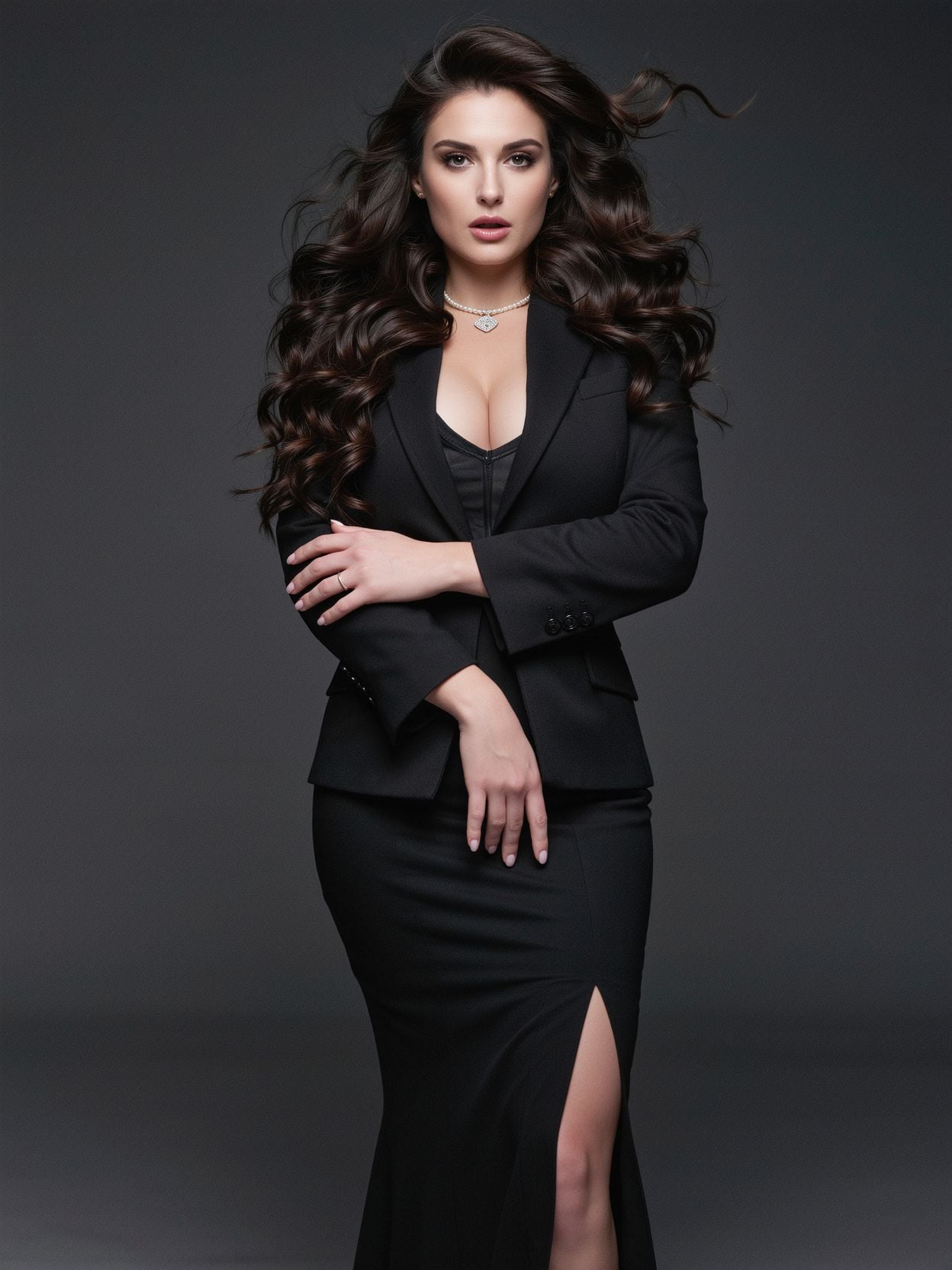
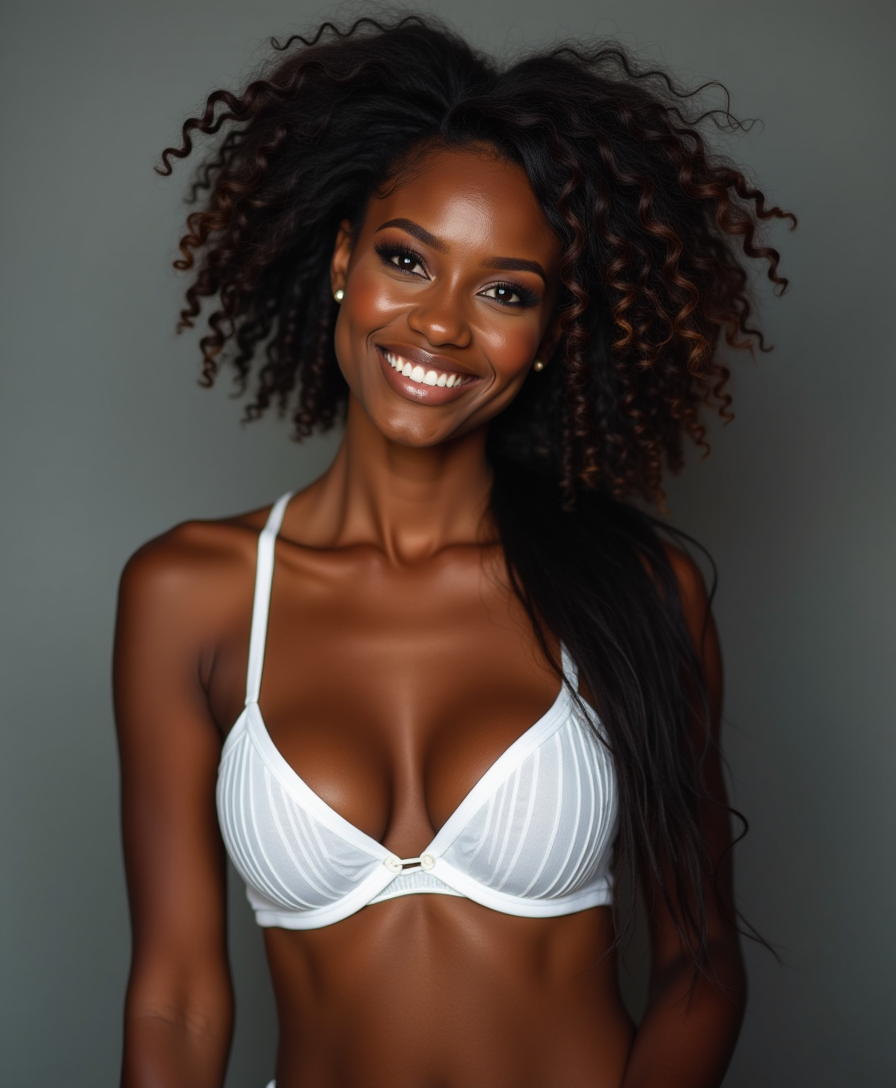
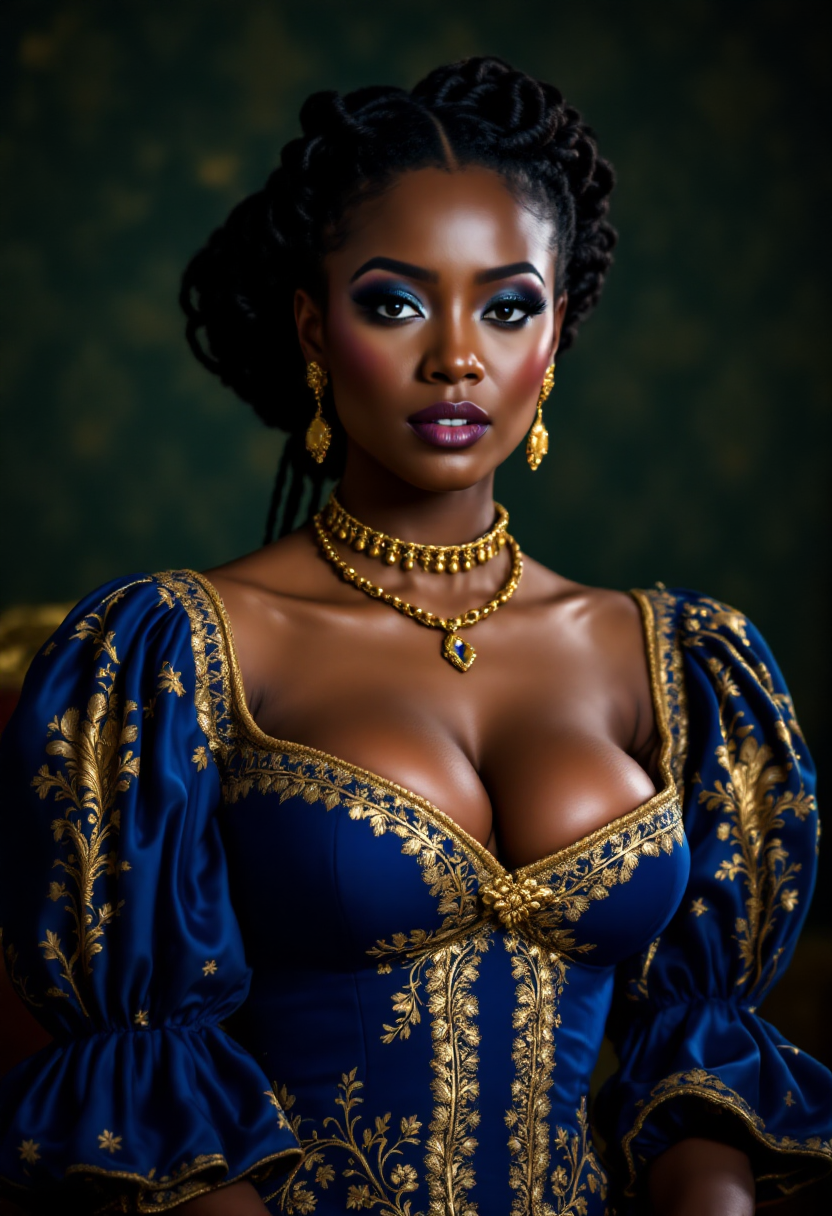
Wählen Sie ein hochwertiges Bild aus, das Sie animieren möchten. Achten Sie darauf, dass das Bild klar und gut beleuchtet ist, um optimale Ergebnisse zu erzielen.
Schritt 2: Skript eingeben
Geben Sie den Text ein, den Ihr animiertes Bild sprechen soll. Das kann eine Werbebotschaft, Bildungsinhalte oder ein beliebiges Skript Ihrer Wahl sein.
Schritt 3: Generieren und herunterladen
Nutzen Sie PixelDojo's KI-Tools, um Bild und Skript zu verarbeiten und eine sprechende Animation zu erstellen. Laden Sie das fertige Video anschließend herunter.

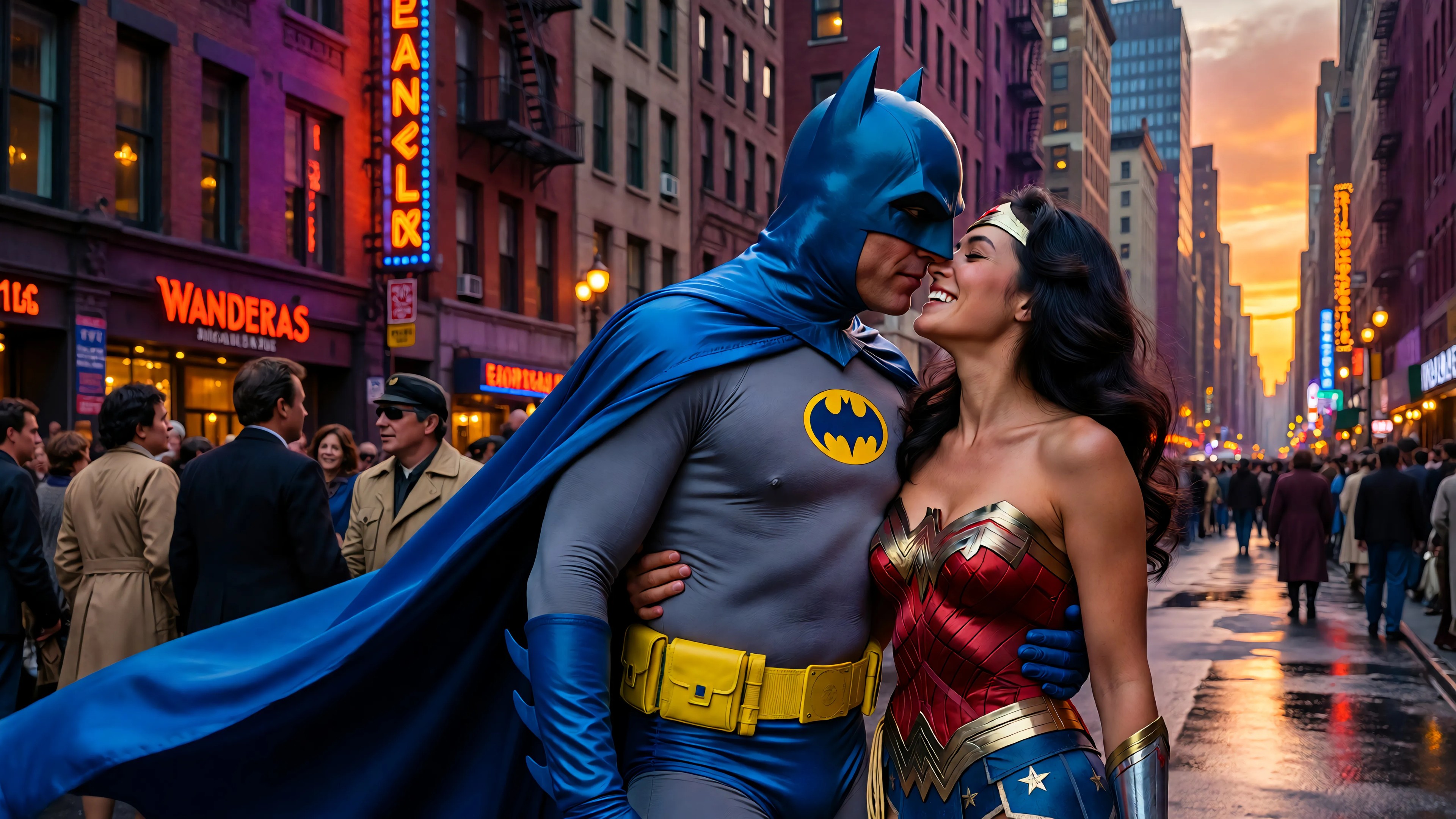
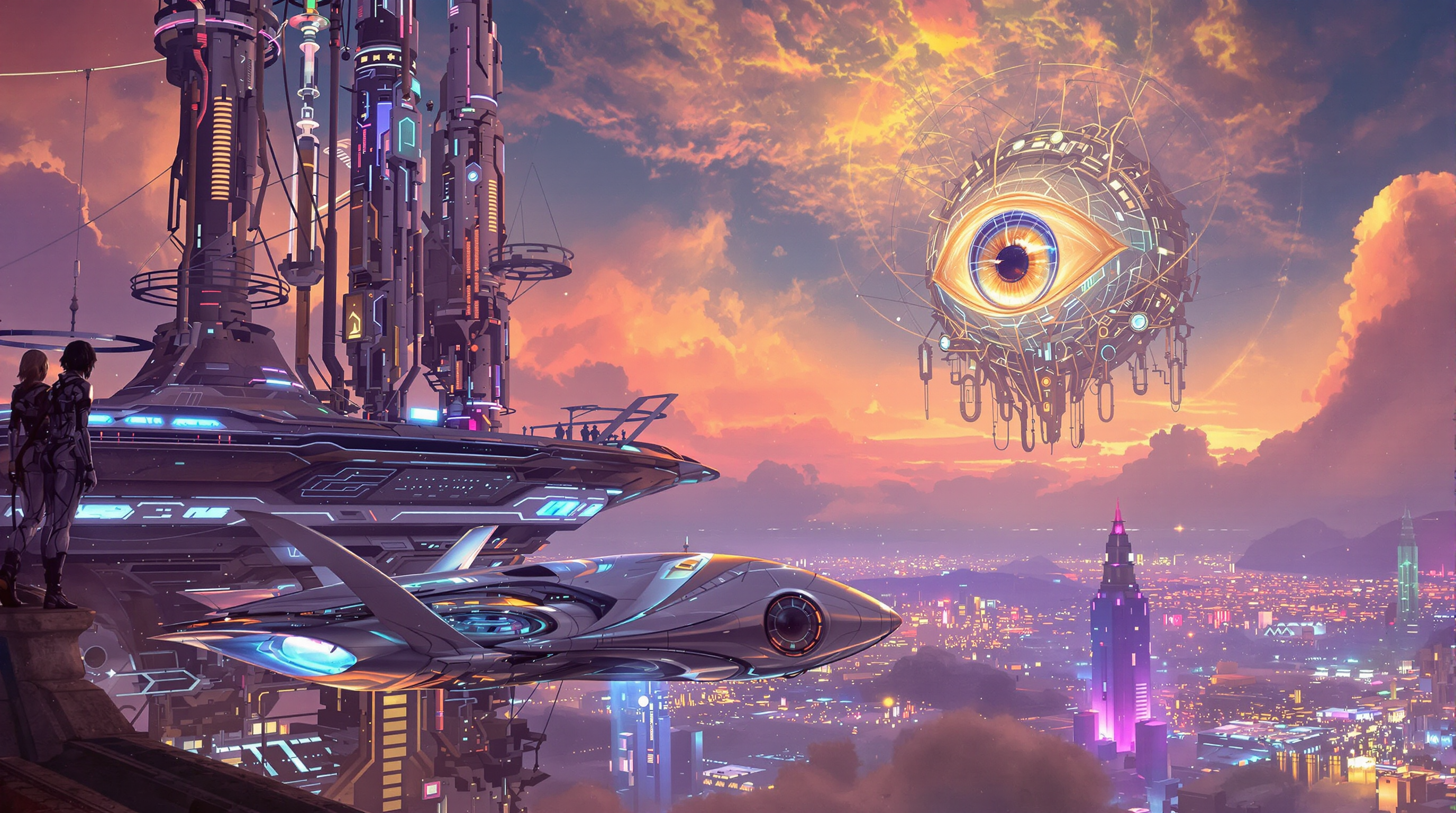
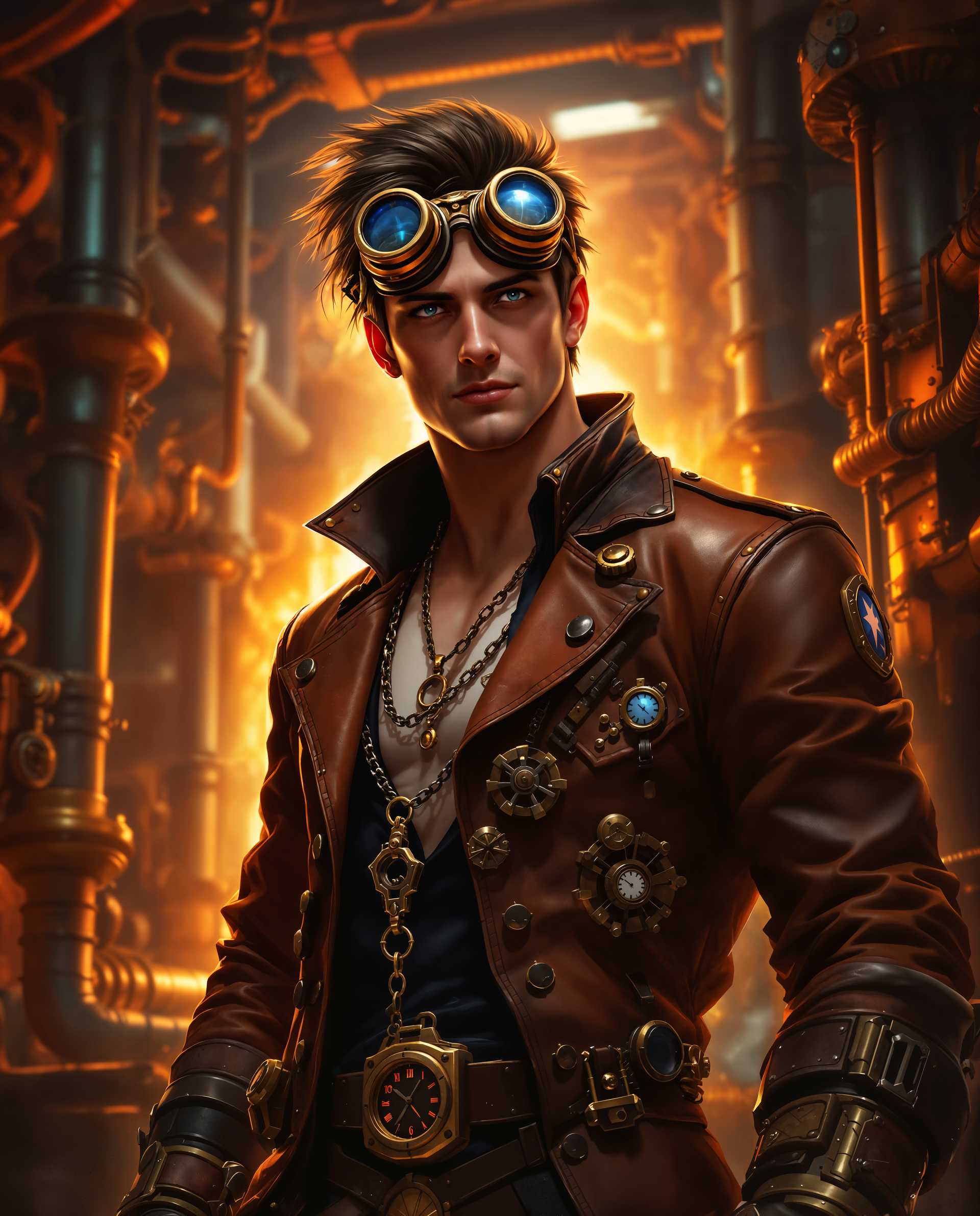
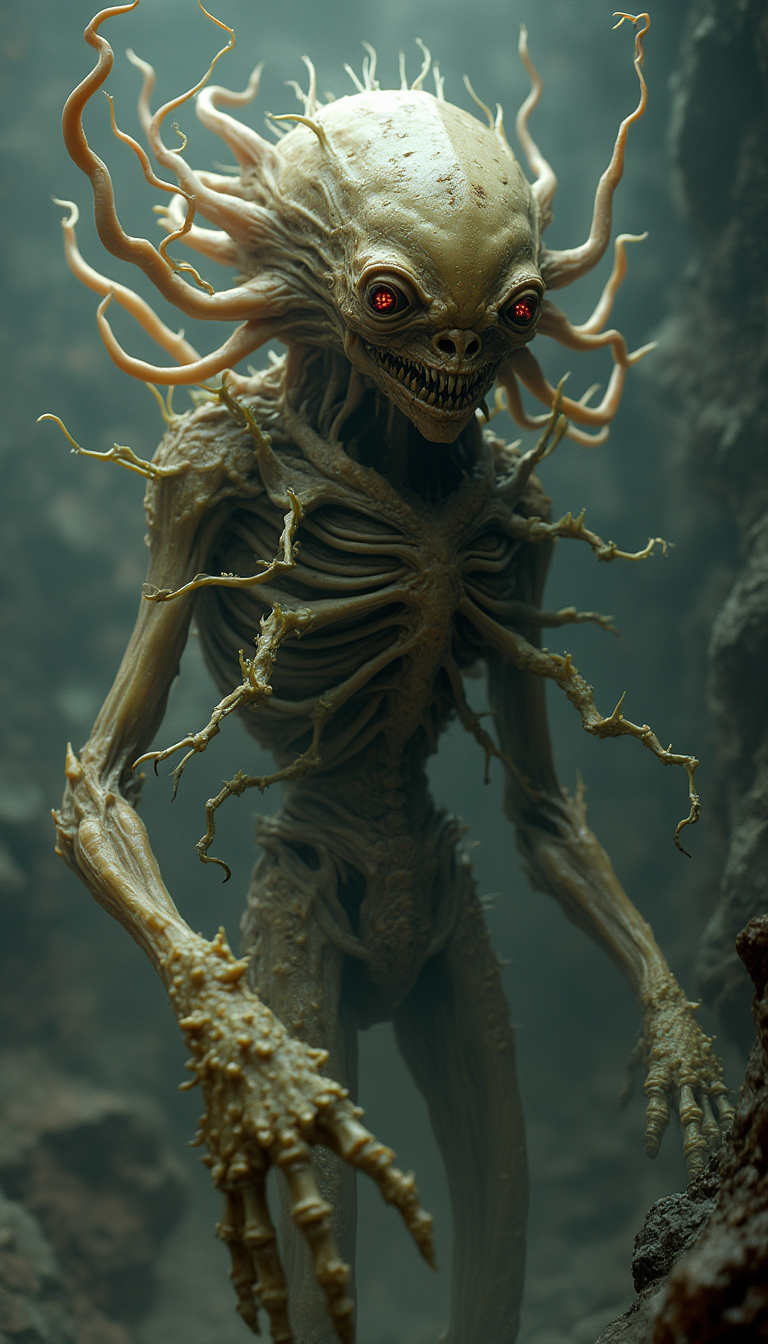
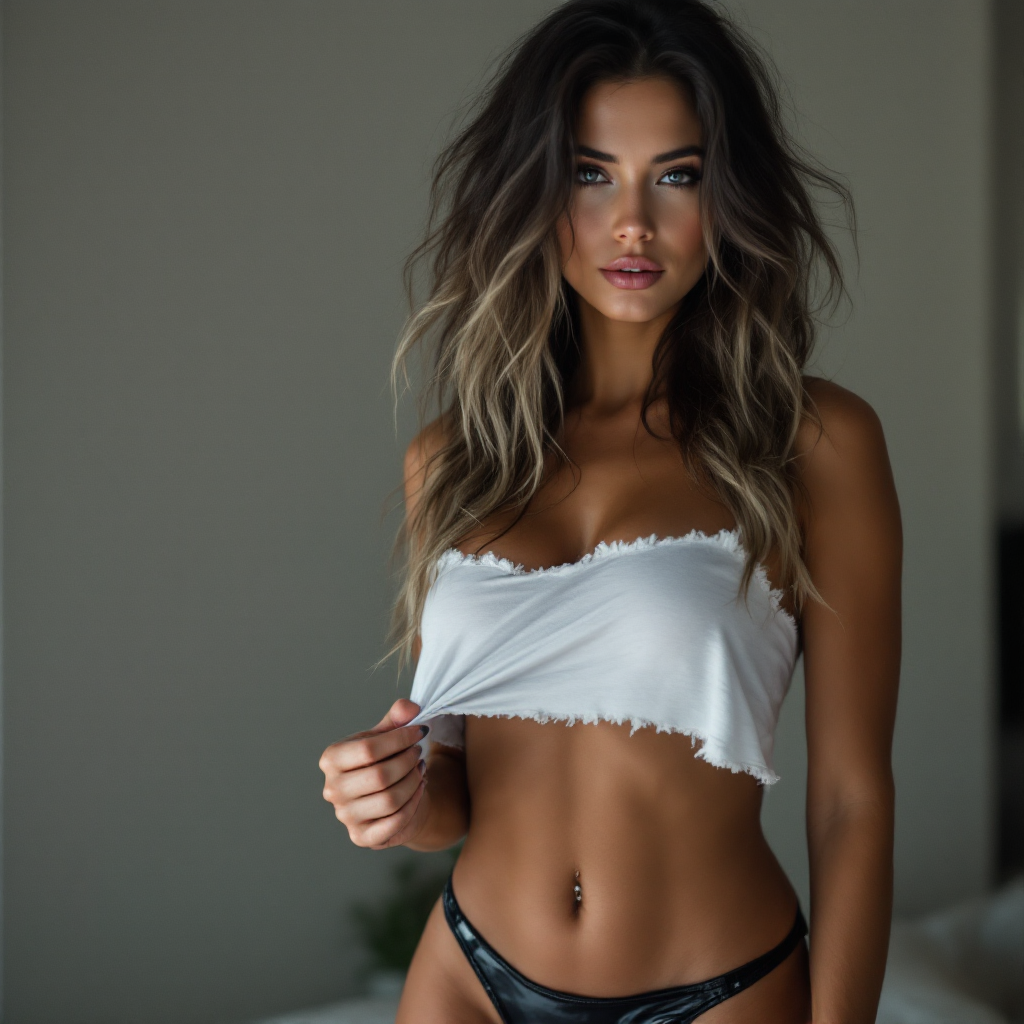
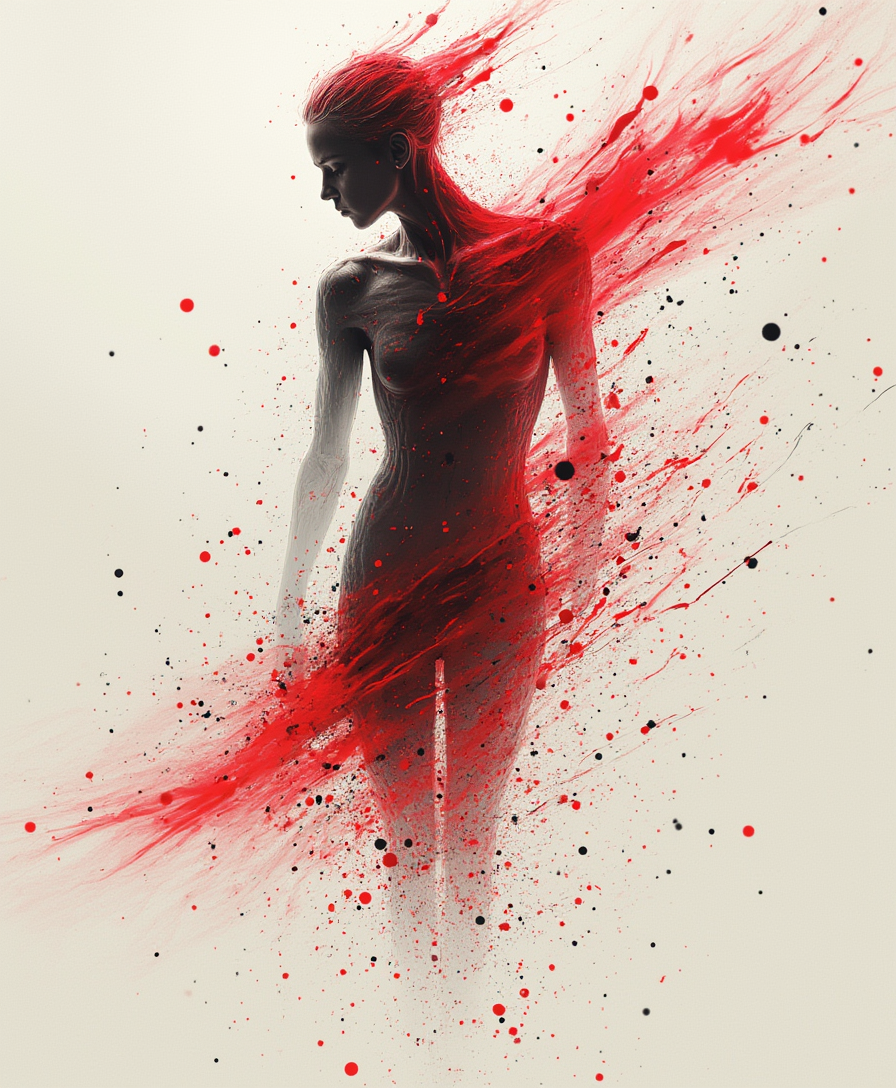
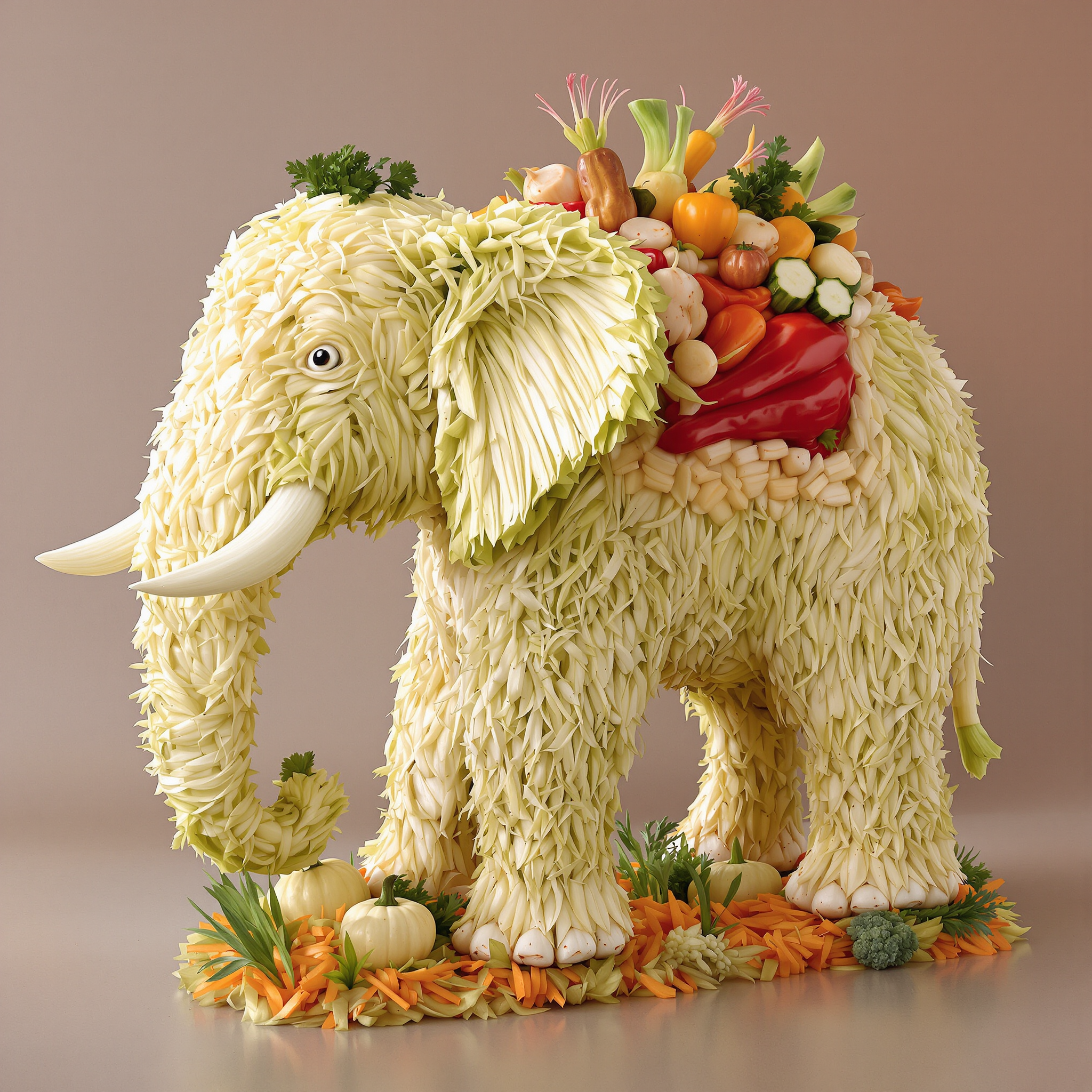
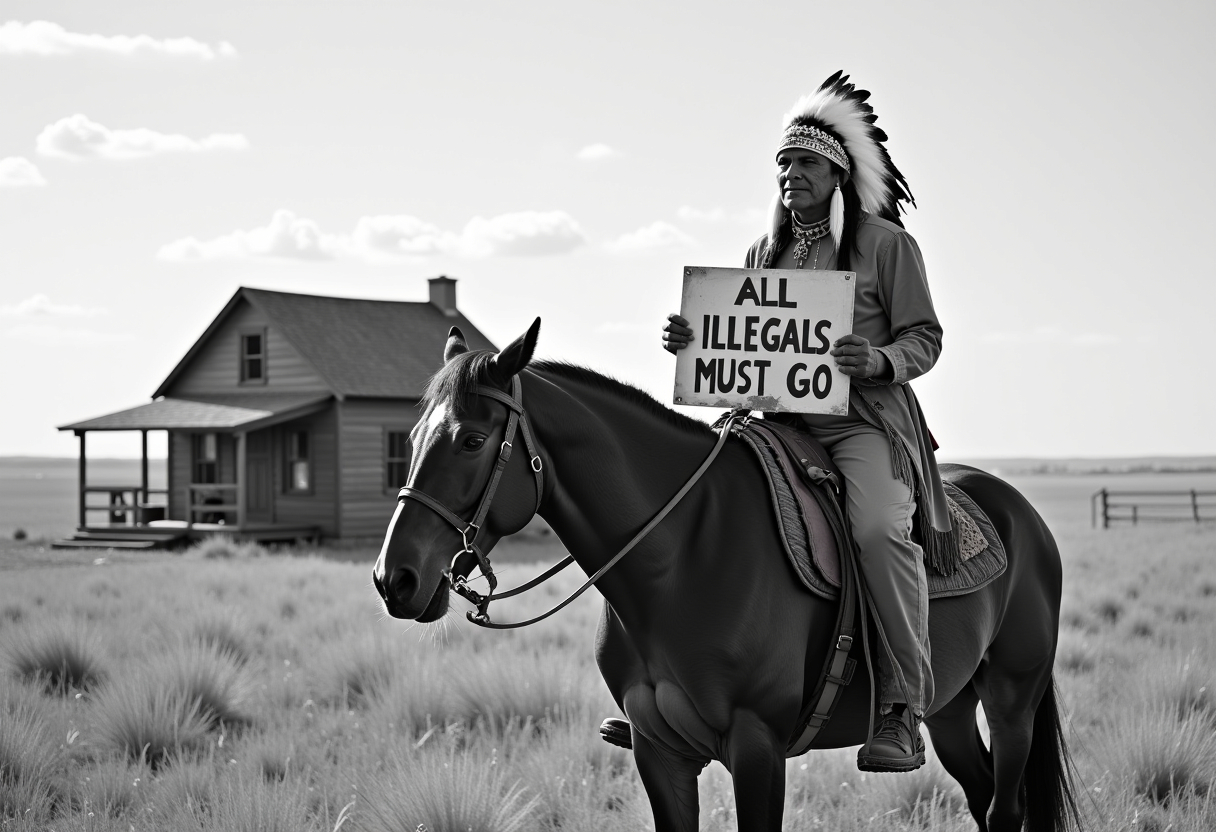
The Pixel Dojo Advantage
Warum PixelDojo die beste Wahl für das Erstellen sprechender KI-Bilder ist:
| Others | Pixel Dojo |
|---|---|
| Traditionelle Animationsmethoden | Vermeiden Sie komplexe Software und hohen Zeitaufwand mit unseren benutzerfreundlichen KI-Tools. |
| Generische KI-Tools | Greifen Sie auf spezialisierte Funktionen für sprechende Bilder zu und sorgen Sie für höhere Qualität sowie realistischere Animationen. |
| Manuelle Videobearbeitung | Sparen Sie Stunden an Bearbeitungszeit, indem Sie den Animationsprozess automatisieren – ohne Qualitätseinbußen. |
Von Creatorn auf PixelDojo geliebt
Echtes Feedback von Menschen, die PixelDojo nutzen, aus unseren In-Product-Umfragen.
Great variety of tools to create and modify images and video.
Lots of Tools, and the one time I needed support I got help right away
Easy to use once you get the hang of it
Love it make anything I can think of so far
Great for all your ideas use it encourage more people to use it
Because it is awesome
Entdecke weitere KI-Tools auf PixelDojo
KI-Tools
Vergleichen & Wechseln
- Best AI Image Generators
- Best AI Video Generators
- Midjourney Alternatives
- Civitai Alternatives
- Runway Alternatives
- Leonardo Alternatives
- Pika Alternatives
- Luma Alternatives
- Magnific Alternatives
- Veo Alternatives
- Flux Alternatives
- Freepik Alternatives
- Seedance Alternatives
- Seedream Alternatives
- Pixverse Alternatives
- GPT Image Alternatives
- Synthesia Alternatives
- Playground Alternatives
- NightCafe Alternatives
- Canva AI Alternatives
- ElevenLabs Alternatives
- ComfyUI Alternatives
- Fal Alternatives
- Replicate Alternatives
Häufige Fragen
Alles, was du über talk to artificial intelligence wissen musst
Wie erstelle ich sprechende KI-Bilder mit PixelDojo?
Wählen Sie einfach Ihr Bild aus, geben Sie das gewünschte Skript ein und nutzen Sie unsere KI-Tools, um die Animation zu generieren. Keine technischen Kenntnisse erforderlich.
Brauche ich spezielle Software für PixelDojo's Tools?
Nein, PixelDojo's Tools sind webbasiert und direkt über Ihren Browser zugänglich – ohne zusätzliche Software.
Kann ich PixelDojo's sprechende Bilder kommerziell nutzen?
Ja, die Animationen, die Sie mit PixelDojo erstellen, dürfen sowohl für private als auch für kommerzielle Projekte verwendet werden.
Gibt es eine Begrenzung für die Skriptlänge?
Es gibt keine strikte Begrenzung, wir empfehlen jedoch kurze Skripte, um optimale Animationsqualität und Zuschauerbindung zu gewährleisten.
Wie lange dauert die Generierung eines sprechenden Bildes?
Die Generierungszeit hängt von der Komplexität der Animation ab, die meisten Projekte sind jedoch innerhalb weniger Minuten abgeschlossen.
Kann ich die Animation nach der Generierung bearbeiten?
Ja, PixelDojo ermöglicht Anpassungen der Animation, einschließlich Änderungen am Skript oder Bild, um das gewünschte Ergebnis zu erzielen.