hablar con inteligencia artificial
Imagina transformar tus imágenes estáticas en visuales dinámicos y parlantes que cautiven a tu audiencia. Con las herramientas de IA de vanguardia de PixelDojo, puedes dar vida a tus imágenes, creando contenido atractivo que destaque. Tanto si eres un profesional de marketing que busca aumentar el engagement, un educador que necesita materiales interactivos o un creador de contenido que explora nuevas fronteras, PixelDojo te permite lograr resultados excepcionales sin esfuerzo.
Únete a más de 10.000 creadores que han mejorado su contenido con las herramientas de animación IA de PixelDojo, logrando un aumento del 30 % en el engagement de la audiencia.
Por qué elegir Pixel Dojo para talk to artificial intelligence
Resultados de calidad profesional con tecnología de IA de vanguardia
Eleva el engagement de la audiencia
Transformar imágenes estáticas en visuales parlantes capta la atención y mantiene a tu audiencia más tiempo.
Simplifica la creación de contenido
Nuestras herramientas intuitivas facilitan la creación de contenido dinámico sin necesidad de conocimientos técnicos previos.
Mejora los materiales educativos
Da vida al contenido educativo, haciendo que el aprendizaje sea más interactivo y memorable para los estudiantes.
Cómo funciona
Crear imágenes IA parlantes con PixelDojo es un proceso sencillo. Sigue estos pasos para animar tus visuales:
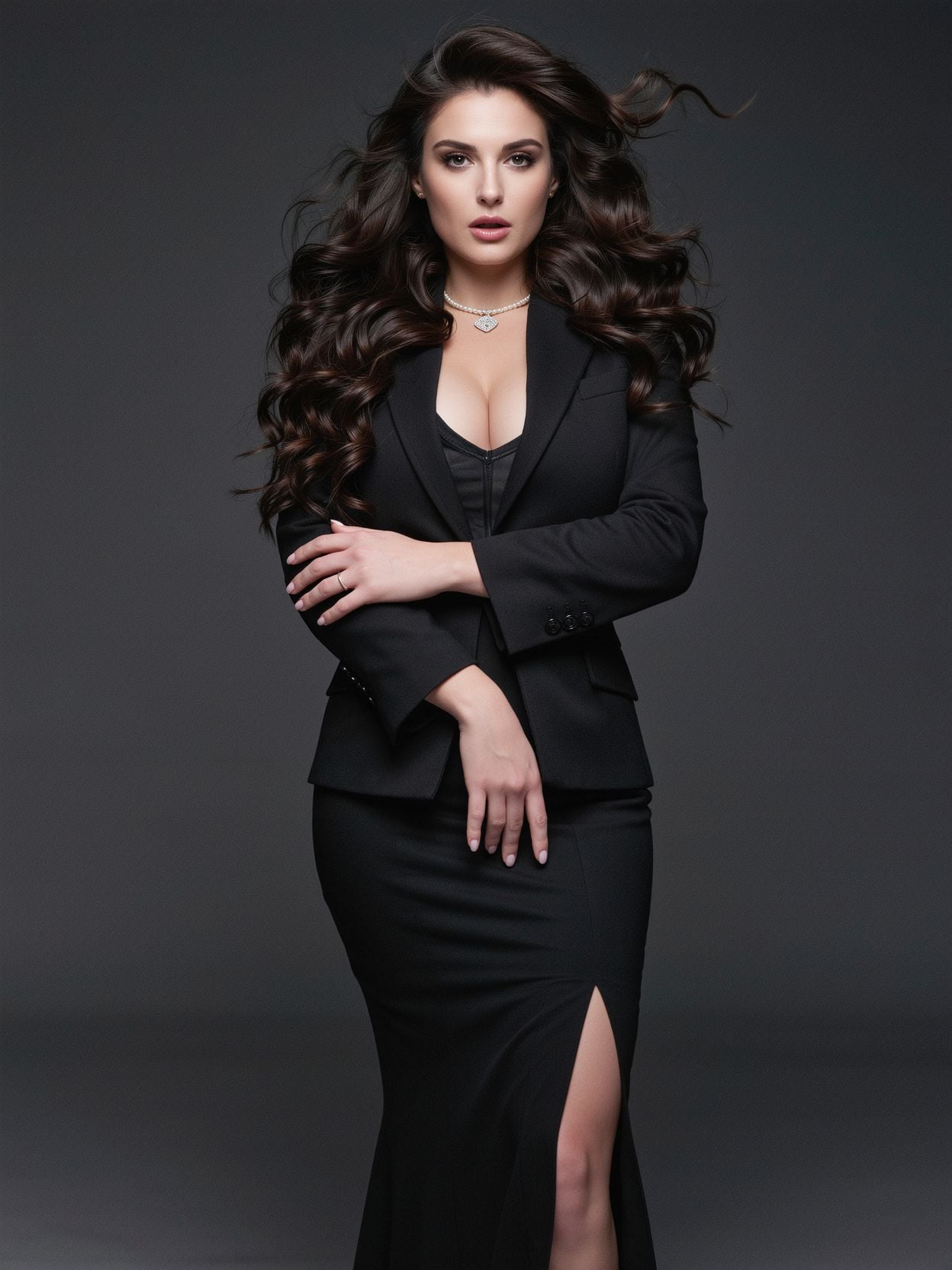
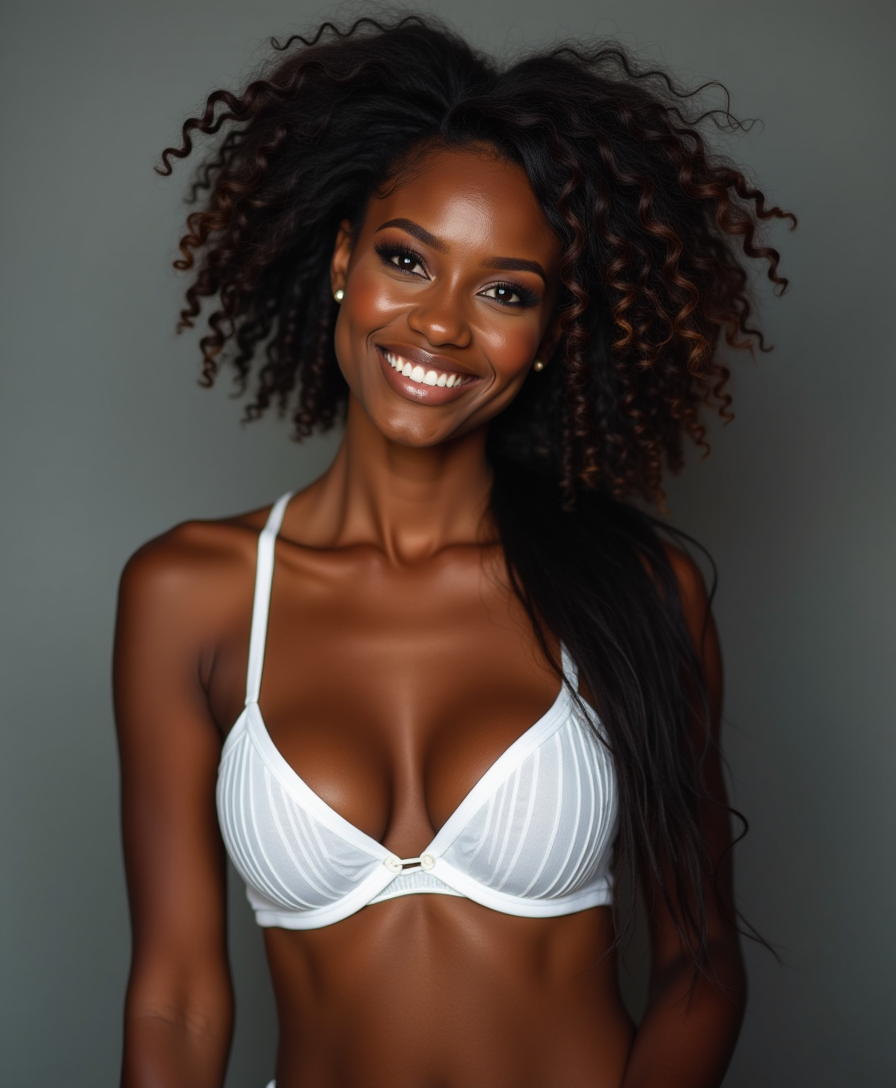
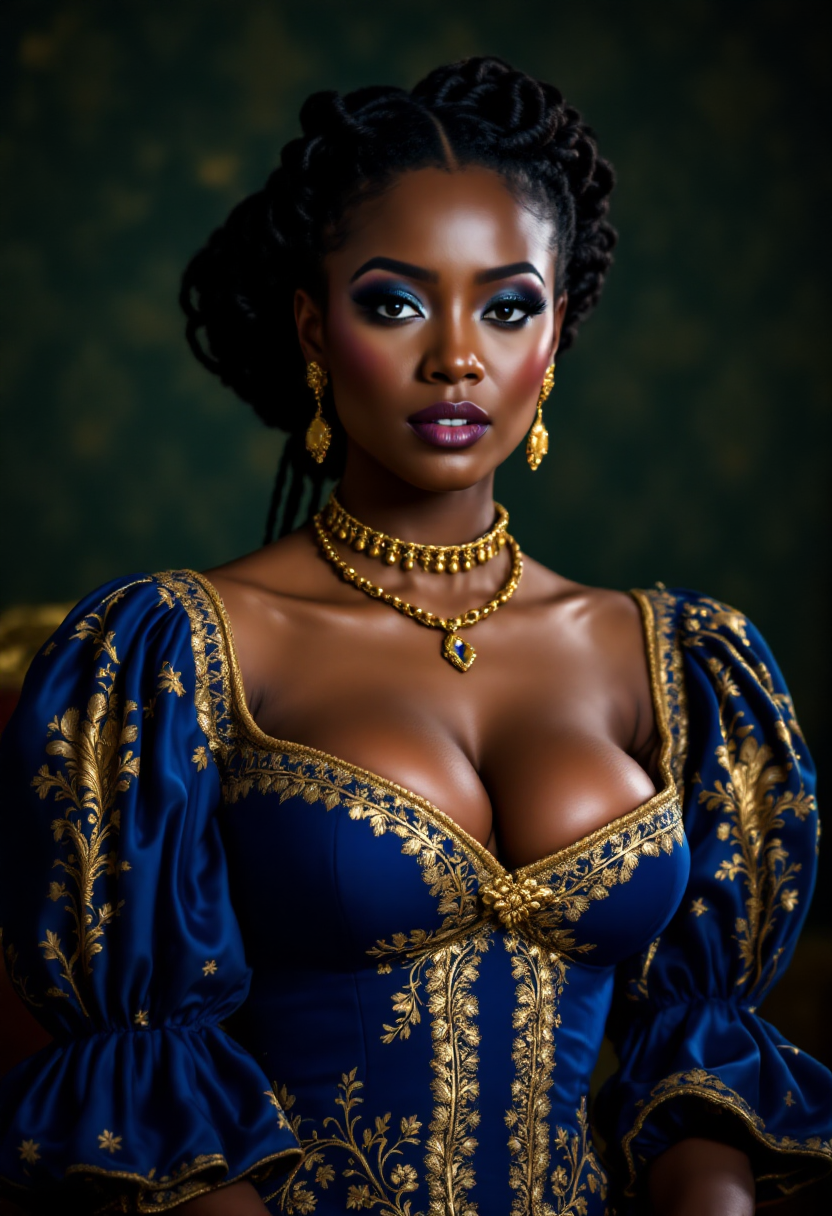
Paso 1: Selecciona tu imagen
Elige una imagen de alta calidad que quieras animar. Asegúrate de que esté clara y bien iluminada para obtener los mejores resultados.
Paso 2: Introduce tu guion
Escribe el texto que quieres que diga tu imagen animada. Puede ser un mensaje promocional, contenido educativo o cualquier guion de tu elección.
Paso 3: Genera y descarga
Usa las herramientas de IA de PixelDojo para procesar la imagen y el guion, creando la animación parlante. Una vez generada, descarga el vídeo final para usarlo.

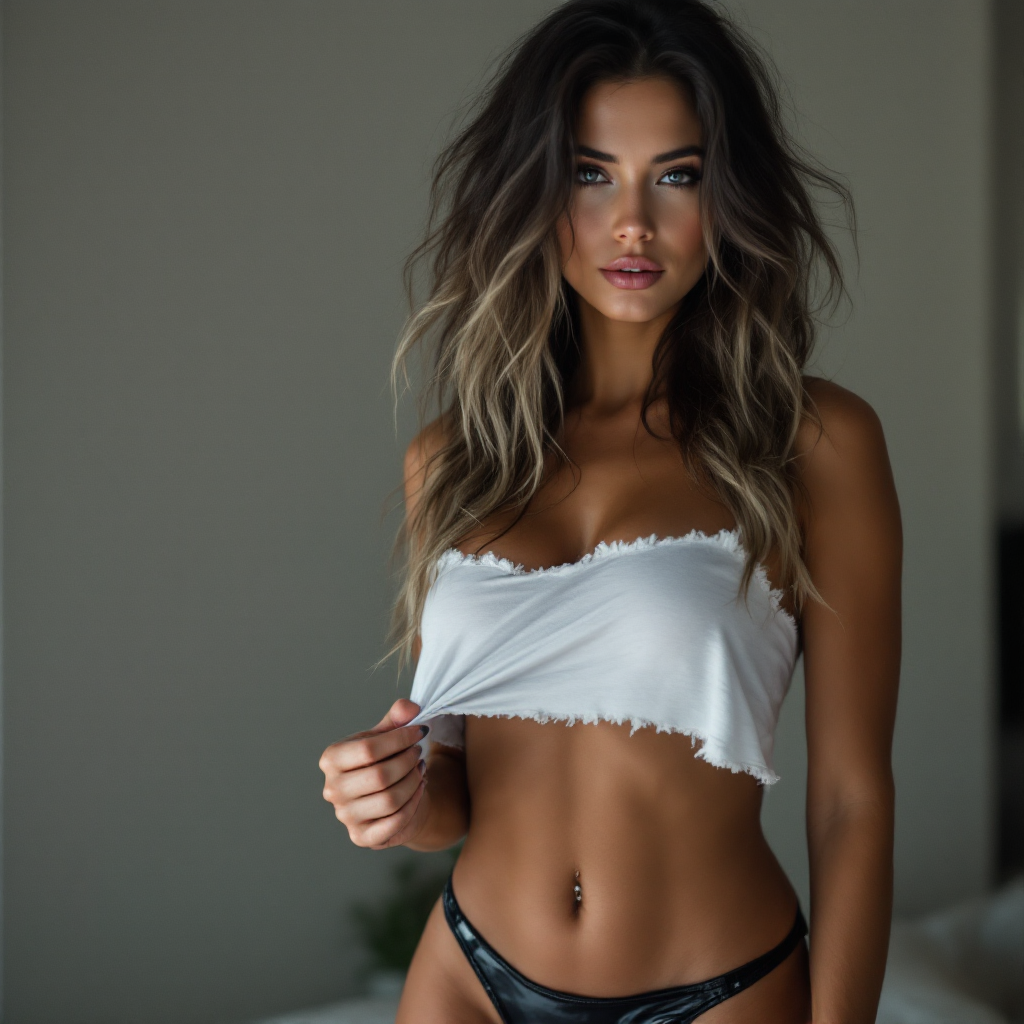
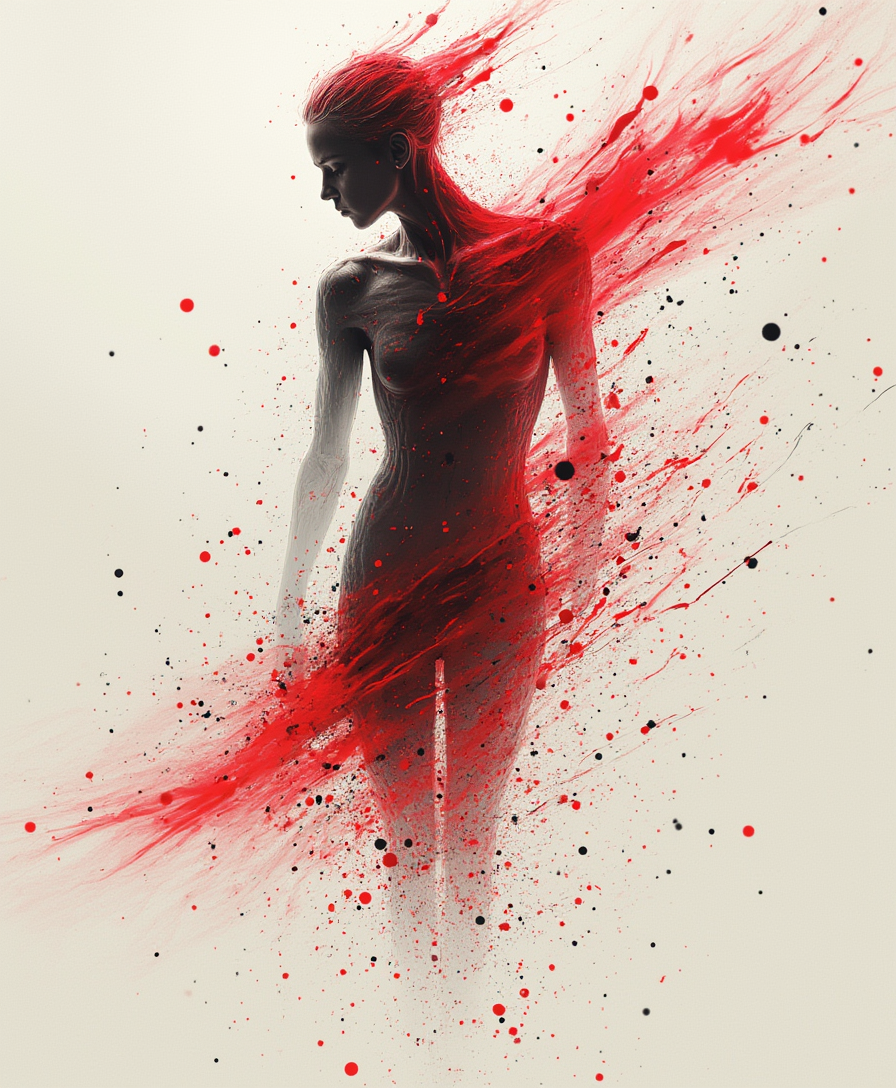
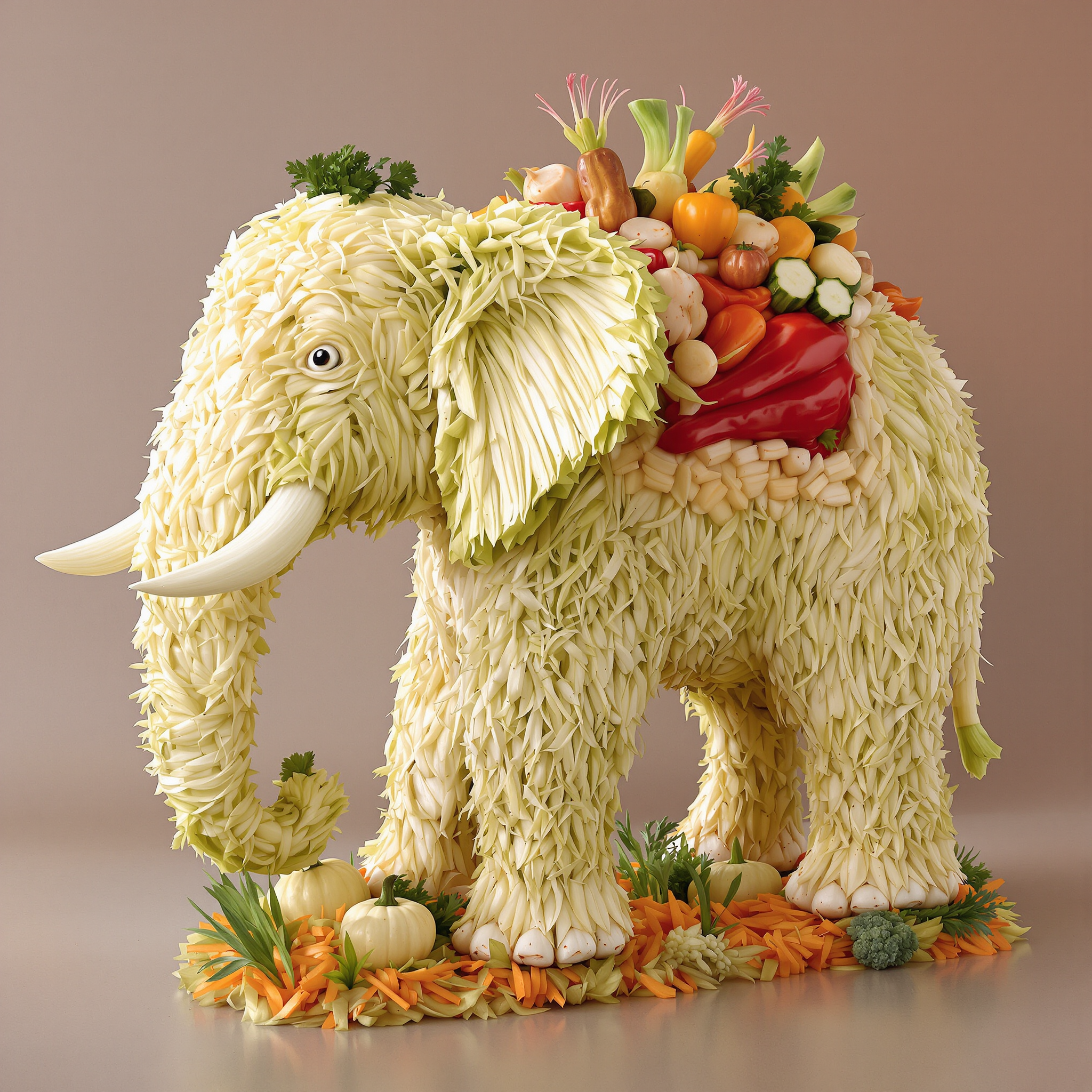
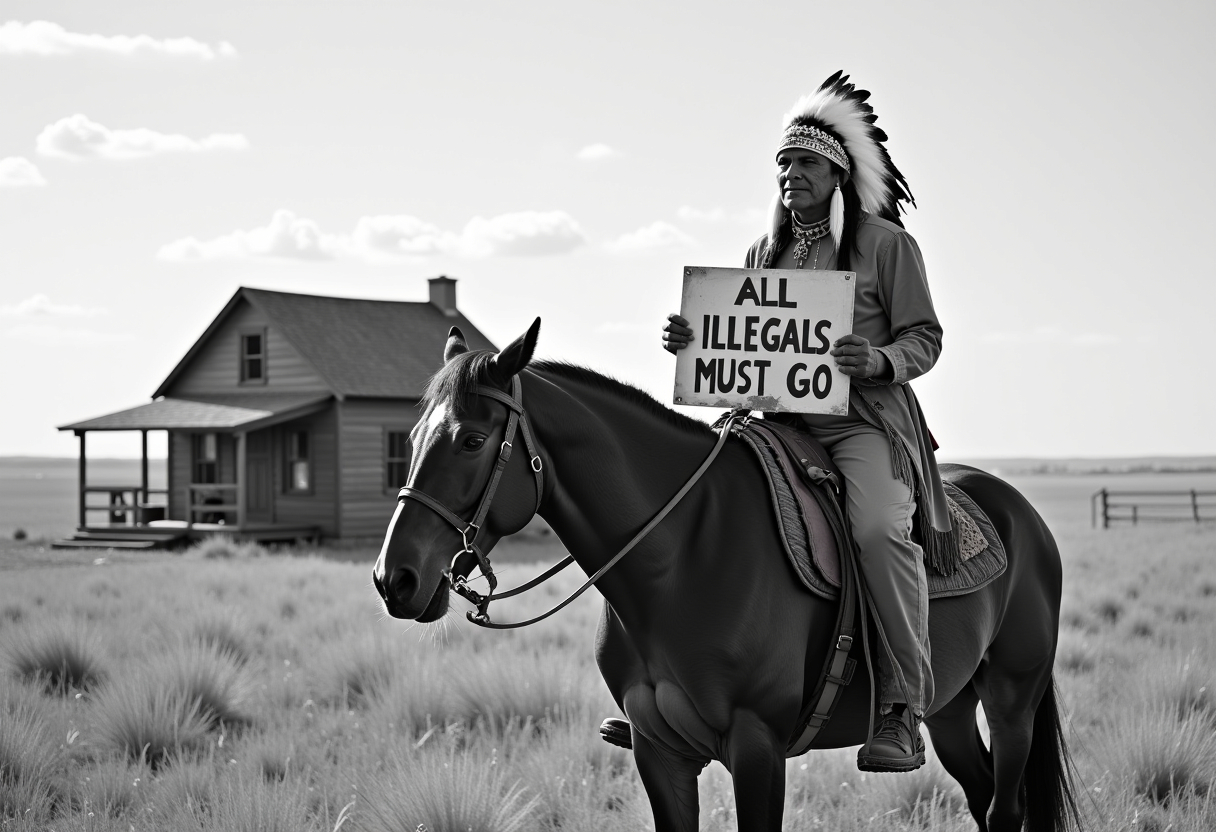
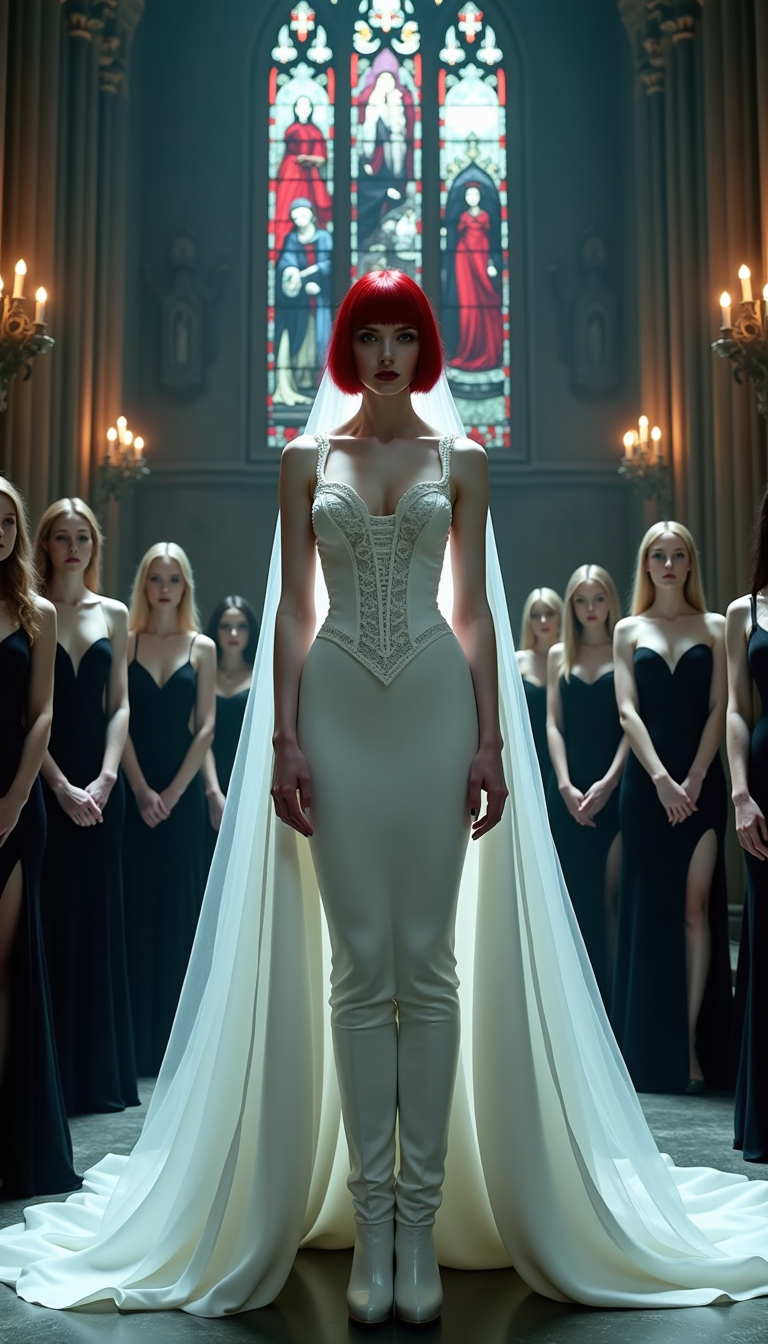
The Pixel Dojo Advantage
Por qué PixelDojo es la mejor opción para crear imágenes IA parlantes:
| Others | Pixel Dojo |
|---|---|
| Métodos tradicionales de animación | Elimina la necesidad de software complejo y una gran inversión de tiempo con nuestras herramientas de IA fáciles de usar. |
| Herramientas de IA genéricas | Accede a funciones especializadas diseñadas para crear imágenes parlantes, garantizando mayor calidad y animaciones más realistas. |
| Edición manual de vídeo | Ahorra horas de edición automatizando el proceso de animación sin sacrificar calidad. |
Adorado por los creadores en PixelDojo
Opiniones reales de personas que usan PixelDojo, recogidas en nuestras encuestas dentro del producto.
Great variety of tools to create and modify images and video.
Lots of Tools, and the one time I needed support I got help right away
Easy to use once you get the hang of it
Love it make anything I can think of so far
Great for all your ideas use it encourage more people to use it
Because it is awesome
Explora más herramientas de IA en PixelDojo
Modelos de IA populares
Herramientas de IA
Comparar y cambiar
- Best AI Image Generators
- Best AI Video Generators
- Midjourney Alternatives
- Civitai Alternatives
- Runway Alternatives
- Leonardo Alternatives
- Pika Alternatives
- Luma Alternatives
- Magnific Alternatives
- Veo Alternatives
- Flux Alternatives
- Freepik Alternatives
- Seedance Alternatives
- Seedream Alternatives
- Pixverse Alternatives
- GPT Image Alternatives
- Synthesia Alternatives
- Playground Alternatives
- NightCafe Alternatives
- Canva AI Alternatives
- ElevenLabs Alternatives
- ComfyUI Alternatives
- Fal Alternatives
- Replicate Alternatives
Preguntas frecuentes
Todo lo que necesitas saber sobre talk to artificial intelligence
¿Cómo puedo crear imágenes IA parlantes con PixelDojo?
Simplemente selecciona tu imagen, introduce el guion deseado y usa nuestras herramientas de IA para generar la animación parlante. No se requieren conocimientos técnicos.
¿Necesito algún software especial para usar las herramientas de PixelDojo?
No, las herramientas de PixelDojo son web y se acceden directamente desde tu navegador, sin necesidad de software adicional.
¿Puedo usar las imágenes parlantes de PixelDojo con fines comerciales?
Sí, las animaciones que crees con PixelDojo pueden usarse tanto en proyectos personales como comerciales.
¿Hay un límite en la longitud del guion que puedo introducir?
Aunque no hay un límite estricto, recomendamos mantener los guiones concisos para garantizar una calidad óptima de la animación y el engagement del espectador.
¿Cuánto tiempo tarda en generarse una imagen parlante?
El tiempo de generación depende de la complejidad de la animación, pero la mayoría de los proyectos se completan en unos minutos.
¿Puedo editar la animación después de generarla?
Sí, PixelDojo te permite hacer ajustes en la animación, incluyendo modificar el guion o la imagen, para lograr el resultado deseado.