Transform
Anime Me video effect
Transform into an anime character. Upload a photo and press Generate.

Free accounts get 3 effects a day, with a small PixelDojo watermark.
What Anime Me does
The first moments show your real photo with light flickering through the scene. Then the whole image switches into a hand drawn anime look, and the new character settles into a gentle smile while their hair stirs.
Transform into an anime character
Your photo transforms into a hand-drawn anime scene, keeping the same pose, hair and outfit. Clear portraits work best.
Still looks like you
The video opens on your exact photo, so the face, hair, outfit and surroundings carry through the whole effect.
A full transformation in one shot
The change happens on camera in one continuous take, so viewers see the before and the after in the same clip.
How to make an Anime Me video
- Upload a photo, or pick one from your library.
- Press Generate. There is no prompt to write; the effect is already set up.
- Your 5 second HD video is ready in a minute or two. Save it to your library or download it.
Tips for the best photo
- Front facing portraits with clear eyes make the most expressive anime faces.
- Distinct hairstyles and clothing carry over well, so pick a photo where they are easy to see.
- Outdoor scenes with trees or sky turn into pretty painted backgrounds.
Ideas for using it
- Anime fans making a new profile video for a fan community.
- Streamers creating a short intro clip of their anime self.
- Couples making matching anime versions for a fun anniversary post.
More effects


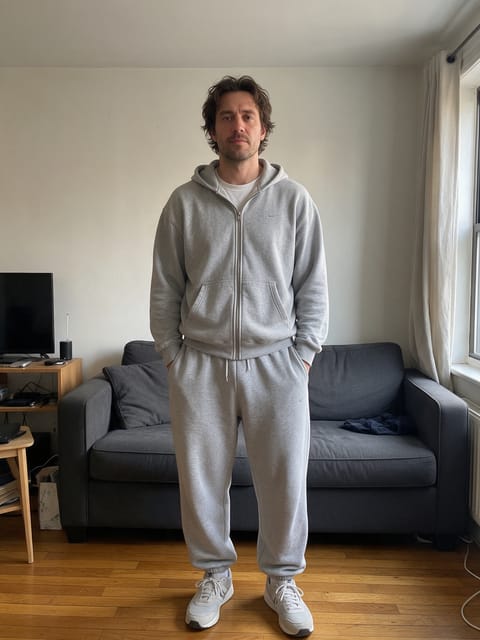

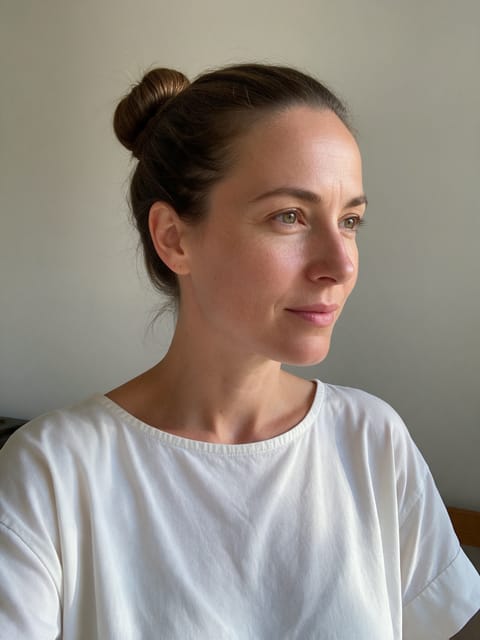
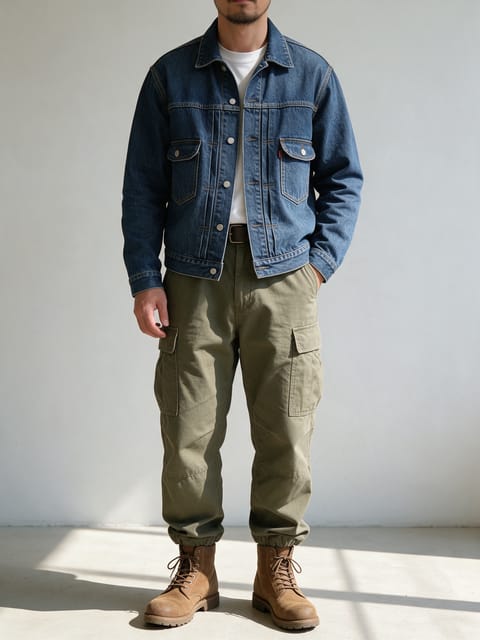
Anime Me FAQ
Does my outfit change in the anime version?
No. In our test the blouse kept its buttons and collar, just drawn in anime style.
Does the background change too?
Yes. The whole scene is restyled, so the park in our test became a painted anime park.
Do I need to write a prompt for Anime Me?
No. Anime Me is a ready-made effect: upload a photo and press Generate. The directions for the motion, camera and lighting are already built in.
How long is the Anime Me video, and how long does it take?
Every effect makes a 5 second HD video that matches the shape of your photo, portrait or landscape. Most are ready in one to three minutes, and you can leave the page while it renders.
Does the video have sound?
Yes. Each clip comes with matching ambient sound effects. It does not add music, so you can lay your own track over it in any editor.
Can I use a photo of someone else?
Only photos of adults, of yourself or of people who agreed to it. Every upload goes through the same safety checks as the rest of PixelDojo.