AI video effect · Holidays
Gift Box Surprise: pop out of a giant gift box
Upload a photo, press Generate, and post it anywhere.

3 free every day. No card needed.
What Gift Box Surprise does
The clip opens on a huge wrapped box tied with a red ribbon in a cozy holiday room. The lid lifts and your subject pops up through the top. They throw their arms wide as ribbons and confetti fly around them.
Pop out of a giant gift box
Your subject bursts out of a giant wrapped gift box with confetti flying. Works with people and pets.
Still looks like you
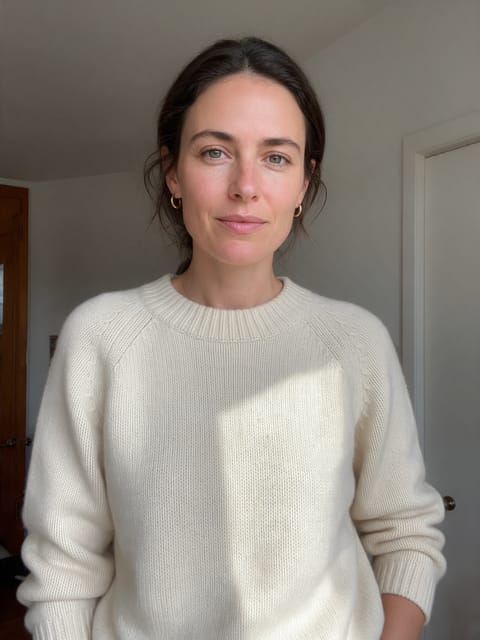
The video opens on your exact photo, so the face, hair, outfit and surroundings carry through the whole effect.
Made for holiday cards and posts
A festive five-second clip for greetings, family chats and seasonal posts, made from a photo you already have.
How to make a Gift Box Surprise video
- Upload a photo, or pick one from your library.
- Press Generate. There is no prompt to write; the effect is already set up.
- Your 5 second HD video plays right on the page. Save it to your library or download it.
Tips for the best photo
- A clear, smiling portrait works best, since the face is the star of the pop-up.
- Festive colors like red or green clothing tie in with the holiday room.
- Pets work too: pick a photo where the animal is looking at the camera.
Ideas for using it
- A holiday card clip sent to family members.
- A small business revealing its holiday sale.
- A dog owner posting their pup popping out of a present on Christmas morning.
More effects





Go further
Gift Box Surprise FAQ
Is my original background kept?
No. The effect places your subject in a festive room with presents, wreaths and warm lights.
Can I use this for a birthday instead of a holiday?
Yes. The room has a festive look, but a surprise gift reveal fits birthdays and other celebrations just as well.
Do I need to write a prompt for Gift Box Surprise?
No. Gift Box Surprise is a ready-made effect: upload a photo and press Generate. The directions for the motion, camera and lighting are already built in.
How long is the Gift Box Surprise video?
Every effect makes a 5 second HD video that matches the shape of your photo, portrait or landscape, ready to post anywhere.
Does the video have sound?
Yes. Each clip comes with matching ambient sound effects. It does not add music, so you can lay your own track over it in any editor.
Can I use a photo of someone else?
Only photos of adults, of yourself or of people who agreed to it. Every upload goes through the same safety checks as the rest of PixelDojo.