AI video effect · Camera Moves
Tilt Up Reveal: from the shoes up to the face
Upload a photo, press Generate, and post it anywhere.

3 free every day. No card needed.
What Tilt Up Reveal does
The clip opens on the subject's full figure, from polished shoes to face, standing in a sunlit space. The camera then moves up and in, so by the end the frame rests on their head and shoulders as they hold eye contact.
From the shoes up to the face
The camera starts at your subject’s feet and tilts up to reveal them, the classic hero introduction. Full-body photos work best.
Still looks like you
The video opens on your exact photo, so the face, hair, outfit and surroundings carry through the whole effect.
A cinematic camera move from a still photo
The kind of shot that normally takes a drone, a gimbal or a crane, made from one photo. Great as an intro, a reveal or a transition between scenes.
How to make a Tilt Up Reveal video
- Upload a photo, or pick one from your library.
- Press Generate. There is no prompt to write; the effect is already set up.
- Your 5 second HD video plays right on the page. Save it to your library or download it.
Tips for the best photo
- Use a head to toe photo so the move has the shoes and face to travel between.
- Stand straight with hands relaxed or in pockets, as a calm pose suits the hero framing.
- A clean, bright location like a lobby or street keeps the background tidy as the camera rises.
Ideas for using it
- A groom or best man introducing himself on a wedding website.
- A real estate or sales professional opening a personal intro video.
- A tailor showing a finished suit fit from shoes to collar.
More effects
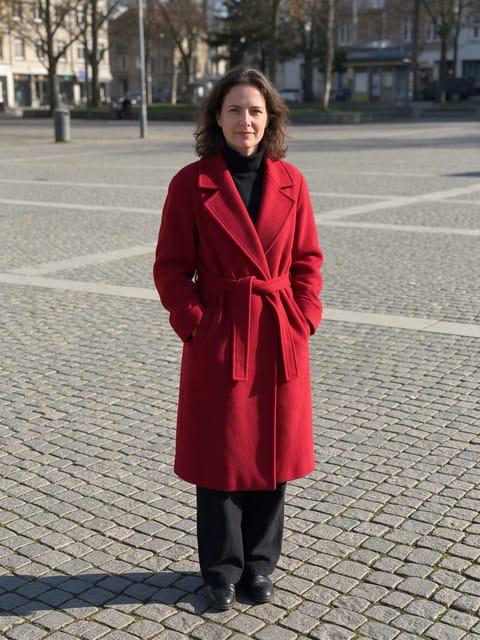
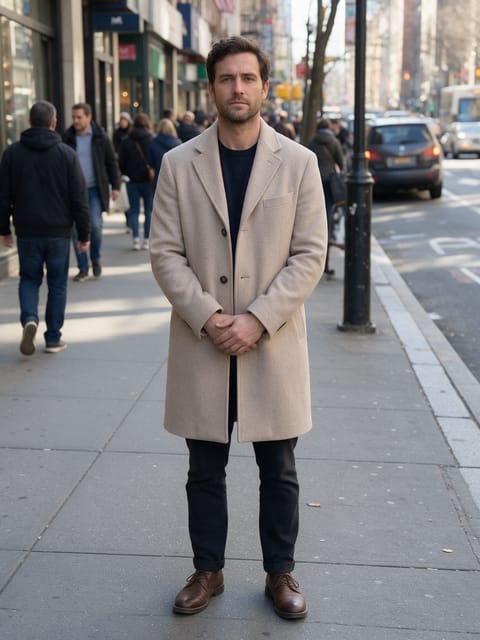
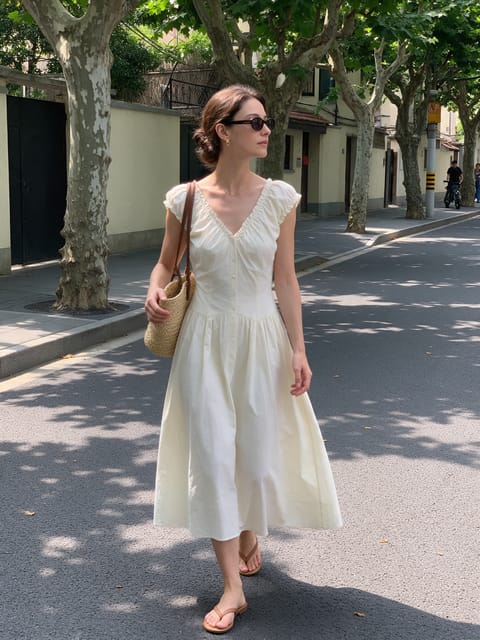

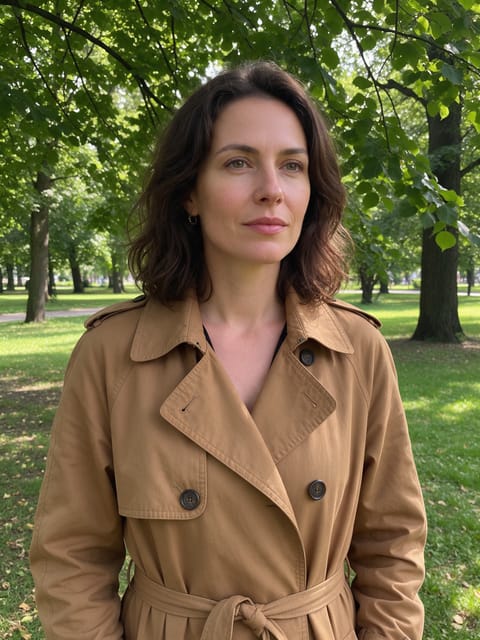

Go further
Tilt Up Reveal FAQ
Do I need a full-body photo?
Yes. The move travels from the feet to the face, so a full-body photo gives the full reveal.
Will my outfit change during the move?
The outfit and face are kept as in your photo. In our test the suit, tie and shoes stayed the same.
Do I need to write a prompt for Tilt Up Reveal?
No. Tilt Up Reveal is a ready-made effect: upload a photo and press Generate. The directions for the motion, camera and lighting are already built in.
How long is the Tilt Up Reveal video?
Every effect makes a 5 second HD video that matches the shape of your photo, portrait or landscape, ready to post anywhere.
Does the video have sound?
Yes. Each clip comes with matching ambient sound effects. It does not add music, so you can lay your own track over it in any editor.
Can I use a photo of someone else?
Only photos of adults, of yourself or of people who agreed to it. Every upload goes through the same safety checks as the rest of PixelDojo.