face swap.com AI Generator

With PixelDojo's AI face swap tools, you can instantly transform any photo by swapping faces with perfect realism. Whether you're crafting viral social media memes, creating consistent characters for stories, or building professional brand personas, you achieve photorealistic results in seconds. Upload your source face and target image, and watch as expressions, lighting, and skin tones blend naturally—no technical skills required. Join thousands of creators turning everyday photos into scroll-stopping content that boosts engagement and saves hours of editing time.
Over 75,000 creators have generated millions of face swaps on PixelDojo. Rated 4.9/5 by users, with 98% reporting realistic results on first try. Trusted by influencers, marketers, and hobbyists worldwide for viral social content and professional projects.
Why Choose Pixel Dojo for face swap.com
Professional-quality results with cutting-edge AI technology
Go Viral on Social Media with Perfect Memes
Swap your face onto celebrities, friends, or pets to create hilarious, shareable content that racks up likes and shares on TikTok, Instagram, and beyond. Achieve seamless blends that look completely natural, driving higher engagement than standard edits.
Build Consistent Characters for Stories & Brands
Maintain the exact same face across multiple images and scenes using Consistent Characters and LoRA Face Swap. Create cohesive series for books, marketing campaigns, or personal projects without losing identity across variations.
Achieve Professional Results in Seconds
Produce studio-quality face swaps with accurate lighting, expressions, and skin matching using Face Swap and advanced tools like Reality Polisher. Save time and money compared to hiring editors while getting results that impress clients and audiences.
How It Works
Creating realistic face swaps on PixelDojo is simple and fast. Follow these three steps to transform your images using our specialized tools.
Step 1: Choose Your Tool
Select Face Swap or LoRA Face Swap from the Characters & Faces category. For character consistency across a series, start with Consistent Characters. These tools are optimized for photorealistic identity transfer.
Step 2: Enter Your Prompt & Upload Images
Upload your source face photo and target image. Add a simple prompt like 'swap face naturally with matching lighting and expression' or use presets for styles. Our AI analyzes landmarks for precise blending.
Step 3: Customize & Download
Review the generated swap, then refine with tools like Magic Lighting, Style Transfer, or Portrait Upscaler for perfect results. Download in high resolution or continue editing with Inpainting for final touches.
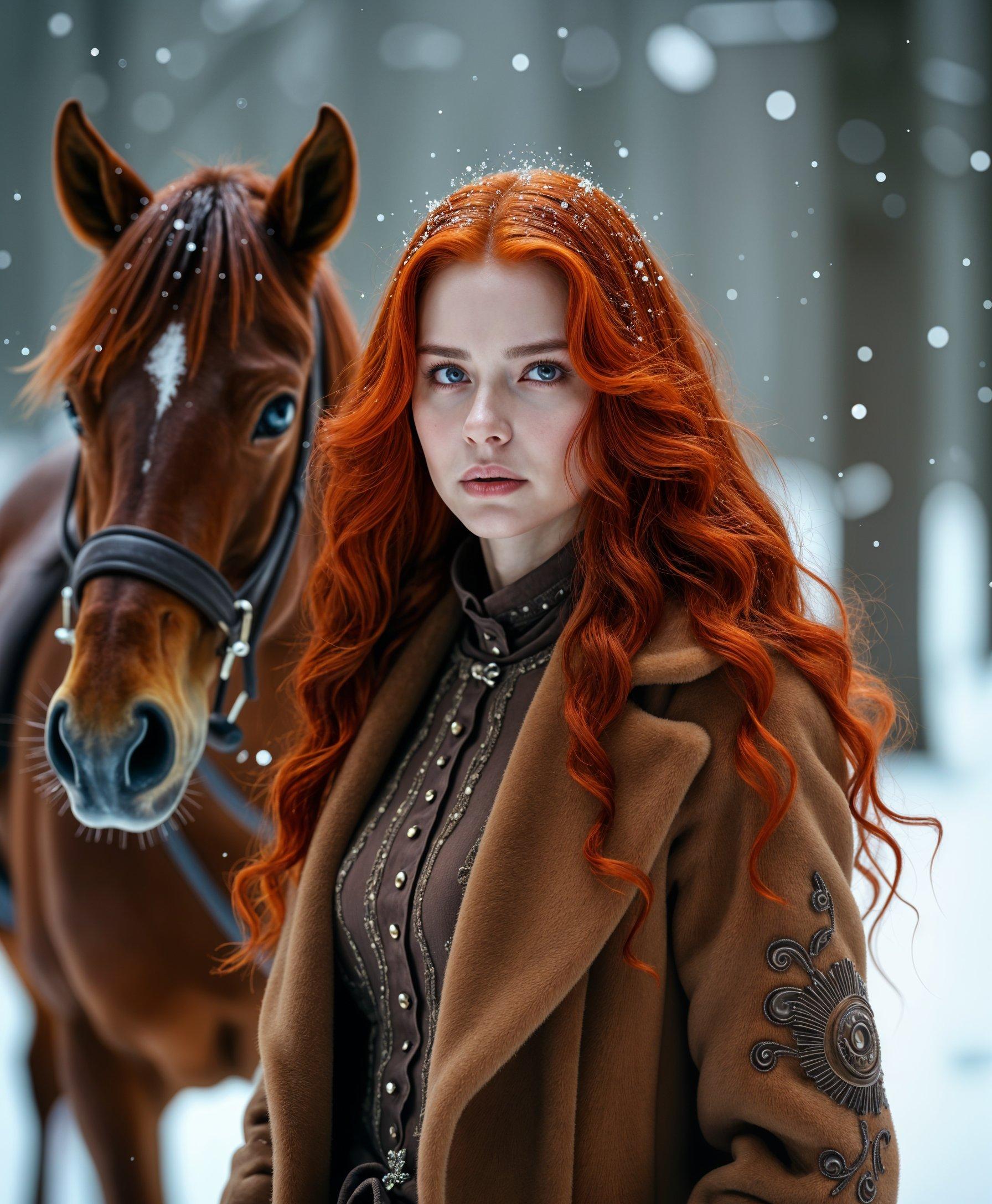
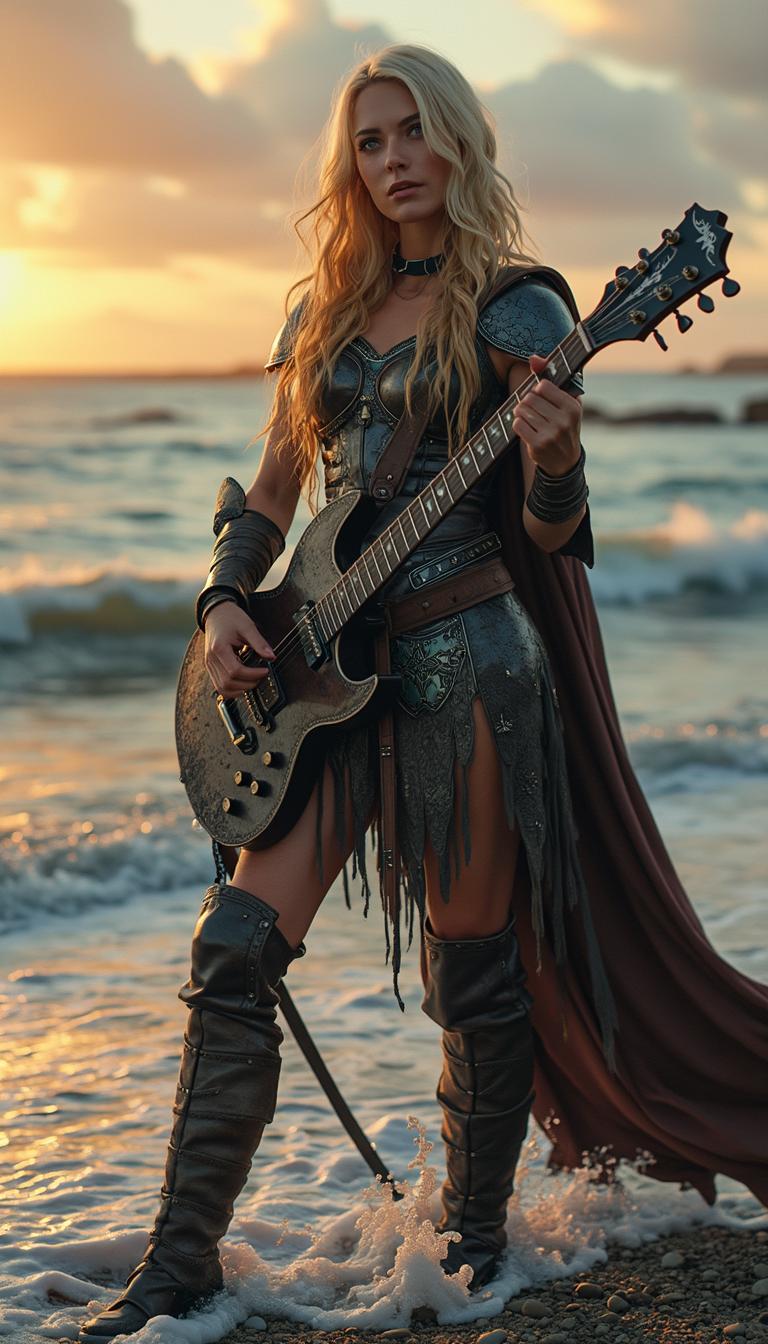
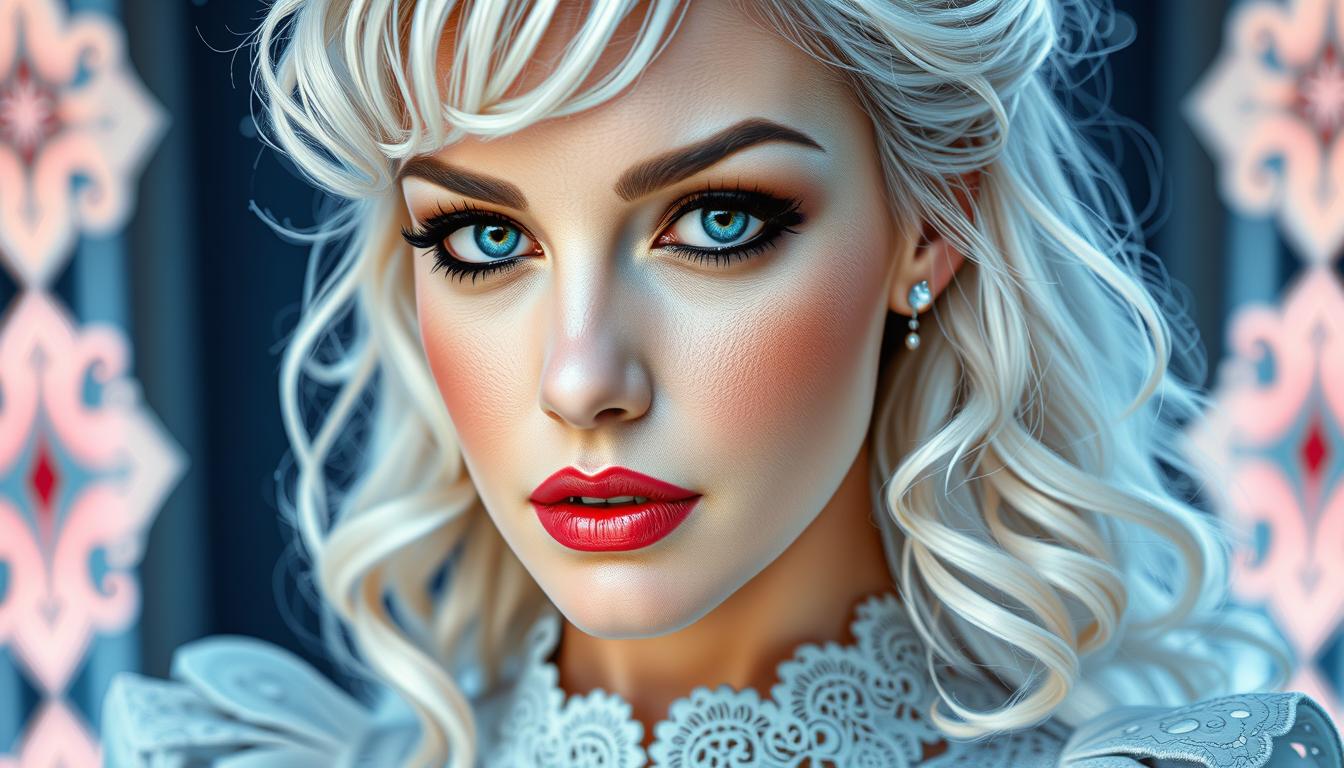
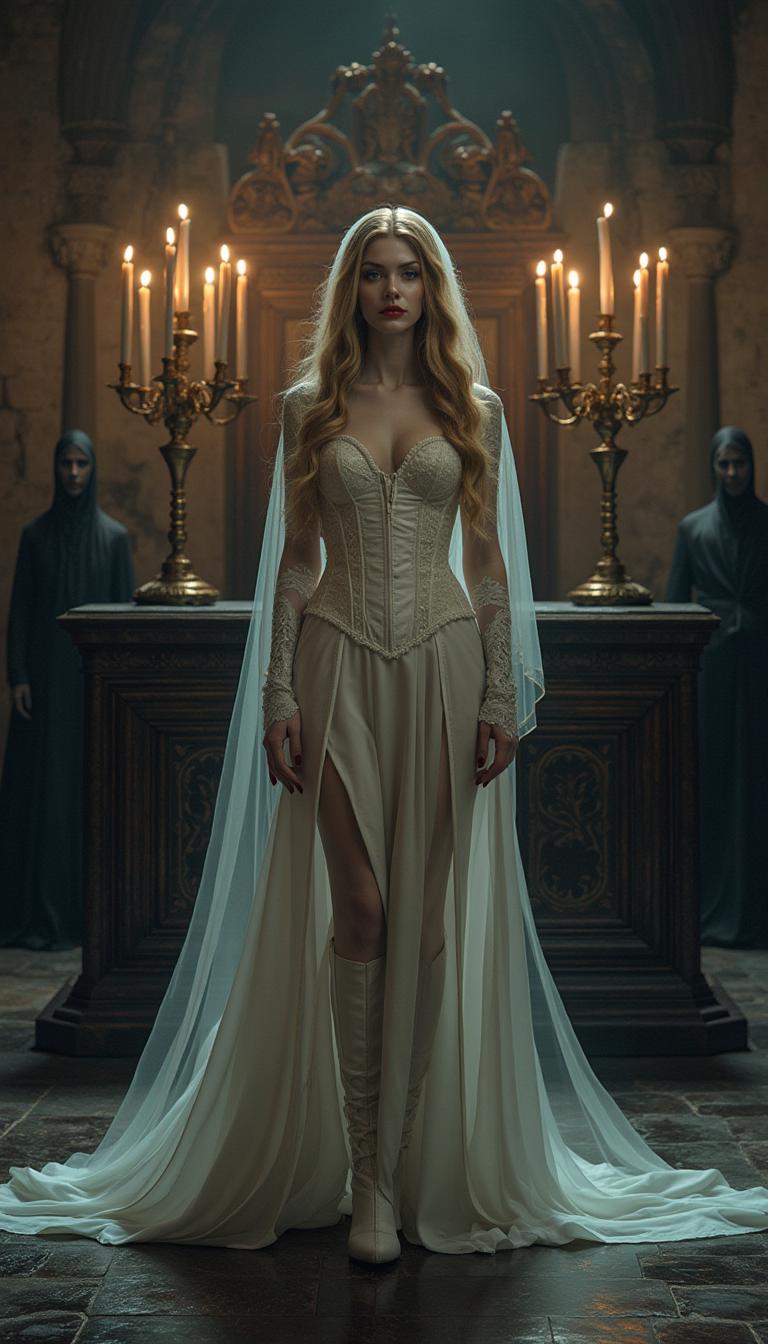
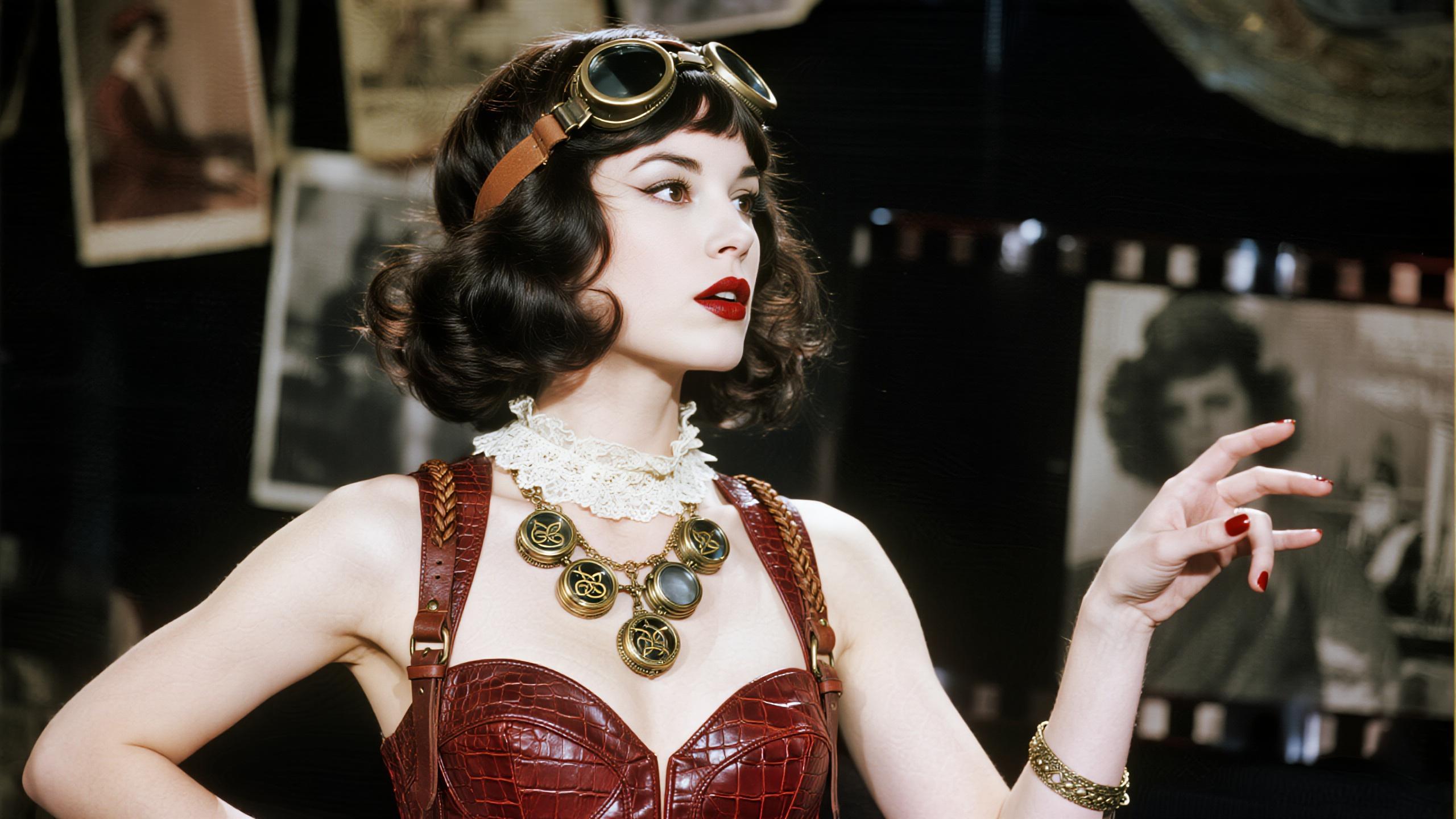
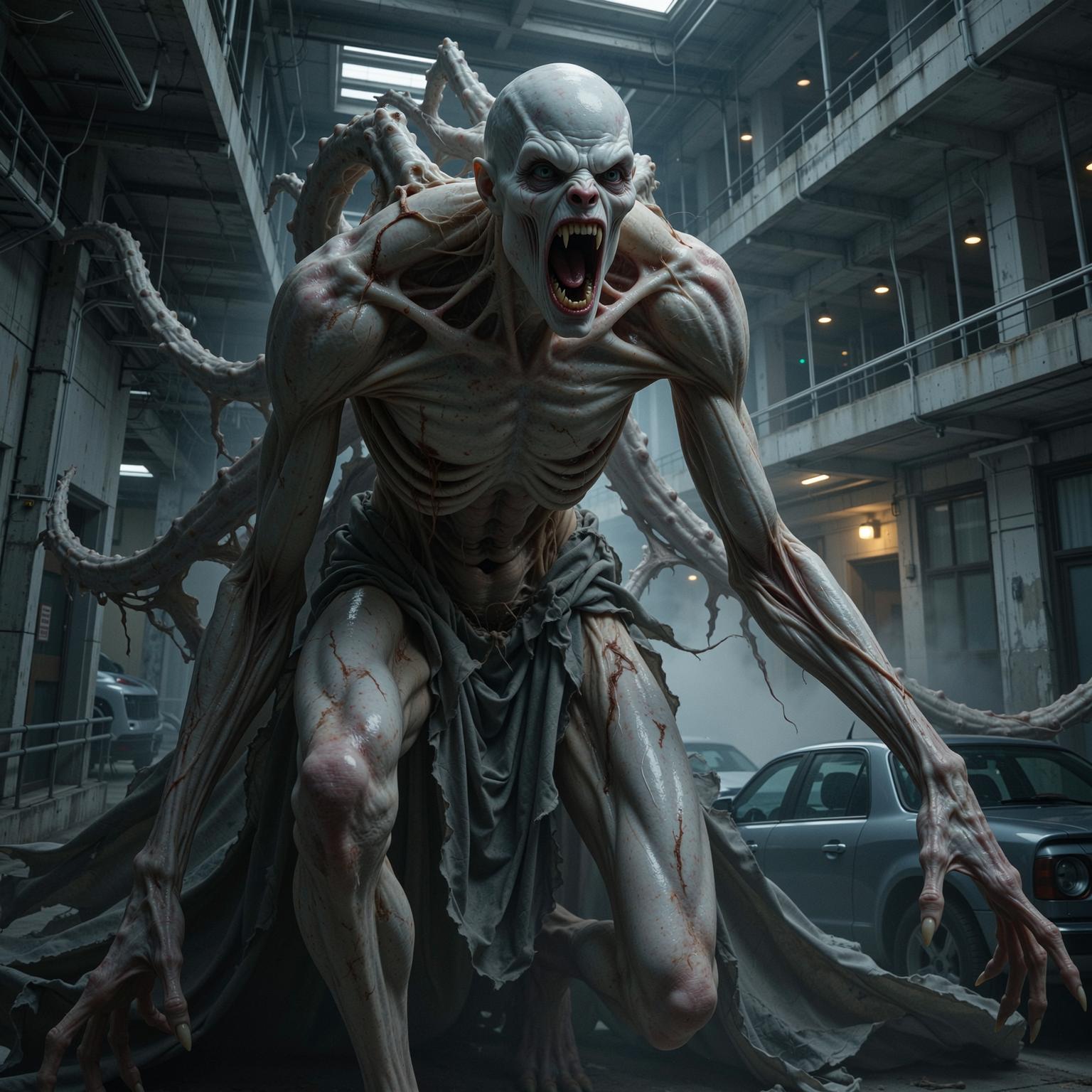
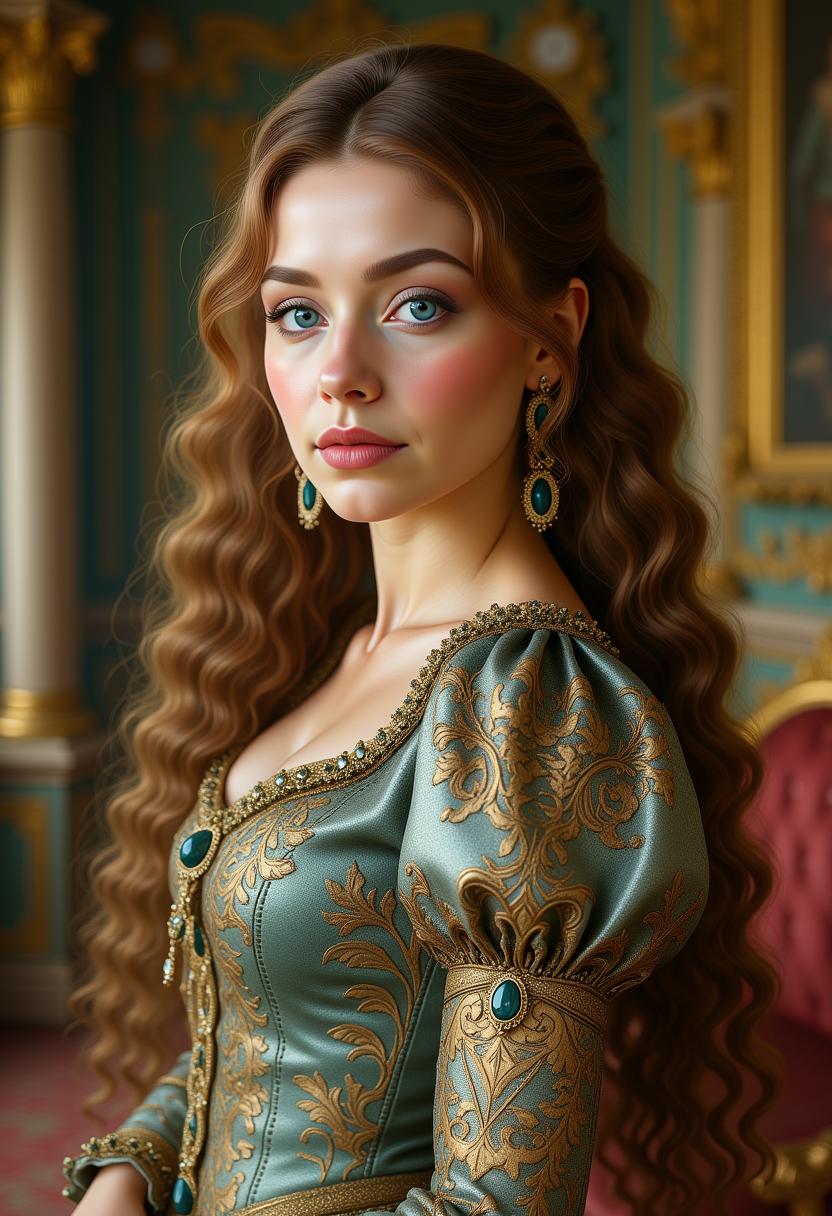
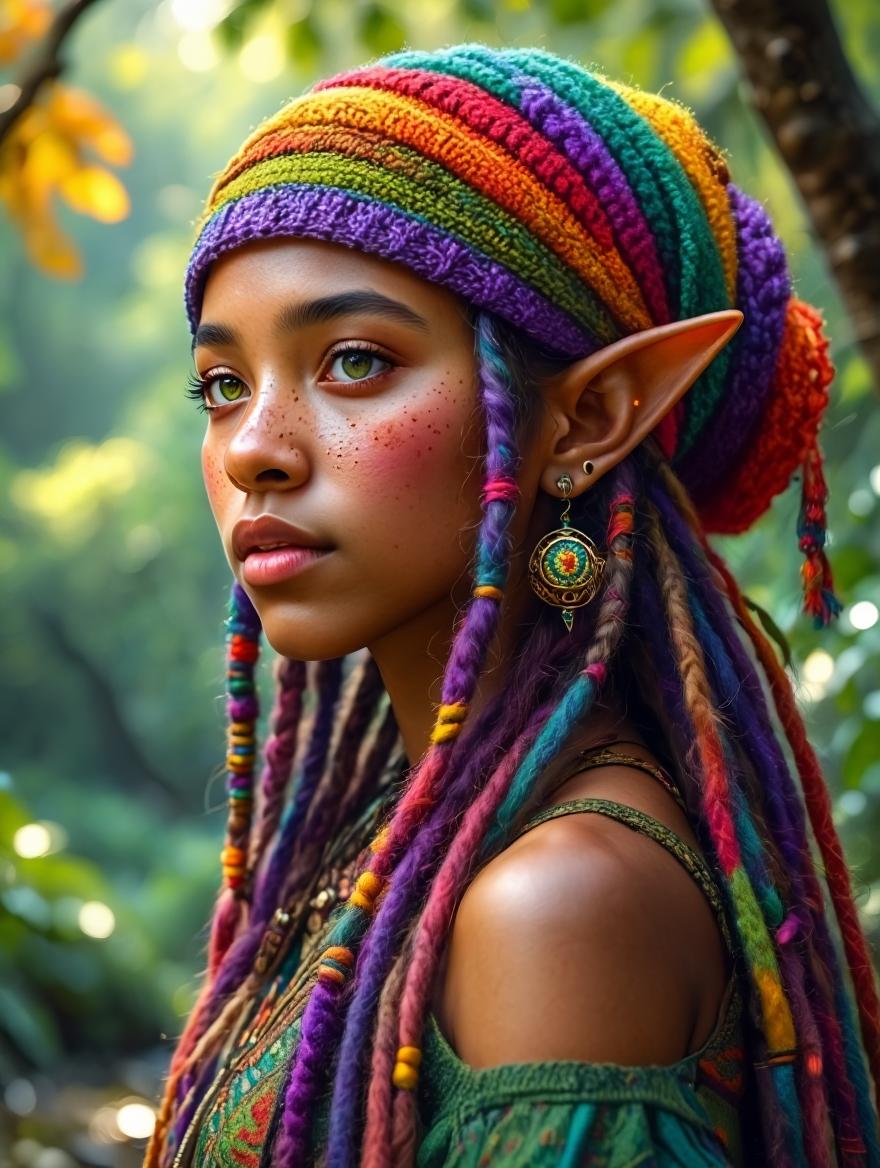
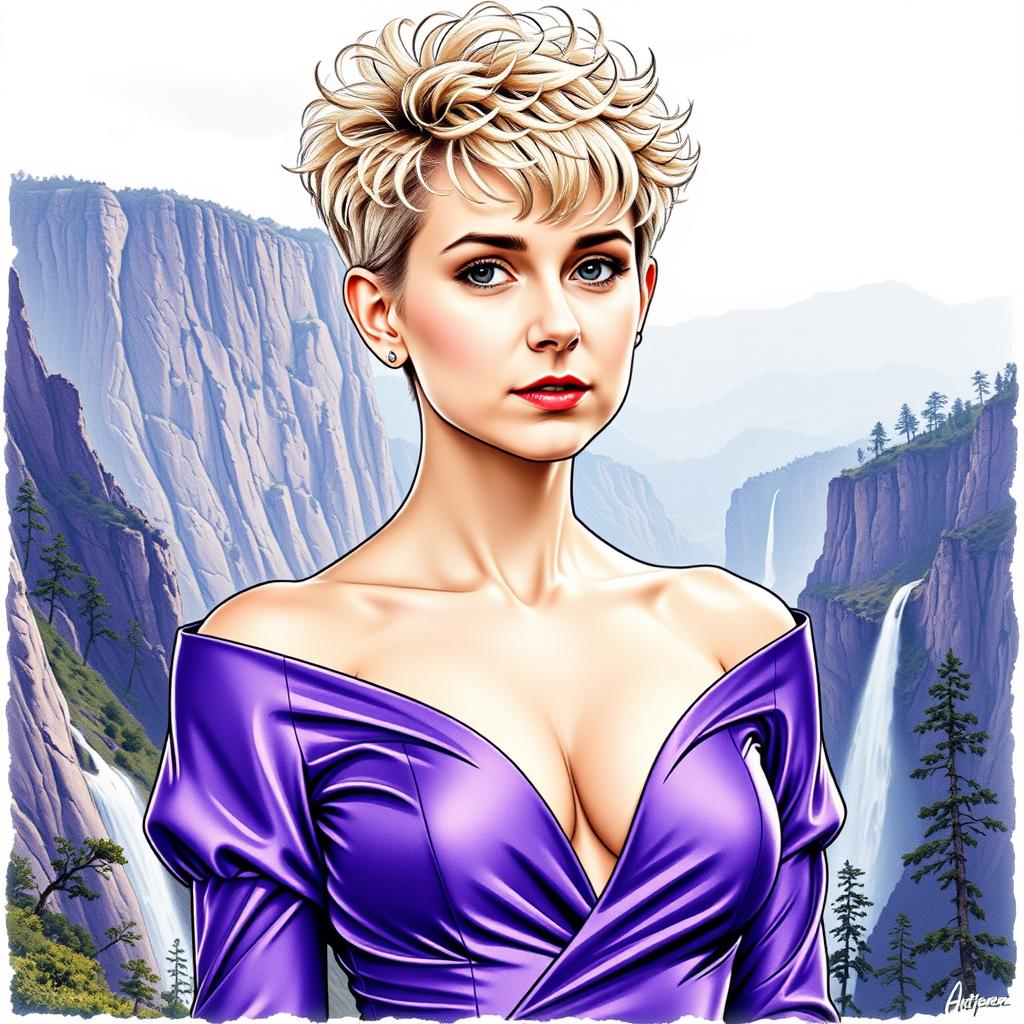
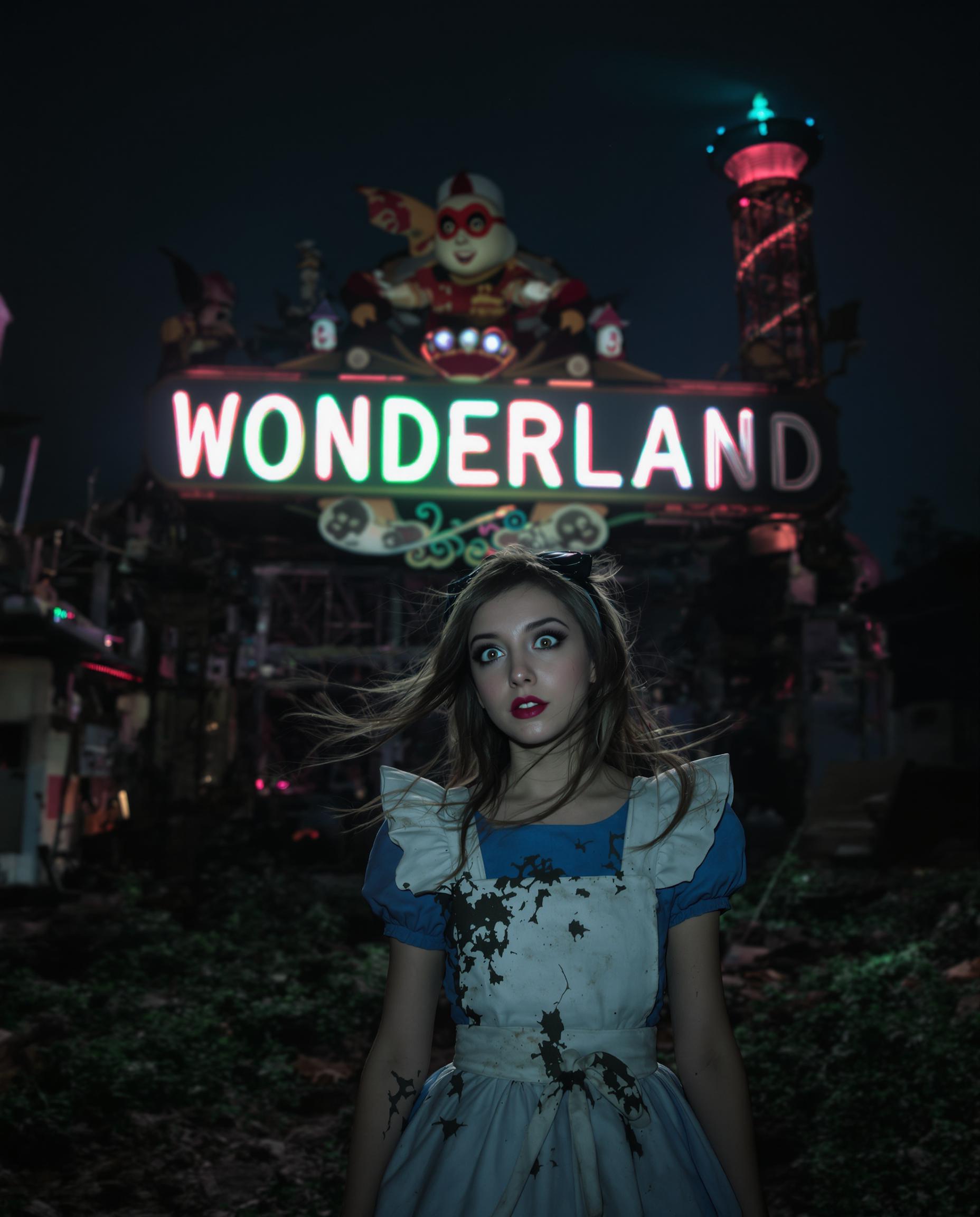
The Pixel Dojo Advantage
Why PixelDojo outperforms other options for AI face swap image generation
| Others | Pixel Dojo |
|---|---|
| Traditional face swap creation | Instant results without manual layering or Photoshop skills—achieve seamless, professional blends in seconds instead of hours |
| Generic AI tools | Specialized Face Swap and LoRA Face Swap tools deliver superior identity preservation and natural lighting matching tailored specifically for faces |
| Manual photo editing | AI-powered automation handles complex blending automatically, freeing you to focus on creativity while producing consistent, high-quality outputs every time |
Loved by creators on PixelDojo
Real feedback from people using PixelDojo, pulled from our in-product surveys.
Best AI tool availble the suite is rad
Versatility quality, value, ROI, innovation
variety of tools available and prompt tools
A "one-stop-shop" for creators! Thanks!!
Lots of different tools. It's easy to purchase more credits.
Amazing performance!
Explore more AI tools on PixelDojo
AI Tools
Common Questions
Everything you need to know about face swap.com
How to create realistic AI face swap images on PixelDojo?
Simply choose the Face Swap tool, upload your source face and target photo, and let the AI handle the rest. Use prompts to refine lighting and expressions. Tools like Reality Polisher ensure photorealistic results with perfect skin tone and shadow matching.
What are the latest AI face swap trends for 2026?
Current trends include viral social media memes, brand persona creation with consistent characters, and seamless integration into entertainment content. PixelDojo supports these with advanced identity preservation and video extensions via Kling Video Character Swap and WAN Video Character Swap.
Can I swap faces in multiple images while keeping the same character?
Yes! Use Consistent Characters combined with LoRA Face Swap to lock in a specific face across unlimited images. This is perfect for story series, marketing campaigns, or building a personal brand with uniform identity.
Is PixelDojo face swap suitable for professional or commercial use?
Absolutely. Our tools produce high-resolution, natural-looking results ideal for client work, advertising, and content creation. Enhance further with Portrait Upscaler or Style Transfer for polished, publication-ready images.
How does PixelDojo handle lighting and expression matching in face swaps?
Advanced AI analyzes facial landmarks, lighting conditions, and expressions automatically. Refine results with Magic Lighting or Inpainting tools to achieve perfect harmony between the swapped face and original scene.
What makes PixelDojo better than other face swap tools for images?
PixelDojo offers over 40 specialized tools including Face Swap, LoRA Face Swap, and integration with image enhancers. Enjoy fast processing, high realism, and the ability to chain edits like Background Remover or Smart Resize in one platform.