Longer aspect ratios Qwen Edit
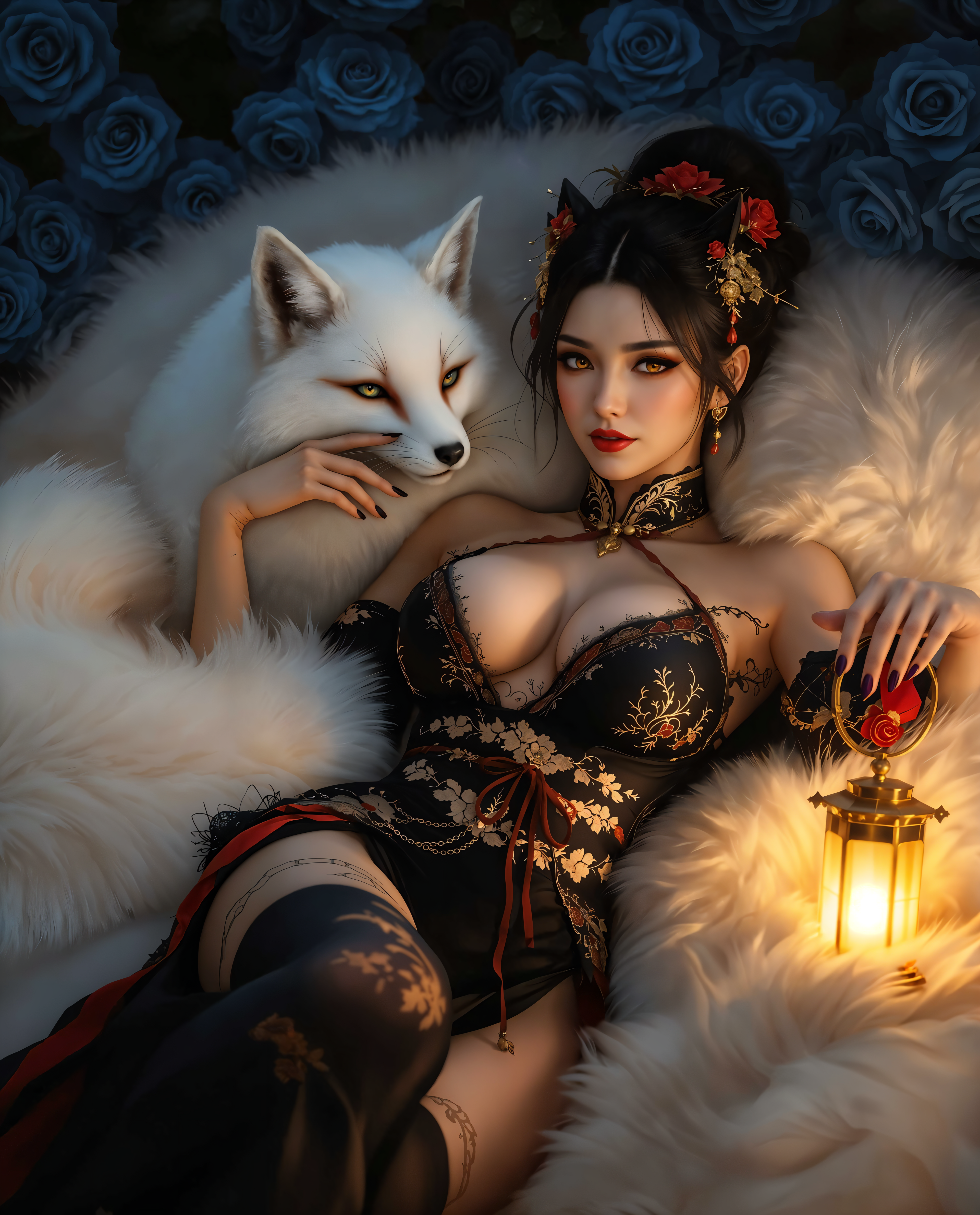
魅力的なパノラマ風景、スクロールを止める縦型ストーリー、どんなプラットフォームでも観客を魅了するバナー向けビジュアルを作成する能力を解放しましょう。PixelDojoのLonger Aspect Ratios Qwen Editを使えば、Instagram Reels用の9:16やエピックなヘッダー用の3:1など、拡張フォーマットで高解像度画像を簡単に生成できます。クロッピング、ステッチング、歪みなしで。創造的なビジョンを瞬時に完成させ、手作業の時間を節約しながら、エンゲージメントとコンバージョンを高めるプロ級の結果を実現します。
50K+ Creators Worldwide | 4.9/5 Stars from 10K+ Reviews | 2M+ Long Images Generated | Trusted by Top Designers & Marketers
Longer aspect ratios Qwen EditにPixel Dojoを選ぶ理由
最先端のAI技術によるプロ品質の仕上がり
縦型マスターでソーシャルフィードを魅了
9:16の縦型ポートレートやストーリーをデザインしてInstagram、TikTok、Snapchatで圧倒。黒帯や不自然なクロップなしで画面を完璧に埋め、3倍のビューとシェアを獲得します。
魅力的なバナー&ヘッダーを瞬時に作成
ウェブサイト、YouTubeサムネイル、広告向けの超ワイド16:9または3:1パノラマを生成。ブランドを広大で一体感のある姿で魅せ、クリック率を向上させます。
限界のない没入型アートを制作
果てしない都市景観や自然の叙事詩のような息をのむ長尺アートワークを作成。プリント、NFT、ポートフォリオに最適で、エッジからエッジまでシームレスなディテールを実現します。
使い方
PixelDojoのQWEN ImageとEditツールを使って、アイデアを完璧な長尺アスペクト比画像に数分で変換。デザインスキルは不要です。
ステップ1: QWEN ImageまたはEdit Toolを選択
Create ImagesまたはEdit Imagesセクションに移動し、新規生成にはQWEN Image、拡張にはImage to Image/Inpaintingを選択。簡単なドロップダウンから9:16縦型や3:1横型などの長尺アスペクト比を選べます。最大1:4まで対応。
ステップ2: 詳細なプロンプトを作成
長さを意識した鮮やかな説明を入力(例: 'endless ocean horizon from left to right')。Qwen Editのスマートアナライザーで洗練し、Style Transferでスタイルを追加、Magic Lightingで奥行きを調整して、数秒でバリエーションを生成。
ステップ3: 調整、アップスケール、ダウンロード
出力を確認し、OutpaintingやInpaintingでさらに拡張。Magnific Upscalerで4Kシャープネスにアップスケールし、好みの形式でダウンロード。QWEN Model TrainerのLoRAsを統合してカスタム長尺スタイルを作成。
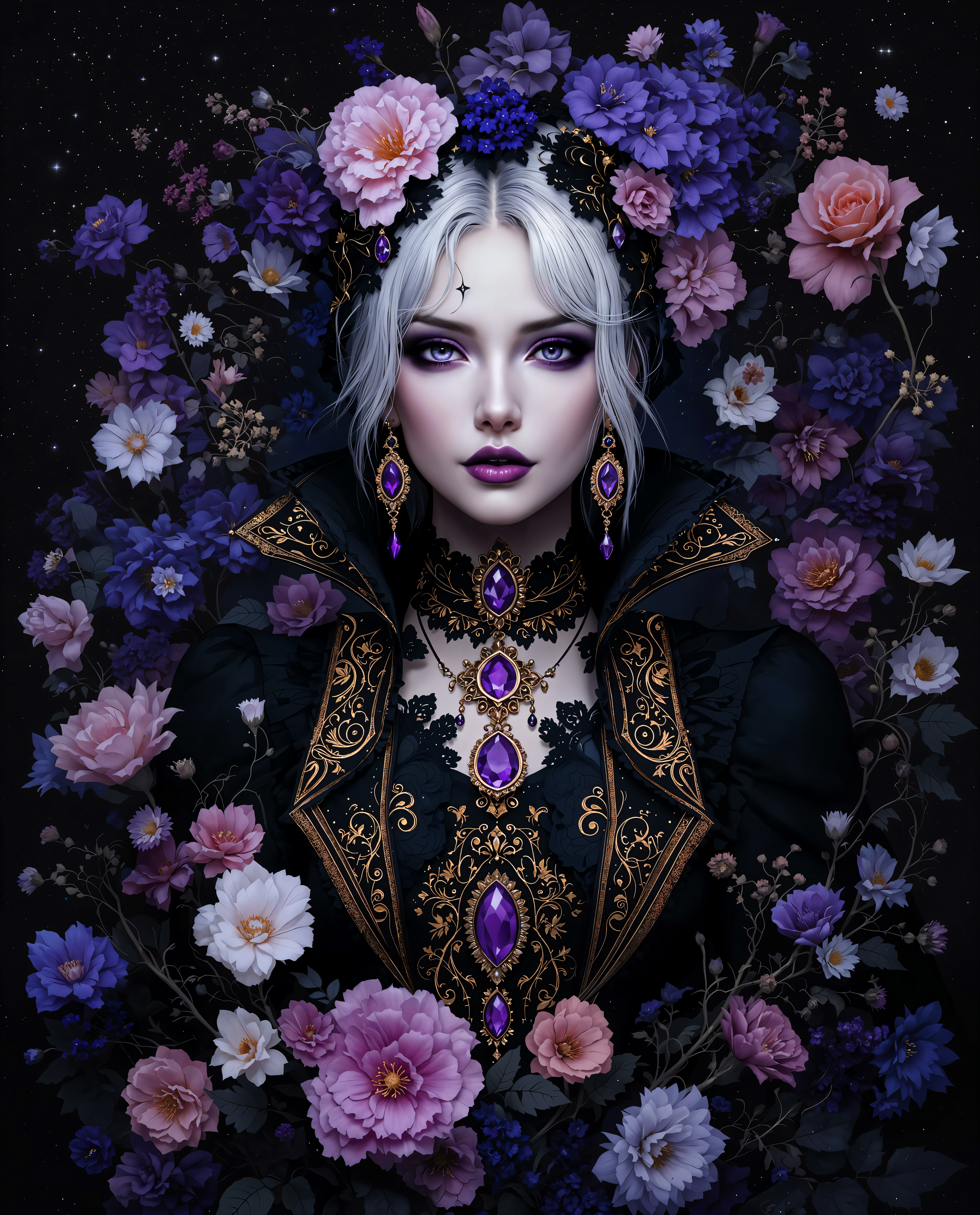
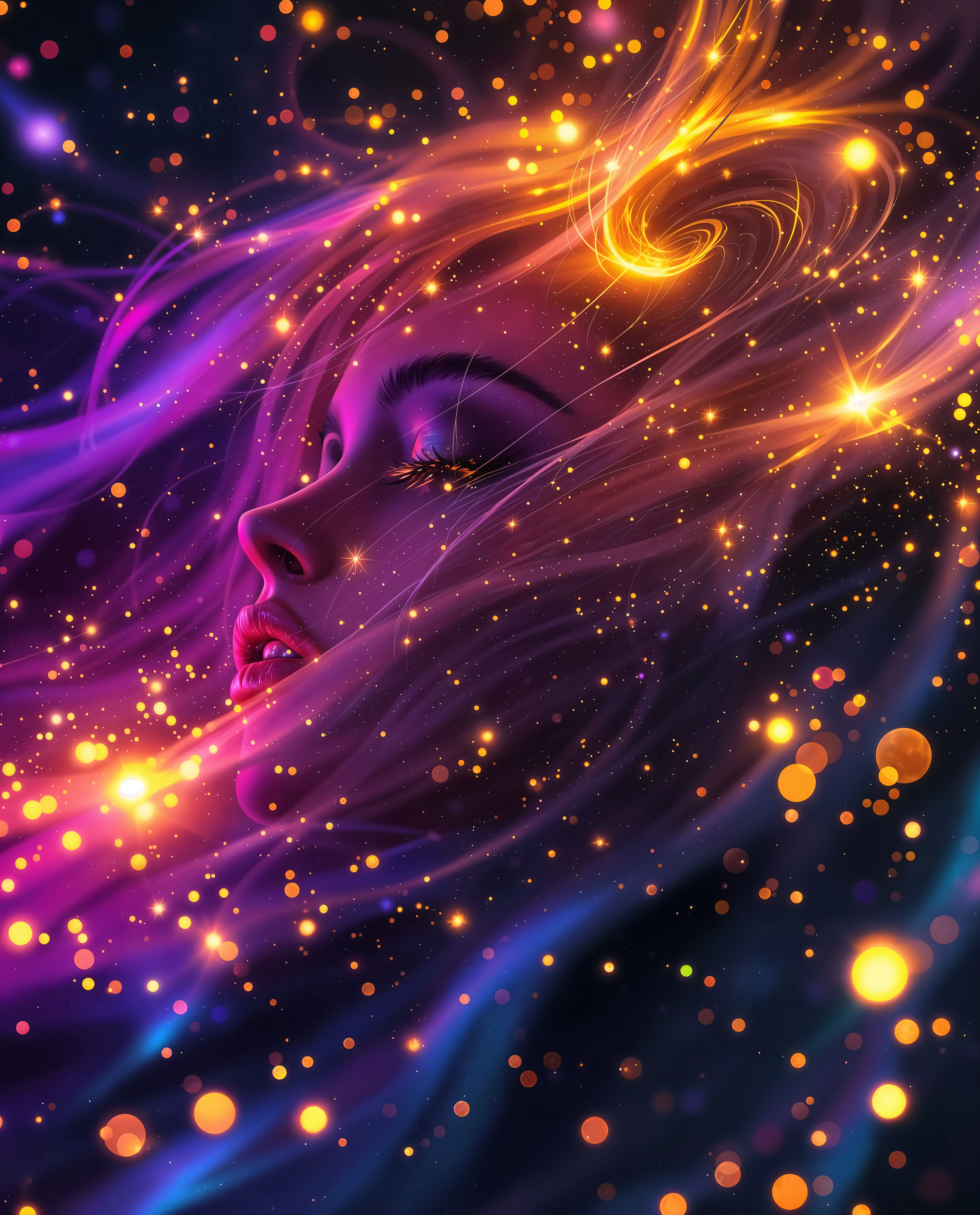
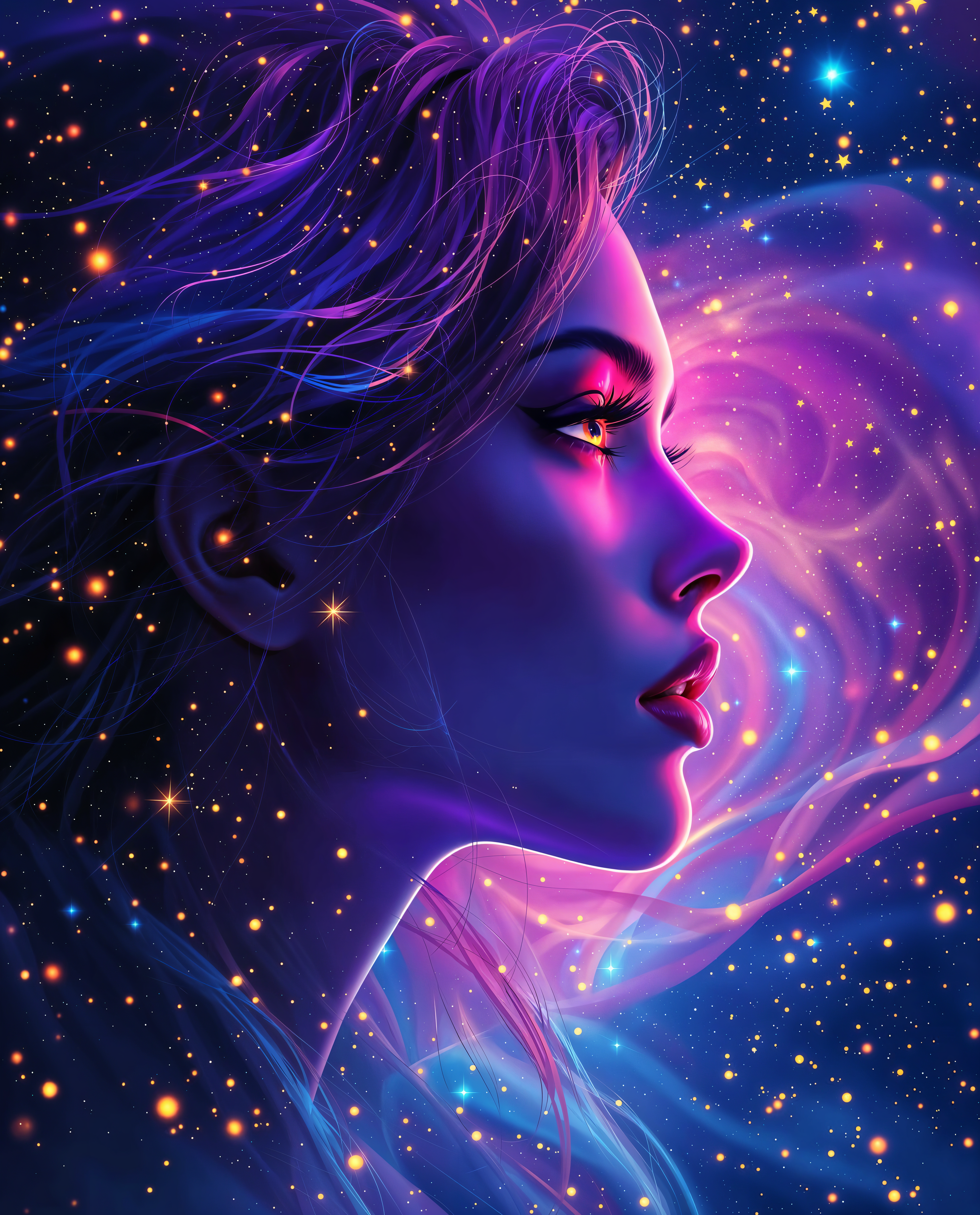
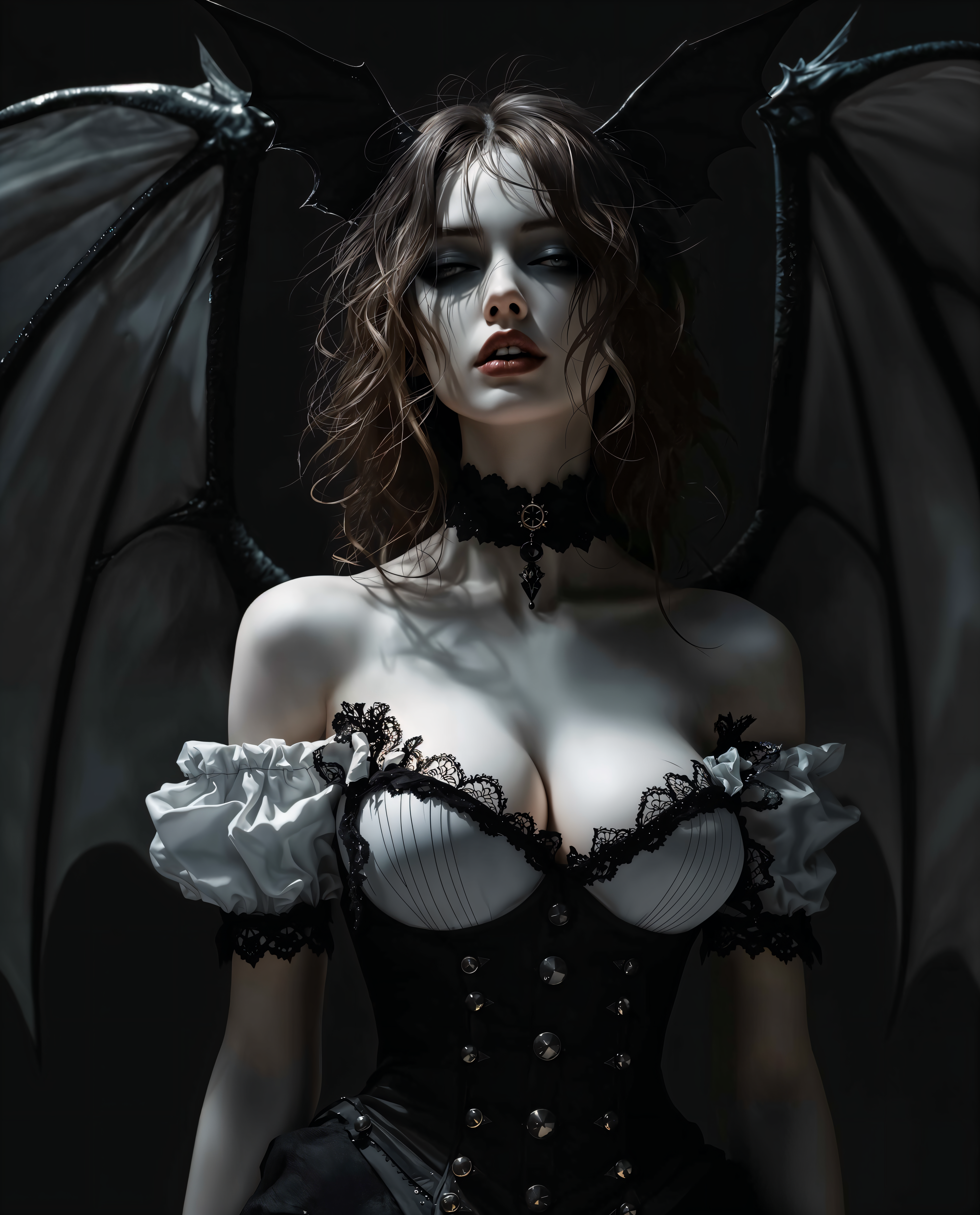
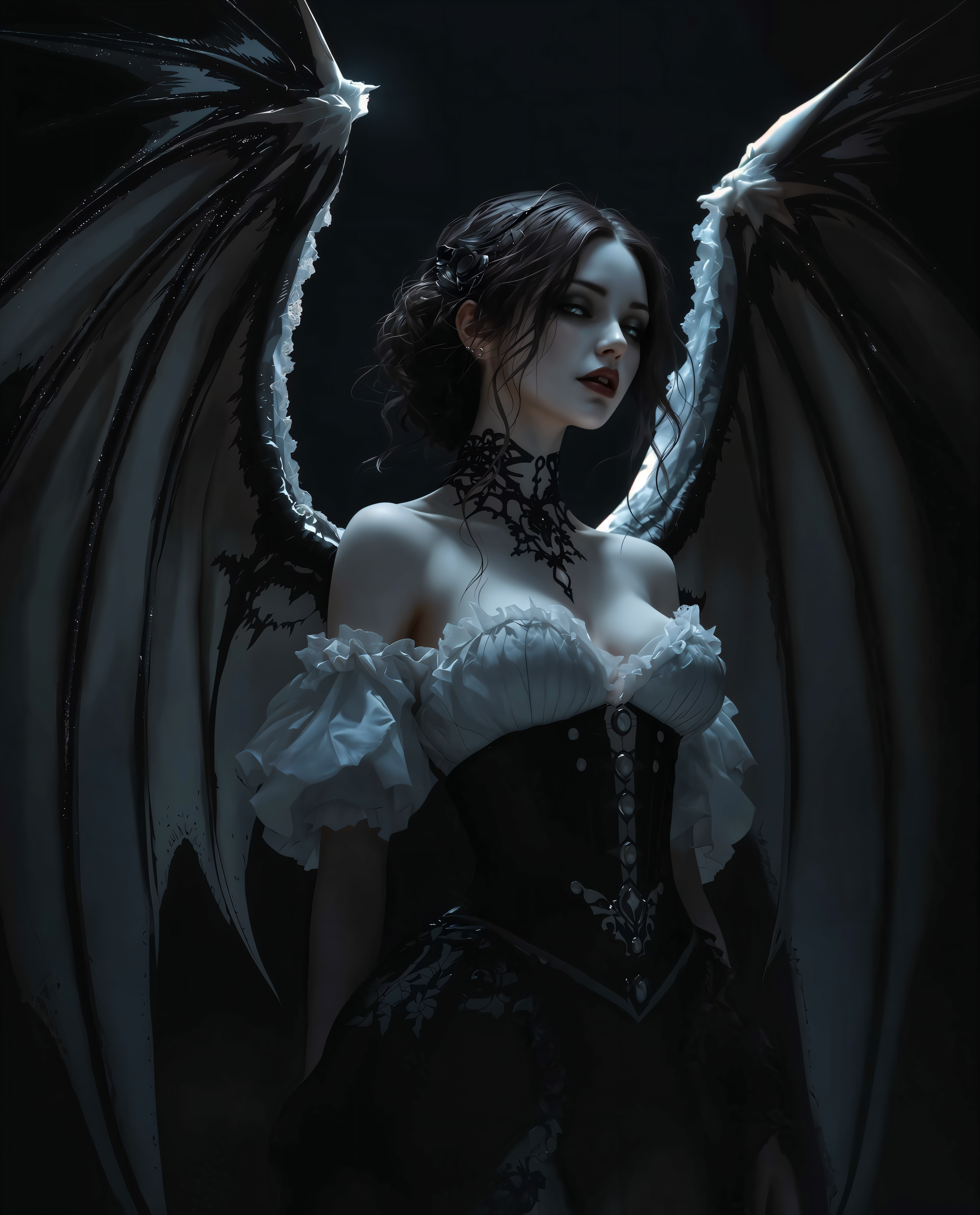
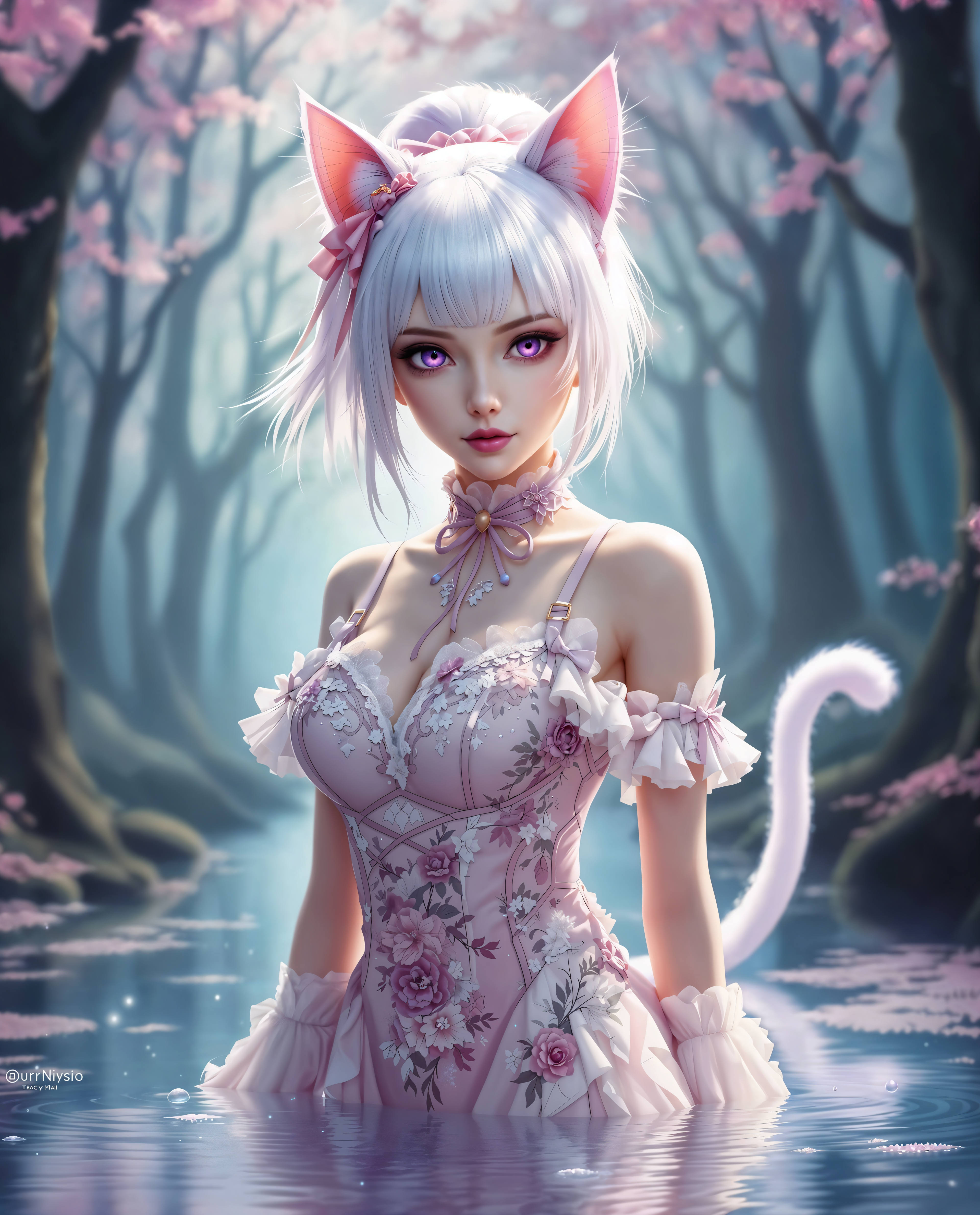
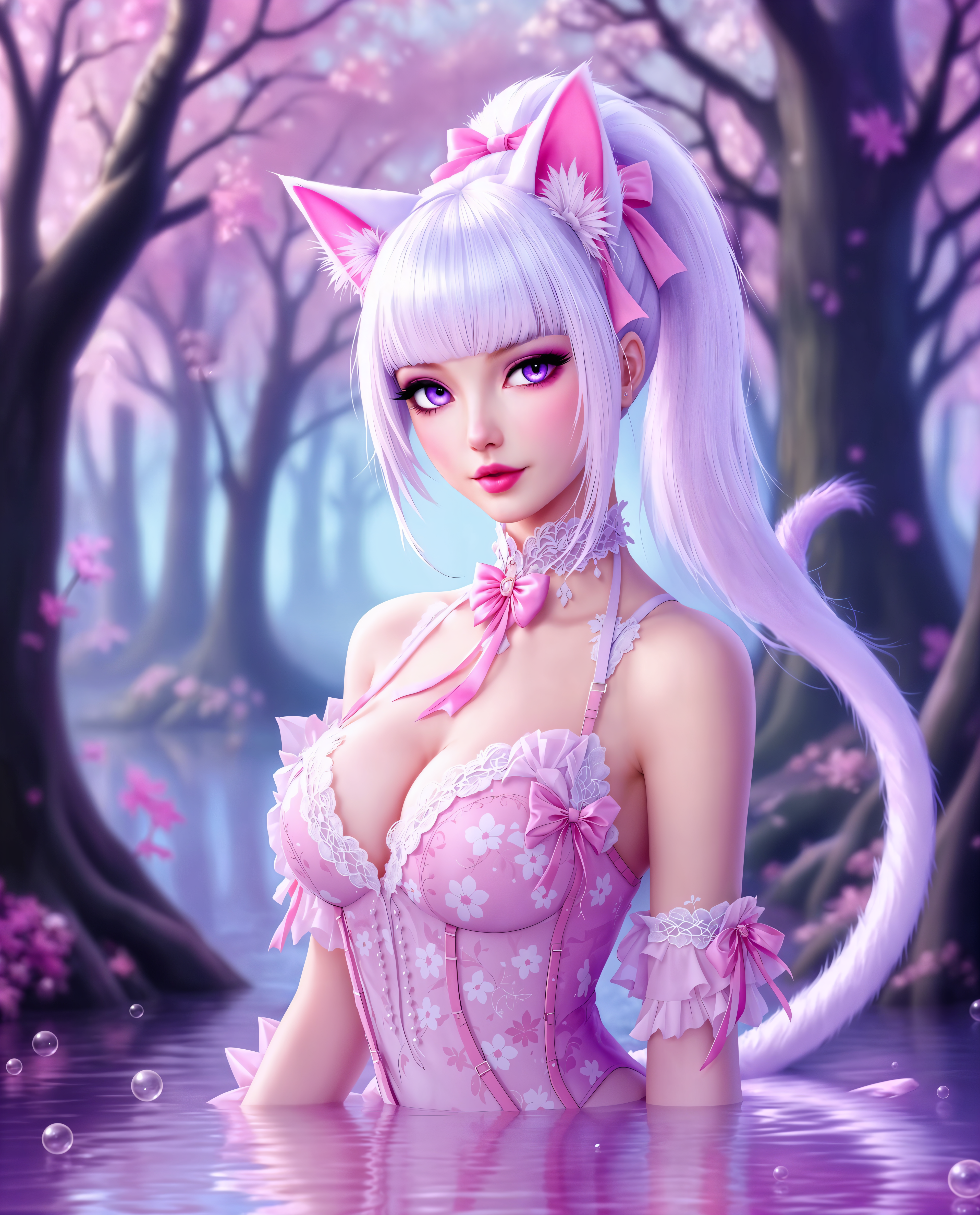
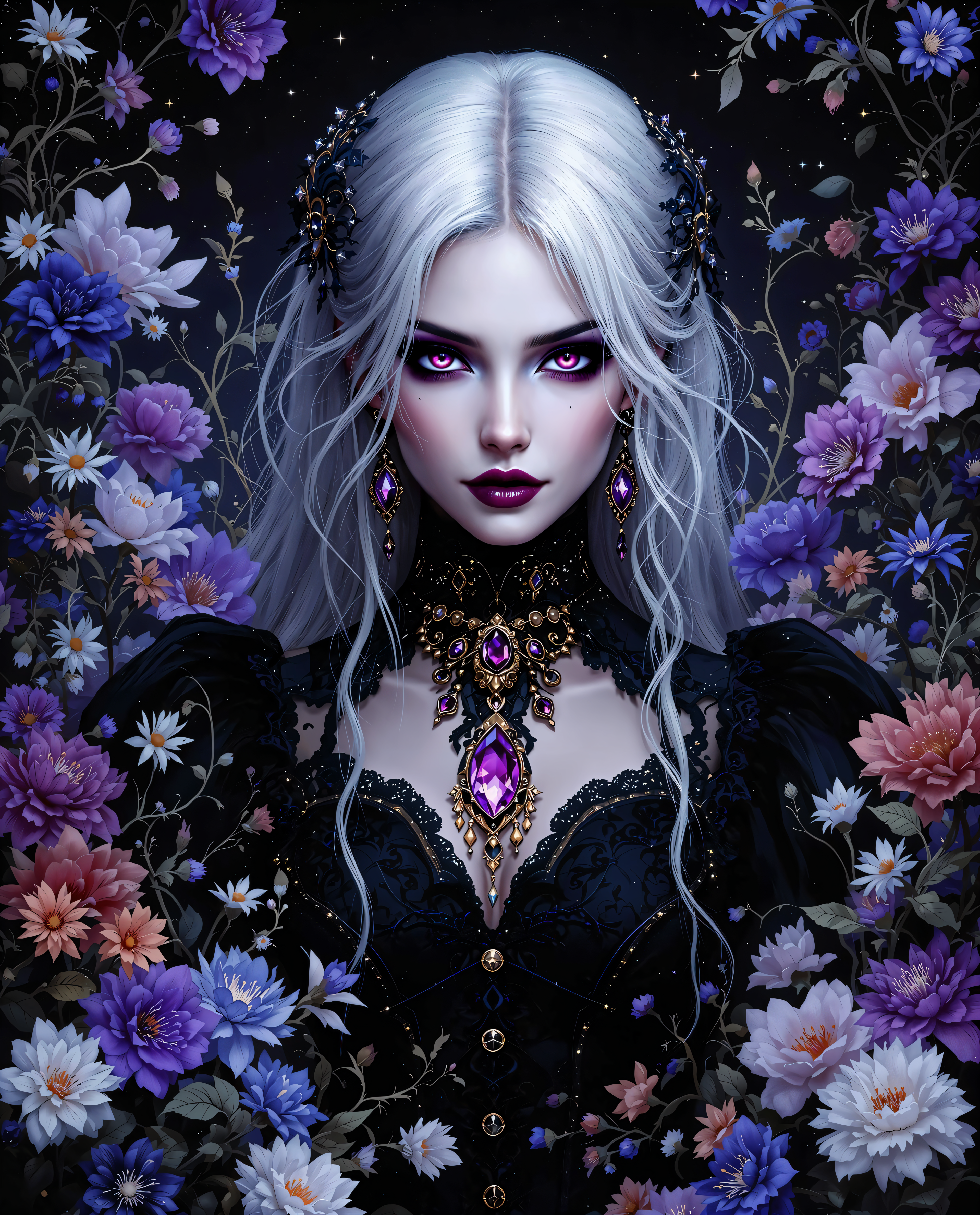
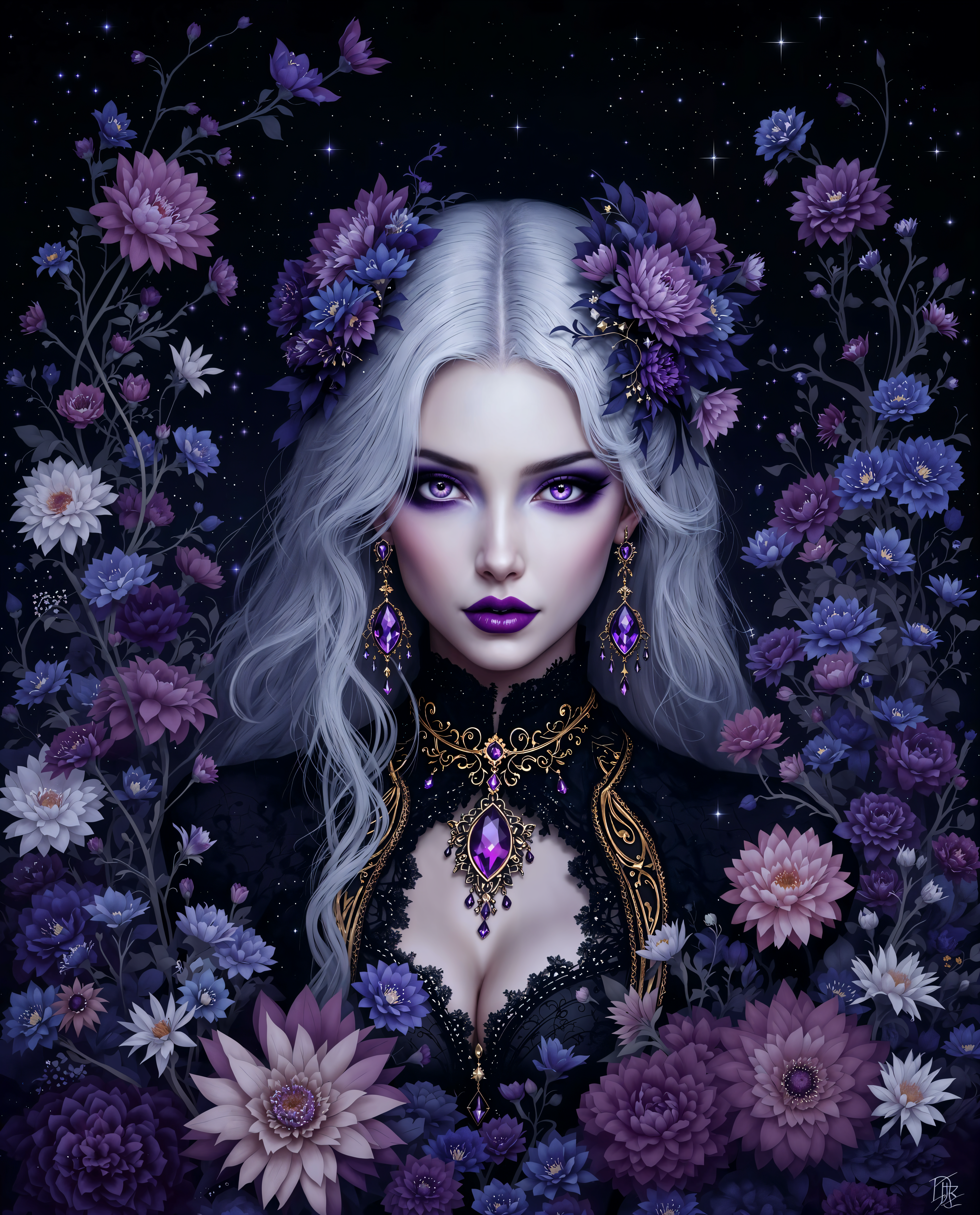
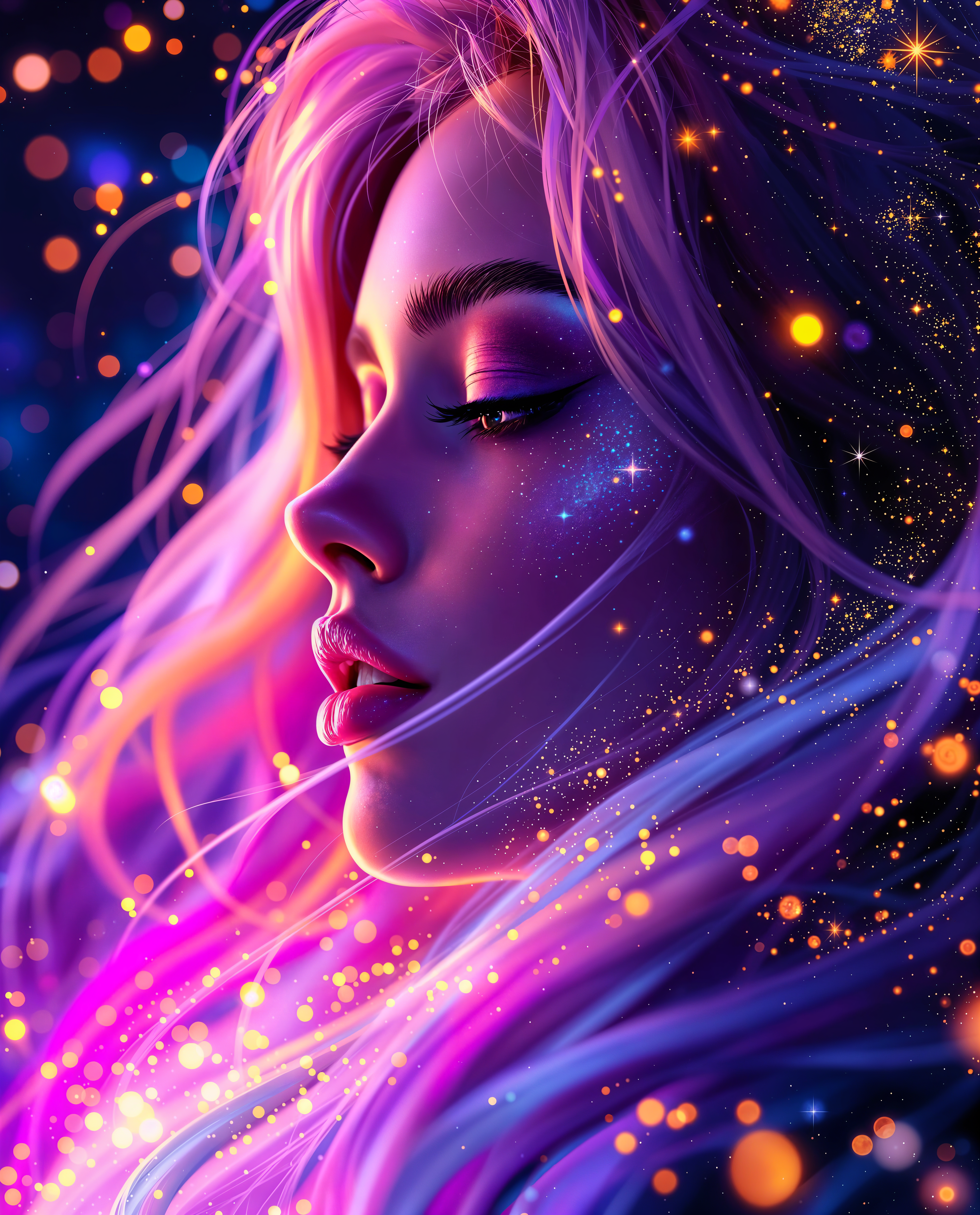
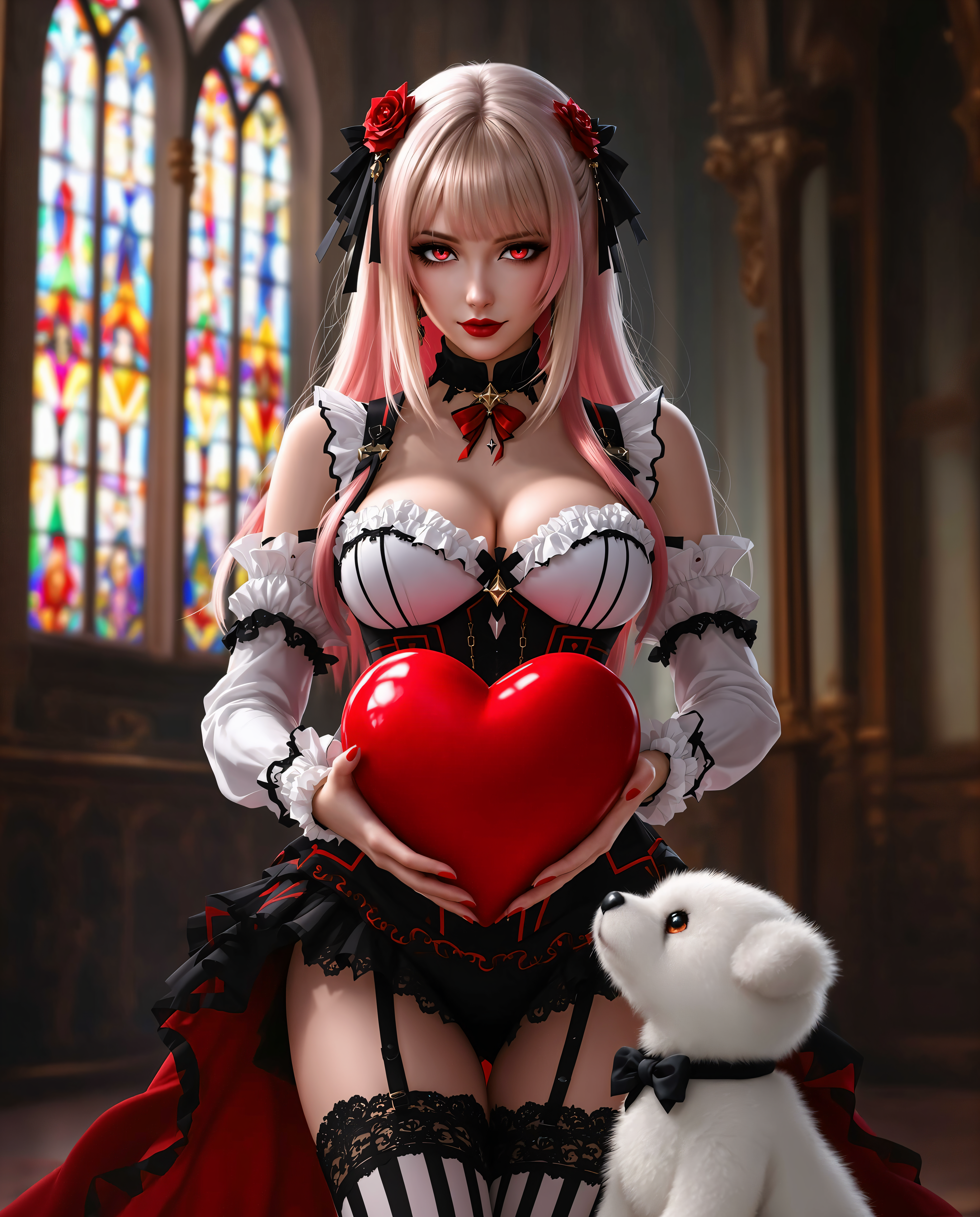
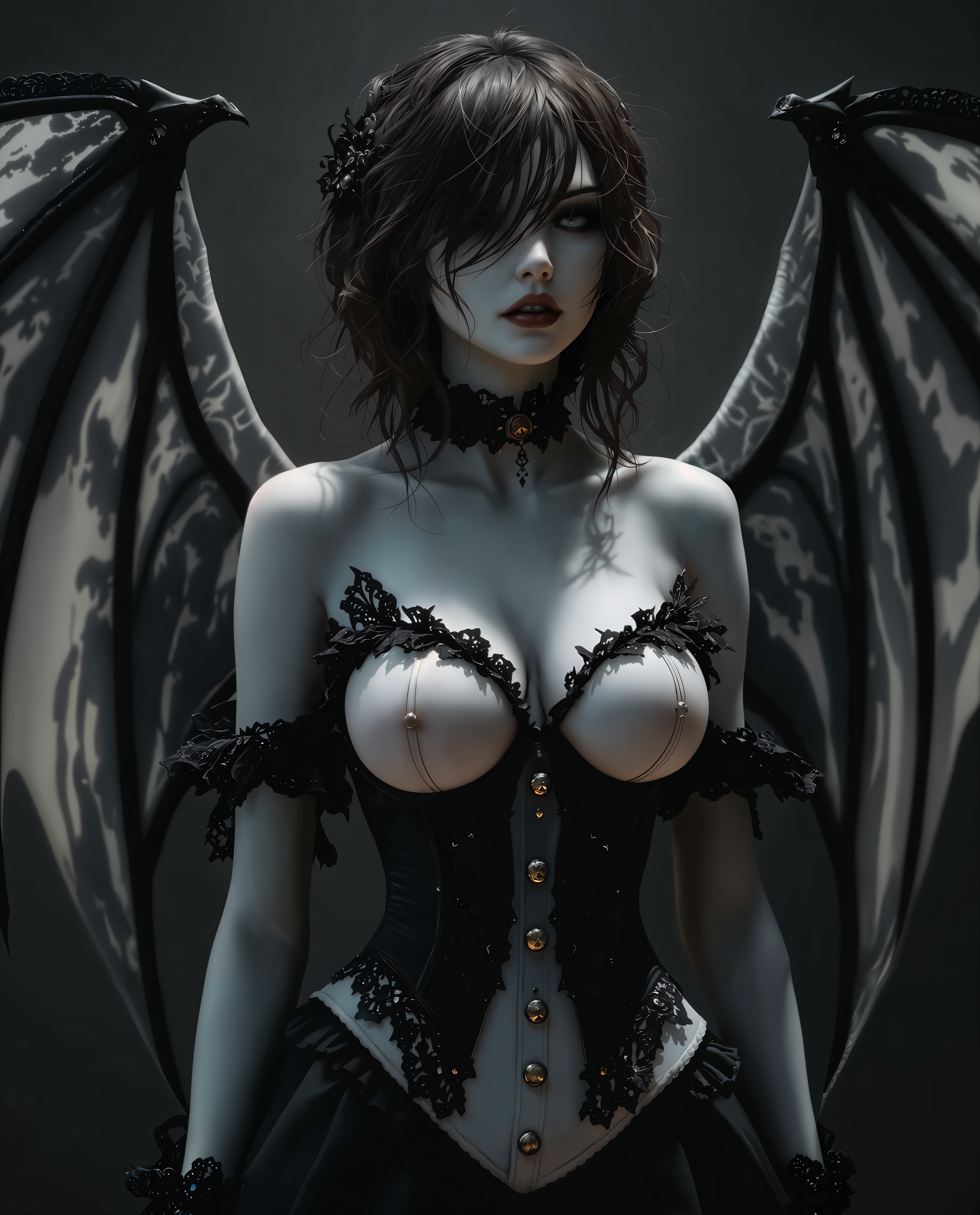
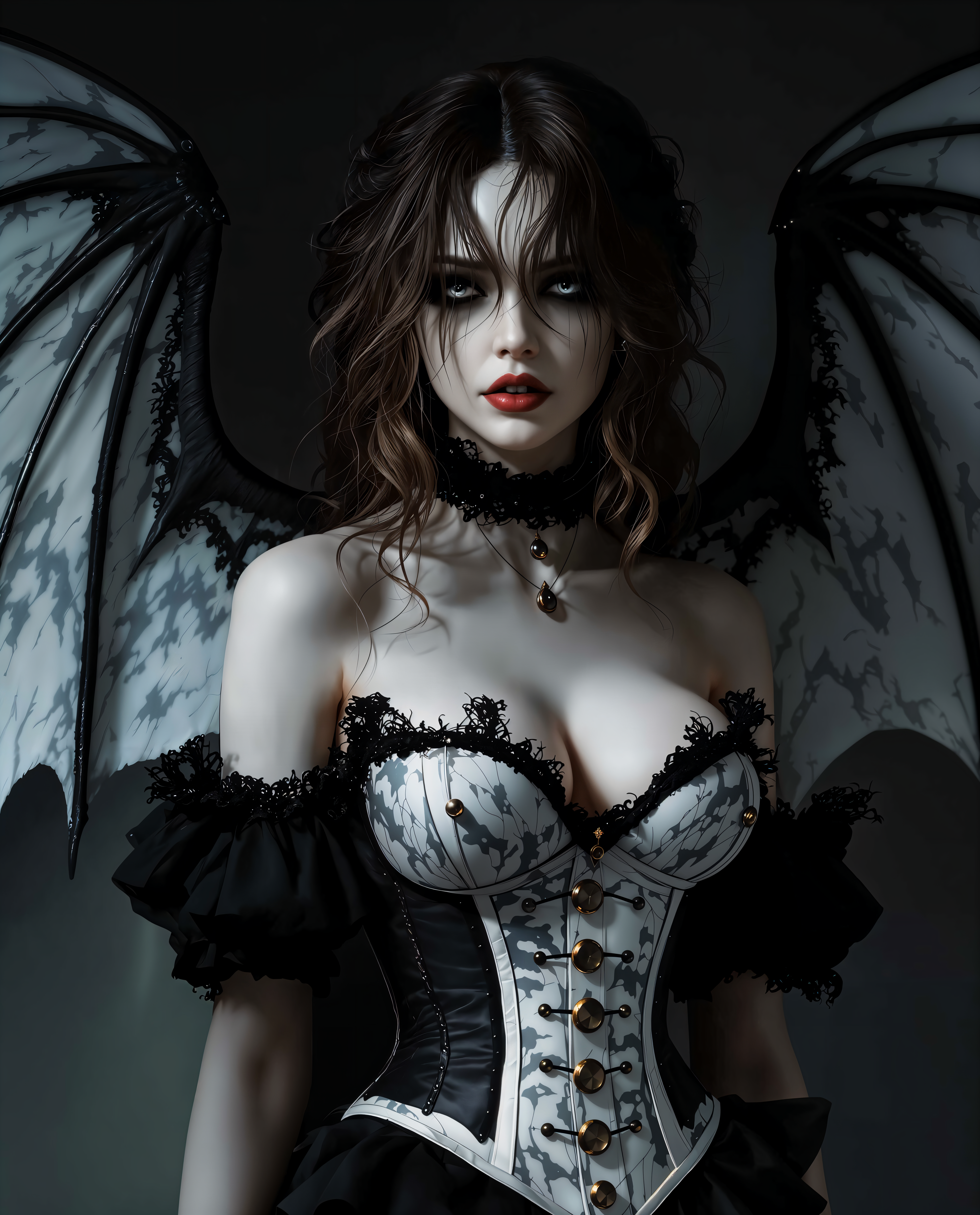
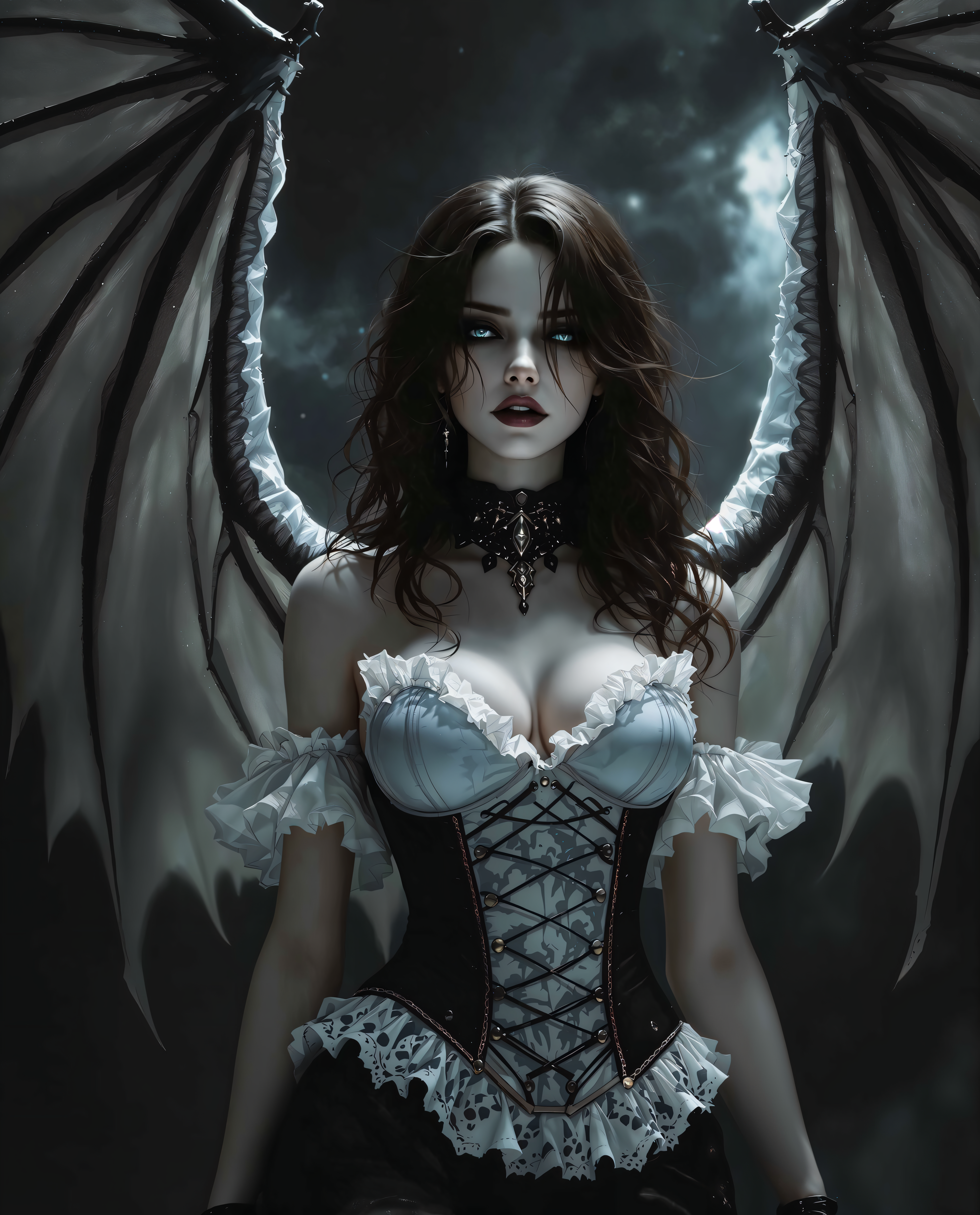
The Pixel Dojo Advantage
PixelDojoが長尺アスペクト比Qwen Edit画像生成で他を上回る理由
| Others | Pixel Dojo |
|---|---|
| 従来の写真ステッチング | 位置合わせエラーや継ぎ目を何時間も排除。QWEN Imageの先進的なコヒーレンスで、ワンクリックで一貫性のあるネイティブ長尺画像を取得。 |
| 汎用AIツール | 正方形限定の制約から解放。Qwen Editは最大1:4の真の可変比率を歪みゼロで提供し、Background Removerなどのシームレス編集も可能。 |
| 手動写真編集 | Photoshopの勘やエッジのAI幻覚はもう不要。InpaintingとMagnific Upscalerが毎回ピクセルパーフェクトな拡張を保証。 |
PixelDojoのクリエイターに愛されています
PixelDojoを利用しているユーザーから、製品内アンケートで集めたリアルな声です。
I really like how the site is kept up to date, and the leaderboard (where I'm currently #11 most popular artist)
This is the best image generator I've used so far. Well done!
es facil de comprender asi uno no sea programador
amazing web site
phenomenal site. would highly recommend
Amazing features, easy to use, privacy
PixelDojoでさらにAIツールを見る
AIツール
比較・切り替え
- Best AI Image Generators
- Best AI Video Generators
- Midjourney Alternatives
- Civitai Alternatives
- Runway Alternatives
- Leonardo Alternatives
- Pika Alternatives
- Luma Alternatives
- Magnific Alternatives
- Veo Alternatives
- Flux Alternatives
- Freepik Alternatives
- Seedance Alternatives
- Seedream Alternatives
- Pixverse Alternatives
- GPT Image Alternatives
- Synthesia Alternatives
- Playground Alternatives
- NightCafe Alternatives
- Canva AI Alternatives
- ElevenLabs Alternatives
- ComfyUI Alternatives
- Fal Alternatives
- Replicate Alternatives
よくある質問
Longer aspect ratios Qwen Editについて知っておくべきこと
Longer Aspect Ratios Qwen Edit画像とは?PixelDojoで使う理由は?
Longer Aspect Ratios Qwen Editとは、PixelDojoのQWEN ImageとEditスイートを使って9:16縦型ストーリーや3:1横型パノラマなどの拡張フォーマットで画像を生成・編集することを指します。スクロールを止めるソーシャルコンテンツ、プロ級バナー、没入型アートを歪みなく実現。PixelDojoは最大1:4比率のネイティブサポート、Image to Imageによる拡張、QWEN Model Trainerによるカスタムスタイルで他を上回ります。
縦型Longer Aspect Ratios Qwen Edit画像の生成方法は?
Create ImagesでQWEN Imageを選択し、9:16以上の比率を選んで「tall ethereal forest path」のようなプロンプトを入力。編集時はImage to ImageやInpaintingにアップロードして縦方向に拡張。Change Camera Angleで視点を調整、Creative Upscalerでアップスケールしてダウンロード。TikTok/Reels向けに毎日何千人ものユーザーがPixelDojoの直感的なプラットフォームで生成しています。
PixelDojoのQwen Editは超ワイドパノラマ長尺アスペクト比に対応できますか?
はい、QWEN Imageは16:9から4:1の横型を完璧にサポート。広大なシーンをプロンプトし、Style Transferで一体感を出し、必要に応じてOutpaintingで拡張。Flux.1 Studioと組み合わせも可能。ユーザーはウェブサイトヘッダーや広告を2倍のコンバージョンで作成し、Qwenの優れたディテール保持力を発揮しています。
歪みのないLonger Aspect Ratios Qwen Editに最適なテクニックは?
プロンプトを線形フロー(例: 'horizon stretching coast to coast')に焦点を当て、Image Analyzerでバランスを確認、Magic Lightingで奥行きを加えましょう。QWEN Model Trainerでサンプルをトレーニングして完璧なスタイルを作成。PixelDojoは先進的なQwenアーキテクチャで一般的な歪みを避け、プリントやNFTに最適な鮮明な4K+結果を提供します。
PixelDojoでのカスタム長尺アスペクト比でQwen Editはどう比較されますか?
QWEN Image/Editsは柔軟な比率、Inpainting with LoRAsによるLoRA統合、エッジ忠実度を維持するアップスケーリングが強み。硬直したツールとは異なり、ストーリーやバナー向けに精密にカスタマイズ可能。Developer APIでバッチ生成もでき、Consistent Charactersで長尺ビューでの一貫したキャラクターをプロが愛用しています。
Longer Aspect Ratios Qwen Edit画像生成の無料トライアルはありますか?
もちろん、PixelDojoで無料クレジットから始められます。WAN 2.6 Imageなどの40以上のツールを探索し、自由にアップスケール、いつでもキャンセル可能。無制限Qwenアクセスにアップグレードし、Usage Reportで全てを追跡。リスクフリーで長尺アスペクト比をマスターしてコンテンツ empireを拡大する数千人に参加しましょう。