Art Styles
Pixel Art Portrait: you as a retro game sprite
Redraws your photo as chunky 16-bit pixel art, the look of a classic console game.
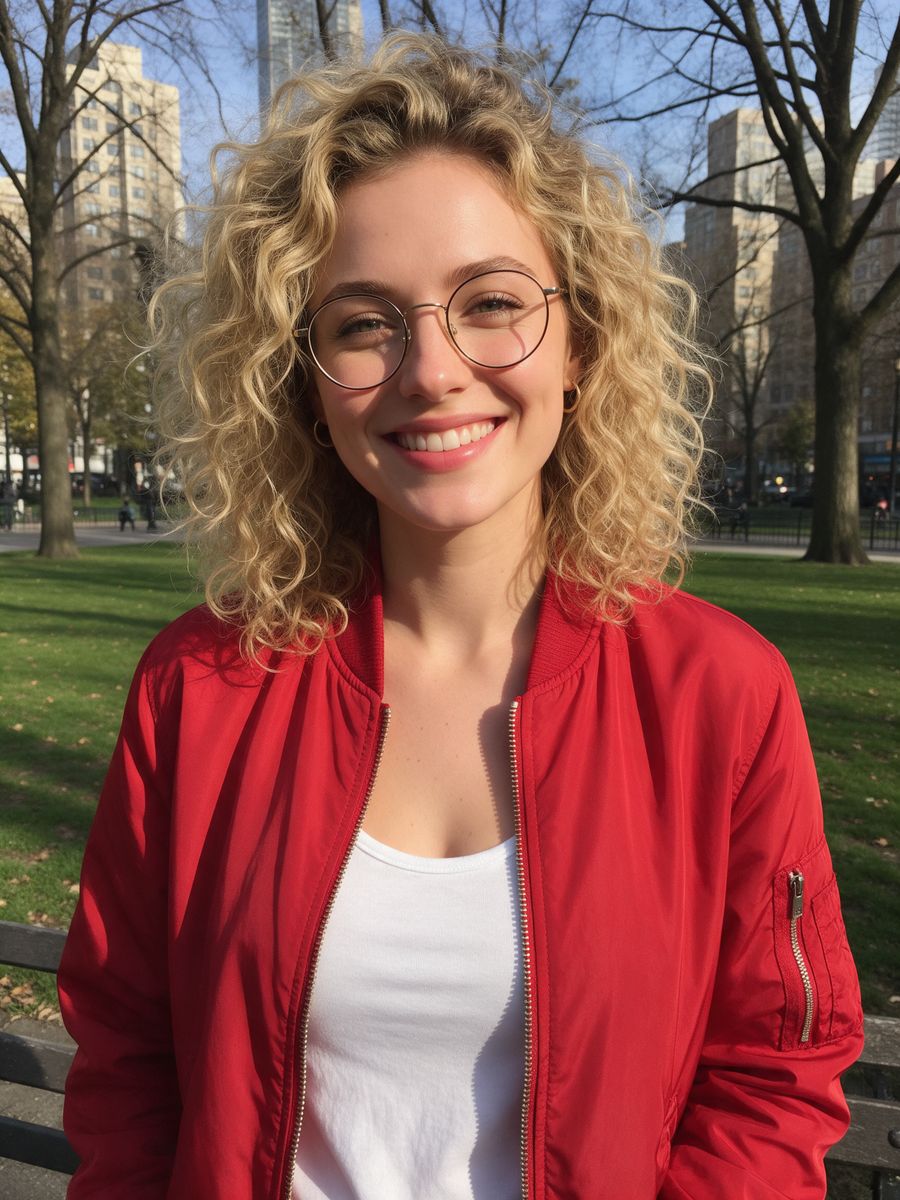
Before
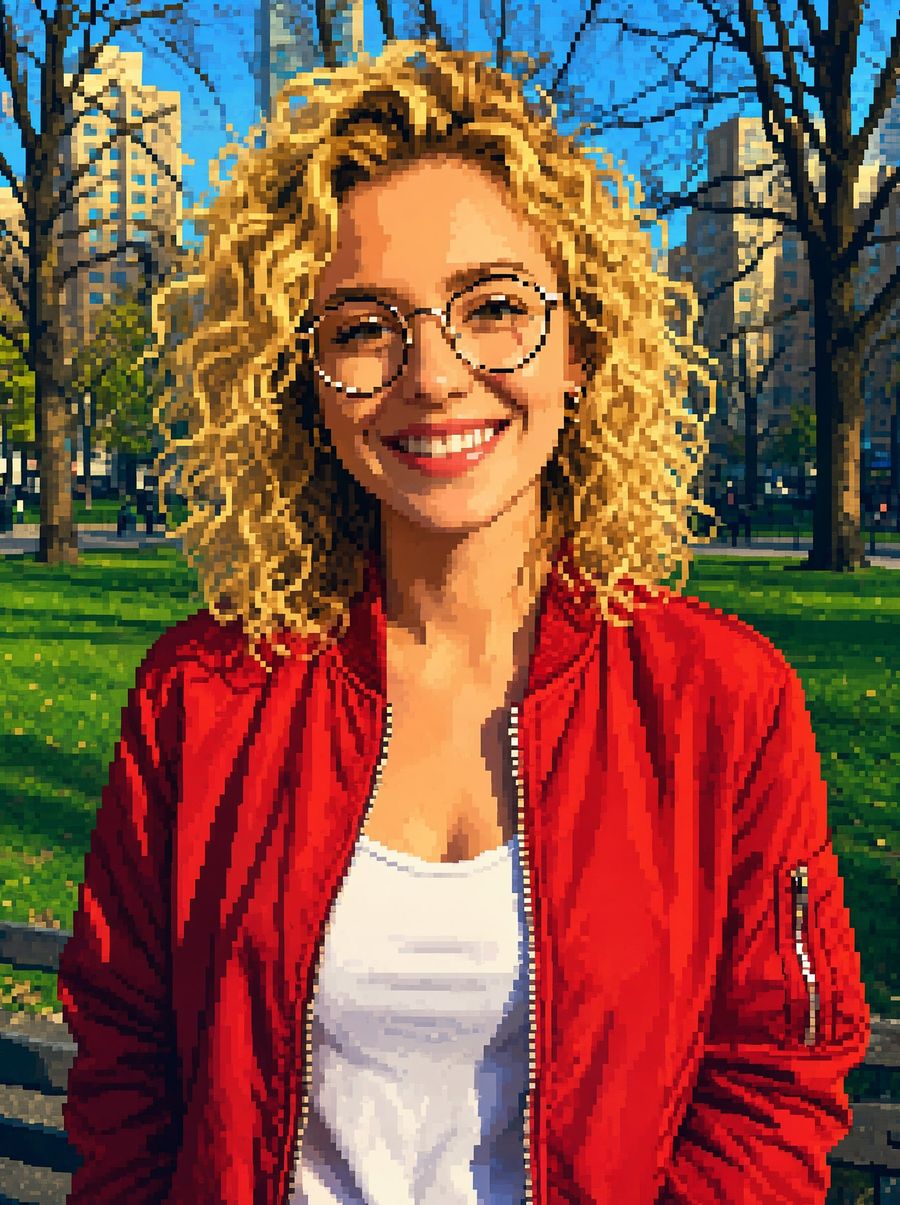
After, straight from our test, no retouching
Did best on this effect in our test.
Add a photo to start.
3 free every day. No card needed.
What Pixel Art Portrait does
Pixel Art Portrait redraws your photo as chunky retro game art, with square pixels and a bright, limited palette.
How to use the Pixel Art Portrait effect
- Upload your photo, or pick it from your library.
- Press Generate. The look is already set up, so there is no prompt to write.
- Your image shows up right on the page. Save it to your library or download it.
Tips for the best result
- Bright clothes and strong colors read best in pixels.
- Waist-up photos keep the face detailed enough to recognize.
- Glasses and hats carry over.
Ideas for using it
- A retro avatar for gaming profiles.
- Art for a stream or channel banner.
- A fun gift for someone who grew up on old consoles.
More photo effects
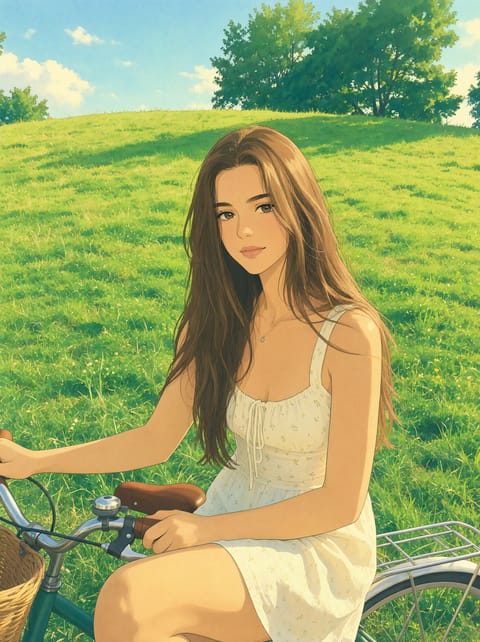
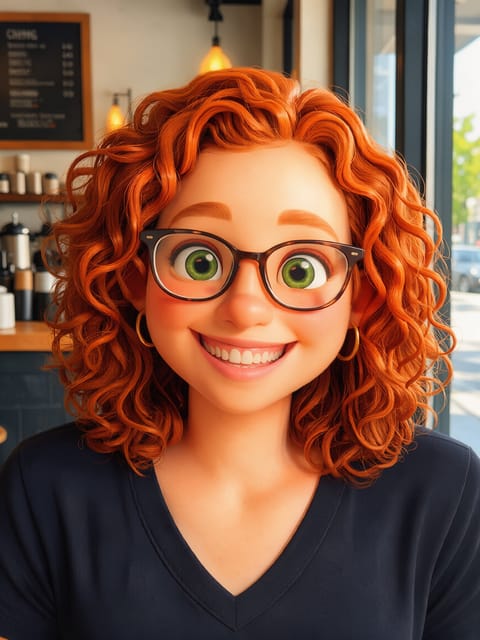
Ghibli Style Photo
Your photo as a Ghibli-style anime film still.

3D Cartoon Character
An animated-movie version of you.
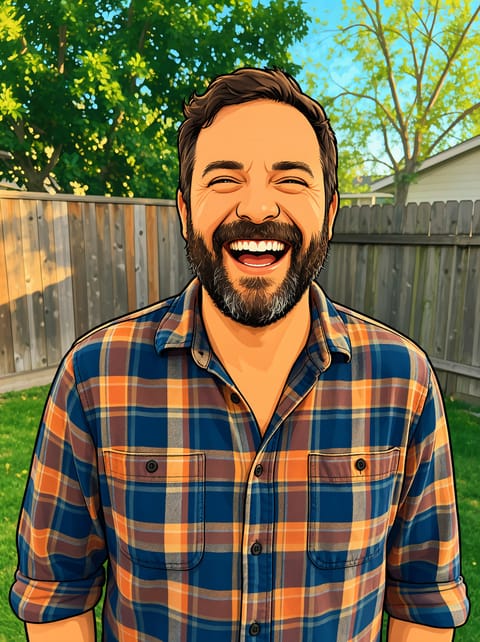
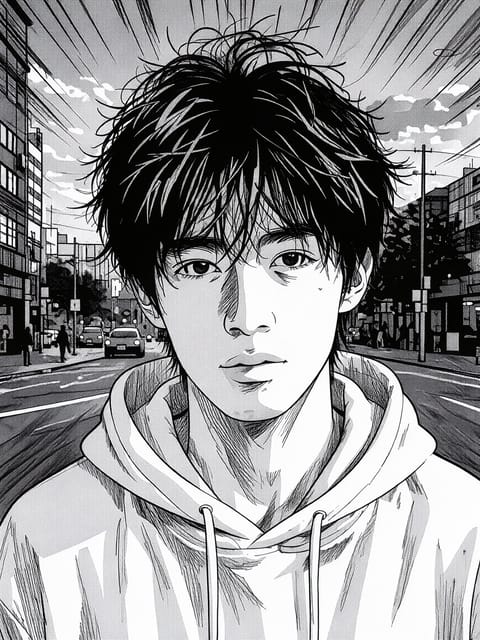
Photo to Cartoon
A bold, clean 2D cartoon of your photo.
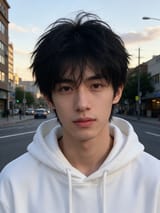
Manga Filter
Black and white manga panel art.
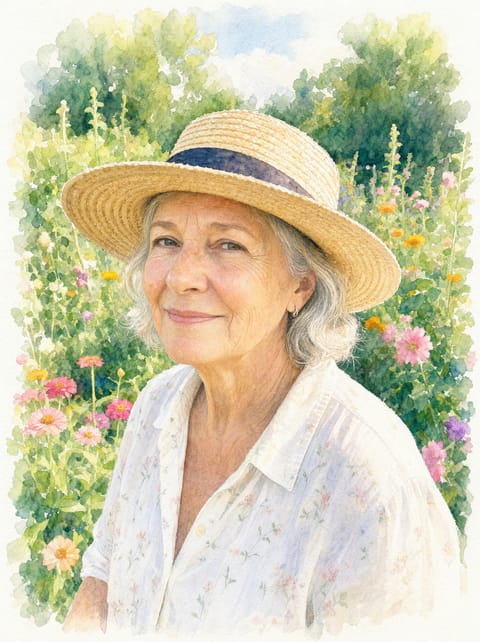

Watercolor Portrait
A soft watercolor painting of your photo.
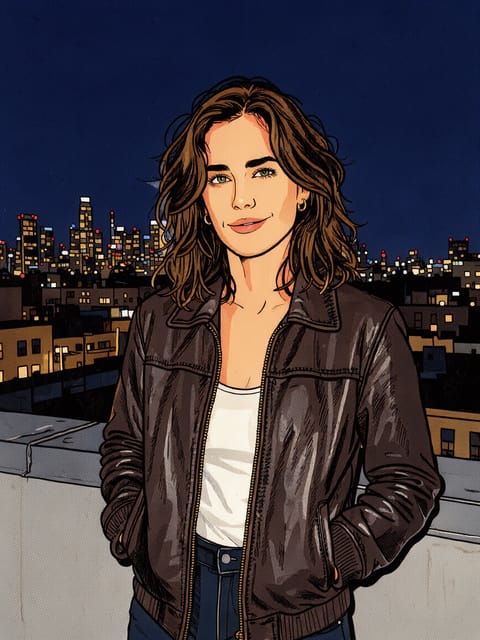

Comic Book Filter
A full-color comic book panel.
Want motion instead? Video Effects turn one photo into a 5 second clip.
Go further
Pixel Art Portrait FAQ
Is the background pixel art too?
Yes. The whole picture is redrawn in the same style.
Can I pick the engine?
Yes. Both engines are on the page, and each draws the pixels a little differently.
Is Pixel Art Portrait free?
Yes. A free PixelDojo account makes 3 free effects every day across Photo Effects and Video Effects, no card needed. Every plan unlocks as many as you like.
Who owns the result, and can I use it commercially?
We assign you whatever rights we hold in the result, so you can use it in your own projects, commercial ones included, as long as what you uploaded was yours to use. Unsaved results are deleted after 24 hours, so save the ones you want to keep.
Can I use a photo of someone else?
Only photos of adults, of yourself or of people who agreed to it, and only images you have the right to edit. Every upload goes through the same safety checks as the rest of PixelDojo.