AIカメラムーブ

masterpiece, best quality, highres, sharp image, more detail <lora:more_details:0.5> <lora:SDXLrender_v2.0:1>
AI Generated
いつでもキャンセル可能商用利用ライセンス50以上のAIモデル

ストーリーを、まるでハリウッド映画のような滑らかなカメラワークで生き生きと表現できるとしたら——撮影クルーも高額な機材も必要ありません。PixelDojoのAIカメラムーブツールを使えば、プロ級のパン、ズーム、トラッキング、オービットショットを数分で生成できます。コンテンツクリエイター、マーケター、映像作家の皆さまが、視聴者を魅了し、ブランドを強化し、プロジェクトを次のステージへ引き上げるダイナミックな映像を、専門知識なしで実現。あなたの想像力と最先端AIが、時間とコストを大幅に削減する洗練された結果をお届けします。

50,000人以上のクリエイターがPixelDojoで数百万本のAI動画を制作。Trustpilotで2,500件以上のレビューから4.9/5の高評価を獲得。動画制作を民主化する革新的AIツールとして、トップクリエイティブメディアでも紹介されています。

AI camera movesにPixel Dojoを選ぶ理由

最先端のAI技術によるプロ品質の仕上がり

映画のようなクオリティを手軽に

ドリーズームやエアリアルパンなど、プロが撮影したような滑らかなカメラワークをAIで再現。撮影スタッフを雇わずに視聴者を引き込む映像を作り、エンゲージメントを高めます。

驚異的な作成スピード

複雑なカメラムーブも数秒で生成。アイデアを素早く試し、納期を守りながらSNS、広告、映画向けの動画制作をスケールさせられます。

無限のクリエイティブの自由

カメラアングルや動きのバリエーションを自由に試して、独自のストーリーを表現。あなたのビジョンに合わせてシーンをカスタマイズし、競争の激しいデジタル空間で際立つコンテンツを生み出せます。

使い方

PixelDojoでAIカメラムーブを作成するのは、シンプルで直感的です。専用動画ツールを使ってダイナミックな動きをシミュレートし、静止画のようなアイデアを動きのある傑作に変換しましょう。以下の手順で、プロ級の結果を簡単に手に入れてください。

1

ステップ1:ツールを選択

PixelDojoにログインし、Kling v2.5 Turbo ProやRunway Gen-4 Videoなど、カメラムーブに最適化された動画生成ツールを選びます。パン、ズーム、トラッキングを組み込んだシーンを入力可能。プロジェクトに合ったツールを選んで、最高のダイナミック効果を実現しましょう。

2

ステップ2:プロンプトを入力

シーンを詳しく描写し、希望のカメラムーブを指定します(例:「山頂にズームインしながら時計回りにオービット」)。速度、時間、スタイルなどのオプションで調整すれば、AIがあなたのビジョンを忠実に再現。PixverseやSora 2などのツールが複雑な動きもリアルに生成します。

3

ステップ3:カスタマイズしてダウンロード

生成された動画をプレビューし、Video ReframeやLip Syncなどの編集ツールでフレーム調整、音声追加、タイミング微調整を行います。満足できたら高解像度でダウンロード。Video Upscalerでさらにシャープに仕上げ、共有や商用利用に最適です。

Community AI camera moves Gallery

Real examples created by our community

masterpiece, best quality, highres, sharp image, more detail <lora:more_details:0.5> <lora:SDXLrender_v2.0:1>
The image depicts a scene with a humorous twist, featuring a figure that resembles an scaly textured alien, looking between 2 tree branchs. The art style is a digital composite, combining a realistic depiction of the tree bark and moss with a more stylized, cartoonish representation of the alien character. The medium appears to be a digital photograph with added graphical elements.The colors in the image are earthy and muted, with browns, greens, and grays dominating the palette. The tree bark is textured and mosscovered, giving a sense of age and natural decay. The alien figure is a lighter, silverygray color, which stands out against the darker tones of the tree.The objects in the image include the tree trunk, which is thick and rugged, with a natural split of branches is where the alien is looking through. The moss clinging to the bark adds a touch of greenery to the scene. The alien character is humanoid with large, black eyes and a small mouth, giving it a somewhat surprised or startled expression. It has a metallic sheen, suggesting it might be made of a material similar to stainless steel or aluminum.The text overlay on the image reads, top "IM GONNA FUCK THAT MONKEY..." bottom "HOW IT REALLY ALL STARTED" This caption adds a layer of humor, implying a backstory or origin story that is incongruous with the innocent and serene setting of the image. The text is in a bold, white font with a shadow effect, making it stand out against the darker background of the image.
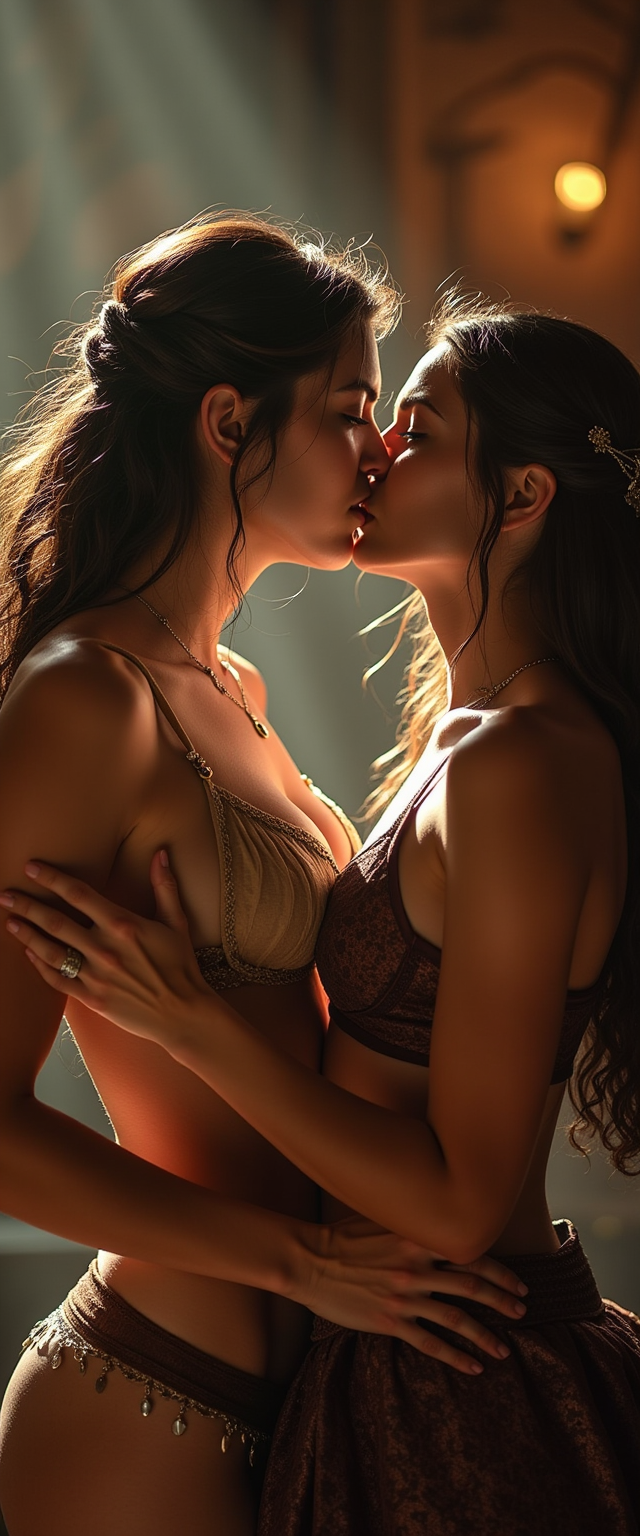
, fit, (realistic:1.4), realistic photograph, bokeh, dof, medieval, medieval setting, perfect lighting, sunlight, volumetric lighting, well lit, sharp focus, Dr00l, drool, saliva, excessive saliva, drooling, ((horny)), sloppy kiss, passionate kiss, breast grab, dominant yennefer_w3, submissive ciri_w3, lingerie, medieval tavern,
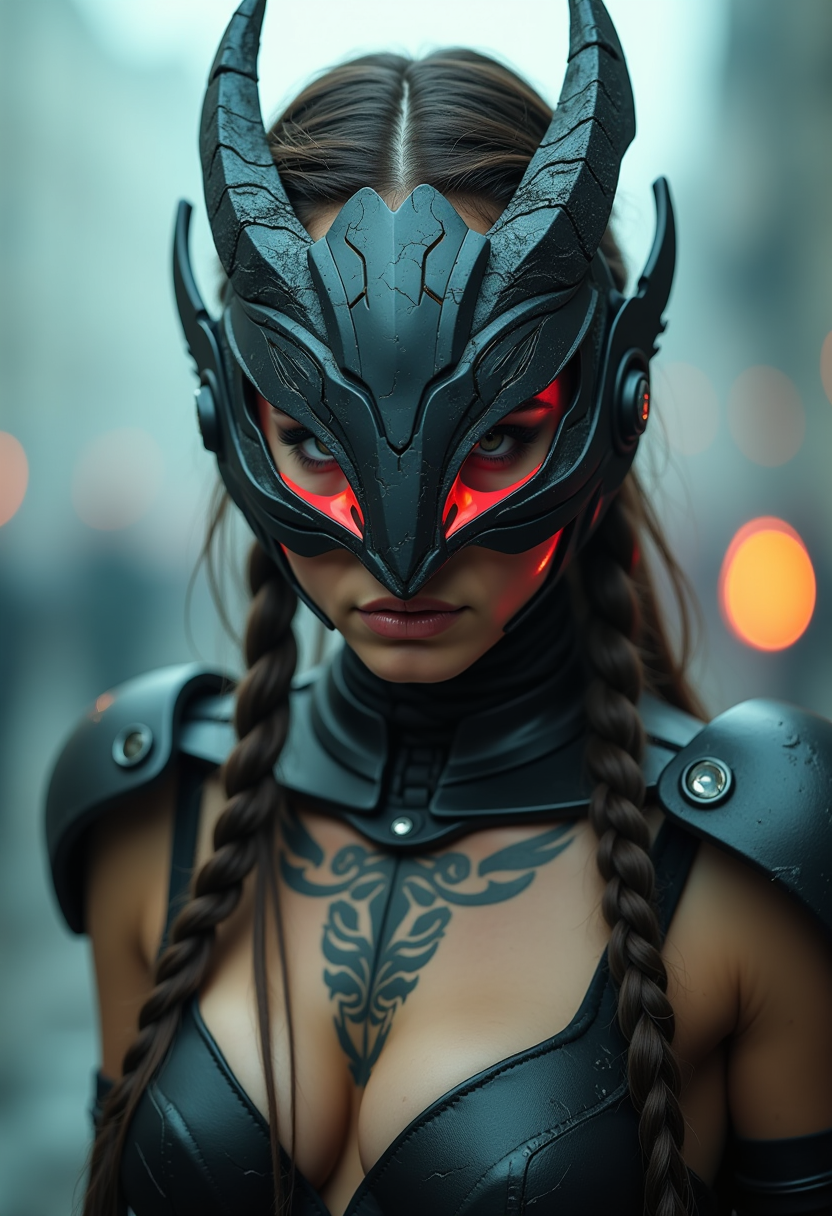
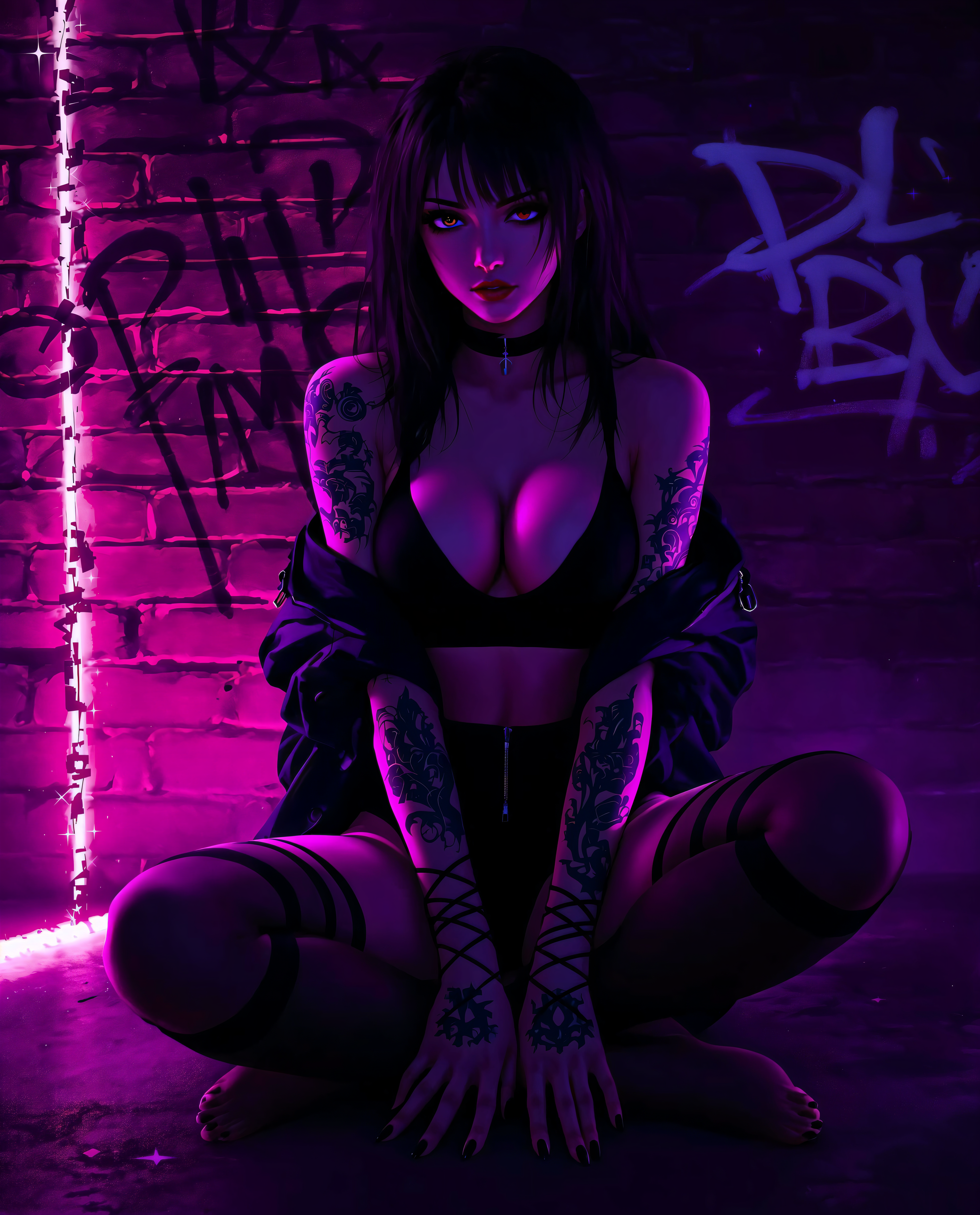
Analog movie still, dynamic angle. A fierce dystopian female survivor in armor, wearing a cyberpunk-styled high-tech mask featuring a sharp, sleek cyborg dragon head with neon accents. Braided hair, striking eyes, tattoos. Scratched metal textures, intricate details, cyberware and chrome implants. Background is dystopian world. Moody and noisy, fog and smoke, cinematic lighting, bokeh.
Camera angle: H5° V15° Zoom4
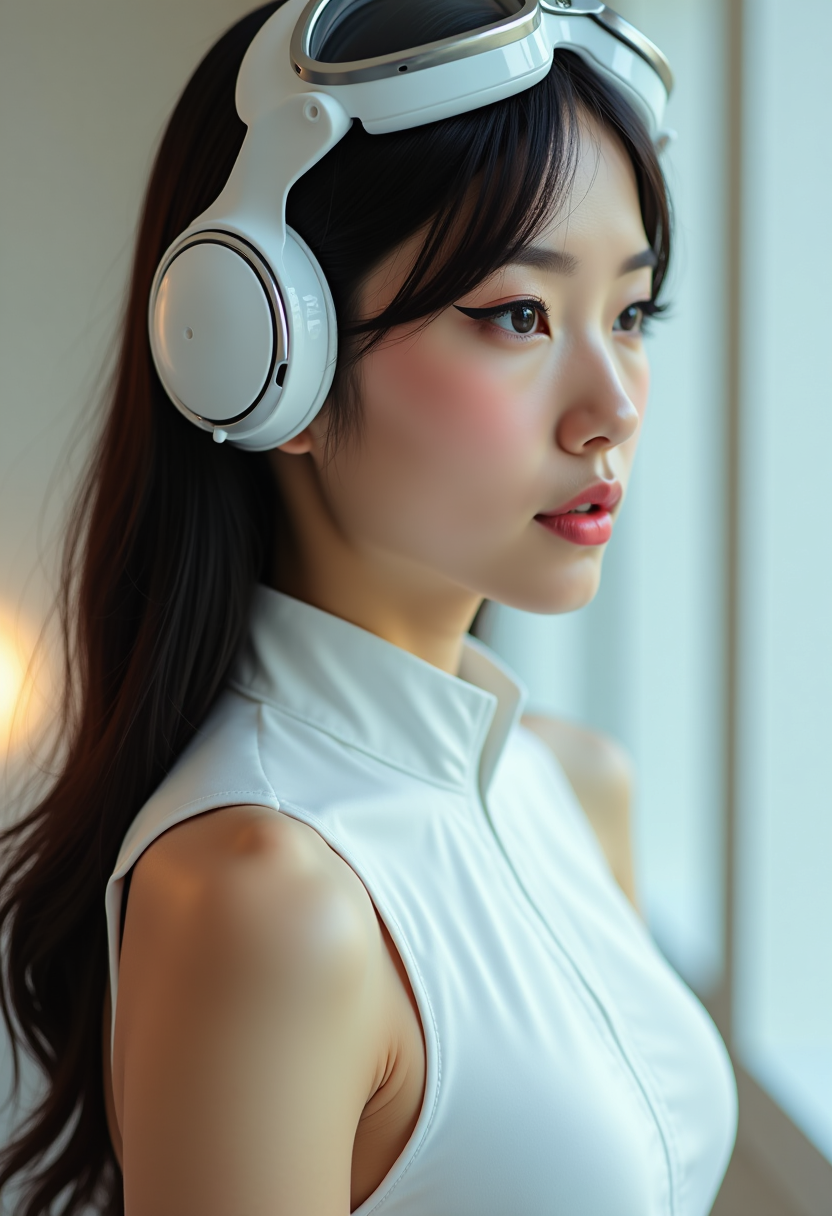
The image features a closeup of a woman's profile, with the following visual elements1. Hairstyle The person has long, dark hair that is styled in a way that it falls over the shoulders and back. The hair appears to be sleek and straight, with a slight sheen, indicating it might be well maintained or styled with a product.2. Makeup The person is wearing makeup, with a focus on the eyes and is asian.There is a winged eyeliner that extends outward from the outer corner of the eye, giving a bold and dramatic look. The eyeshadow is subtle, with a soft peach or coral tone that complements the eyeliner. There is also a touch of blush on the cheeks, adding a natural flush to the skin.3. Headgear The person is wearing a futuristic headpiece that resembles a pair of white goggles with a metallic rim. The goggles are positioned on the forehead, with the earpieces hanging down to the sides of the head. The design of the goggles is sleek and modern, with a hint of technology or perhaps aeronautical inspiration.4. Clothing The person is wearing a white, sleeveless top with a high neckline. The fabric appears to be a lightweight, possibly silky material that drapes smoothly over the shoulders and chest. The top has a simple and elegant design, with no visible embellishments or patterns.5. Background The background is blurred, but it seems to be an indoor space with a neutral color palette, likely a room with white walls or a light colored interior.6. Lighting The lighting in the image is soft and diffused, casting a gentle glow on the subjects face and highlighting the contours of the headpiece and the top. The lighting creates a warm and inviting atmosphere, and it seems to be coming from the side or slightly behind the subject, as indicated by the shadow on the right side of the image.
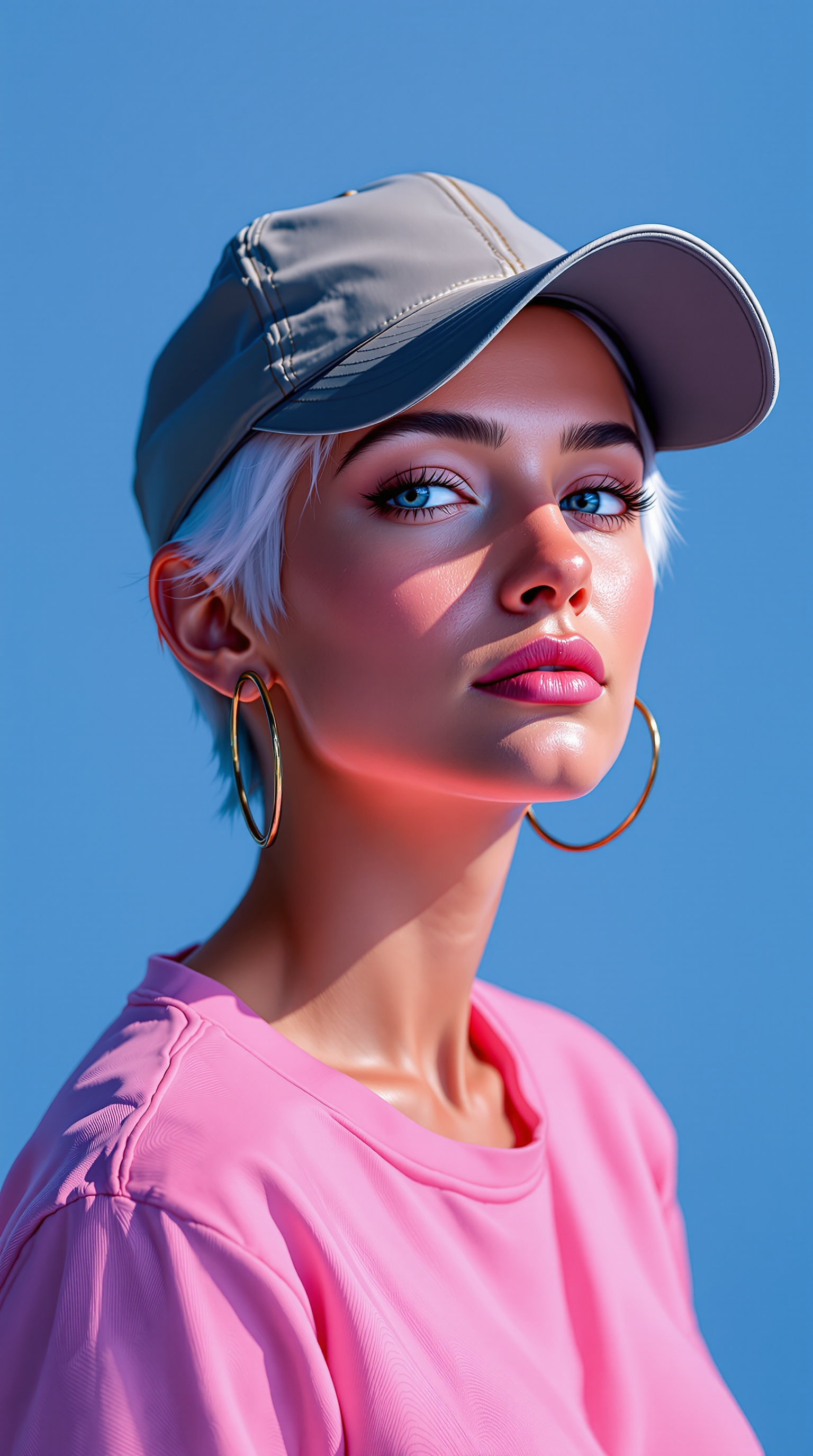
a photo of Ana de Armas, A woman with short white hair, rough digital brush strokes, wearing large hoop earrings and a baseball cap.overexposed,  bright on deep pink background. She is dressed in pink shirt. Speed painting low poly sketch. The background color is a flat, pure Klein Blue, with a minimalist, clean, and bright lighting style. This is a simplistic sketch, sharply focused portrait sketch with cinematic studio lighting, resulting in a masterpiece of the highest quality.
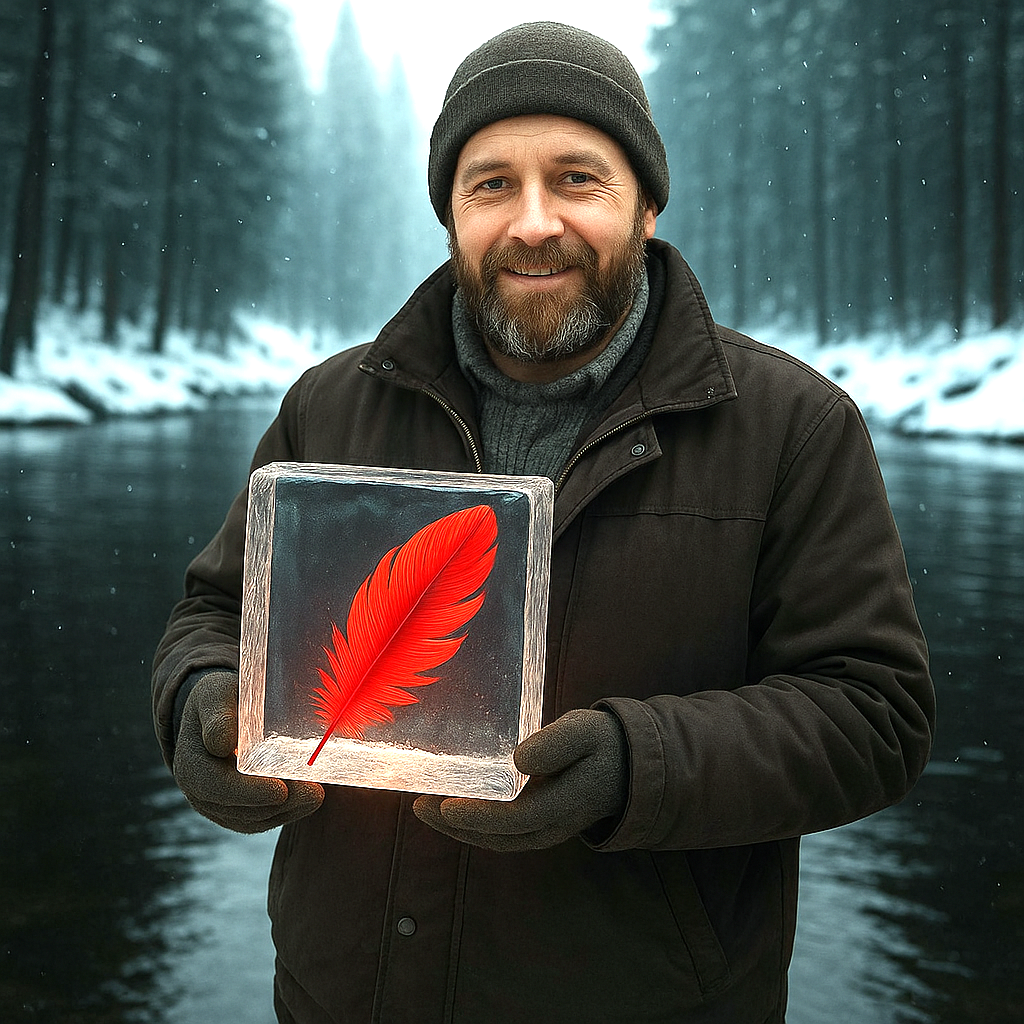
a man selling this object (edit)
show the character in a random pose with random background and random lighting. ultra sharp, high resolution portrait photos, cinematic, 4k
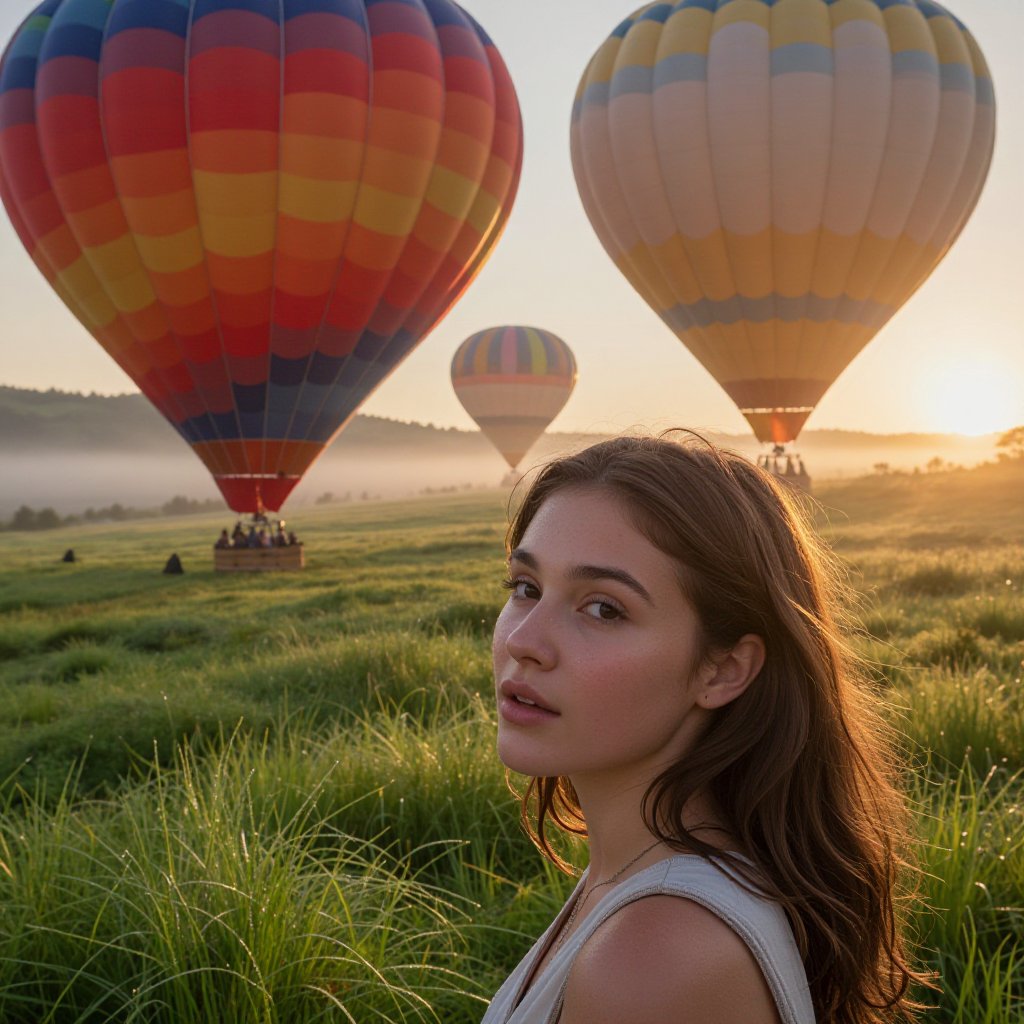
a hot air balloon festival at dawn, colorful balloons drifting over a green valley
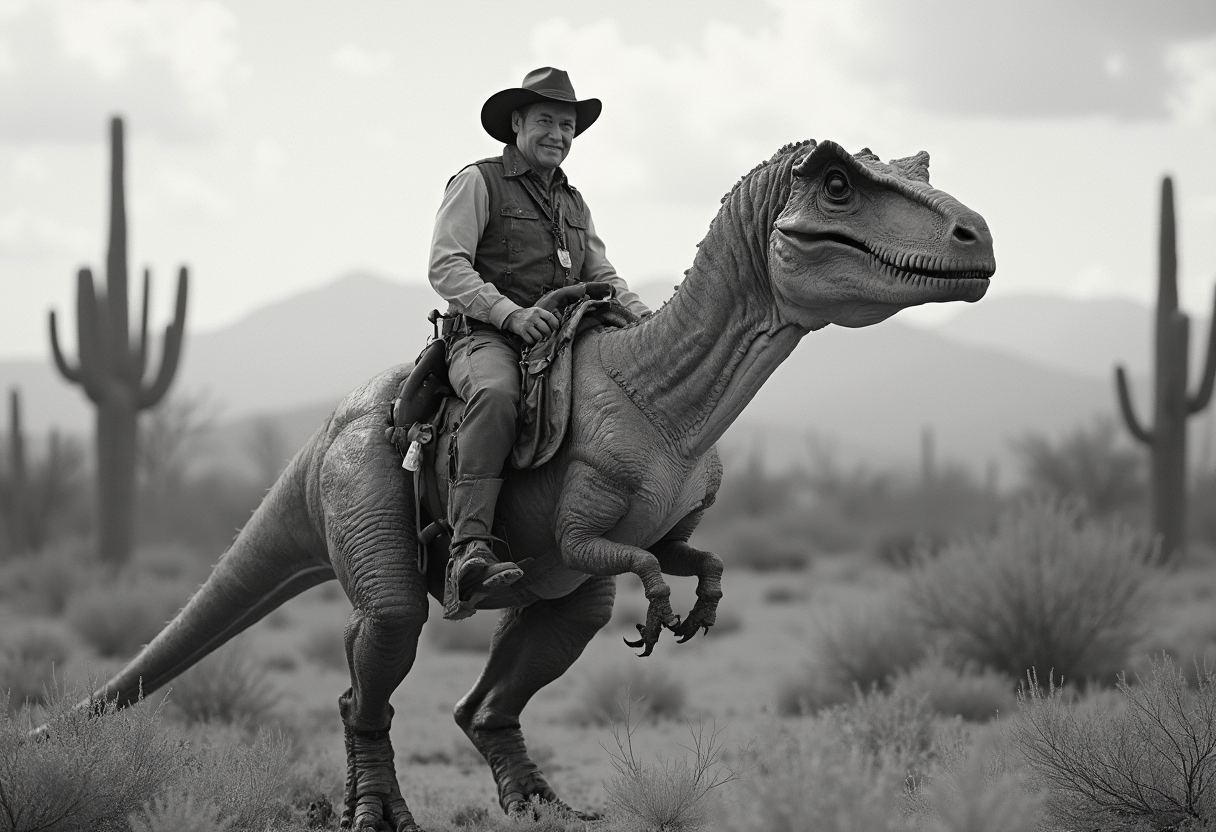
Create a photorealistic monochrome photo of an 1863 Tucson, Arizona, a cowboy riding a t-rex, cowboy is smiling looking at viewer
AI-generated image
AI-generated image

今すぐAIカメラムーブを作成しよう

最先端AIツール40以上、世界中のクリエイターに愛用。いつでもキャンセル可能、今日からお試しください

The Pixel Dojo Advantage

AIカメラムーブ動画生成で、PixelDojoが他を圧倒する理由

OthersPixel Dojo
従来の動画制作カメラ、クルー、編集ソフトはもう不要。プロ級のカメラムーブを瞬時に生成し、数千ドルのコストと数週間の制作時間を節約できます。
汎用AIツールKling v2.5 Turbo Proなど、精密なカメラシミュレーションに特化したモデルを利用。基本的な生成ツールよりリアルでカスタマイズ性の高い動きを実現します。
手動動画編集オービットショットなどの複雑なエフェクトをソフトウェア習得なしで自動化。数時間かかる面倒な調整を、数分で完璧に仕上げられます。

PixelDojoのクリエイターに愛されています

PixelDojoを利用しているユーザーから、製品内アンケートで集めたリアルな声です。

Top notch quality and strong prompt adherence.
認証済みPixelDojoクリエイター
A well resourced sunscription with attention to updates.
認証済みPixelDojoクリエイター
Easy to use and there's lots of options.
認証済みPixelDojoクリエイター
super lora download
認証済みPixelDojoクリエイター
Great variety of tools to create and modify images and video.
認証済みPixelDojoクリエイター
Lots of Tools, and the one time I needed support I got help right away
認証済みPixelDojoクリエイター

よくある質問

AI camera movesについて知っておくべきこと

動画でリアルなAIカメラムーブを作成するには?

PixelDojoでは、Kling v2.5 Turbo ProやRunway Gen-4 Videoなどのツールを使ってリアルなAIカメラムーブを生成できます。風景を横切るパンなど、シーンと動きを詳しく記述したプロンプトを入力するだけ。AIがシミュレーションを行い、滑らかでプロ級の結果を生成します。Video Reframeでさらにフレームを調整し、観客を魅了するシネマティックなクオリティを実現しましょう。

カメラのパンとズームをシミュレートする最適なAIツールは?

PixelDojoは、カメラのパンとズームをシミュレートするPixverseやSora 2などのトップツールを提供。プロンプトで動きを記述すれば、流れるようなトランジションの動画を生成できます。Video Upscalerと組み合わせればさらにクオリティを高め、どんなプロジェクトでも短時間・低コストで高インパクトな動画を制作可能です。

AIはトラッキングショットのようなダイナミックなカメラムーブを生成できる?

はい、PixelDojoのAIはLTX-2 VideoやVEO 3.1などのモデルで、トラッキングショットなどのダイナミックなカメラムーブを生成します。プロンプトに経路と被写体を記述すれば、AIがシームレスな動きを作り出します。Merge Videosでクリップを組み合わせ、従来の撮影機材なしで魅力的なストーリーを生み出せます。

動画生成でオービットカメラエフェクトをAIで使うには?

PixelDojoなら、WAN 2.5 VideoやHailuo 2.3などのツールでオービットカメラエフェクトが簡単に実現。中心の物体を周回する動きを指定したプロンプトを入力して動画を生成し、Lip SyncやExtract Frameで仕上げましょう。360度没入感のある映像で視聴者を魅了し、ストーリーテリングを強化できます。

コンテンツクリエイター向けAIカメラムーブのトレンドは?

現在のトレンドは、超リアルなシミュレーションと音声との連携です。PixelDojoのWAN Sound to Videoツールでもその例が見られます。クリエイターは素早いズームやパンを使ったSNSリールに活用。当プラットフォームはKling v2.1などのモデル更新で常に先を行き、エンゲージメントを高め、より多くのオーディエンスに届くトレンドコンテンツを制作できます。

PixelDojoはAI生成カメラムーブの編集にどう役立つ?

PixelDojoは、Video Autocaption、Runway Aleph、WAN 2.2 ReplaceなどのツールでAI生成カメラムーブの編集を強力にサポート。生成後にタイミング調整、キャプション追加、要素の置き換えをシームレスに行えます。動画を洗練された状態でプラットフォーム向けに仕上げ、時間を節約してクリエイティブに集中できます。

素晴らしいAIカメラムーブを作成する準備はできましたか?

アイデアを形にする準備はできましたか?

AIでアイデアを形にする何千ものクリエイターに加わりましょう