AI camera moves AI Generator
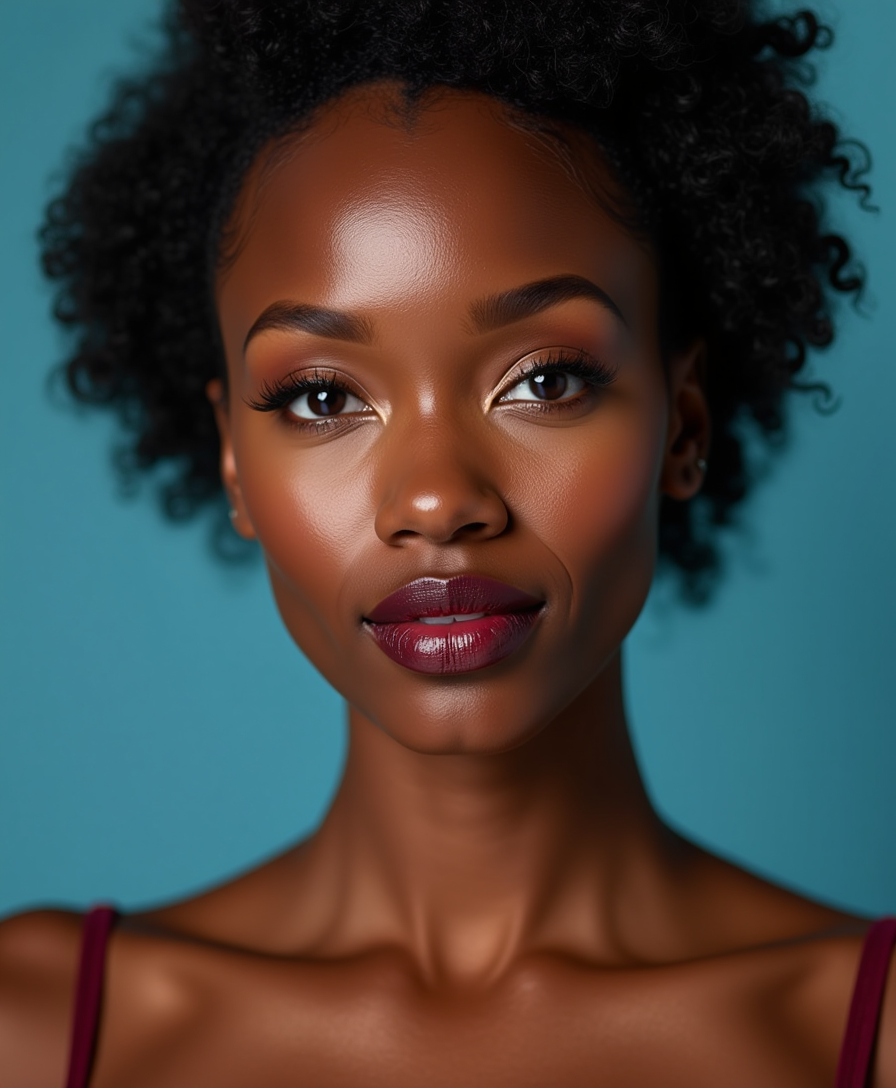
Imagine bringing your stories to life with seamless camera movements that rival Hollywood productions—all without a film crew or expensive gear. With PixelDojo's AI camera moves tools, you can generate dynamic videos featuring professional panning, zooming, tracking, and orbiting shots in minutes. Whether you're a content creator, marketer, or filmmaker, achieve captivating visuals that engage audiences, boost your brand, and elevate your projects to new heights. No technical skills required—just your imagination and our cutting-edge AI to deliver polished, high-impact results that save you time and money.
Join over 50,000 creators who've generated millions of AI videos with PixelDojo. Rated 4.9/5 on Trustpilot from 2,500+ reviews. Featured in top creative blogs for revolutionary AI tools that democratize video production.
Why Choose Pixel Dojo for AI camera moves
Professional-quality results with cutting-edge AI technology
Effortless Cinematic Quality
Produce videos with smooth camera moves like dolly zooms or aerial pans that make your content look professionally shot, captivating viewers and increasing engagement without hiring a videographer.
Rapid Creation Speed
Generate complex camera movements in seconds, allowing you to iterate quickly on ideas, meet tight deadlines, and scale your video production for social media, ads, or films.
Unlimited Creative Freedom
Experiment with endless variations of camera angles and motions to tell unique stories, customize scenes to fit your vision, and stand out in a crowded digital landscape.
How It Works
Creating AI camera moves with PixelDojo is simple and intuitive. Use our specialized video tools to simulate dynamic movements, turning static ideas into moving masterpieces. Follow these steps to get started and achieve professional results effortlessly.
Step 1: Choose Your Tool
Log in to PixelDojo and select from our video generation tools like Kling v2.5 Turbo Pro or Runway Gen-4 Video. These are optimized for camera moves, allowing you to input scenes that incorporate panning, zooming, or tracking. Pick the one that matches your project's needs for the best dynamic effects.
Step 2: Enter Your Prompt
Describe your scene in detail, including the desired camera move—such as 'zoom in on the mountain peak while orbiting clockwise.' Refine with options like speed, duration, and style to ensure the AI captures your vision perfectly. Our tools like Pixverse or Sora 2 handle complex prompts for realistic movements.
Step 3: Customize & Download
Preview the generated video, then use editing tools like Video Reframe or Lip Sync to fine-tune framing, add audio, or adjust timing. Once satisfied, download in high resolution. Upscale with Video Upscaler for even sharper results, ready for sharing or professional use.

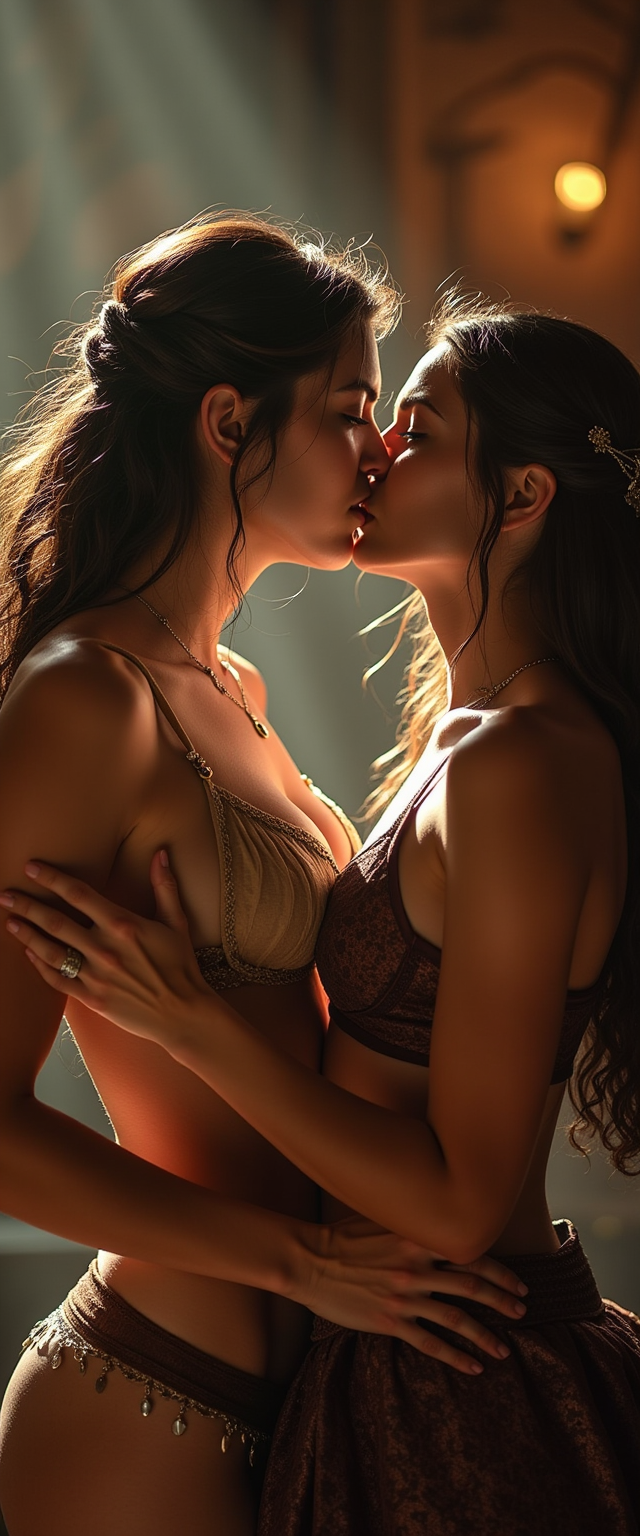
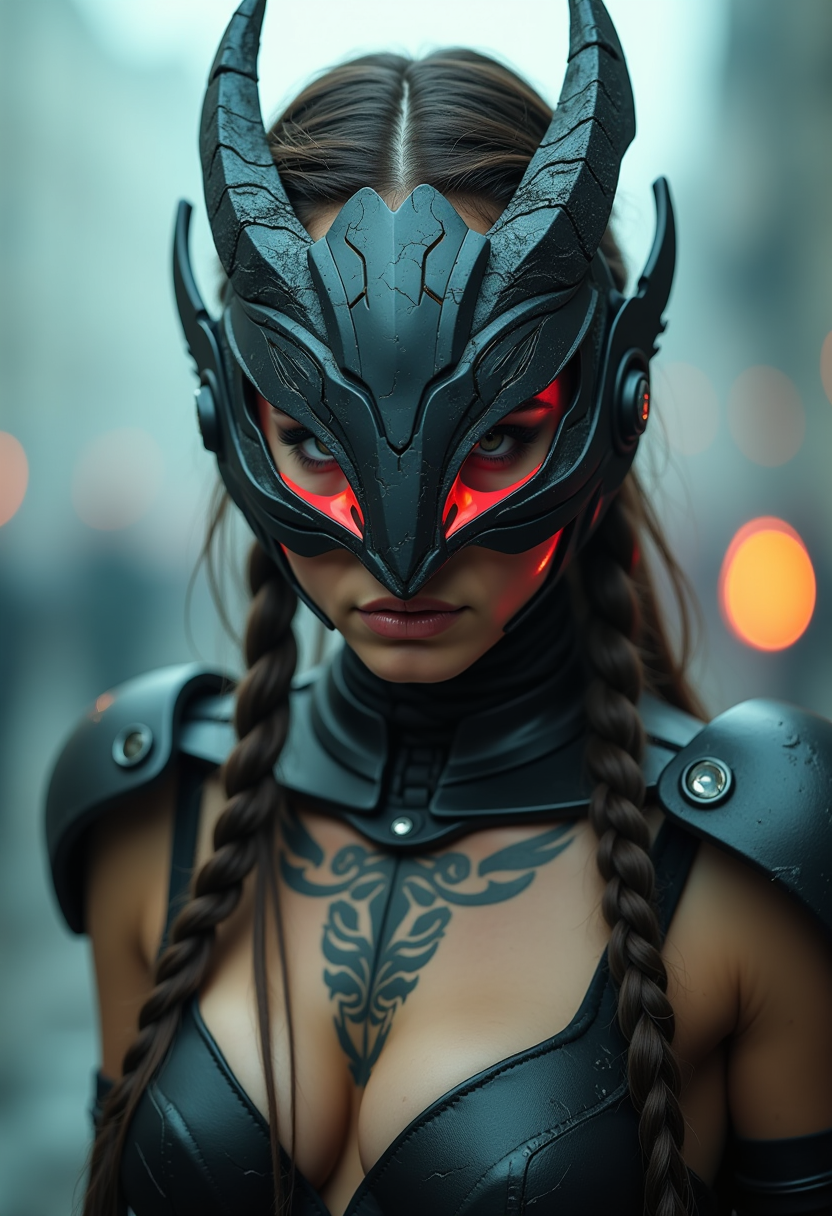
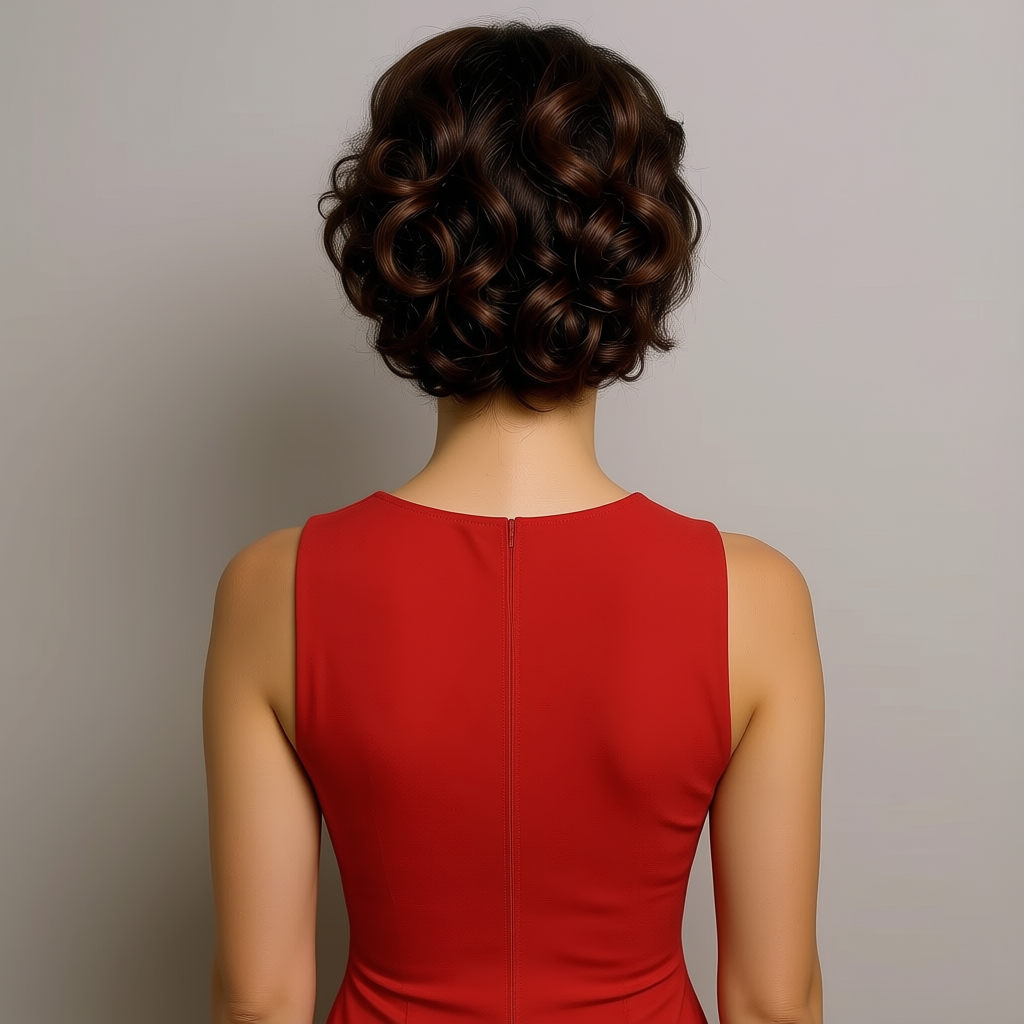

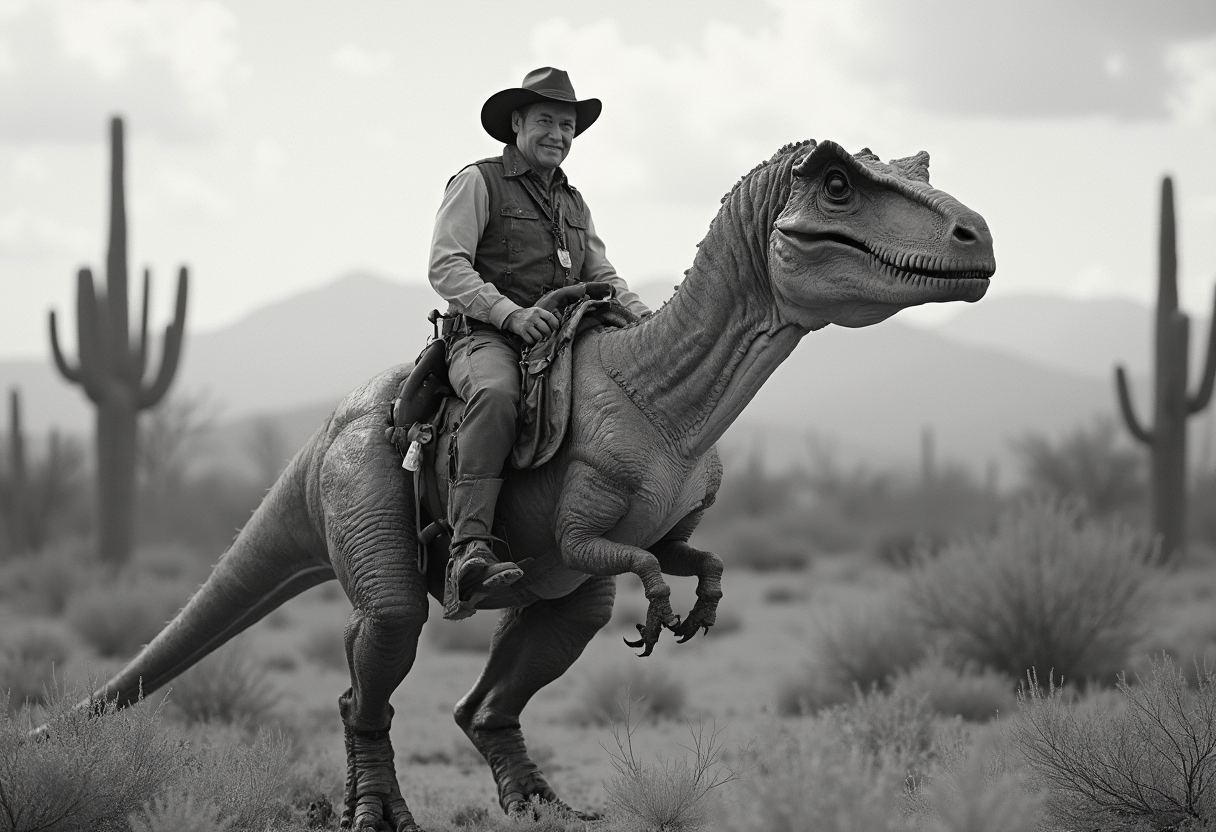
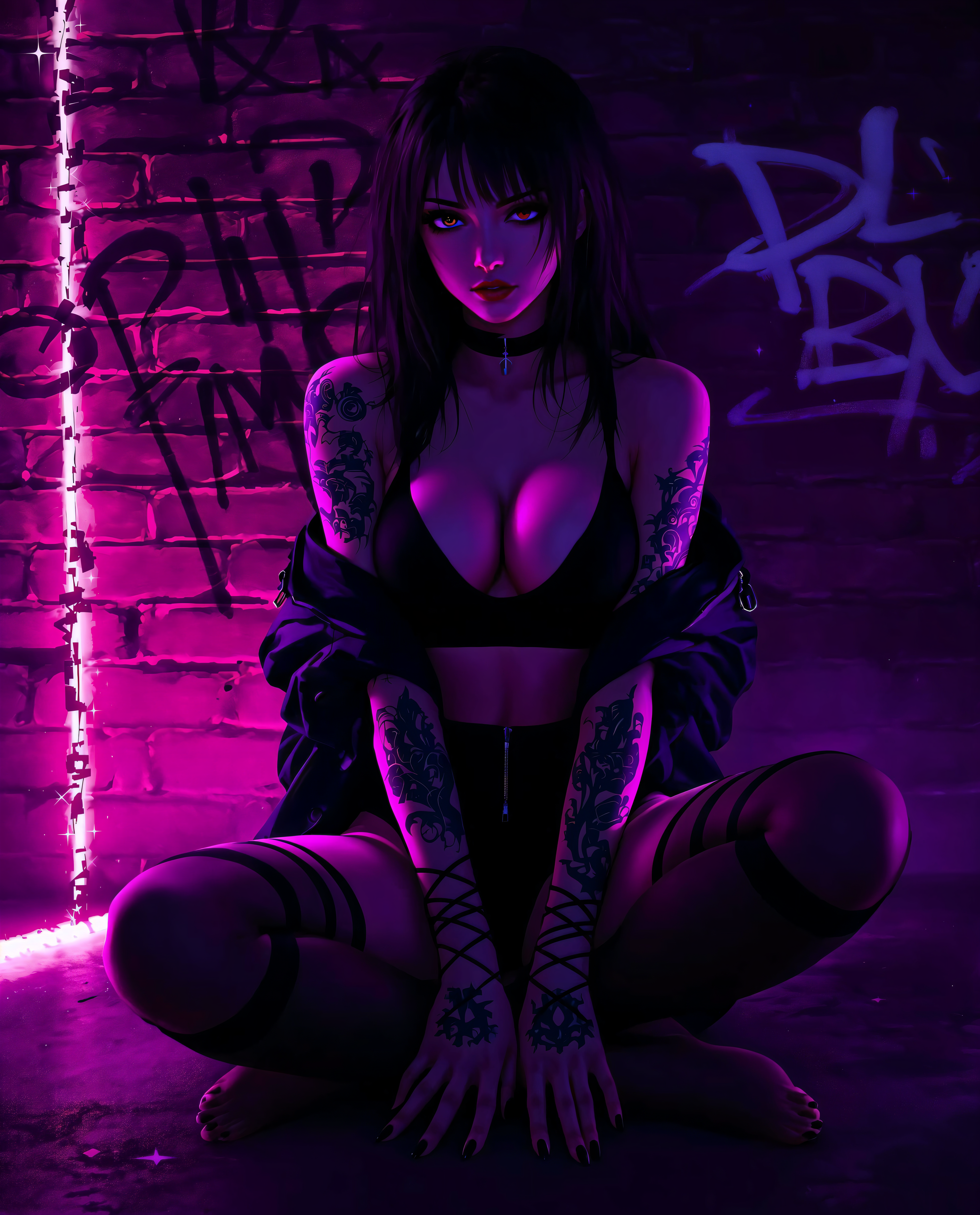
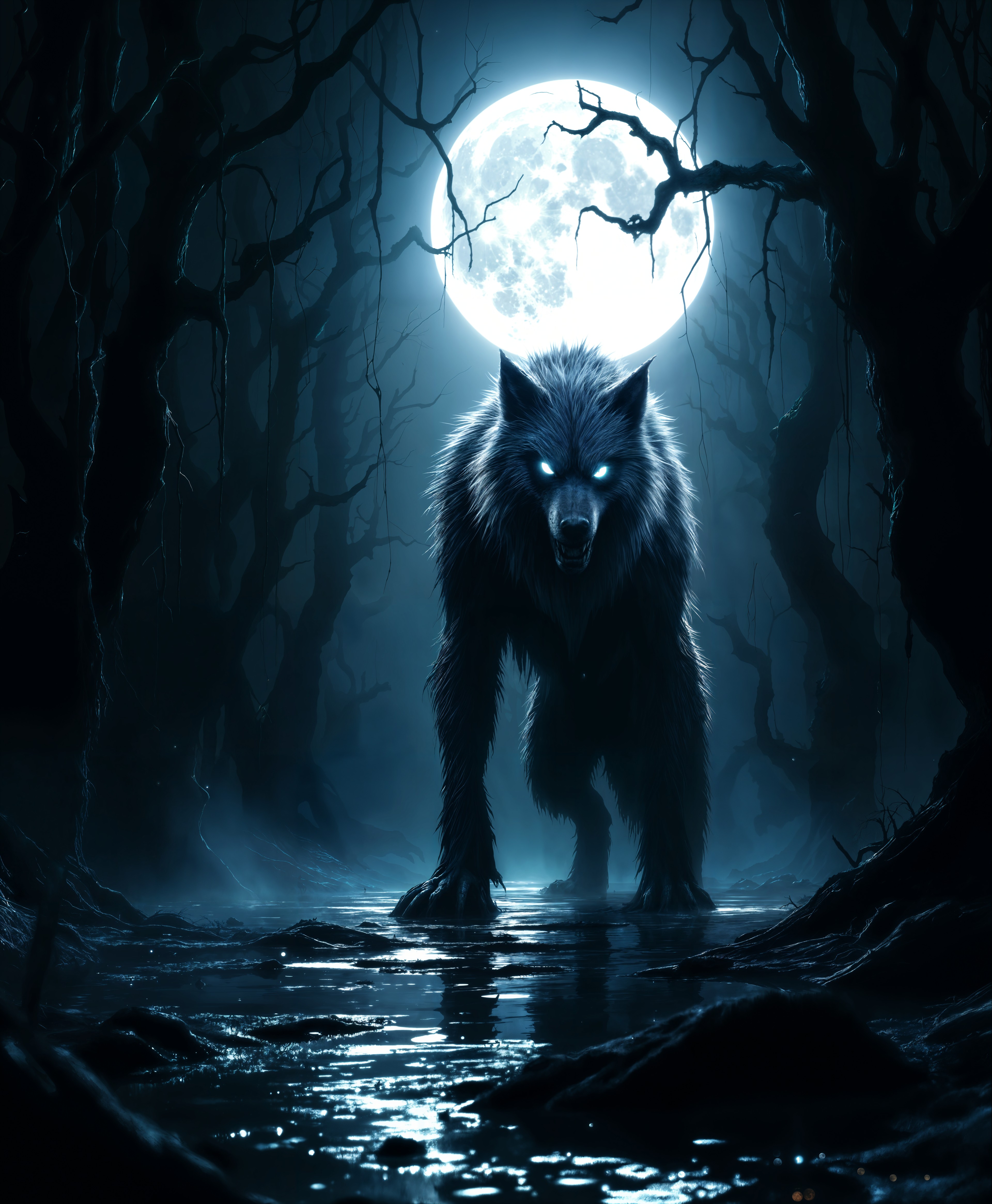
The Pixel Dojo Advantage
Why PixelDojo outperforms other options for AI camera moves video generation
| Others | Pixel Dojo |
|---|---|
| Traditional video production | Skip the need for cameras, crews, and editing software—generate pro-level camera moves instantly, saving thousands in costs and weeks in production time |
| Generic AI tools | Access specialized models like Kling v2.5 Turbo Pro tailored for precise camera simulations, delivering more realistic and customizable movements than basic generators |
| Manual video editing | Automate complex effects like orbiting shots without learning software, achieving flawless results in minutes instead of hours of tedious adjustments |
Loved by creators on PixelDojo
Real feedback from people using PixelDojo, pulled from our in-product surveys.
Top notch quality and strong prompt adherence.
A well resourced sunscription with attention to updates.
Easy to use and there's lots of options.
super lora download
Great variety of tools to create and modify images and video.
Lots of Tools, and the one time I needed support I got help right away
Explore more AI tools on PixelDojo
AI Tools
Compare & Switch
- Best AI Image Generators
- Best AI Video Generators
- Midjourney Alternatives
- Civitai Alternatives
- Runway Alternatives
- Leonardo Alternatives
- Pika Alternatives
- Luma Alternatives
- Magnific Alternatives
- Veo Alternatives
- Flux Alternatives
- Freepik Alternatives
- Seedance Alternatives
- Seedream Alternatives
- Pixverse Alternatives
- GPT Image Alternatives
- Synthesia Alternatives
- Playground Alternatives
- NightCafe Alternatives
- Canva AI Alternatives
- ElevenLabs Alternatives
- ComfyUI Alternatives
- Fal Alternatives
- Replicate Alternatives
Common Questions
Everything you need to know about AI camera moves
How can I create realistic AI camera moves for videos?
With PixelDojo, you can generate realistic AI camera moves using tools like Kling v2.5 Turbo Pro or Runway Gen-4 Video. Simply input a detailed prompt describing the scene and movement, such as panning across a landscape. Our AI handles the simulation, producing smooth, professional results. Customize further with Video Reframe for perfect framing, helping you achieve cinematic quality that engages audiences and elevates your content creation.
What are the best AI tools for simulating camera panning and zooming?
PixelDojo offers top tools like Pixverse and Sora 2 for simulating camera panning and zooming. These allow you to describe movements in your prompt, generating videos with fluid transitions. Combine with editing features like Video Upscaler to enhance clarity, enabling you to produce high-impact videos quickly and cost-effectively for any project.
Can AI generate dynamic camera moves like tracking shots?
Yes, PixelDojo's AI excels at generating dynamic camera moves like tracking shots using models such as LTX-2 Video or VEO 3.1. Describe the path and subject in your prompt, and the AI creates seamless motion. Edit with tools like Merge Videos to combine clips, giving you the freedom to craft compelling narratives without traditional filming equipment.
How to use AI for orbiting camera effects in video generation?
PixelDojo makes orbiting camera effects easy with tools like WAN 2.5 Video or Hailuo 2.3. Enter a prompt specifying the orbit, such as circling a central object, and generate the video. Refine using Lip Sync or Extract Frame for added polish, allowing you to create immersive 360-degree views that captivate viewers and enhance storytelling.
What trends are there in AI camera moves for content creators?
Current trends in AI camera moves include hyper-realistic simulations and integration with audio, as seen in PixelDojo's WAN Sound to Video tool. Creators are using these for social media reels with quick zooms and pans. Our platform stays ahead with updates to models like Kling v2.1, helping you produce trending content that boosts engagement and reaches wider audiences.
How does PixelDojo help with editing AI-generated camera moves?
PixelDojo provides robust editing for AI-generated camera moves via tools like Video Autocaption, Runway Aleph, and WAN 2.2 Replace. After generation, adjust timing, add captions, or replace elements seamlessly. This ensures your videos are polished and ready for platforms, saving time and letting you focus on creativity rather than technical fixes.