AI video effect · Camera Moves
Dolly Zoom: the classic vertigo shot
Upload a photo, press Generate, and post it anywhere.
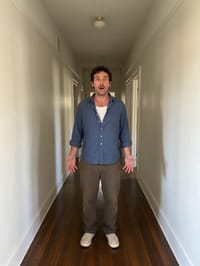
3 free every day. No card needed.
What Dolly Zoom does
The camera starts far down the space behind your subject and pushes in toward them. As it closes the distance, the depth of the room shifts and the subject reacts with wide eyed surprise, giving the shot that uneasy movie feel.
The classic vertigo shot
The background stretches away while your subject stays the same size, the famous vertigo effect from film. Photos with depth behind the subject work best.
Still looks like you
The video opens on your exact photo, so the face, hair, outfit and surroundings carry through the whole effect.
A cinematic camera move from a still photo
The kind of shot that normally takes a drone, a gimbal or a crane, made from one photo. Great as an intro, a reveal or a transition between scenes.
How to make a Dolly Zoom video
- Upload a photo, or pick one from your library.
- Press Generate. There is no prompt to write; the effect is already set up.
- Your 5 second HD video plays right on the page. Save it to your library or download it.
Tips for the best photo
- Corridors, roads and long rooms give the depth change the most to play with.
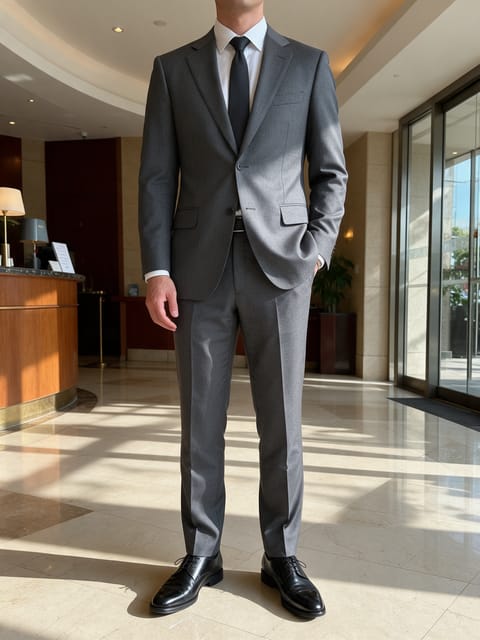
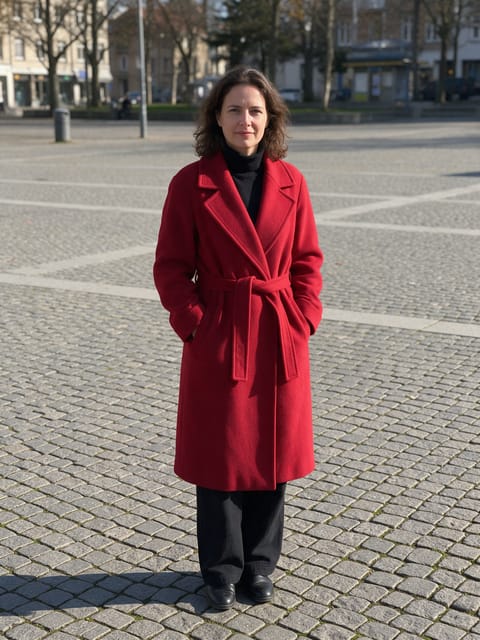
- Stand the subject centered with lines in the background, like walls or a path, leading toward them.
- A neutral face in the photo leaves room for the surprised reaction the effect adds.
Ideas for using it
- Creators reacting to shocking news or a plot twist in a short post.
- Film students sketching out a shot idea before setting up a real camera move.
- Escape room or haunted house venues teasing a suspenseful moment.
More effects

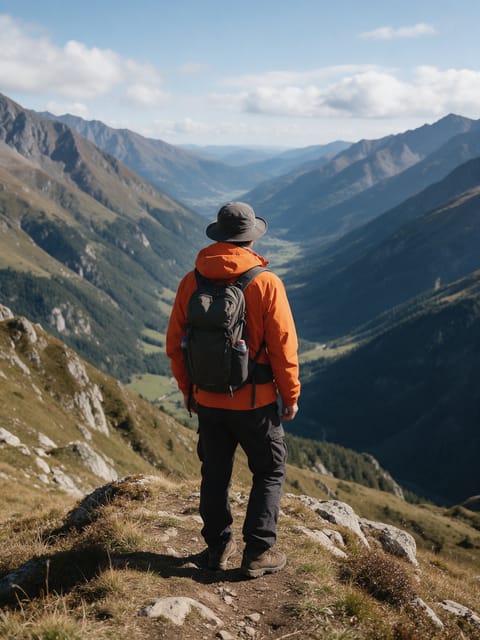
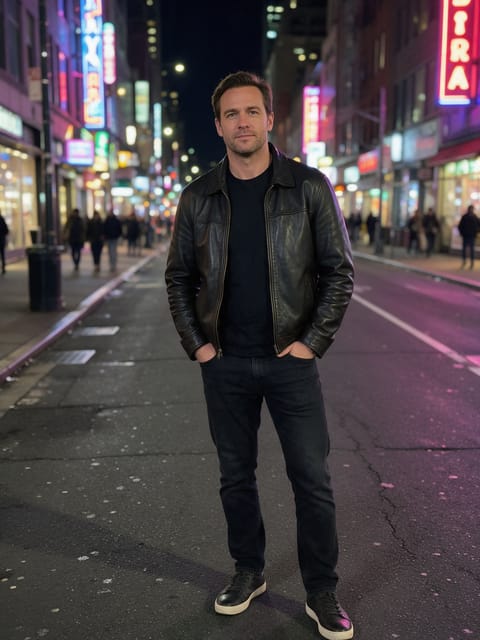
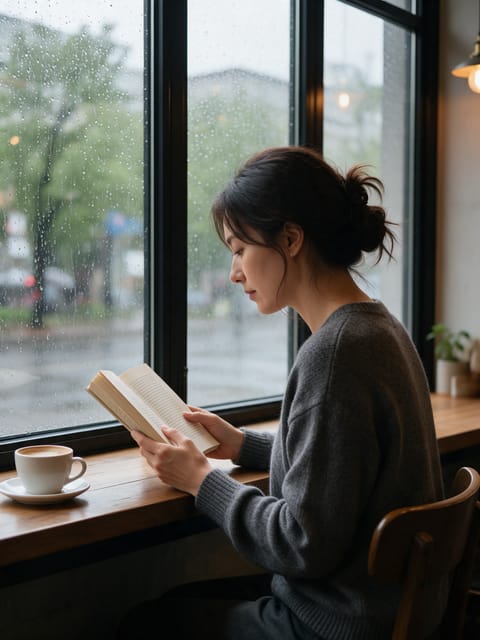
Go further
Dolly Zoom FAQ
Is this the exact vertigo shot from classic films?
It gives the same unsettling feeling as the classic shot: a dramatic push in with the background shifting behind your subject.
Why does my subject look surprised?
The effect adds a shocked reaction on purpose, since the shot is built for a big reveal moment.
Do I need to write a prompt for Dolly Zoom?
No. Dolly Zoom is a ready-made effect: upload a photo and press Generate. The directions for the motion, camera and lighting are already built in.
How long is the Dolly Zoom video?
Every effect makes a 5 second HD video that matches the shape of your photo, portrait or landscape, ready to post anywhere.
Does the video have sound?
Yes. Each clip comes with matching ambient sound effects. It does not add music, so you can lay your own track over it in any editor.
Can I use a photo of someone else?
Only photos of adults, of yourself or of people who agreed to it. Every upload goes through the same safety checks as the rest of PixelDojo.