AI video effect · Product
Neat Slices: slice any object like a soft eggplant
Upload a photo, press Generate, and post it anywhere.
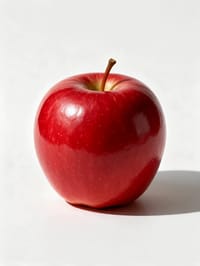
3 free every day. No card needed.
What Neat Slices does
Your object sits on a wooden cutting board in soft kitchen light. A knife glides through it in slow motion, cutting a clean section, and the pieces settle on the board to show the smooth inside.
Slice any object like a soft eggplant
Your object sits on a cutting board and gets sliced into neat rounds in satisfying slow motion. Clear photos of a single object on a plain background work best.
Your product, start to finish
The video opens on your exact photo, so the shape, colors and details of the product carry through the whole clip.
Product ads without a studio
Commercial-style product shots for stores, ads and launches, made from one product photo instead of a studio day.
How to make a Neat Slices video
- Upload a photo, or pick one from your library.
- Press Generate. There is no prompt to write; the effect is already set up.
- Your 5 second HD video plays right on the page. Save it to your library or download it.
Tips for the best photo
- Photograph one object by itself on a plain, light background.
- Pick objects with a clear, solid shape like fruit, soap or a candle, so the cut looks tidy.
- Light it evenly with no heavy shadows, so the color stays true when it is sliced.
Ideas for using it
- A food account making a satisfying cutting clip for short videos.
- A soap or candle maker showing a new product's inside layers.
- A kitchen brand creating quick, playful clips for a product page.
More effects
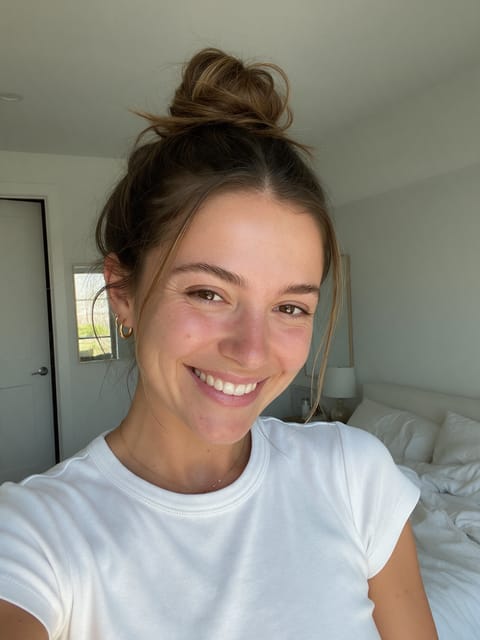 2 photos
Product Unboxed by You
Your selfie plus your product: an unboxing ad.

Product 360
139 usesA clean turntable spin for any product.
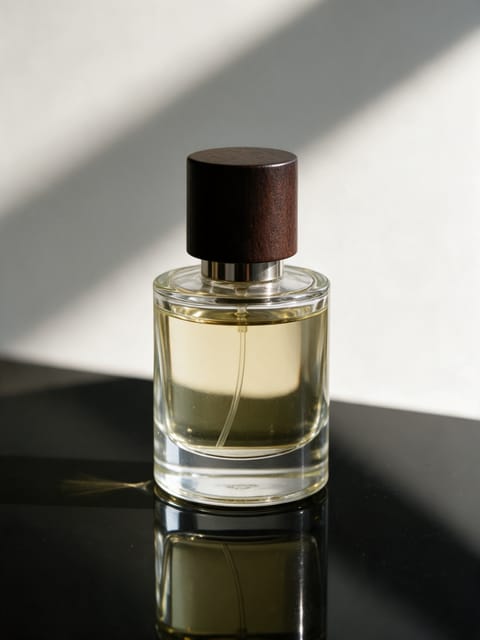
Product Splash
A burst of water around your product.
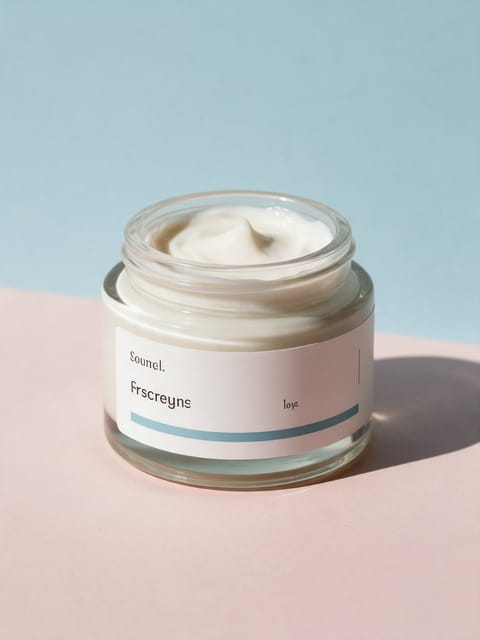
Ingredient Burst
Ingredients explode out around your product.
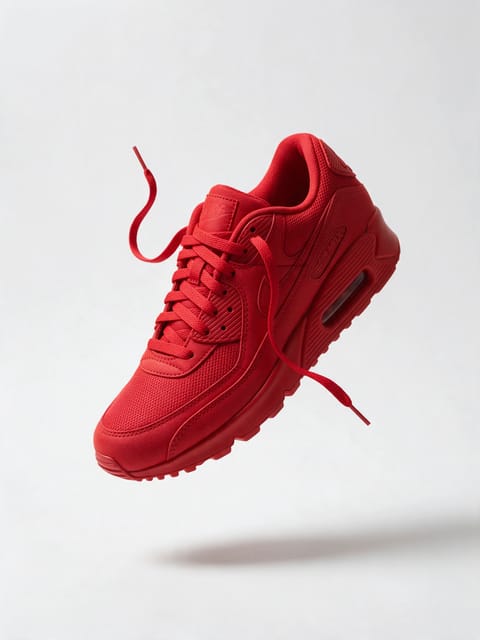
Floating Product
Your product levitates in a glow.
3D Billboard
Your product on a giant city screen.
Go further
Neat Slices FAQ
Does the inside match the outside color?
Yes. The inside is smooth and matches the object, like the pale center of an apple.
Will the knife show a brand name?
No, the knife and board are plain, with no text or logos.
Do I need to write a prompt for Neat Slices?
No. Neat Slices is a ready-made effect: upload a photo and press Generate. The directions for the motion, camera and lighting are already built in.
How long is the Neat Slices video?
Every effect makes a 5 second HD video that matches the shape of your photo, portrait or landscape, ready to post anywhere.
Does the video have sound?
Yes. Each clip comes with matching ambient sound effects. It does not add music, so you can lay your own track over it in any editor.
Can I use Neat Slices on any product?
Most physical products work: bottles, cosmetics, shoes, gadgets, food and packaging. A clean, well-lit photo with the whole product in frame keeps the shape and label faithful.