
PixelDojoのAIツールを活用してポートフォリオを強化した10,000人以上のクリエイターに加わり、95%の満足度を達成しましょう。
ImagineArt lighting promptsにPixel Dojoを選ぶ理由
最先端のAI技術によるプロ品質の仕上がり
プロ品質の画像を実現
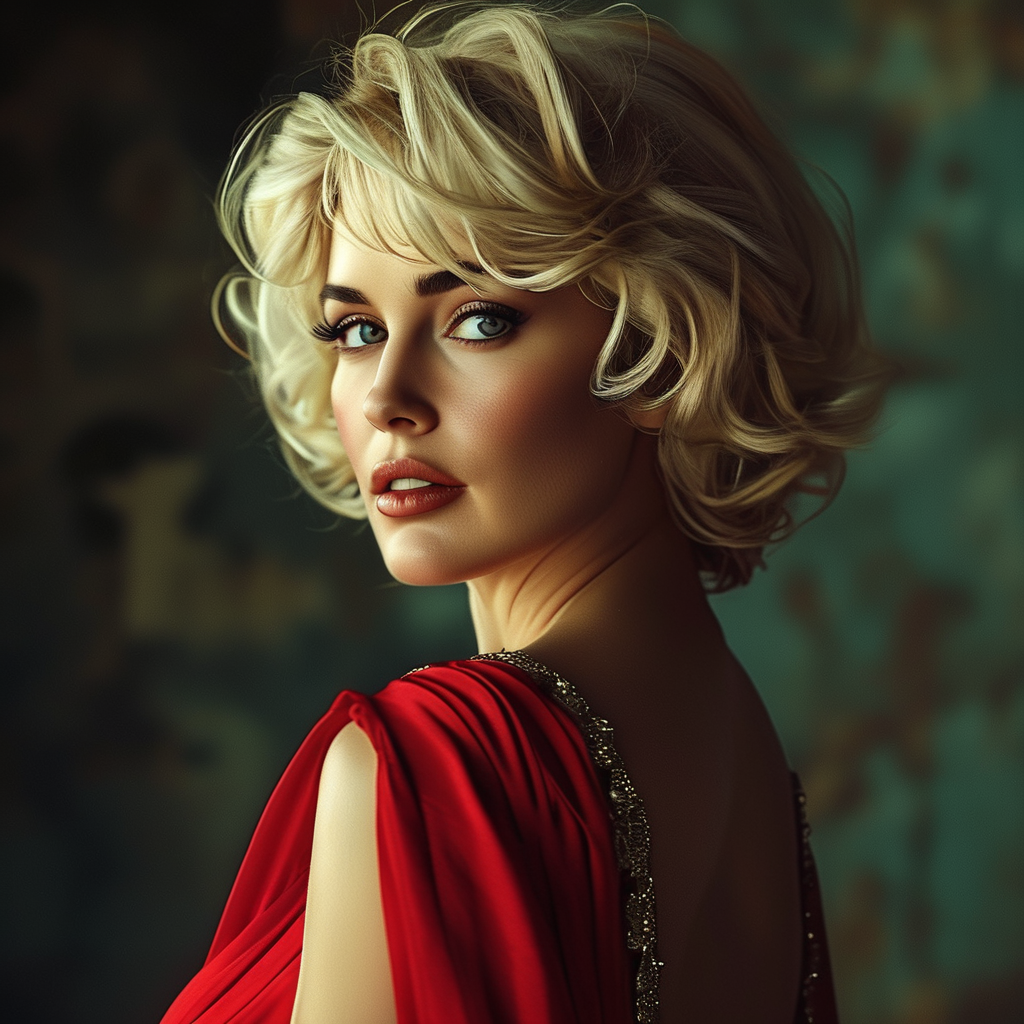
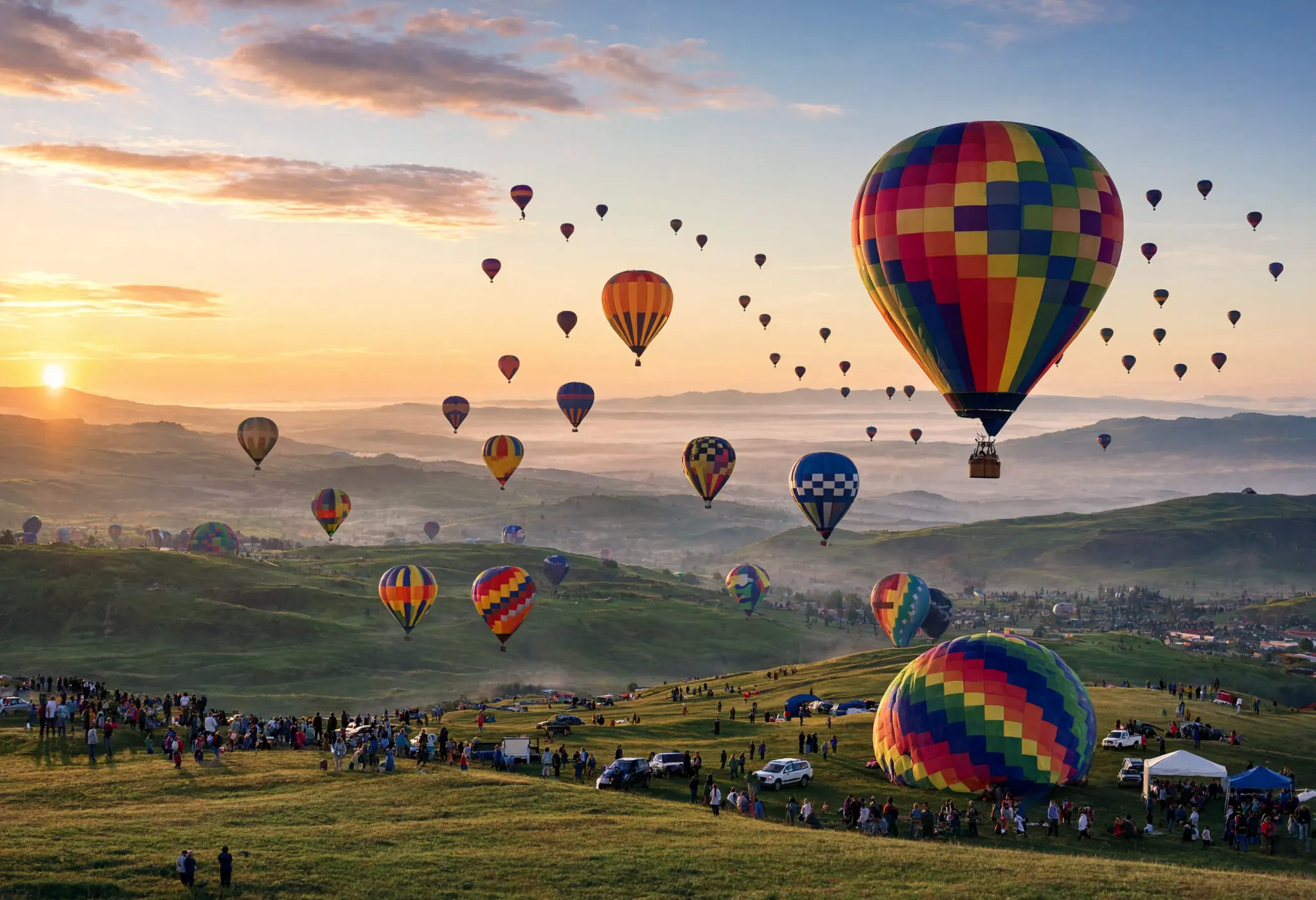
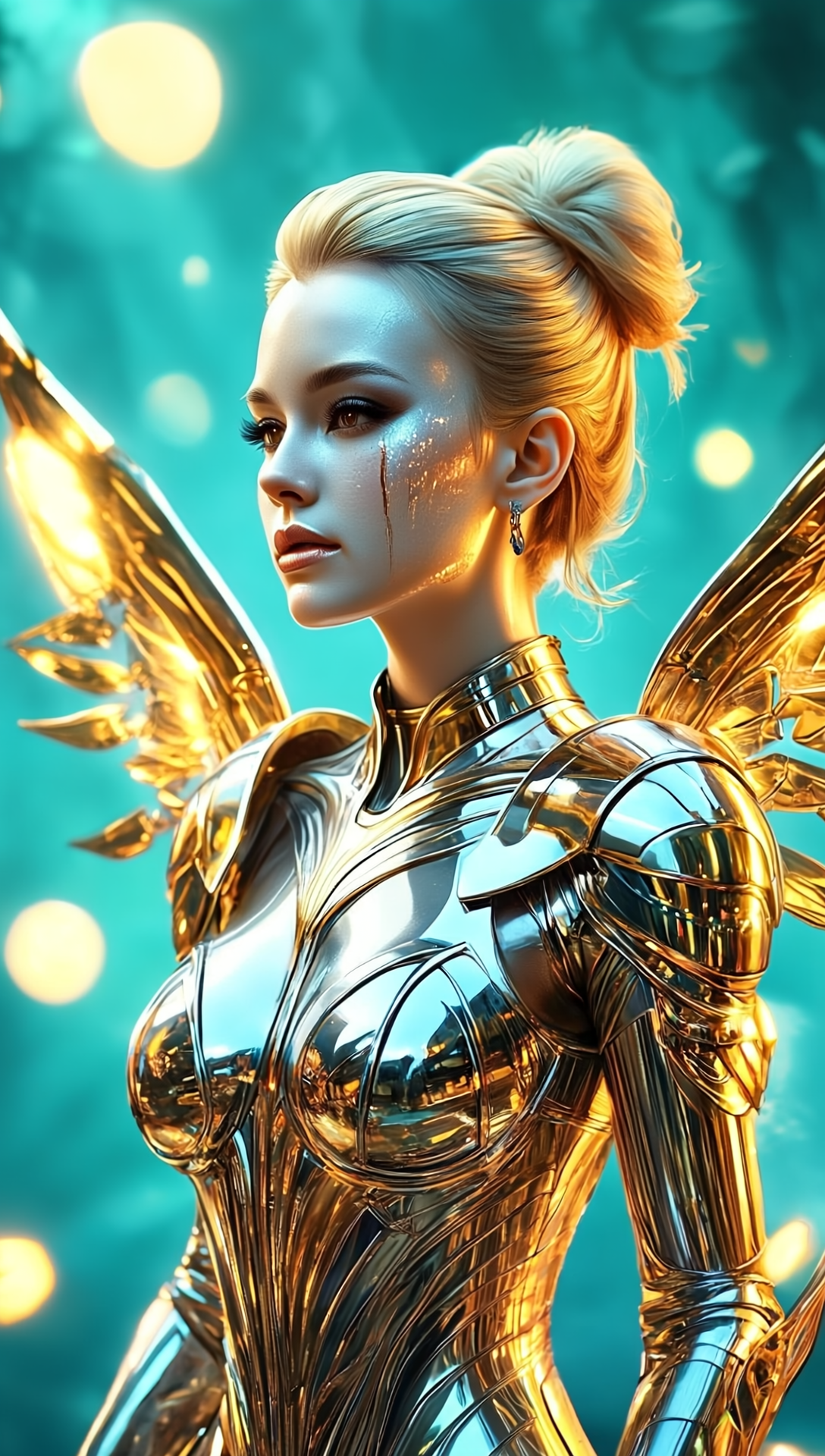
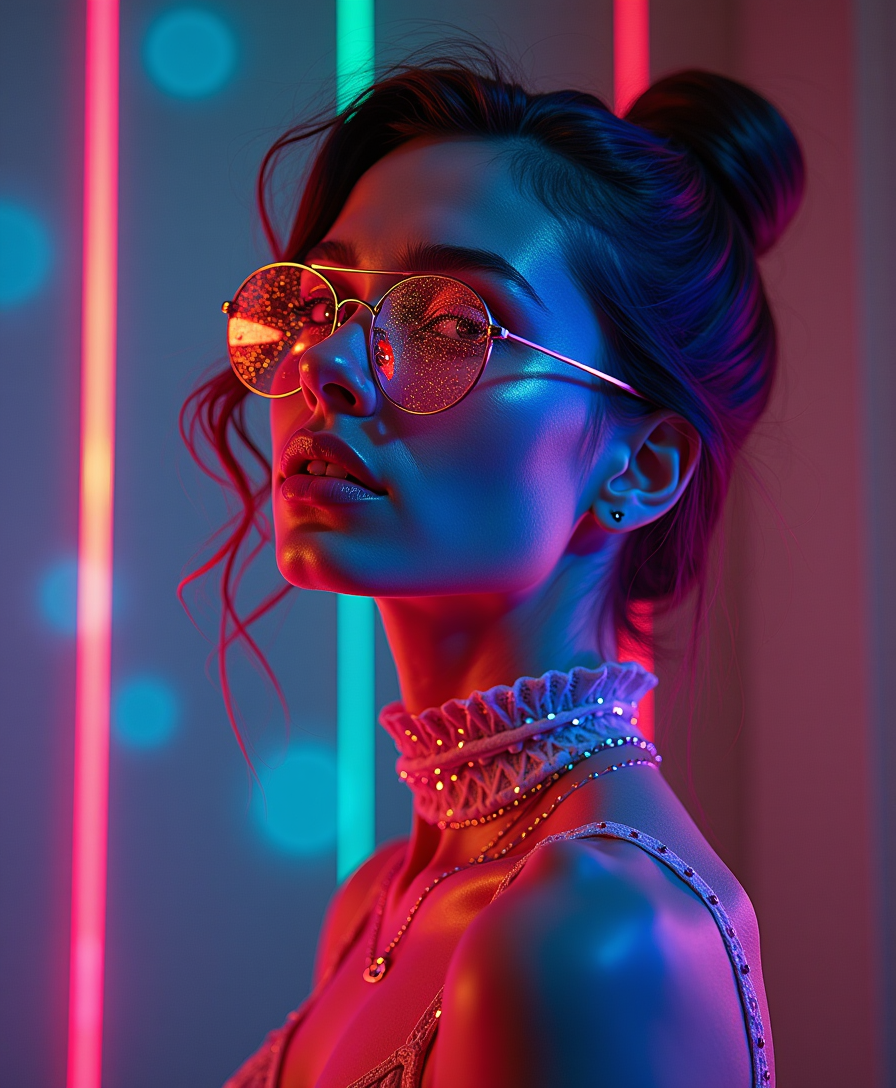
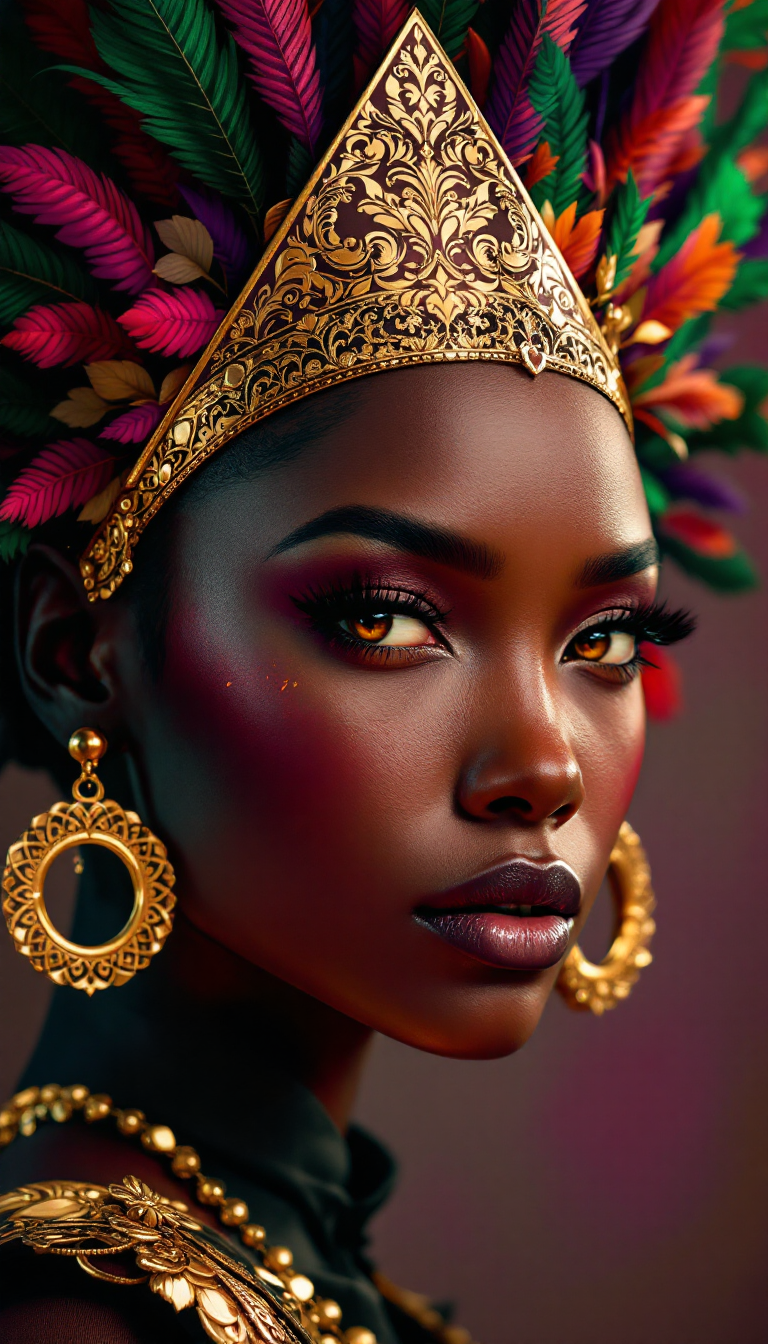
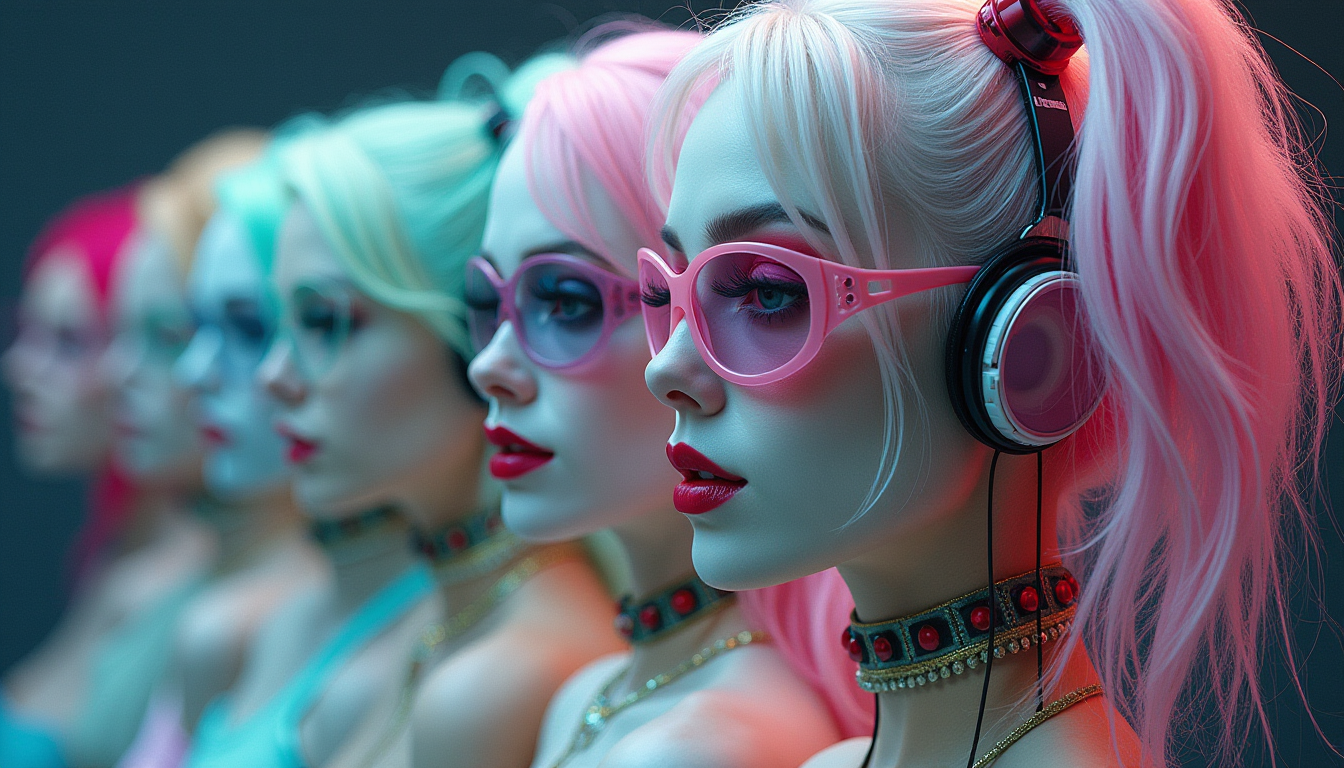
精密なライティングプロンプトを活用して、プロの写真撮影に匹敵する奥行き、雰囲気、リアリティを備えた画像を生成できます。
複雑なセットアップにかかる時間を節約
大掛かりな物理的なセットアップなしで複雑なライティング効果を生成し、クリエイティブなプロセスを効率化できます。
創造の可能性を解き放つ
さまざまなライティングスタイルやシナリオを試して、新しいアーティスティックな方向性やコンセプトを探求しましょう。
使い方
ImagineArtのライティングプロンプトで魅力的な画像を作成するのは、PixelDojoのツールなら簡単です。以下の手順に従ってアイデアを実現しましょう。
ステップ1: AIツールを選択
PixelDojoのAI画像生成ツールからFlux、Seedream 4、ImagineArt 1.0などを選んで作成を開始しましょう。
ステップ2: ライティングプロンプトを作成
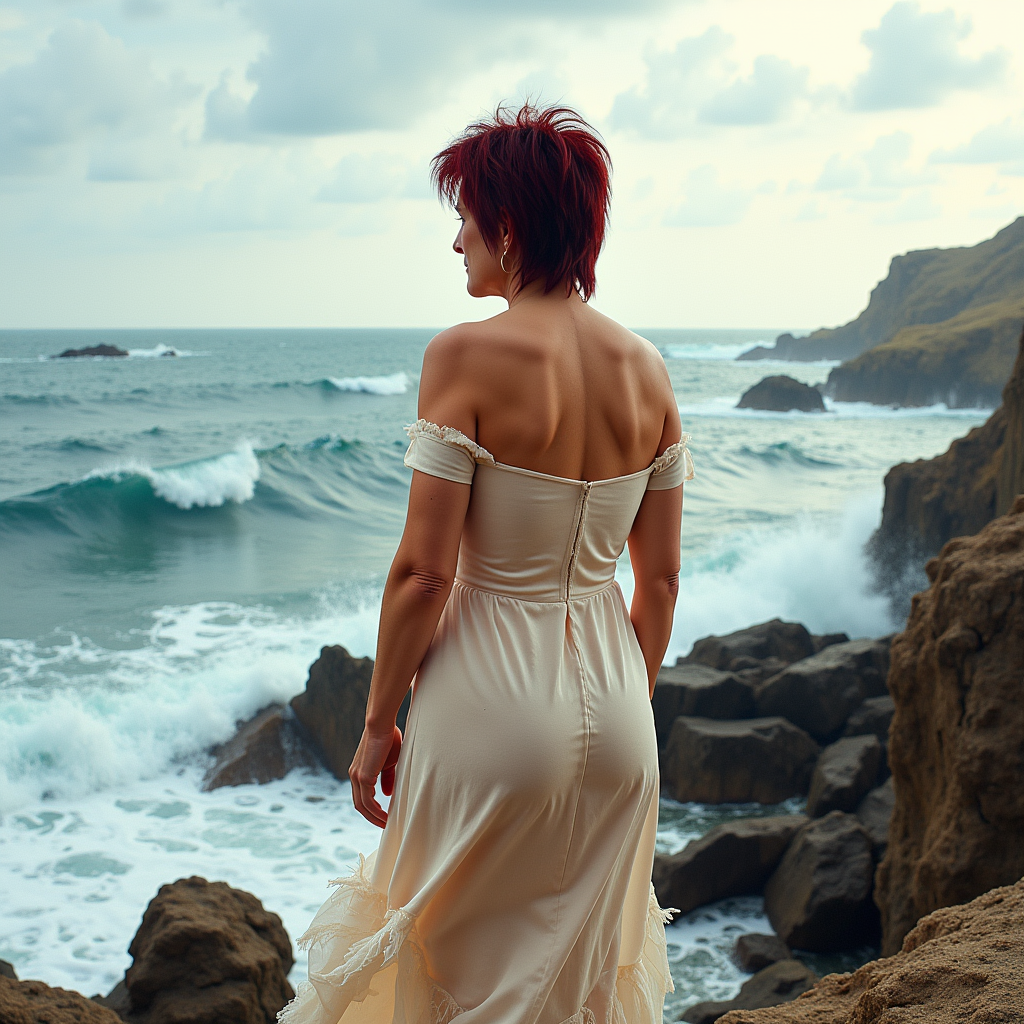
ライティングの側面に焦点を当てた詳細な説明を入力します。例: 「夕暮れの静かなビーチ、金色の光が長い影を落とし、水面に柔らかな輝きを与える」。
ステップ3: 生成と調整
「Generate」をクリックして画像を生成します。出力を確認し、必要に応じてプロンプトや設定を調整して望みの結果を得ましょう。


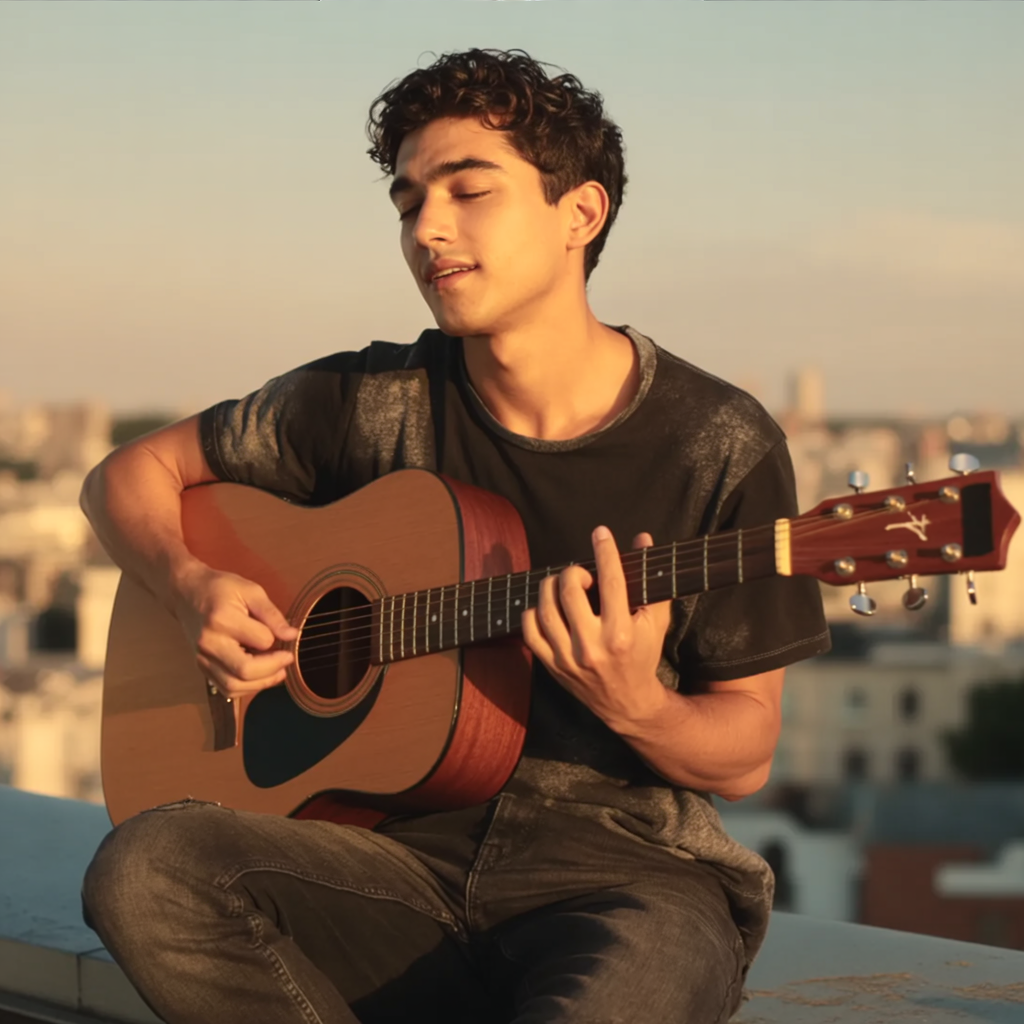
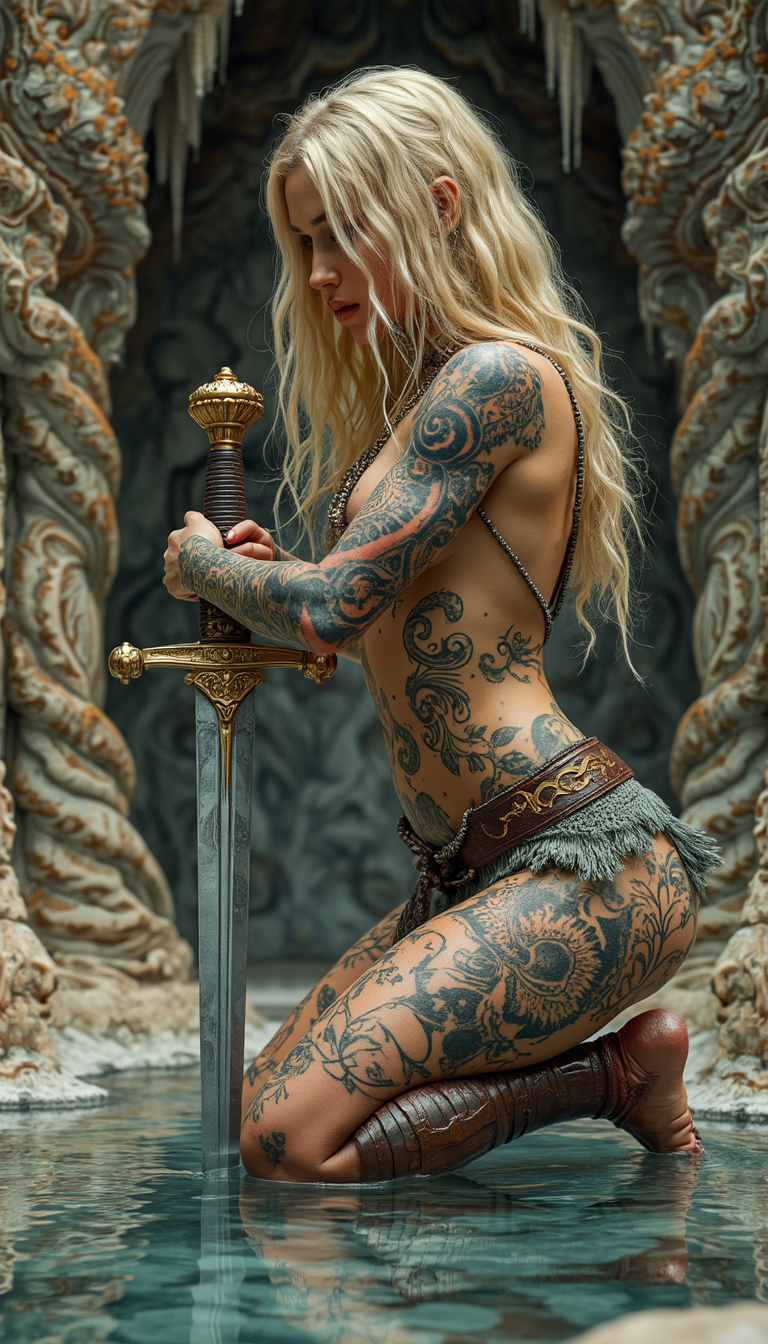
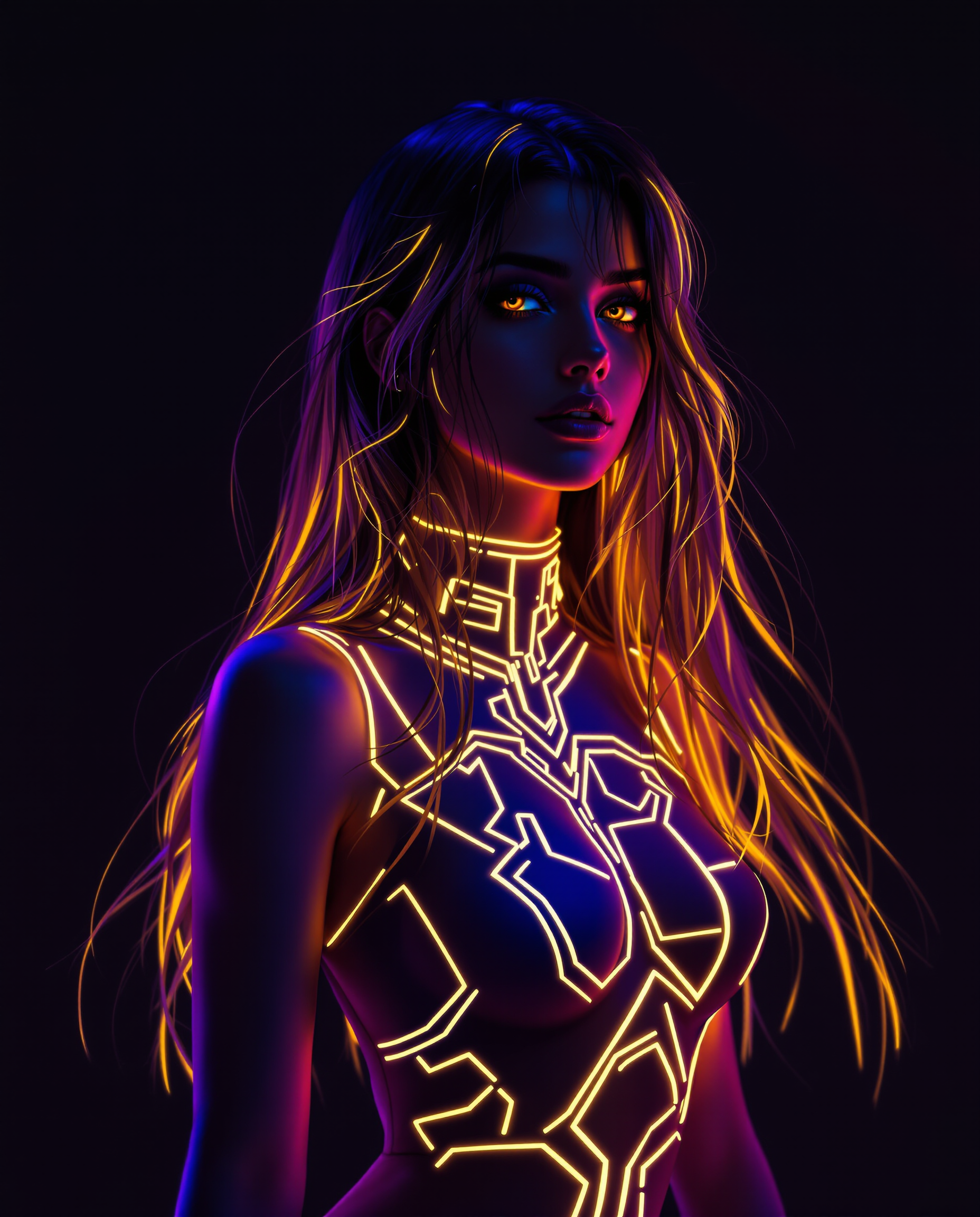
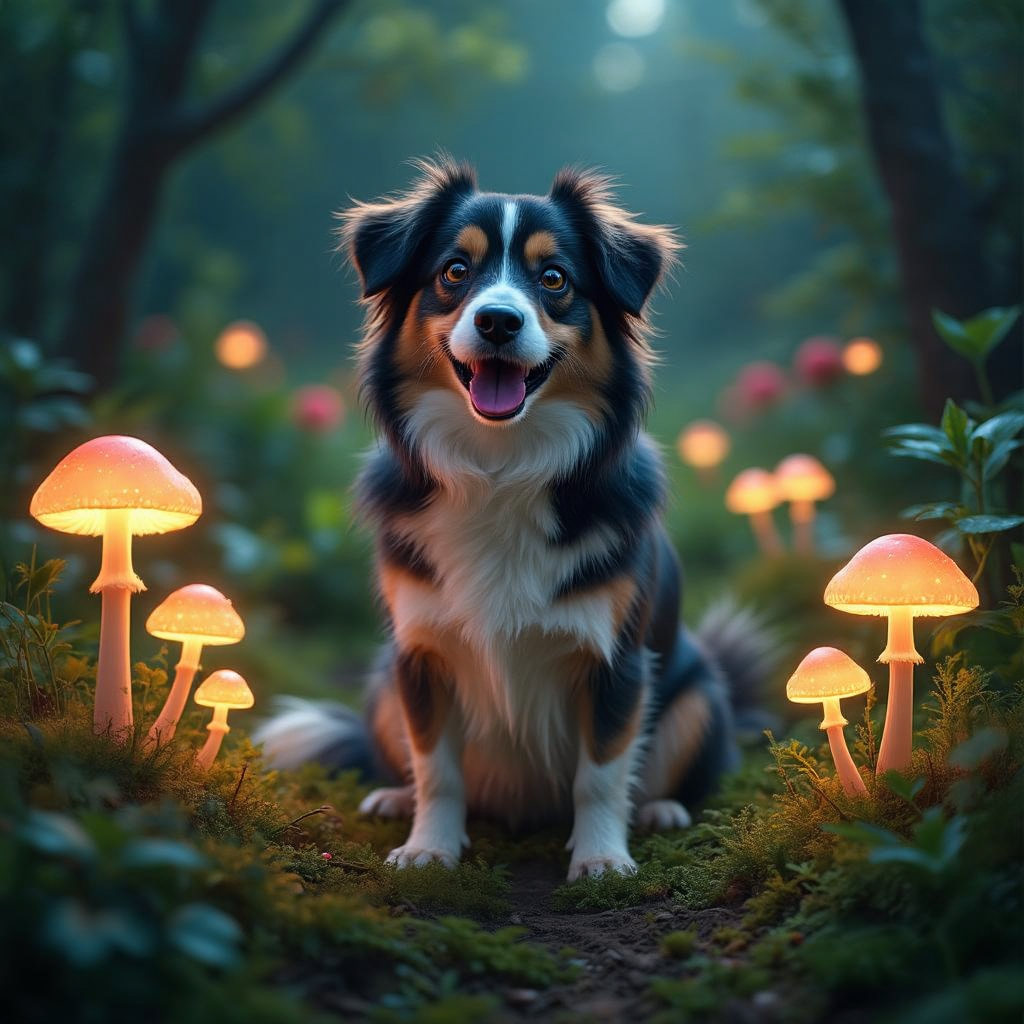
The Pixel Dojo Advantage
ImagineArtのライティングプロンプトを使ったAI画像生成でPixelDojoが優れている理由:
| Others | Pixel Dojo |
|---|---|
| 従来の写真撮影 | 高価な機材や複雑なセットアップを必要とせず、デジタルでプロ品質の画像を生成できます。 |
| 一般的なAIツール | 微妙なライティング制御に特化したツールを活用し、より精密で創造的な出力を得られます。 |
| 手動での写真編集 | AIによる生成で時間と労力を節約し、広範な後処理の必要性を減らせます。 |
PixelDojoのクリエイターに愛されています
PixelDojoを利用しているユーザーから、製品内アンケートで集めたリアルな声です。
A well resourced sunscription with attention to updates.
Easy to use and there's lots of options.
super lora download
Great variety of tools to create and modify images and video.
Lots of Tools, and the one time I needed support I got help right away
Easy to use once you get the hang of it
PixelDojoでさらにAIツールを見る
AIツール
比較・切り替え
- Best AI Image Generators
- Best AI Video Generators
- Midjourney Alternatives
- Civitai Alternatives
- Runway Alternatives
- Leonardo Alternatives
- Pika Alternatives
- Luma Alternatives
- Magnific Alternatives
- Veo Alternatives
- Flux Alternatives
- Freepik Alternatives
- Seedance Alternatives
- Seedream Alternatives
- Pixverse Alternatives
- GPT Image Alternatives
- Synthesia Alternatives
- Playground Alternatives
- NightCafe Alternatives
- Canva AI Alternatives
- ElevenLabs Alternatives
- ComfyUI Alternatives
- Fal Alternatives
- Replicate Alternatives
よくある質問
ImagineArt lighting promptsについて知っておくべきこと
効果的なImagineArtライティングプロンプトを作成するには?
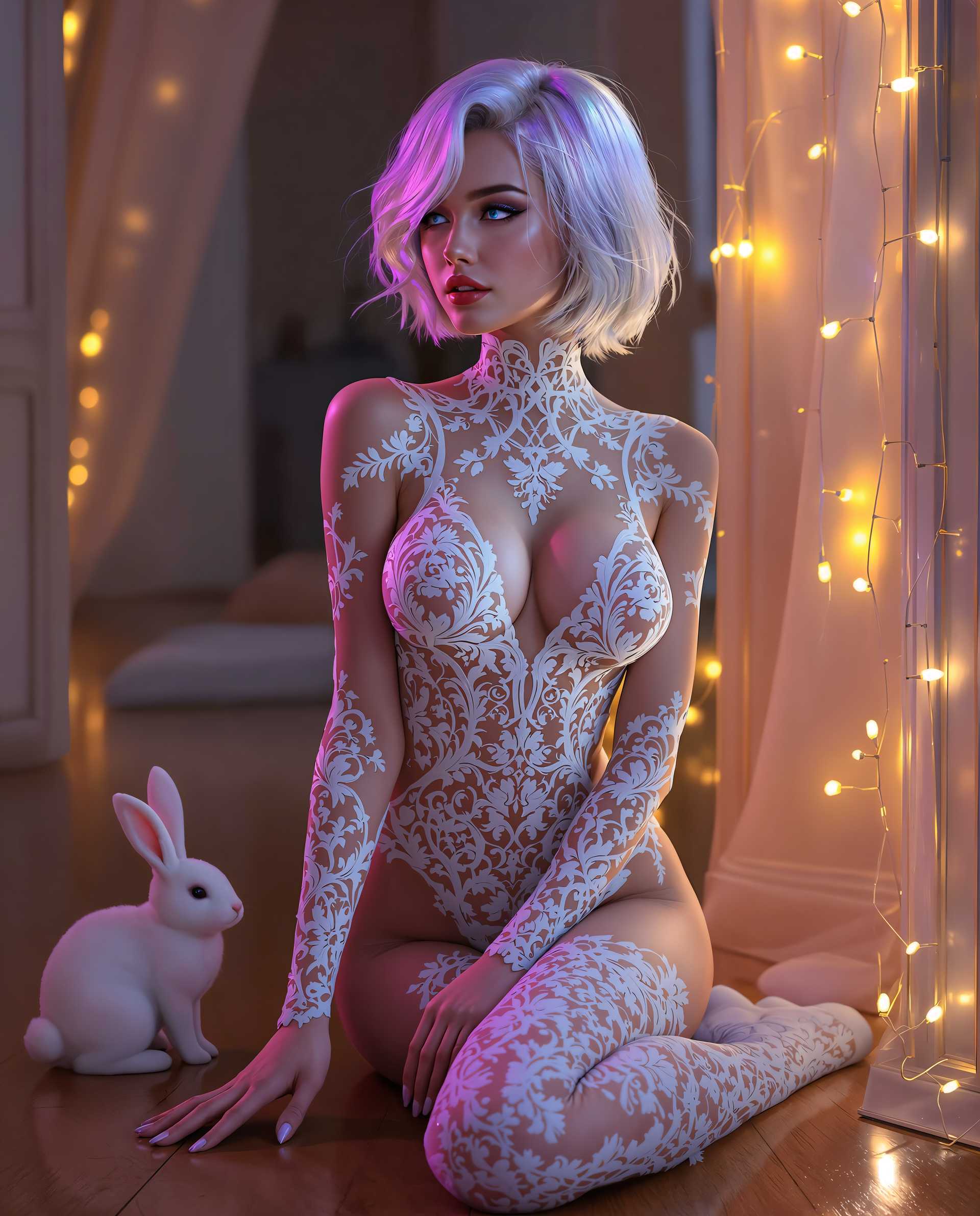
光源、強度、方向、雰囲気などの具体的な詳細に焦点を当てましょう。例: 「柔らかなキャンドルライトに照らされた女性のポートレート、温かく親密な雰囲気を演出」。
生成画像のライティングは調整できますか?
はい。プロンプトを洗練し、PixelDojoのInpaintingやOutpaintingなどの編集ツールを活用することで、ライティングを調整して希望の効果を実現できます。
プリセットのライティングスタイルはありますか?
PixelDojoではさまざまなライティングシナリオを取り入れたスタイルやテンプレートを提供しており、プロジェクトに合わせてカスタマイズ可能です。
PixelDojoのツールを使うのに事前の経験は必要ですか?
いいえ。PixelDojoはあらゆるスキルレベルのユーザーを対象に設計されています。直感的なインターフェースと充実したガイドで、すぐに作成を始められます。
ライティングプロンプトを共有・学習するためのコミュニティはありますか?
はい。PixelDojoには活発なDiscordコミュニティがあり、ユーザーがTips、プロンプト、フィードバックを共有して互いの作品向上を支援しています。
生成画像に満足できない場合は?
PixelDojoはいつでもキャンセル可能なリスクフリーな体験を提供しています。また、サポートチームが希望の結果を得られるようお手伝いします。