improve image quality
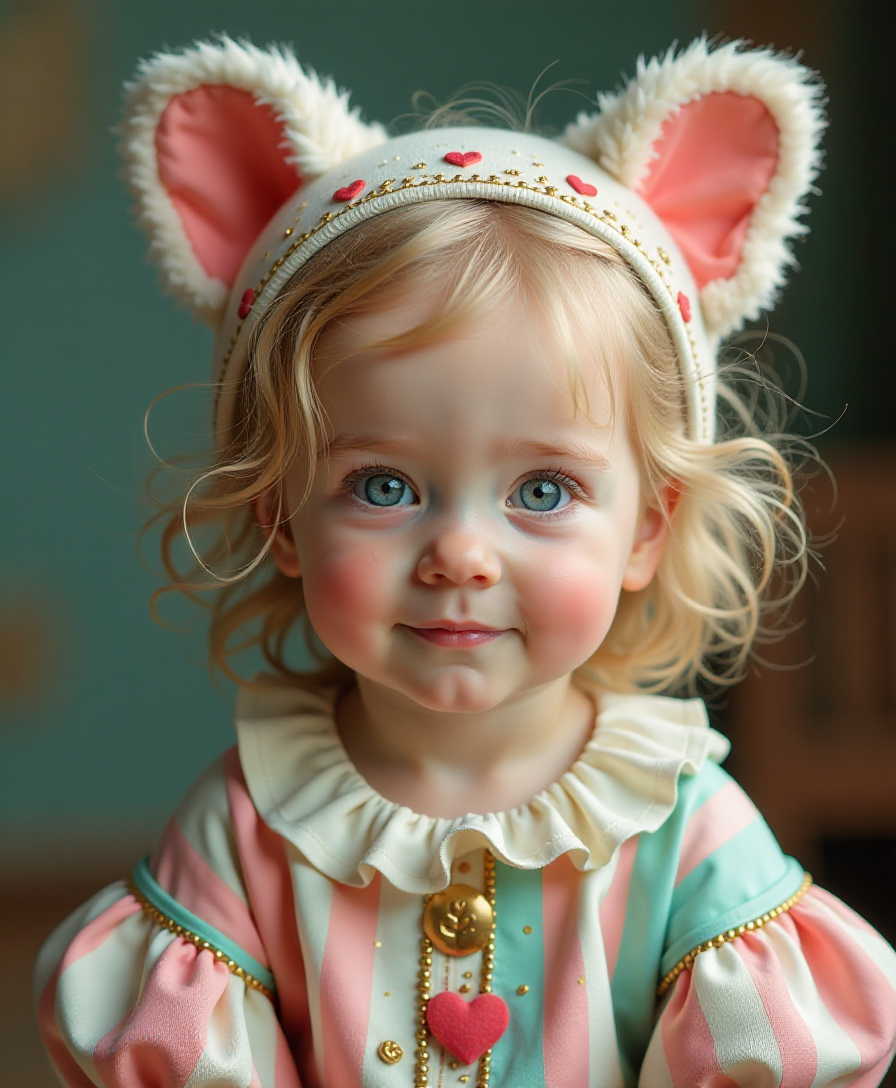
Imagine turning every AI-generated image into a crisp, vibrant masterpiece that looks like it was shot on a professional camera. With PixelDojo, you can effortlessly improve image quality, upscale to print-ready resolutions, and eliminate flaws so your visuals captivate audiences and elevate your projects—whether for marketing, social media, or personal creations.
Over 75,000 creators trust PixelDojo to enhance more than 2 million images monthly. Rated 4.9/5 by thousands of users worldwide. 40+ cutting-edge AI tools, cancel anytime.
Why Choose Pixel Dojo for improve image quality
Professional-quality results with cutting-edge AI technology
Achieve Stunning Print-Ready Clarity
Upscale your images to 4K, 8K, or beyond while reconstructing sharp details, realistic textures, and legible text—making low-resolution AI outputs perfect for large prints, billboards, and professional publications.
Eliminate Blur, Noise & Artifacts Instantly
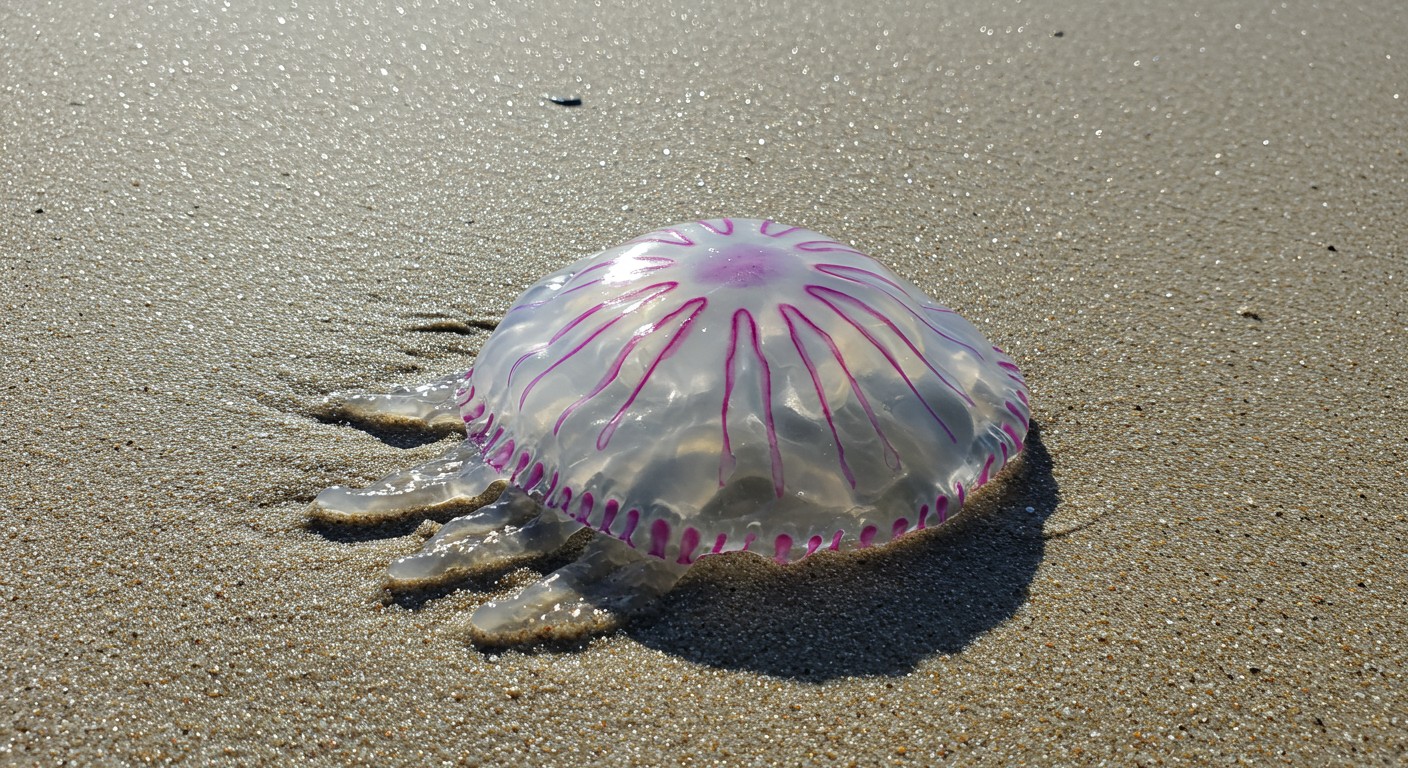
Automatically remove blurriness, grain, and unwanted imperfections from your AI images, delivering clean, professional results that look polished and production-ready without any manual tweaking.
Preserve Your Vision with Enhanced Realism
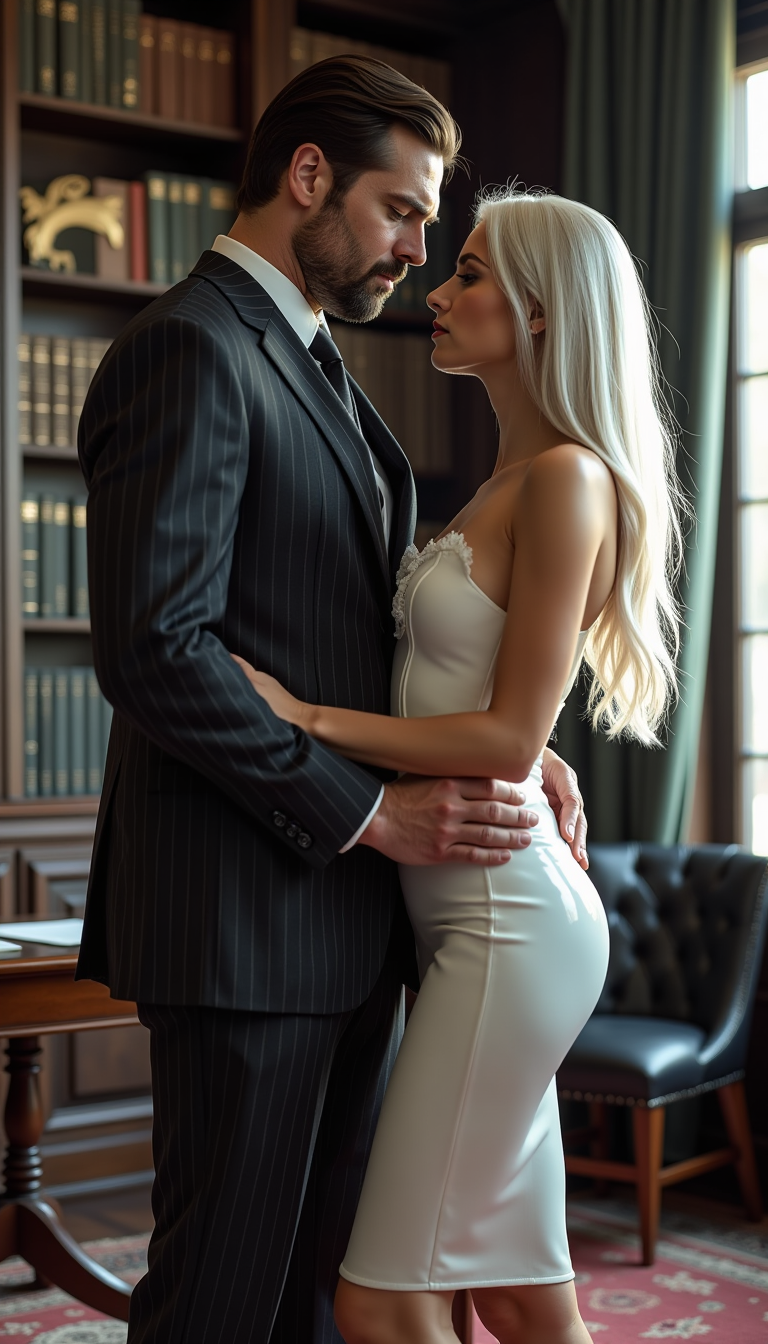
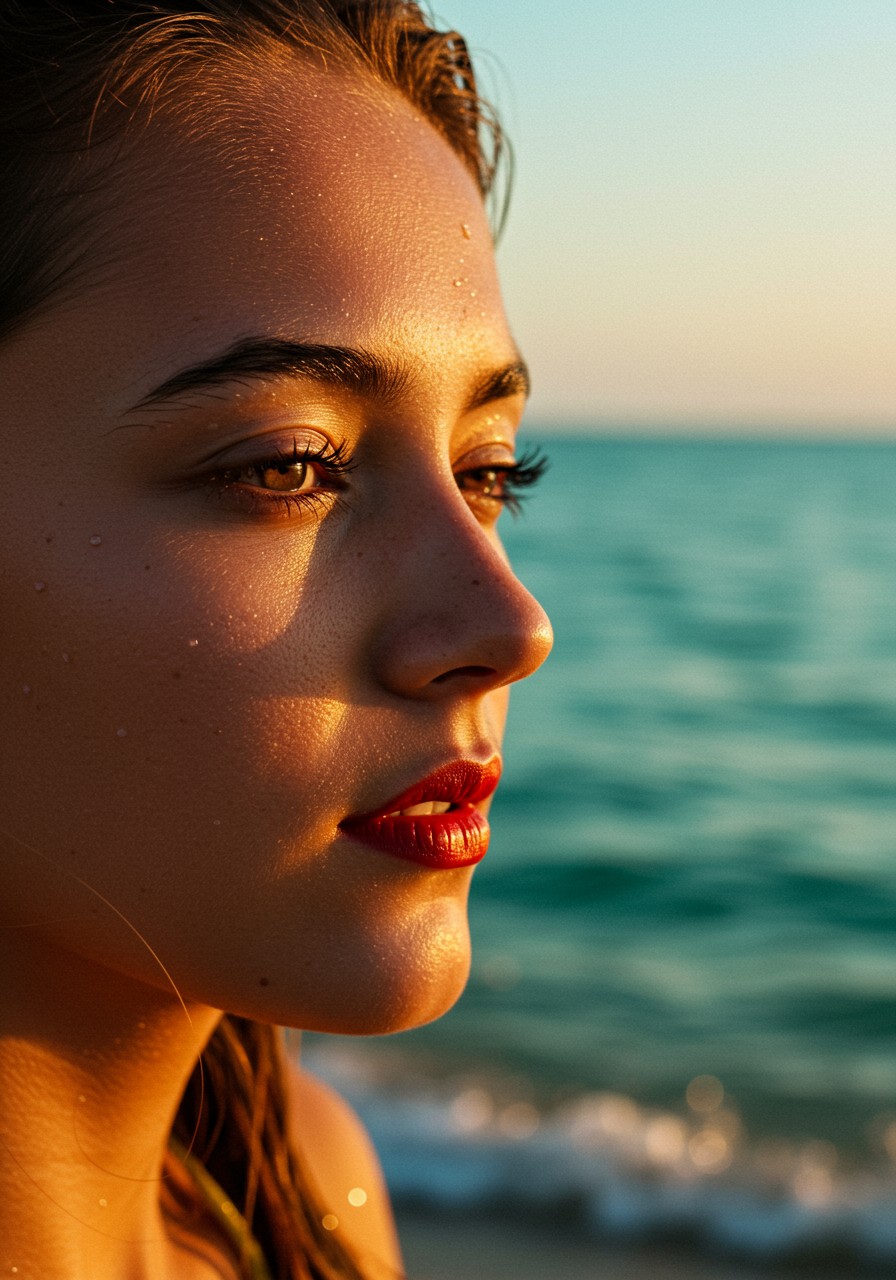
Reconstruct lifelike skin textures, sharp facial features, and natural lighting in your images while staying true to your original prompt—giving you high-quality outputs that feel authentic and engaging.
How It Works
Improving image quality with PixelDojo takes just minutes. Choose from specialized enhancement tools, upload your image, and let AI do the heavy lifting for breathtaking results.
Step 1: Choose Your Enhancement Tool
Select the perfect tool for your needs, such as Magnific Upscaler for creative AI art enhancement, P-Image Upscale for fast resolution boosts, Clarity Pro for overall sharpness, or Reality Polisher to refine details and realism.
Step 2: Upload Your Image and Set Parameters
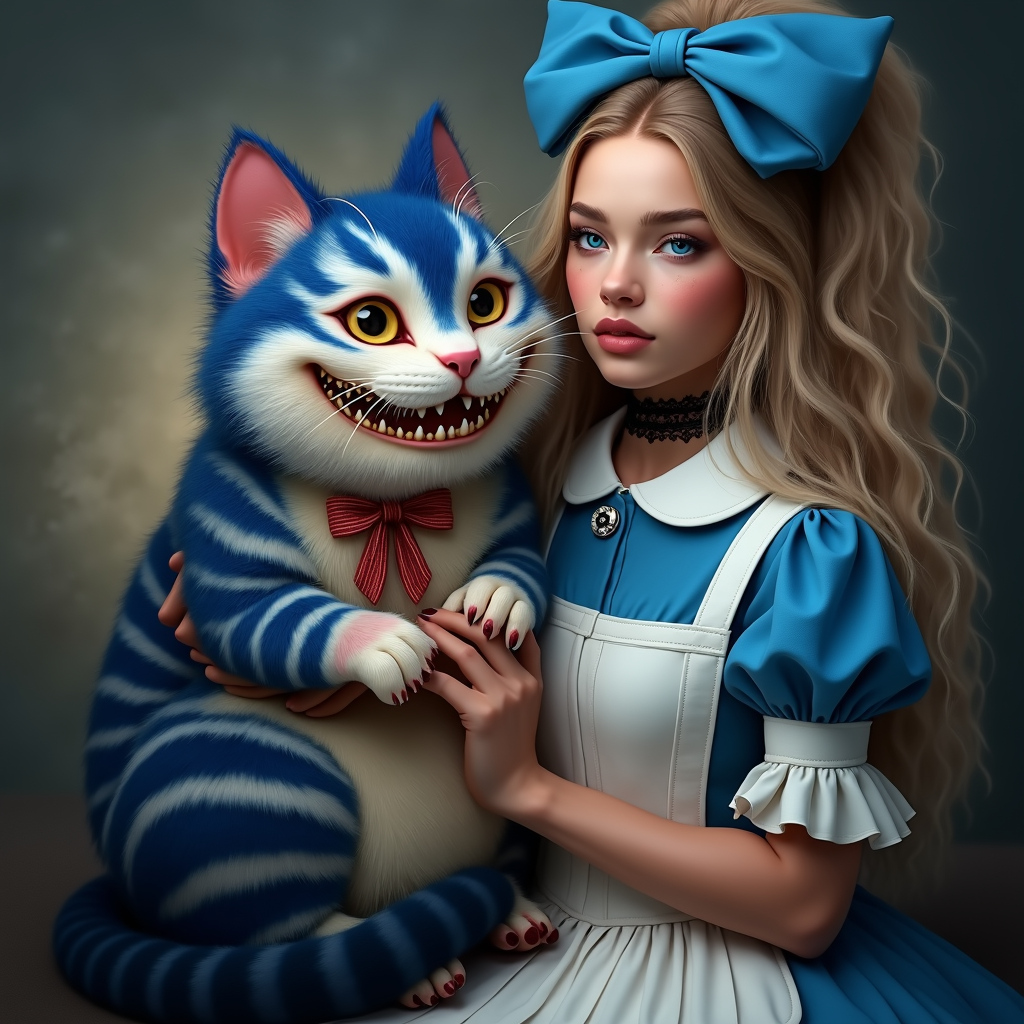
Upload your AI-generated or photo image, choose upscale factors like 2x, 4x or higher, select content-specific models (e.g., Portrait Upscaler for faces or Creative Upscaler for artistic styles), and add any custom instructions for desired enhancements.
Step 3: Preview, Refine & Download
Review the AI-enhanced preview, make quick adjustments using tools like Image Analyzer or Magic Lighting if needed, then download your high-resolution, improved image ready for any use case.

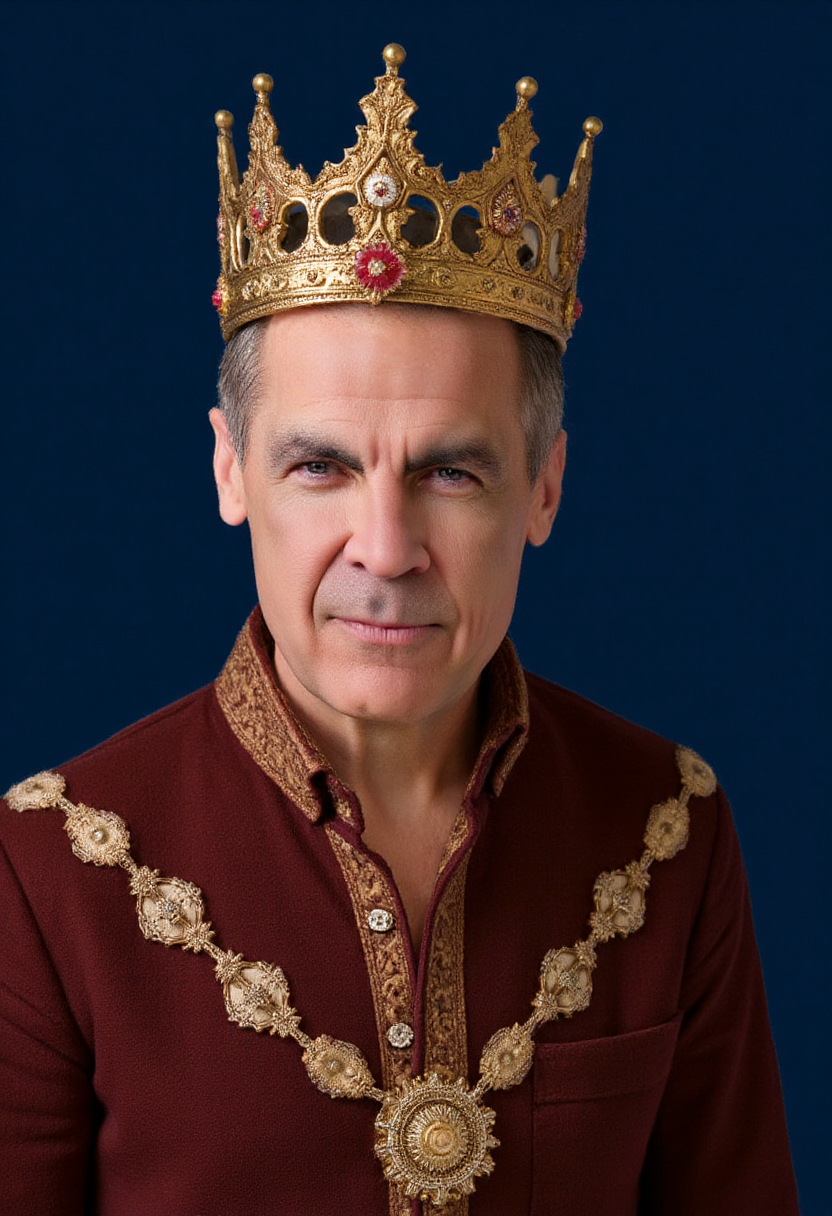
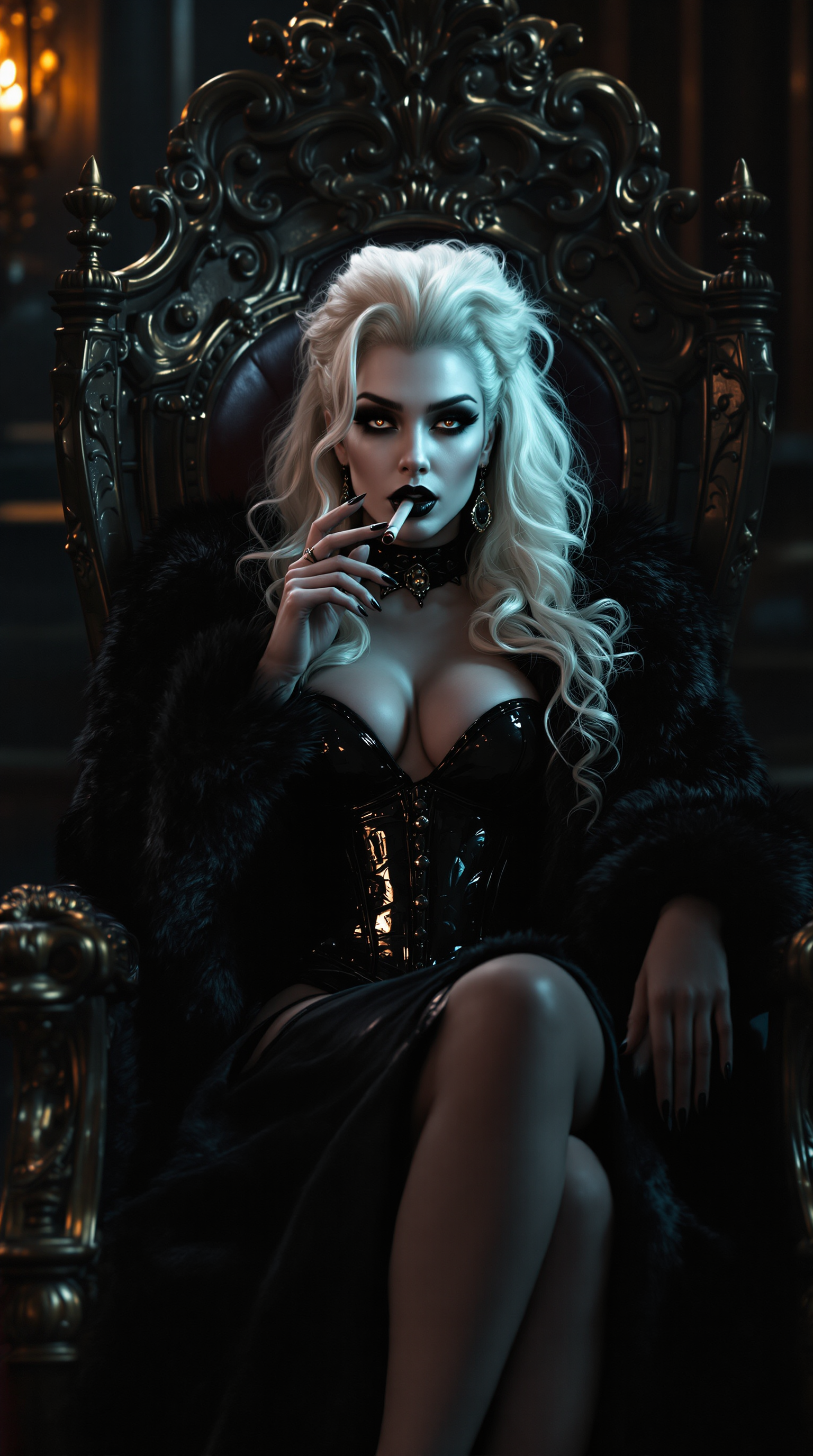

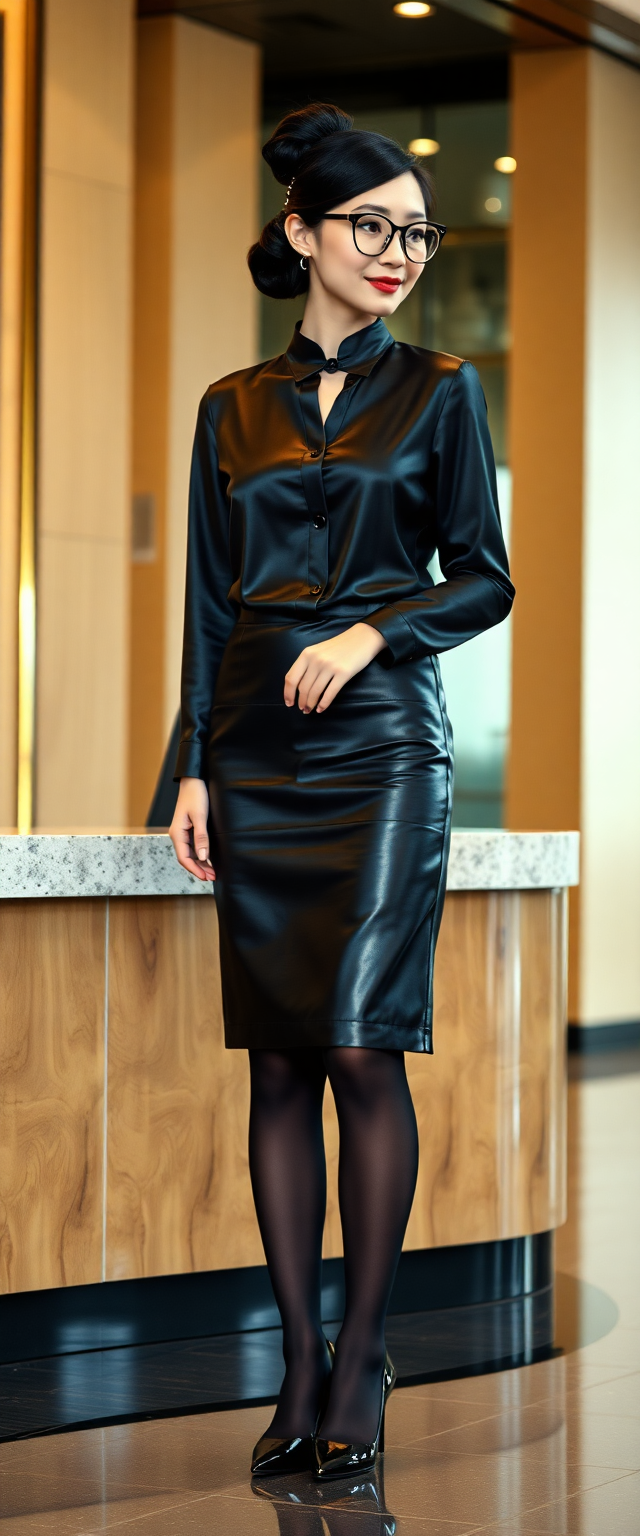
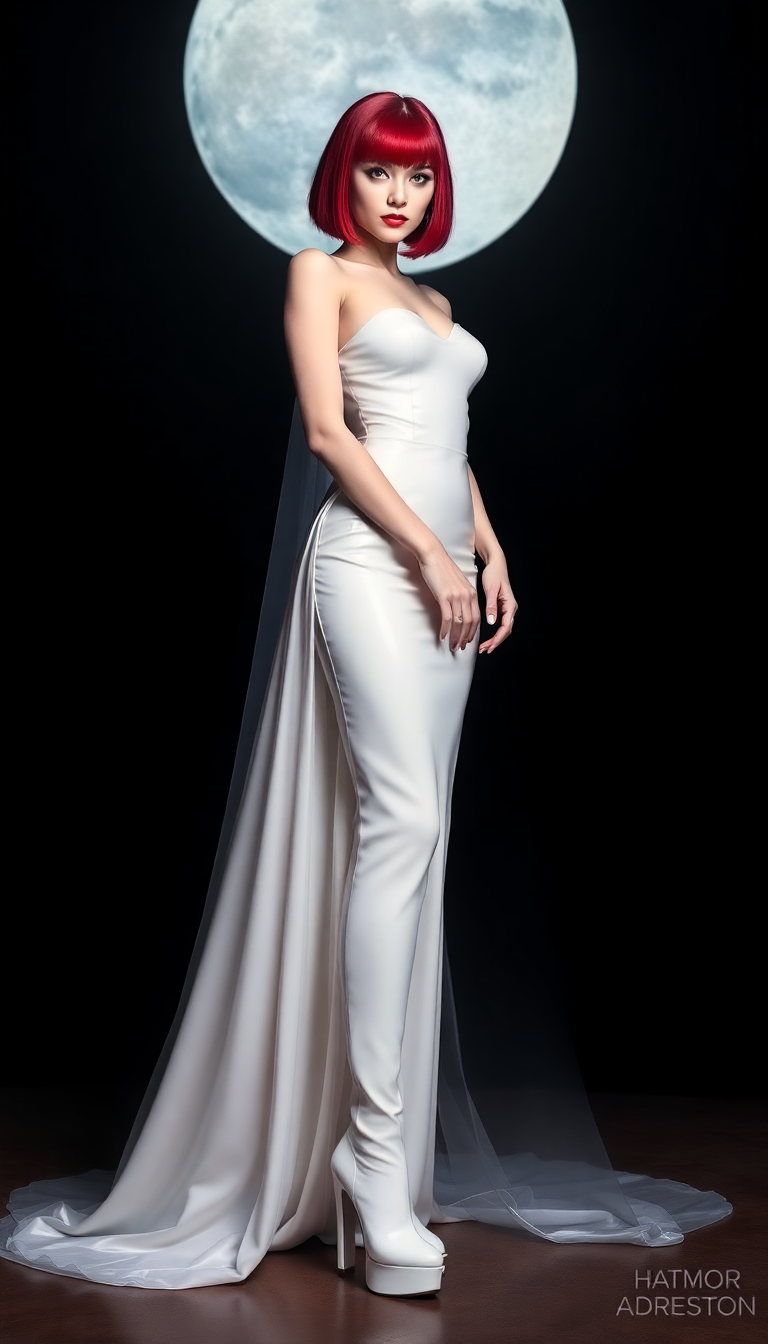
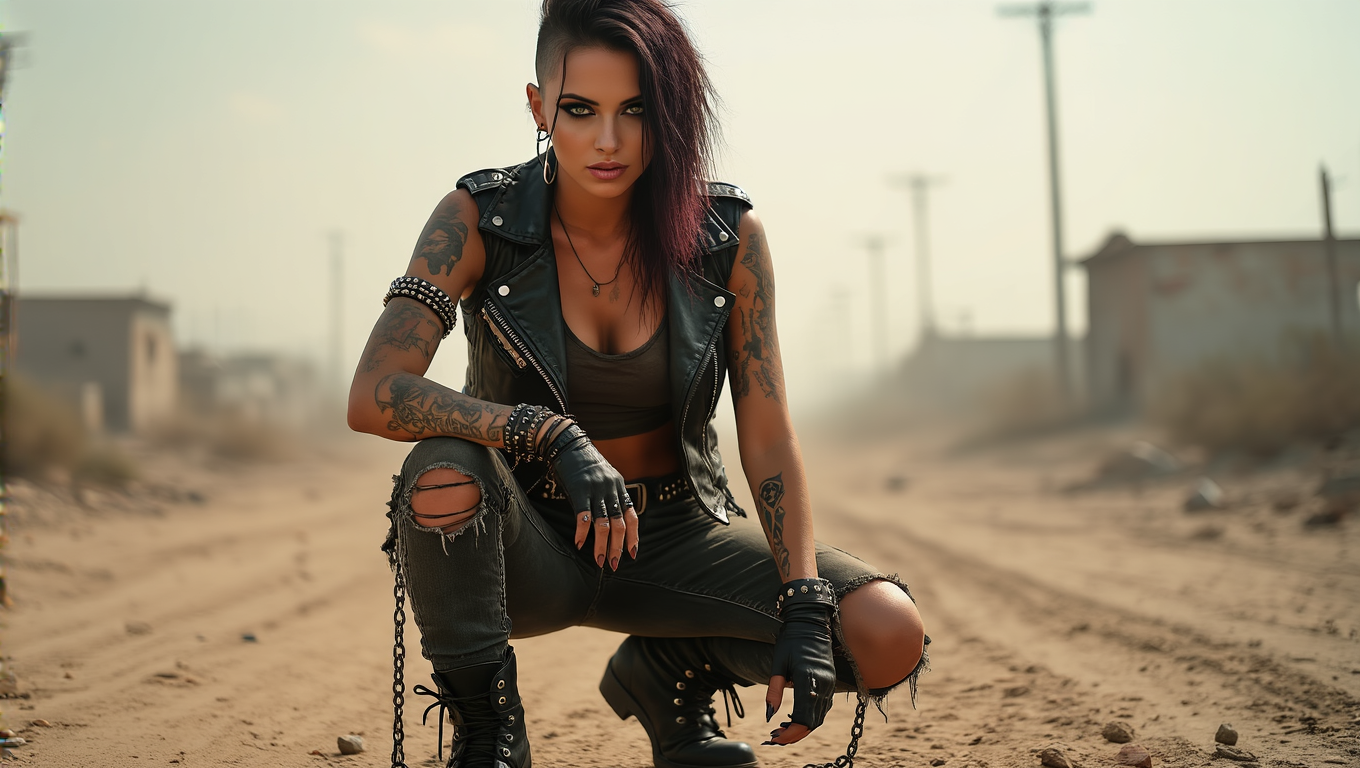
The Pixel Dojo Advantage
Why PixelDojo outperforms other options for improving image quality
| Others | Pixel Dojo |
|---|---|
| Traditional image creation | Instant AI-powered upscaling and enhancement replaces hours of manual editing or expensive photoshoots with professional results in seconds |
| Generic AI tools | Access specialized models like Magnific Upscaler, Clarity Pro, and Portrait Upscaler plus 40+ integrated tools for targeted quality improvements no basic generator offers |
| Manual photo editing | One-click AI reconstruction of details, noise removal, and realistic textures eliminates tedious layer work and guesswork for consistent, superior outcomes |
Loved by creators on PixelDojo
Real feedback from people using PixelDojo, pulled from our in-product surveys.
super easy to use
it's very easy to use
Practically every Ai suite in one place? Who wouldn't?
versatile menu of tools
Best AI tool availble the suite is rad
Versatility quality, value, ROI, innovation
Explore more AI tools on PixelDojo
AI Tools
Compare & Switch
- Best AI Image Generators
- Best AI Video Generators
- Midjourney Alternatives
- Civitai Alternatives
- Runway Alternatives
- Leonardo Alternatives
- Pika Alternatives
- Luma Alternatives
- Magnific Alternatives
- Veo Alternatives
- Flux Alternatives
- Freepik Alternatives
- Seedance Alternatives
- Seedream Alternatives
- Pixverse Alternatives
- GPT Image Alternatives
- Synthesia Alternatives
- Playground Alternatives
- NightCafe Alternatives
- Canva AI Alternatives
- ElevenLabs Alternatives
- ComfyUI Alternatives
- Fal Alternatives
- Replicate Alternatives
Common Questions
Everything you need to know about improve image quality
How to improve image quality of AI generated images with PixelDojo?
Simply upload your image to tools like Magnific Upscaler or P-Image Upscale, select your desired upscale ratio and enhancement model, and let PixelDojo's AI reconstruct sharp details, reduce artifacts, and boost clarity automatically. Thousands of creators achieve print-ready results in under a minute.
What is the best AI upscaler for improving low resolution images in 2026?
PixelDojo's Magnific Upscaler and Creative Upscaler stand out for their ability to add realistic detail while preserving style. Combined with Clarity Pro and Reality Polisher, you get specialized enhancement far beyond basic upscaling, turning fuzzy AI outputs into professional-grade visuals.
Can PixelDojo enhance blurry AI art without changing the original style?
Yes! Our content-aware tools like Magnific Upscaler and Portrait Upscaler intelligently reconstruct details while keeping your artistic vision intact. You maintain composition, colors, and mood while gaining sharpness, texture, and realism perfect for any project.
How do I upscale AI images to 4K or higher quality for printing?
Use P-Image Upscale or Magnific Upscaler in PixelDojo, choose 4x or higher magnification, and enable detail reconstruction modes. Your images become sharp enough for large prints, marketing materials, or high-res displays without pixelation or loss of quality.
Does PixelDojo help fix noise and artifacts in AI generated photos?
Absolutely. Tools such as Clarity Pro, Reality Polisher, and Image Analyzer automatically detect and remove noise, blur, and generation artifacts. You'll get clean, professional images with natural lighting and textures ready for client work or social sharing.
Is PixelDojo suitable for improving image quality for professional marketing use?
Yes—creators and marketers rely on PixelDojo's enhancement suite to produce high-quality visuals that meet professional standards. With options for portrait perfection, creative upscaling, and seamless integration with generation tools, your campaigns get the polished, attention-grabbing results they deserve.