image enhancer ai
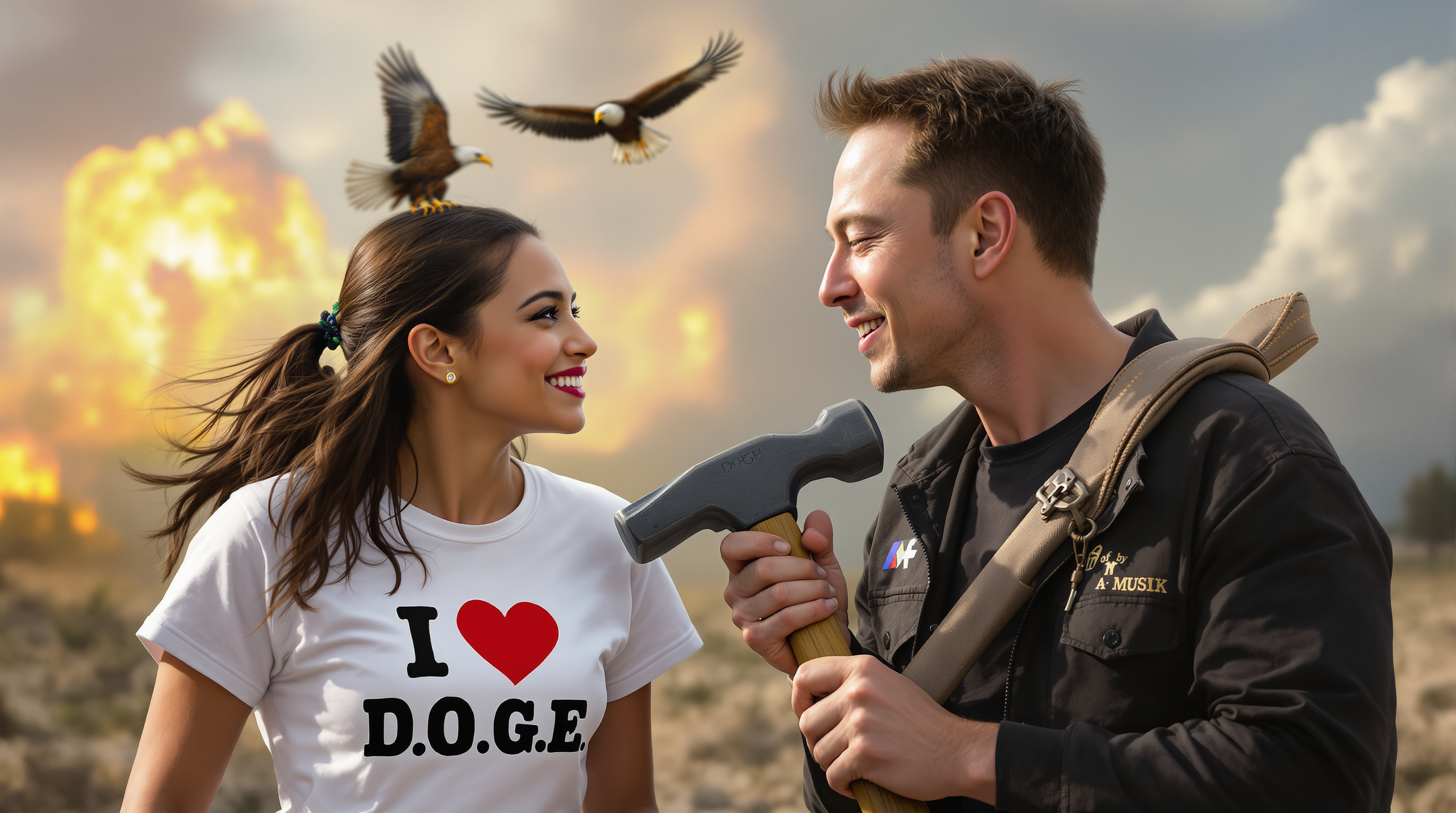
Imagine turning a blurry smartphone snapshot or faded family photo into a crisp, gallery-worthy image in under a minute. PixelDojo's image enhancer AI makes that possible for you every time. Whether you need to upscale low-resolution files for large prints, restore cherished old memories, or polish AI-generated artwork for professional use, our specialized tools deliver natural-looking results that exceed expectations. You focus on the creative vision while PixelDojo handles the technical magic, giving you enhanced images ready for social media, e-commerce, or personal projects without any steep learning curve.
Join over 120,000 creators who have enhanced more than 4 million images this year alone. PixelDojo holds a 4.9/5 average rating from real users worldwide. Trusted by photographers, marketers, and designers for reliable, high-impact results. 40+ cutting edge AI tools, loved by thousands of creators worldwide, cancel at any time.
Why Choose Pixel Dojo for image enhancer ai
Professional-quality results with cutting-edge AI technology
Restore Old Photos to Stunning Clarity
Breathe new life into faded, scratched, or low-quality family photos. PixelDojo's Clarity Pro and Reality Polisher automatically remove noise, repair damage, and recover lost details so your memories look vibrant and professional again.
Upscale Images to Print-Ready Quality
Transform any low-resolution image into sharp, high-detail files suitable for large prints or billboards. Use P-Image Upscale and Magnific Upscaler to achieve resolutions up to 32K while preserving natural textures and avoiding artificial artifacts.
Perfect Portraits and Product Shots Instantly
Elevate faces, skin tones, and product details with Portrait Upscaler and Creative Upscaler. Achieve consistent lighting, enhanced textures, and professional polish that makes your images stand out in marketing materials or social feeds.
How It Works
Enhancing your images with PixelDojo takes just three simple steps. Our platform integrates the latest AI techniques for realistic detail recovery and resolution boosts that keep your results looking authentic.
Step 1: Choose Your Tool
Log into PixelDojo and select the perfect enhancer for your needs from our dedicated upscaling suite. Options include P-Image Upscale for general resolution boosts, Magnific Upscaler for creative detail enhancement, or Clarity Pro for restoration-focused work.
Step 2: Enter Your Prompt
Upload your image and add a simple description of the desired outcome such as 'sharpen details, enhance colors, and remove noise' or 'restore vintage photo with natural skin tones'. PixelDojo's AI analyzes the content and applies targeted enhancements.
Step 3: Customize & Download
Preview the enhanced version, fine-tune intensity sliders if needed, and compare before/after results. Once satisfied, download your high-resolution image in the format of your choice, ready for any use.
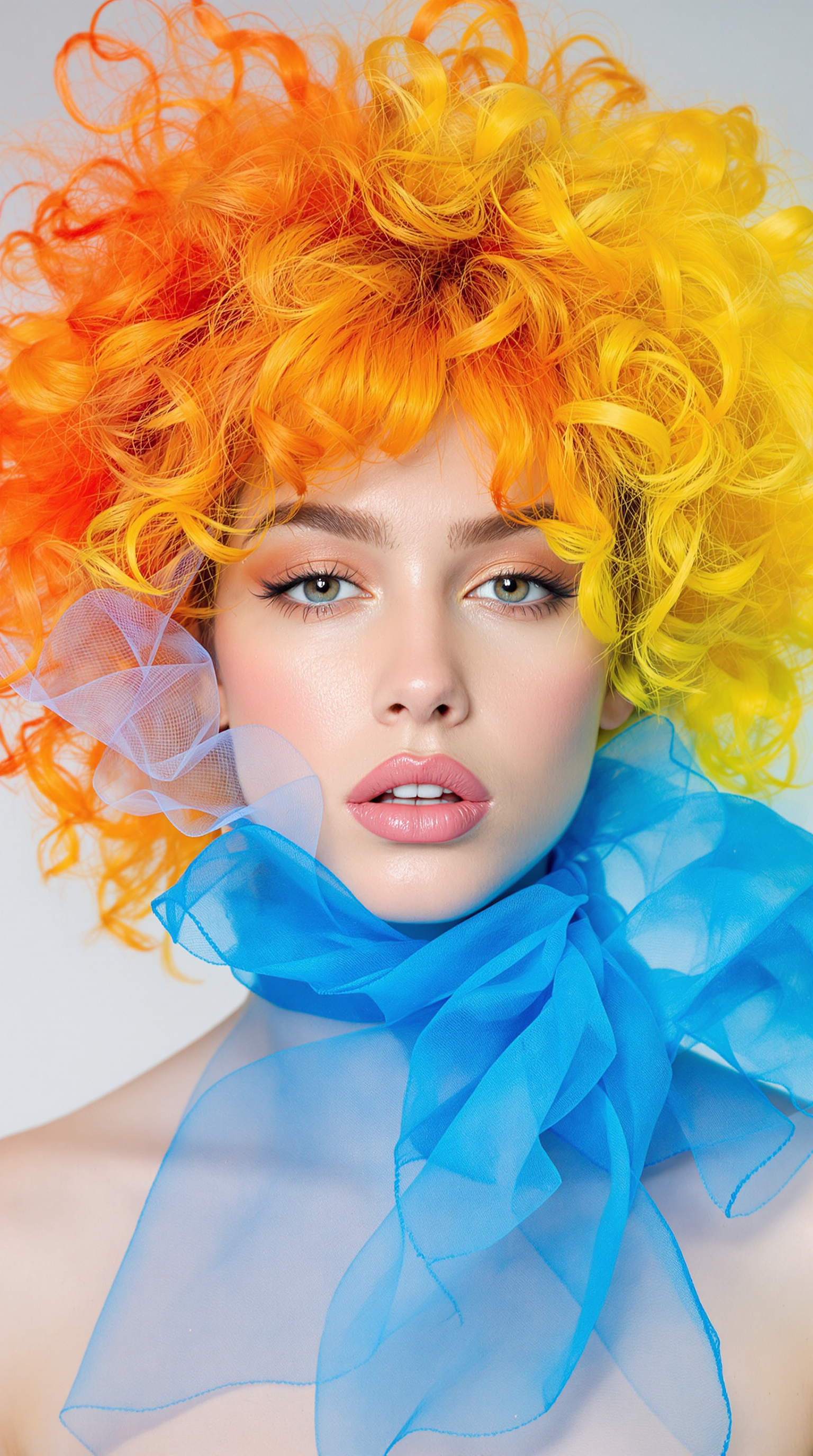
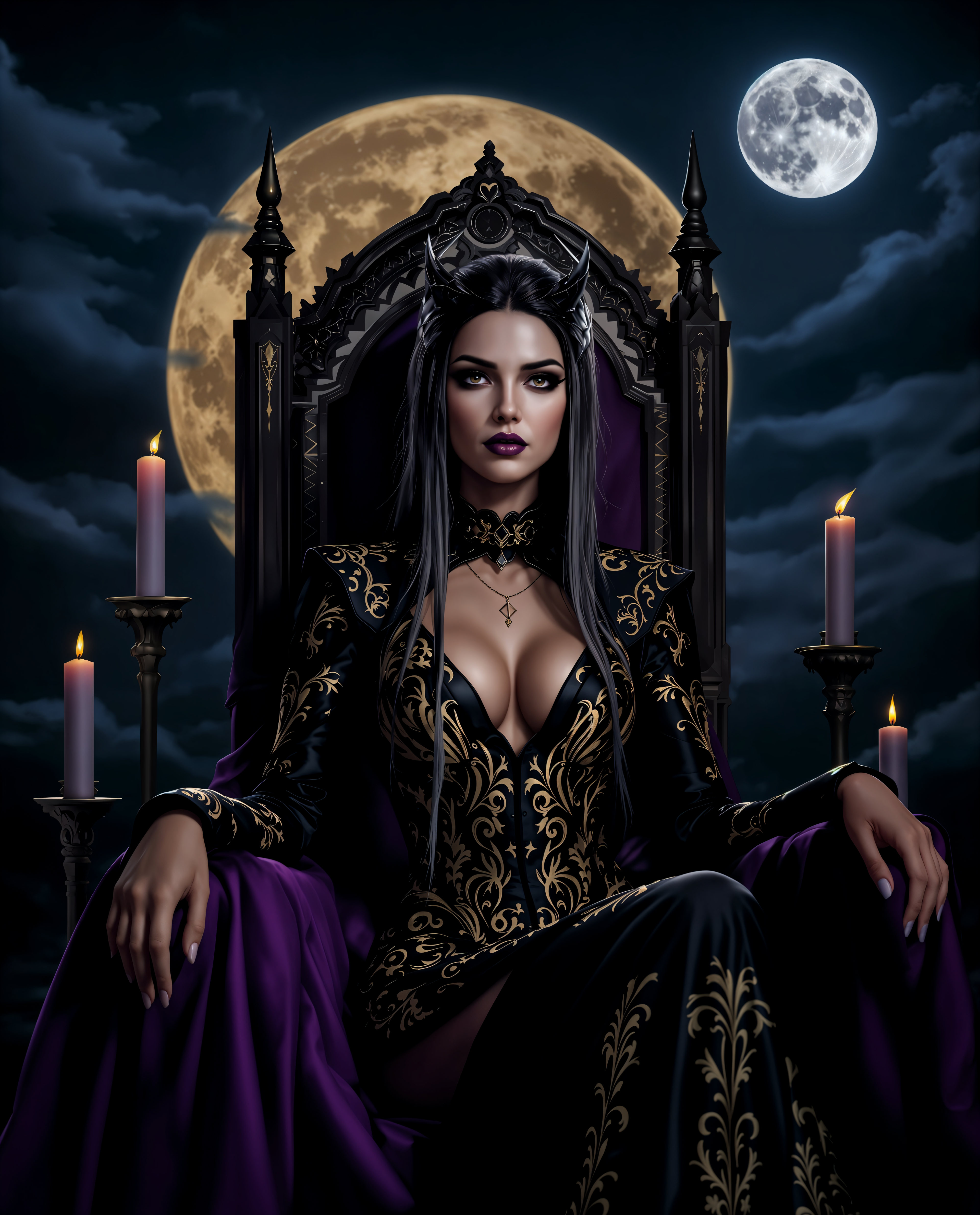
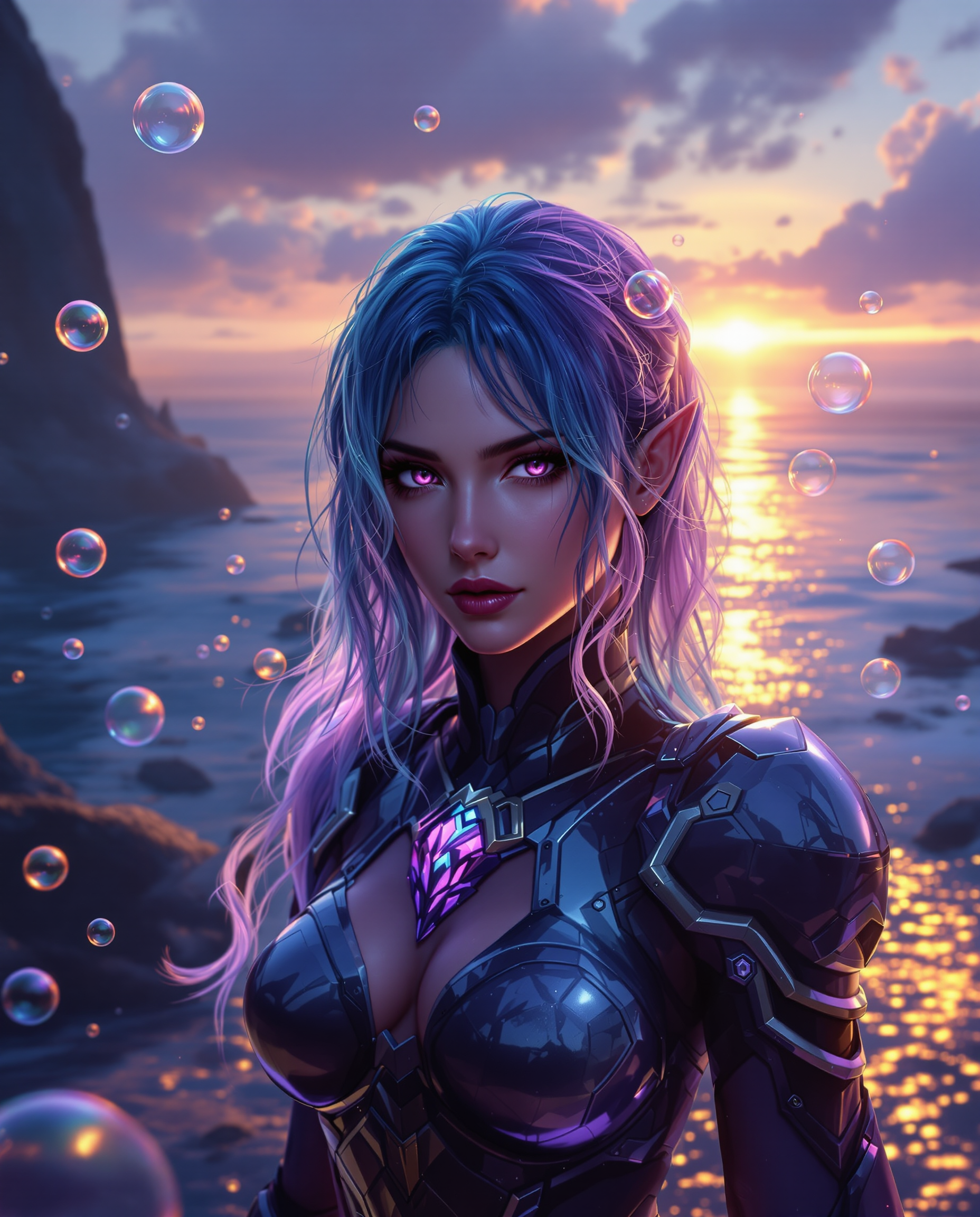
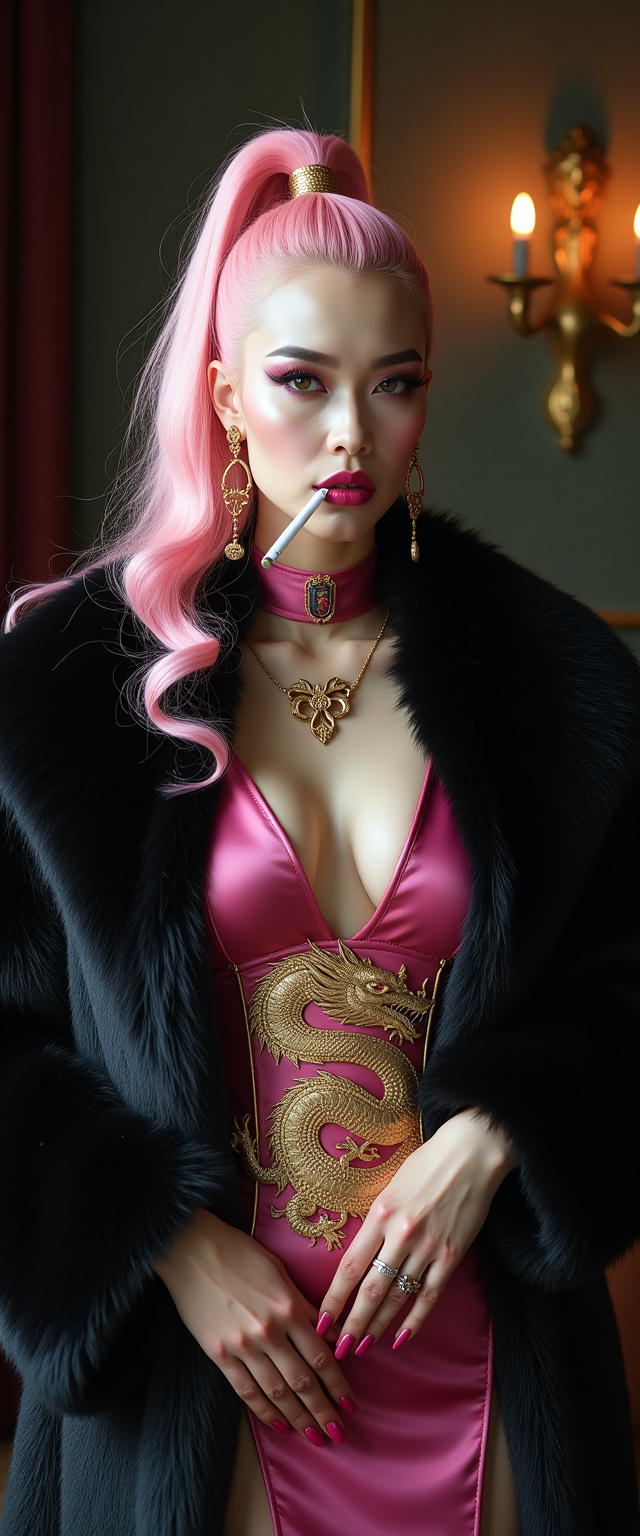

The Pixel Dojo Advantage
Why PixelDojo outperforms other options for image enhancer ai generation
| Others | Pixel Dojo |
|---|---|
| Traditional photo editing | AI automates complex restoration and upscaling tasks that once required hours of manual work, delivering consistent professional results in seconds without any prior expertise. |
| Generic AI tools | Access 40+ specialized enhancers including P-Image Upscale, Portrait Upscaler, and Reality Polisher all in one seamless platform with integrated editing and generation workflows. |
| Manual photo editing | Eliminate guesswork and fatigue with intelligent AI that understands image context, recovers authentic details, and produces natural results every single time. |
Loved by creators on PixelDojo
Real feedback from people using PixelDojo, pulled from our in-product surveys.
Prompt updates, strong features, and a community that is always willing to help and hear/act on professional feedback. I've never had a better experience.
user friendly all in one thing
I really like the schedule of AI work performed!
The best tools for IA on the web !
The guy that operates the website is constantly updating it
I’ve been using PixelDojo for around 8 months now and it’s always worked wonderfully while constantly adding features.
Explore more AI tools on PixelDojo
AI Tools
Compare & Switch
- Best AI Image Generators
- Best AI Video Generators
- Midjourney Alternatives
- Civitai Alternatives
- Runway Alternatives
- Leonardo Alternatives
- Pika Alternatives
- Luma Alternatives
- Magnific Alternatives
- Veo Alternatives
- Flux Alternatives
- Freepik Alternatives
- Seedance Alternatives
- Seedream Alternatives
- Pixverse Alternatives
- GPT Image Alternatives
- Synthesia Alternatives
- Playground Alternatives
- NightCafe Alternatives
- Canva AI Alternatives
- ElevenLabs Alternatives
- ComfyUI Alternatives
- Fal Alternatives
- Replicate Alternatives
Common Questions
Everything you need to know about image enhancer ai
How does image enhancer AI work on PixelDojo to restore old photos?
PixelDojo combines advanced models like Clarity Pro and Reality Polisher to analyze your image, detect damage such as scratches or fading, then intelligently reconstruct missing details while preserving original character. Upload your photo, choose the restoration tool, and receive a vibrant result in moments.
Can I use PixelDojo image enhancer AI to upscale AI generated images?
Absolutely. Tools like Magnific Upscaler and Creative Upscaler are specifically designed to refine and enlarge AI-generated artwork. They add natural textures, correct artifacts, and boost resolution while maintaining the original artistic style for print or digital use.
What resolution can PixelDojo's P-Image Upscale achieve with image enhancer AI?
PixelDojo supports upscaling to ultra-high resolutions including 8K, 16K, and beyond with P-Image Upscale and Magnific Upscaler. Your enhanced images maintain sharp details suitable for large-format printing, billboards, or professional portfolios.
Is PixelDojo's image enhancer AI good for product photography enhancement?
Yes. Portrait Upscaler and Creative Upscaler excel at perfecting product images by enhancing textures, optimizing lighting, and removing imperfections. Marketers and e-commerce sellers consistently achieve professional-grade results that boost conversion rates.
How long does it take to enhance an image with PixelDojo AI tools?
Most enhancements complete in under 60 seconds thanks to optimized AI processing. You can batch process multiple images or create variations quickly, making PixelDojo ideal for high-volume workflows like social media content or client deliveries.
Does PixelDojo offer free trials for its image enhancer AI features?
Start enhancing images today with our accessible plans. Enjoy full access to P-Image Upscale, Magnific Upscaler, Clarity Pro and dozens more tools with the flexibility to cancel anytime. Thousands of creators already rely on PixelDojo for daily image enhancement needs.