image generator
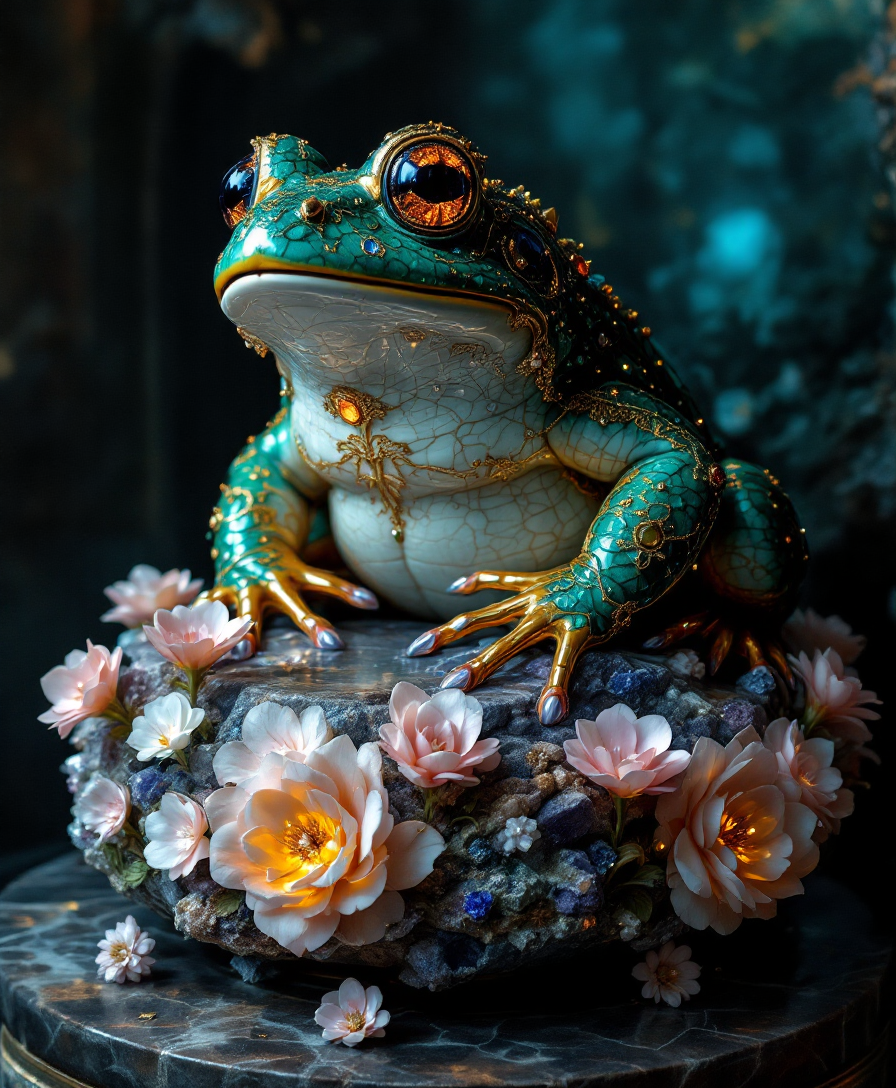
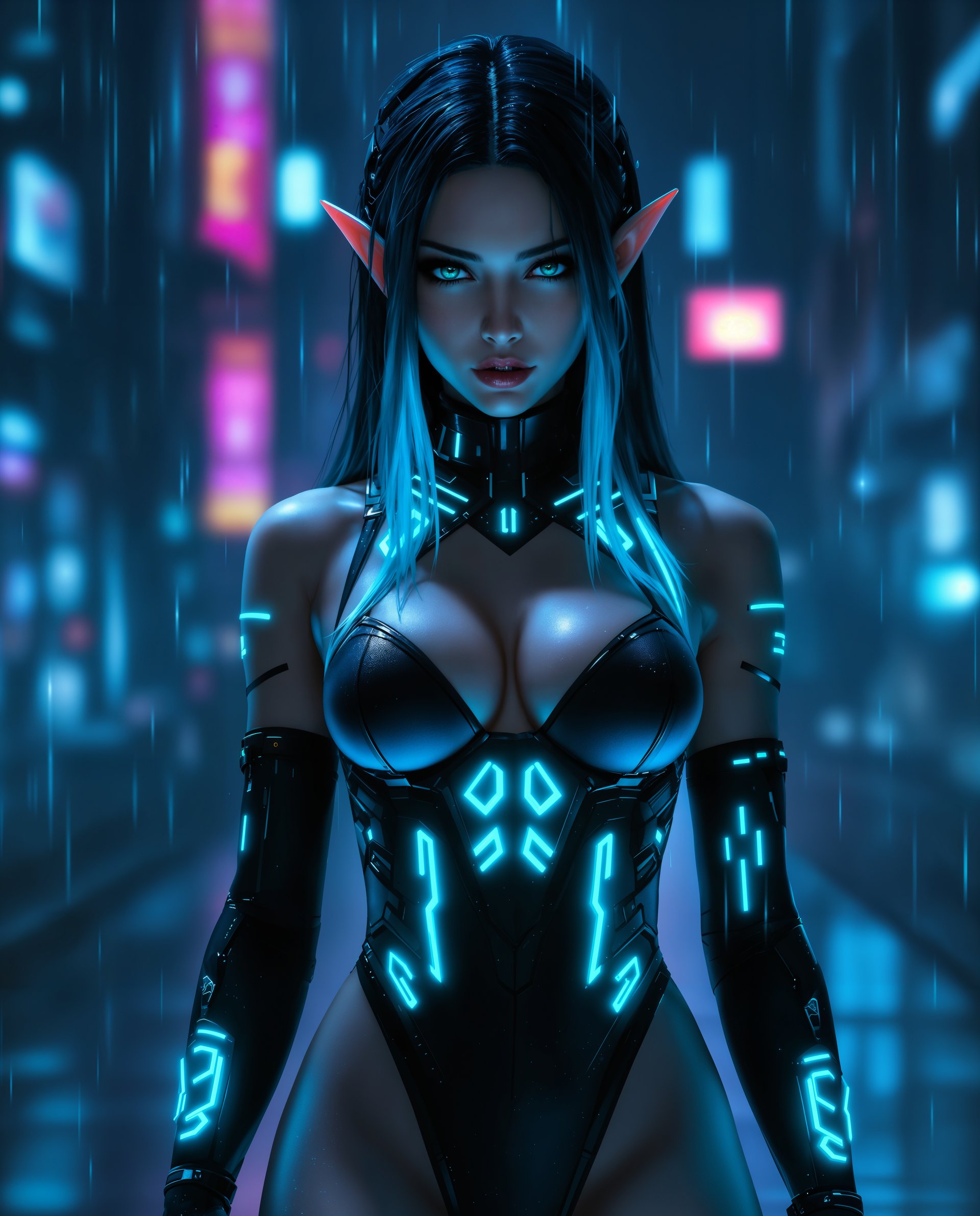
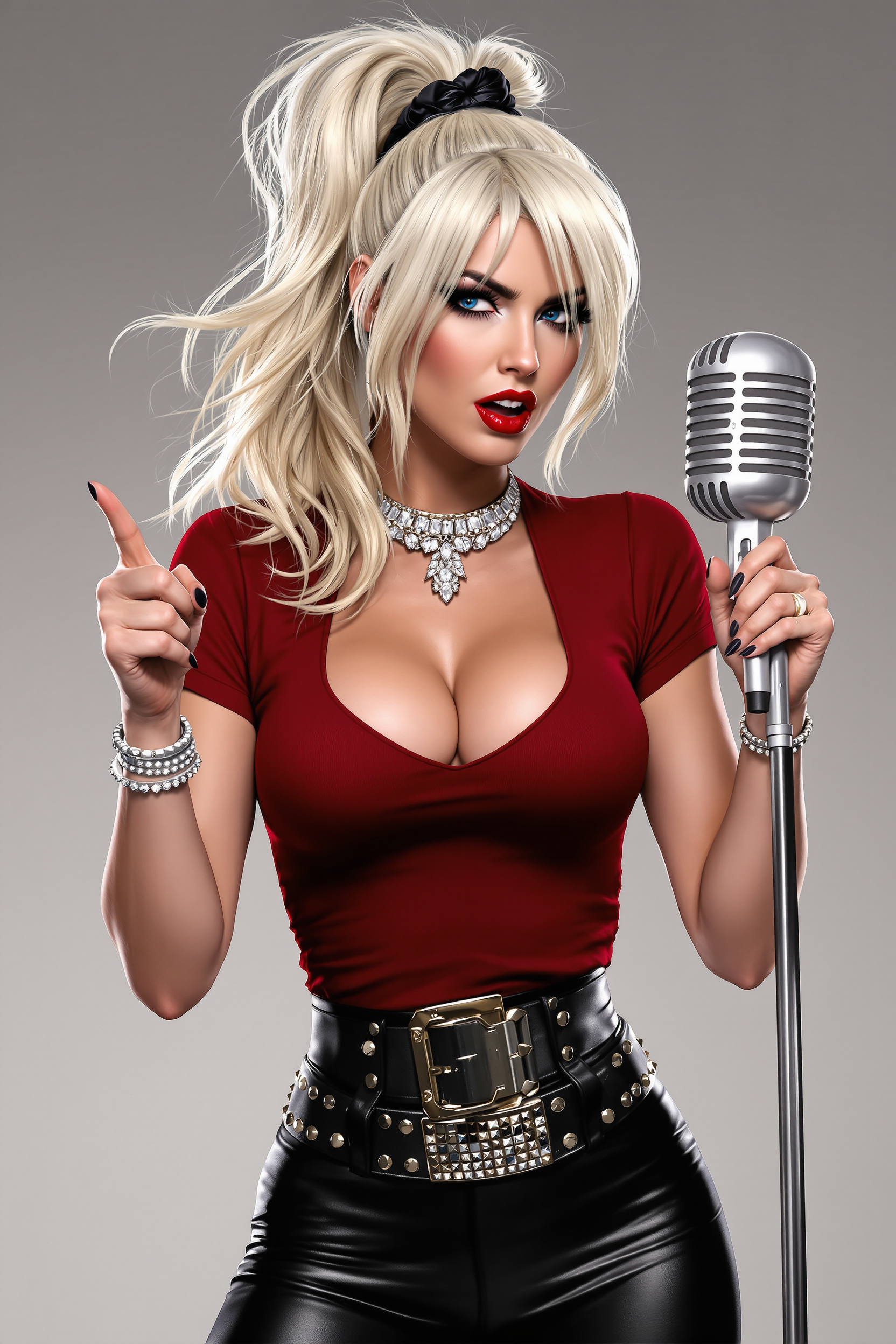
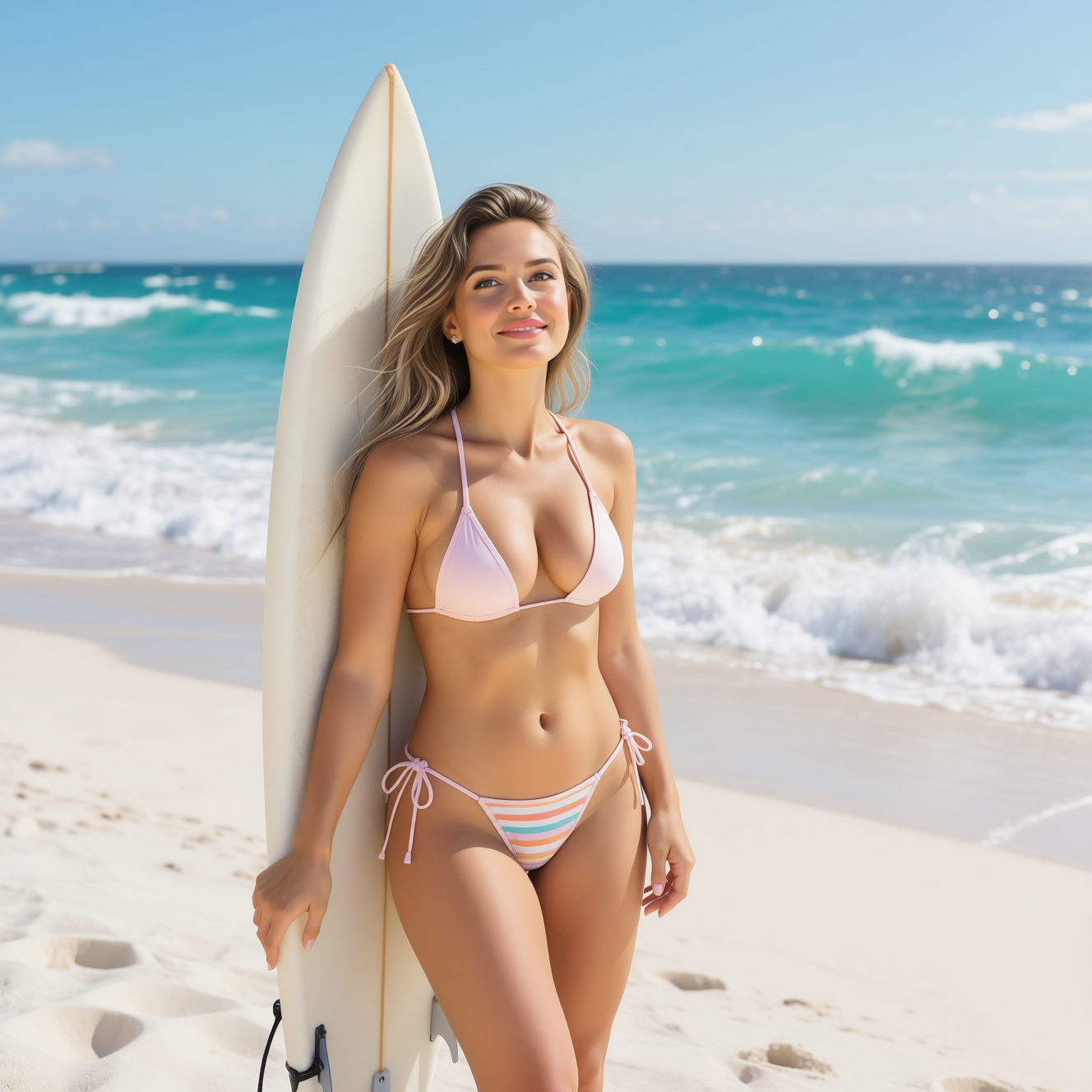
Imagine turning any idea into a polished, professional image in under a minute. With PixelDojo's AI image generator, you achieve exactly that. Whether you're a marketer needing eye-catching product visuals, a storyteller building consistent characters for your next series, or a designer exploring bold new concepts, you get studio-quality results without hiring expensive talent or spending hours in editing software. Our platform puts 40+ specialized tools at your fingertips, helping you create photorealistic scenes, artistic masterpieces, or branded assets that drive real engagement. Focus on your vision while the technology handles the technical heavy lifting, delivering outcomes that elevate your projects and save you valuable time.
Join over 50,000 creators and businesses who trust PixelDojo daily. Industry-wide, 150 million users generate 80 million AI images every day, and PixelDojo stands out with a 4.9/5 average rating from real users. Our community reports faster project turnaround, higher client satisfaction, and the freedom to experiment without limits. Loved by thousands worldwide, with flexible plans you can cancel anytime.
Why Choose Pixel Dojo for image generator
Professional-quality results with cutting-edge AI technology
Produce Professional Visuals in Seconds
Skip weeks of photoshoots or illustrator wait times. You generate custom, high-resolution images tailored to your exact needs—product mockups, social media graphics, or marketing campaigns—that look indistinguishable from professional photography. Use tools like Nano Banana 2 or GPT Image 2 to achieve photorealistic results that boost conversions and save thousands in production costs.
Maintain Perfect Character & Style Consistency
Build entire visual worlds or brand identities with ease. You create recurring characters that stay identical across dozens of scenes, ideal for comics, animations, advertising campaigns, or social content series. Flux.2 Studio and Ideogram 4 help you lock in styles and faces, delivering cohesive results that strengthen your storytelling and brand recognition.
Unlock Unlimited Creative Experimentation
Test bold ideas, nostalgic aesthetics, or hyper-detailed concepts without risk or extra cost. You iterate rapidly with advanced editing like Inpainting, Style Transfer, and Magic Lighting to refine outputs until they perfectly match your vision. This collaborative approach turns AI into your creative partner, helping you discover unique visuals that stand out in a crowded market.
How It Works
Creating stunning images with PixelDojo's AI image generator is straightforward and intuitive. Follow these steps to go from concept to finished visual in minutes.
Step 1: Choose Your Tool
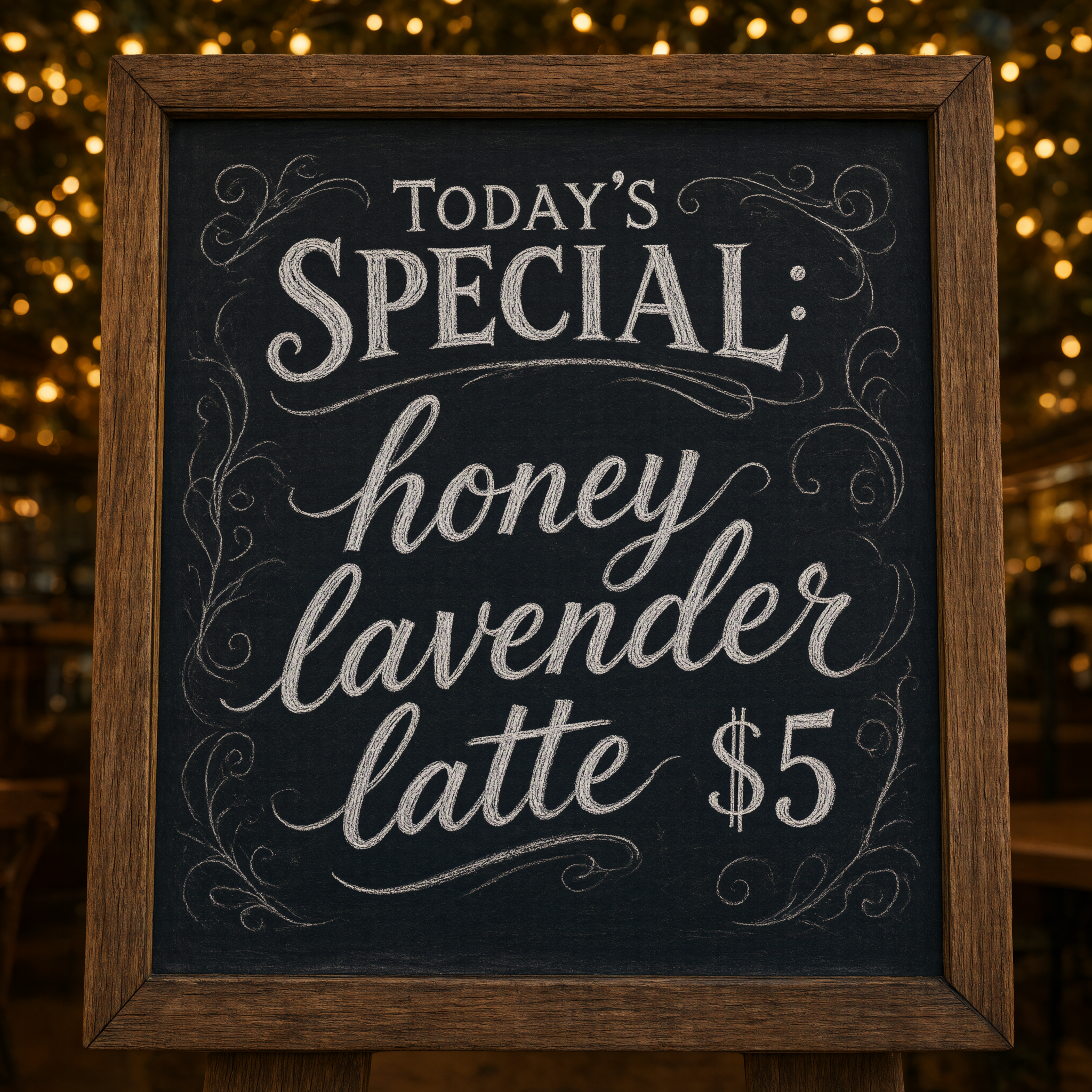
Browse PixelDojo's image generator dashboard and select the best fit for your goal. For photorealistic product shots or everyday scenes, start with Nano Banana 2 or GPT Image 2. Artists and designers often choose Flux.2 Studio or Grok Image for creative control, while Ideogram 4 excels when text needs to appear clearly in your image. Riverflow and Krea Image offer specialized styles for unique effects.
Step 2: Enter Your Prompt
Describe what you want in natural language. Be specific: include subject, action, lighting, mood, style, and composition. Example: 'Photorealistic portrait of a confident female entrepreneur in a modern city office at golden hour, wearing a tailored blazer, soft natural lighting, cinematic composition, shot on 85mm lens.' Advanced users add references or weights. Tools like QWEN Image 2 and Seedream 5 Lite handle complex, multi-element prompts exceptionally well.
Step 3: Customize & Download
Review the initial results and refine using PixelDojo's editing suite. Apply Inpainting to fix details, Change Camera Angle for new perspectives, or Style Transfer to match a specific aesthetic. Use Background Remover or Smart Resize for final polish. Once perfect, upscale with P-Image Upscale or Creative Upscaler for print-ready quality and download in your preferred format.
The Pixel Dojo Advantage
Why PixelDojo outperforms other options for image generator needs
| Others | Pixel Dojo |
|---|---|
| Traditional image creation | You eliminate expensive photoshoots, model hires, and weeks of revisions. Generate unlimited variations instantly while maintaining full creative control and ownership. |
| Generic AI tools | Access 40+ specialized models including Nano Banana 2, Flux.2 Studio, and Ideogram 4 in one place, plus seamless editing workflows like Reality Polisher and Image Outpainting that generic platforms lack. |
| Manual photo editing | You bypass tedious layering, masking, and retouching. AI handles the heavy work while you guide outcomes with intuitive tools, achieving professional results faster and with less frustration. |
Loved by creators on PixelDojo
Real feedback from people using PixelDojo, pulled from our in-product surveys.
Very easy to use
super easy to use
it's very easy to use
Practically every Ai suite in one place? Who wouldn't?
versatile menu of tools
Best AI tool availble the suite is rad
Explore more AI tools on PixelDojo
AI Tools
Compare & Switch
- Best AI Image Generators
- Best AI Video Generators
- Midjourney Alternatives
- Civitai Alternatives
- Runway Alternatives
- Leonardo Alternatives
- Pika Alternatives
- Luma Alternatives
- Magnific Alternatives
- Veo Alternatives
- Flux Alternatives
- Freepik Alternatives
- Seedance Alternatives
- Seedream Alternatives
- Pixverse Alternatives
- GPT Image Alternatives
- Synthesia Alternatives
- Playground Alternatives
- NightCafe Alternatives
- Canva AI Alternatives
- ElevenLabs Alternatives
- ComfyUI Alternatives
- Fal Alternatives
- Replicate Alternatives
Common Questions
Everything you need to know about image generator
How does an AI image generator create photorealistic images?
PixelDojo's AI image generator uses advanced models like Nano Banana 2 and Flux.2 Studio that excel at realism. You provide a detailed text prompt describing lighting, textures, and composition. The system generates multiple options, then you refine with tools such as Magic Lighting or Inpainting to perfect shadows, details, and authenticity. This produces images that often fool the eye, perfect for product visualization or lifestyle content.
What are the best prompts for consistent characters in an AI image generator?
For consistency, start with a strong base prompt that includes specific descriptors like hair color, facial features, and clothing style. Use Consistent Characters or Character Sheets tools on PixelDojo, then reference the same seed or character ID across generations. Tools like WAN Video Character Swap and Kling Avatar further help maintain identity when extending to video or multiple scenes, ensuring your characters look the same every time.
Can I edit existing images with PixelDojo's AI image generator?
Absolutely. Upload any photo and use Image to Image, Inpainting, or Style Transfer to transform it. Change backgrounds with Background Remover, adjust lighting via Magic Lighting, or extend scenes with Image Outpainting. Many users combine this with primary generation tools like Grok Image or Riverflow for hybrid workflows that deliver exactly what they envision.
How fast can I generate high-quality images using an AI image generator?
Most generations complete in seconds to under a minute depending on the tool and settings. Nano Banana 2 and QWEN Image 2 are optimized for speed while delivering excellent quality. After generation, quick edits with Smart Resize or Clarity Pro take seconds more. You can produce dozens of polished images in the time it would take to brief a traditional designer.
Is PixelDojo's AI image generator suitable for commercial use?
Yes, images created with PixelDojo are yours to use commercially. Our platform emphasizes safe, high-quality outputs from tools like Bria 3.2 and Recraft V4.1 that prioritize professional standards. Thousands of businesses rely on it for marketing materials, product visuals, and client work without licensing concerns.
What makes PixelDojo different from other AI image generators?
PixelDojo combines 40+ cutting-edge tools—including MAI Image, Seedream 4.5, Hunyuan Image 3, and PonyXL—into one seamless workspace with powerful editing features like Reality Polisher and Character Stylist. You get unmatched flexibility, consistent results, and the ability to iterate collaboratively, all backed by a community of thousands and the freedom to cancel anytime.