AI video effect · Product
Holiday Ad: a cozy holiday ad for your product
Upload a photo, press Generate, and post it anywhere.

3 free every day. No card needed.
What Holiday Ad does
Your product photo opens a cozy living room with a twinkling tree and warm lights. A smiling woman in a red knit sweater lifts the product toward the camera and turns it slightly to show it off while snow falls outside.
A cozy holiday ad for your product
A smiling woman in a red holiday sweater presents your product beside a twinkling Christmas tree. Clear product photos on a plain background work best.
Your product, start to finish
The video opens on your exact photo, so the shape, colors and details of the product carry through the whole clip.
Product ads without a studio
Commercial-style product shots for stores, ads and launches, made from one product photo instead of a studio day.
How to make a Holiday Ad video
- Upload a photo, or pick one from your library.
- Press Generate. There is no prompt to write; the effect is already set up.
- Your 5 second HD video plays right on the page. Save it to your library or download it.
Tips for the best photo
- Use a sharp photo of the product on a plain background, front-facing and fully in frame.
- Pick products that are comfortable to hold with one or two hands, like a mug, bottle or small box.
- Keep labels simple, since clean packaging reads best on screen.
Ideas for using it
- An online shop making a gift guide clip for a holiday sale on social media.
- A candle or snack maker posting a seasonal short video for the product page.
- A small bakery adding a cozy winter video to a holiday email.
More effects

Neat Slices
Slice any object like a soft eggplant.
 2 photos
Product Unboxed by You
Your selfie plus your product: an unboxing ad.

Product 360
139 usesA clean turntable spin for any product.
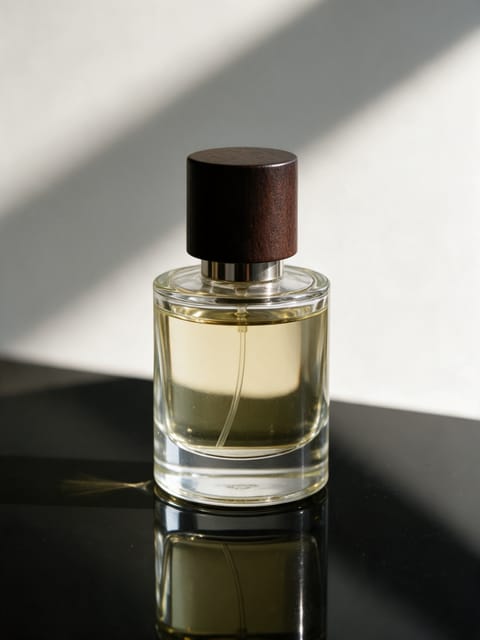
Product Splash
A burst of water around your product.

Ingredient Burst
Ingredients explode out around your product.
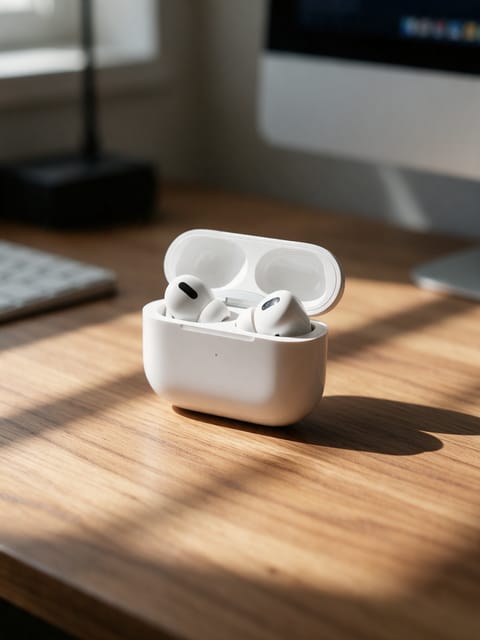
Floating Product
Your product levitates in a glow.
Go further
Holiday Ad FAQ
Will my product look the same in the video?
Yes. The effect is built to keep your product as it appears in the photo.
Can I choose the woman or the room?
No, the scene is set and only your product changes.
Do I need to write a prompt for Holiday Ad?
No. Holiday Ad is a ready-made effect: upload a photo and press Generate. The directions for the motion, camera and lighting are already built in.
How long is the Holiday Ad video?
Every effect makes a 5 second HD video that matches the shape of your photo, portrait or landscape, ready to post anywhere.
Does the video have sound?
Yes. Each clip comes with matching ambient sound effects. It does not add music, so you can lay your own track over it in any editor.
Can I use Holiday Ad on any product?
Most physical products work: bottles, cosmetics, shoes, gadgets, food and packaging. A clean, well-lit photo with the whole product in frame keeps the shape and label faithful.