ai 3d model generator
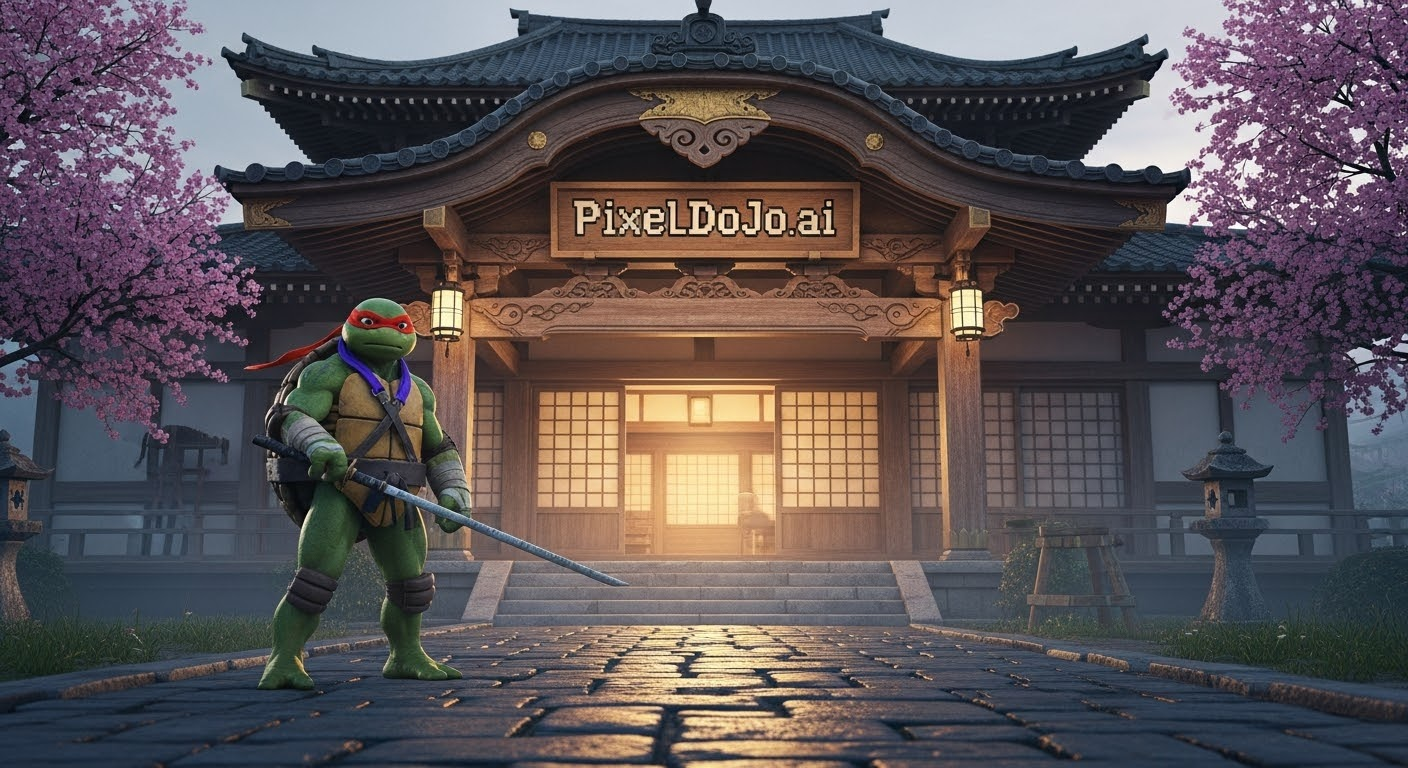
Imagine turning a simple description like 'futuristic sports car' or a single product photo into a fully detailed, textured 3D model ready for games, 3D printing, or marketing visuals in just minutes. With PixelDojo's AI 3D model generator, you achieve professional-grade results without spending weeks learning complex software or hiring expensive specialists. Whether you're a game developer needing rapid asset creation, a product designer prototyping ideas, or a content creator building virtual worlds, PixelDojo empowers you to bring your visions to life faster than ever. Focus on your creative ideas while the AI handles the heavy lifting of geometry, texturing, and optimization, delivering export-ready models that fit seamlessly into your workflow.
Over 75,000 creators worldwide trust PixelDojo for AI 3D model generation, with an average rating of 4.9/5 from thousands of reviews. Users report creating production-ready assets 10x faster than traditional methods, with many completing full projects in hours instead of days. Backed by 40+ cutting-edge AI tools and loved by game studios, e-commerce brands, and independent artists alike.
Why Choose Pixel Dojo for ai 3d model generator
Professional-quality results with cutting-edge AI technology
Create Professional 3D Assets in Minutes
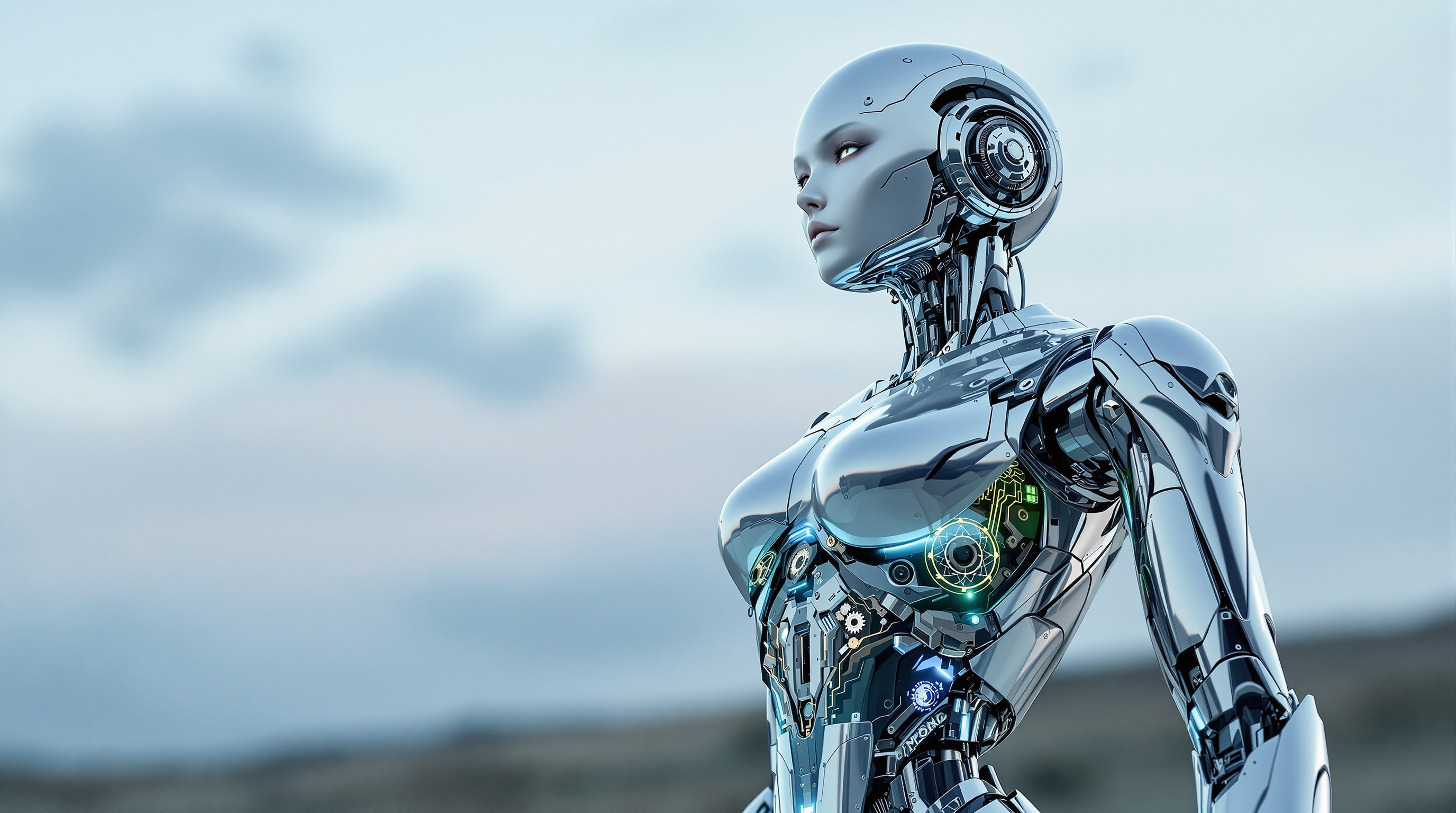
Generate game-ready characters, environments, and props from simple text or reference images. Rodin and Hunyuan 3D deliver clean topology, high-resolution PBR textures, and consistent multi-view accuracy so your models look polished right out of the box and integrate smoothly into Unity, Unreal, or Blender.
Prototype and Visualize Products Instantly
Turn product sketches or photos into rotatable 3D models for client presentations, e-commerce, or 3D printing. Achieve photorealistic results with accurate materials and lighting that help you sell ideas faster and reduce costly physical prototypes.
Unlock Creative Freedom Without Technical Barriers
Experiment with complex designs, styles, and iterations effortlessly. Refine outputs using PixelDojo's image editing tools like Style Transfer or Magic Lighting before converting to 3D, then export in standard formats for any project from animation to VR experiences.
How It Works
Creating high-quality 3D models with PixelDojo is straightforward. Start with your idea, leverage our specialized 3D tools, and produce results you can use immediately.
Step 1: Choose Your Tool
Select from PixelDojo's dedicated 3D generators: Rodin for scan-quality realism and multi-angle precision or Hunyuan 3D for ultra-HD fidelity and production-ready assets with 4K textures. Both support text-to-3D and image-to-3D workflows tailored for games, printing, and design.
Step 2: Enter Your Prompt or Upload Reference
Describe your model in natural language such as 'highly detailed cyberpunk motorcycle with metallic textures and neon accents' or upload clear reference images. For best results, use multi-angle character sheets or isolated product photos generated first with PixelDojo's image tools like Flux.1 Studio or Ideogram 4.
Step 3: Generate, Customize & Export
Click generate and watch as the AI creates your model in seconds to minutes. Refine with built-in options for resolution, texture quality, or style adjustments. Then download in GLB, OBJ, or FBX formats ready for 3D printing, animation, or game engines. Combine with PixelDojo's Video Upscaler or Character Sheets for complete pipelines.



The Pixel Dojo Advantage
Why PixelDojo outperforms other options for AI 3D model generation
| Others | Pixel Dojo |
|---|---|
| Traditional 3D modeling | Skip months of training and manual sculpting; generate complex, textured models from ideas or photos in minutes instead of days or weeks |
| Generic AI tools | Access specialized 3D-optimized engines like Rodin and Hunyuan 3D with superior geometry, topology, and PBR texturing designed specifically for professional 3D workflows |
| Manual photo editing or scanning | Achieve consistent, high-fidelity 3D results from any input without physical scanning equipment or hours of post-processing |
Loved by creators on PixelDojo
Real feedback from people using PixelDojo, pulled from our in-product surveys.
Trained my Lora super fast. Still working out how to creat content wit it, but I love it so far.
I love this app
It has all the tools I can think of...
deployment rate of splendid features is incredible. Legend
large selection of tools on one platform
the amount you can do on this site
Explore more AI tools on PixelDojo
AI Tools
Compare & Switch
- Best AI Image Generators
- Best AI Video Generators
- Midjourney Alternatives
- Civitai Alternatives
- Runway Alternatives
- Leonardo Alternatives
- Pika Alternatives
- Luma Alternatives
- Magnific Alternatives
- Veo Alternatives
- Flux Alternatives
- Freepik Alternatives
- Seedance Alternatives
- Seedream Alternatives
- Pixverse Alternatives
- GPT Image Alternatives
- Synthesia Alternatives
- Playground Alternatives
- NightCafe Alternatives
- Canva AI Alternatives
- ElevenLabs Alternatives
- ComfyUI Alternatives
- Fal Alternatives
- Replicate Alternatives
Common Questions
Everything you need to know about ai 3d model generator
How does an AI 3D model generator work with PixelDojo tools like Rodin and Hunyuan 3D?
PixelDojo's AI 3D model generator uses advanced models including Rodin for realistic multi-view generation and Hunyuan 3D for high-fidelity textured outputs. Simply input text descriptions or reference images, and the system creates detailed meshes with PBR materials in minutes. You can further refine results using PixelDojo's image tools before or after generation for perfect outcomes every time.
What file formats can I export from PixelDojo's AI 3D model generator?
Export your generated 3D models in industry-standard formats including GLB, OBJ, and FBX. These are fully compatible with game engines like Unity and Unreal, 3D printing software, Blender, and VR/AR platforms, allowing seamless integration into any professional pipeline.
Can I create 3D models for 3D printing using PixelDojo's AI 3D model generator?
Yes, PixelDojo excels at producing print-ready 3D models with clean geometry and accurate details using Hunyuan 3D and Rodin. Generate prototypes or final prints from text prompts or product photos, then scale and prepare them directly for your printer without additional modeling work.
Is PixelDojo's AI 3D model generator suitable for beginners with no 3D experience?
Absolutely. The platform is designed for users of all skill levels. You describe what you want or upload references, and the AI handles the technical aspects. Combine with easy image editing tools like Inpainting or Style Transfer to iterate quickly and build confidence as you create.
How long does it take to generate a 3D model with PixelDojo?
Most models generate in under 60-90 seconds with Rodin or Hunyuan 3D, depending on complexity and settings. High-resolution production assets with detailed textures are ready in minutes, letting you iterate rapidly and complete entire projects in hours rather than days.
Can I use PixelDojo's AI 3D model generator for game development assets?
PixelDojo is ideal for game development. Rodin and Hunyuan 3D produce optimized meshes with proper topology and textures perfect for real-time rendering. Generate characters, props, environments, and more, then enhance consistency with tools like Consistent Characters or Character Sheets for full asset libraries.