ai art generation

Imagine turning any idea into gallery-worthy AI art in seconds. With PixelDojo, you can create professional-quality artwork that captivates audiences, boosts your brand, or simply brings your vision to life—no drawing skills, expensive software, or long learning curves needed. Whether you're a marketer needing eye-catching social visuals, an author designing book covers, or a creator chasing viral trends like hyper-realistic pet portraits and cinematic landscapes, PixelDojo empowers you to produce consistent, high-impact AI art that stands out. Focus on the outcomes: faster content creation, endless experimentation, and results that look like they took hours from a professional studio. Join thousands of creators who are already transforming their ideas into reality every day.
Over 50,000 creators trust PixelDojo with 4.9/5 average rating. More than 2 million AI artworks generated this month alone. Loved by designers, marketers, and hobbyists worldwide for delivering consistent, professional results every time.
Why Choose Pixel Dojo for ai art generation
Professional-quality results with cutting-edge AI technology
Create Professional Artwork Without Skills
Produce portfolio-ready AI art, social media graphics, and marketing visuals that look professionally designed, helping you stand out and save thousands on freelance artists.
Maintain Perfect Character Consistency
Generate the same character across dozens of scenes and styles for stories, campaigns, or branding—ensuring your audience instantly recognizes your visual identity every time.
Ride Viral AI Art Trends Effortlessly
Quickly produce trending styles like hyper-realistic food art, cinematic landscapes, renaissance pet portraits, and miniature dioramas that drive engagement and shares.
How It Works
Creating stunning AI art with PixelDojo is simple and fast—start with any idea and iterate in minutes using our powerful suite of tools.
Step 1: Choose Your Tool
Browse and select from 40+ specialized image generation tools including Flux.2 Studio for photorealistic detail, Ideogram 4 for text and layout precision, Grok Image for creative concepts, or Google Nano Banana for intelligent reasoning-based art.
Step 2: Enter Your Prompt
Describe your vision using natural language or structured prompts like 'hyper-realistic elderly cat in renaissance portrait style, soft lighting, detailed fur, warm tones'. Reference trends or upload images for style transfer. Tools like GPT Image 2 and QWEN Image 2 understand complex instructions instantly.
Step 3: Customize & Download
Refine with editing tools such as Consistent Characters for matching faces across images, Style Transfer, Magic Lighting, or Inpainting. Upscale with Magnific Upscaler or Creative Upscaler, then download in high resolution ready for print or web.


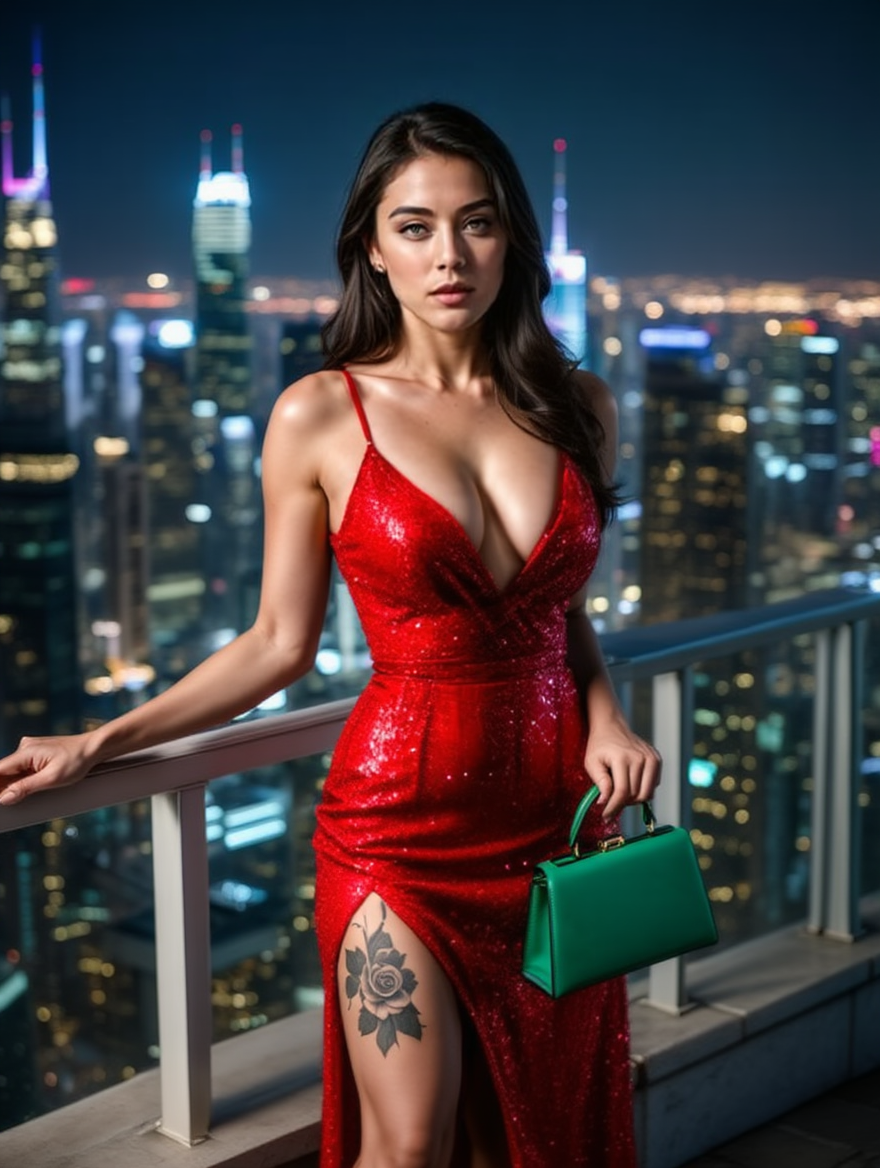
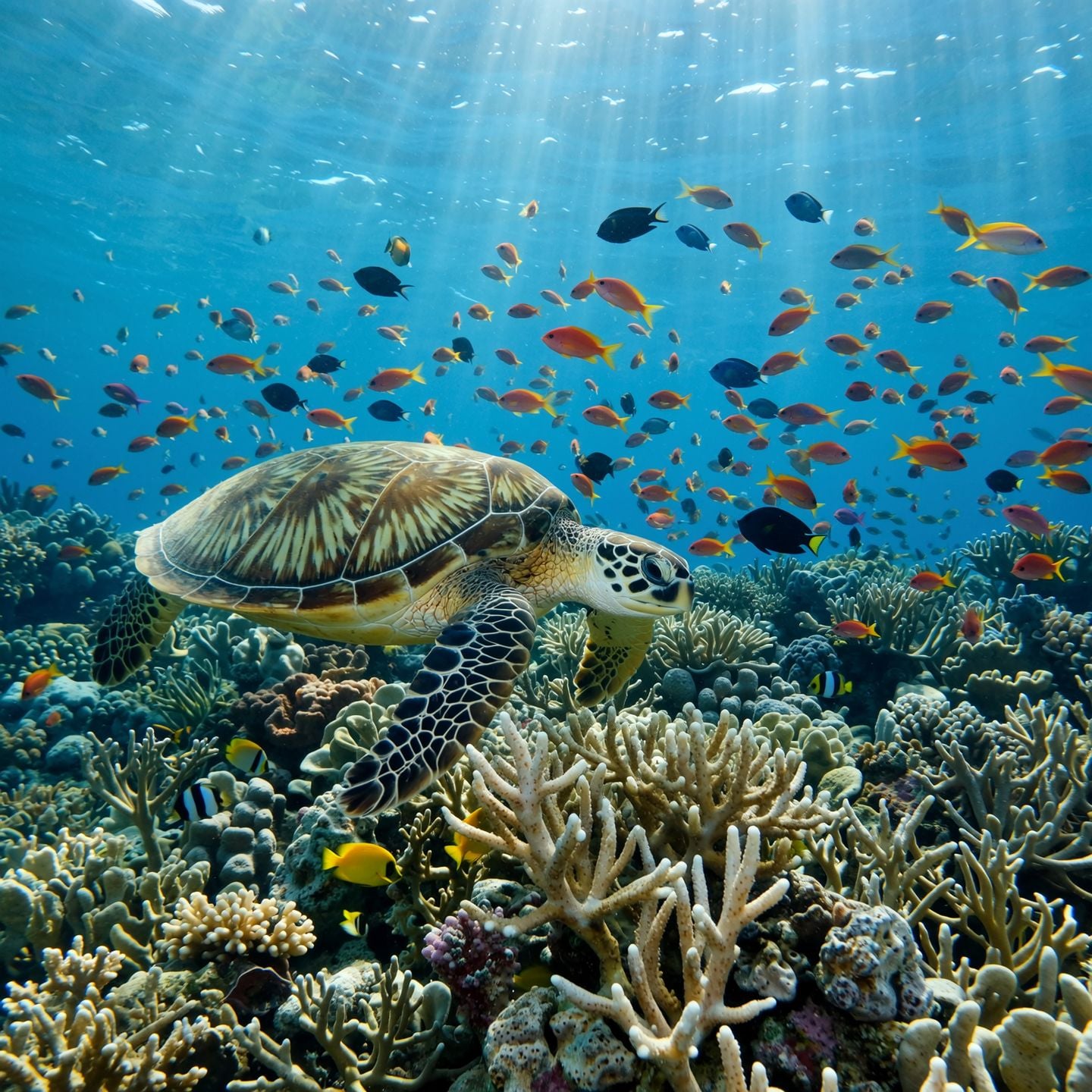
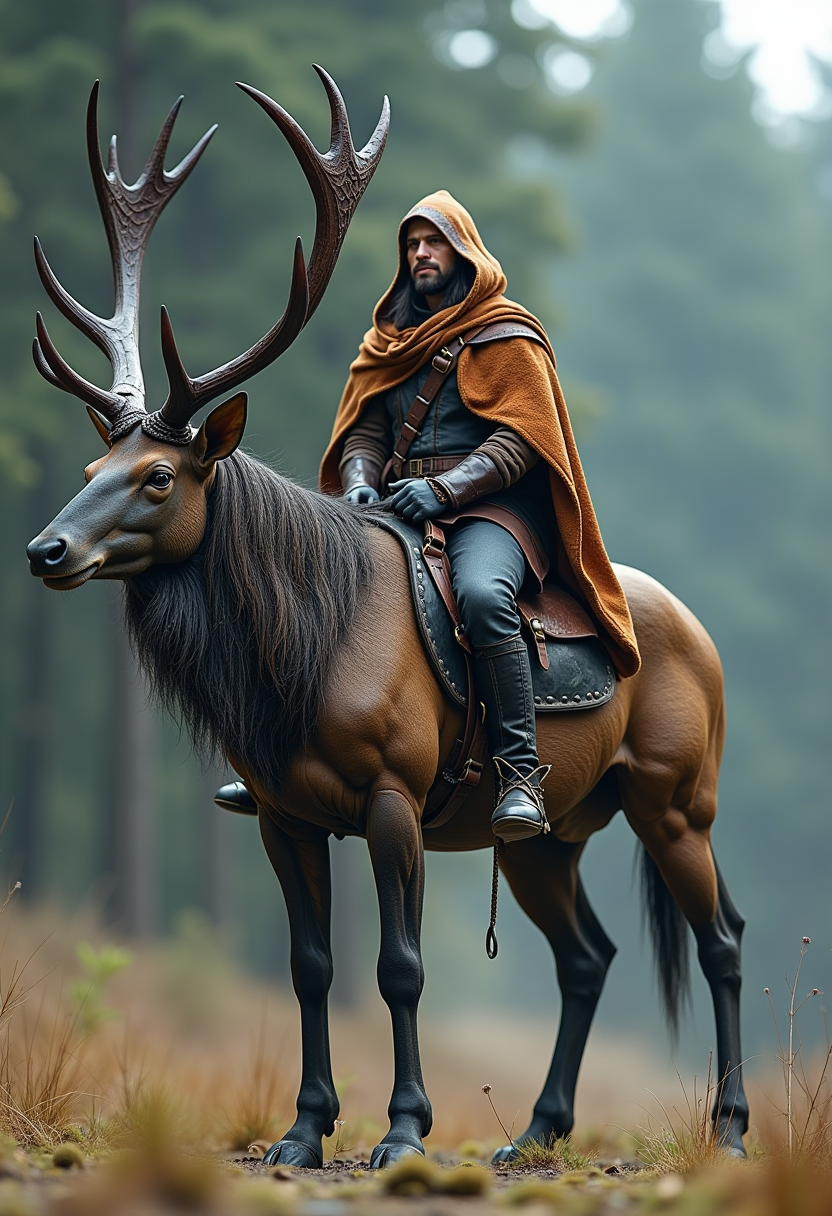
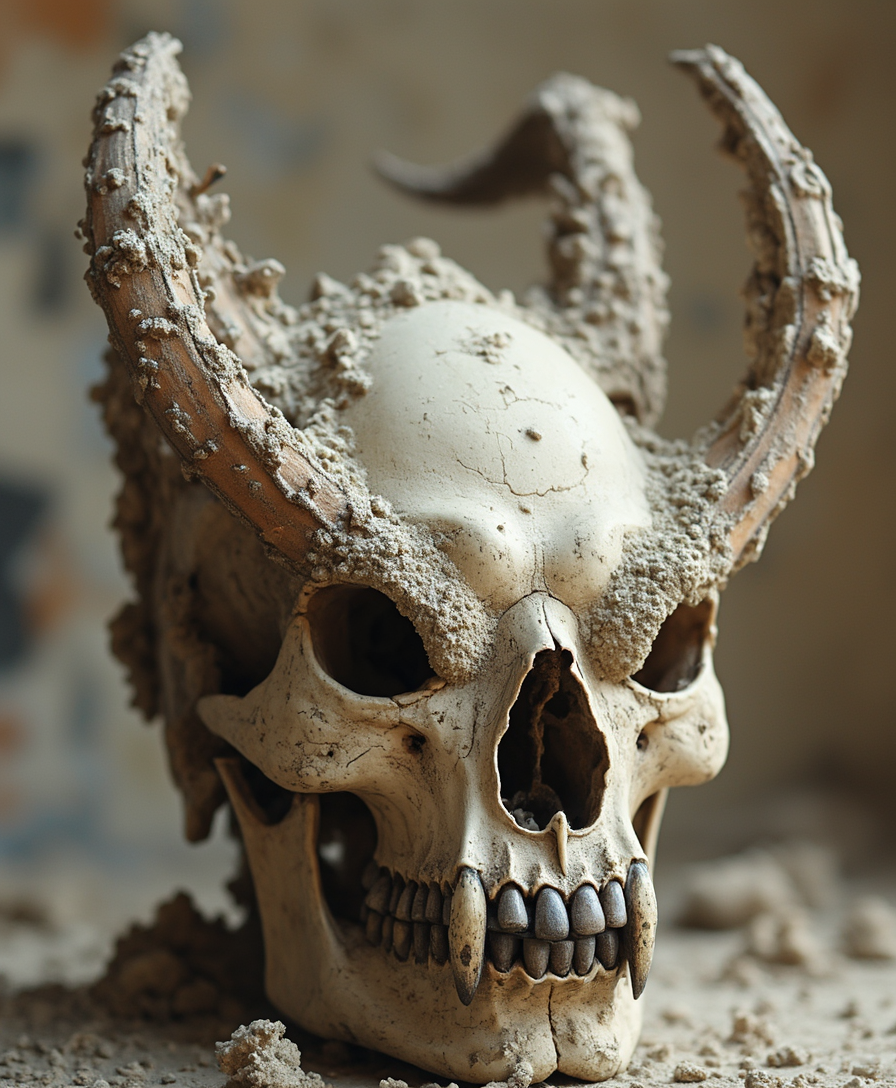
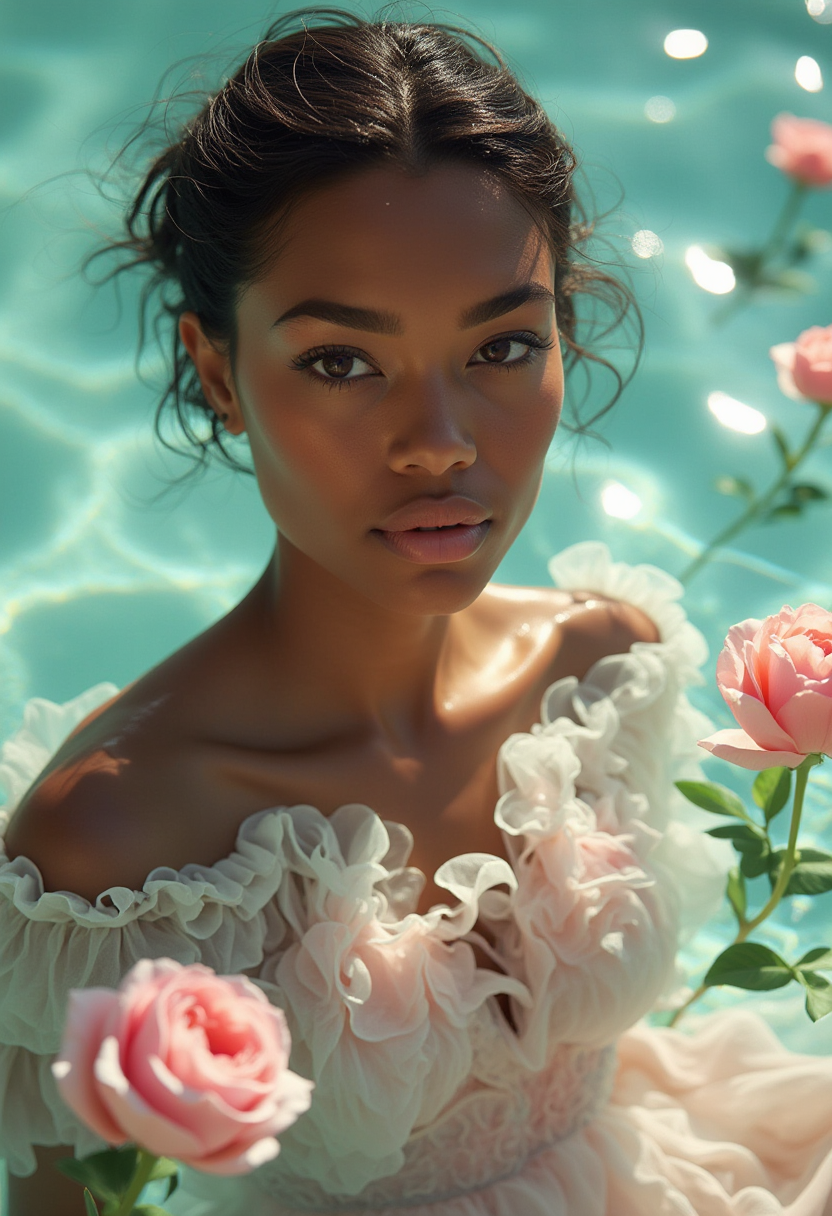
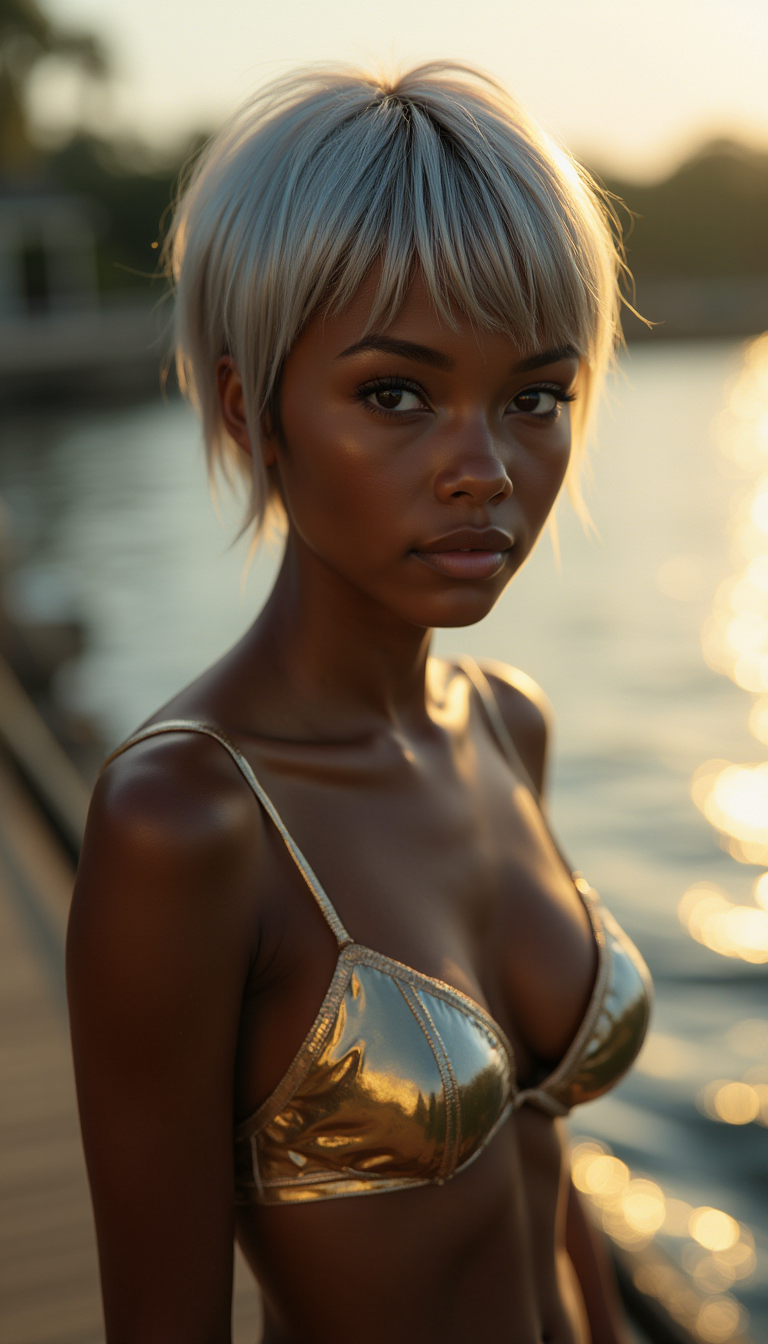
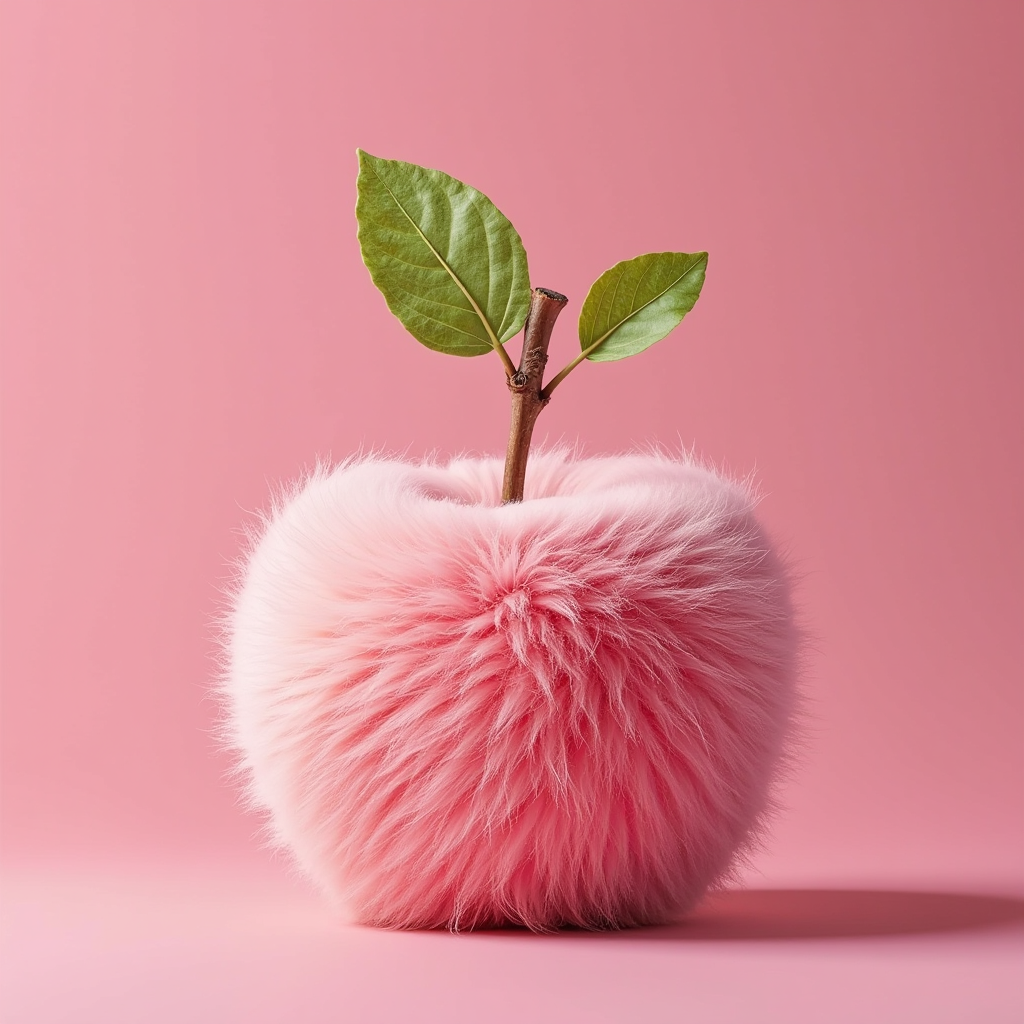
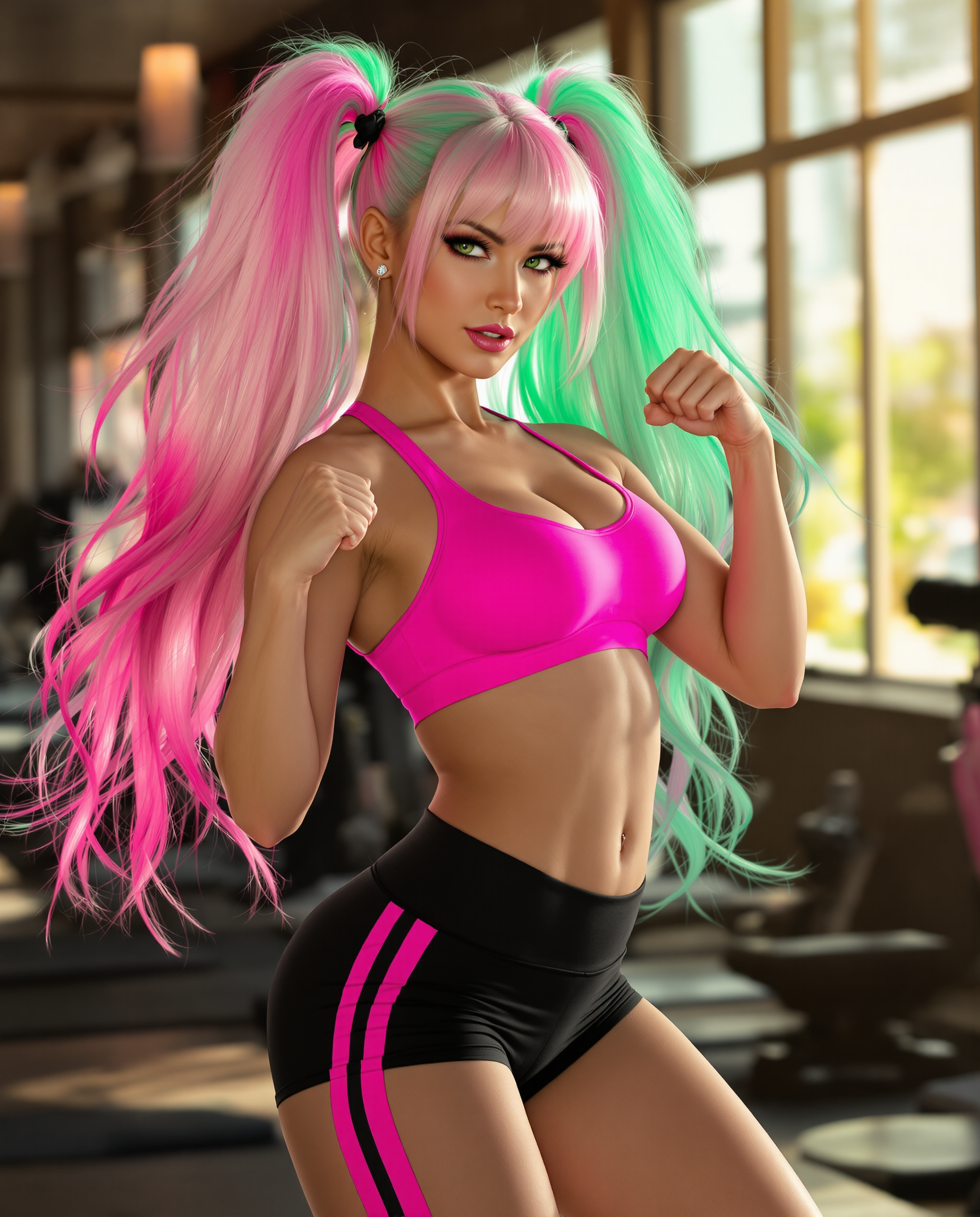
The Pixel Dojo Advantage
Why PixelDojo outperforms other options for AI art generation
| Others | Pixel Dojo |
|---|---|
| Traditional art creation | Produce professional AI art in seconds instead of hours or days—no years of training or expensive supplies required, freeing you to focus on ideas and iteration. |
| Generic AI tools | Access 40+ specialized models in one workspace with built-in editing, character consistency, and upscaling—eliminating the need to switch platforms or lose creative flow. |
| Manual photo editing | AI-powered generation and refinement create original artwork from scratch or enhance photos with intelligent tools, delivering unique results faster and with less effort. |
Loved by creators on PixelDojo
Real feedback from people using PixelDojo, pulled from our in-product surveys.
versatile menu of tools
Best AI tool availble the suite is rad
Versatility quality, value, ROI, innovation
variety of tools available and prompt tools
A "one-stop-shop" for creators! Thanks!!
Lots of different tools. It's easy to purchase more credits.
Explore more AI tools on PixelDojo
AI Tools
Compare & Switch
- Best AI Image Generators
- Best AI Video Generators
- Midjourney Alternatives
- Civitai Alternatives
- Runway Alternatives
- Leonardo Alternatives
- Pika Alternatives
- Luma Alternatives
- Magnific Alternatives
- Veo Alternatives
- Flux Alternatives
- Freepik Alternatives
- Seedance Alternatives
- Seedream Alternatives
- Pixverse Alternatives
- GPT Image Alternatives
- Synthesia Alternatives
- Playground Alternatives
- NightCafe Alternatives
- Canva AI Alternatives
- ElevenLabs Alternatives
- ComfyUI Alternatives
- Fal Alternatives
- Replicate Alternatives
Common Questions
Everything you need to know about ai art generation
How to generate consistent characters for AI art series with PixelDojo?
Use the dedicated Consistent Characters tool alongside models like Flux.2 Studio or Ideogram 4. Upload a reference image or describe your character in detail, then generate multiple variations while locking facial features, clothing, and style. This ensures your hero appears identical across book illustrations, marketing campaigns, or social stories—perfect for building recognizable visual brands.
What are the best AI art generation techniques and trends in 2026?
Top techniques include detailed prompting with subject + style + lighting + composition, iterative editing workflows, and leveraging multimodal tools for image-to-video extensions. Trending styles feature hyper-realistic pet renaissance portraits, cinematic impossible landscapes, consistent character storytelling, and fine-tuned custom models. PixelDojo's tools like Recraft V4.1 and Bria 3.2 excel at these, letting you ride viral waves instantly.
Can I create viral AI art trends like hyper-realistic food or miniature worlds on PixelDojo?
Absolutely. Select specialized models such as Krea V2 or WAN Image for intricate details, then apply prompts referencing current trends. Combine with Style Transfer and Magic Lighting to achieve the exact aesthetic. Creators are using these to produce shareable content that drives engagement on social platforms in minutes.
How does PixelDojo help beginners create professional AI artwork quickly?
Our intuitive interface and pre-optimized models like GPT Image 2 and PonyXL guide you with smart defaults. Start with simple prompts, preview instantly, and refine using one-click edits like Background Remover or Smart Resize. No prior experience needed—thousands of beginners have gone from zero to portfolio pieces in their first session.
What makes PixelDojo better for long-term AI art projects and model training?
Beyond generation, access Flux 2 Trainer, QWEN Trainer, and SDXL Trainer to fine-tune models on your own style or characters. Combine with LoRA Face Swap and Pose Control for complete control over ongoing series. One subscription gives you everything—no juggling multiple services.
Is PixelDojo suitable for commercial AI art generation and client work?
Yes—generate high-resolution commercial assets with tools optimized for text rendering, product mockups, and branding. Use Virtual Try-On, Image Outpainting, and upscale features to deliver client-ready files. Many freelancers and agencies rely on PixelDojo to scale output while maintaining quality and consistency.