ai avatar from photo
Generated on PixelDojo. Produced by PixelDojo's generation pipeline.
Imagine uploading one casual selfie and walking away with a complete digital identity: studio-quality professional headshots, talking video spokespersons that deliver your message 24/7, consistent characters that never change across hundreds of posts, and even fully rigged 3D models of yourself. That is exactly what you achieve with PixelDojo's AI avatar from photo tools. You skip expensive photoshoots, hours of editing, and inconsistent results. Instead you get photorealistic likeness, natural expressions, perfect lighting, and reusable identity in minutes. Use Face Swap to lock your features instantly, Kling Avatar and P Video Avatar to bring your photo to life with speech and movement, Consistent Characters plus Character Sheets to keep the same you in every scene, Hunyuan 3D and Rodin for three-dimensional twins, and Flux Pro Virtual Try-On for outfit changes. Whether you need LinkedIn photos that land interviews, marketing videos that convert while you sleep, or branded content that scales without filming, PixelDojo turns your photo into a professional presence that works around the clock. Thousands of creators already rely on these 40+ cutting-edge tools to build personal brands and grow businesses faster than ever.
Real video examples generated on PixelDojo
Every example below was produced on PixelDojo. Hover to see the prompt.
From photo to talking avatar in under a minute
p-video-avatar
Hi there! Let me show you what this avatar can do
p-video-avatar
Create stunning AI videos from a single photo
p-video-avatar
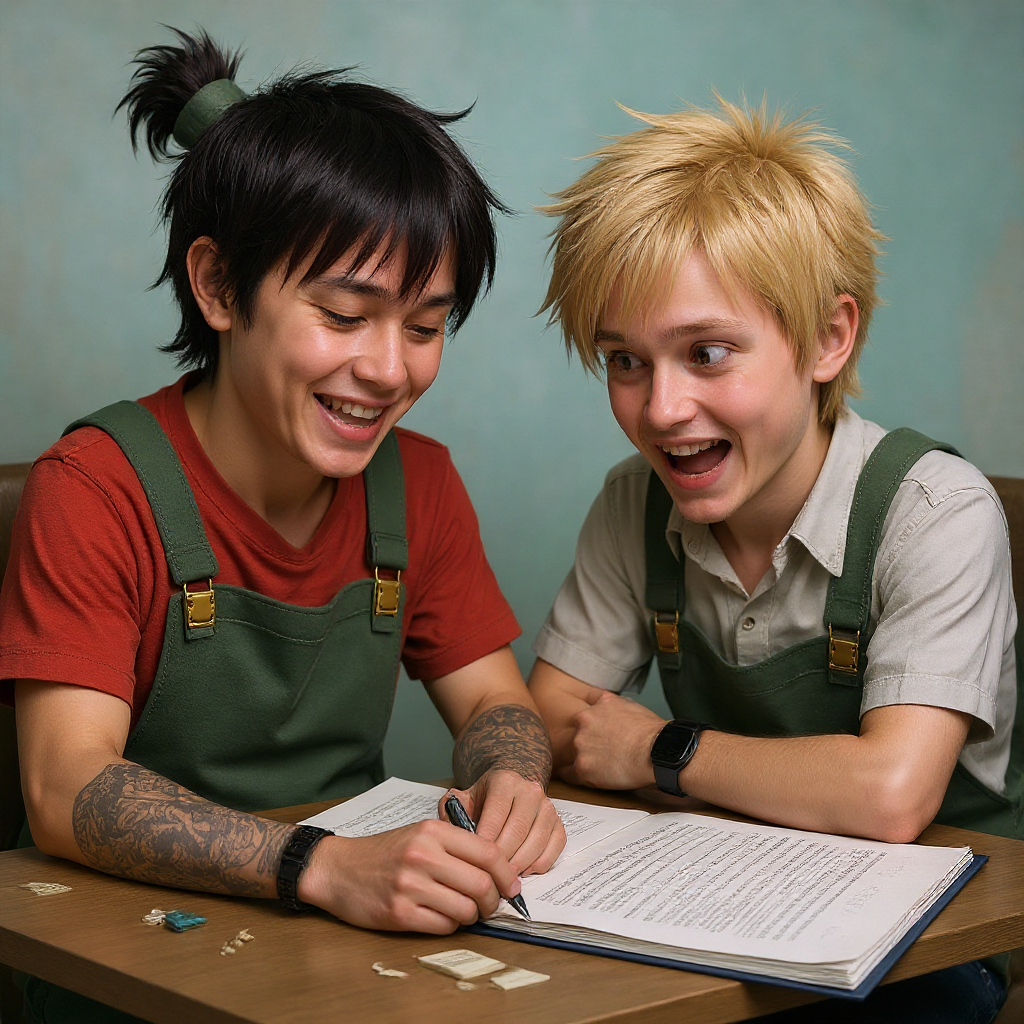
Make the characters photo realistic edit
flux-studio
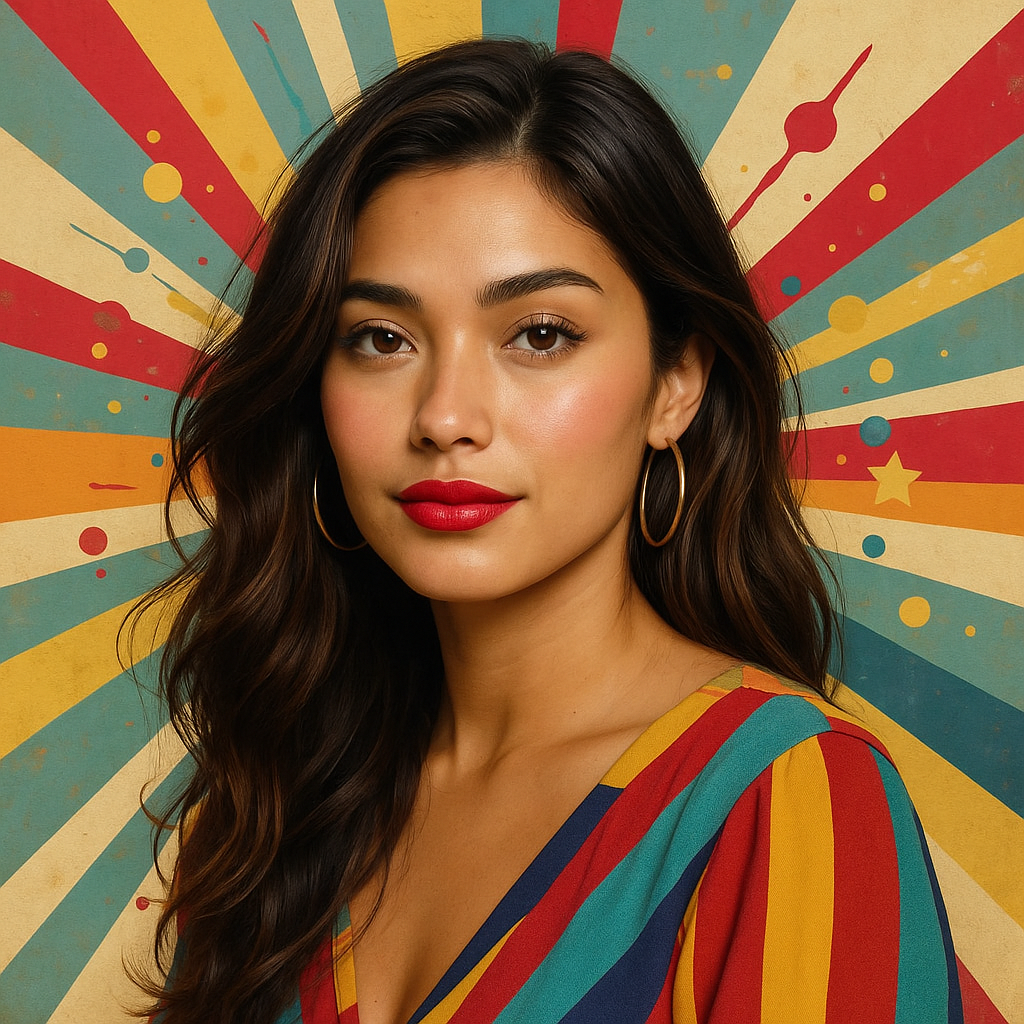
Make this photo realistic edit
stable-diffusion
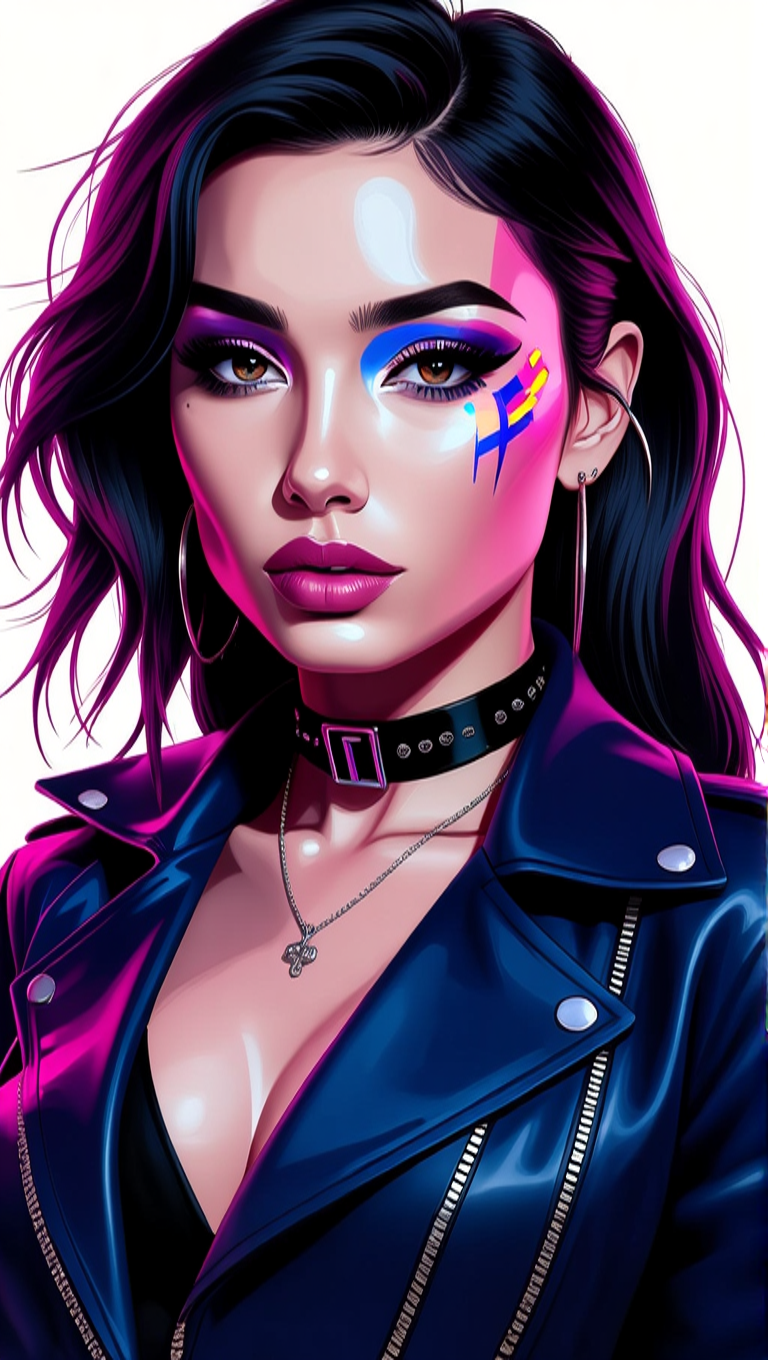
Make her photo realistic edit
hidream
Models you can run on PixelDojo for ai avatar from photo
Switch models without switching tools. Each one runs in the same PixelDojo studio.
What you can do with ai avatar from photo on PixelDojo
Photo to talking avatar
Upload a still photo and generate a video avatar that speaks your script. We keep identity close to the source face while adding natural head and mouth motion.
Script driven lip sync
Paste text or audio and we align mouth movement to the delivery. Creators can iterate takes without reshooting a camera setup.
Motion and expression control
Choose how much the avatar moves, from subtle talking-head clips to more animated delivery. We apply the same photo identity across takes so branding stays consistent.
Export ready social clips
Render short videos sized for posts, ads, and explainers. Creators download the avatar clip and drop it into their usual editing workflow.
Loved by thousands of creators worldwide who generate professional AI avatars daily. 40+ cutting-edge AI tools delivering photorealistic results. Cancel anytime with zero risk. Join the community transforming photos into powerful digital identities.
Why Choose Pixel Dojo for ai avatar from photo
Professional-quality results with cutting-edge AI technology
Studio Headshots From Any Selfie
You get LinkedIn-ready, high-resolution portraits that look like they came from a $500 photoshoot. Upload your everyday photo to Face Swap combined with Flux.2 Studio or Ideogram 4 and receive perfect lighting, natural skin texture, confident expressions, and professional attire. Use Reality Polisher and Portrait Upscaler to refine every detail so you appear polished and approachable for job applications, websites, and social profiles without ever booking a studio.
Talking Videos That Sell For You
Turn your still photo into a speaking avatar that delivers scripts with accurate lip sync, natural head movement, and genuine expressions. Kling Avatar, P Video Avatar, and OmniHuman let you create marketing videos, training modules, and social clips that engage viewers around the clock. Add Video Autocaption and Kling Video Edit to produce complete, ready-to-post content. You scale video production without appearing on camera yourself while maintaining your exact likeness.
One Identity Across Every Platform
Build a reusable digital you that stays perfectly consistent in still images, videos, 3D renders, and virtual try-ons. Consistent Characters, Character Sheets, Ideogram Character, LoRA Face Swap, and WAN Video Character Swap lock your facial structure, hairstyle, and features so every generation looks like the same person. Combine with Character Stylist and Flux Pro Virtual Try-On to change outfits and scenes while your core identity never drifts. Perfect for branding, series content, and long-term campaigns.
How It Works
Creating a professional AI avatar from your photo takes three simple steps on PixelDojo. You go from a single selfie to photorealistic stills, talking videos, and 3D models that you can use everywhere.
Step 1: Choose Your Tool
Select the PixelDojo tool that matches your goal. For photorealistic still avatars use Face Swap or Image to Image with Flux.2 Studio and Ideogram 4. For talking videos choose Kling Avatar, P Video Avatar, or OmniHuman. For 3D models pick Hunyuan 3D or Rodin. Upload a clear, well-lit, front-facing photo with your face fully visible. The AI immediately analyzes your unique features and prepares the foundation for every later generation.
Step 2: Enter Your Prompt
Describe exactly how you want your avatar to look and behave. Write prompts such as 'professional LinkedIn headshot, navy blazer, soft studio lighting, confident natural smile' or 'talking avatar in modern office delivering a product pitch with friendly gestures'. Add clothing, background, lighting, and mood details. PixelDojo's Character Stylist and Ideogram Character refine clothing and pose while keeping your identity locked. The more specific you are, the closer the result matches your vision.
Step 3: Customize & Download
Review the generated avatar and perfect it with PixelDojo editing tools. Apply Reality Polisher for extra realism, Magic Lighting for atmosphere, Background Remover for clean isolation, and Portrait Upscaler for print-ready resolution. For video, extend clips with Grok Imagine Video Extend or Kling Video Edit and add captions. Generate variations, save your consistent character, and download high-resolution images plus video files ready for LinkedIn, YouTube, websites, or ads. Your digital twin is now reusable forever.
The Pixel Dojo Advantage
Why PixelDojo outperforms other options for AI avatar from photo generation
| Others | Pixel Dojo |
|---|---|
| Traditional photography and photoshoots | You eliminate $500 studio fees, travel time, and weeks of waiting. Generate unlimited professional headshots, talking videos, and 3D models from one photo in minutes with perfect lighting and poses every single time. |
| Generic AI tools | Generic generators produce inconsistent faces that change from image to image. PixelDojo's dedicated Face Swap, Consistent Characters, Character Sheets, and LoRA Face Swap lock your exact identity so every still, video, and 3D render looks like the same person. |
| Manual photo editing and 3D modeling | Hours spent in complex software become seconds. You animate, swap styles, create talking videos, and produce 3D avatars without any technical skills using Kling Avatar, Hunyuan 3D, and one-click editing tools. |
Loved by creators on PixelDojo
Real feedback from people using PixelDojo, pulled from our in-product surveys.
awesome functionality, UX, constant flood of improvements, discord interactivity
Awesome site with so many features
Love how I can almost create anything
The Flux Pro Ultra is just amazing!
Very easy to use, and they have fast wan 2.2 video generation with custom loras available.
The overall quality of the site and it's amazing variety of tools. The continued updates of the UI. The unbelievable level of tech support.
Explore more AI tools on PixelDojo
AI Tools
Compare & Switch
- Best AI Image Generators
- Best AI Video Generators
- Midjourney Alternatives
- Civitai Alternatives
- Runway Alternatives
- Leonardo Alternatives
- Pika Alternatives
- Luma Alternatives
- Magnific Alternatives
- Veo Alternatives
- Flux Alternatives
- Freepik Alternatives
- Seedance Alternatives
- Seedream Alternatives
- Pixverse Alternatives
- GPT Image Alternatives
- Synthesia Alternatives
- Playground Alternatives
- NightCafe Alternatives
- Canva AI Alternatives
- ElevenLabs Alternatives
- ComfyUI Alternatives
- Fal Alternatives
- Replicate Alternatives
Common Questions
Everything you need to know about ai avatar from photo
How do I create a photorealistic AI avatar from a single photo?
Upload a high-quality photo to PixelDojo Face Swap or Flux.2 Studio. The AI captures your facial structure, skin texture, and unique features then generates a studio-quality portrait. Refine with Reality Polisher and Portrait Upscaler for extra sharpness. The entire process takes under a minute and produces results that look like professional photography. You can immediately use the avatar for LinkedIn, websites, or further video generation.
What type of photo works best for AI avatar from photo generation?
Use a clear, high-resolution image with even front lighting, your face fully visible and centered, no sunglasses, hats, or heavy filters, and a simple background. A neutral or slight smile expression gives the most versatile base. PixelDojo tools handle a wide range of photos well, but following these guidelines produces the most accurate likeness and natural-looking avatars every time.
Can I turn my photo into a talking AI avatar video?
Yes. PixelDojo Kling Avatar, P Video Avatar, and OmniHuman take your photo plus a script or audio clip and generate natural talking videos with precise lip sync, head movement, and expressions. Add Video Autocaption and Kling Video Edit to finish complete marketing or training videos. You create engaging content that looks and sounds like you without ever filming yourself.
How do I create a 3D AI avatar from my photo?
Select Hunyuan 3D or Rodin, upload your photo, and the AI reconstructs a fully rigged 3D model that matches your likeness. Customize clothing and pose with Character Stylist, then export for games, VR, virtual try-on with Flux Pro Virtual Try-On, or further animation. The result is a reusable three-dimensional twin ready for any 3D environment.
How can I keep my AI avatar consistent across images and videos?
Use PixelDojo Consistent Characters, Character Sheets, Ideogram Character, LoRA Face Swap, and WAN Video Character Swap. These tools lock your identity so every new generation—whether still image, talking video, or 3D render—looks exactly like you. Change outfits, scenes, and styles while your core facial features stay identical. This consistency is essential for professional branding and series content.
What benefits does an AI avatar from photo give my marketing and personal brand?
You produce unlimited professional photos and videos at a fraction of traditional cost, maintain a polished appearance 24/7, and scale content without appearing on camera. Talking avatars increase engagement and conversions while Consistent Characters keep your brand recognizable everywhere. Thousands of creators use PixelDojo to grow their presence faster, with the flexibility to cancel anytime if it does not fit their needs.