ai body editor
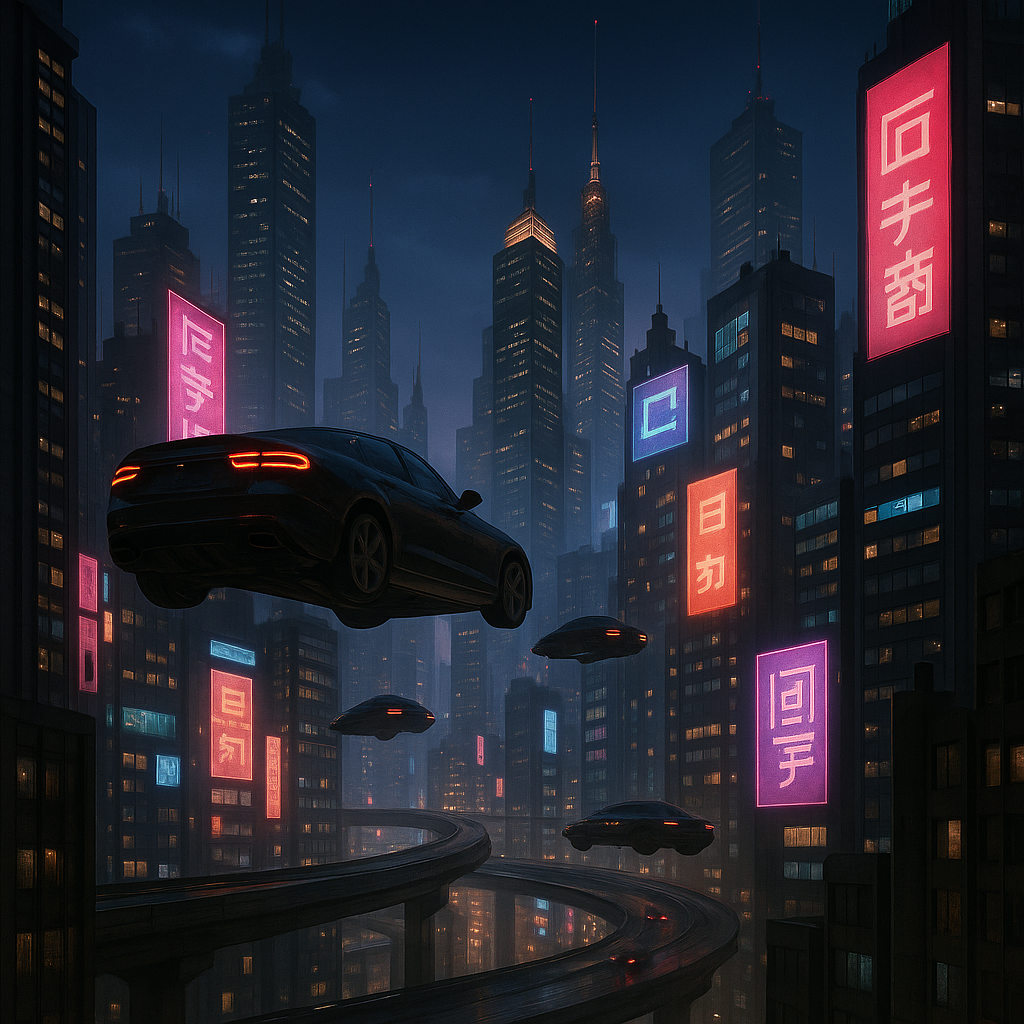
Generated on PixelDojo. Produced by PixelDojo's generation pipeline.
Achieve your ideal look effortlessly with PixelDojo's AI Body Editor. Whether you're aiming to slim your waist, enhance muscle tone, or adjust your height, our advanced AI tools make photo editing simple and natural. Transform your images with precision and ease, bringing your creative vision to life.
Real image examples generated on PixelDojo
Every example below was produced on PixelDojo. Hover to see the prompt.
Make it photo realistic edit
stable-diffusion
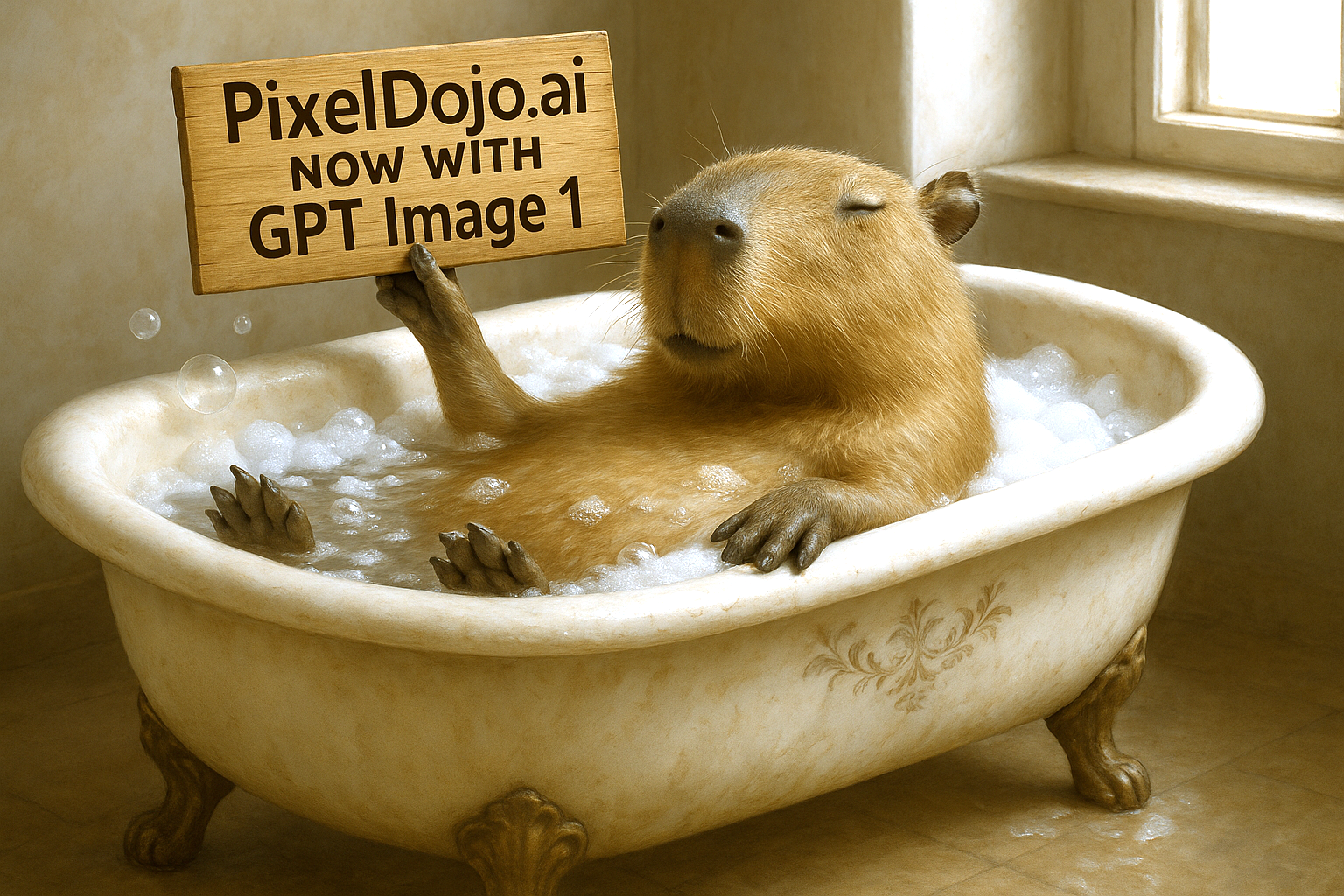
Make it photo realistic edit
stable-diffusion
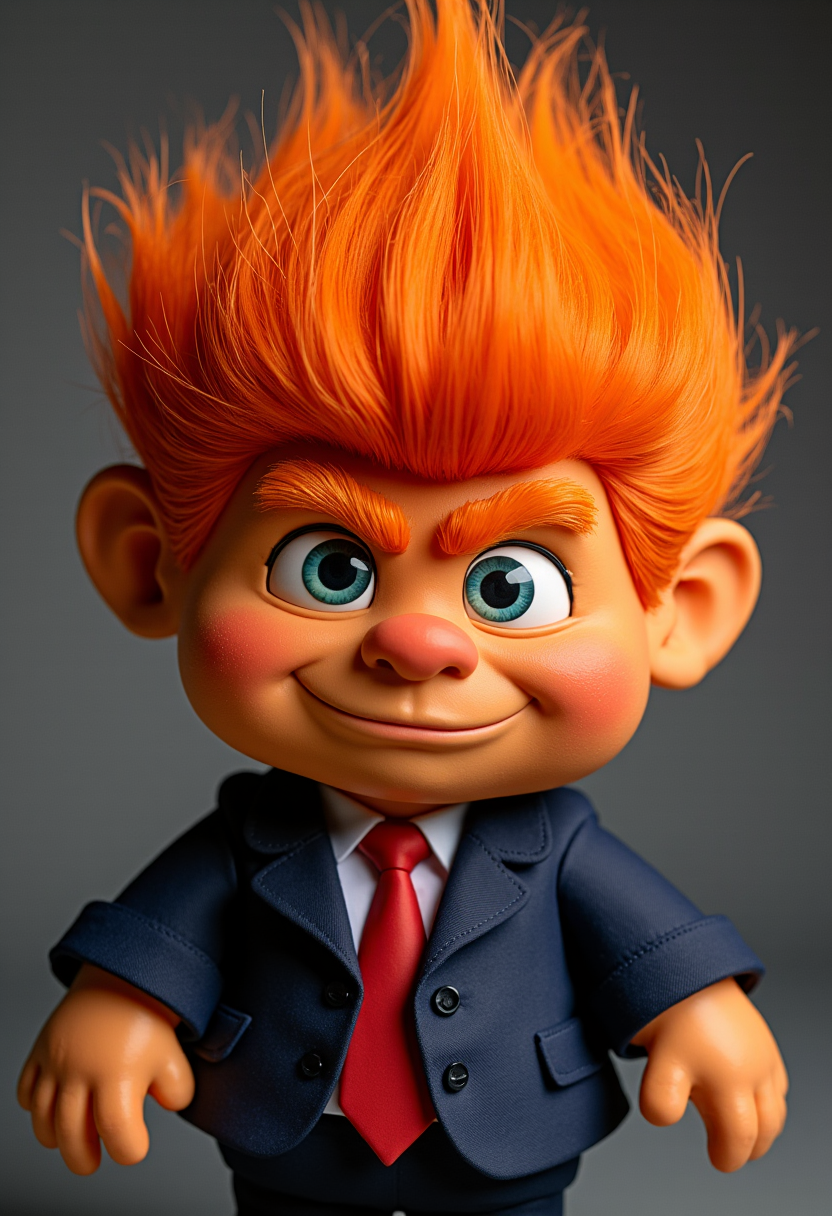
A photo of MAGA
flux

A breathtaking portrait of a mid-30s woman exuding timeless sophistication
flux
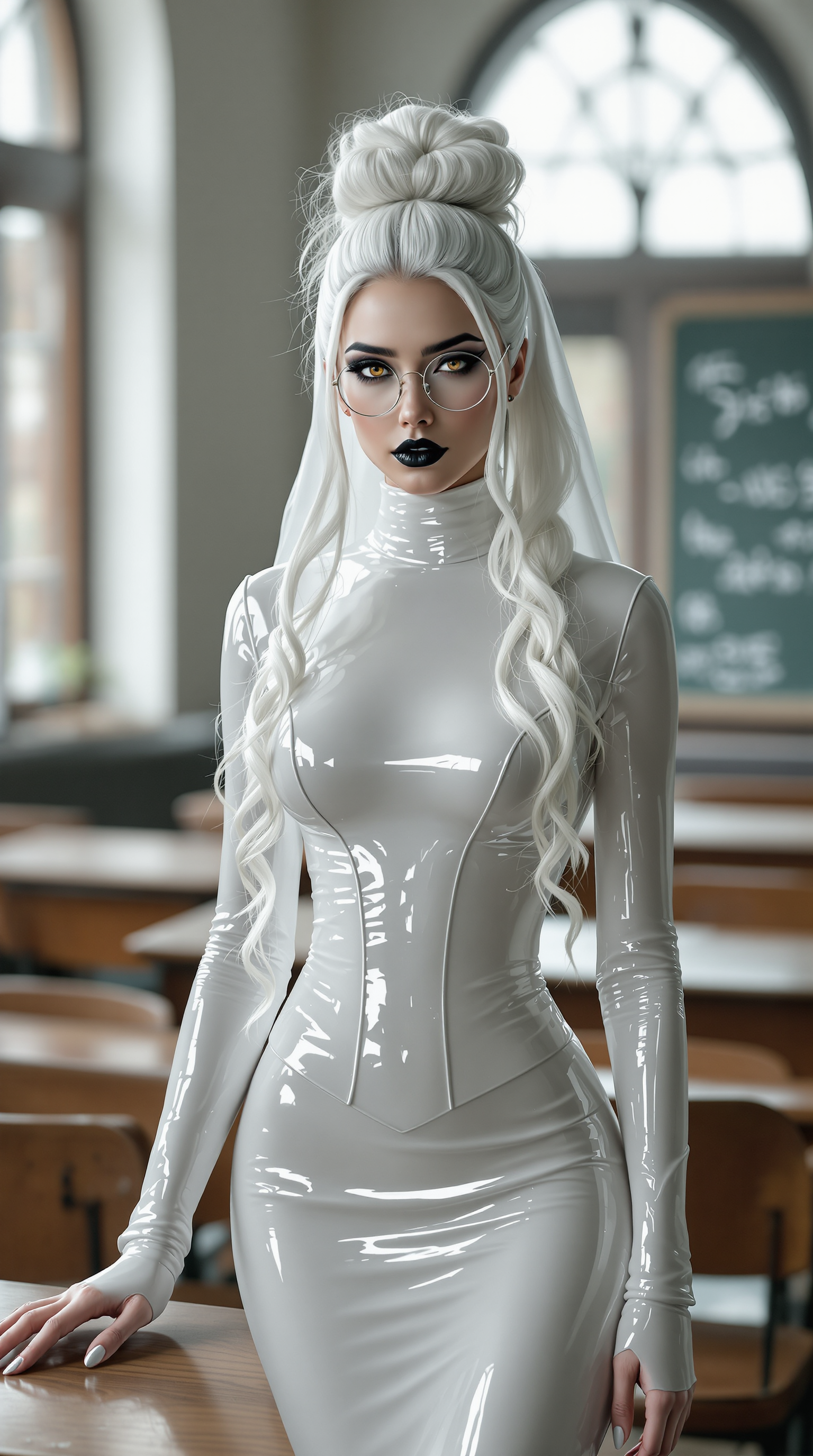
A breathtaking full-body portrait of a 29-year-old woman radiating an ethereal
flux
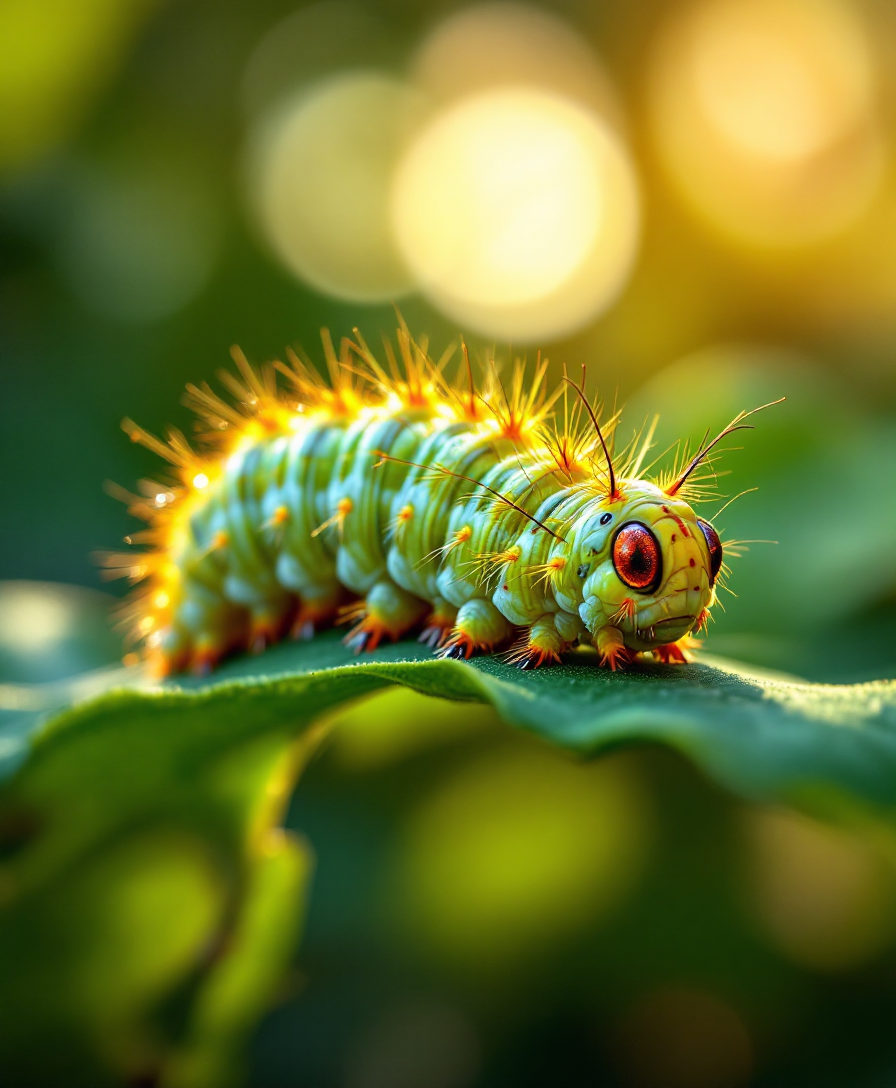
A stunning 4K ultra HD full-body image of a caterpillar crawling on a vibrant green leaf
stable-diffusion
Models you can run on PixelDojo for ai body editor
Switch models without switching tools. Each one runs in the same PixelDojo studio.
What you can do with ai body editor on PixelDojo
Edit Body Proportions
We let creators adjust limb lengths and torso ratios in AI generated images.
Modify Poses Directly
We enable changes to body posture while preserving original facial details.
Update Clothing Fit
We apply garment adjustments that match edited body shapes.
Create Image Variations
We generate multiple body edited versions from one source image.
Join over 10,000 satisfied users who have transformed their photos with PixelDojo's AI Body Editor, rated 4.8/5 for its intuitive design and realistic results.
Why Choose Pixel Dojo for ai body editor
Professional-quality results with cutting-edge AI technology
Effortless Body Reshaping
Easily adjust body proportions to achieve your desired look without complex editing skills.
Natural-Looking Enhancements
Our AI ensures edits blend seamlessly, maintaining the authenticity of your photos.
Time-Saving Editing Process
Make quick adjustments with intuitive tools, saving you time and effort.
How It Works
Transforming your photos with PixelDojo's AI Body Editor is straightforward. Follow these simple steps:
Step 1: Upload Your Photo
Select and upload the image you wish to edit.
Step 2: Choose Your Editing Tool
Select the specific body editing tool that suits your needs, such as waist slimming or height adjustment.
Step 3: Apply Adjustments
Use the intuitive sliders to make your desired changes, previewing the results in real-time.
The Pixel Dojo Advantage
Why choose PixelDojo's AI Body Editor over other options?
| Others | Pixel Dojo |
|---|---|
| Traditional Photo Editing Software | No need for advanced skills; our AI handles the complex edits for you. |
| Generic AI Tools | Specifically designed for body editing, ensuring more accurate and natural results. |
| Manual Photo Editing | Significantly faster and more efficient, allowing you to achieve desired results in minutes. |
Loved by creators on PixelDojo
Real feedback from people using PixelDojo, pulled from our in-product surveys.
You keep adding to it to stay up to date and that is GOLD.
very easy to use and good support
Very easy to use
super easy to use
it's very easy to use
Practically every Ai suite in one place? Who wouldn't?
Explore more AI tools on PixelDojo
AI Tools
Compare & Switch
- Best AI Image Generators
- Best AI Video Generators
- Midjourney Alternatives
- Civitai Alternatives
- Runway Alternatives
- Leonardo Alternatives
- Pika Alternatives
- Luma Alternatives
- Magnific Alternatives
- Veo Alternatives
- Flux Alternatives
- Freepik Alternatives
- Seedance Alternatives
- Seedream Alternatives
- Pixverse Alternatives
- GPT Image Alternatives
- Synthesia Alternatives
- Playground Alternatives
- NightCafe Alternatives
- Canva AI Alternatives
- ElevenLabs Alternatives
- ComfyUI Alternatives
- Fal Alternatives
- Replicate Alternatives
Common Questions
Everything you need to know about ai body editor
How does PixelDojo's AI Body Editor ensure natural-looking results?
Our AI algorithms are trained to make subtle, realistic adjustments that maintain the natural appearance of your photos.
Can I use PixelDojo's AI Body Editor on mobile devices?
Yes, our platform is fully responsive and works seamlessly on both desktop and mobile devices.
Is there a limit to the number of photos I can edit?
No, you can edit an unlimited number of photos with your PixelDojo subscription.
Do I need any prior photo editing experience to use PixelDojo?
Not at all. Our tools are designed to be user-friendly, requiring no prior experience.
How secure is my data when using PixelDojo?
We prioritize your privacy and ensure that all your data is securely stored and never shared without your consent.
Can I revert to the original photo after making edits?
Yes, you can always revert to the original photo or make further adjustments as needed.