ai change face AI Generator
Imagine turning any photo into a personalized masterpiece by seamlessly changing faces with just a few clicks. PixelDojo's AI change face tools empower you to replace faces in images realistically, whether you're crafting hilarious memes for social media, building consistent characters for your stories, or perfecting professional portraits. You achieve stunning, photorealistic results without any design experience or expensive software. Focus on the fun and creative outcomes: surprise friends with swapped faces in group shots, generate endless variations of yourself in different scenarios, or maintain the same character identity across an entire series of images. With PixelDojo, your ideas become reality faster than ever, letting you experiment freely and produce share-worthy content that stands out.
Over 50,000 creators have completed more than 2 million AI face changes on PixelDojo, earning a 4.9/5 average rating. Trusted by content creators, marketers, and hobbyists worldwide for realistic results every time.
Why Choose Pixel Dojo for ai change face
Professional-quality results with cutting-edge AI technology
Create Hilarious & Viral Memes Instantly
Swap faces in group photos or celebrity images to generate laugh-out-loud content that gets shared across social platforms. You produce professional-quality edits in seconds that capture attention and boost engagement.
Build Consistent Characters for Stories & Brands
Maintain the exact same face and identity across dozens of images and scenes. You develop memorable characters for books, videos, ads, or social campaigns without losing visual continuity.
Transform Personal Photos Professionally
Update headshots, fix awkward expressions, or place yourself in dream locations with natural-looking face changes. You achieve polished results that look like they were shot in a studio.
How It Works
Getting started with AI change face on PixelDojo takes just three simple steps. Upload your images, select the right tool from our Characters & Faces suite, and generate realistic swaps tailored to your vision.
Step 1: Choose Your Tool
Navigate to the Characters & Faces section and select Face Swap, LoRA Face Swap, or Consistent Characters. These tools are optimized specifically for precise face replacement while preserving lighting, expressions, and angles.
Step 2: Enter Your Prompt & Upload Images
Upload your source face photo and target image. Add a simple prompt like 'realistic face swap with natural lighting' or use Pose Control and Virtual Try-On for advanced adjustments. Our AI analyzes facial features automatically for seamless blending.
Step 3: Customize & Download
Preview multiple variations, refine with Style Transfer or Magic Lighting if needed, then download your high-resolution results. Use Image Analyzer for quality checks or upscale with Portrait Upscaler for print-ready files.
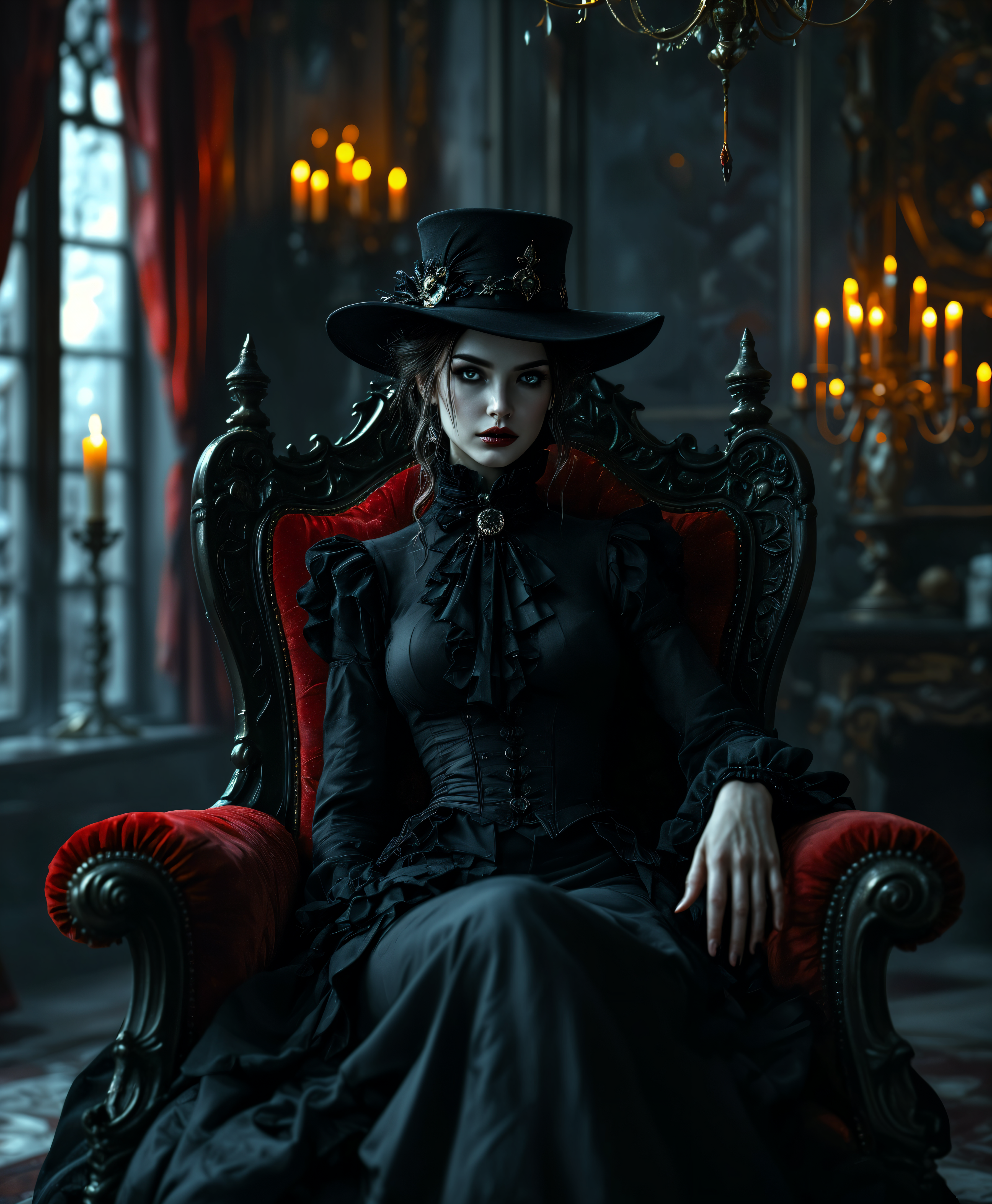
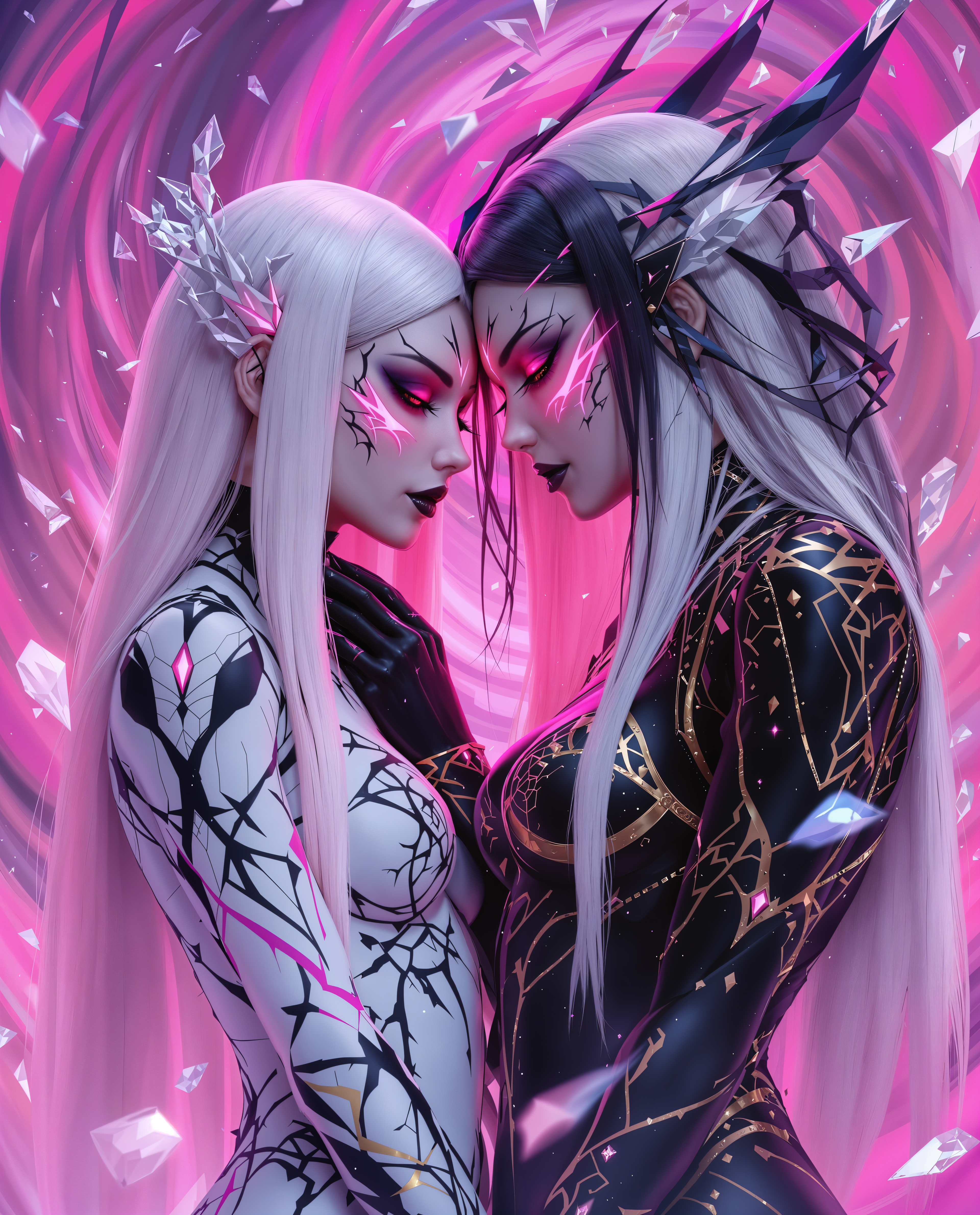
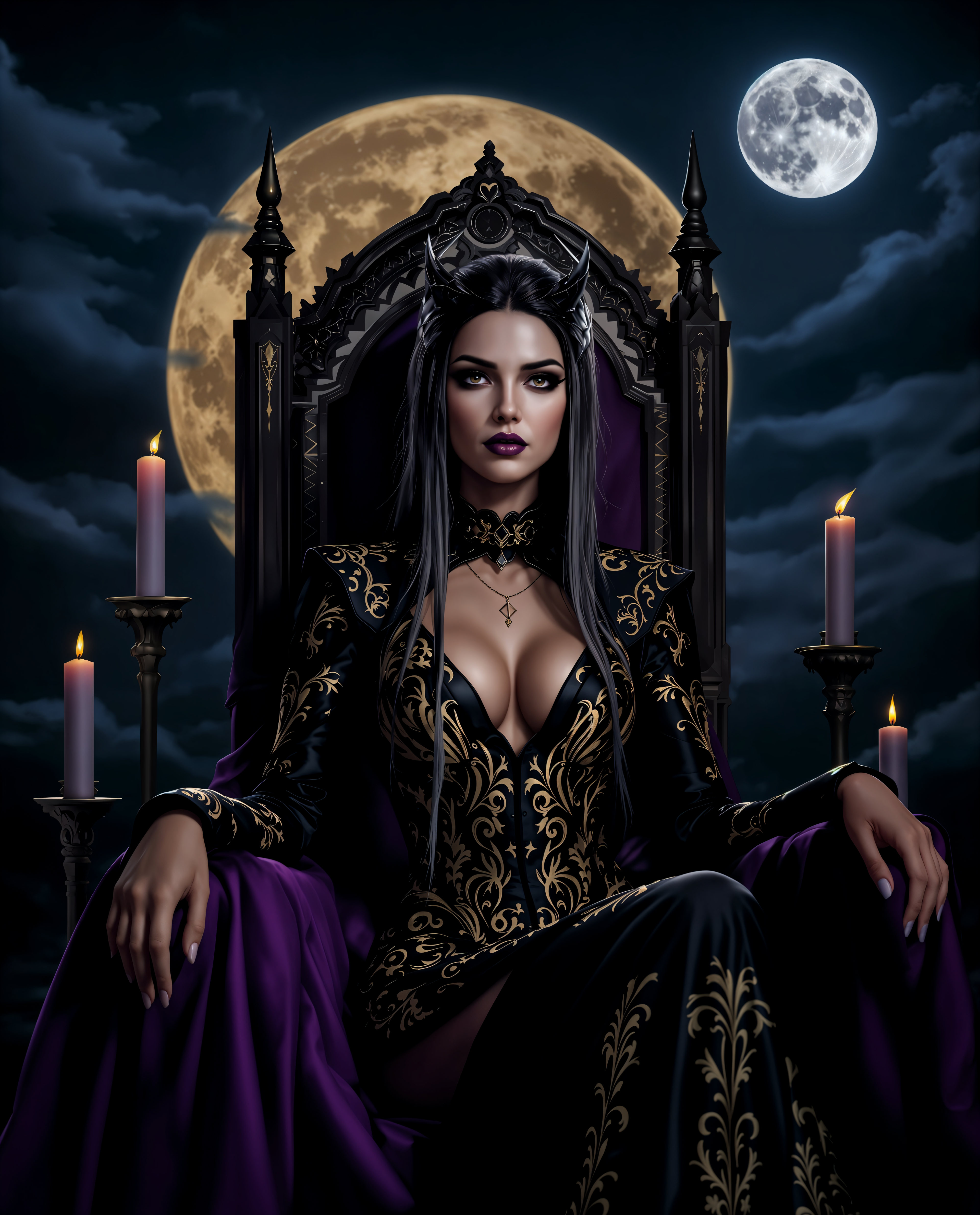
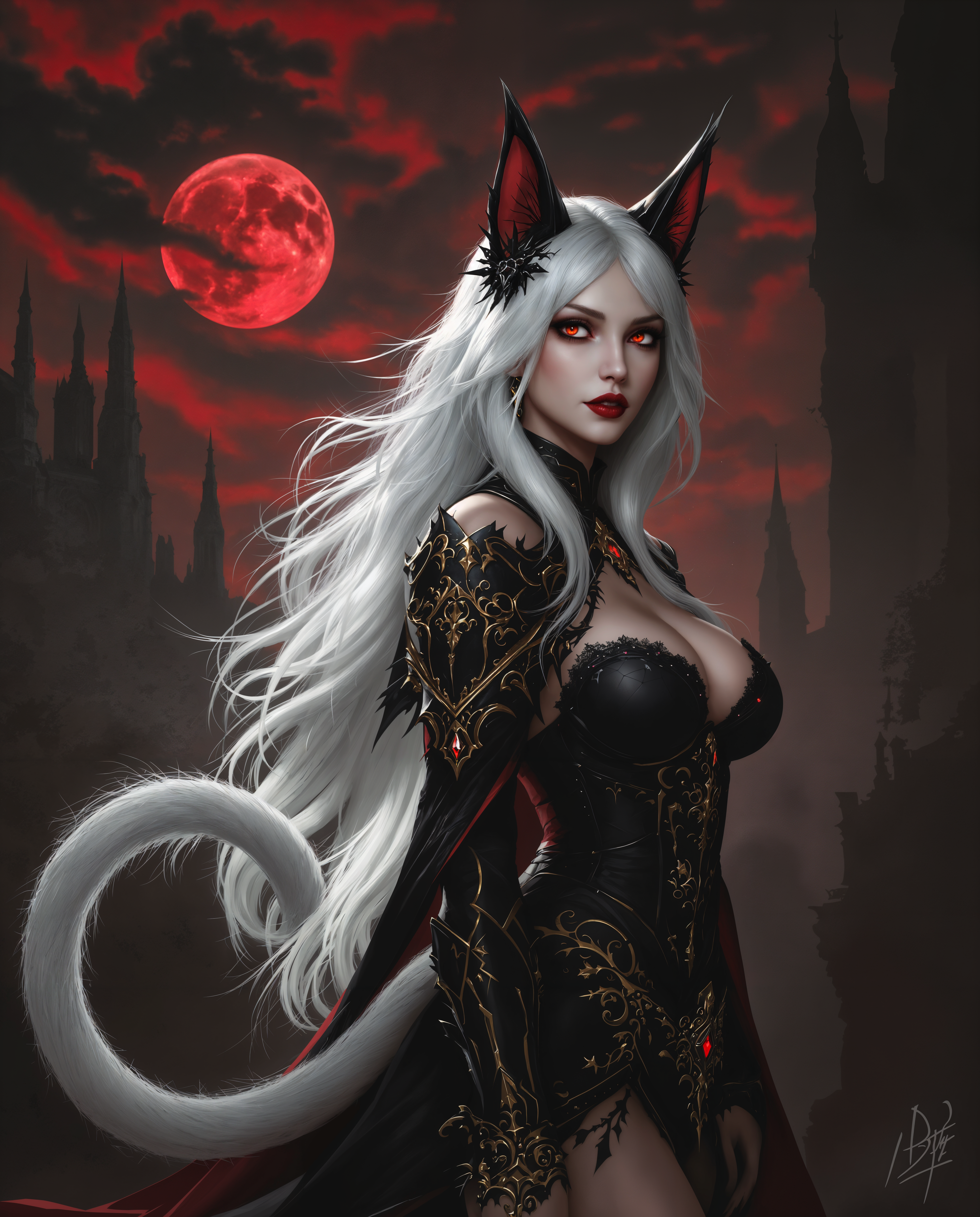

The Pixel Dojo Advantage
Why PixelDojo outperforms other options for AI change face image generation
| Others | Pixel Dojo |
|---|---|
| Traditional face swap creation | No manual editing or Photoshop skills required – you get photorealistic results in seconds instead of hours of work |
| Generic AI tools | Specialized Face Swap and LoRA Face Swap tools deliver superior identity preservation and lighting matching tailored for face changes |
| Manual photo editing | AI handles complex blending, expression matching, and multi-angle consistency automatically so you focus on creativity, not technical tweaks |
Loved by creators on PixelDojo
Real feedback from people using PixelDojo, pulled from our in-product surveys.
Very eay to use, works well to train SDXL loras.
The amazing tools
Top notch quality and strong prompt adherence.
A well resourced sunscription with attention to updates.
Easy to use and there's lots of options.
super lora download
Explore more AI tools on PixelDojo
AI Tools
Compare & Switch
- Best AI Image Generators
- Best AI Video Generators
- Midjourney Alternatives
- Civitai Alternatives
- Runway Alternatives
- Leonardo Alternatives
- Pika Alternatives
- Luma Alternatives
- Magnific Alternatives
- Veo Alternatives
- Flux Alternatives
- Freepik Alternatives
- Seedance Alternatives
- Seedream Alternatives
- Pixverse Alternatives
- GPT Image Alternatives
- Synthesia Alternatives
- Playground Alternatives
- NightCafe Alternatives
- Canva AI Alternatives
- ElevenLabs Alternatives
- ComfyUI Alternatives
- Fal Alternatives
- Replicate Alternatives
Common Questions
Everything you need to know about ai change face
How to AI change face in photos using PixelDojo?
Simply upload your source face and target image to the Face Swap tool in Characters & Faces. Our AI automatically detects and blends features while matching lighting and expressions. Add prompts for style adjustments and download high-res results in seconds. You can also combine with Inpainting or Magic Lighting for perfect finishes.
What is the best way to create consistent characters with AI face swap?
Use PixelDojo's Consistent Characters or Ideogram Character tools alongside LoRA Face Swap. Upload a reference face once and generate variations across different poses, outfits, or scenes. The system maintains identity fidelity so your character looks the same in every image you create.
Can I do AI change face on videos with PixelDojo?
Yes! Leverage WAN Video Character Swap, Kling Video Character Swap, or Face Swap combined with Video tools like Lip Sync and Video Reframe. Upload video clips and a source face for seamless swaps that preserve motion and expressions throughout the sequence.
Is AI face swapping safe and ethical on PixelDojo?
PixelDojo emphasizes responsible use. Always obtain consent when swapping real people's faces. Our tools include safeguards and you retain full control over your creations. We encourage creative, fun, and professional applications only.
How realistic are PixelDojo AI change face results compared to manual editing?
Our specialized tools like Face Swap and Reality Polisher produce photorealistic blends by matching skin tones, shadows, and angles automatically. Users report results that often surpass manual edits in speed and natural appearance, especially for complex lighting scenarios.
What tips help get the best AI change face outcomes on PixelDojo?
Start with clear, well-lit front-facing photos for source and target. Use prompts specifying 'natural lighting match' or 'photorealistic'. Experiment with Pose Control for angle adjustments and Portrait Upscaler for final enhancements. Batch generate variations to find the perfect swap quickly.