ai drawing AI Generator
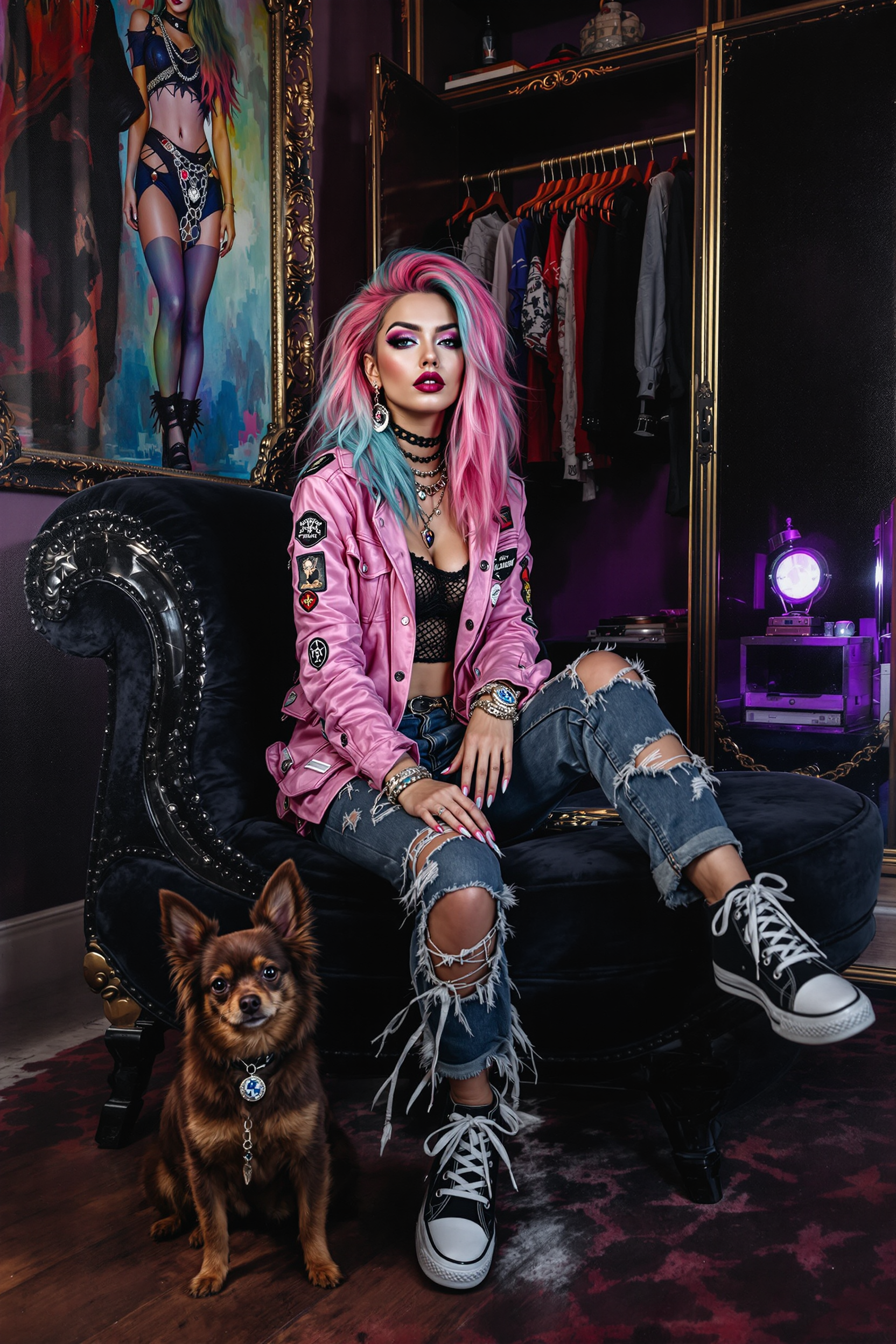
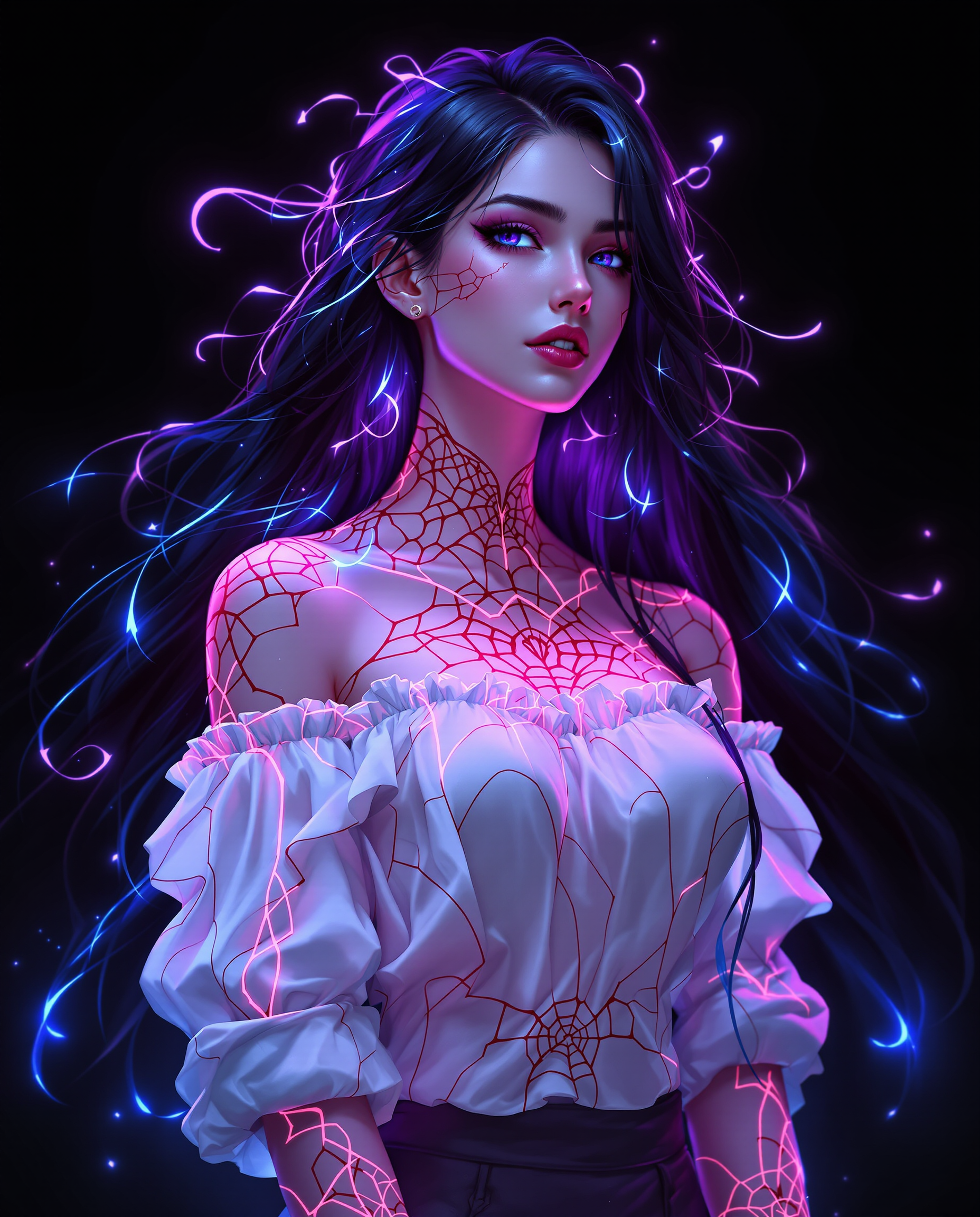
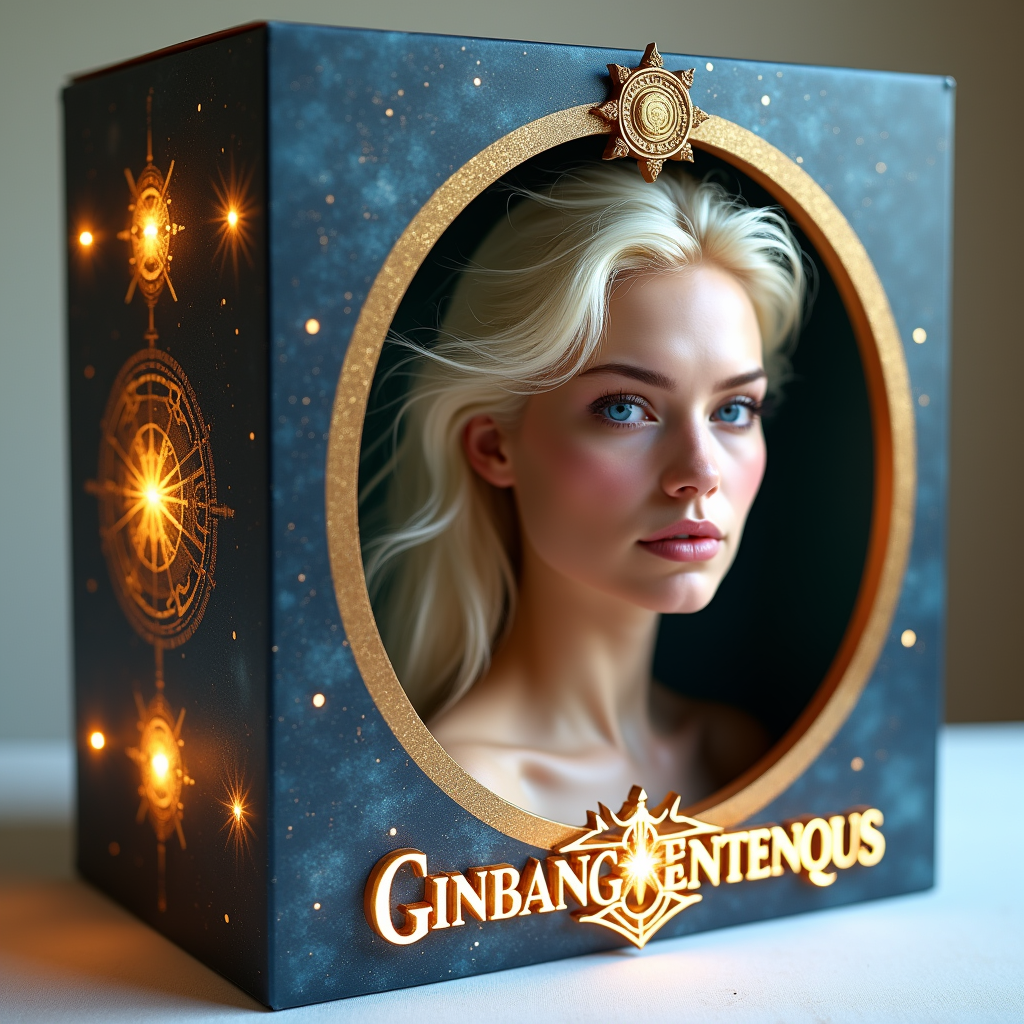
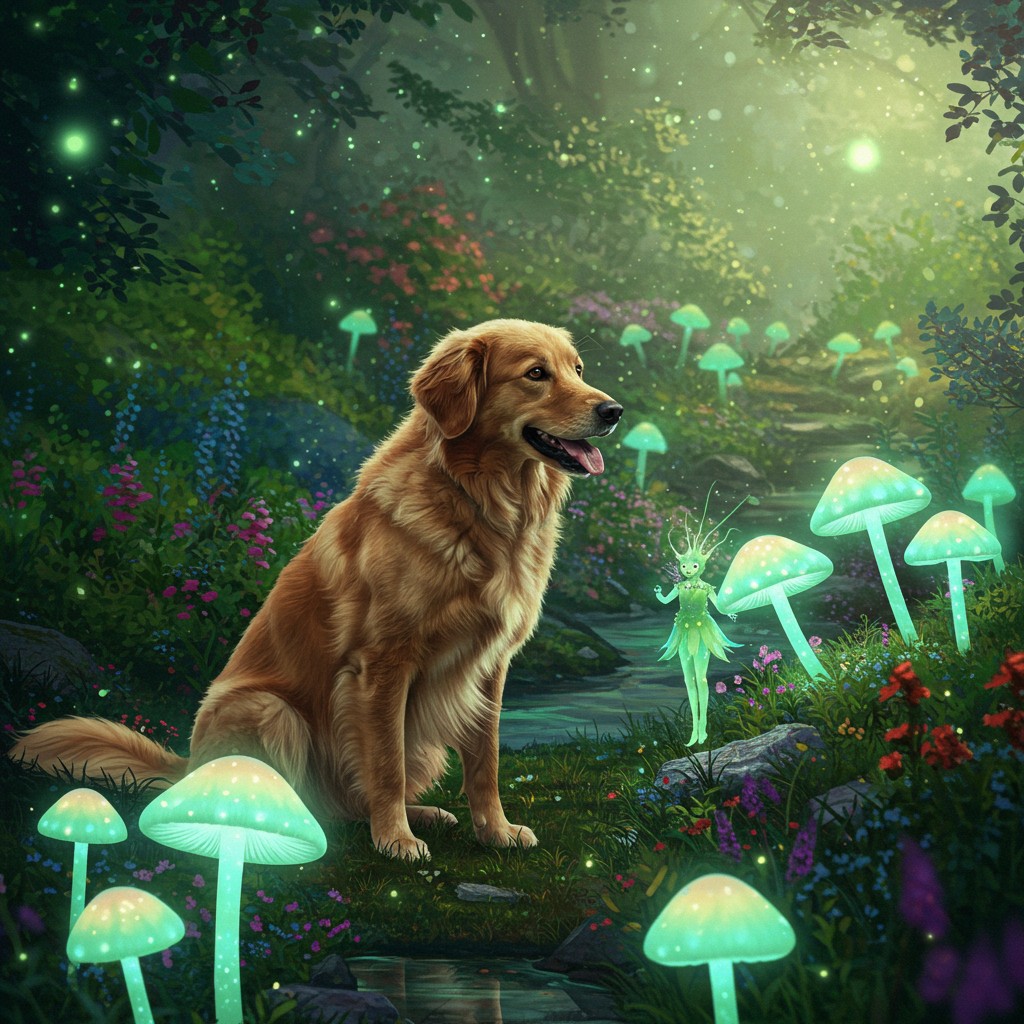
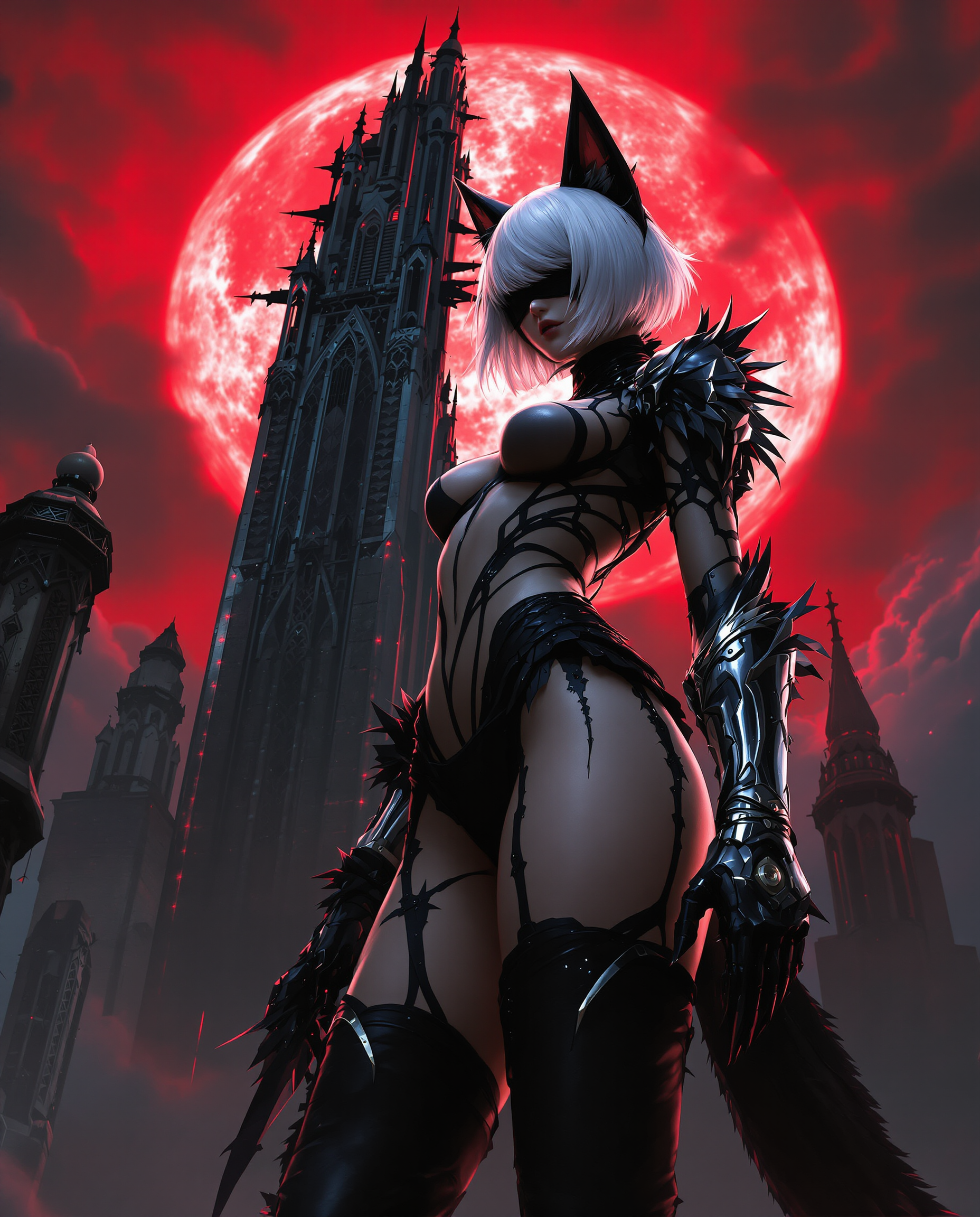
Imagine turning any idea into a beautiful, hand-crafted looking drawing in seconds—no years of art school or expensive supplies required. PixelDojo empowers you to generate professional-quality AI drawings, detailed sketches, expressive illustrations, and custom artworks that capture your unique vision. Whether you're a marketer needing eye-catching visuals, a designer iterating concepts, or a hobbyist exploring creativity, you achieve polished results that feel authentically hand-drawn and ready to share or sell.
Over 75,000 creators have generated more than 12 million AI drawings on PixelDojo. Average rating of 4.9/5 from 18,000+ reviews. Featured in top creative communities and trusted by professional illustrators, educators, and brands worldwide for consistent, high-quality results.
Why Choose Pixel Dojo for ai drawing
Professional-quality results with cutting-edge AI technology
Professional Drawings Without Years of Practice
Produce intricate pencil sketches, bold ink illustrations, or nuanced charcoal portraits that rival traditional artwork. Focus on your creative ideas while PixelDojo handles the technical execution for stunning, gallery-worthy results every time.
Endless Style Exploration at Your Fingertips
Quickly experiment with trending hand-drawn aesthetics like naive doodles, technical blueprints, expressive crayon art, or refined digital sketches. Adapt any concept to match current 2026 illustration trends such as tactile handmade looks or AI-resistant expressive styles.
Rapid Iteration and Perfect Refinement
Generate variations, refine details with targeted edits, and upscale to print-ready quality in minutes. Perfect your AI drawings through easy adjustments until they exactly match your vision—no starting over from scratch.
How It Works
Creating beautiful AI drawings is simple and intuitive with PixelDojo's specialized tools designed for artistic results.
Step 1: Choose Your Tool
Browse and select from drawing-optimized models like Flux.2 Studio, Ideogram 4, Recraft V4.1, or Krea V2. These tools excel at producing authentic sketch, illustration, and hand-drawn styles. For photo-to-drawing conversions, start with Image to Image.
Step 2: Enter Your Prompt
Describe your vision in natural language, such as 'detailed charcoal sketch of a serene forest path at sunrise with soft shading and textured paper effects' or upload a rough doodle/reference photo. Add style cues like 'hand-drawn pencil illustration' or 'naive crayon drawing' to guide the output.
Step 3: Customize & Download
Use editing tools like Style Transfer for new aesthetics, Inpainting to refine specific areas, Magic Lighting for dramatic effects, or Background Remover. Upscale with Creative Upscaler or Portrait Upscaler for crisp results, then download in high resolution.

The Pixel Dojo Advantage
Why PixelDojo outperforms other options for AI drawing generation
| Others | Pixel Dojo |
|---|---|
| Traditional drawing creation | Eliminate the steep learning curve and time investment—generate intricate, professional sketches and illustrations in seconds instead of hours or days of manual work. |
| Generic AI tools | Access 40+ specialized models optimized for drawing styles plus integrated editing tools like precise inpainting and style transfer that deliver consistent, authentic hand-drawn results. |
| Manual photo editing | Transform photos or rough sketches into polished drawings automatically with intelligent tools, avoiding tedious manual tracing, shading, and endless adjustments. |
Loved by creators on PixelDojo
Real feedback from people using PixelDojo, pulled from our in-product surveys.
Top notch quality and strong prompt adherence.
A well resourced sunscription with attention to updates.
Easy to use and there's lots of options.
super lora download
Great variety of tools to create and modify images and video.
Lots of Tools, and the one time I needed support I got help right away
Explore more AI tools on PixelDojo
AI Tools
Compare & Switch
- Best AI Image Generators
- Best AI Video Generators
- Midjourney Alternatives
- Civitai Alternatives
- Runway Alternatives
- Leonardo Alternatives
- Pika Alternatives
- Luma Alternatives
- Magnific Alternatives
- Veo Alternatives
- Flux Alternatives
- Freepik Alternatives
- Seedance Alternatives
- Seedream Alternatives
- Pixverse Alternatives
- GPT Image Alternatives
- Synthesia Alternatives
- Playground Alternatives
- NightCafe Alternatives
- Canva AI Alternatives
- ElevenLabs Alternatives
- ComfyUI Alternatives
- Fal Alternatives
- Replicate Alternatives
Common Questions
Everything you need to know about ai drawing
How to create realistic AI pencil drawings with PixelDojo?
Simply select a drawing-focused tool like Flux.2 Studio or Ideogram 4, enter a detailed prompt such as 'highly detailed graphite pencil sketch of a cityscape with realistic shading and paper texture,' and generate. Refine using Inpainting for precise line work or Style Transfer to enhance the hand-drawn feel. Download high-resolution files perfect for printing or digital use.
What are the best AI tools for generating hand-drawn style illustrations?
PixelDojo offers top performers including Recraft V4.1 for crisp vector-like illustrations, Krea V2 for dynamic sketches, and Flux.2 Studio for expressive, textured drawings. Combine with Image to Image to convert references into custom hand-drawn aesthetics or use Consistent Characters for series of matching illustrations.
Can I turn my photos into AI drawings and sketches?
Yes! Use the Image to Image tool with models like WAN Image or PonyXL. Upload your photo and prompt 'convert to detailed ink illustration' or 'crayon drawing style on textured paper.' Follow up with edits like Background Remover or Smart Resize for perfect compositions.
How do I make consistent character AI drawings across multiple images?
Leverage Consistent Characters or Ideogram Character tools to lock in your character's appearance. Generate base drawings, then apply Pose Control or LoRA Face Swap for variations while maintaining the same style and likeness throughout your series.
What AI drawing styles are trending in 2026?
Current popular styles include hand-drawn revival with naive lines and doodles, technical blueprint drawings, expressive charcoal and crayon art, and tactile handmade aesthetics. PixelDojo's tools like Recraft V4.1 and Style Transfer make it easy to capture these trends instantly.
Is PixelDojo good for beginners creating their first AI drawings?
Absolutely. The intuitive interface guides you with example prompts and one-click styles. Start with simple text descriptions, explore pre-built drawing templates, and use helpful editing features like Magic Lighting to enhance results. Thousands of beginners create professional-looking drawings on their first try.