ai drawing tool

Imagine turning a quick doodle into a polished, gallery-worthy illustration in minutes. With PixelDojo's AI drawing tools, you achieve professional artistic results without years of traditional training. Whether you're a designer needing rapid concept art, an illustrator building consistent characters for stories, or a creator experimenting with new styles, PixelDojo empowers you to bring visions to life faster and with more control than ever before. Focus on your creative ideas while advanced AI handles the technical execution, delivering high-quality drawings that match your exact vision every time.
Join over 85,000 creators who rate PixelDojo 4.9/5 for AI drawing. From indie authors to marketing teams, users report 5x faster illustration workflows and consistent results across hundreds of images. Trusted by thousands worldwide for commercial projects.
Why Choose Pixel Dojo for ai drawing tool
Professional-quality results with cutting-edge AI technology
Turn Rough Sketches into Polished Art Instantly
Upload your hand-drawn concepts or describe ideas in plain language and watch PixelDojo's tools like Flux.2 Studio and Image to Image transform them into detailed, professional illustrations with accurate lighting, textures, and composition.
Maintain Perfect Character Consistency Across Projects
Create and reuse consistent characters with tools like Consistent Characters, Ideogram Character, and Pose Control. Generate the same figure in new poses, outfits, or scenes without losing identity – ideal for stories, branding, or series artwork.
Explore Endless Artistic Styles Effortlessly
Experiment with any style from realistic sketches to stylized illustrations using Style Transfer, Krea V2, and Recraft V4.1. Iterate quickly on concepts, match brand aesthetics, or discover new directions without switching tools or hiring specialists.
How It Works
Creating professional drawings with PixelDojo is simple and intuitive. Start with your idea and let our specialized AI drawing tools guide you to stunning results in three easy steps.
Step 1: Choose Your AI Drawing Tool
Select from PixelDojo's drawing-focused tools like Flux.2 Studio for detailed renders, Image to Image for refining sketches, or Consistent Characters for series work. Browse the full library including Ideogram 4, Grok Image, and Krea V2 to match your project needs.
Step 2: Enter Your Prompt or Upload Sketch
Describe your vision in natural language or upload a rough sketch. Use detailed prompts like 'detailed pencil drawing of a cyberpunk samurai in rainy Tokyo streets, intricate linework, dramatic lighting' or let Image to Image interpret your hand-drawn input for precise control.
Step 3: Customize, Refine & Download
Iterate with edits like Inpainting to adjust details, Style Transfer for new aesthetics, Change Camera Angle for different views, or Pose Control for character adjustments. Upscale with P-Image Upscale or Magnific Upscaler, then download in high resolution ready for print or digital use.


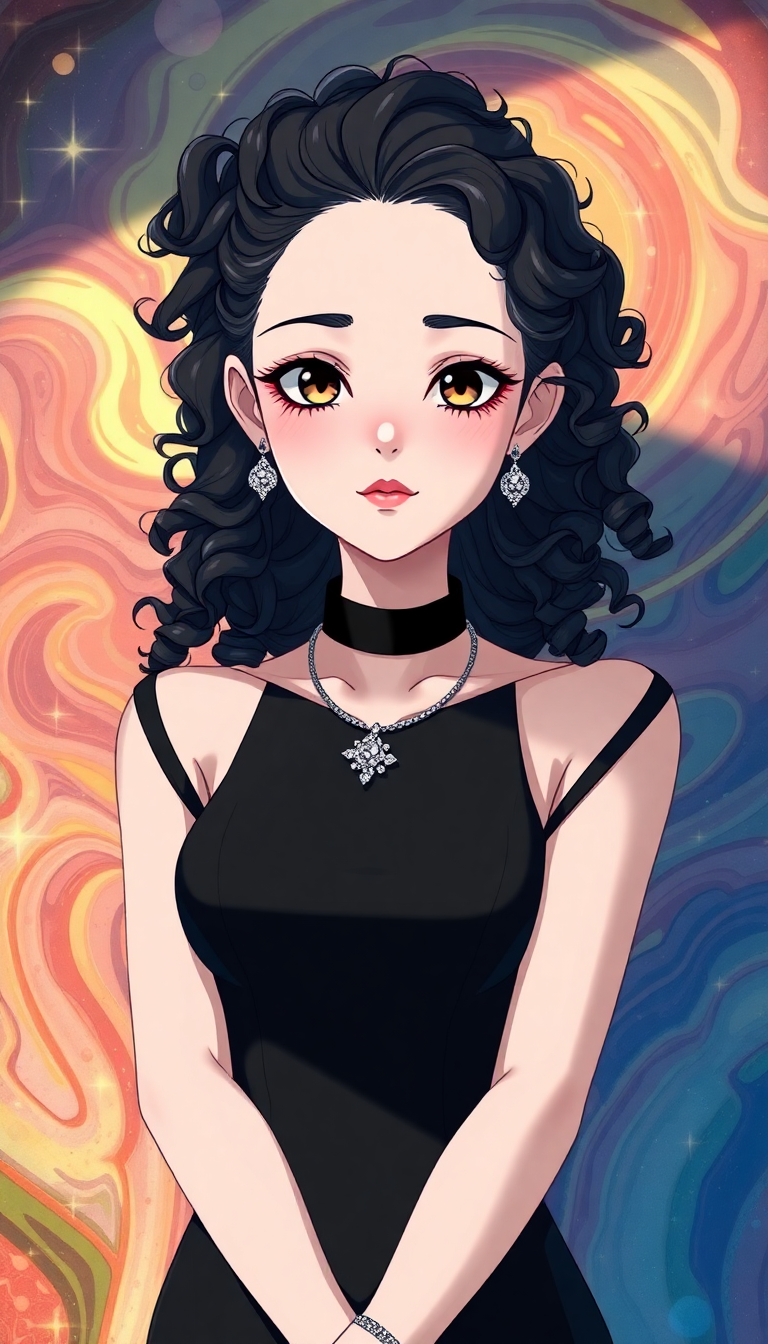
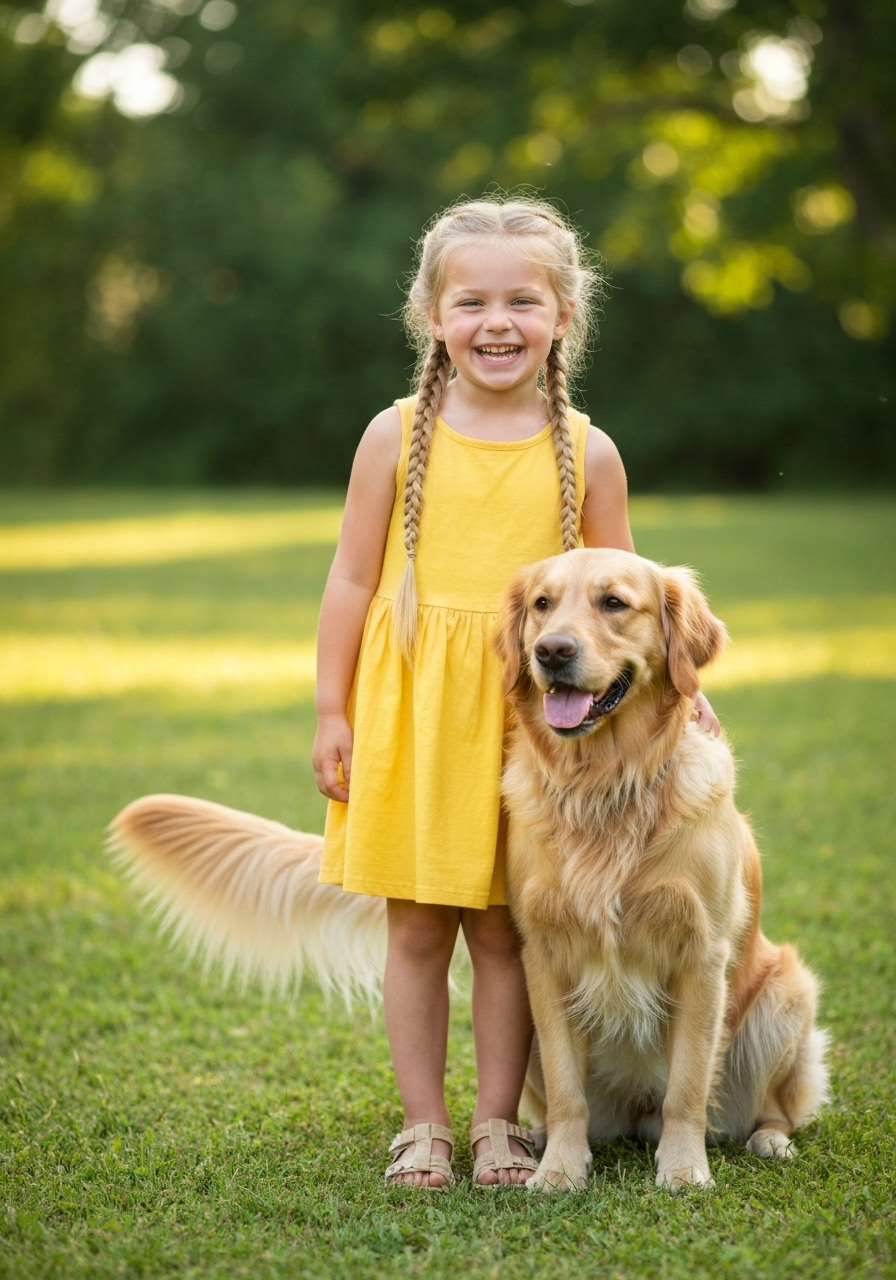
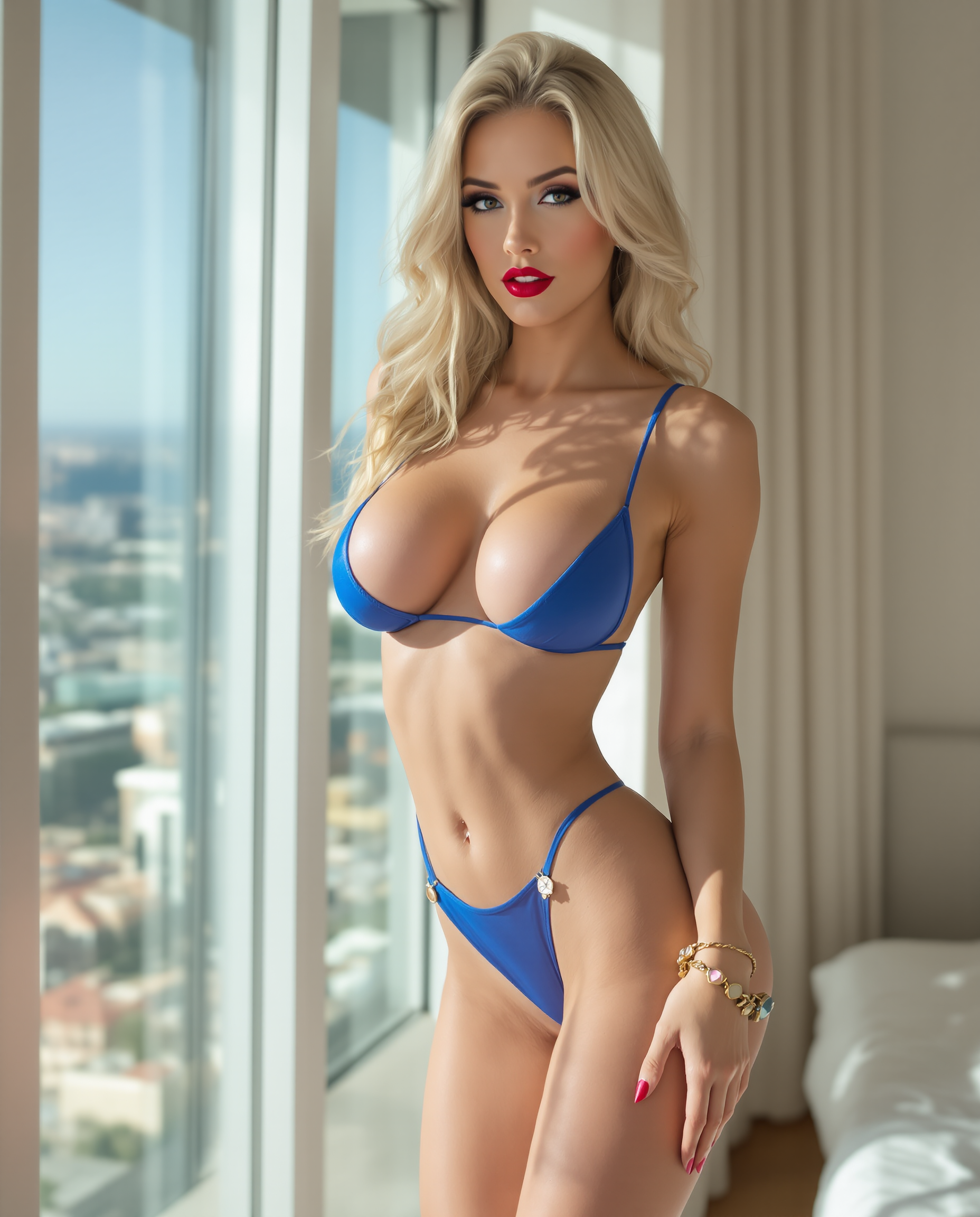

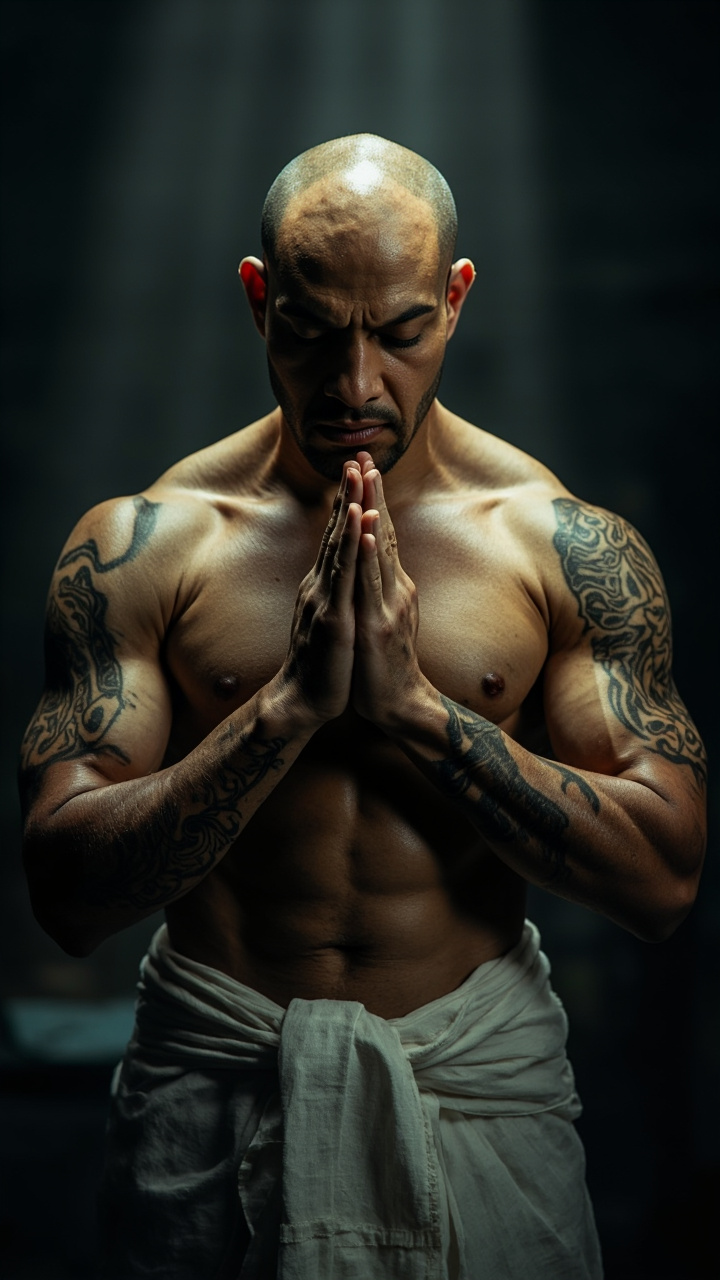

The Pixel Dojo Advantage
Why PixelDojo outperforms other options for AI drawing tool generation
| Others | Pixel Dojo |
|---|---|
| Traditional drawing methods | Skip months of practice and tedious revisions – generate, refine, and iterate professional drawings in minutes while maintaining full creative control over every element. |
| Generic AI tools | Access specialized drawing workflows with dedicated editing suites like Inpainting, Pose Control, and Consistent Characters that deliver precise, repeatable results tailored for illustrators and designers. |
| Manual photo editing software | Automate complex artistic transformations and style explorations that would take hours manually, while AI handles composition, lighting, and consistency so you focus purely on creative decisions. |
Loved by creators on PixelDojo
Real feedback from people using PixelDojo, pulled from our in-product surveys.
good tools in one place
Prompt updates, strong features, and a community that is always willing to help and hear/act on professional feedback. I've never had a better experience.
user friendly all in one thing
I really like the schedule of AI work performed!
The best tools for IA on the web !
The guy that operates the website is constantly updating it
Explore more AI tools on PixelDojo
AI Tools
Compare & Switch
- Best AI Image Generators
- Best AI Video Generators
- Midjourney Alternatives
- Civitai Alternatives
- Runway Alternatives
- Leonardo Alternatives
- Pika Alternatives
- Luma Alternatives
- Magnific Alternatives
- Veo Alternatives
- Flux Alternatives
- Freepik Alternatives
- Seedance Alternatives
- Seedream Alternatives
- Pixverse Alternatives
- GPT Image Alternatives
- Synthesia Alternatives
- Playground Alternatives
- NightCafe Alternatives
- Canva AI Alternatives
- ElevenLabs Alternatives
- ComfyUI Alternatives
- Fal Alternatives
- Replicate Alternatives
Common Questions
Everything you need to know about ai drawing tool
How does an AI drawing tool help create consistent characters for stories or branding?
PixelDojo's Consistent Characters and Ideogram Character tools let you lock in a character's appearance once, then generate them in new scenes, poses, or outfits using Pose Control and reference images. This ensures perfect visual continuity across book illustrations, marketing campaigns, or comic series without redrawing from scratch each time.
Can I use an AI drawing tool to turn my hand-drawn sketches into professional illustrations?
Absolutely. Upload your sketch directly into the Image to Image tool or Flux.2 Studio, add a descriptive prompt for style and details, and the AI refines lines, adds depth, lighting, and textures while preserving your original composition. Follow up with Inpainting or Style Transfer for further customization.
What AI drawing techniques work best for realistic vs stylized illustrations?
For realistic results, combine detailed prompts with Flux.2 Studio or Recraft V4.1 and refine using Reality Polisher or Magic Lighting. For stylized work, leverage Style Transfer, Krea V2, or PonyXL with artistic references. PixelDojo supports both through iterative editing so you achieve the exact aesthetic you envision.
How do I get started with AI drawing tools if I'm new to digital art?
Begin with simple text prompts in Grok Image or WAN Image, or upload basic doodles to Image to Image. PixelDojo's intuitive interface provides suggestions and variations. Experiment with free trials across 40+ tools, then use editing features like Background Remover or Smart Resize to polish final pieces quickly.
Is PixelDojo's AI drawing tool suitable for commercial projects and client work?
Yes. Our tools produce high-resolution outputs ready for print, web, and client deliverables. Features like character consistency and style matching help meet brand guidelines, while the ability to iterate rapidly supports tight deadlines. Thousands of professionals use PixelDojo daily for commercial illustration work.
What makes PixelDojo better than other AI drawing tools for advanced control?
PixelDojo combines generation with a complete editing ecosystem including Inpainting, Change Camera Angle, Virtual Try-On, and Video Upscaler integration. You get precise control over composition, consistency, and post-processing in one platform, backed by dedicated trainers like Flux 2 Trainer for custom styles if needed.