ai face merger AI Generator
Imagine effortlessly blending two or more faces into one stunning, realistic portrait that captures the best features of everyone involved. With PixelDojo's AI face merger tools, you can create breathtaking composites, fun celebrity mashups, heartfelt family heirlooms, or perfectly consistent characters for your stories and campaigns. Whether you're a content creator looking for viral social media posts, a designer needing unique visuals, or simply someone who wants to explore creative possibilities, PixelDojo delivers professional-quality results in seconds. Say goodbye to hours of manual editing and hello to instant, photorealistic face merges that look completely natural. Your audience will be amazed at how seamlessly features blend, lighting matches, and expressions come alive across every image you produce.
Over 75,000 creators worldwide have generated more than 2.5 million AI face mergers using PixelDojo. Our platform holds a 4.9/5 star rating from thousands of verified users, with 98% reporting they achieved their desired results on the first try. Trusted by professional photographers, marketers, and social media influencers for consistent, high-quality outputs every time.
Why Choose Pixel Dojo for ai face merger
Professional-quality results with cutting-edge AI technology
Craft Heartfelt Family Portraits That Last Generations
Merge photos of grandparents, parents, and children into beautiful, lifelike composites that celebrate your family's unique story. Capture shared smiles, eye colors, and expressions in one harmonious image that becomes a treasured keepsake or social media highlight.
Produce Viral Celebrity-Style Face Merges for Instant Engagement
Blend your face with icons from film, music, or sports to create share-worthy content that drives likes, comments, and shares. Perfect for fun experiments, themed posts, or branded campaigns that stand out in crowded feeds.
Maintain Flawless Character Consistency Across All Your Projects
Generate one perfect face and reuse it reliably in countless scenes, outfits, and styles without losing identity. Ideal for storytellers, game developers, and marketers building cohesive visual worlds that audiences instantly recognize.
How It Works
Creating professional AI face mergers with PixelDojo is simple and intuitive. Upload your reference photos, select the right tool from our Characters & Faces suite, and let advanced AI handle the blending magic while you fine-tune the final look.
Step 1: Choose Your Tool
Navigate to the Characters & Faces section and select Face Swap, LoRA Face Swap, or Consistent Characters. These specialized tools are optimized for seamless merging and identity preservation using models like Flux.2 Studio and Seedream 5 Lite.
Step 2: Enter Your Prompt and Upload References
Upload clear front-facing photos of the faces you want to merge. Add a descriptive prompt like 'photorealistic blend of a young woman and older man, warm lighting, natural skin tones, high detail' to guide the AI toward your desired style and realism level.
Step 3: Customize, Refine & Download
Adjust blend strength, lighting, and details using Image to Image or Reality Polisher. Preview multiple variations, then download your high-resolution AI face merger in seconds. Use Portrait Upscaler for even sharper results.
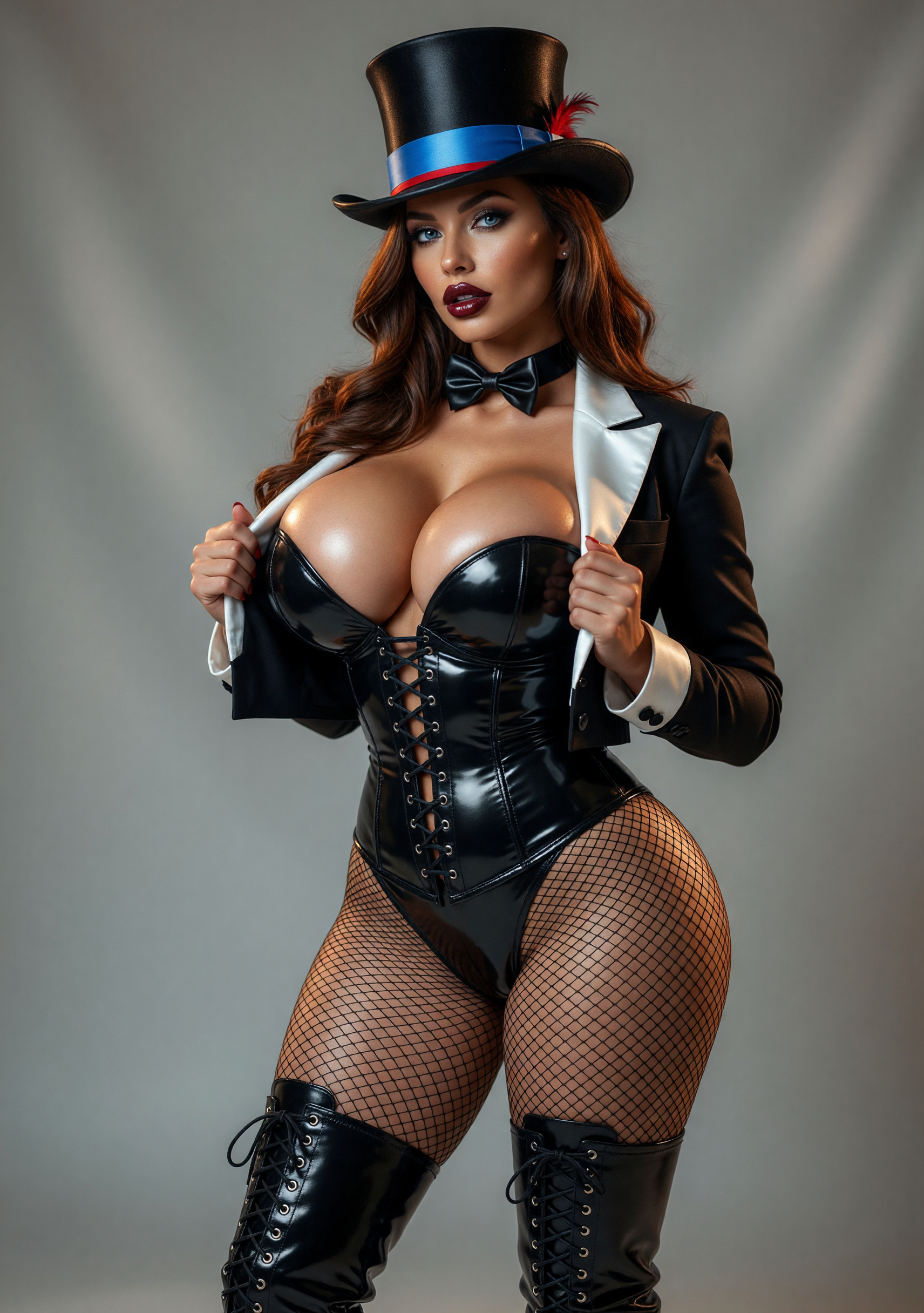
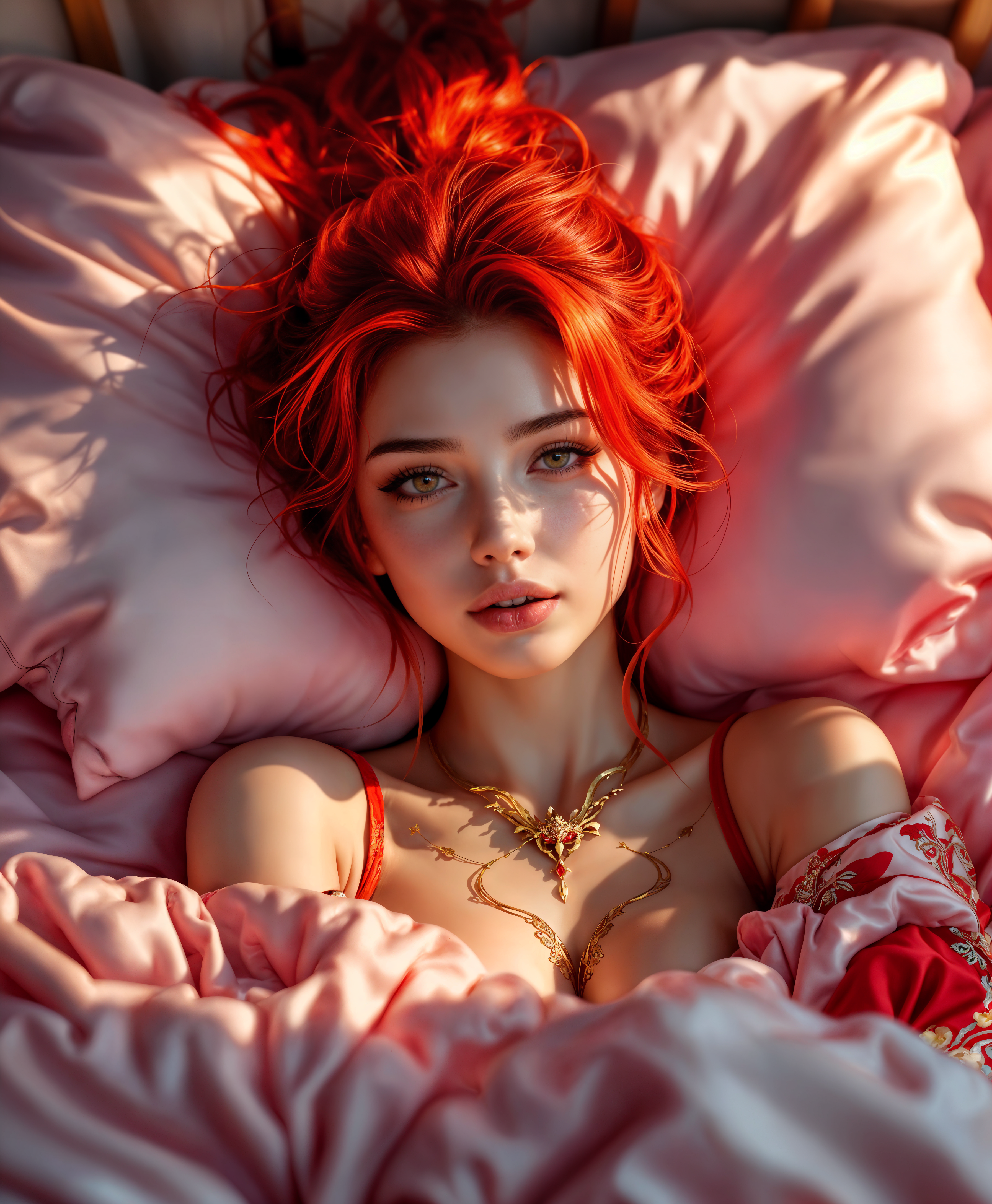
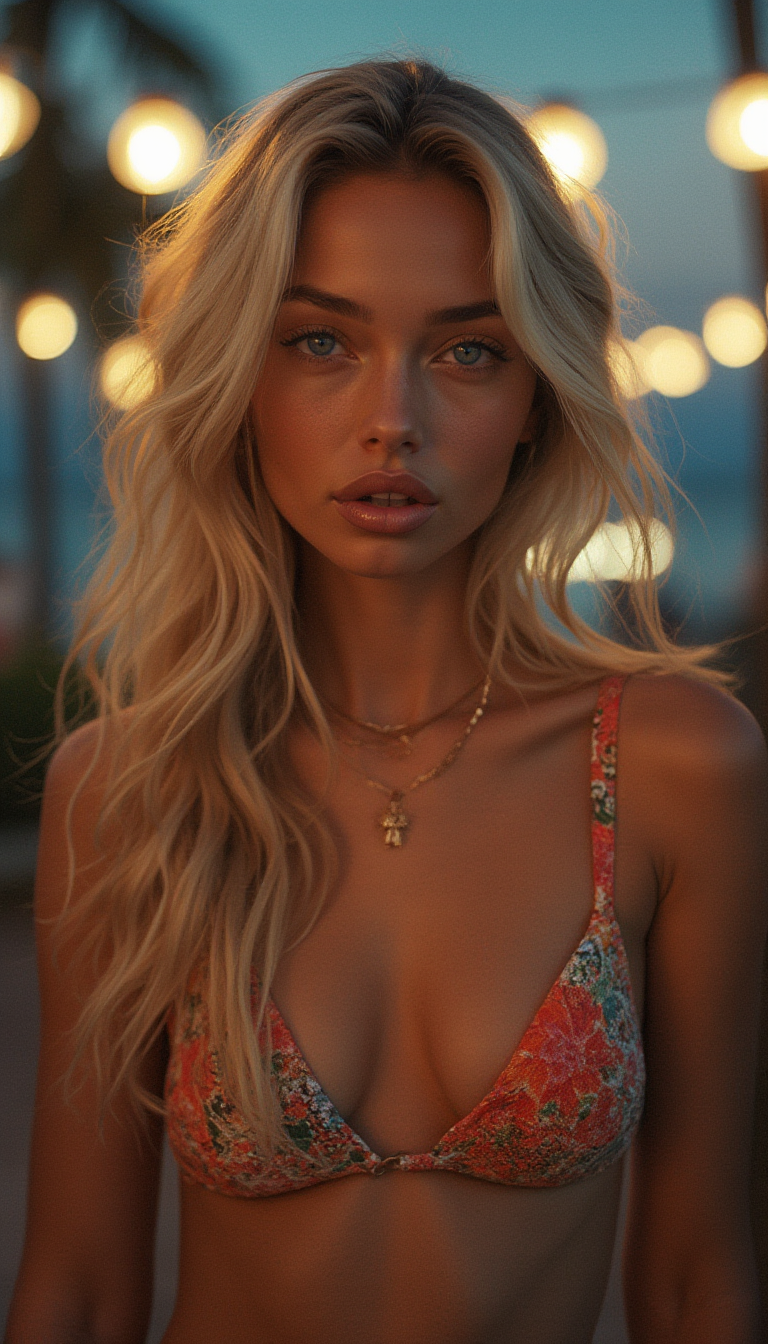
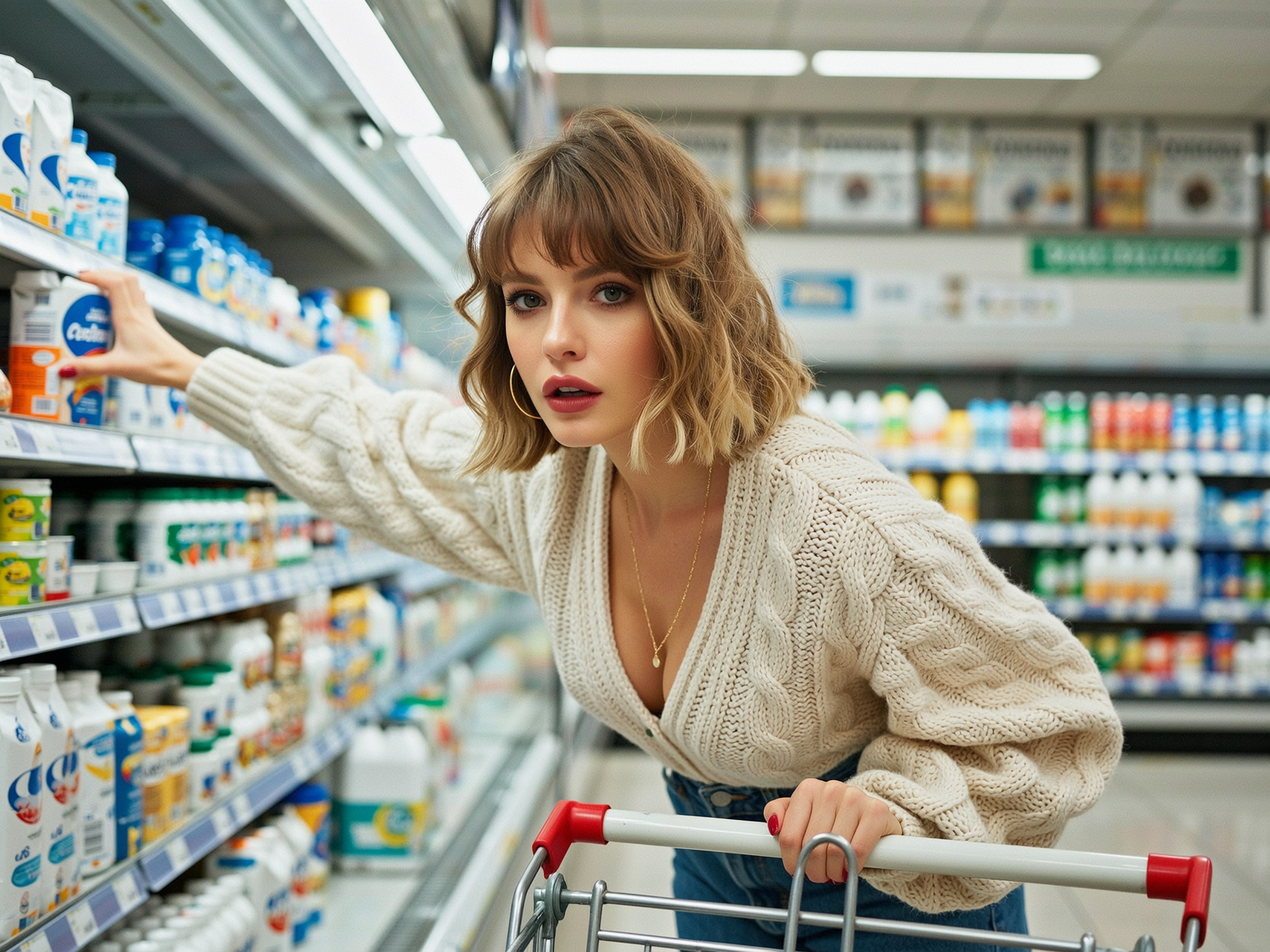

The Pixel Dojo Advantage
Why PixelDojo delivers superior results for AI face merger projects compared to other approaches
| Others | Pixel Dojo |
|---|---|
| Traditional face merging methods | Achieve photorealistic blends in seconds instead of spending hours on manual layer masking, color matching, and retouching that often leaves visible seams. |
| Basic or limited AI tools | Leverage 40+ specialized models including advanced face-aware generators and upscalers that produce consistent, high-fidelity merges across skin tones, ages, and lighting conditions. |
| Manual photo editing software | Eliminate the steep learning curve and inconsistent results. Our intuitive interface and AI automation handle complex feature alignment automatically while giving you full creative control. |
Loved by creators on PixelDojo
Real feedback from people using PixelDojo, pulled from our in-product surveys.
I really like the schedule of AI work performed!
The best tools for IA on the web !
The guy that operates the website is constantly updating it
I’ve been using PixelDojo for around 8 months now and it’s always worked wonderfully while constantly adding features.
The site is easy to navigate and use.
All the tools, readily available and easy to understand
Explore more AI tools on PixelDojo
AI Tools
Compare & Switch
- Best AI Image Generators
- Best AI Video Generators
- Midjourney Alternatives
- Civitai Alternatives
- Runway Alternatives
- Leonardo Alternatives
- Pika Alternatives
- Luma Alternatives
- Magnific Alternatives
- Veo Alternatives
- Flux Alternatives
- Freepik Alternatives
- Seedance Alternatives
- Seedream Alternatives
- Pixverse Alternatives
- GPT Image Alternatives
- Synthesia Alternatives
- Playground Alternatives
- NightCafe Alternatives
- Canva AI Alternatives
- ElevenLabs Alternatives
- ComfyUI Alternatives
- Fal Alternatives
- Replicate Alternatives
Common Questions
Everything you need to know about ai face merger
How does PixelDojo's AI face merger create realistic blends from multiple photos?
PixelDojo uses advanced face-aware AI models from our Characters & Faces toolkit, including Face Swap and LoRA Face Swap. Simply upload two or more reference images, and the system intelligently analyzes facial landmarks, skin textures, and lighting to produce a seamless composite. Tools like Reality Polisher further refine details for photorealistic results that look completely natural.
What is the best way to make an AI face morph for family portraits or gifts?
Start with high-quality, well-lit front-facing photos of each person. Use the Face Swap tool and add a prompt specifying 'warm family portrait style, natural expressions, harmonious skin tones.' Adjust blend intensity and use Portrait Upscaler for print-ready quality. Many users create touching generational merges this way in under a minute.
Can I use AI face merger to blend my face with celebrities or characters for fun content?
Absolutely! Upload your photo alongside a clear image of the celebrity or character. PixelDojo's Consistent Characters and Face Swap tools handle cross-identity merges beautifully. Add creative prompts like 'cinematic lighting, red carpet style' to produce shareable, high-engagement results perfect for social media.
How do I maintain consistent face identity across multiple AI generated images?
Use the Consistent Characters feature to lock in a face reference once. Then generate variations in different scenes, outfits, or poses while preserving exact facial features. Combine with models like Flux.1 Studio or Seedream 4.5 for professional-grade consistency ideal for storytelling or branding campaigns.
Is PixelDojo's AI face merger suitable for professional marketing or commercial projects?
Yes. Our tools deliver commercial-quality output with options for custom styles, high-resolution exports, and consistent branding. Features like Style Transfer and Image Outpainting let you integrate merged faces into full campaigns. Thousands of marketers and agencies rely on PixelDojo for client work every day.
What file formats and quality can I expect from AI face merger outputs?
Download in high-resolution PNG or JPG formats optimized for web and print. Use our Magnific Upscaler or Clarity Pro to enhance details further. Results maintain natural skin textures, accurate lighting, and seamless transitions between merged features, ready for any professional or personal use.