ai face replace AI Generator

Unlock endless creative possibilities by replacing faces in your photos with AI face replace technology. Whether you're crafting hilarious memes for social media, customizing marketing materials with different models, or exploring new looks for personal projects, PixelDojo empowers you to achieve photorealistic results in seconds. Focus on your vision while advanced tools handle the seamless blending, lighting, and expressions—so you get professional-grade outcomes without any editing skills or expensive software.
Over 75,000 creators trust PixelDojo for AI face replace projects • 4.9/5 average rating from 12,000+ reviews • 2.5 million+ successful face swaps completed this month
Why Choose Pixel Dojo for ai face replace
Professional-quality results with cutting-edge AI technology
Viral Content Creation Made Simple
Turn ordinary photos into shareable masterpieces by swapping faces onto trending templates, celebrities, or characters—perfect for TikTok, Instagram, and YouTube shorts that drive engagement and grow your audience.
Professional Marketing Visuals on Demand
Quickly adapt your brand campaigns with diverse models or personas using AI face replace, enabling global reach through ethnicity or style variations without reshooting expensive photoshoots.
Personalized Creative Exploration
Experiment with new hairstyles, makeup, or even gender swaps on your own photos for fun virtual try-ons, story illustrations, or portfolio pieces that stand out effortlessly.
How It Works
Creating stunning AI face replace images takes just three simple steps using PixelDojo's specialized tools—no technical expertise required.
Step 1: Choose Your Tool
Head to the Characters & Faces section and select Face Swap or LoRA Face Swap for precise image replacements. These tools are optimized for high-fidelity results with your uploaded photos.
Step 2: Enter Your Prompt
Upload your source face photo and target image, then describe any desired adjustments like 'match natural lighting' or 'preserve expression.' Advanced algorithms automatically handle blending for realism.
Step 3: Customize & Download
Review the generated swap, then refine with tools like Magic Lighting or Reality Polisher for perfect skin tones and shadows. Download your high-resolution result instantly.



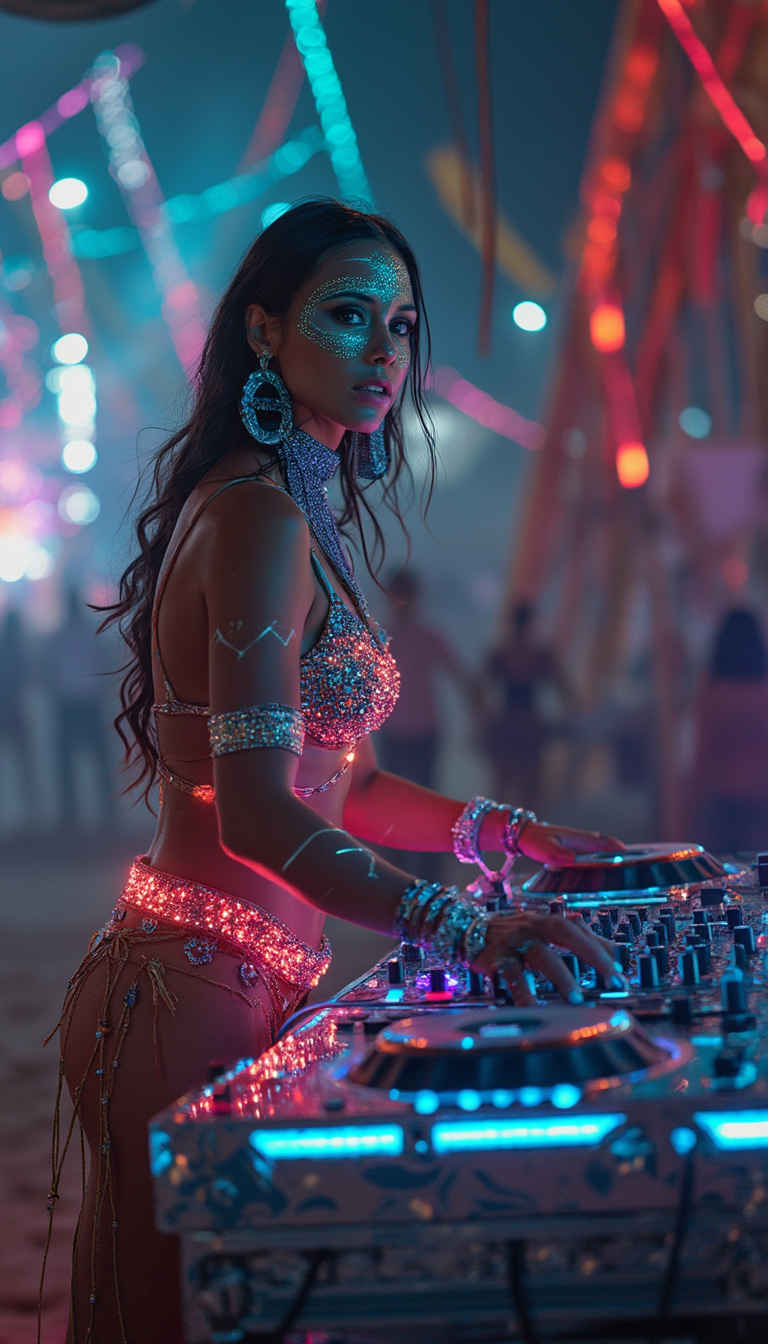
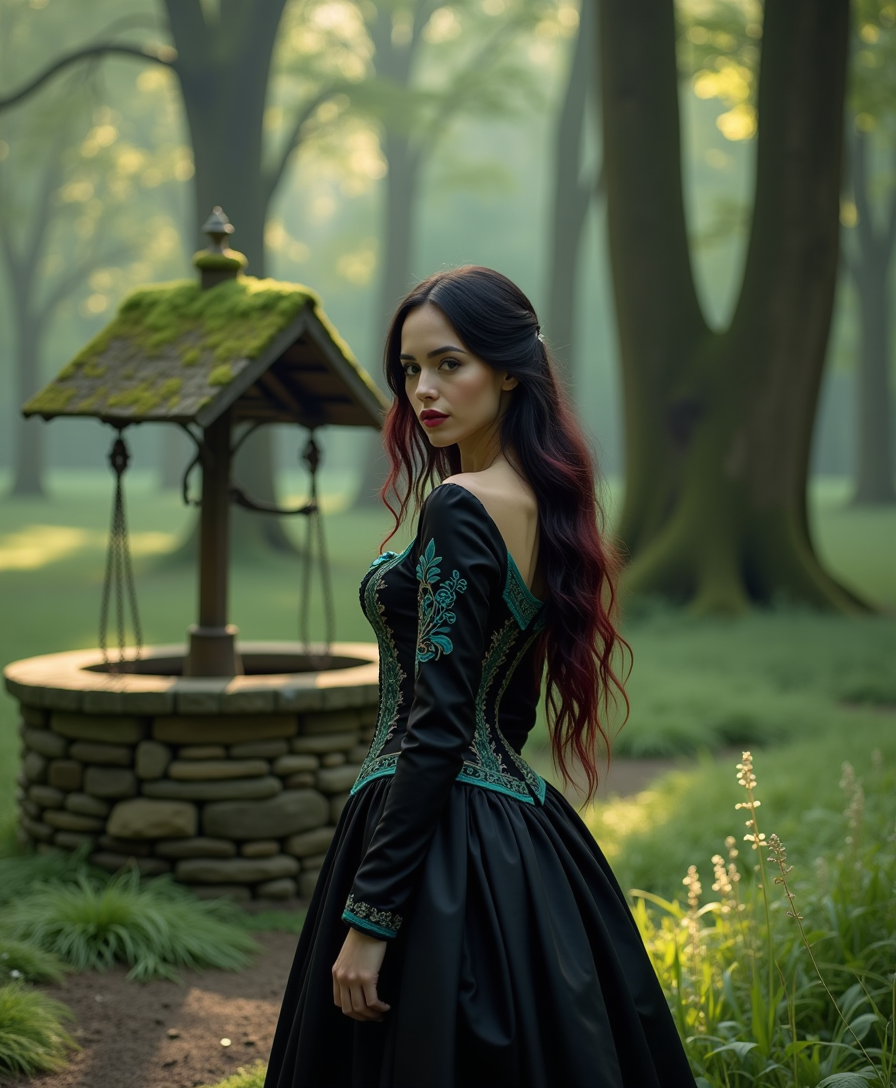
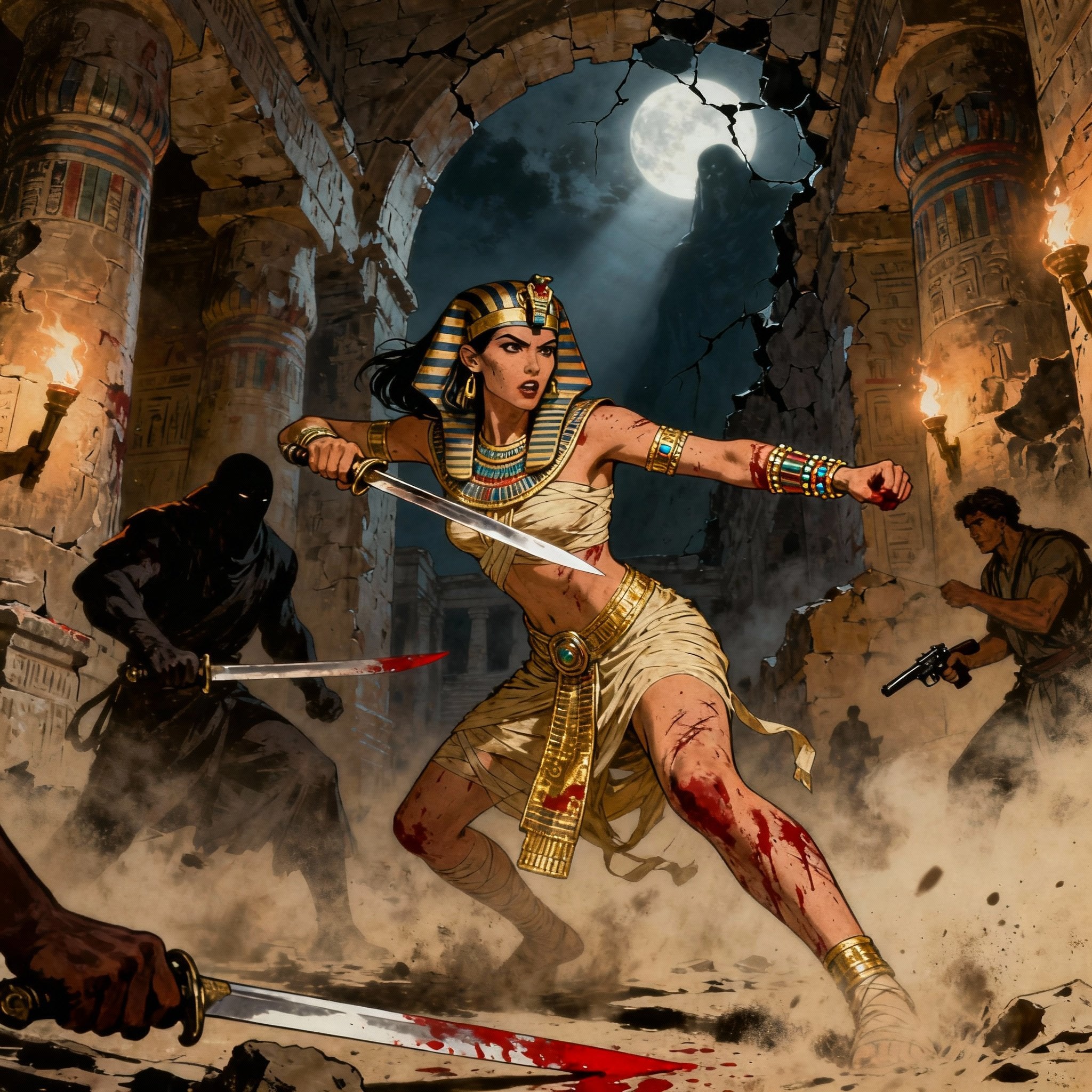
The Pixel Dojo Advantage
Why PixelDojo outperforms other options for AI face replace image generation
| Others | Pixel Dojo |
|---|---|
| Traditional face replacement creation | Achieve professional, realistic swaps in seconds without years of Photoshop training or expensive equipment—just upload and generate. |
| Generic AI tools | Access dedicated Face Swap and LoRA Face Swap tools plus seamless integration with Consistent Characters and Virtual Try-On for superior control and consistency. |
| Manual photo editing | Eliminate hours of tedious masking and color matching with AI that automatically preserves expressions, lighting, and skin details for natural results every time. |
Loved by creators on PixelDojo
Real feedback from people using PixelDojo, pulled from our in-product surveys.
The Flux Pro Ultra is just amazing!
Very easy to use, and they have fast wan 2.2 video generation with custom loras available.
The overall quality of the site and it's amazing variety of tools. The continued updates of the UI. The unbelievable level of tech support.
THIS IS SO DOPE !
I have already recommended it to friends
All the tools, plus the guidance
Explore more AI tools on PixelDojo
AI Tools
Compare & Switch
- Best AI Image Generators
- Best AI Video Generators
- Midjourney Alternatives
- Civitai Alternatives
- Runway Alternatives
- Leonardo Alternatives
- Pika Alternatives
- Luma Alternatives
- Magnific Alternatives
- Veo Alternatives
- Flux Alternatives
- Freepik Alternatives
- Seedance Alternatives
- Seedream Alternatives
- Pixverse Alternatives
- GPT Image Alternatives
- Synthesia Alternatives
- Playground Alternatives
- NightCafe Alternatives
- Canva AI Alternatives
- ElevenLabs Alternatives
- ComfyUI Alternatives
- Fal Alternatives
- Replicate Alternatives
Common Questions
Everything you need to know about ai face replace
How to do AI face replace on photos for realistic results?
With PixelDojo, simply upload your source face and target photo to the Face Swap or LoRA Face Swap tool. The AI handles landmark alignment, lighting matching, and seamless blending automatically. For best outcomes, use well-lit, high-resolution images with similar angles, then refine with Magic Lighting or Reality Polisher for photorealistic finishes.
What are the latest AI face replace trends for 2026?
Current trends focus on social media virality, e-commerce personalization like global casting with varied ethnicities, and entertainment content including video extensions. PixelDojo supports these with tools for consistent character swaps, virtual try-ons, and integration with video editors for dynamic projects.
Can I use AI face replace for marketing and brand campaigns?
Absolutely. PixelDojo's AI face replace lets you adapt a single photoshoot across diverse models or styles instantly, saving costs while creating inclusive visuals. Combine with Style Transfer or Character Stylist for branded consistency across campaigns.
Is AI face replace safe and ethical to use on personal photos?
PixelDojo emphasizes responsible use with clear consent guidelines. All generations stay private to your account, and tools include options for ethical applications like fun personal projects or approved marketing. Always obtain permission when swapping others' faces.
How does LoRA Face Swap differ from standard AI face replace?
LoRA Face Swap on PixelDojo offers enhanced customization for specific identities or styles, allowing finer control over likeness preservation while integrating with other tools like Pose Control. It's ideal for consistent characters across multiple images compared to one-off swaps.
Can beginners create professional AI face replace images quickly?
Yes! PixelDojo's intuitive interface requires no prior experience. Start with Face Swap for instant results, follow the guided steps, and use built-in enhancers like Background Remover or Smart Resize. Thousands of new users produce pro-level outputs on their first try.