ai face swao AI Generator
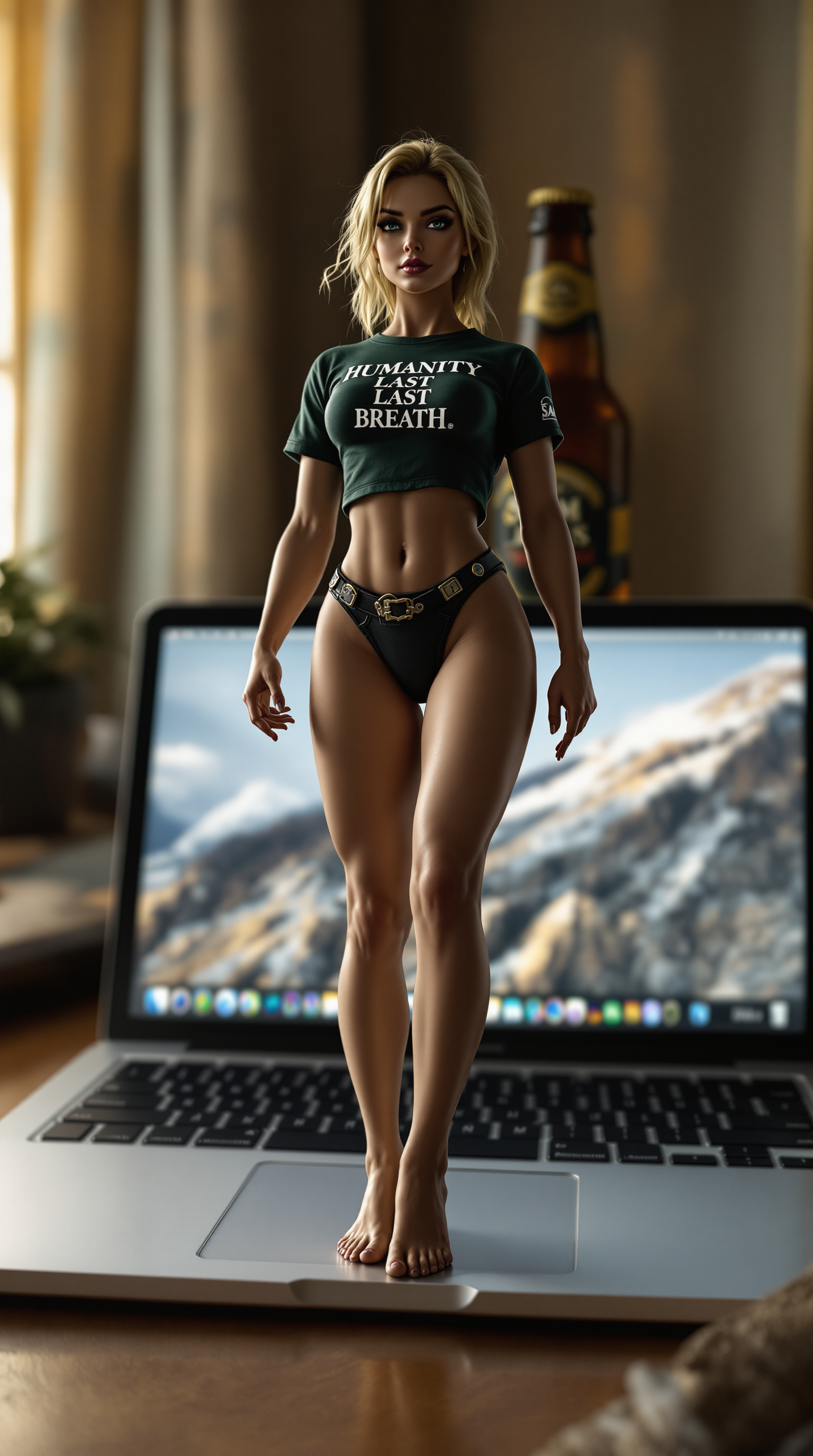
Imagine instantly placing your face on a movie star, swapping identities with friends for hilarious memes, or transforming your look for professional headshots and marketing campaigns. With PixelDojo's AI face swap tools, you achieve photorealistic results that look completely natural, saving hours of manual editing while unlocking endless creative possibilities for personal fun, social media virality, and business content.
Join over 50,000 creators who have generated millions of realistic face swaps. Rated 4.9/5 by thousands of users for quality and ease. Trusted by content creators, marketers, and hobbyists worldwide for professional-grade results every time.
Why Choose Pixel Dojo for ai face swao
Professional-quality results with cutting-edge AI technology
Achieve Hollywood-Level Realism
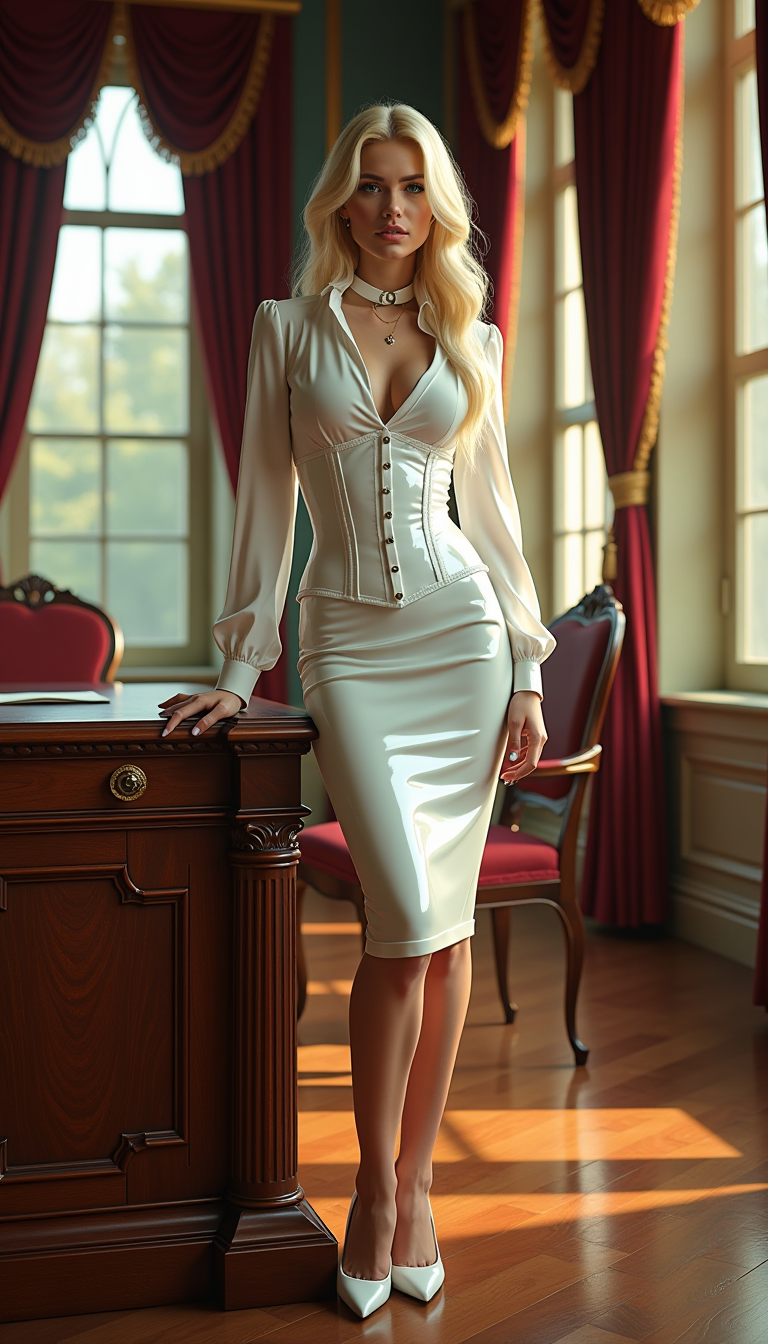
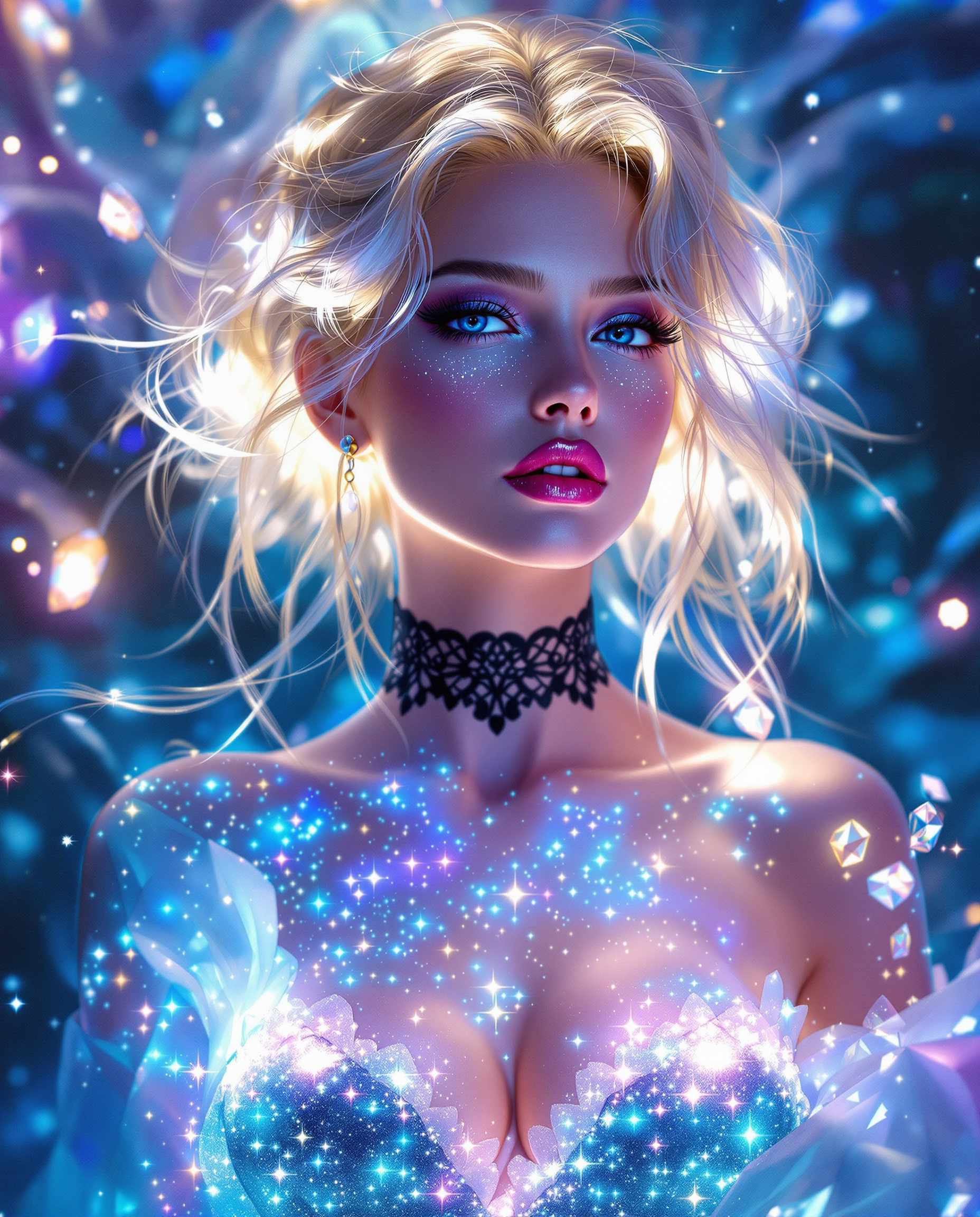
Produce seamless face swaps with perfect skin tone matching, natural lighting, and accurate expressions so your images look like they were captured in real life.
Create Viral Content in Minutes
Generate shareable memes, social media posts, and video edits that captivate audiences and boost engagement across platforms like TikTok, Instagram, and YouTube.
Save Time and Effort on Edits
Skip complex software and manual adjustments. Achieve professional results quickly with intuitive tools designed for fast, high-quality face swapping every time.
How It Works
Creating realistic AI face swaps with PixelDojo is simple and intuitive. Follow these steps to get started and produce amazing results in just minutes.
Step 1: Choose Your Tool
Select from PixelDojo's dedicated face swap options like Face Swap, LoRA Face Swap, or Consistent Characters for images, and WAN Video Character Swap or Kling Video Character Swap for videos. These tools are optimized for seamless identity transfer.
Step 2: Enter Your Prompt and Upload Images
Upload your source face photo and target image or video. Describe any desired adjustments in natural language, such as matching expressions or lighting, to guide the AI for the best outcome.
Step 3: Customize & Download
Preview the swap, refine details using additional edits like Magic Lighting or Style Transfer if needed, then download your high-resolution result ready for sharing or further use.


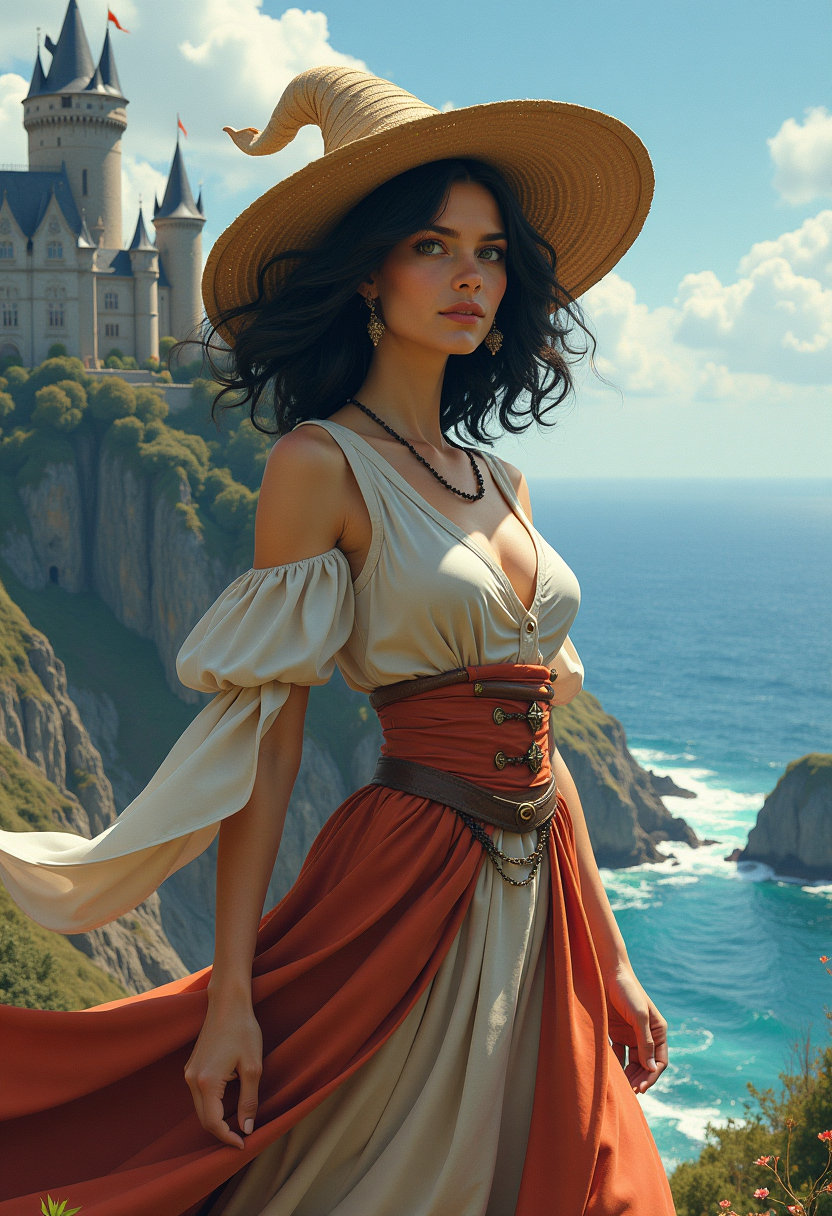
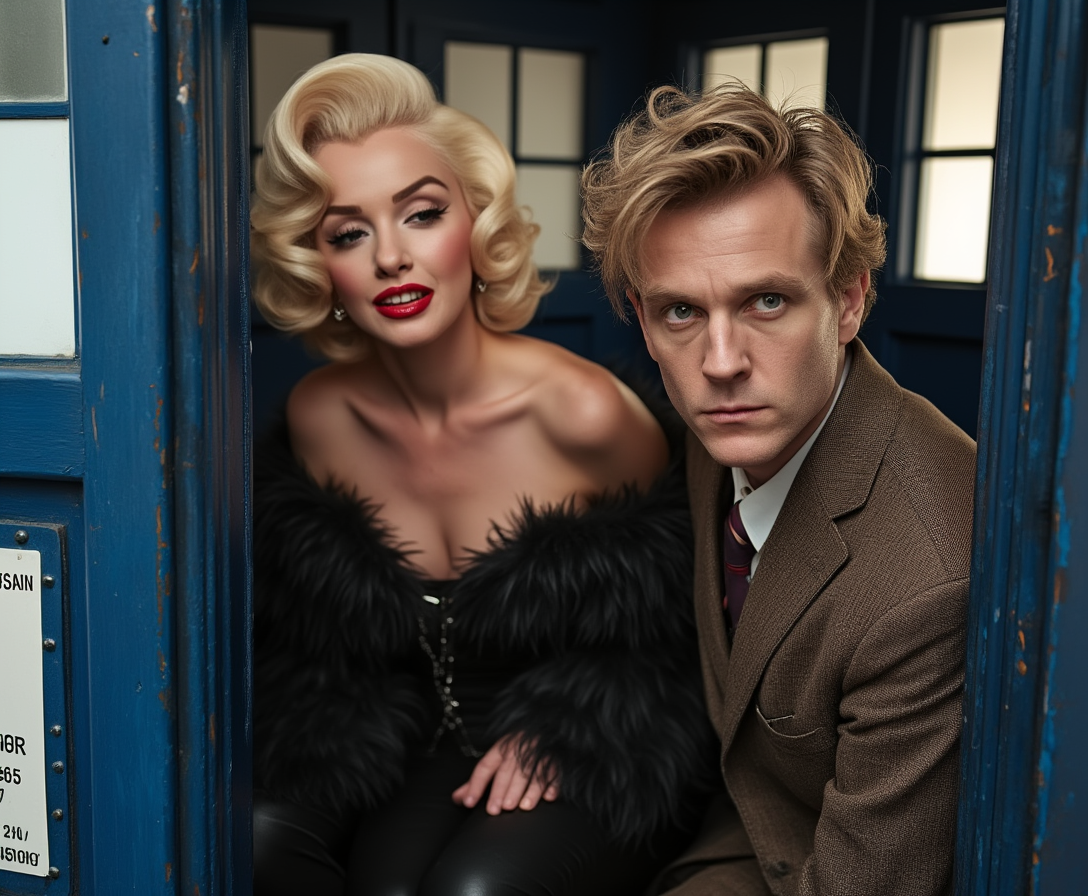
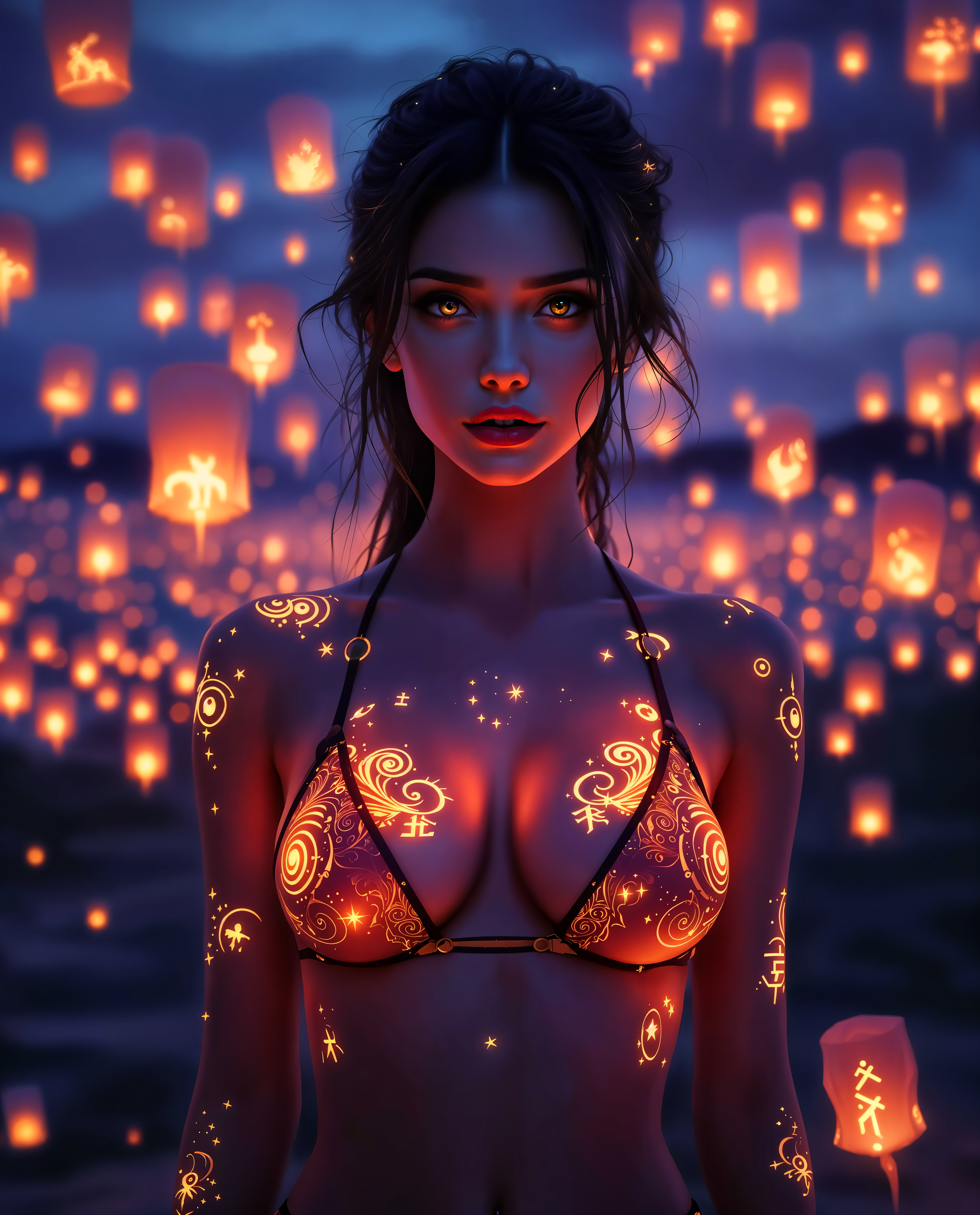
The Pixel Dojo Advantage
Why PixelDojo outperforms other options for AI face swap image generation
| Others | Pixel Dojo |
|---|---|
| Traditional face swap creation | No need for expensive software or hours of manual blending—achieve professional results instantly with AI that handles lighting, pose, and skin tones automatically. |
| Generic AI tools | Specialized face swap tools like LoRA Face Swap and video-specific options deliver superior identity preservation and realism compared to general-purpose generators. |
| Manual photo editing | Eliminate tedious layering and masking work. Our AI automates the entire process while giving you precise control for flawless, natural-looking swaps. |
Loved by creators on PixelDojo
Real feedback from people using PixelDojo, pulled from our in-product surveys.
It is a lot of fun to uae and easy too.
So many different models to try out
You keep adding to it to stay up to date and that is GOLD.
very easy to use and good support
Very easy to use
super easy to use
Explore more AI tools on PixelDojo
AI Tools
Compare & Switch
- Best AI Image Generators
- Best AI Video Generators
- Midjourney Alternatives
- Civitai Alternatives
- Runway Alternatives
- Leonardo Alternatives
- Pika Alternatives
- Luma Alternatives
- Magnific Alternatives
- Veo Alternatives
- Flux Alternatives
- Freepik Alternatives
- Seedance Alternatives
- Seedream Alternatives
- Pixverse Alternatives
- GPT Image Alternatives
- Synthesia Alternatives
- Playground Alternatives
- NightCafe Alternatives
- Canva AI Alternatives
- ElevenLabs Alternatives
- ComfyUI Alternatives
- Fal Alternatives
- Replicate Alternatives
Common Questions
Everything you need to know about ai face swao
How does AI face swap work for realistic image results?
PixelDojo's AI face swap analyzes facial features, landmarks, and lighting from your source and target images using advanced models. It then seamlessly blends the face onto the new body or scene while preserving expressions, skin tones, and shadows for photorealistic outcomes. Tools like Face Swap and LoRA Face Swap make this process effortless.
Can I do AI face swap on videos with PixelDojo?
Yes! Use specialized tools like WAN Video Character Swap, Kling Video Character Swap, or Happy Horse Video Edit to swap faces in videos while maintaining smooth motion, lip sync, and natural movements. Perfect for creating engaging video content or fun edits.
What makes PixelDojo's AI face swap better than free online tools?
PixelDojo offers higher quality with dedicated models for consistent results, advanced customization options like pose control and magic lighting, and no watermarks or limits on personal use. Plus, access to 40+ tools in one platform means you can refine swaps further with inpainting or upscalers.
Is AI face swap safe and ethical to use?
Always use AI face swap responsibly with consent from individuals involved. PixelDojo empowers creative and positive applications like entertainment, marketing, and personal projects while encouraging ethical practices to avoid misuse.
How many images can I generate with AI face swap on PixelDojo?
With flexible plans starting free, you can create unlimited swaps depending on your subscription. The platform supports batch processing for multiple images and high-resolution downloads perfect for professional or social media use.
What tips help get the best AI face swap results every time?
Use clear, well-lit source photos with neutral expressions for best matching. Experiment with prompts for specific lighting or angles, and leverage tools like Consistent Characters or Virtual Try-On for repeated use on the same person. Preview and refine with edits for perfect results.