ai fashion editorial AI Generator
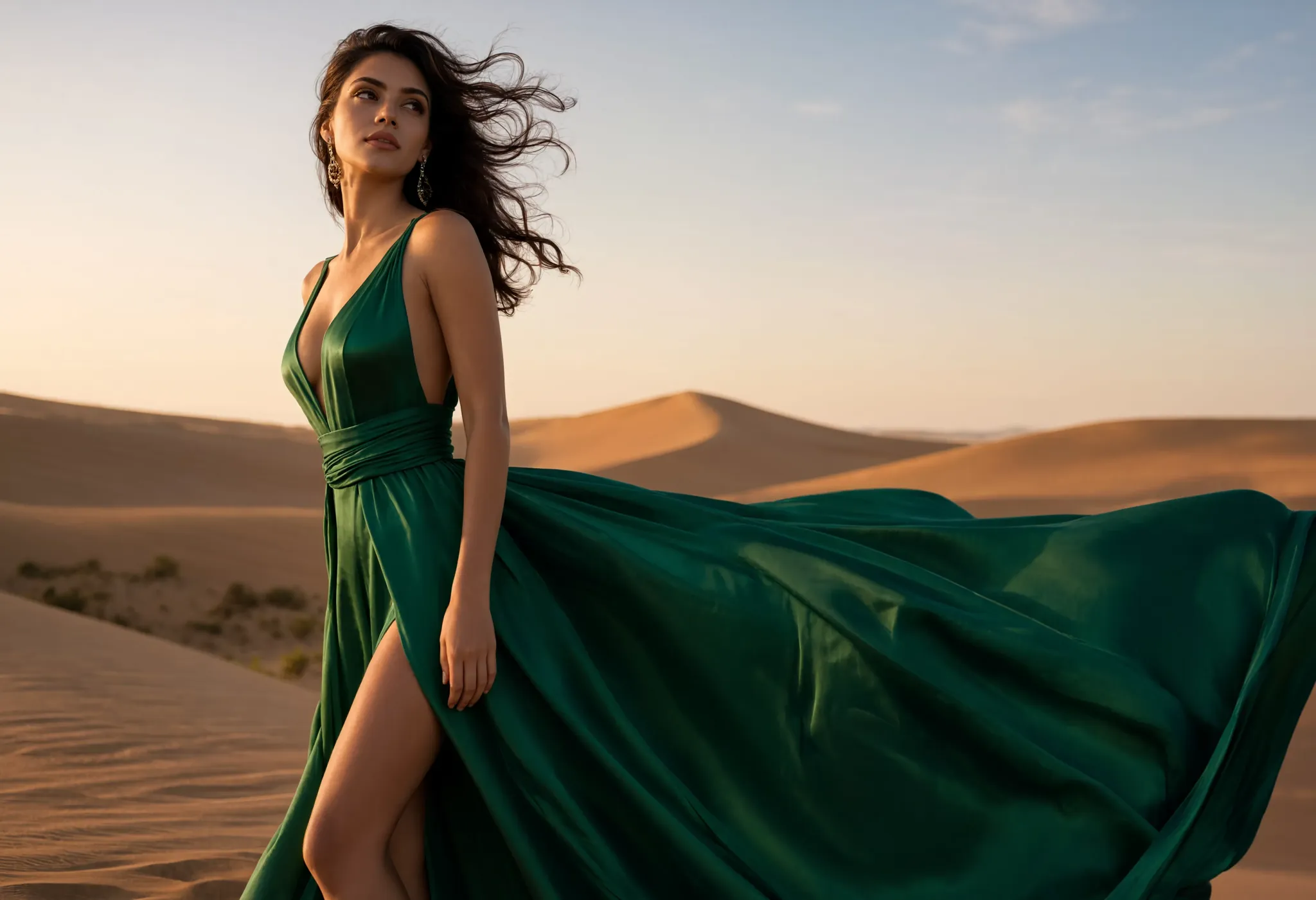
Generated on PixelDojo. Produced by PixelDojo's generation pipeline.
Imagine producing a complete high-fashion editorial campaign that looks like it belongs in a top magazine—without booking studios, models or waiting weeks. PixelDojo makes that outcome yours today. You generate cinematic, art-directed images featuring avant-garde silhouettes, dramatic lighting and diverse talent that tell a cohesive brand story. Designers test entire collections, brands build conversion-ready lookbooks and creators launch social campaigns that stop the scroll. Start with Flux.2 Studio or Nano Banana 2 for photorealistic results, dress real garments using Flux Pro Virtual Try-On, lock identity across every frame with Consistent Characters, then animate with VEO 3.1 or Kling Video. Thousands of fashion professionals already achieve professional-grade editorials, save thousands in production costs and move from idea to published campaign in a single session. Your next Vogue-worthy spread is minutes away.
Real image examples generated on PixelDojo
Every example below was produced on PixelDojo. Hover to see the prompt.
A fashion editorial of a model in a flowing emerald silk dress on a windswept dune
reve
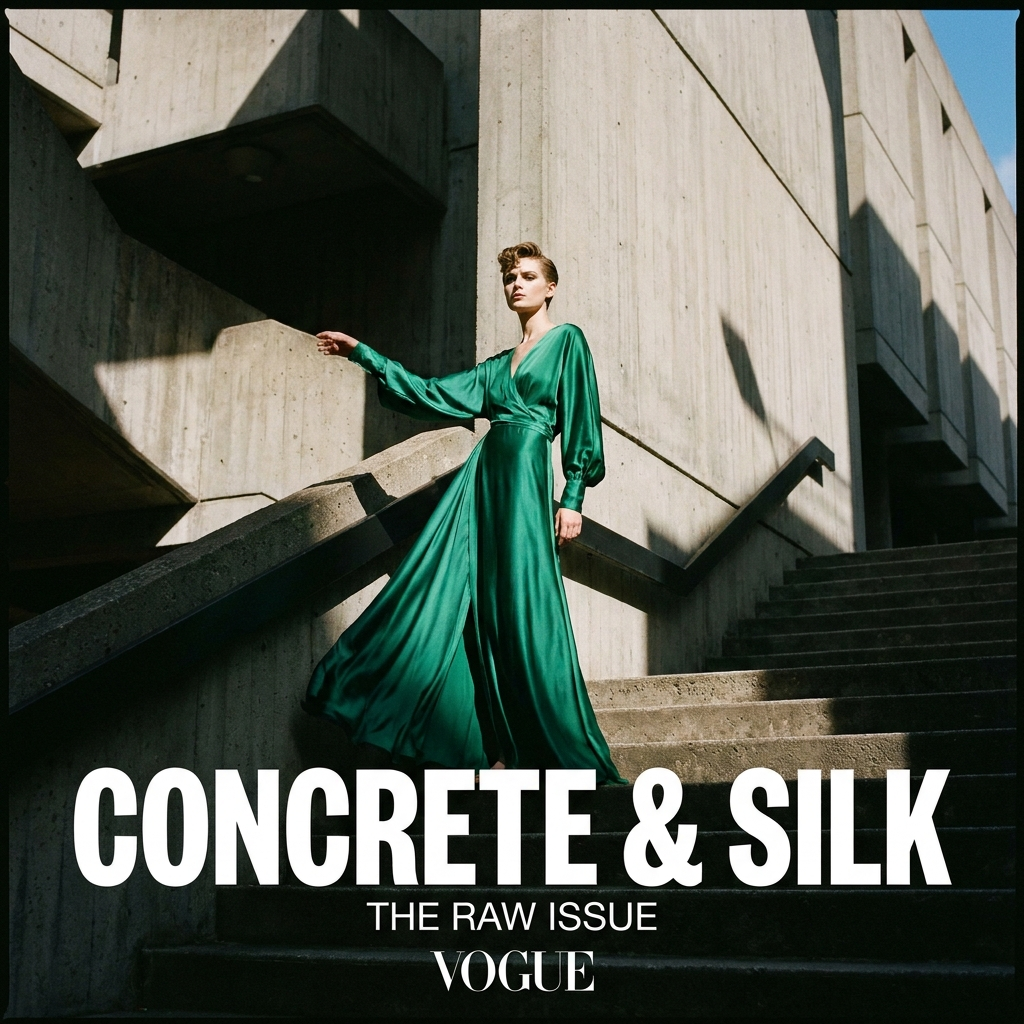
A fashion editorial portrait of a model in an emerald silk dress against brutalist concret…
nano-banana-pro
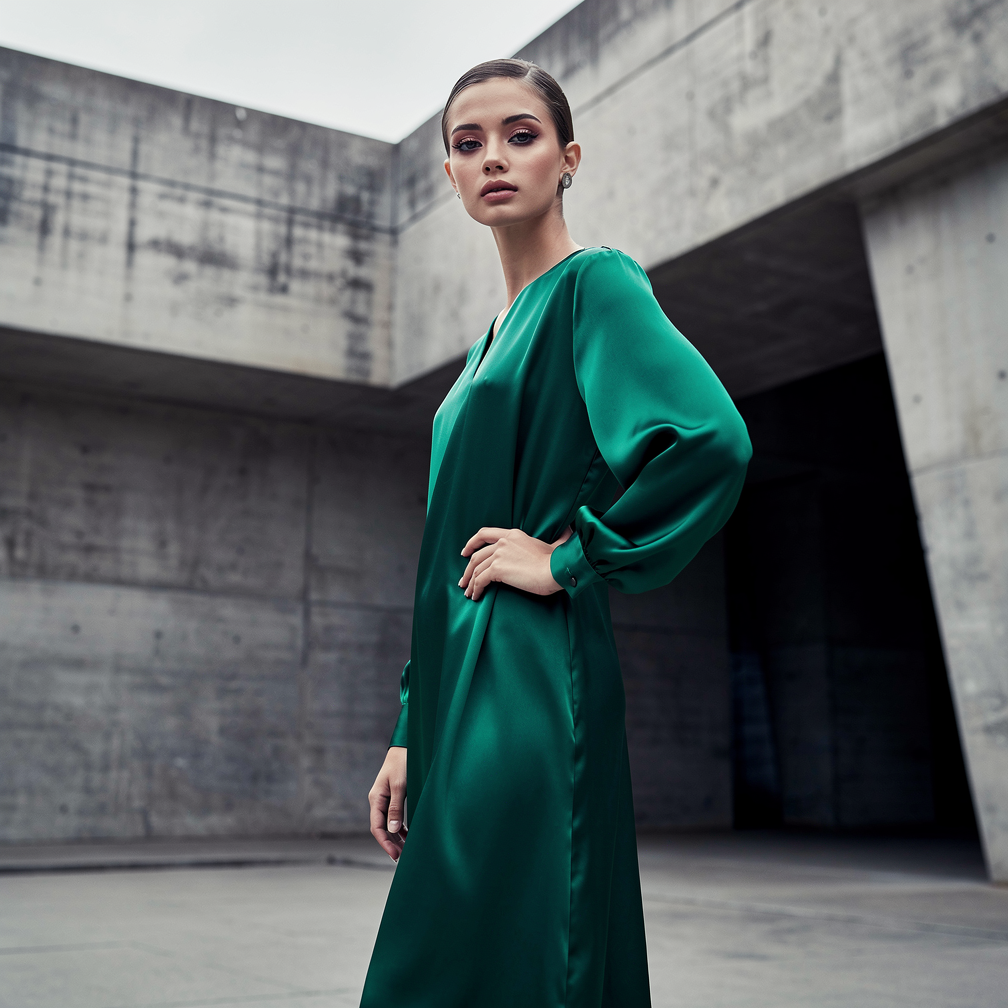
A fashion editorial portrait of a model in an emerald silk dress against brutalist concret…
flux-2-pro
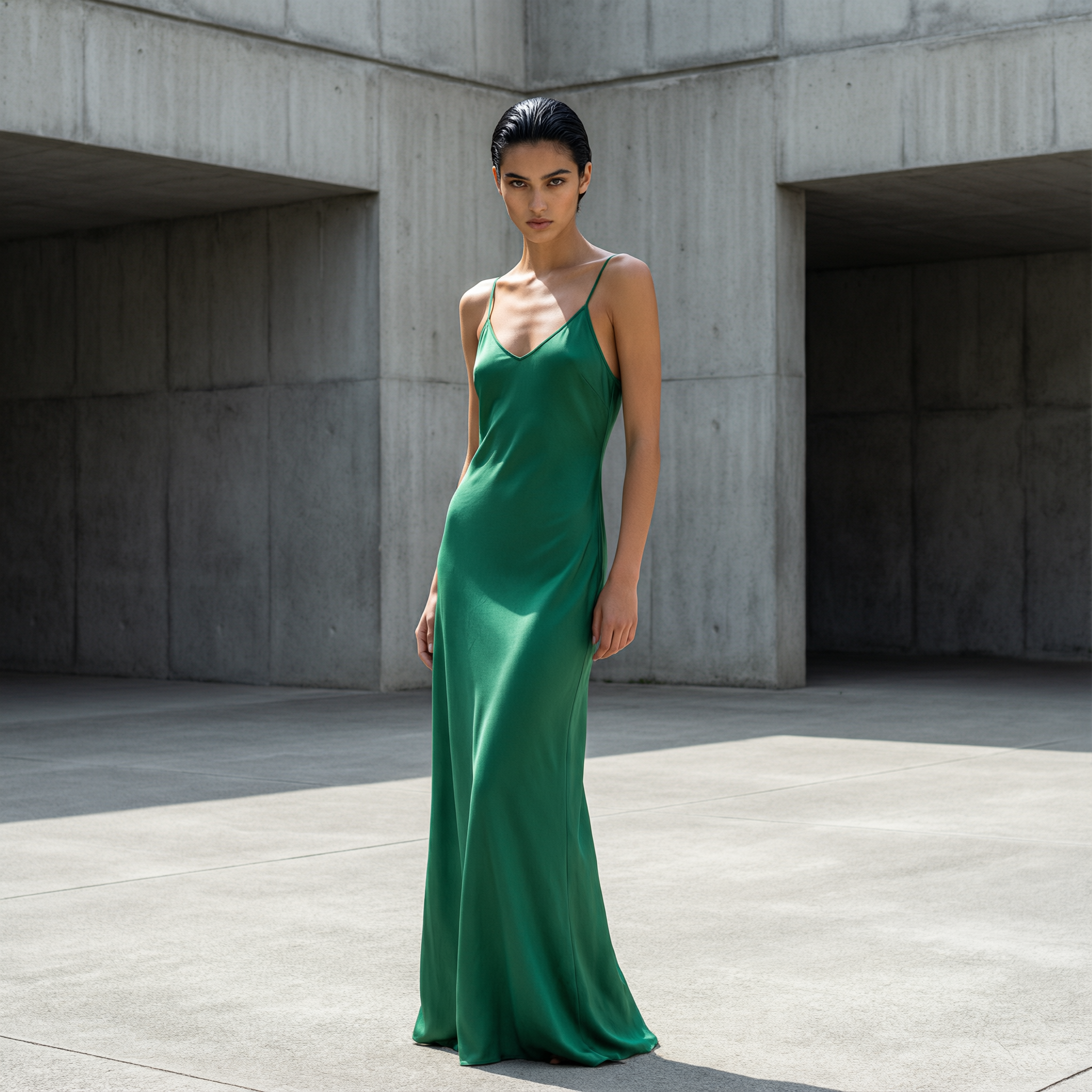
A fashion editorial portrait of a model in an emerald silk dress against brutalist concret…
qwen-image-2.0-pro
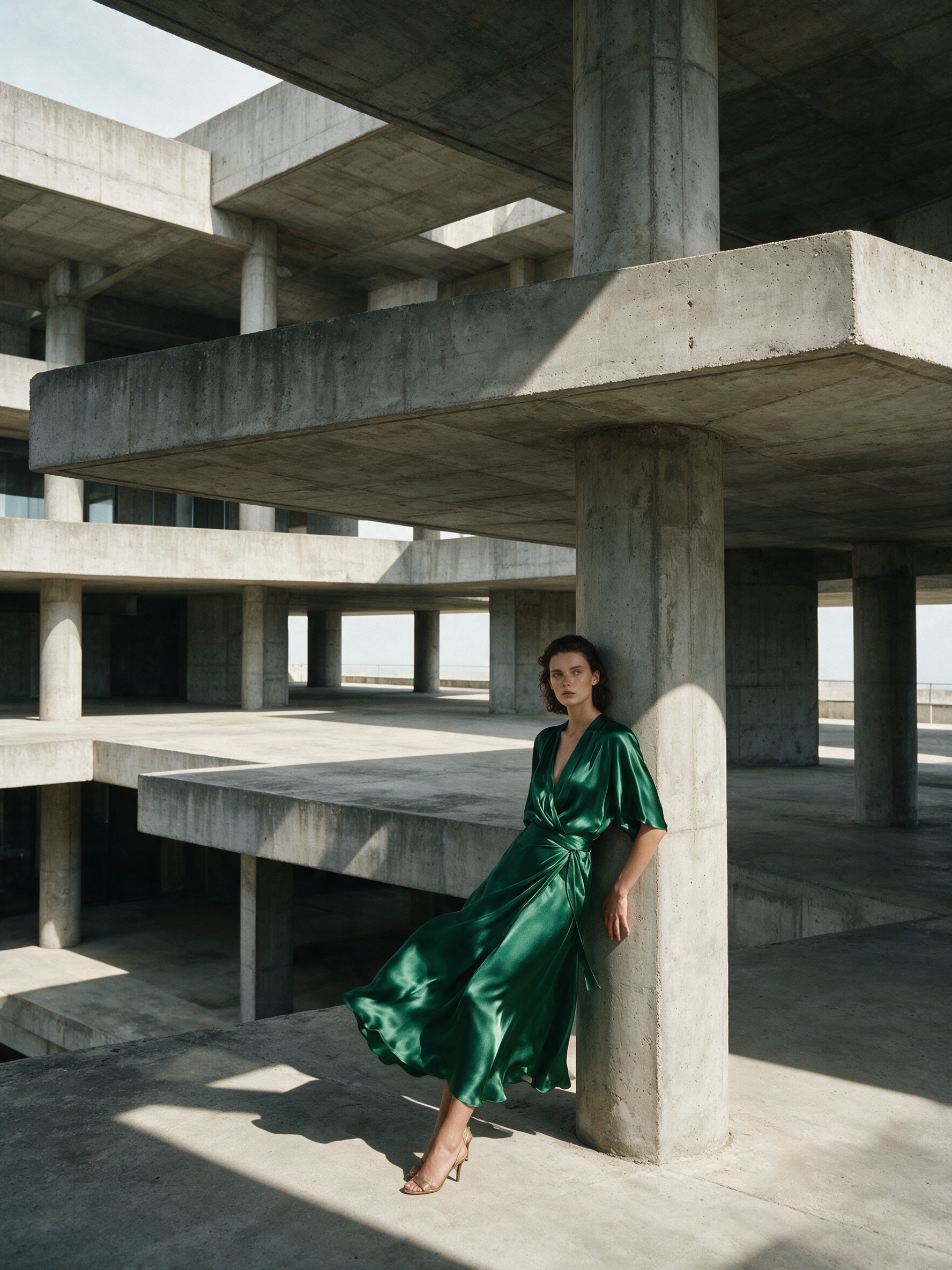
A fashion editorial portrait of a model in an emerald silk dress against brutalist concret…
seedream-5
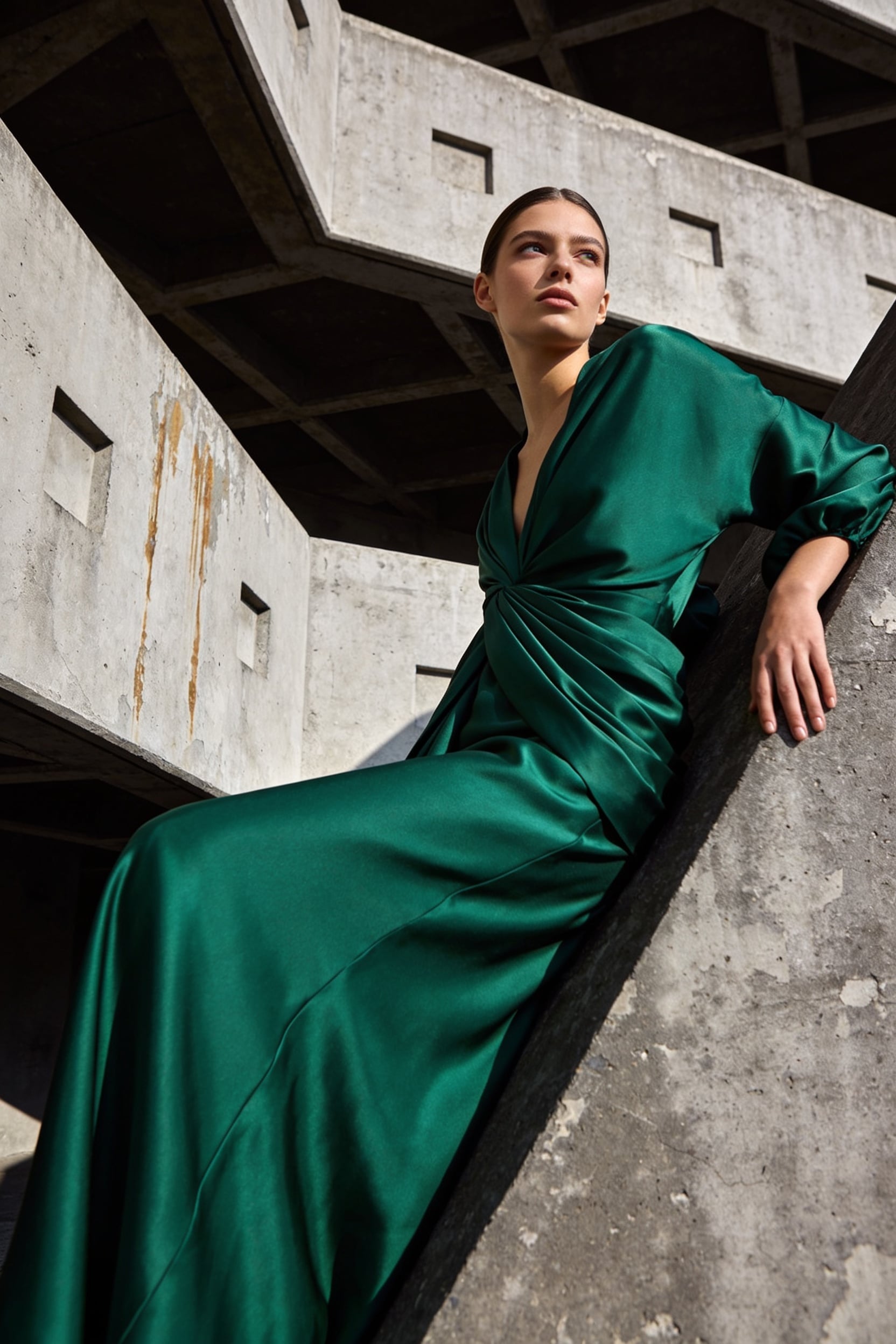
A fashion editorial portrait of a model in an emerald silk dress against brutalist concret…
seedream-4
Models you can run on PixelDojo for ai fashion editorial
Switch models without switching tools. Each one runs in the same PixelDojo studio.
What you can do with ai fashion editorial on PixelDojo
Editorial Fashion Stills
We generate high-fashion editorial images from your brief, including wardrobe, pose, and setting. You can produce campaign-ready stills without a full shoot.
Look and Mood Control
We let you steer lighting, color grade, fabric detail, and styling so the output matches a defined editorial direction. Refine prompts and references until the look holds across frames.
Cast and Location Variety
We support diverse models, body types, and locations so you can explore casting and environment options in one workflow. Build a coherent story across multiple scenes.
Series-Ready Variations
We create related frames from a locked concept so you can fill a spread or lookbook with consistent styling. Iterate crops, angles, and outfits while keeping the same visual language.
Loved by thousands of fashion designers, brands and influencers worldwide. 40+ cutting-edge AI tools delivering 4.8-star results. Cancel anytime with no contracts.
Why Choose Pixel Dojo for ai fashion editorial
Professional-quality results with cutting-edge AI technology
Launch Magazine-Quality Campaigns Without a Studio
You produce high-concept fashion editorials with cinematic lighting, styled sets and perfect fabric drape using Flux.2 Studio, Ideogram 4 and Nano Banana 2. Skip the $10,000 photoshoot and still deliver hero images that convert on websites, lookbooks and ads.
Keep Every Shot On-Brand With Consistent Characters
You build entire seasonal lookbooks featuring the same face, body and energy. Consistent Characters, Character Sheets and Ideogram Character let you maintain identity across 50+ images so your collection feels like a true editorial story, not random generations.
Turn Stills Into Motion Campaigns Instantly
You extend still editorials into video sequences with Kling Video, VEO 3.1, Seedance 2.5 and WAN 3.0. Add Magic Lighting, Reality Polisher and Video Reframe to create shoppable reels and campaign films that outperform static content.
How It Works
You create professional AI fashion editorials on PixelDojo in three focused steps. Each stage uses specialized tools so your results look like they came from a high-end magazine production.
Step 1: Choose Your Tool
Open Generate Images and select Flux.2 Studio or Nano Banana 2 for photorealistic high-fashion work. If you have actual garments, start with Flux Pro Virtual Try-On or Virtual Try-On to place clothing on diverse AI or custom models. Switch to Consistent Characters when you need a reusable talent for a full collection.
Step 2: Enter Your Prompt
Describe the full scene: model details (age, heritage, distinctive features), exact outfit (fabric, silhouette, construction details), lighting (dramatic rim light, golden hour, high-contrast studio strobes), setting (concrete loft, urban rooftop at dusk, surreal landscape) and camera (full-body 35mm, three-quarter, shallow depth of field). Add 'fashion editorial photography, magazine cover quality, ultra-realistic fabric texture'. Generate multiple variations instantly.
Step 3: Customize & Download
Refine with Edit Images: Magic Lighting for atmosphere, Inpainting for garment details, Style Transfer, Change Camera Angle, Background Remover and Image Outpainting. Upscale with Magnific Upscaler, Clarity Pro or P-Image Upscale. Then download print-ready files or send to Kling Video, VEO 3.1 or Seedance 2.5 to create motion. Your campaign is ready.
The Pixel Dojo Advantage
Why PixelDojo outperforms other options for AI fashion editorial image generation
| Others | Pixel Dojo |
|---|---|
| Traditional fashion editorial creation | Traditional productions require studios, talent, lighting crews and weeks of post. You generate unlimited magazine-quality variations in minutes with Flux.2 Studio and Virtual Try-On, keeping full creative control and spending a fraction of the budget. |
| Generic AI tools | Generic platforms lack garment-accurate drape, identity consistency and fashion-specific lighting. PixelDojo’s Flux Pro Virtual Try-On, Consistent Characters and Magic Lighting deliver authentic editorial results that stay true to your designs and brand. |
| Manual photo editing | Hours of layering and retouching become seconds with Inpainting, Reality Polisher, Style Transfer and one-click upscaling. You focus on art direction while PixelDojo handles the technical polish that makes images campaign-ready. |
Loved by creators on PixelDojo
Real feedback from people using PixelDojo, pulled from our in-product surveys.
You keep adding to it to stay up to date and that is GOLD.
very easy to use and good support
Very easy to use
super easy to use
it's very easy to use
Practically every Ai suite in one place? Who wouldn't?
Explore more AI tools on PixelDojo
AI Tools
Compare & Switch
- Best AI Image Generators
- Best AI Video Generators
- Midjourney Alternatives
- Civitai Alternatives
- Runway Alternatives
- Leonardo Alternatives
- Pika Alternatives
- Luma Alternatives
- Magnific Alternatives
- Veo Alternatives
- Flux Alternatives
- Freepik Alternatives
- Seedance Alternatives
- Seedream Alternatives
- Pixverse Alternatives
- GPT Image Alternatives
- Synthesia Alternatives
- Playground Alternatives
- NightCafe Alternatives
- Canva AI Alternatives
- ElevenLabs Alternatives
- ComfyUI Alternatives
- Fal Alternatives
- Replicate Alternatives
Common Questions
Everything you need to know about ai fashion editorial
How do I generate AI fashion editorial images that look like real magazine spreads?
Choose Flux.2 Studio or Nano Banana 2, then write a prompt covering model, exact garment construction, dramatic lighting (rim light, golden hour or high-contrast studio) and editorial composition. PixelDojo’s tools understand fabric physics and fashion posing so your outputs feature realistic drape, texture and cinematic atmosphere. Thousands of creators use this workflow plus Magic Lighting and Magnific Upscaler to produce print-ready editorials.
Can I use my own clothing designs in AI fashion editorials?
Yes. Upload a flat-lay, packshot or hanger photo into Flux Pro Virtual Try-On or Virtual Try-On. PixelDojo places the real garment on diverse, consistent models while preserving original details, fit and texture. You then apply editorial lighting, settings and poses exactly as you would in a traditional shoot, giving you authentic product representation inside high-fashion scenes.
How do I keep the same model across an entire fashion lookbook?
Start with Consistent Characters or Character Sheets to lock facial features, body type and expression. Generate a master reference, then reuse it in every prompt. Ideogram Character and WAN Video Character Swap extend the same identity into video. This lets you build 20–50 image collections that feel like a single cohesive editorial story rather than disconnected generations.
What lighting and camera techniques work best for AI fashion editorials?
Specify cinematic techniques in your prompt: dramatic side lighting, golden hour warmth, high-contrast strobes, 35mm film grain or 85mm portrait compression. PixelDojo’s Magic Lighting tool then lets you refine atmosphere after generation. Combine with Change Camera Angle and Image Outpainting to achieve the exact framing magazines use for covers and spreads.
Can I turn my AI fashion editorials into video campaigns?
Absolutely. Send any still into Kling Video, VEO 3.1, Seedance 2.5, WAN 3.0 or Flux 3 Video. Add subtle motion, camera moves or full runway walks. Video Autocaption, Video Reframe and Grok Video Edit polish the result. Brands use this to create shoppable reels and hero films from the same assets that started as still editorials.
Is AI fashion editorial photography good enough for professional campaigns?
Yes. PixelDojo users produce assets used in lookbooks, e-commerce, social and even print. Flux.2 Studio and Ideogram 4 deliver photorealistic fabric, lighting and anatomy. Combine with Reality Polisher, Portrait Upscaler and Magnific Upscaler for commercial-grade resolution. The 40+ tool ecosystem plus cancel-anytime access lets you test and iterate until the work meets any client or publication standard.