ai generate art

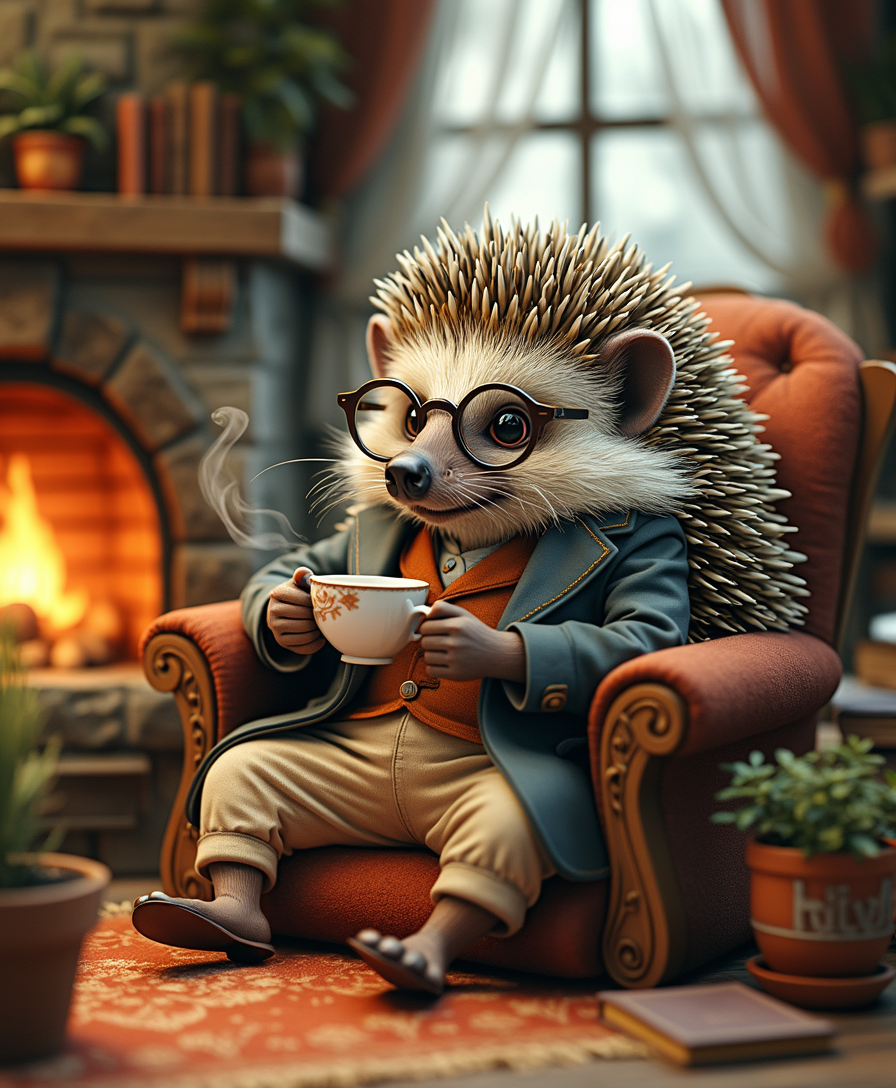
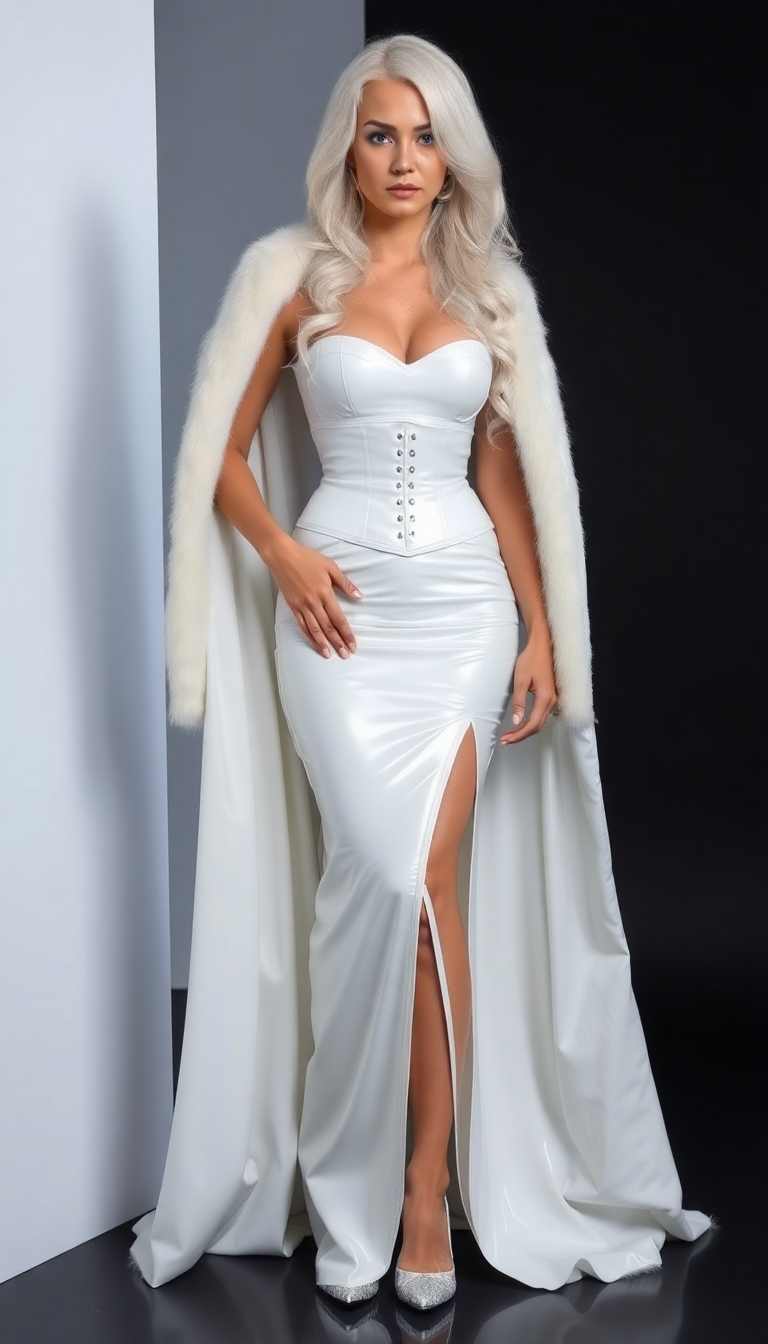
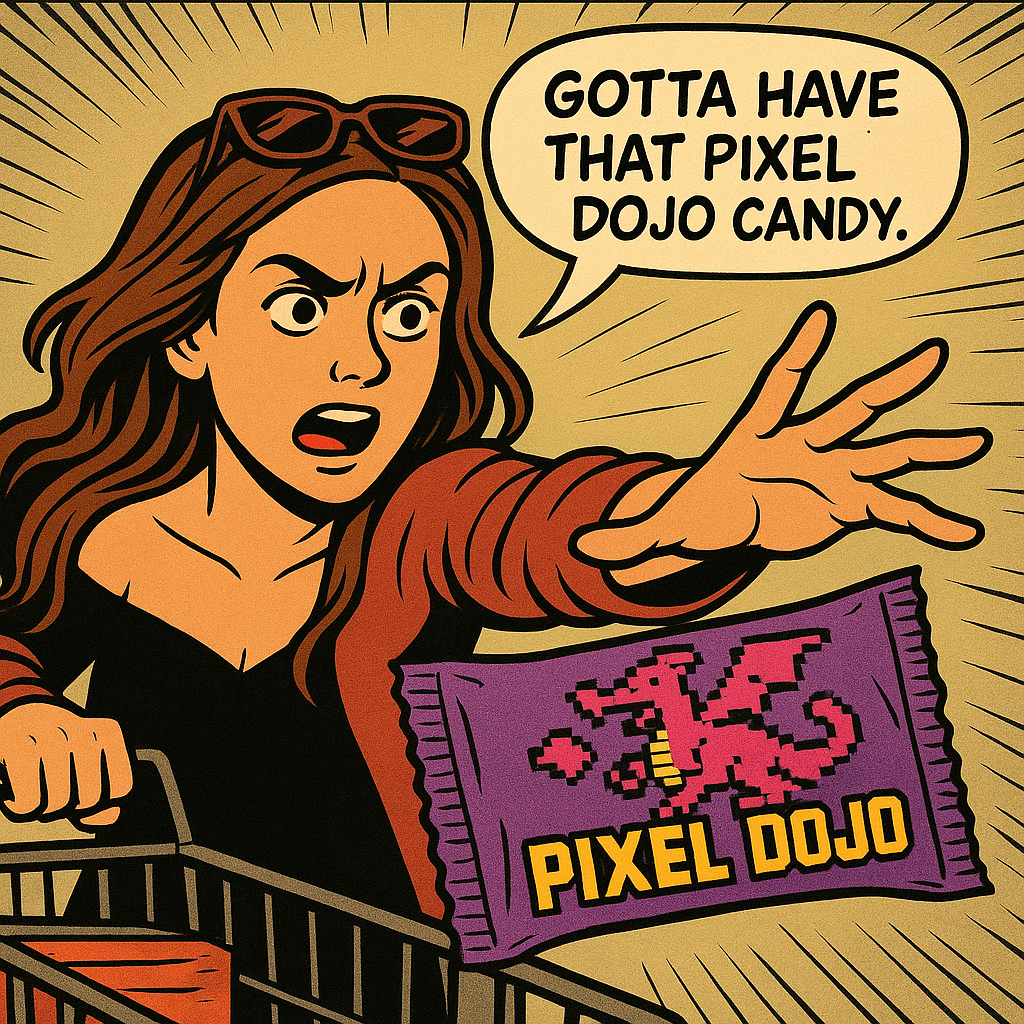
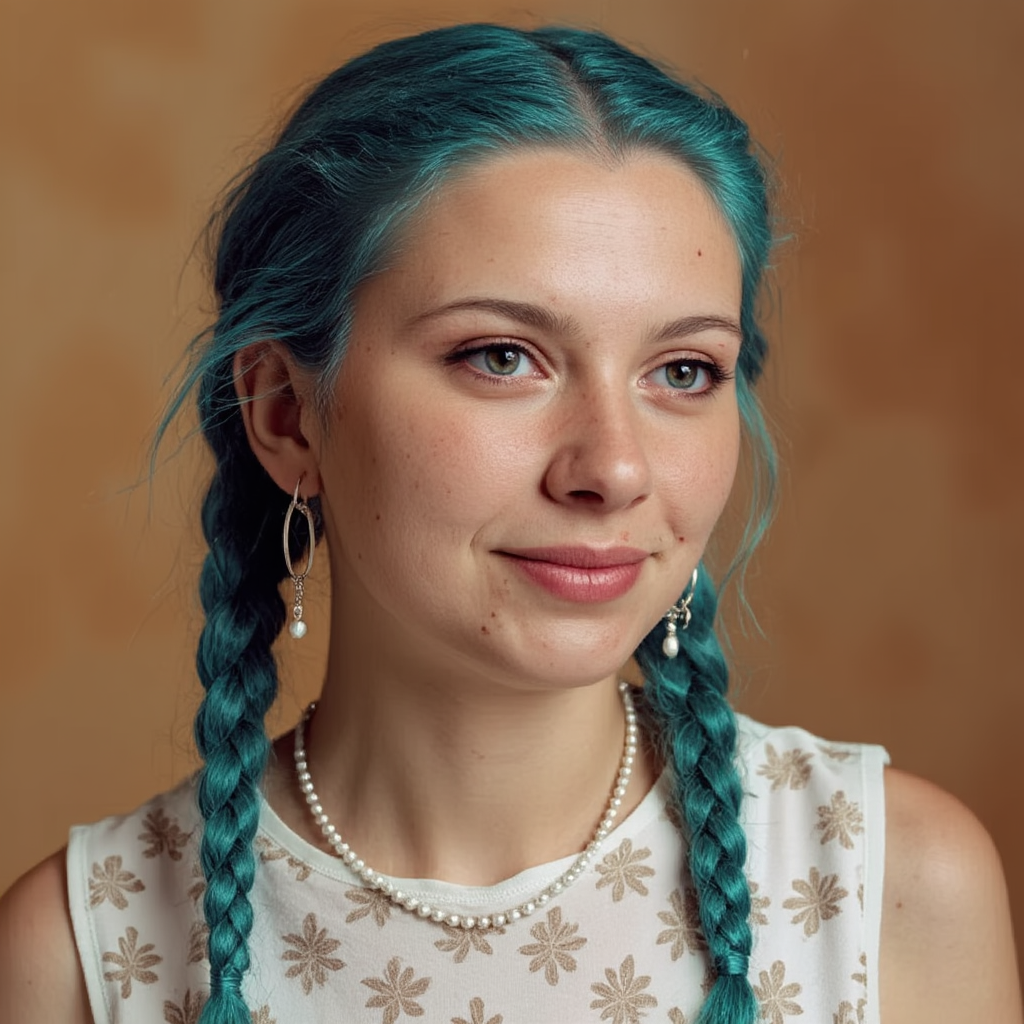
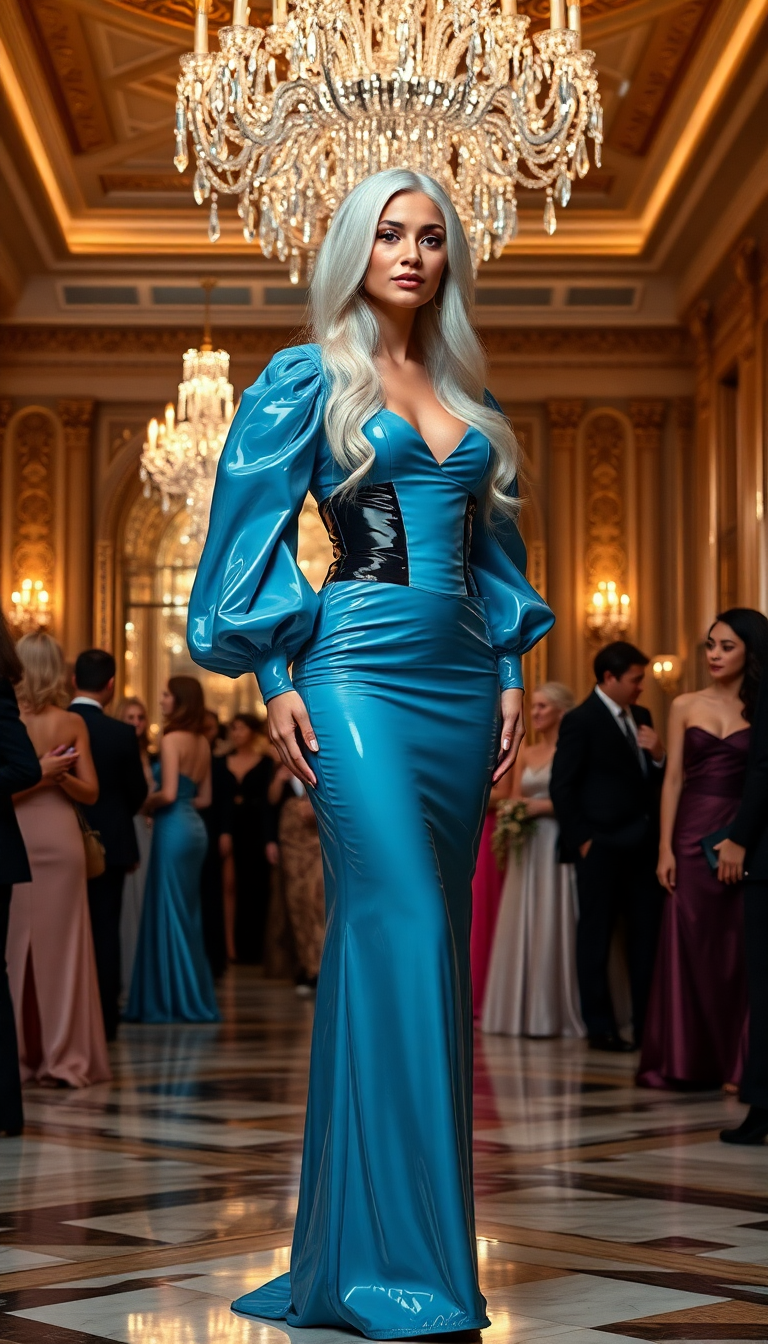
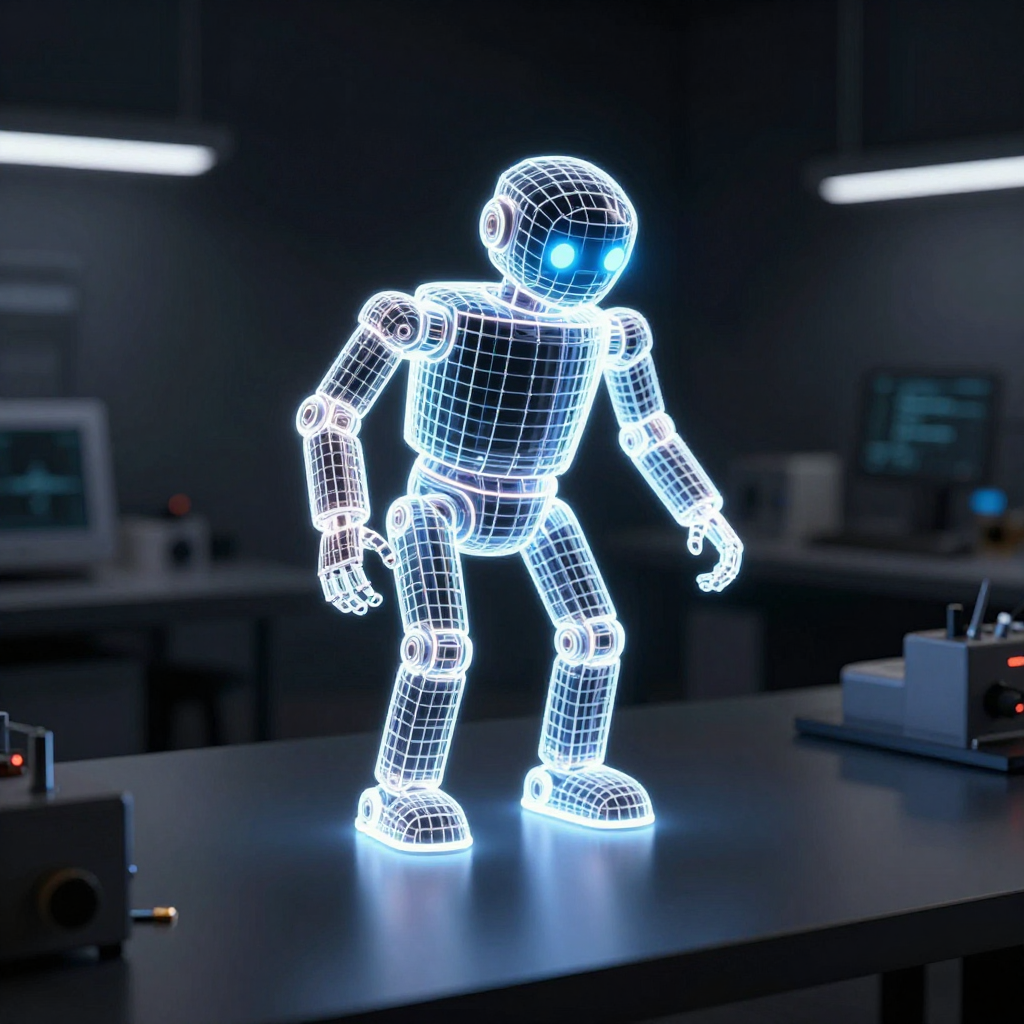
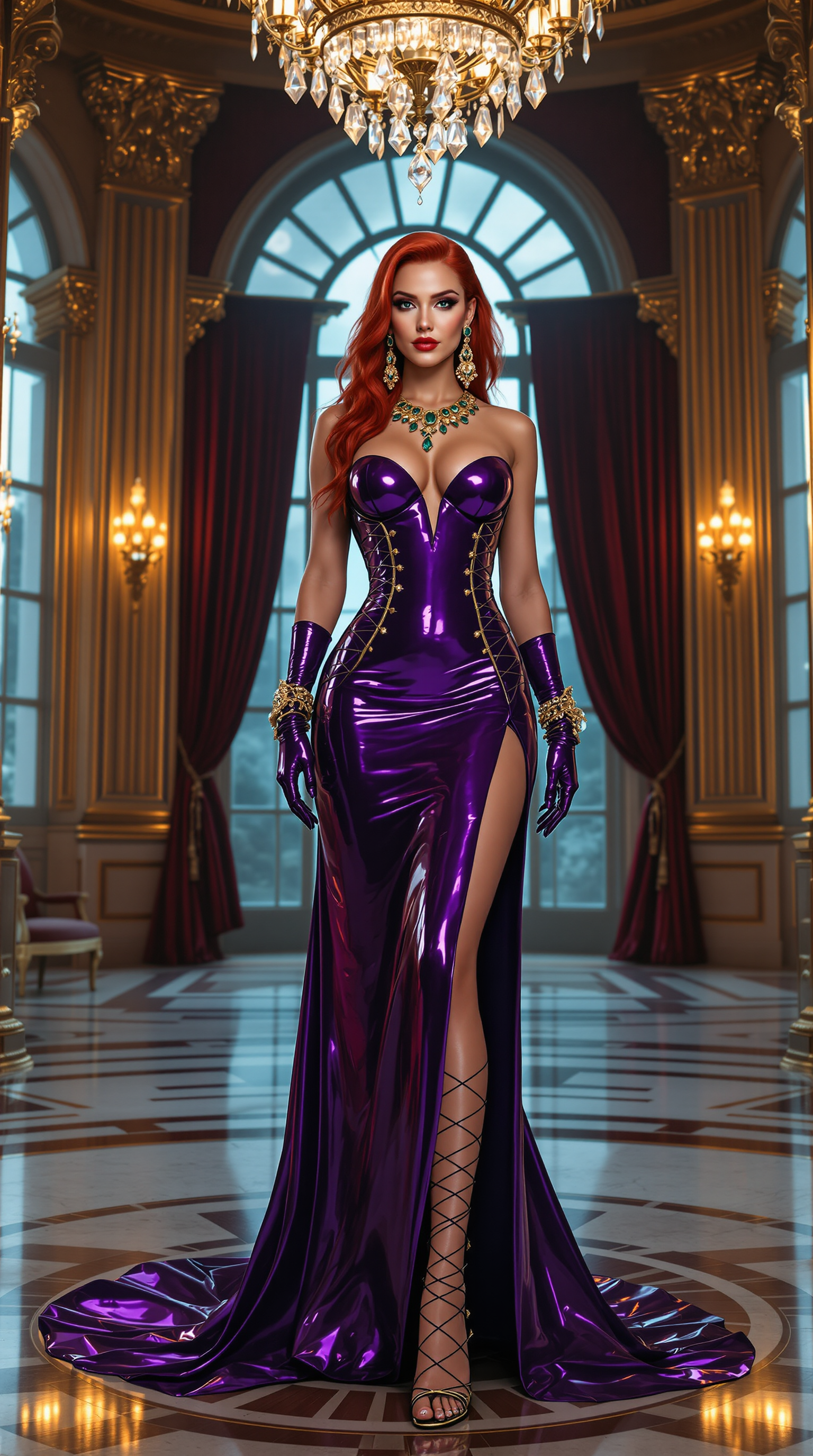
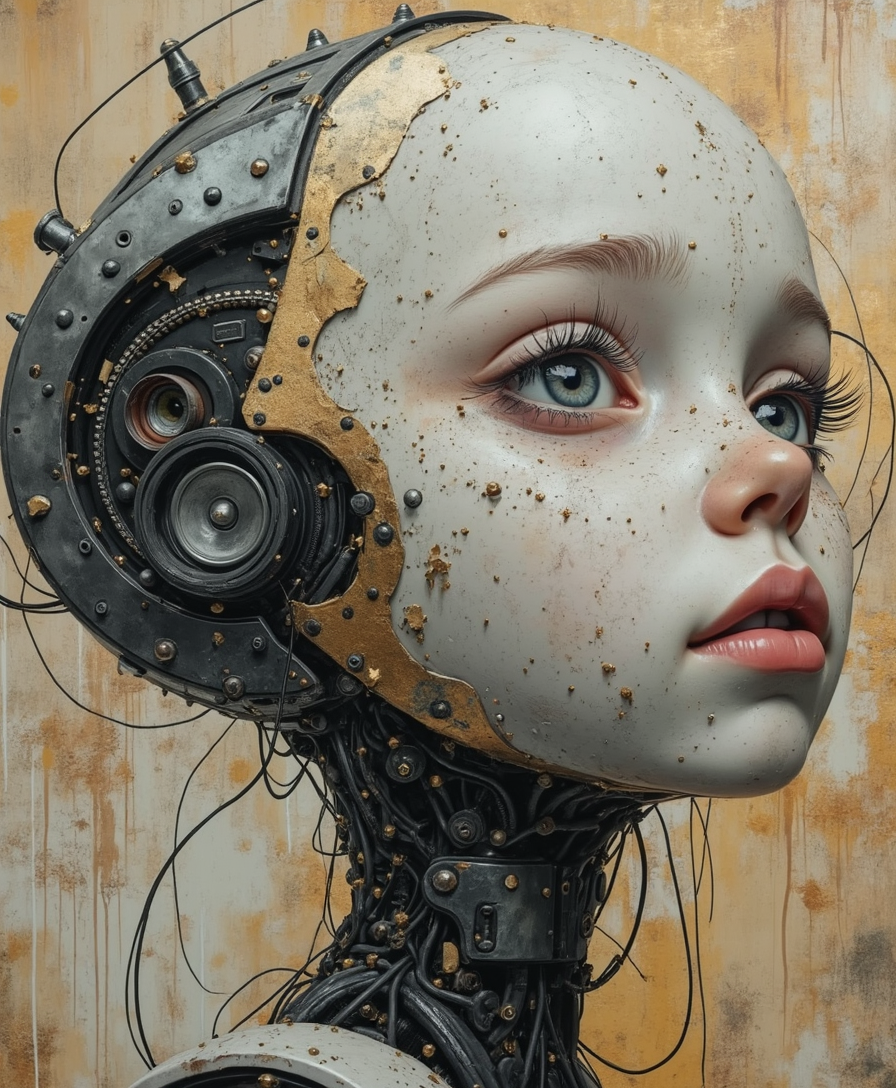
Imagine turning any idea into a masterpiece of AI generate art without years of training or expensive software. With PixelDojo, you can create stunning, professional-quality AI art that captures emotions, tells stories, and stands out on social media or in your projects. Whether you're a designer needing quick concepts, a storyteller building visual worlds, or a hobbyist exploring new forms of expression, our platform delivers outcomes that spark joy and drive results. Users report finishing projects in minutes that once took days, all while exploring trending styles like intentional AI blur for dreamy effects or hyper-detailed photorealistic scenes. PixelDojo empowers you to experiment freely, refine effortlessly, and produce art that resonates with your audience.
Join over 75,000 creators worldwide who rate PixelDojo 4.9/5 for AI generate art. Our community has generated millions of images, with trending styles like consistent characters and cinematic lighting seeing 300% growth in usage this year. Trusted by freelancers, brands, and educators for reliable, high-impact results.
Why Choose Pixel Dojo for ai generate art
Professional-quality results with cutting-edge AI technology
Bring Any Vision to Life Instantly
Describe your dream scene and watch PixelDojo turn it into vivid AI generate art using tools like Flux.2 Studio or Grok Image. Achieve impossible photoreal scenes or artistic interpretations that captivate viewers and elevate your creative portfolio.
Maintain Perfect Character Consistency
Build entire series or stories with identical characters across multiple images. Leverage Consistent Characters and Ideogram 4 to ensure your AI generate art maintains the same face, style, and personality – perfect for comics, branding, or animations.
Experiment with Trending Styles Effortlessly
Stay ahead with the latest AI art trends like intentional blur effects, glittering highlights, or text-integrated designs. PixelDojo's diverse models including Krea V2 and Recraft V4.1 let you explore and master these styles quickly for fresh, shareable content.
How It Works
Creating AI generate art is simple and rewarding. Follow these three steps to start producing professional results right away.
Step 1: Choose Your Tool
Browse our Generate Images section and select from specialized models like Flux.2 Studio for photorealism, Ideogram 4 for crisp text in art, or Grok Image for creative flair. Each tool is optimized for different AI generate art outcomes.
Step 2: Enter Your Prompt
Type a detailed description of your vision, such as 'ethereal forest with glowing AI blur effects and golden glitters.' Incorporate trends like character consistency by referencing previous outputs or using style references from tools like WAN Image.
Step 3: Customize & Download
Refine with editing tools like Style Transfer or Magic Lighting for perfect results. Use Consistent Characters for series work, then upscale with P-Image Upscale and download in high resolution ready for any project.


The Pixel Dojo Advantage
Why PixelDojo outperforms other options for AI generate art creation
| Others | Pixel Dojo |
|---|---|
| Traditional art creation | Skip years of practice and expensive materials – generate professional AI art in seconds that matches or exceeds hand-crafted quality with consistent results every time. |
| Generic AI tools | Access 40+ specialized models tailored for art trends like character consistency and multimodal editing, delivering superior variety and control without juggling multiple platforms. |
| Manual photo editing | Eliminate tedious hours of Photoshop work – our AI generate art tools handle complex edits, style transfers, and enhancements automatically while preserving your unique vision. |
Loved by creators on PixelDojo
Real feedback from people using PixelDojo, pulled from our in-product surveys.
The amazing tools
Top notch quality and strong prompt adherence.
A well resourced sunscription with attention to updates.
Easy to use and there's lots of options.
super lora download
Great variety of tools to create and modify images and video.
Explore more AI tools on PixelDojo
AI Tools
Compare & Switch
- Best AI Image Generators
- Best AI Video Generators
- Midjourney Alternatives
- Civitai Alternatives
- Runway Alternatives
- Leonardo Alternatives
- Pika Alternatives
- Luma Alternatives
- Magnific Alternatives
- Veo Alternatives
- Flux Alternatives
- Freepik Alternatives
- Seedance Alternatives
- Seedream Alternatives
- Pixverse Alternatives
- GPT Image Alternatives
- Synthesia Alternatives
- Playground Alternatives
- NightCafe Alternatives
- Canva AI Alternatives
- ElevenLabs Alternatives
- ComfyUI Alternatives
- Fal Alternatives
- Replicate Alternatives
Common Questions
Everything you need to know about ai generate art
How to create consistent characters for AI generate art series with PixelDojo?
Use the Consistent Characters tool alongside models like Flux.2 Studio or Ideogram 4. Start with a base character prompt, generate variations, then lock the face and style for your entire series. This ensures perfect consistency across comic panels, brand visuals, or story illustrations, saving hours compared to manual recreation.
What are the best techniques for trending AI generate art styles in 2026?
Explore intentional AI blur with Krea V2, glittering effects via Recraft V4.1, or photoreal impossible scenes using Grok Image. Combine with editing tools like Style Transfer and Magic Lighting to master trends such as character consistency and text-integrated designs for social media virality.
Can I generate AI art with text elements using PixelDojo tools?
Yes, Ideogram 4 and similar models excel at embedding readable, artistic text into your AI generate art. Simply include specific text in your prompt, and refine with Image to Image or Inpainting for flawless integration – ideal for posters, book covers, or marketing materials.
How does PixelDojo help with real-time AI generate art experimentation?
Our platform supports fast iterations with tools like Seedream 5 Lite and Flux.1 Studio. Generate, tweak prompts instantly, and preview changes in seconds. This real-time feedback loop lets you explore dozens of variations quickly, fostering creativity without frustration.
Is PixelDojo suitable for beginners wanting to learn AI generate art?
Absolutely. The intuitive interface guides you from simple prompts to advanced techniques using beginner-friendly models like ImagineArt or Dreamina 3.1. Step-by-step tutorials and example prompts help you master AI generate art outcomes fast, with no prior experience needed.
What editing options enhance my AI generate art after initial generation?
Apply Background Remover, Smart Resize, Reality Polisher, or Change Camera Angle to perfect compositions. For characters, use Pose Control or LoRA Face Swap. These tools transform good AI art into exceptional pieces tailored exactly to your vision.