ai generate image
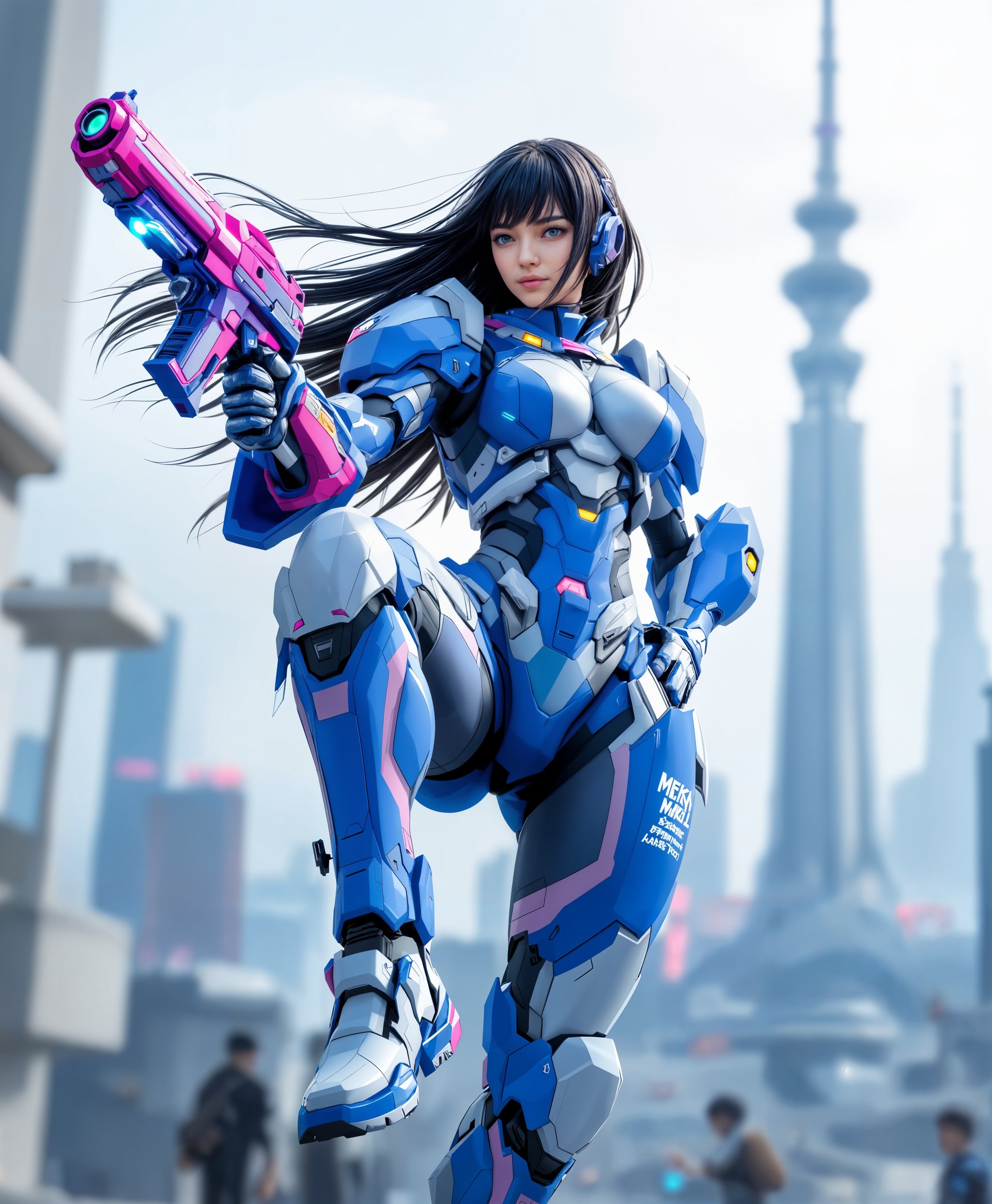
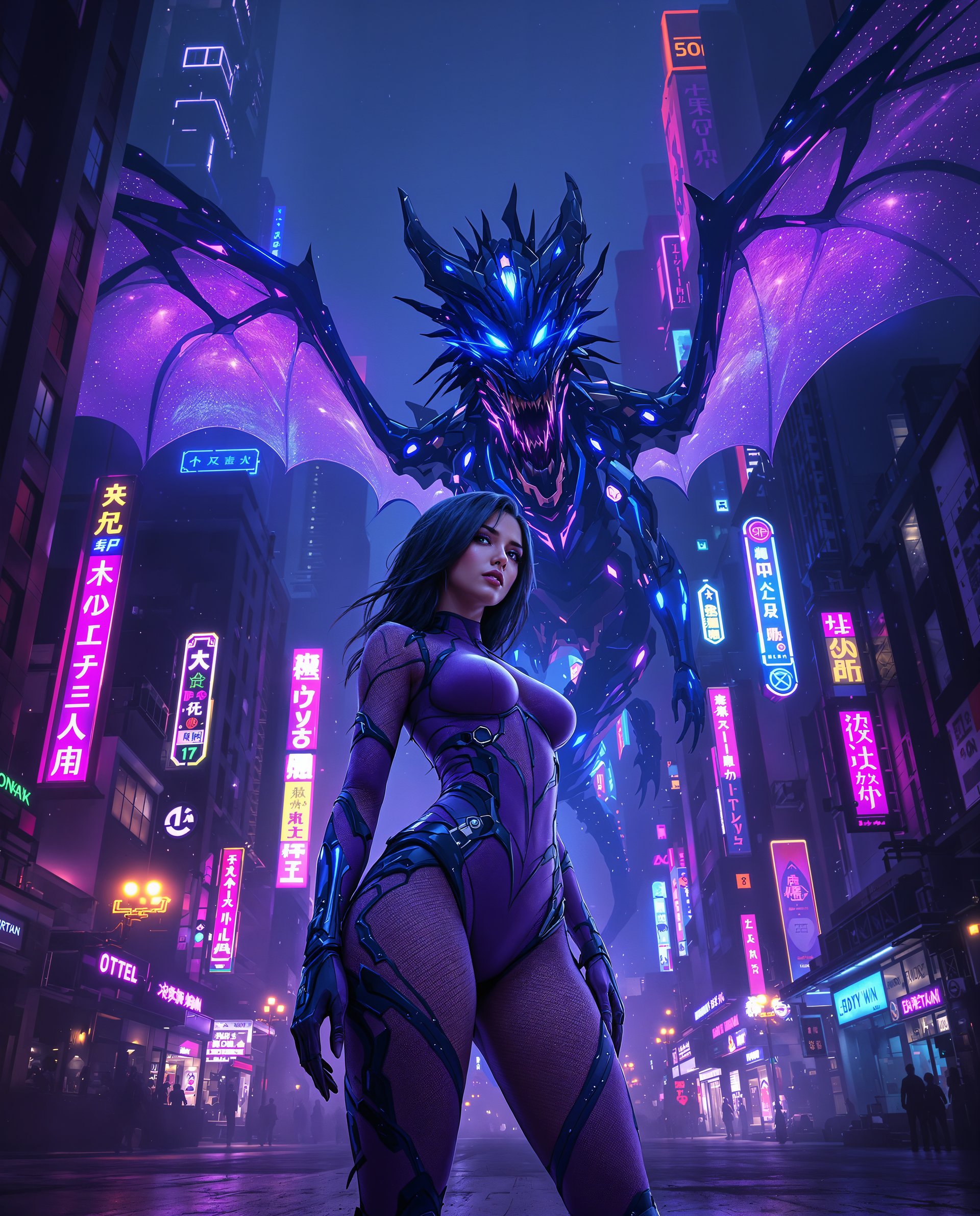
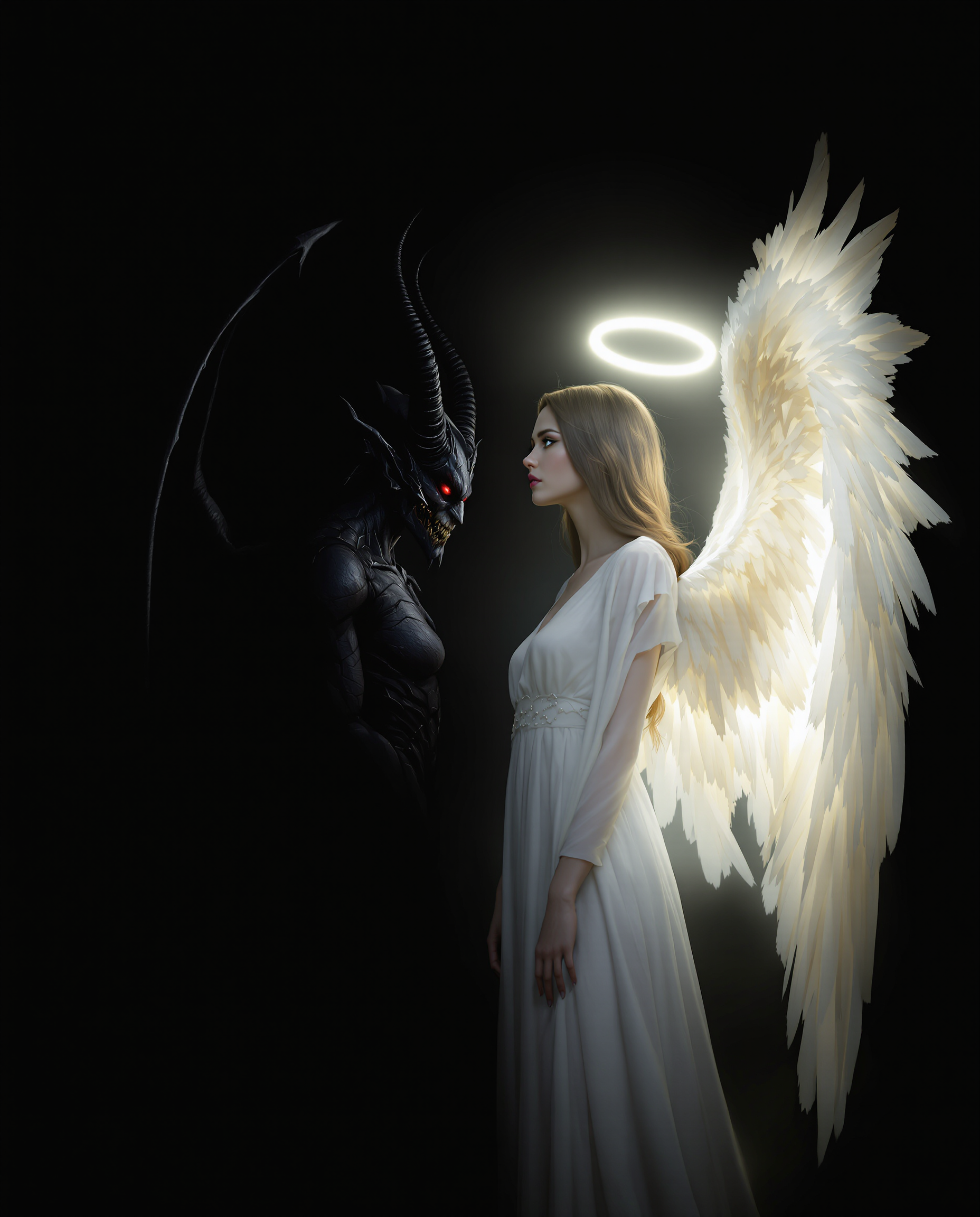
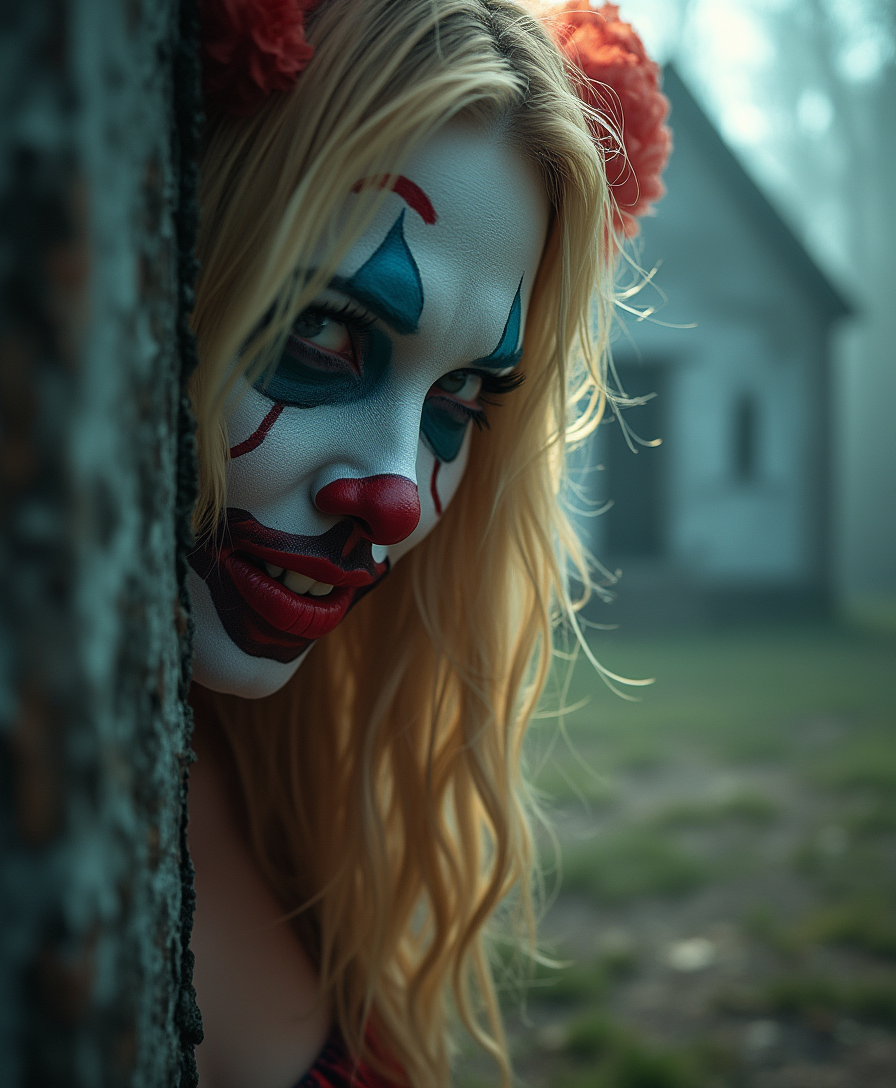
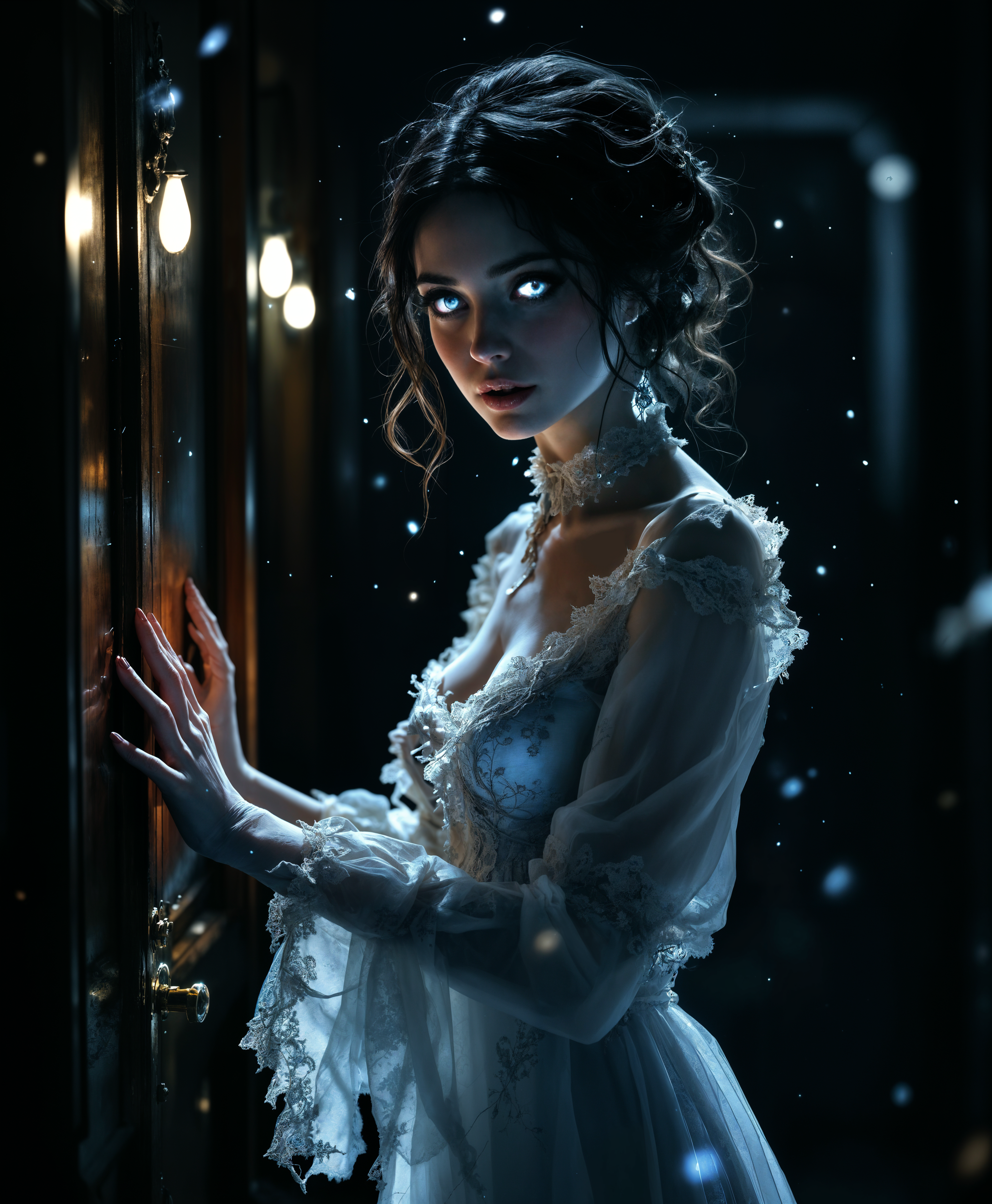
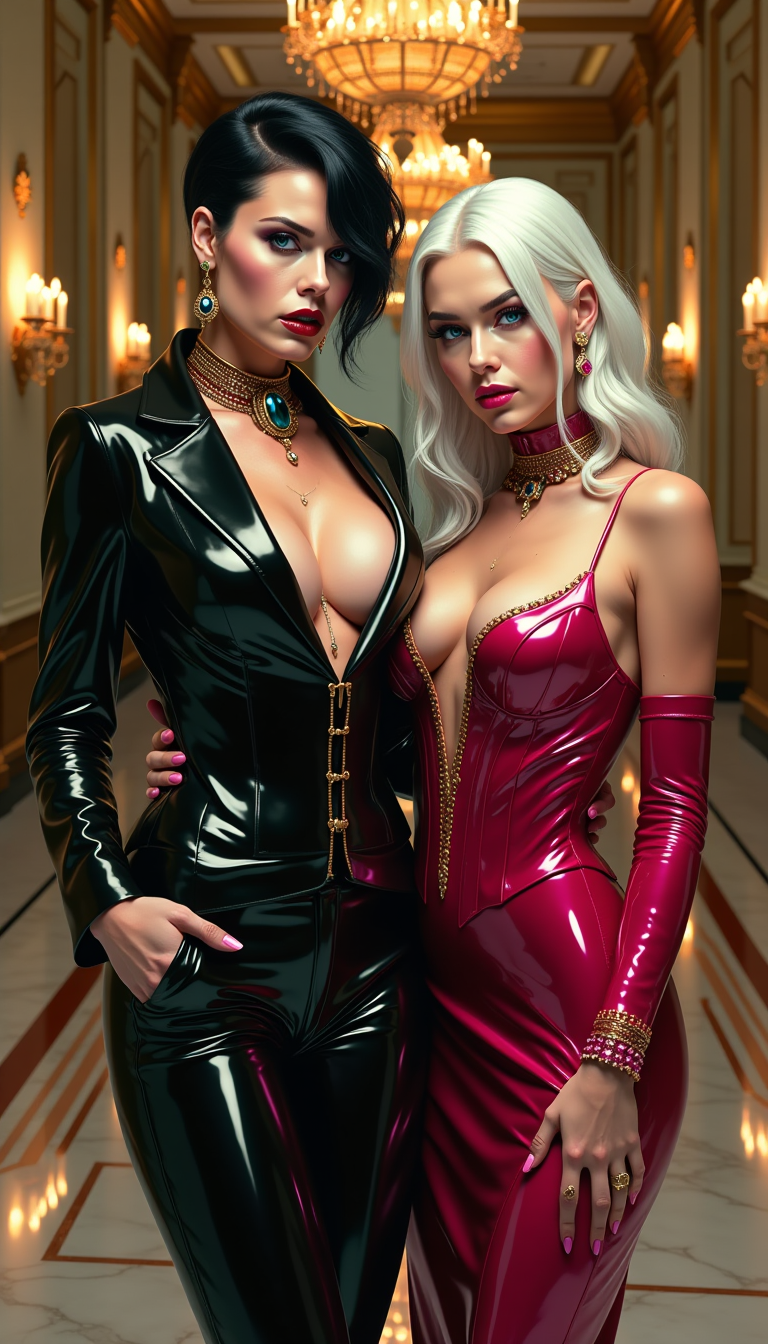
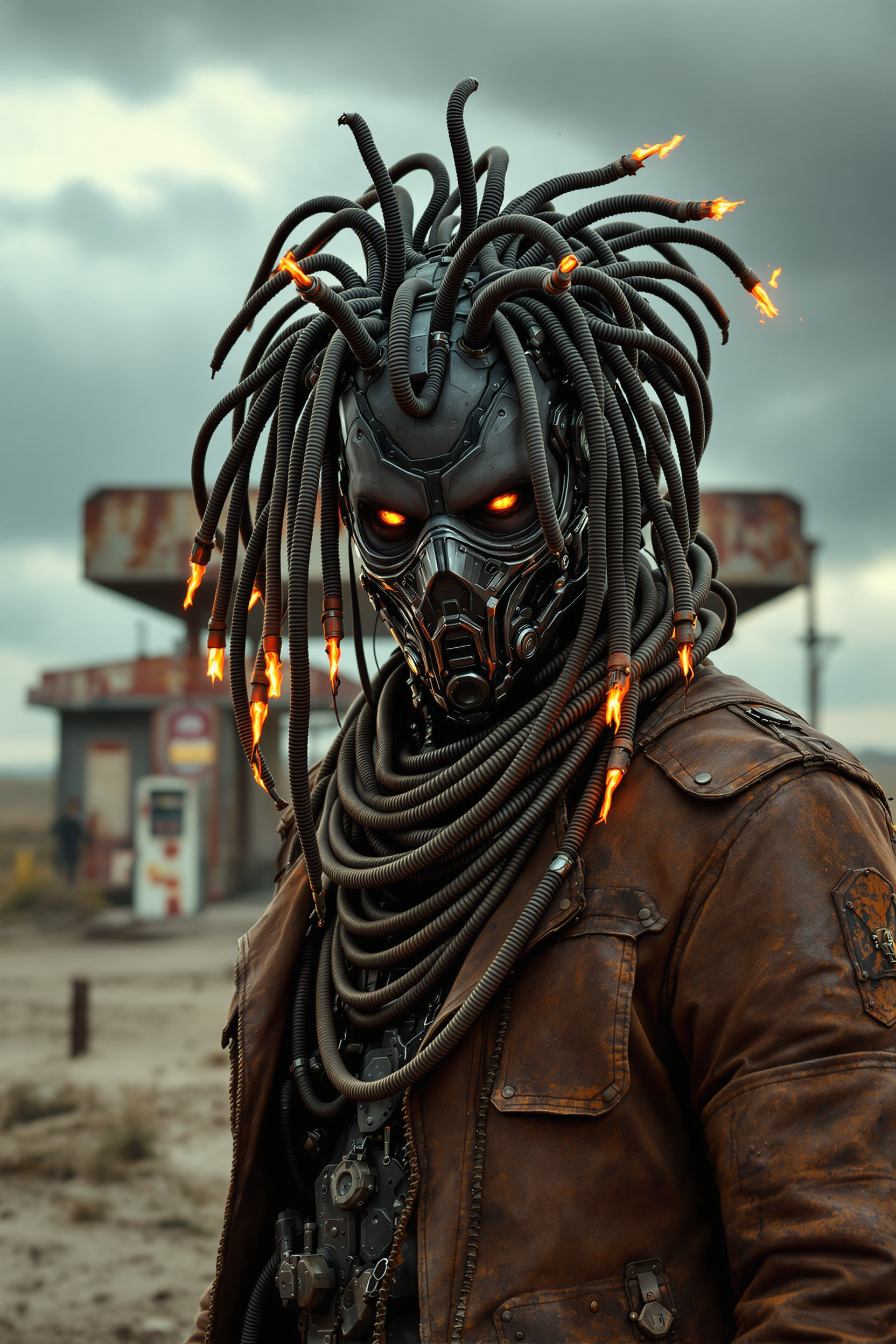
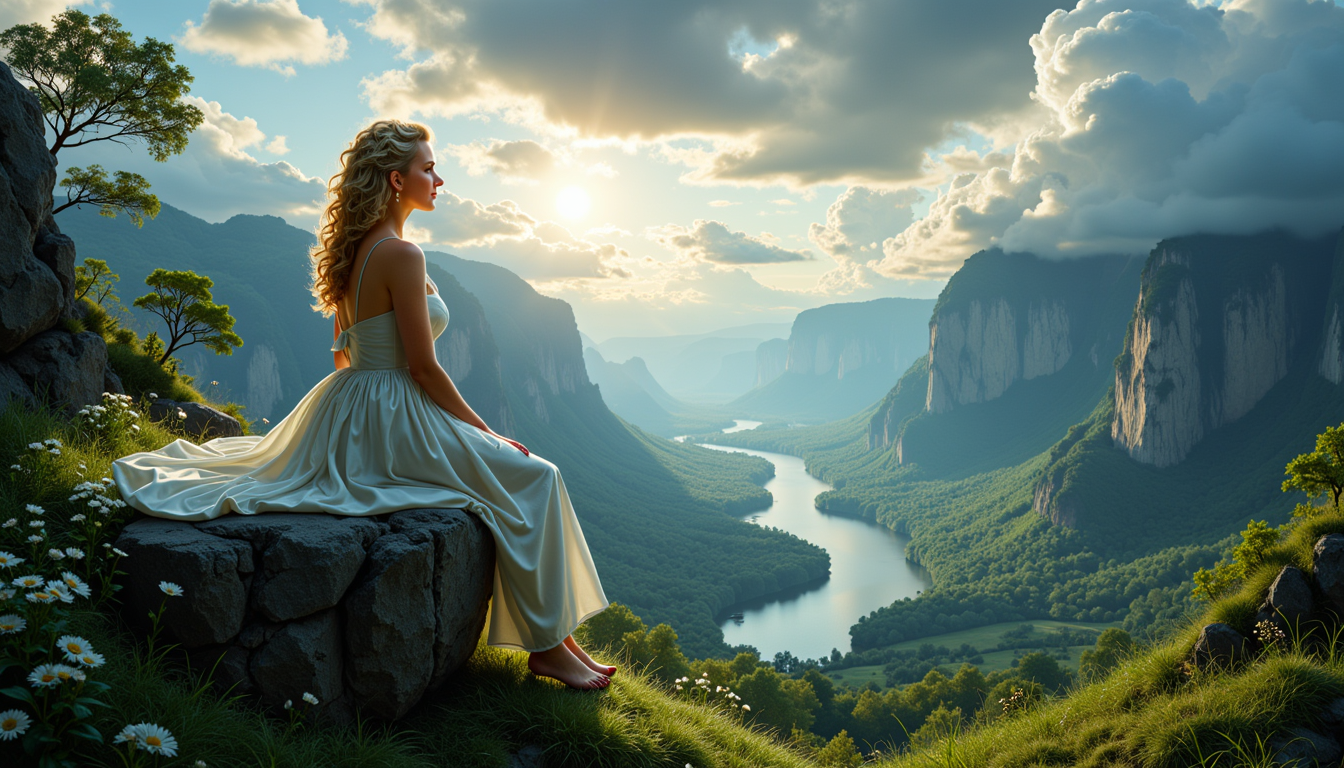
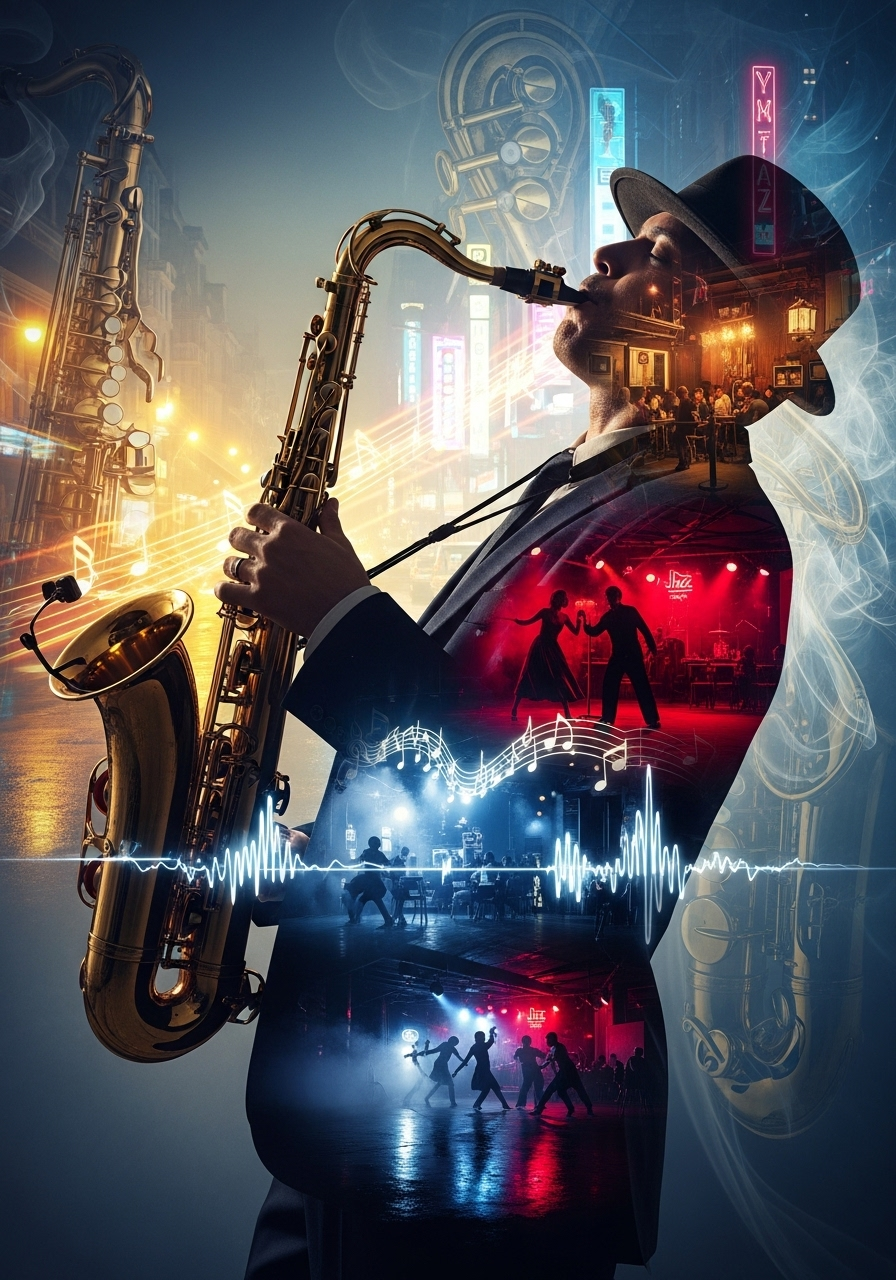
Imagine turning any idea into a stunning, professional-quality image in seconds. With PixelDojo's AI generate image tools, you can create photorealistic portraits, vibrant illustrations, marketing visuals, or fantasy scenes without any artistic skills or expensive software. Whether you're a content creator building social media assets, a marketer crafting campaign visuals, or a storyteller developing consistent characters, PixelDojo empowers you to bring your vision to life faster than ever before. Focus on the outcomes that matter: eye-catching images that engage your audience, save hours of work, and help your projects stand out.
Over 75,000 creators worldwide trust PixelDojo to generate millions of AI images every month. Our users report 10x faster creation times and 4.9/5 average satisfaction. Join thousands who cancel their design subscriptions and create on-demand with our risk-free trial.
Why Choose Pixel Dojo for ai generate image
Professional-quality results with cutting-edge AI technology
Turn Ideas into Professional Images Instantly
Describe what you want in plain language and watch as tools like Flux.2 Studio and Grok Image deliver photorealistic or artistic results ready for print, web, or social media. No waiting, no revisions from freelancers – just instant, high-quality output you can use right away.
Maintain Perfect Character Consistency Across Projects
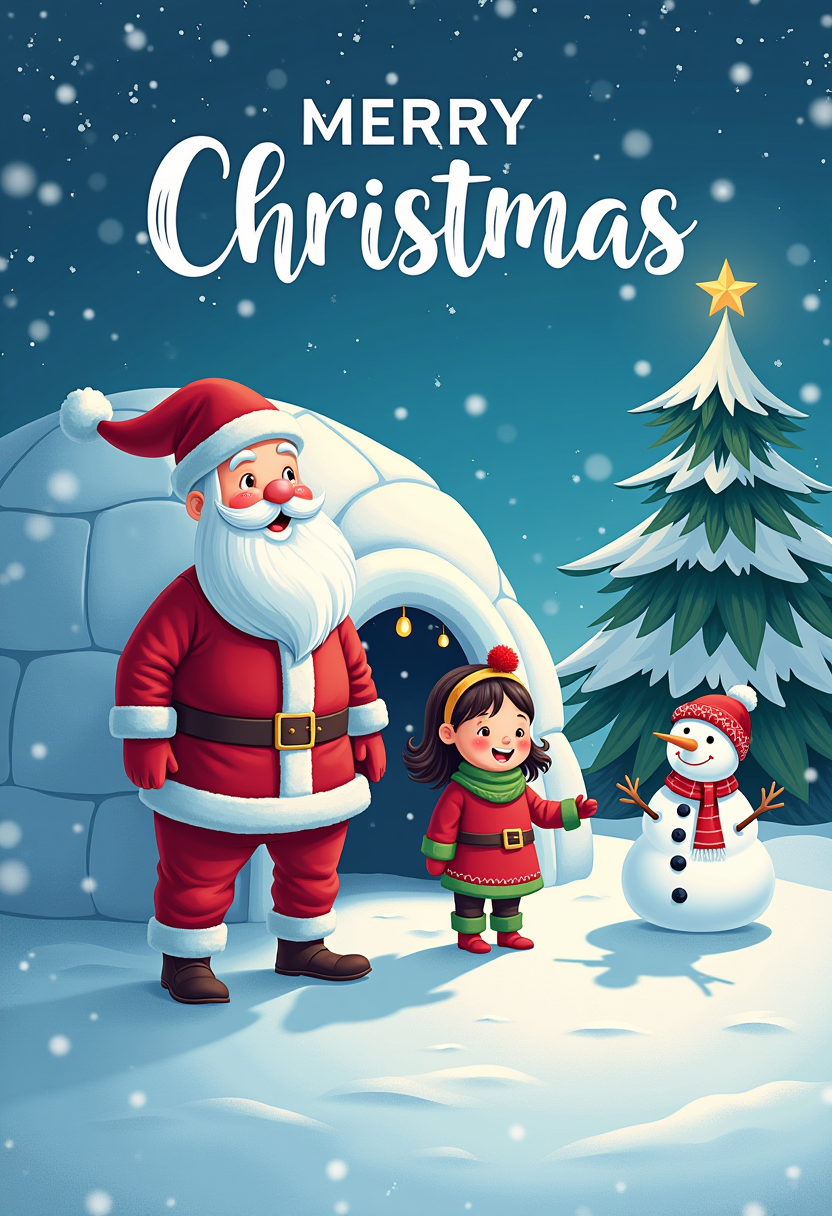
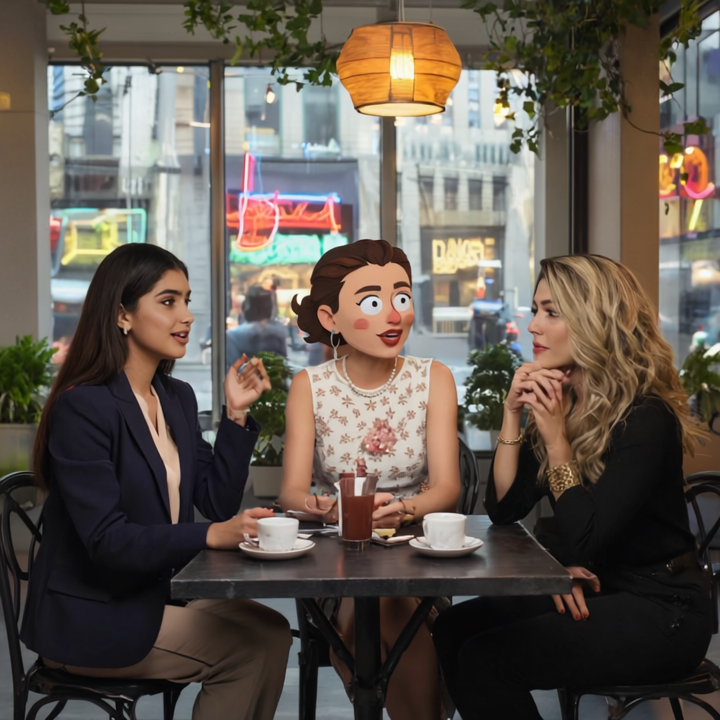
Build recognizable characters for stories, brands, or series using Nano Banana 2 and Ideogram 4. Generate dozens of images featuring the same person or style without losing details, perfect for comics, animations, or marketing campaigns that need a unified look.
Create Scroll-Stopping Visuals for Any Purpose
From social media posts and product mockups to book covers and presentations, PixelDojo's AI generate image suite helps you produce on-trend, high-engagement visuals that drive clicks, shares, and sales – all while fitting your exact style and message.
How It Works
Creating AI images with PixelDojo is simple and intuitive. Choose from specialized tools, describe your vision, and refine to perfection in minutes.
Step 1: Choose Your Tool
Browse our Generate Images section and select the perfect AI model for your needs. For photorealistic results, start with Flux.2 Studio or Kling Image. For consistent characters and detailed scenes, pick Nano Banana 2 or Seedream 4.5. GPT Image 2 excels at creative concepts while Grok Image handles quick, high-quality drafts.
Step 2: Enter Your Prompt
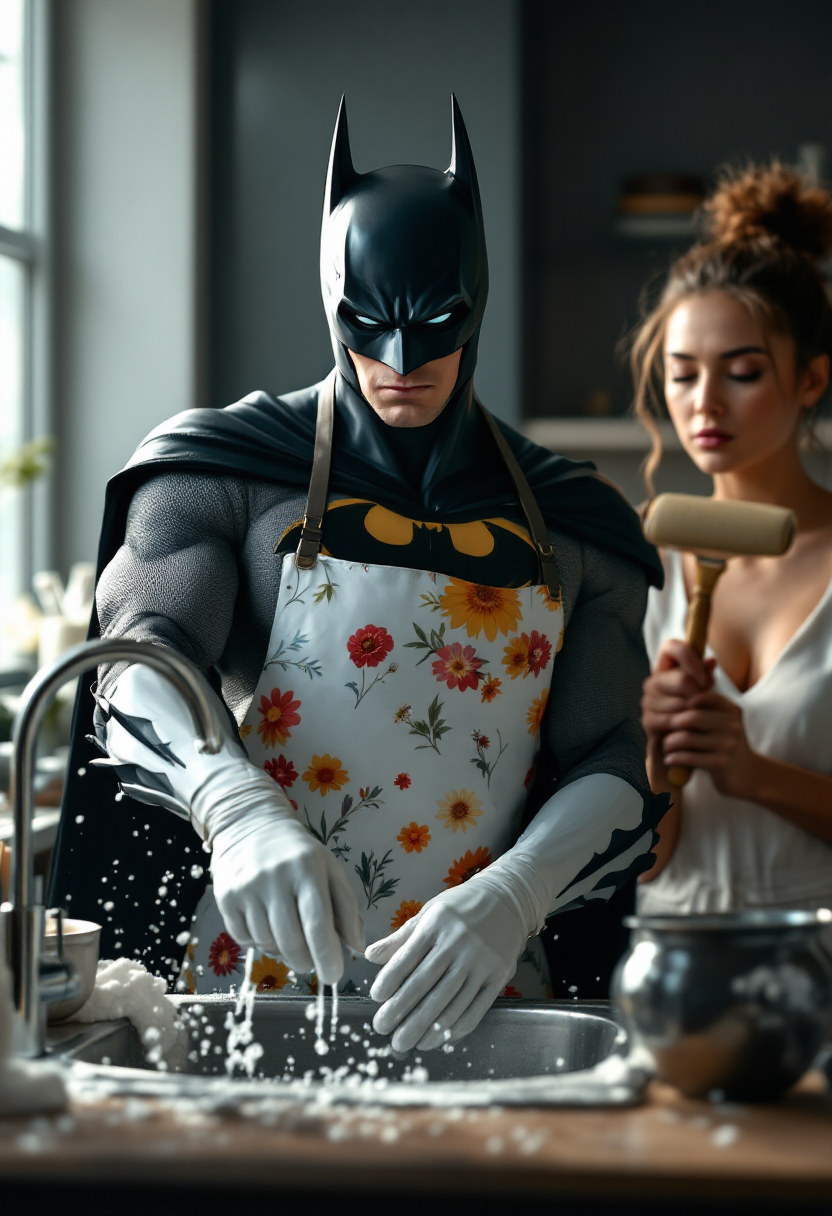
Type a clear description of your desired image. Be specific: 'Photorealistic portrait of a confident female entrepreneur in a modern office, natural lighting, 8k detail' or 'Cinematic fantasy warrior in glowing armor standing on a mountain at sunset, dramatic clouds'. Advanced models like WAN Image or QWEN Image 2 understand complex prompts including text, styles, and compositions.
Step 3: Customize & Download
Review the generated image, then use built-in options to adjust aspect ratio, enhance details, or regenerate variations. Tools like Recraft V4.1 or Bria 3.2 let you refine further. When ready, download in high resolution for immediate use in your projects. Experiment with PonyXL for stylized art or Ernie for unique cultural aesthetics.
The Pixel Dojo Advantage
Why PixelDojo outperforms other options for AI generate image creation
| Others | Pixel Dojo |
|---|---|
| Traditional stock photo libraries | Generate completely custom, unique images tailored exactly to your brief instead of settling for generic stock that everyone else uses |
| Hiring freelance designers | Get professional results in minutes for a fraction of the cost, with unlimited revisions and no communication delays or revision fees |
| Basic free AI tools | Access 40+ specialized models with superior consistency, text rendering, and commercial usage rights – far beyond limited free tiers |
Loved by creators on PixelDojo
Real feedback from people using PixelDojo, pulled from our in-product surveys.
All the tools, readily available and easy to understand
You guys, the LORA training is the BEST in the space right now, great job with that!
Tons of variety. Ease of use. Tools for beginners and advance users.
easiest workflow to get best output image or video
awesome functionality, UX, constant flood of improvements, discord interactivity
Awesome site with so many features
Explore more AI tools on PixelDojo
AI Tools
Compare & Switch
- Best AI Image Generators
- Best AI Video Generators
- Midjourney Alternatives
- Civitai Alternatives
- Runway Alternatives
- Leonardo Alternatives
- Pika Alternatives
- Luma Alternatives
- Magnific Alternatives
- Veo Alternatives
- Flux Alternatives
- Freepik Alternatives
- Seedance Alternatives
- Seedream Alternatives
- Pixverse Alternatives
- GPT Image Alternatives
- Synthesia Alternatives
- Playground Alternatives
- NightCafe Alternatives
- Canva AI Alternatives
- ElevenLabs Alternatives
- ComfyUI Alternatives
- Fal Alternatives
- Replicate Alternatives
Common Questions
Everything you need to know about ai generate image
How to generate consistent character AI images with PixelDojo tools?
Use Nano Banana 2 or Ideogram 4 to lock in character details across multiple generations. Start with a detailed prompt describing appearance, clothing, and style, then reference the same seed or use Consistent Characters feature for reliable results in stories, branding, or series.
What is the best way to create photorealistic AI generated images?
Select Flux.2 Studio, Kling Image, or Flux.1 Studio for exceptional realism and lighting. Include specific details like 'photorealistic, 8k, natural lighting, Canon EOS' in your prompt. These tools excel at human faces, textures, and environments that look like real photographs.
Can I generate AI images with text in them using PixelDojo?
Yes – models like Ideogram 4 and QWEN Image 2 are optimized for accurate text rendering within images. Simply include the exact text you want in your prompt, such as 'vintage poster with bold text saying Summer Sale 2026' for perfect results every time.
How do I generate trending AI images for social media with PixelDojo?
Choose Grok Image or GPT Image 2 for quick, viral-style content. Reference current trends like nostalgia aesthetics or cinematic portraits in your prompt. Generate multiple variations instantly and download optimized sizes for Instagram, TikTok, or LinkedIn posts.
Is PixelDojo suitable for commercial use when generating AI images?
Absolutely. All generated images come with full commercial rights. Use them for client work, product packaging, advertising campaigns, or resale without restrictions – perfect for businesses and freelancers needing professional assets fast.
How many AI images can I generate per day with PixelDojo?
With our flexible plans, you can generate hundreds of images daily across 40+ tools. High-volume users love Z Image Turbo for rapid drafts and Seedream 5 Lite for efficient production runs. Scale up or down anytime with no long-term commitments.