ai generated images
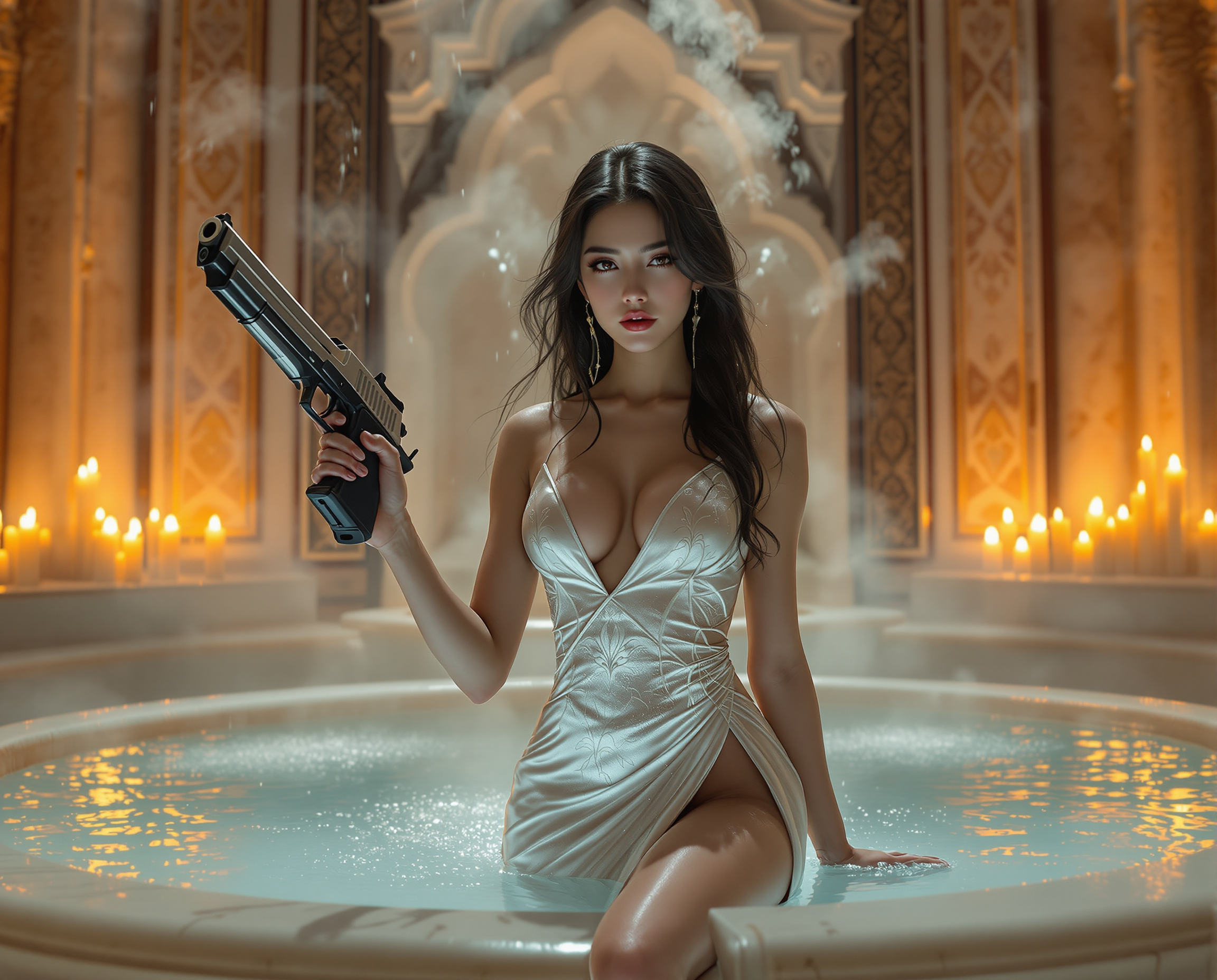
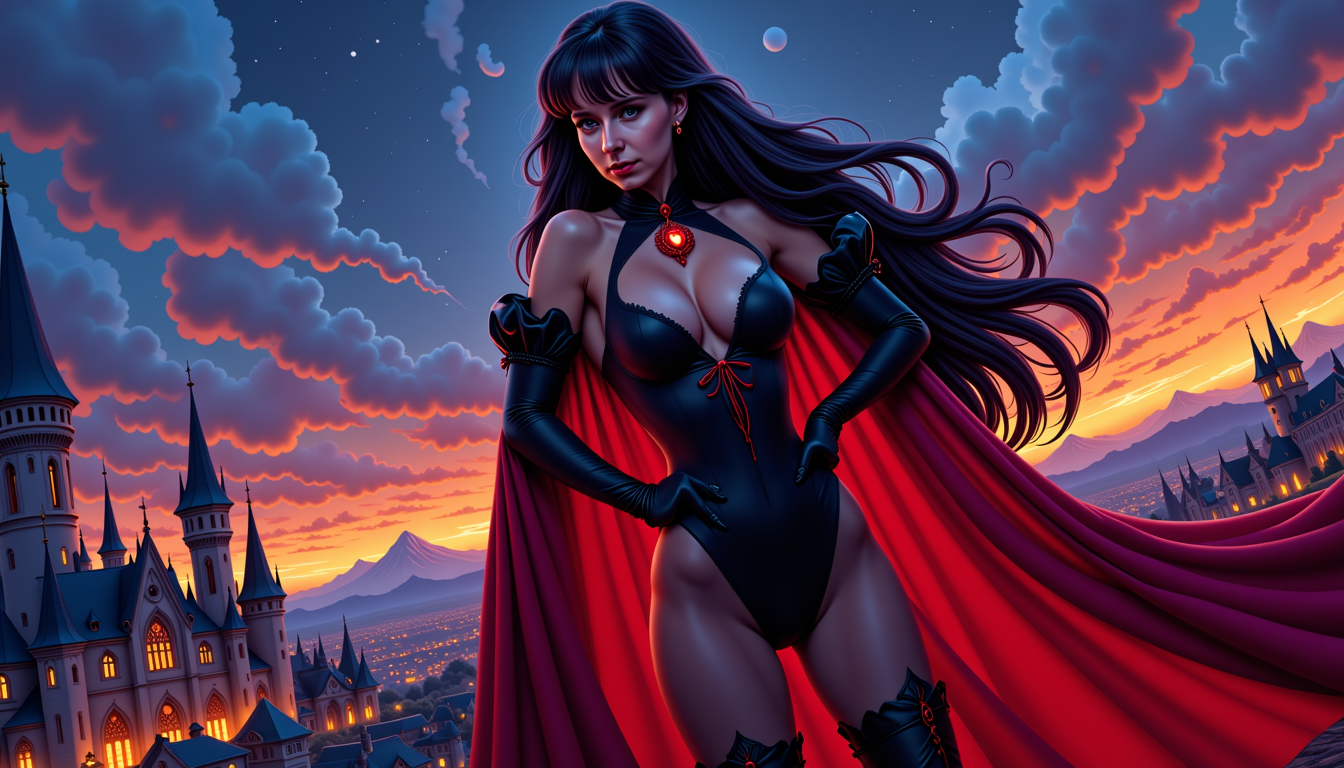
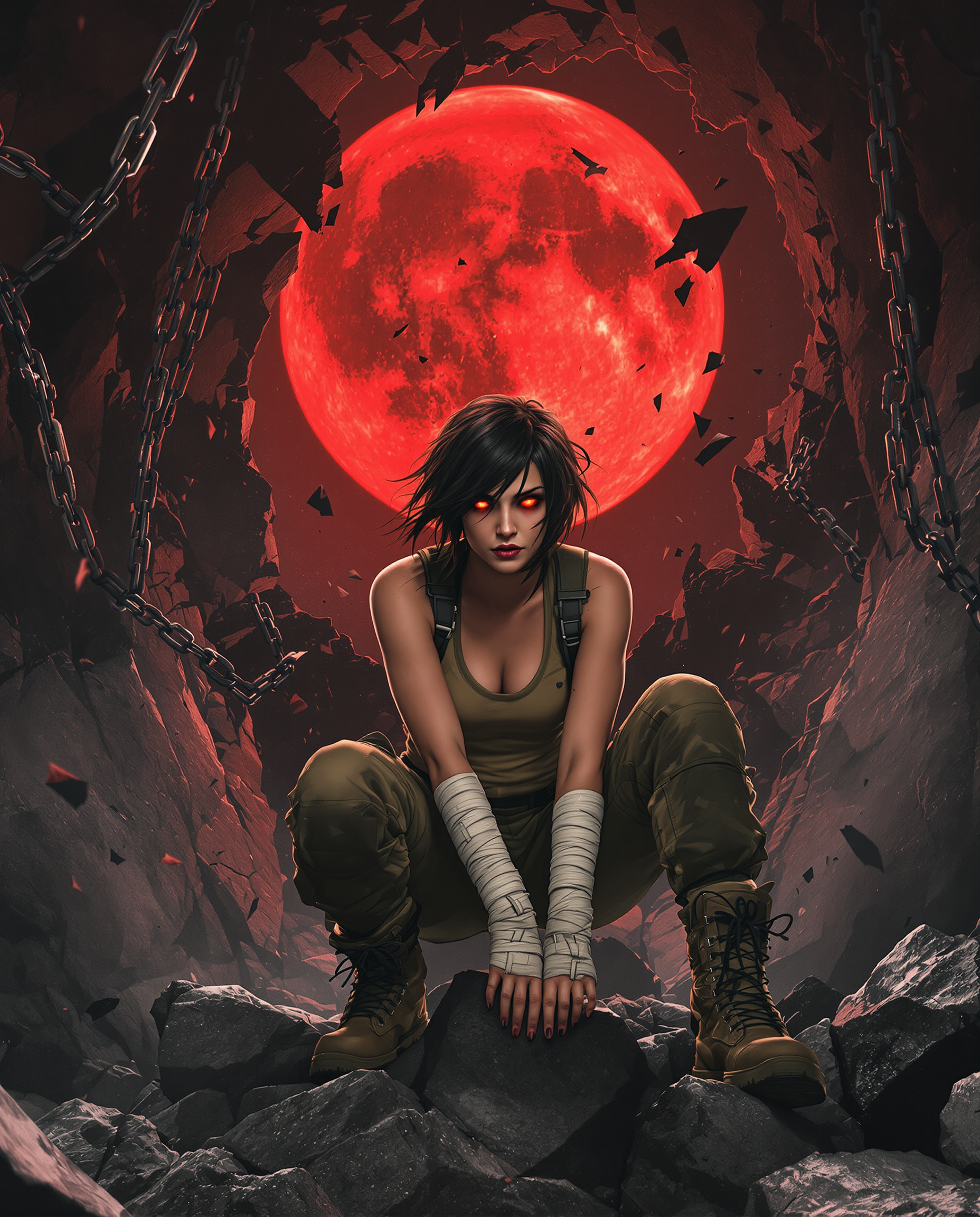
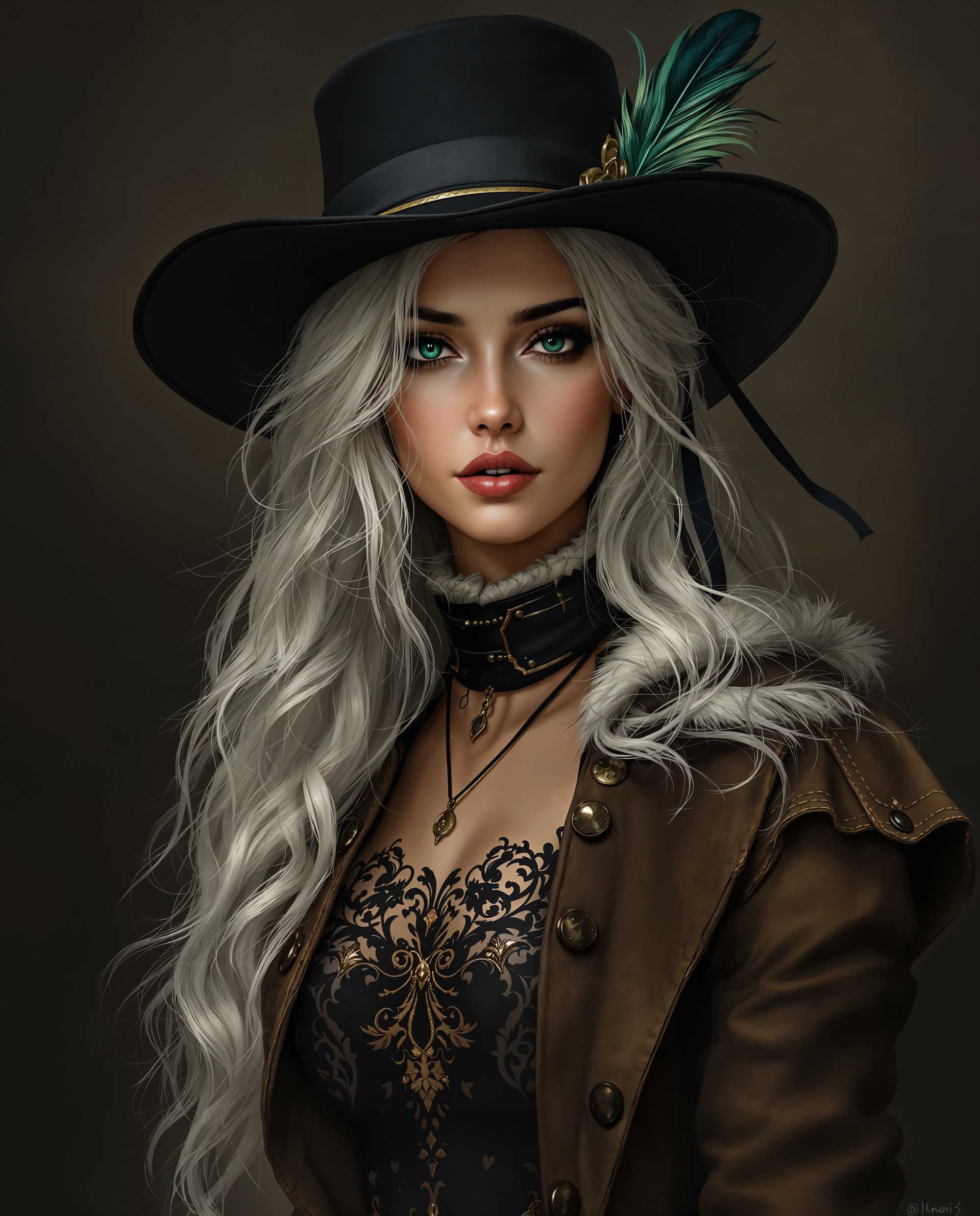
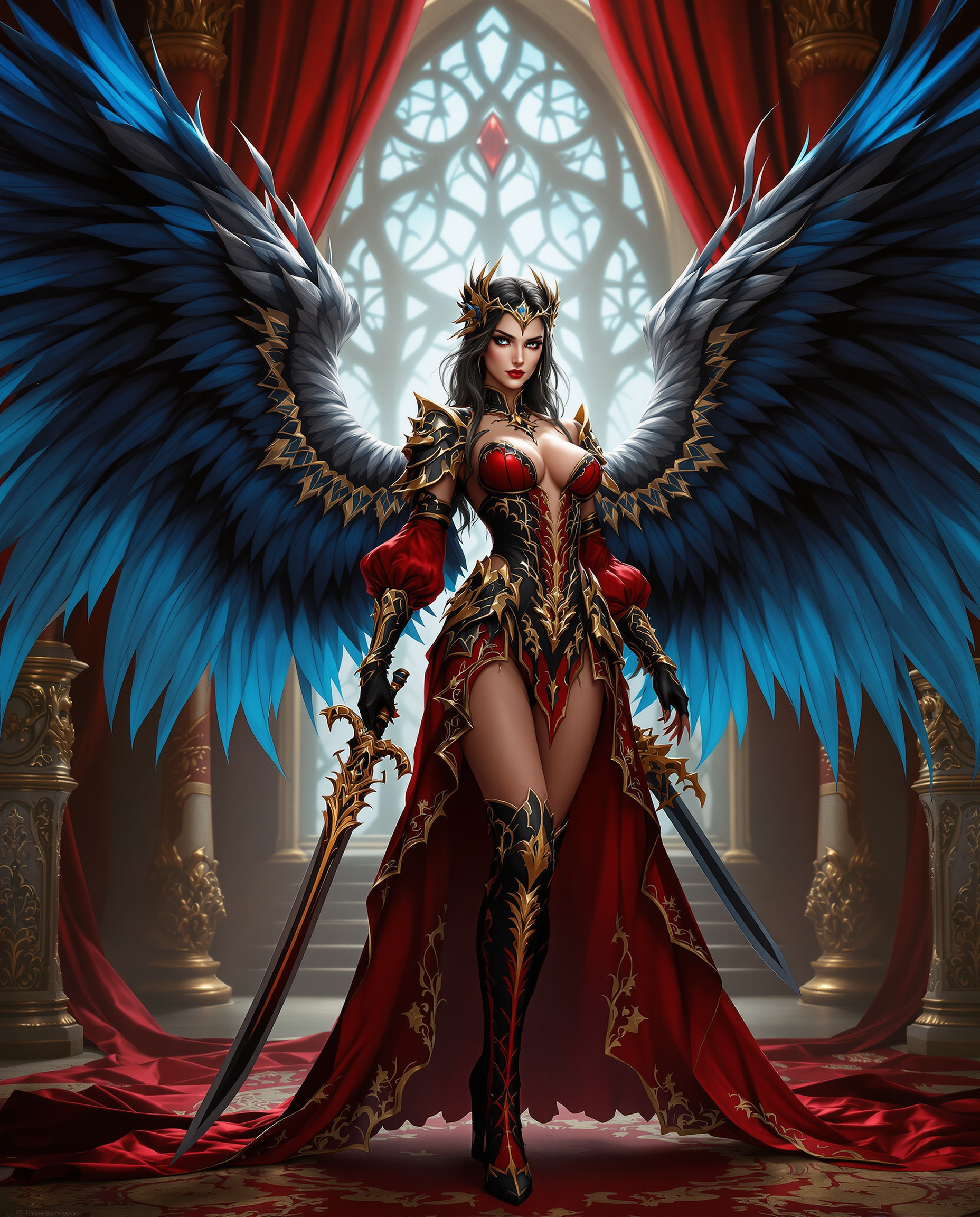
Imagine turning any idea into breathtaking AI generated images in seconds, without hiring designers or spending hours learning complex software. With PixelDojo you achieve professional-grade visuals for marketing campaigns, social media content, product mockups, story illustrations, and personal projects that captivate your audience and elevate your brand.
Join 85,000+ creators who have produced over 15 million AI generated images. 4.9/5 average rating from verified users. Featured in top creative communities and trusted by freelancers, agencies, and brands worldwide.
Why Choose Pixel Dojo for ai generated images
Professional-quality results with cutting-edge AI technology
Produce Photorealistic Results on Demand
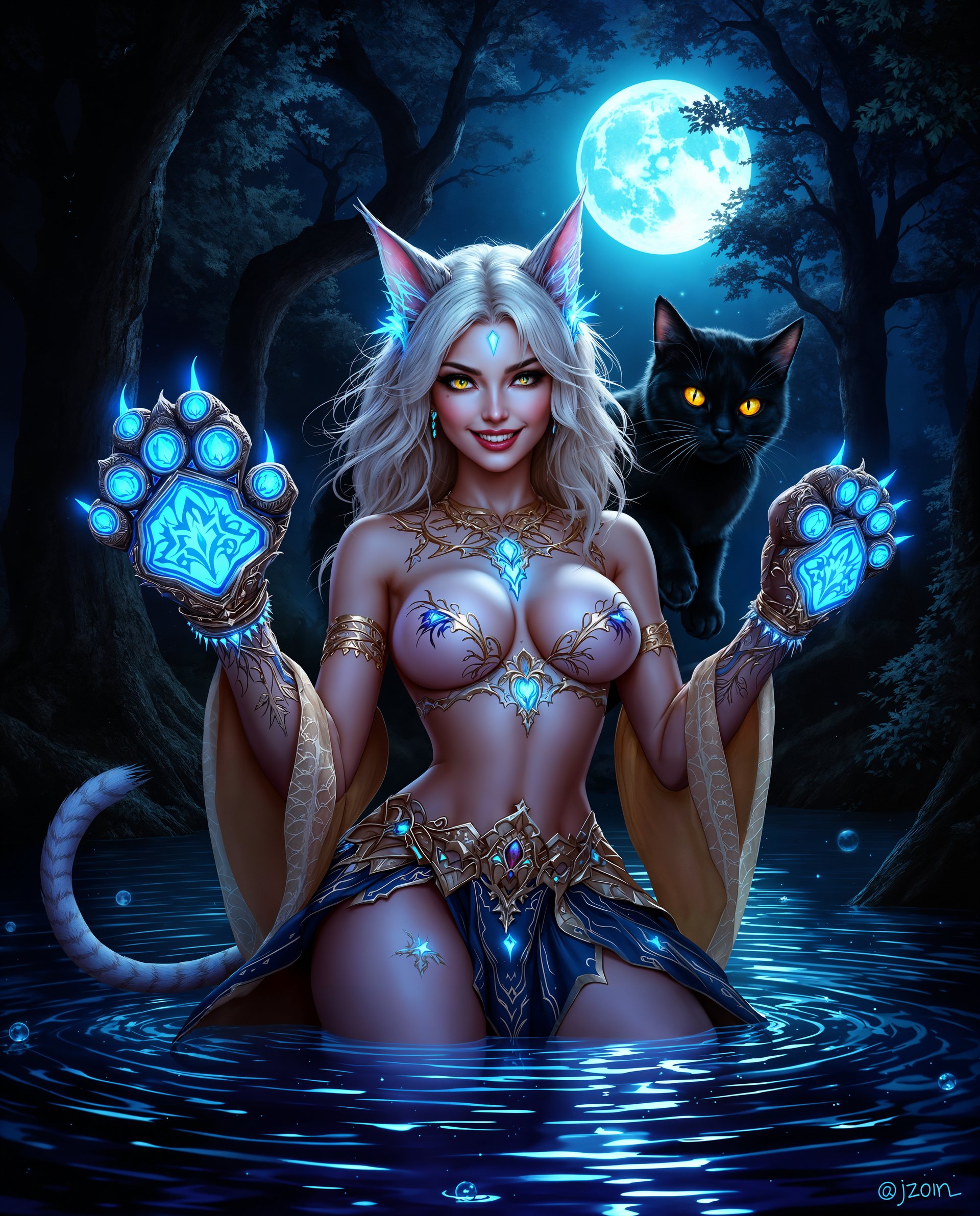
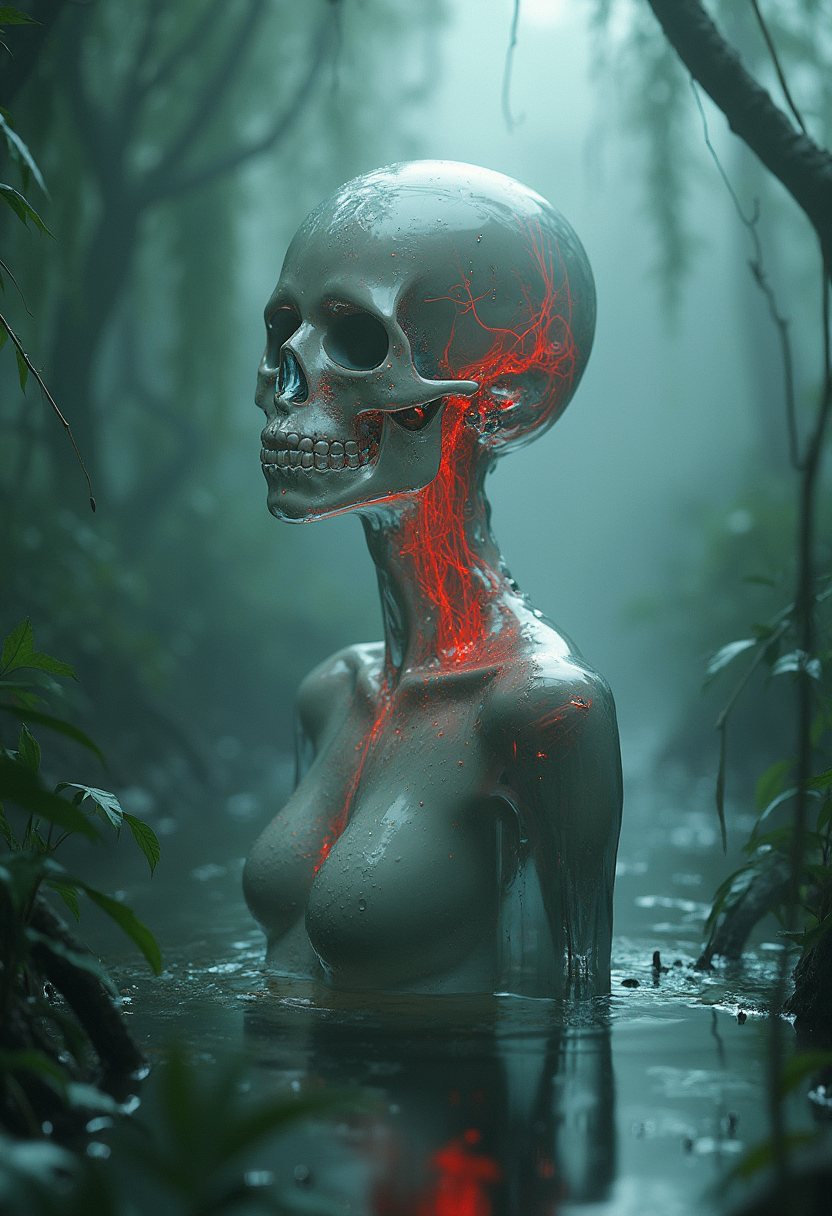
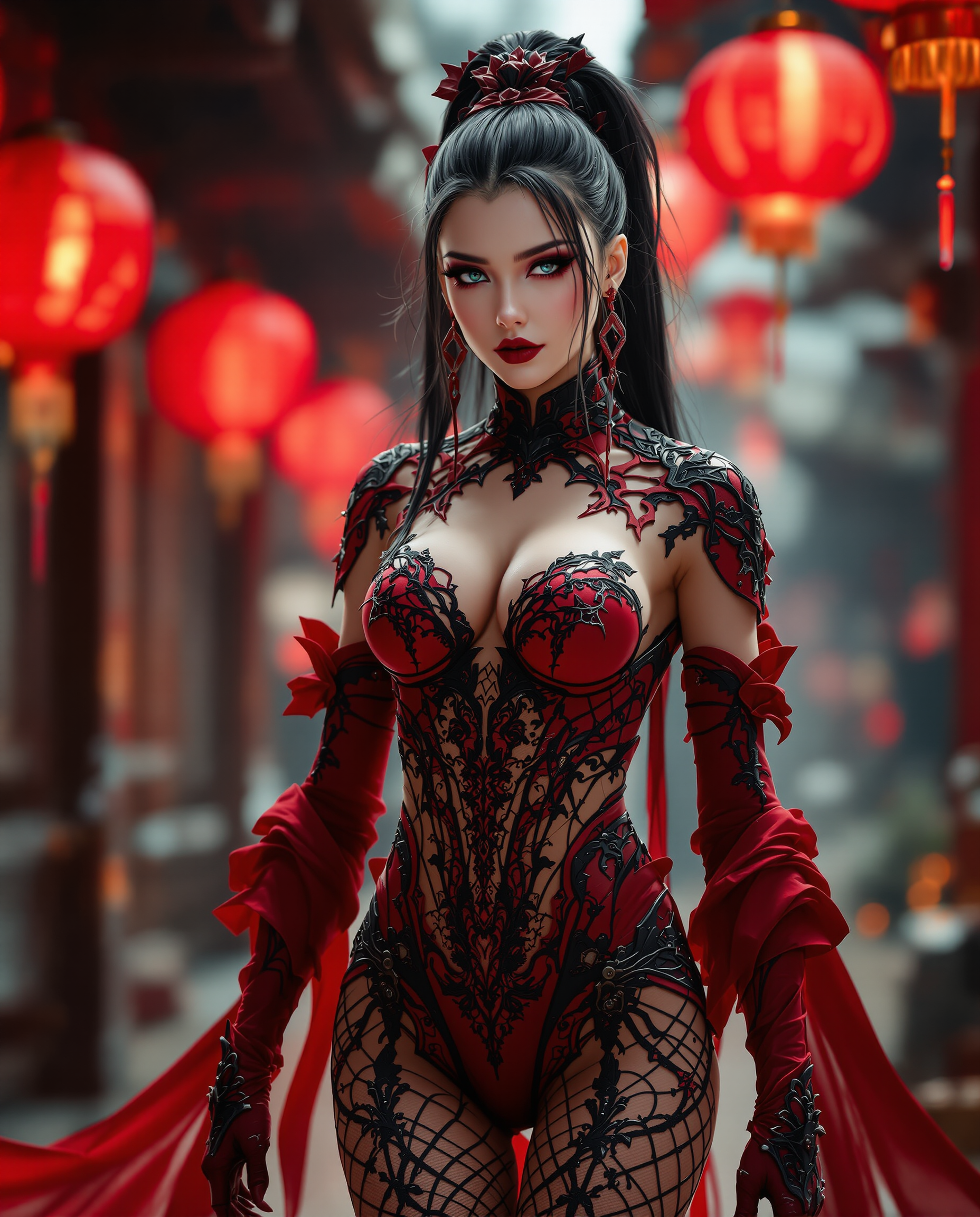
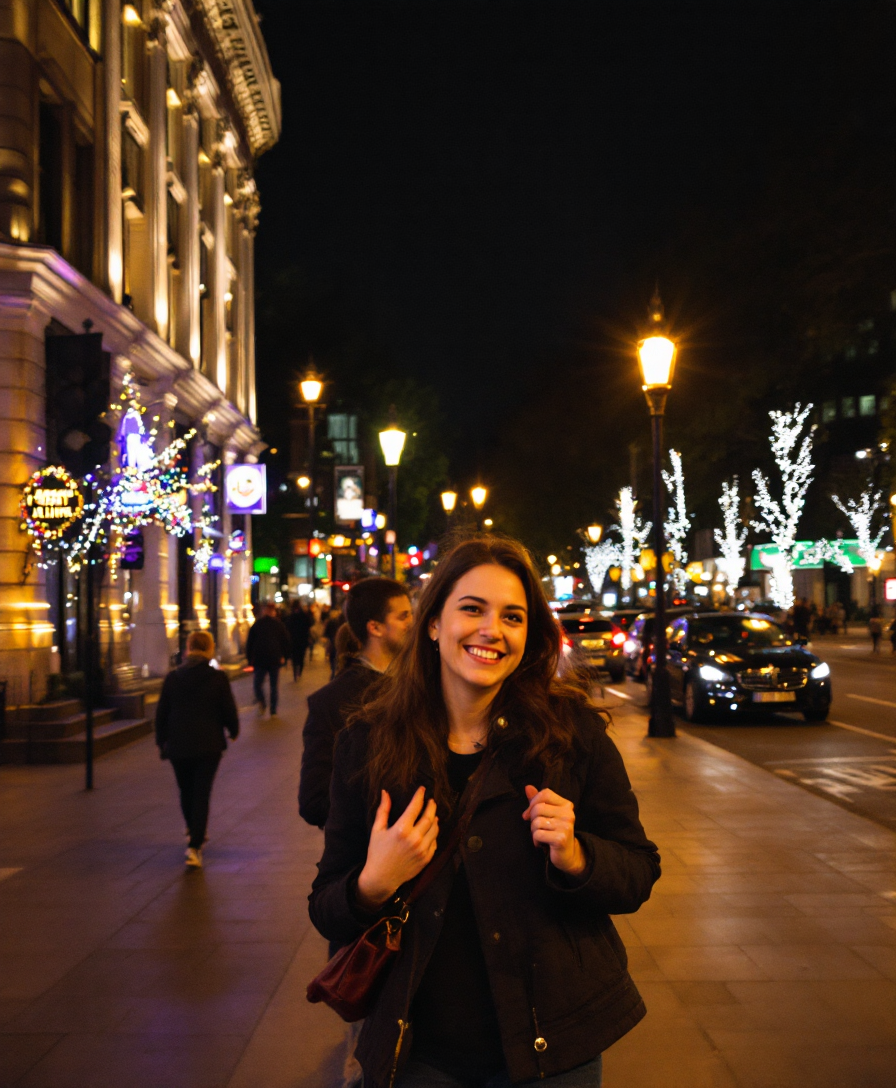
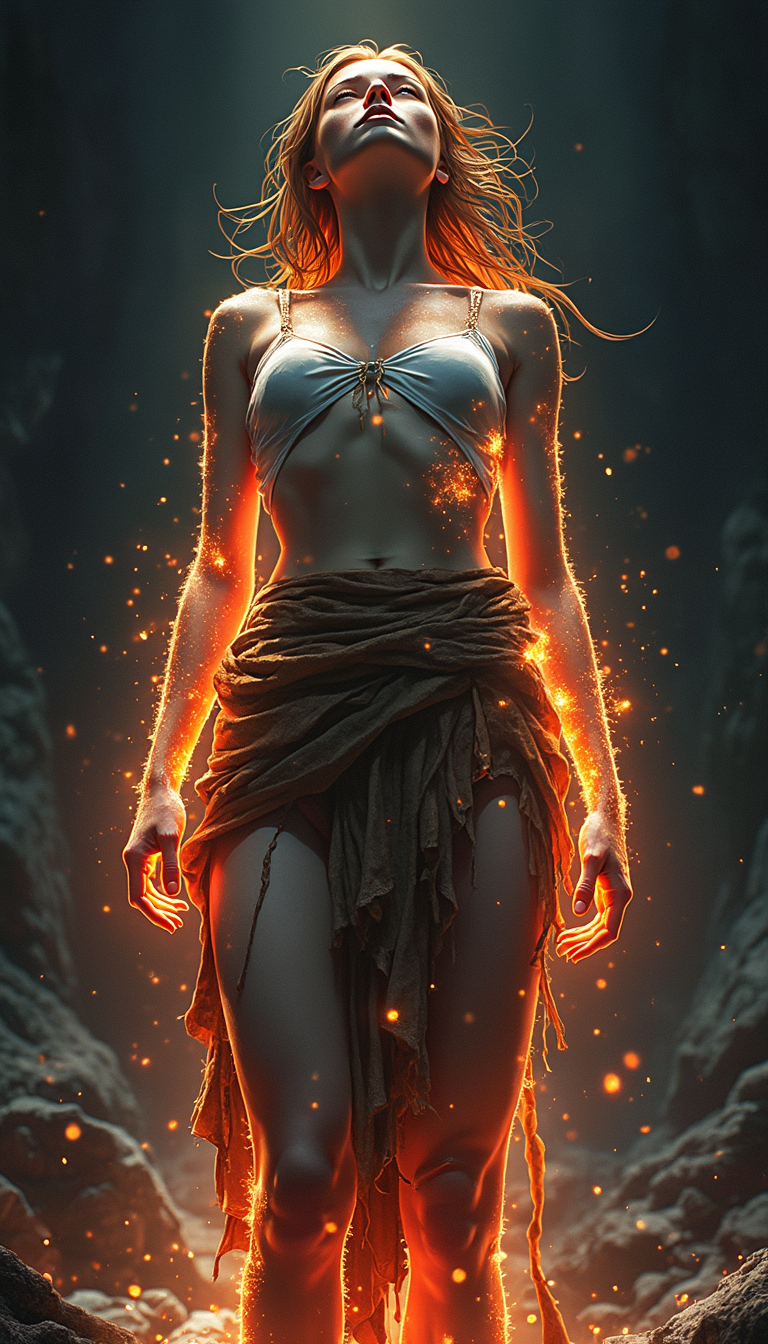
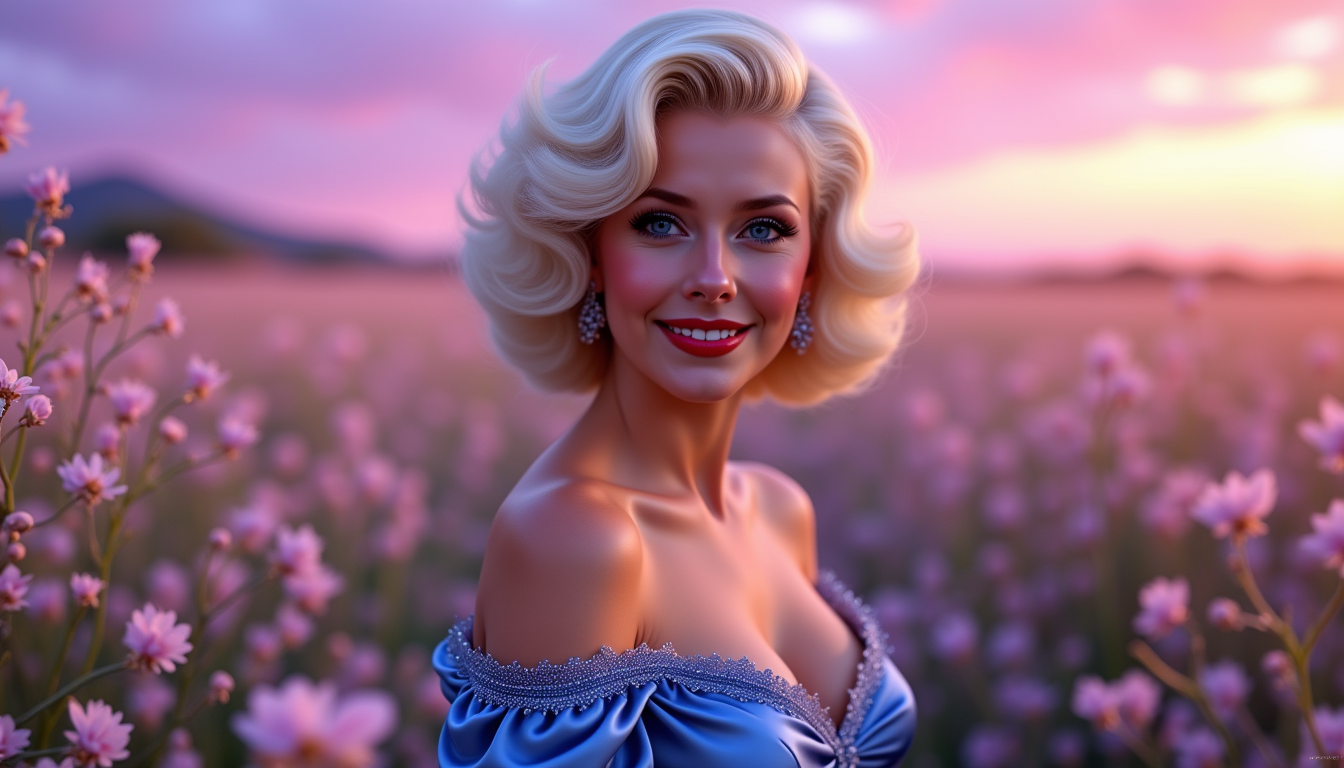
Generate AI generated images that look like professional photography for product visuals, landscapes, and portraits that drive engagement and conversions in your marketing materials.
Build Consistent Characters for Any Story
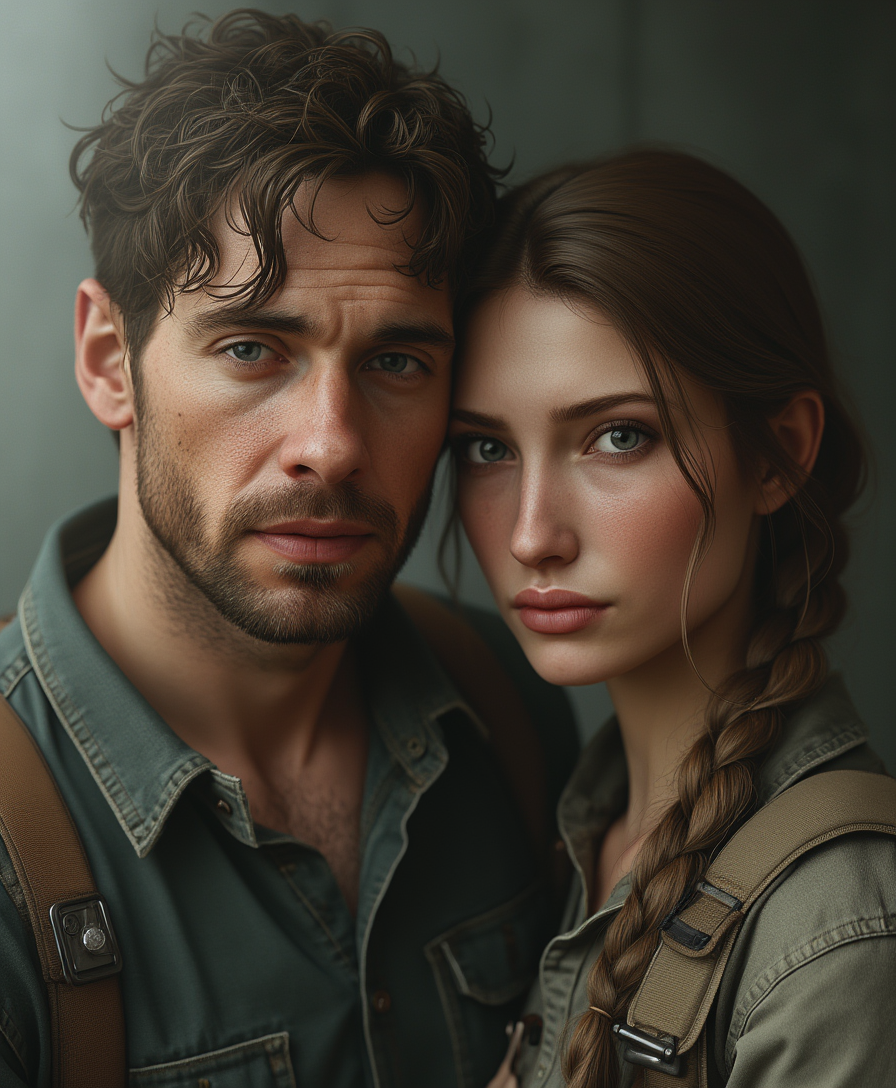
Maintain the exact same character across dozens of scenes and styles using dedicated consistency tools, perfect for comics, branding campaigns, or virtual influencers.
Refine Images with Precision Editing
Quickly perfect every detail of your AI generated images using targeted edits for lighting, backgrounds, styles, and more to match your exact vision without starting over.
How It Works
Creating professional AI generated images takes just three simple steps on PixelDojo's powerful platform.
Step 1: Choose Your Tool
Browse and select from specialized generators like Flux.2 Studio for unmatched photorealism or Ideogram 4 for crisp text integration in your AI generated images.
Step 2: Enter Your Prompt
Type a natural description of what you want, such as 'cinematic portrait of a confident entrepreneur in a modern office with soft window lighting' and let the AI handle the rest.
Step 3: Customize & Download
Apply edits using Consistent Characters, Magic Lighting, Inpainting or Background Remover, then upscale with Clarity Pro and download your final high-resolution AI generated images.


The Pixel Dojo Advantage
Why PixelDojo outperforms other options for AI generated image creation
| Others | Pixel Dojo |
|---|---|
| Traditional image creation | Eliminate weeks of back-and-forth with photographers or illustrators and generate unlimited professional AI generated images in minutes at a fraction of the cost |
| Generic AI tools | Access an unmatched suite of 40+ specialized tools including Consistent Characters, Character Sheets, and advanced editing workflows purpose-built for high-quality AI generated images |
| Manual photo editing | Replace tedious hours of Photoshop work with AI-powered features like Reality Polisher, Style Transfer, and Smart Resize that deliver superior, consistent results automatically |
Loved by creators on PixelDojo
Real feedback from people using PixelDojo, pulled from our in-product surveys.
Creative freedom, range of tools and options.
I love the training feature
the quality is the best
All the tools needed in one dashboard
Very fair and very broad in tools.
Accurate results
Explore more AI tools on PixelDojo
AI Tools
Compare & Switch
- Best AI Image Generators
- Best AI Video Generators
- Midjourney Alternatives
- Civitai Alternatives
- Runway Alternatives
- Leonardo Alternatives
- Pika Alternatives
- Luma Alternatives
- Magnific Alternatives
- Veo Alternatives
- Flux Alternatives
- Freepik Alternatives
- Seedance Alternatives
- Seedream Alternatives
- Pixverse Alternatives
- GPT Image Alternatives
- Synthesia Alternatives
- Playground Alternatives
- NightCafe Alternatives
- Canva AI Alternatives
- ElevenLabs Alternatives
- ComfyUI Alternatives
- Fal Alternatives
- Replicate Alternatives
Common Questions
Everything you need to know about ai generated images
How to create high-quality AI generated images for marketing campaigns with PixelDojo?
Start by selecting Flux.2 Studio or Grok Image for photorealistic output. Write detailed prompts including lighting, composition, and mood. Use Consistent Characters to maintain brand mascots across assets, then refine with Magic Lighting and Background Remover before upscaling with Portrait Upscaler for print-ready results.
What is the best way to maintain character consistency in AI generated images?
Use PixelDojo's dedicated Consistent Characters and Character Sheets tools. Upload reference images once, generate variations in any scene or style, and the system ensures your character stays identical across all AI generated images for comics, campaigns, or social series.
How can I edit AI generated images to include readable text and branding?
Choose Ideogram 4 or GPT Image 2 which excel at text rendering. Include specific text in your prompt, then use Inpainting or Style Transfer to perfect placement and integration. Add your logo via Image to Image or Virtual Try-On for branded AI generated images.
Can beginners create professional-looking AI generated images without design skills?
Absolutely. PixelDojo's intuitive interface and pre-built tools like Krea Image, Riverflow, and one-click enhancers guide you from prompt to polished result. Thousands of non-designers produce client-ready AI generated images daily using the platform's smart defaults and editing suite.
How do I generate AI images in specific artistic styles like anime or vintage Polaroid?
Simply include the style in your prompt and select tools like PonyXL for anime or WAN Image for retro aesthetics. Combine with Style Transfer to apply vintage filters or Character Stylist for consistent stylized characters across your AI generated images collection.
What are the best techniques for photorealistic AI generated images in 2026?
Focus on specific lighting descriptions, camera angles, and textures in prompts. Leverage Flux.2 Studio for base generation, then apply Reality Polisher and Creative Upscaler. Use reference images with Image to Image for precise control over composition and materials in your final AI generated images.